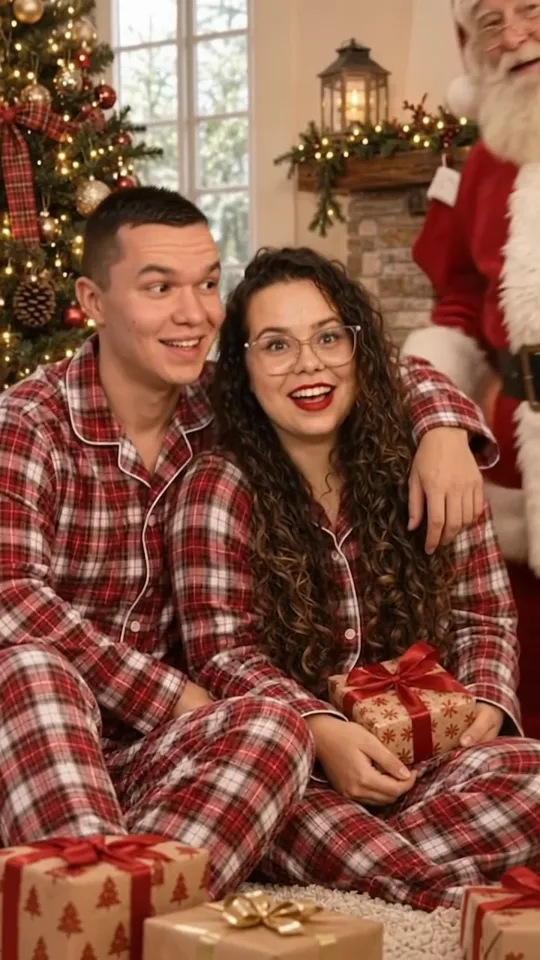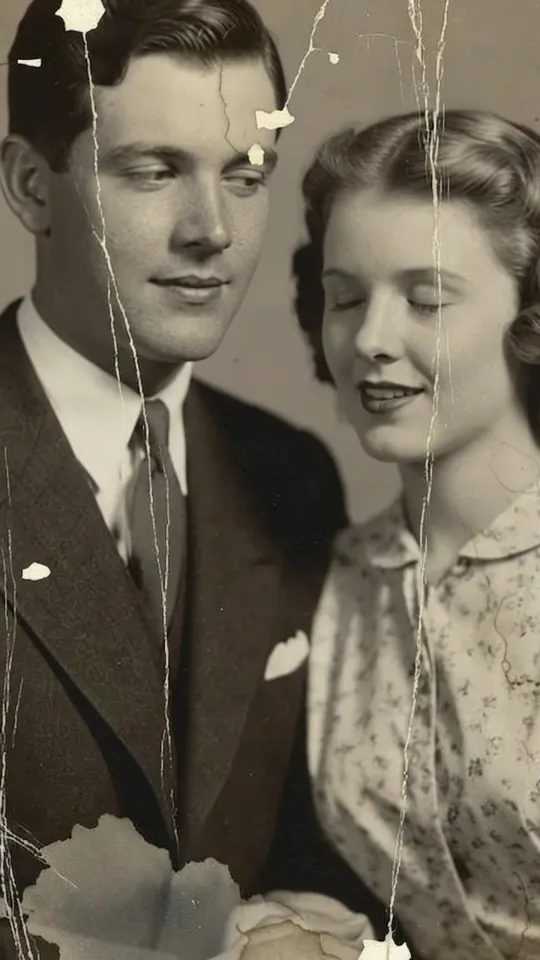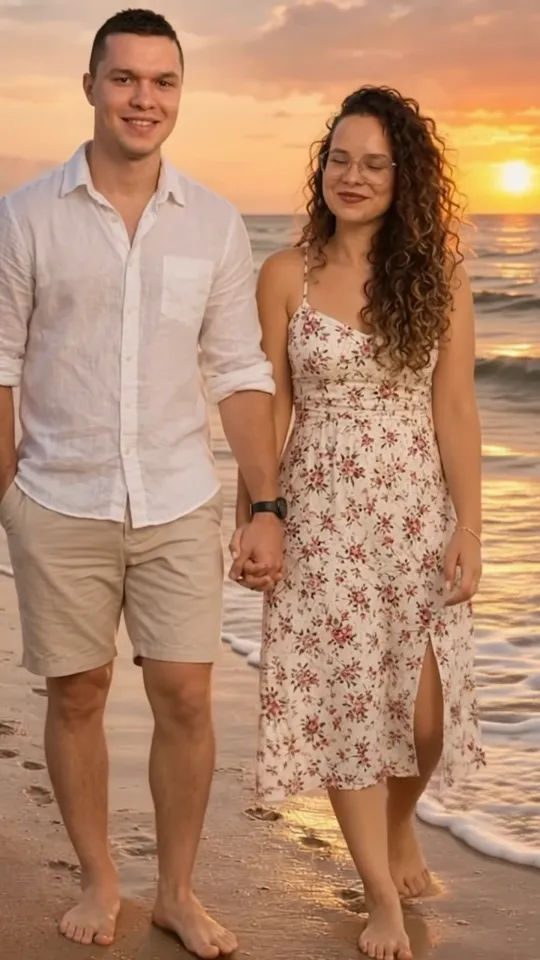
You have a photo you love, and a still picture is not enough anymore. Reels and stories want motion: hair moving in the wind, a slow zoom, a laugh. The big AI video tools can do it, but they want a prompt, a model choice and a monthly plan before you get one clip.
The short answer: upload any photo to our photo to video AI tool, pick a motion, and get a 5-second video. Motions include natural motion, cinematic zoom, wave, laugh, soft breeze and magic sparkles.
Here is how it compares with Kling, Runway and Pika, the names most people find first.
Quick answer: the best photo to video AI tool
- PhotoAI Studio (our tool): the pick for a quick, natural clip from one photo, with no prompt and no subscription.
- Runway: the pick for filmmakers who want many models and full control.
- Kling: the pick if you want to experiment with longer, more complex AI video scenes.
Photo to video AI tools compared
| Tool | Price | What you get | Best for | Watch out for |
|---|---|---|---|---|
| PhotoAI Studio (our tool) | 500 credits per 5-second video, one-time packs, no subscription | A 5-second video in 6 motions: natural motion, cinematic zoom, wave, laugh, soft breeze, magic sparkles | Bringing one photo to life for a post | 5 seconds per video; no free prompt box |
| Kling | Free and paid plans, see their site | AI video from images or text, many settings | Experimenting with longer scenes | Prices and free credits vary; read the plan page |
| Runway | Free plan with 125 one-time credits; Standard $15/month, Pro $35, Max $95 | A full AI video platform with many models | Creators and filmmakers | Monthly credits reset except on Max |
| Pika | Free plan with 0 monthly credits (packs only); Starter $10/month, Creator $35 | AI video with styles and community templates | Playing with styles | Free plan means buying credit packs |
PhotoAI Studio (our tool): one photo, six simple motions
You upload any photo: a portrait, a couple, a pet, a landscape. Then you tick one or more motions: natural motion, cinematic zoom, wave, laugh, soft breeze or magic sparkles. Each motion makes one 5-second video in your private gallery, ready to download.
Each video costs 500 credits. Credits come in one-time packs with no subscription, and they never expire. A failed video gives its credits back automatically. You need a free account to create.
It also connects with our other tools: every photo you make with PhotoAI Studio has a "Make it a video" button that brings it here, so a Christmas photo or a portrait can become a clip in one step.
- Strengths: faces stay recognizable, nothing to write, pay per video.
- Weaknesses: 5 seconds per video and a set list of motions, not a free-form prompt.
- Suits: people who want a moving version of a photo for social media, a message or a slideshow.
Kling: a powerful AI video model
Kling is a well-known AI video generator that works from images or text. It has free and paid plans. Third-party sites list different prices for it, so see their site for the current ones.
It is strong for people who want to experiment with camera moves and longer scenes. It takes more setup than picking a motion from a list.
Runway: a full studio for video makers
Runway's free plan gives 125 one-time credits that never expire. Paid plans are Standard at $15 a month (625 credits), Pro at $35 (2,250 credits) and Max at $95 (9,500 credits), cheaper when billed yearly. Extra credits come in blocks of 1,000 or more.
It is the tool for people who want many models and fine control. For one clip of a family photo, it can be more tool than you need.
Pika: styles and templates
Pika turns images and ideas into AI video with visual styles and community templates. Its free plan has no monthly credits, so you buy packs, and paid plans run from Starter at $10 a month (600 credits) to Fancy from $95.
It is fun for playing with looks. Like the other studios, you guide it yourself to get the motion you want.
How to turn a photo into a video with PhotoAI Studio
- Add your photo. Open the photo to video AI tool and upload any photo, or press "Make it a video" on a result from another tool.
- Pick your motions. Tick natural motion, cinematic zoom, wave, laugh, soft breeze, magic sparkles, or several.
- Get your videos. Each 5-second clip lands in your private gallery. Download it and share it.
Tips for a better video:
- Pick a sharp photo with the face clearly visible; blur turns into wobbly motion.
- Match the motion to the photo: soft breeze suits outdoor shots with hair or fabric, wave and laugh suit portraits.
FAQ about turning photos into videos
Can AI turn a photo into a video?
Yes. An image to video model adds motion to a still photo. Ours makes a 5-second clip from one photo in the motion you pick.
Is there a free photo to video AI?
Runway's free plan includes one-time credits, and Kling has a free plan. Ours costs 500 credits per 5-second video and needs a free account.
Do I need to write a prompt?
Not with our tool. You choose a motion by name. Runway, Kling and Pika work best when you write a prompt.
Can I make a video from a photo of my pet?
Yes. Any photo works, and natural motion or soft breeze suit pet photos well.
Give your favorite photo some life. Try our photo to video AI tool.