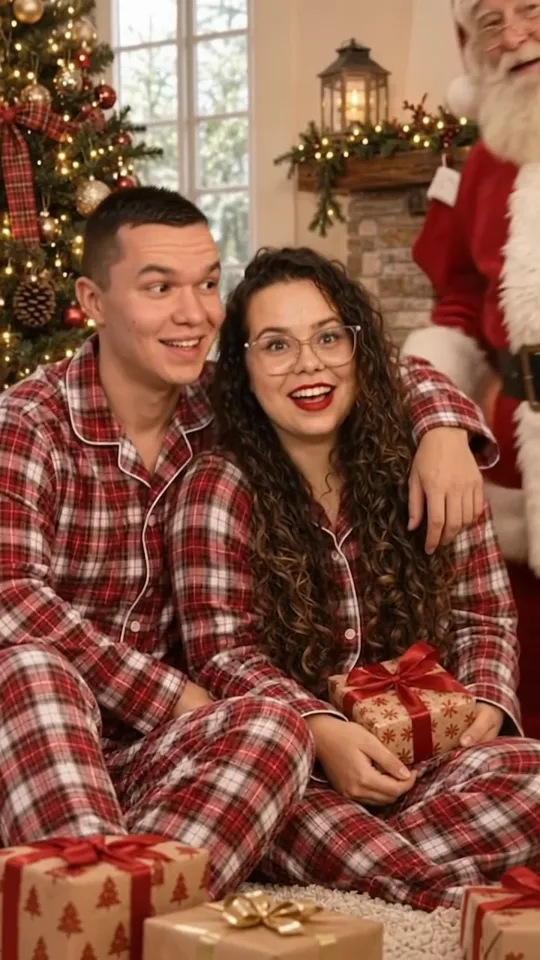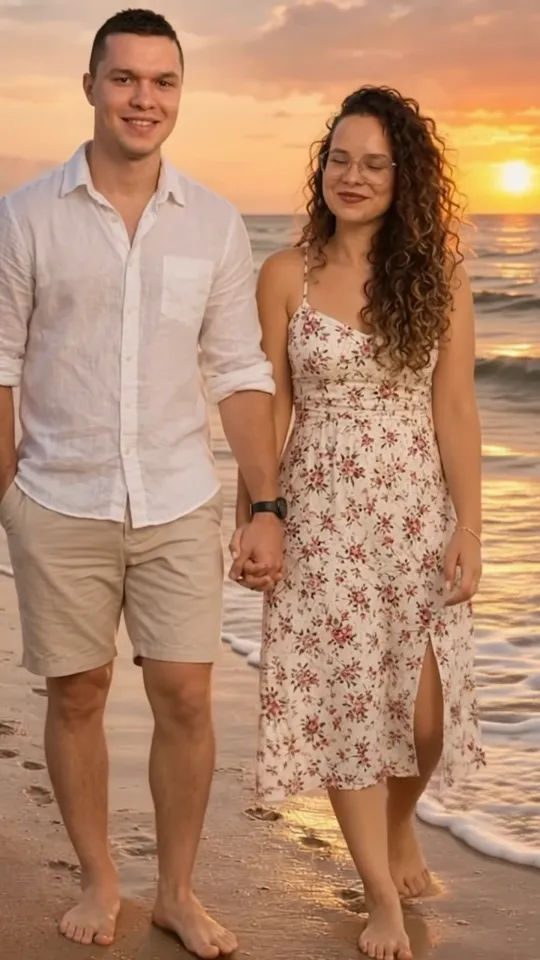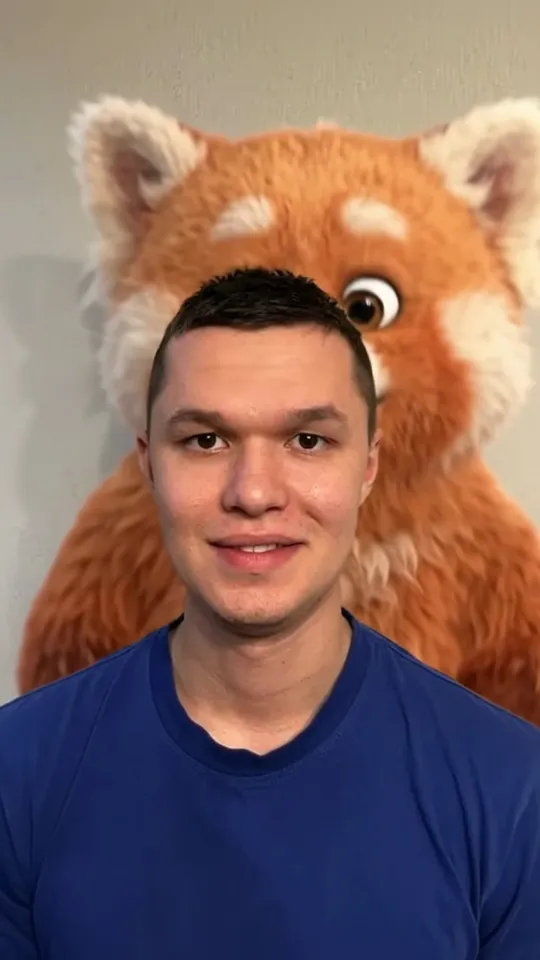
You keep seeing those clips where a giant friend picks someone up, the world freezes mid-jump, or a person splits into five clones. They get millions of views, and you want to make one from your own photo. But the big AI video apps ask you to write prompts, learn credits, and pay a monthly plan first.
The short answer: upload one photo to our AI video effects maker, tick an effect, and get a 5-second video. Effects include giant friend appears, clones of you, time freeze, hug, flying and confetti burst.
Here is how it compares with the effect tools people try most.
Quick answer: the best AI video effects app
- PhotoAI Studio (our tool): the pick for a ready-made viral effect from one photo, with no prompt and no subscription.
- ChatCut Viral Effects: the pick for creators who want many effect styles and longer clips inside a full editor.
- Pika: the pick if you want a general AI video studio with community templates.
AI video effects apps compared
| Tool | Price | What you get | Best for | Watch out for |
|---|---|---|---|---|
| PhotoAI Studio (our tool) | 500 credits per 5-second video, one-time packs, no subscription | 6 effects from one photo: giant friend, clones, time freeze, hug, flying, confetti | One fun clip with no learning curve | 5 seconds per video; 6 effects to pick from |
| ChatCut Viral Effects | Paid plan needed; plans from $21/month billed yearly (100 credits) | 14 effects such as Clones on the Street, Giant Companion, Time Pause | Creators who post often | Every regenerate is a new charge; 720p output |
| Pika | Free plan with 0 monthly credits (packs only); Starter $10/month, Creator $35, Fancy $95 | AI video generation with styles and community templates | General AI video making | Free plan needs you to buy credit packs |
| Viggle AI | Free 5 daily credits (watermarked); Pro $7.99/month | Meme Maker and character swaps into trending clips | Meme remixes | Watermark on free videos |
PhotoAI Studio (our tool): six viral effects from one photo
You upload one photo and tick one or more effects: giant friend appears, clones of you, time freeze, hug, flying, or confetti burst. Each effect makes one 5-second video. The video lands in your private gallery and downloads ready for TikTok, Reels or Shorts.
Each video costs 500 credits. Credits are sold in one-time packs, with no subscription, and they never expire. If a video fails, the credits are returned automatically. You need a free account to create.
- Strengths: no prompt writing, faces stay recognizable, and you only pay for what you make.
- Weaknesses: a smaller list of effects than the big creator apps, and every clip is 5 seconds.
- Suits: anyone who wants to post one trend clip this week without a new monthly bill.
ChatCut Viral Effects: a big effect library
ChatCut has 14 viral effects, including Clones on the Street, Giant Companion, Time Pause, Gravity Takes a Break and Folding Streets. Most need one clear photo of one person. Some have a fixed length (Clones on the Street is 7 seconds), others let you pick 4 to 15 seconds. Output is 720p.
Effects need a paid plan. Plans start at $21 a month billed yearly for 100 credits, and each run is charged by seconds, model and resolution, with an estimate shown first. Note that each regenerate is a new charge. It suits creators who also edit their videos in ChatCut.
Pika: a general AI video studio
Pika is an AI video generator with styles and a library of community templates. The free plan has no monthly credits, so you buy credit packs. Paid plans are Starter at $10 a month (600 credits), Creator at $35 (2,600 credits) and Fancy from $95.
It gives you lots of creative freedom. The trade-off is that you do more of the work, like writing prompts and picking models, to get a specific viral effect.
Viggle AI: memes and swaps
Viggle focuses on swapping a character into existing clips and has a Meme Maker for trending formats. The free plan gives 5 daily credits with a watermark, and Pro is $7.99 a month for 80 credits.
It is great for meme remixes. It is less about effects like clones or a time freeze built from one still photo.
How to make a viral effect video with PhotoAI Studio
- Add your photo. Open the AI video effects maker and upload one photo.
- Pick your effects. Tick giant friend appears, clones of you, time freeze, hug, flying, confetti burst, or several.
- Get your videos. Each 5-second video lands in your private gallery, ready to download and post.
Tips for a better effect:
- Use a photo with the person clearly in view and some space around them, so the effect has room.
- Good light and a sharp face help the person stay recognizable in motion.
FAQ about AI video effects
What app makes the giant friend or clone effect?
AI effect tools like ours and ChatCut make these from one photo. Ours has giant friend appears and clones of you among its six effects.
Do I need to write a prompt?
Not with our tool. You pick an effect by name, and the prompt is already built in.
Is there a free AI video effects app?
Some apps have free daily credits with a watermark. Ours costs 500 credits per 5-second video and needs a free account.
Can I use the video on TikTok and Instagram?
Yes. You download the video file and post it wherever you like.
Want to be in the next viral clip? Make it with our AI video effects maker.