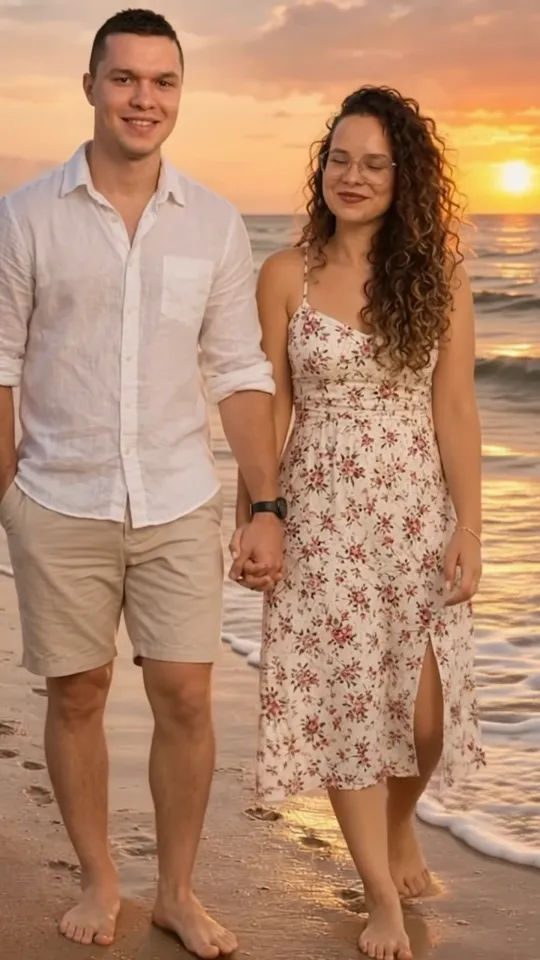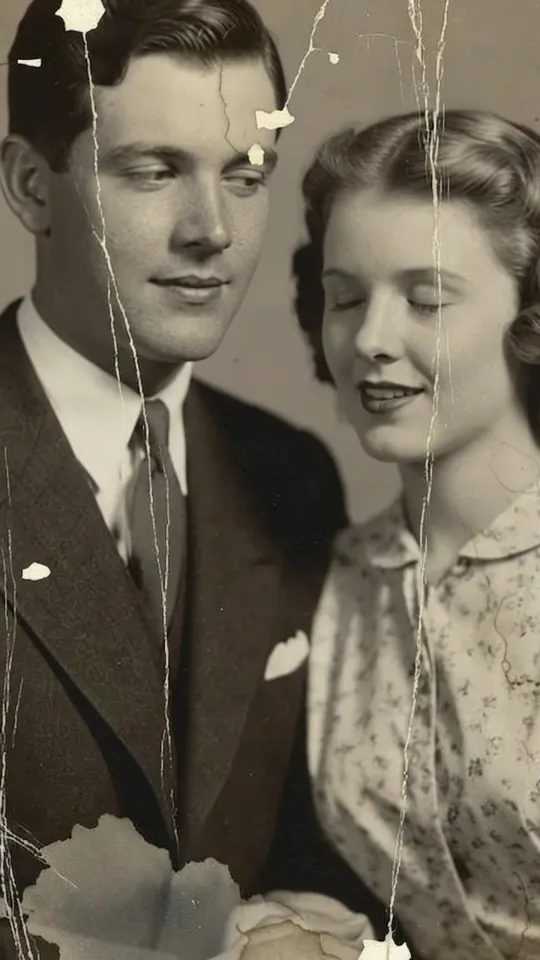
You have one old photo of your grandparents, maybe from their wedding or a summer at the lake. You would give a lot to see them blink, smile or turn their head, just for a moment. Most apps that promise this either push a family tree subscription or charge every week after a short trial.
The short answer: upload the old photo to our old photo animator, pick a motion, and get a 5-second video where the people blink and smile, wave, look around or share a moment together.
Below is a calm, honest look at the main ways to animate an old photo in 2026.
Quick answer: the best app to animate old photos
- PhotoAI Studio (our tool): the pick for a gentle 5-second video from one old photo, paid once per video, no subscription.
- MyHeritage Deep Nostalgia: the pick if you already build your family tree on MyHeritage.
- Runway: the pick if you want a general AI video tool and do not mind writing prompts.
Old photo animation apps compared
| Tool | Price | What you get | Best for | Watch out for |
|---|---|---|---|---|
| PhotoAI Studio (our tool) | 500 credits per 5-second video, one-time packs, no subscription | A 5-second video: blink and smile, wave, look around, or share a moment | One special family photo | 5 seconds per video; needs a free account |
| MyHeritage Deep Nostalgia | Part of MyHeritage, plans not listed on the page, see their site | Animated faces in family photos | Family tree users | Sits inside a larger genealogy subscription |
| Nostalgia AI (iPhone app) | Subscription required: $6.99 a week after a 3-day trial (App Store) | Animated faces, colorizing, music and filters | People who will use it every day | Weekly billing for what is often a one-time need |
| Runway | Free plan with 125 one-time credits; Standard $15/month | General AI video from images and text | People who want full creative control | You write the prompt yourself |
PhotoAI Studio (our tool): a gentle moment from one old photo
You upload one old photo, black and white or color. Then you tick one or more motions: the people blink and smile, wave, look around, or share a moment together. Each motion makes one 5-second video, saved to your private gallery and ready to download.
Each video costs 500 credits (videos cost more than photos). Credits come in one-time packs with no subscription, and they never expire. If a video fails, its credits come back on their own. You need a free account to create.
- Strengths: faces stay recognizable, motions are soft and natural, and there is no weekly charge.
- Weaknesses: 5 seconds per video, and the motion is a gentle movement, not a long scene.
- Suits: anyone who wants to bring back a loved one's smile for a family gathering, a memorial or a birthday message.
MyHeritage Deep Nostalgia: part of a family tree site
Deep Nostalgia is MyHeritage's tool that uses deep learning to animate faces in family photos. It is the name most people know, and it sits next to MyHeritage's photo enhancing and colorizing tools.
The animation page does not list prices; it links to subscribe and upgrade options, so see their site. It is a natural fit if you already research your family on MyHeritage. If you only want one video, a genealogy plan may be more than you need.
Nostalgia AI: an iPhone app with weekly billing
Nostalgia AI animates faces, turns stills into short clips, colorizes photos and adds music and filters. The App Store listing says a subscription is required and costs $6.99 a week after a 3-day trial, with monthly options also listed.
The range of features is wide. The catch is the weekly charge: if you forget to cancel after the trial, it keeps billing for a job you did once.
Runway: a general AI video studio
Runway is a full AI video platform. The free plan gives 125 one-time credits that do not expire, and paid plans start at $15 a month (625 credits), or $12 a month billed yearly.
It can animate any image, including old photos, and gives you a lot of control. You write the prompt and pick the model yourself, and an old face can change if the prompt asks for too much movement.
How to animate an old photo with PhotoAI Studio
- Add your photo. Open the old photo animator and upload a scan or a phone photo of the print.
- Pick your motions. Tick blink and smile, wave, look around, share a moment, or several.
- Get your videos. Each 5-second video lands in your private gallery. Download and share it with the family.
Tips for a better result:
- Scan the print, or photograph it flat in daylight with no glare and no frame glass.
- Crop out the album page and borders so the faces fill more of the picture.
FAQ about animating old photos
How can I make an old photo move?
Upload it to a photo animation tool. Ours turns one old photo into a 5-second video where the people blink, smile, wave or look around.
Is Deep Nostalgia free?
Deep Nostalgia is part of MyHeritage, and its page does not show prices. Check MyHeritage's own site for the current plans.
Does it work with black and white photos?
Yes. Old black and white photos work. A sharp scan with clear faces gives the best result.
Can several people in the photo move?
Yes. The "share a moment" motion is made for photos with more than one person, like a couple or siblings.
See a familiar smile again. Bring your photo to life with our old photo animator.