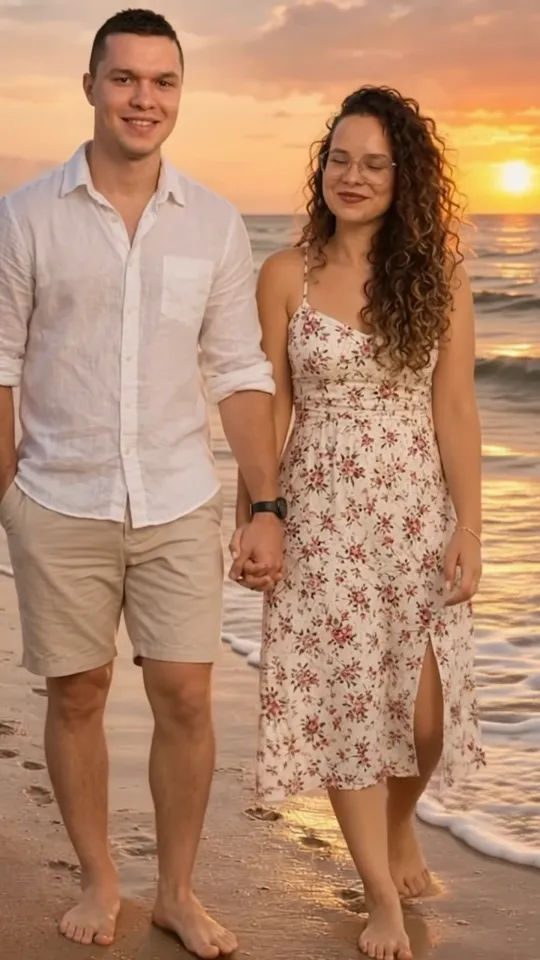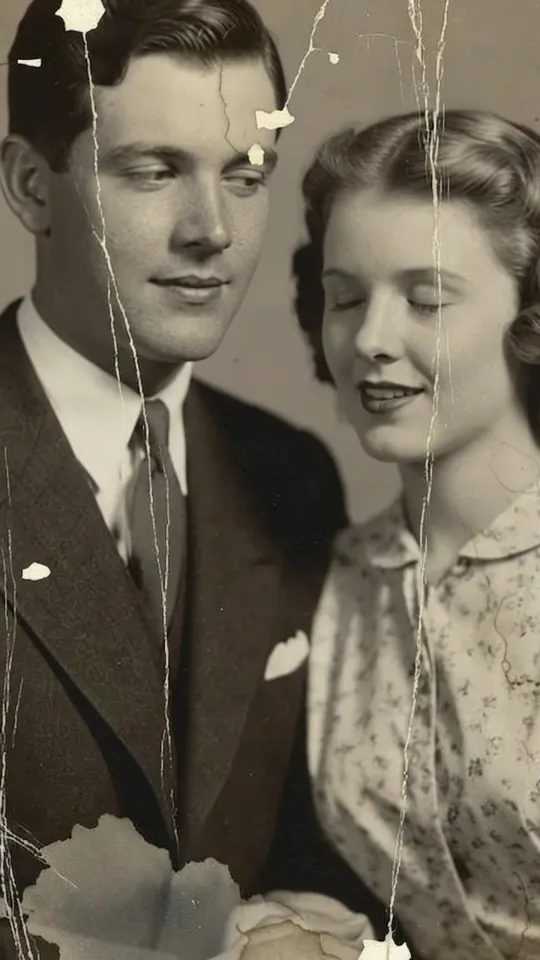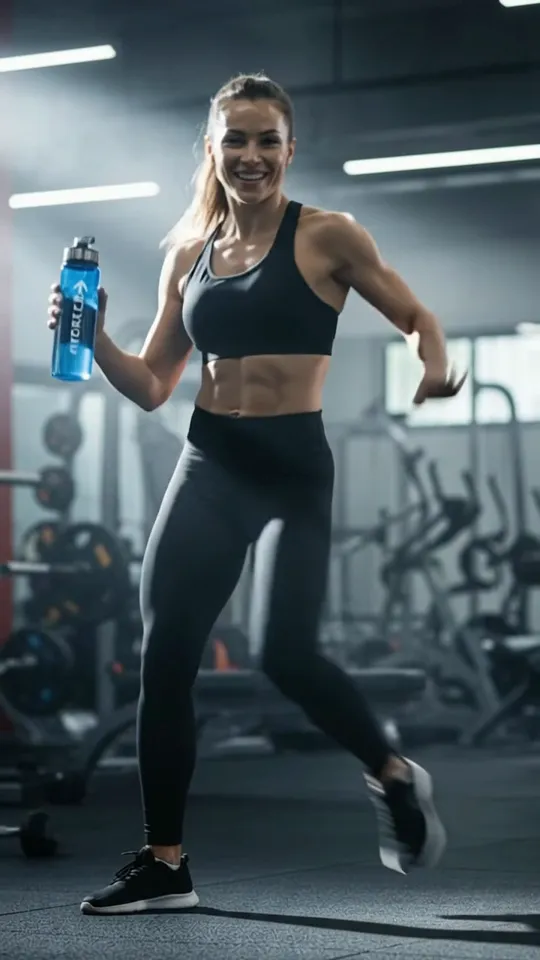
Everyone on your feed is dancing to the same trend, and you would love to post one too. Or you want a funny clip of your friend doing the robot for their birthday. The problem: you cannot dance, there is no time to film, and most AI dance apps want a monthly plan before you see a single clip.
The short answer: upload one full-body photo to our AI dance video generator, pick a style, and get a 5-second dancing video. Styles include viral trend, hip hop, salsa, disco, robot and ballet.
Below is how it compares with the AI dance tools people find most often.
Quick answer: the best AI dance video generator
- PhotoAI Studio (our tool): the pick for a quick dancing clip from one photo, paid per video with no subscription.
- Viggle AI: the pick if you want to swap a character into a trending clip and make memes often.
- ChatCut AI Dance Generator: the pick if you want to copy the moves from a dance video you already have.
AI dance video generators compared
| Tool | Price | What you get | Best for | Watch out for |
|---|---|---|---|---|
| PhotoAI Studio (our tool) | 500 credits per 5-second video, one-time packs, no subscription | A 5-second dance video from one full-body photo in 6 styles | One-off clips for a post or a birthday | 5 seconds per video; you cannot upload your own dance to copy |
| Viggle AI | Free plan with 5 daily credits (watermarked); Pro $7.99/month, Live $15.99, Max $63.99 | Swap a character into clips, Meme Maker, live swap | People who make memes every week | Free videos carry a watermark; free files kept 7 days |
| ChatCut AI Dance Generator | Free credits at signup; paid plans from $21/month billed yearly (100 credits) | 5 or 10-second dance of a person or pet; copy a dance video on desktop | Copying a real dance, pets dancing | Credit cost per run shown only before you start |
| Pollo AI | Free plan and paid plans, see their site | AI dance and other viral video templates | Trying many trend templates | Check plan details and watermarks first |
PhotoAI Studio (our tool): a dancing clip from one photo
You upload one full-body photo, head to feet, and tick the styles you want: viral trend, hip hop, salsa, disco, robot or ballet. Each style makes one 5-second video. It goes to your private gallery and downloads ready to post.
Each video costs 500 credits. Credits come in one-time packs, with no subscription, and they never expire. If a video fails, the credits come back automatically. You need a free account to create.
- Strengths: the face stays recognizable, so it looks like you or your friend, not a stranger. Pay only for the clips you make.
- Weaknesses: clips are 5 seconds, and you pick from our styles rather than uploading a dance to copy.
- Suits: anyone who wants one or two fun clips without learning a video app.
Viggle AI: memes and character swaps
Viggle is built around swapping a character into video: one at a time, many at once, or live. It has a Meme Maker for remixing trending clips. The free plan gives 5 daily credits and makes watermarked videos. Paid plans are Pro at $7.99 a month (80 credits), Live at $15.99 (200 credits) and Max at $63.99 (800 credits), with 20% off yearly.
It is strong if you make clips all the time. For a single birthday video, a monthly plan or a watermark may not be what you want.
ChatCut AI Dance Generator: copy a real dance
ChatCut's dance tool takes a photo of a person or a pet and makes a 5 or 10-second dance. Styles include happy bounce, hip hop, K-pop, disco, shuffle and a slow spin. On ChatCut Desktop you can also upload a dance video or paste a link to copy its moves, which is a real plus.
You get free credits at signup. After that, plans start at $21 a month billed yearly for 100 credits, and each run shows its credit cost before it starts. It suits creators who also want ChatCut's full video editor.
Pollo AI: lots of trend templates
Pollo AI offers many viral video templates, and its dance generator is one of them. It has a free plan and paid plans. Plan prices are on its own pricing page, see their site.
If you want to try a lot of different trends in one place, it is worth a look. Check the plan details before you subscribe.
How to make a dance video with PhotoAI Studio
- Add your photo. Open the AI dance video generator and upload one full-body photo.
- Pick your styles. Tick viral trend, hip hop, salsa, disco, robot, ballet, or several.
- Get your videos. Each 5-second clip lands in your private gallery. Download it and post it.
Tips for a better dance:
- Use a photo where the whole body shows, head to feet, standing up, with arms not hidden.
- Pick a plain background and only one person in the photo.
FAQ about AI dance videos
How do I make a picture of someone dance?
Upload a full-body photo to an AI dance generator, choose a dance style, and it turns the still photo into a short dancing video.
Is there a free AI dance generator?
Some apps, like Viggle, have free daily credits with a watermark. Our tool costs 500 credits per video and needs a free account.
Can I make my dog dance?
ChatCut's dance tool says it works with pets. Our tool is made for people, from a full-body photo.
Why does my dance video look odd?
Most often the photo is cropped at the knees or the arms are hidden. A clear full-body photo gives the AI more to work with.
Ready to join the trend without learning the steps? Try our AI dance video generator.