Why Social Media Managers Are Converting Static Photos Into Video Content
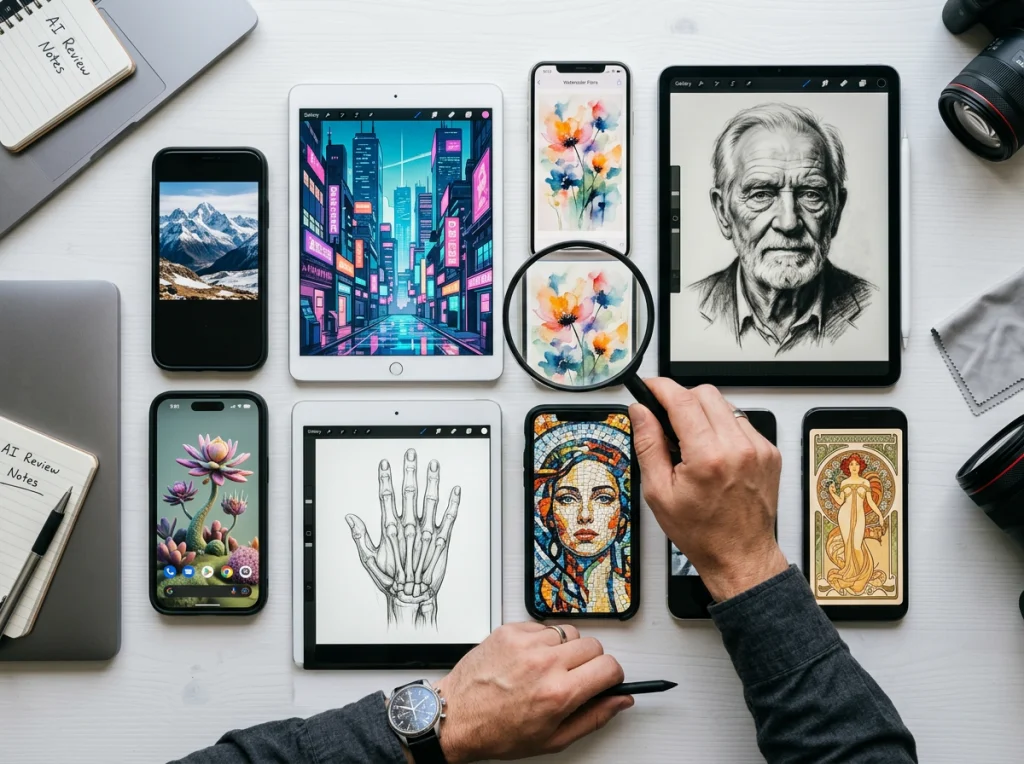
Your photo library is a goldmine of untapped potential. While static images serve their purpose on Instagram feeds, the real engagement magic happens in motion. Video content generates 1200% more shares than text and images combined, and platforms like TikTok and Instagram Reels have made short-form video the dominant content format. The challenge? Creating fresh video content from scratch is time-consuming and expensive.
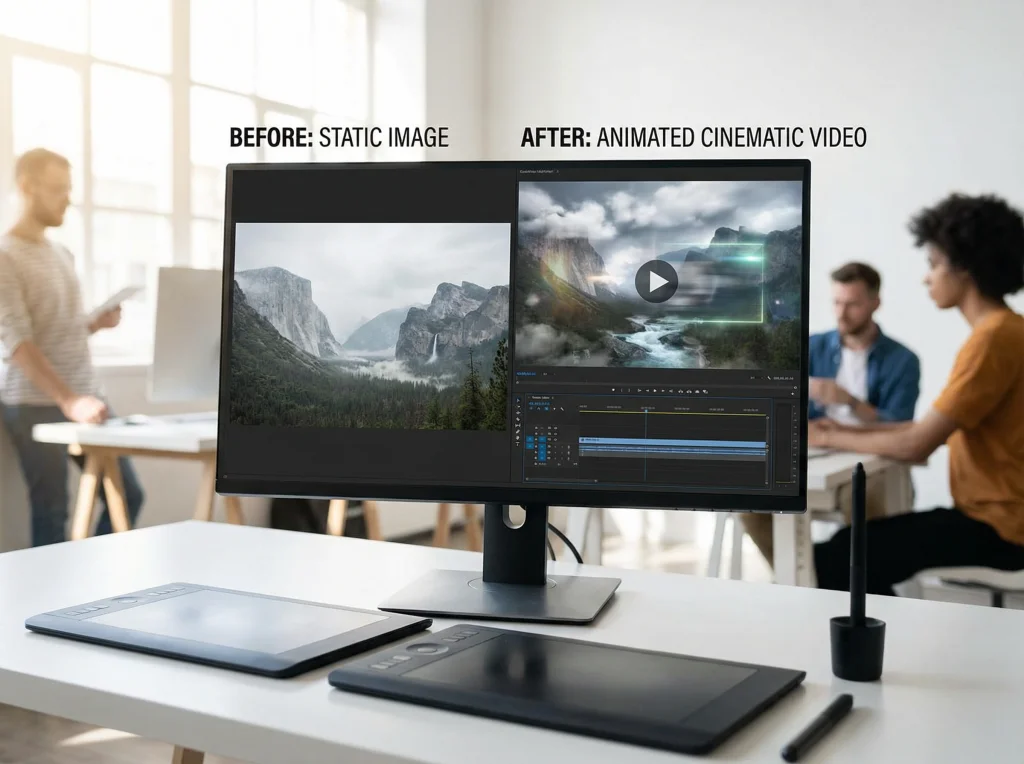
The solution is simpler than you think: repurposing your existing photo assets into dynamic video content. By converting still images into cinematic videos, you can dramatically increase engagement rates without the overhead of new photoshoots. This is where image-to-video technology transforms your social media strategy.
Understanding the Power of Image-to-Video Transformation
Image-to-video conversion adds motion, depth, and storytelling to your static photos. Instead of viewers scrolling past a single image, they watch an engaging micro-narrative. This movement captures attention—especially in crowded social feeds where users make split-second decisions about what to watch.
The technology works by analyzing your still image and applying cinematic effects like:
- Pan and zoom – Creates a sense of movement across the image
- Depth mapping – Adds dimensional movement to different image layers
- Transition effects – Smoothly connects multiple images into a sequence
- Color grading – Enhances the visual quality and mood
- Motion overlays – Adds dynamic elements like particles or light effects
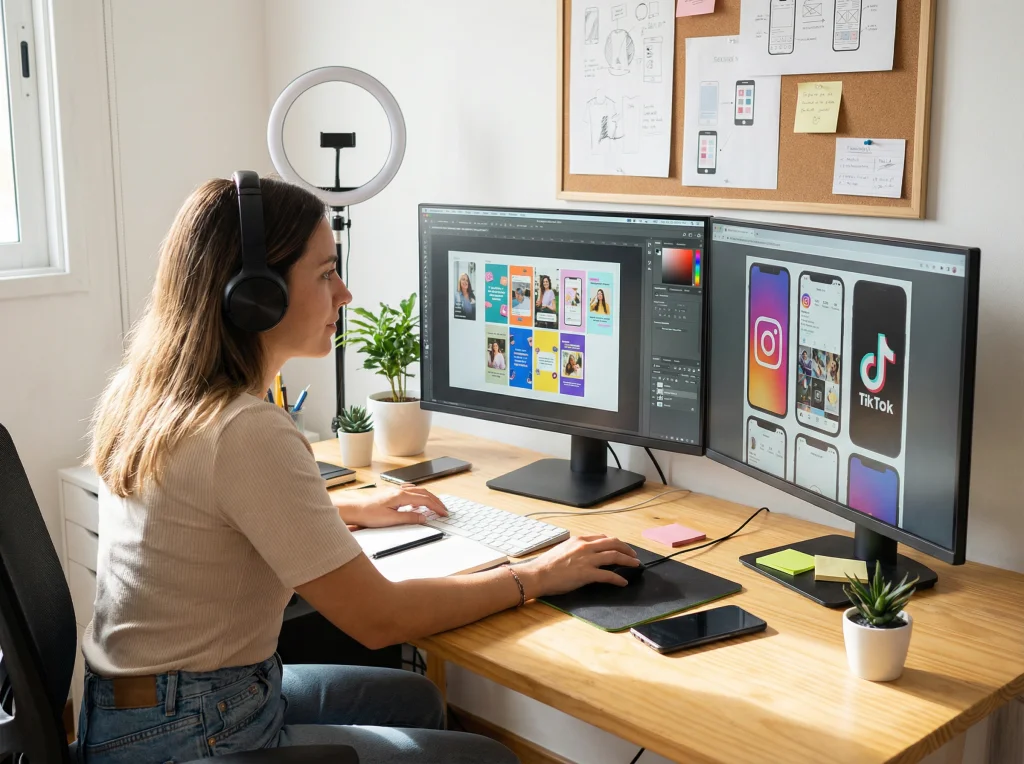
For social media managers, this means your existing photo portfolio becomes an endless source of fresh video content without requiring additional photo sessions or extensive video production skills.
Step-by-Step Guide to Converting Your Photos Into Viral Videos
Step 1: Audit Your Existing Photo Assets
Before creating videos, inventory what you have. The best candidates for image-to-video conversion are high-quality, professionally-shot images with clear subjects and interesting compositions. Professional headshots, product photos, lifestyle images, and branded photography all convert beautifully into video content. You can also check out our AI professional headshots.
Look for images that tell a story or evoke emotion—these perform exceptionally well when animated. Portrait shots work particularly well for personal brands, while lifestyle and product images suit e-commerce and service-based businesses.
Step 2: Select the Right Images for Video Conversion
Not every photo needs to become a video, and not every image is suited for animation. Prioritize:
- High-resolution images (minimum 1920x1080px recommended)
- Well-composed shots with interesting focal points
- Images with clear depth layers (foreground, subject, background)
- Photos that align with your current campaign or seasonal content
- Professional headshots or portraits that showcase personality
Pro tip: Professional headshots and corporate portraits are particularly effective because they draw attention to facial features and expressions—perfect for building personal brands on LinkedIn or showcasing team members on social media.

Step 3: Choose Your Platform and Format
Different platforms require different video dimensions:
- Instagram Reels: 1080x1920px (9:16 vertical)
- TikTok: 1080x1920px (9:16 vertical)
- Instagram Stories: 1080x1920px (9:16 vertical)
- LinkedIn: 1200x627px (video feed)
Most image-to-video tools automatically adjust dimensions, but knowing your target platform helps you prepare properly and avoid crops that cut off important elements.
Step 4: Use AI-Powered Image-to-Video Tools
Modern AI platforms can transform your photos into professional videos in minutes. Photo AI Studio's image-to-video feature analyzes your still images and applies cinematic effects that make them feel naturally animated rather than artificially generated.
When using these tools:
- Start with your highest-quality images
- Adjust motion intensity settings (some platforms allow controlling animation speed)
- Select appropriate music or sound effects for your brand voice
- Preview videos before publishing to ensure effects enhance rather than distract
- Test different animation styles to see what resonates with your audience
Step 5: Add Captions, Overlays, and Branding
A great video loses impact without clear messaging. Add:
- On-screen text highlighting your key message
- Brand logos or watermarks
- Hashtags relevant to your niche
- Call-to-action text ("Shop Now," "Learn More," "Follow")
- Trending audio or background music appropriate for your brand
Keep text minimal and on-screen for 2-3 seconds so viewers have time to read while watching motion.

Best Practices for Maximizing Video Engagement
Hook Viewers in the First Second
Social media users decide whether to watch within the first second. Start with eye-catching motion or bold text that immediately communicates value. A slow pan across a professional headshot becomes captivating when paired with text like "Meet Our Team" or "Real Success Story."
Match Video Motion to Your Brand Personality
Subtle, elegant pans work well for luxury or corporate brands. Dynamic zoom and quick transitions suit youth-focused or energetic brands. Consistency in animation style across your videos creates recognizable brand identity.
Repurpose Content Across Multiple Formats
One static image can become multiple video variations:
- Standard Instagram Reel version
- Shorter 15-second TikTok version
- Square format for LinkedIn feed
- Vertical with different captions for Stories
Repurposing multiplies your content output without proportional effort increase.
Timing Is Everything
Post videos when your audience is most active. Track when your followers engage most, and schedule videos for peak engagement windows. Use platform analytics to identify optimal posting times.
Real-World Applications for Different Industries
E-Commerce & Retail
Convert product photography into engaging videos that showcase items from different angles. A still product image with gentle zoom and rotation effects significantly outperforms static photos for conversion rates.
Professional Services & B2B
Transform professional headshots into personal brand videos for LinkedIn and company websites. Animated portraits of team members build connection and humanize your brand in ways static images cannot.
Fitness & Wellness
Convert before-and-after photos into transformation videos. The animated transition creates powerful narrative impact that encourages shares and saves.
Real Estate
Turn property photos into virtual tours. Panning across interior and exterior shots creates immersive walkthroughs that drive qualified leads.
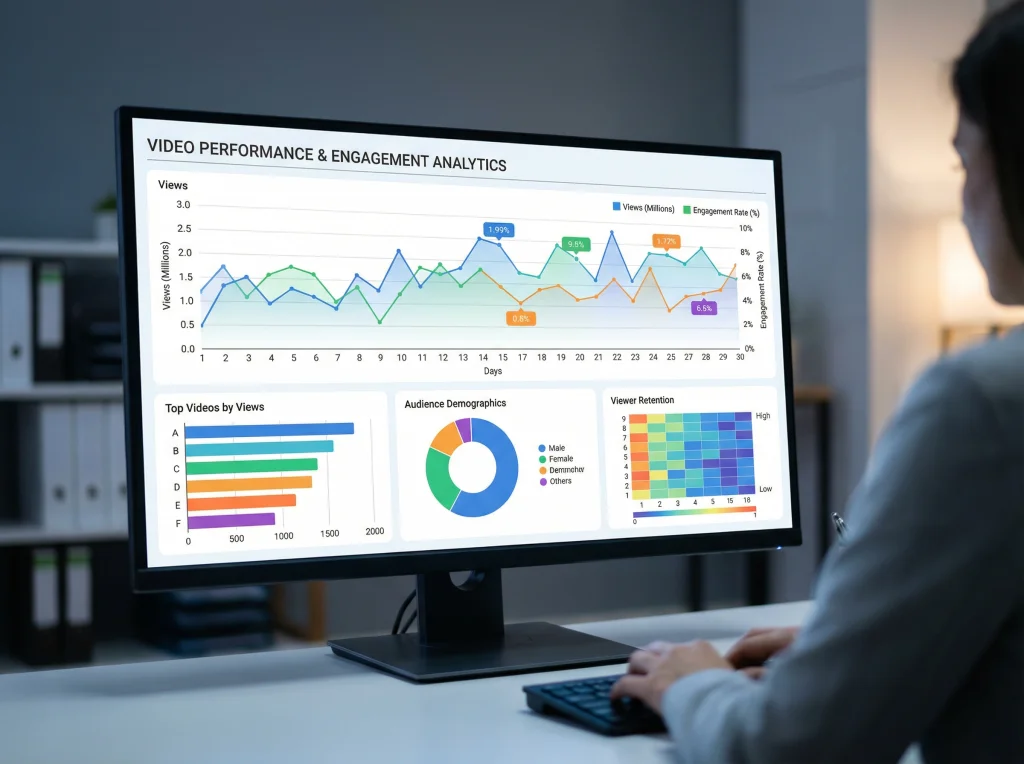
Measuring Success: Metrics That Matter
Track these metrics to understand your image-to-video content performance:
- View Completion Rate: What percentage watch the entire video?
- Engagement Rate: Likes, comments, and shares relative to views
- Save Rate: Higher saves indicate viewers want to reference content again
- Click-Through Rate: If including links, track click conversions
- Share Count: Shares indicate content resonates enough to recommend
Compare these metrics between your static images and their video conversions. You'll likely see dramatic improvements in all areas.

Common Mistakes to Avoid
Learning what not to do saves time and prevents wasted effort:
- Using low-resolution source images – Quality in equals quality out
- Overcomplicating animations – Subtle motion feels more professional than excessive effects
- Ignoring platform specifications – Proper aspect ratios prevent awkward crops
- Adding unrelated audio – Music should enhance, not distract from your message
- Neglecting captions – Many viewers watch without sound; captions are essential
- Publishing without testing – Preview on actual devices before publishing
Start Creating Viral Video Content Today
Your existing photo library represents months of content opportunities waiting to be unlocked. By converting static images into dynamic video content, you're not just repurposing assets—you're multiplying your content production capacity while dramatically increasing engagement rates.
The best time to start was yesterday. The second-best time is today. Transform your professional headshots, product photos, and lifestyle images into cinematic videos that captivate your audience and boost your social media presence. You can also check out our AI dating profile photos.
Ready to convert your photo assets into viral content? Try Photo AI Studio's image-to-video feature today and watch your engagement rates transform. Create professional, animated videos from your existing photos in minutes—no video production experience required.