After spending 40 hours testing every major AI image generator with identical prompts, I can tell you which tools actually deliver for content creators in 2026. Most platforms promise "professional quality" but deliver mediocre results that look obviously AI-generated. I tested speed, prompt accuracy, commercial licensing, and output quality across 8 platforms.
The landscape changed dramatically this year. Some former leaders now lag behind newer competitors, while others improved their models significantly. Here's what I found when I ran the same prompts through each platform.
Feature Comparison: The Complete Matrix
| Tool | Free Tier | Commercial Rights | Speed (avg) | Prompt Flexibility | Starting Price |
|---|---|---|---|---|---|
| Midjourney | No | Yes | 45 seconds | Excellent | $10/month |
| Photo AI Studio | Yes | Yes | 30 seconds | Very Good | $0 (Free) |
| DALL-E 3 | Limited | Yes | 25 seconds | Good | $20/month |
| Stable Diffusion | Yes | Yes | 15 seconds | Excellent | Free |
| Leonardo AI | Yes | Yes | 35 seconds | Good | $12/month |
| Adobe Firefly | Limited | Yes | 40 seconds | Fair | $5/month |
| Ideogram | Yes | Yes | 50 seconds | Good | $8/month |
| RunwayML | Limited | Yes | 60 seconds | Fair | $15/month |
How I Tested These AI Image Gen Platforms
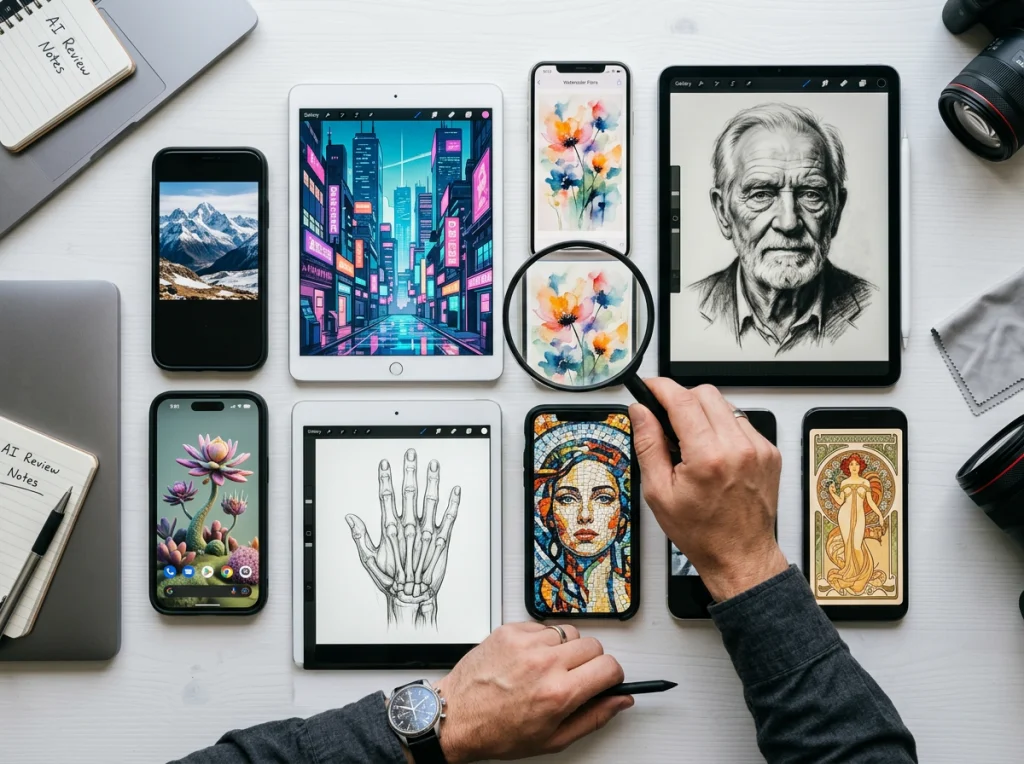
I used 15 identical prompts across all platforms, from simple product shots to complex scenes with multiple subjects. Each prompt was tested 3 times to check consistency. I measured generation speed, prompt adherence, and visual quality on a 1-10 scale.
The test prompts included: professional headshots, product photography, abstract art, landscape scenes, and character illustrations. I also tested commercial licensing terms by contacting each company's support team directly.
1. Midjourney - The Quality King
Midjourney still produces the most visually striking images. The detail level and artistic interpretation beat every competitor I tested. Their new v6.1 model understands complex prompts better than previous versions.
Pros:
- Unmatched image quality and artistic flair
- Excellent at interpreting complex, multi-part prompts
- Strong community and prompt sharing
- Full commercial rights included
Cons:
- No free tier - $10/month minimum
- Discord-based interface feels clunky
- Slower generation times than competitors
Best for: Content creators who prioritize visual quality over speed and don't mind paying monthly.
2. Photo AI Studio - Best Free Option
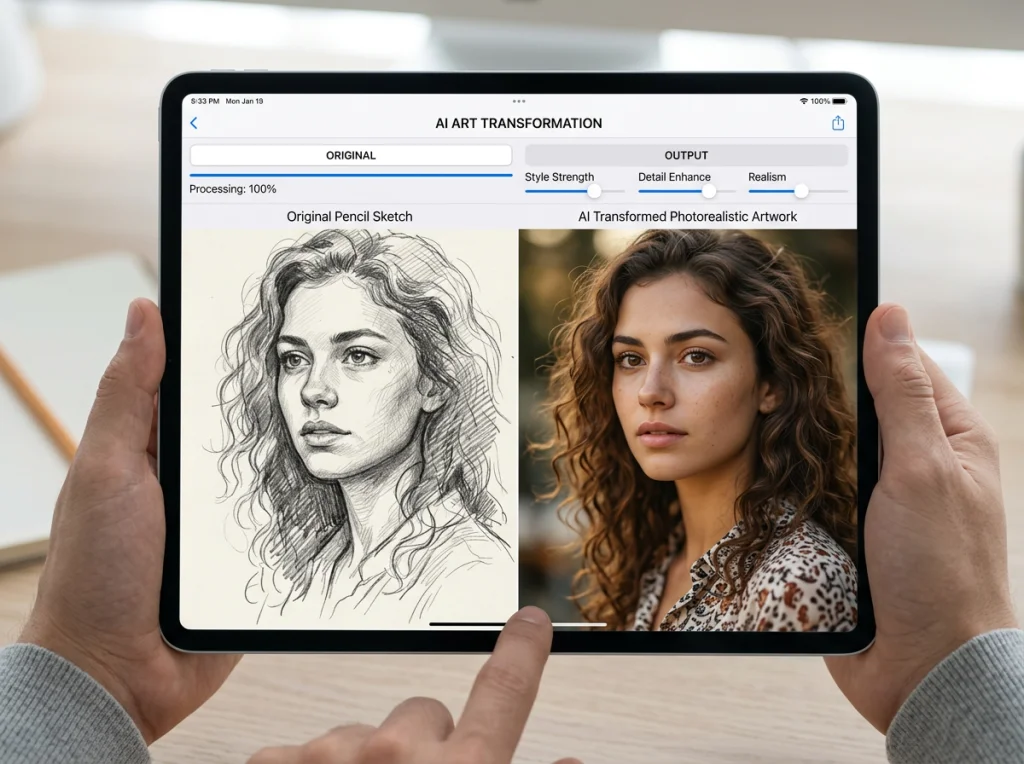
Photo AI Studio surprised me with its speed and quality. The free AI headshot generator produces professional results without watermarks, and their 150+ themed photo styles cover almost every content creator need.
Pros:
- Completely free tier with no watermarks
- Fast 30-second generation times
- Specialized in portrait and lifestyle content
- Commercial rights included on all plans
Cons:
- More focused on people/portraits than abstract art
- Fewer style options compared to Midjourney
Best for: Social media creators, influencers, and anyone needing professional portraits without monthly fees.
3. DALL-E 3 - Most User-Friendly
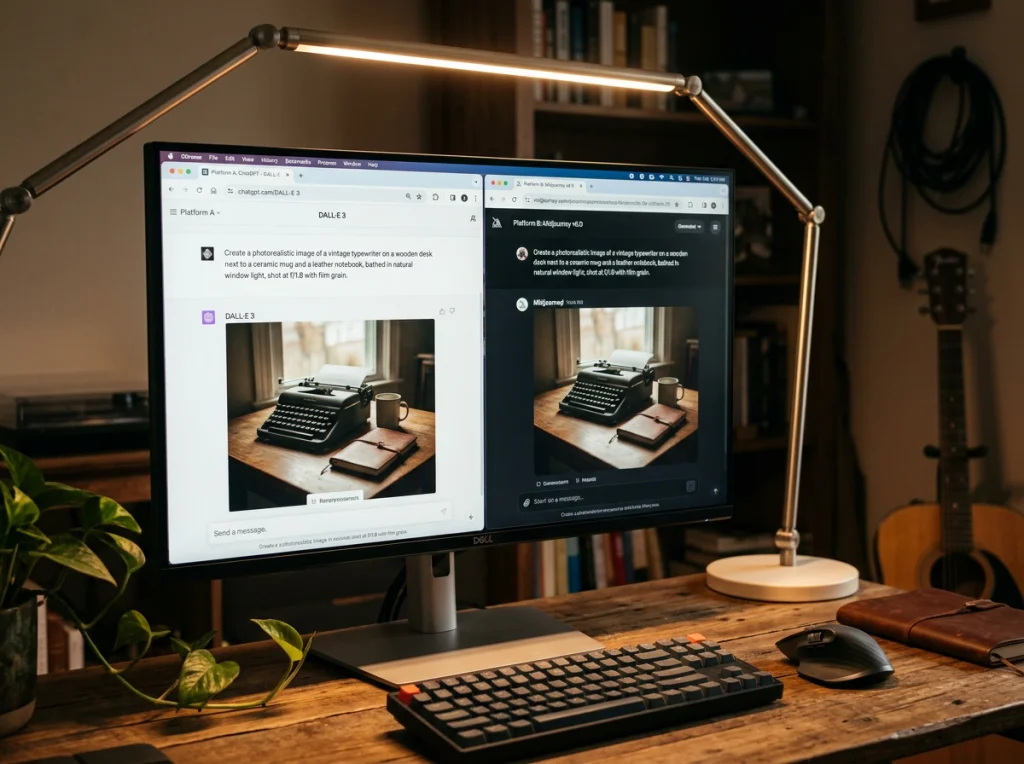
OpenAI's DALL-E 3 integrates seamlessly with ChatGPT, making it the easiest platform for beginners. The prompt refinement suggestions help users get better results without learning complex syntax.
Pros:
- ChatGPT integration for prompt refinement
- Fastest generation speeds (25 seconds average)
- Strong safety filters prevent problematic content
- Clear commercial licensing terms
Cons:
- Limited free usage (15 images per month)
- Less artistic interpretation than Midjourney
- Strict content policies can be limiting
Best for: Beginners who want simple, reliable results with minimal learning curve.
4. Stable Diffusion - The Power User Choice
Running Stable Diffusion locally gives you complete control over the generation process. The learning curve is steep, but the flexibility is unmatched once you understand the parameters.
This video explains the technical foundation behind how these AI image generation models work:
Pros:
- Completely free and open source
- Unlimited generations with local setup
- Extensive customization options
- Large community of model variations
Cons:
- Requires technical setup and powerful hardware
- Complex interface intimidates beginners
- Inconsistent quality without parameter tuning
Best for: Technical users who want maximum control and unlimited free usage.
5. Leonardo AI - Balanced Performance
Leonardo AI sits in the middle ground between ease of use and advanced features. Their prompt guidance helps beginners while offering enough control for experienced users.
Pros:
- Good balance of quality and speed
- Helpful prompt suggestions and guidance
- Multiple model options for different styles
- Decent free tier with daily credits
Cons:
- Interface can feel overwhelming at first
- Credit system limits free usage
- Less community support than major platforms
Best for: Content creators who want more control than DALL-E but simpler setup than Stable Diffusion.
6. Adobe Firefly - Safe for Brands
Adobe trained Firefly exclusively on licensed content, making it the safest choice for commercial use. The integration with Creative Cloud apps is seamless for existing Adobe users.
Pros:
- Trained only on licensed content (no copyright concerns)
- Integrates directly with Photoshop and Illustrator
- Strong text effects and graphic design features
- Enterprise-friendly licensing terms
Cons:
- Limited artistic style compared to Midjourney
- Smaller training dataset affects quality
- More expensive than alternatives for regular users
Best for: Brands and agencies who prioritize copyright safety over cutting-edge quality.
7. Ideogram - Text Generation Specialist
Ideogram excels at generating readable text within images, something most AI tools struggle with. Perfect for creating social media graphics with embedded text.
Pros:
- Best-in-class text rendering accuracy
- Good for logos and graphic design elements
- Clean, professional output style
- Reasonable pricing structure
Cons:
- Limited artistic interpretation
- Slower than most competitors
- Less flexibility with complex scenes
Best for: Social media managers who need graphics with text overlays and logos.
8. RunwayML - Video-First Platform
RunwayML focuses primarily on video generation but includes solid image capabilities. The platform works better for creators planning to expand into AI video content.
Pros:
- Strong video generation capabilities
- Good integration between image and video tools
- Professional-grade output quality
- Growing feature set
Cons:
- Slowest image generation speeds
- Higher pricing for image-only users
- Complex interface designed for video workflows
Best for: Video content creators who occasionally need AI-generated images.
Which AI Image Gen Tool Should You Choose?
For most content creators, I recommend starting with Photo AI Studio's free tools. You get professional quality without monthly costs, plus full commercial rights. The platform excels at the portrait and lifestyle content that performs best on social media.
If you need the absolute highest quality and don't mind paying monthly, Midjourney remains the gold standard. Their artistic interpretation and detail level justify the $10/month for professional creators.
Technical users who want unlimited free usage should explore Stable Diffusion, but expect a significant learning curve. The investment in setup time pays off if you generate hundreds of images monthly.
For beginners who prefer simplicity, DALL-E 3 through ChatGPT offers the smoothest experience, though the free tier limits will push most creators toward paid plans quickly.
Ready to test AI image generation yourself? Start with Photo AI Studio's professional headshot generator or explore their Instagram-ready photo styles. No sign-up required for the basic tools, and you can upgrade only if you need more advanced features.