

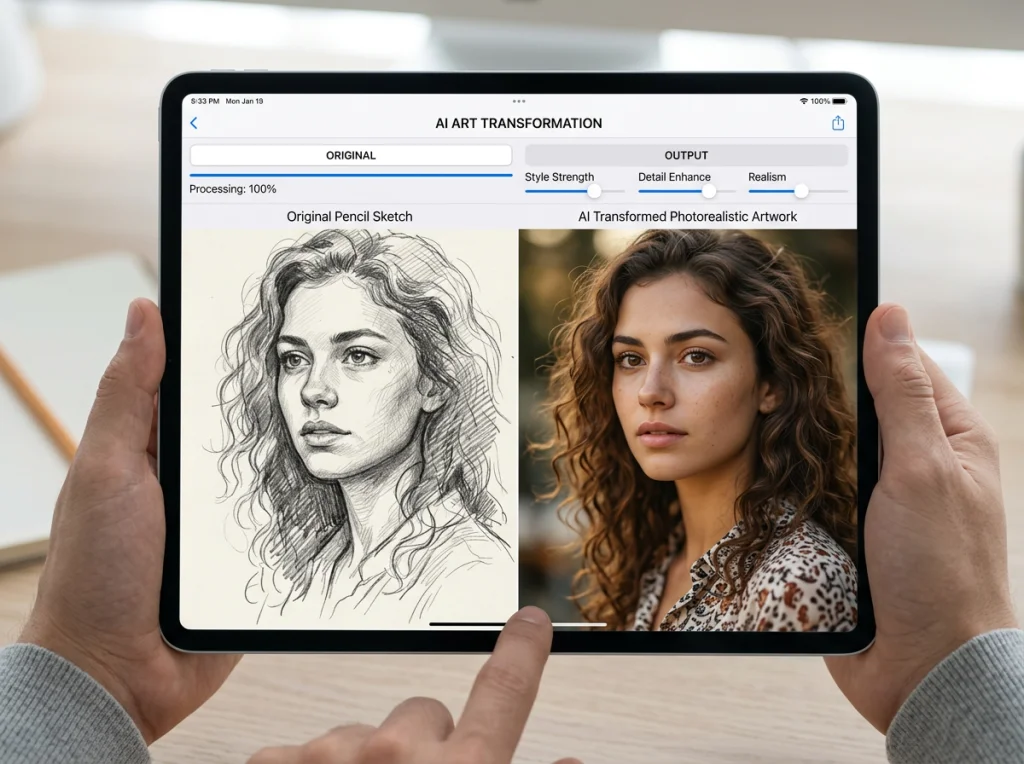
I spent two weeks testing every free AI image to image generator I could find. Most were terrible. Some required dozens of uploads before getting decent results. But three tools consistently delivered professional-quality transformations from sketches to art and style transfers that rival Midjourney.
The AI image to image generator space exploded in 2025, but quality varies wildly. After running identical tests on sketches, reference photos, and style transfers, I found clear winners for different use cases.
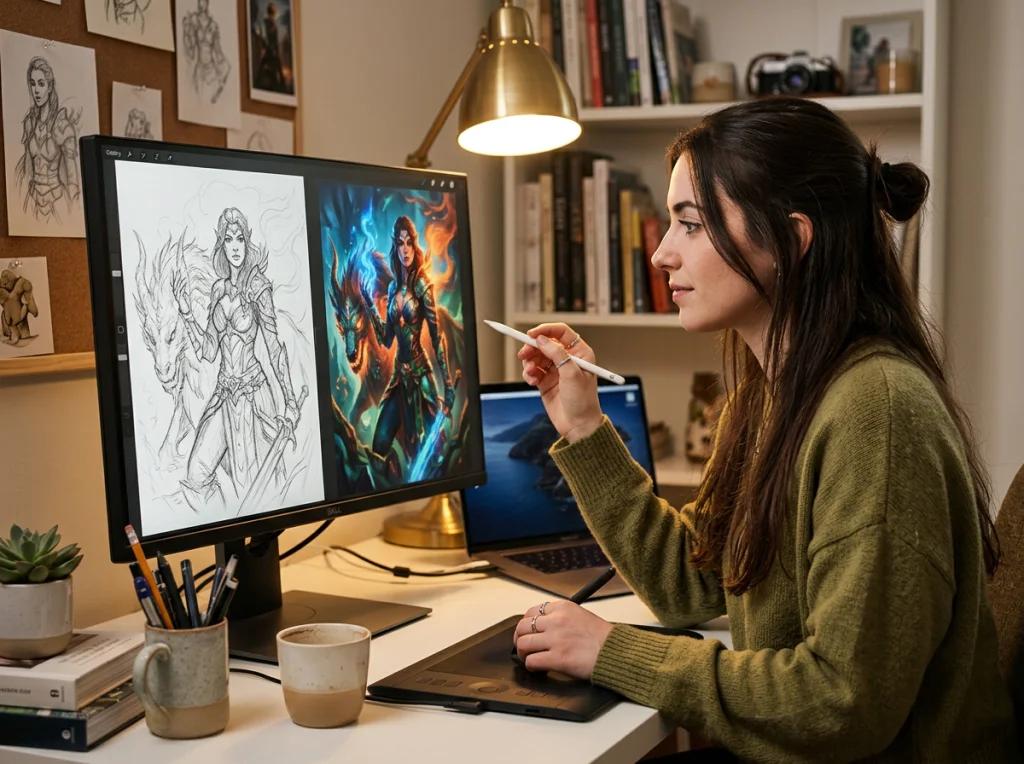
How I Tested These AI Image to Image Generator Tools
I used three test cases for every tool:
- Converting a simple pencil sketch of a house into realistic architecture
- Transforming a portrait photo into Van Gogh style
- Converting a landscape photo into anime style
Each tool got rated on output quality, processing speed, ease of use, and whether it actually followed the input image structure. Many tools ignored the input completely and just generated random images based on the text prompt.
Comparison Table: Top AI Image to Image Generators
| Tool | Free Credits | Processing Time | Best For | Input Adherence |
|---|---|---|---|---|
| Photo AI Studio | Unlimited | 30 seconds | Portraits & People | Excellent |
| Google Whisk | Unlimited | 45 seconds | Creative Styles | Good |
| Stable Diffusion Web UI | Unlimited | 60 seconds | Technical Control | Excellent |
| Canva AI | 10/month | 20 seconds | Quick Edits | Fair |
| Playground AI | 500/day | 25 seconds | Artistic Styles | Good |
1. Photo AI Studio - Best for Portrait Transformations
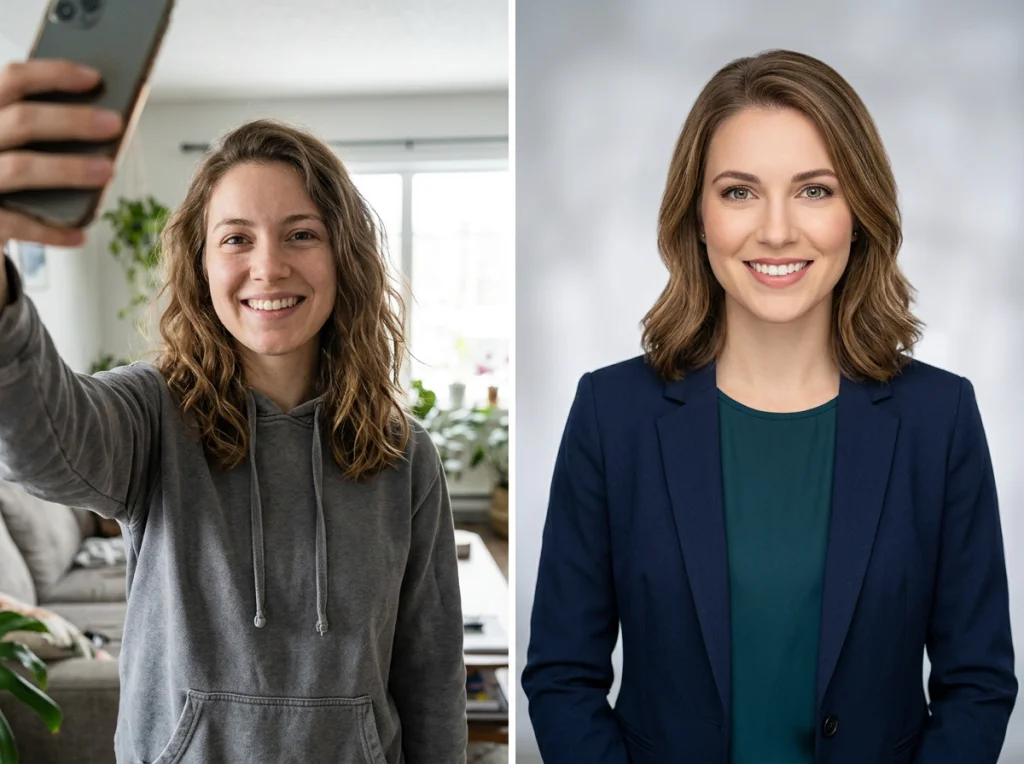
Photo AI Studio nailed portrait transformations better than any other tool I tested. Upload a selfie, choose from 150+ AI photo styles, and get results that maintain facial features while completely changing the background and style.
The tool excels at understanding facial structure. When I uploaded a basic headshot, it preserved eye shape, nose proportions, and jawline while transforming the style completely. Other tools often created faces that looked nothing like the original person.
Pros:
- Maintains facial accuracy in transformations
- 150+ professional themes including professional headshots and cyberpunk styles
- No watermarks on free tier
- Works with low-quality input photos
Cons:
- Limited to portrait and people photos
- Fewer artistic style options than dedicated art tools
Best for: LinkedIn photos, dating profiles, professional headshots
2. Google Whisk - Most Creative Freedom
Google's experimental Whisk tool surprised me. This video demonstrates the creative possibilities available with this tool:
Whisk lets you combine multiple images as inspiration rather than strict copying. Upload a sketch, add a style reference photo, and describe what you want. The AI interprets all inputs creatively rather than just applying filters.
I uploaded a rough pencil drawing of a castle and a reference photo of gothic architecture. Whisk created a detailed fantasy castle that captured the layout of my sketch but with the ornate details from the reference image.
Pros:
- Accepts multiple image inputs
- Creative interpretation vs literal copying
- Completely free with Google account
- Handles abstract concepts well
Cons:
Best for: Concept art, creative exploration, fantasy artwork
3. Stable Diffusion Web UI - Maximum Control
For users who want technical control, Stable Diffusion Web UI offers the most precise AI image to image generation. The learning curve is steep, but the results justify the effort.
The ControlNet feature analyzes your input image for edges, depth, or pose, then generates new images that follow that structure exactly. When I uploaded architectural sketches, it preserved every line and angle while adding realistic textures and details.
Pros:
- Precise control over generation parameters
- ControlNet ensures structural accuracy
- Completely open source and free
- Supports custom models
Cons:
- Requires technical setup
- Steep learning curve
- Needs powerful hardware for fast generation
Best for: Technical artists, developers, users wanting maximum control
4. Canva AI - Fastest for Quick Edits
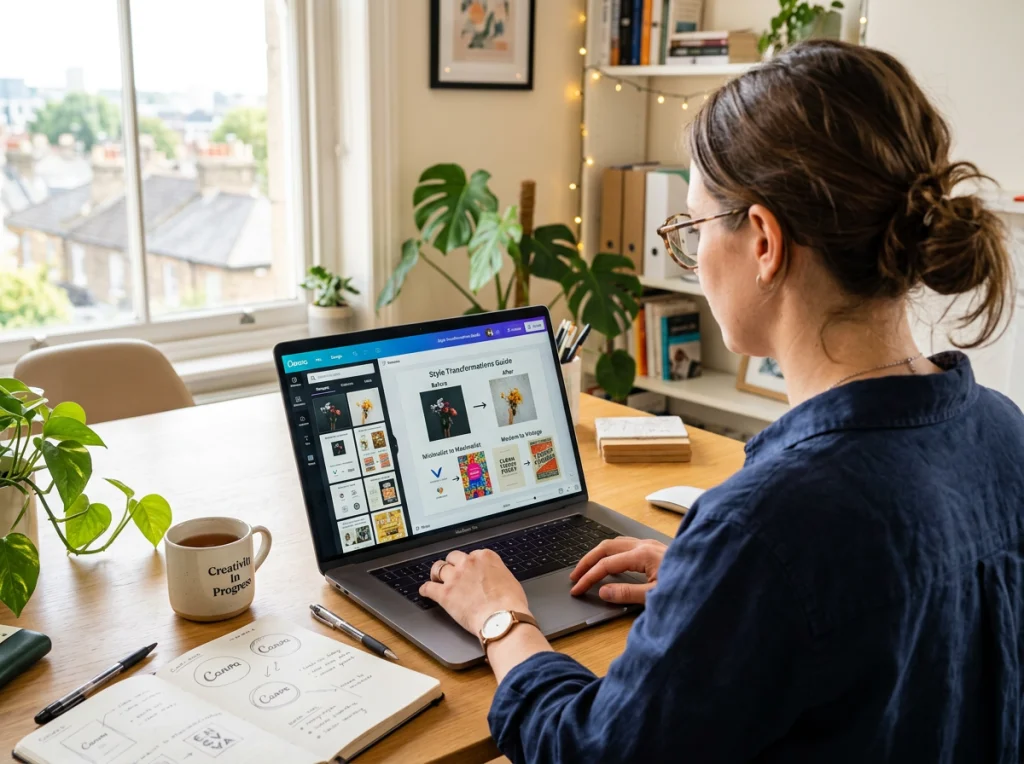
Canva's AI image to image generator works best for quick style changes rather than complex transformations. Upload a photo, type a style description, and get results in 20 seconds.
The tool works well for social media content. I transformed travel photos into vintage postcards and modern portraits into illustrated avatars. The results look polished enough for Instagram stories or blog headers.
Pros:
- Fastest processing time
- Integrated with design templates
- Good for social media content
- Simple interface
Cons:
- Only 10 free generations per month
- Limited style options
- Watermarks on free tier
Best for: Social media graphics, quick style changes, non-commercial use
5. Playground AI - Best Artistic Styles
Playground AI offers the most diverse collection of artistic styles for image transformation. The tool includes everything from watercolor to oil painting to digital art styles.
I tested landscape photo transformations, and Playground AI consistently produced the most convincing artistic interpretations. A mountain photo became an oil painting with visible brushstrokes and color blending that looked hand-painted.
Pros:
- 500 free generations daily
- Extensive artistic style library
- High-quality artistic transformations
- Community gallery for inspiration
Cons:
- Sometimes over-stylizes subtle images
- Limited control over final composition
- Queue delays during peak hours
Best for: Artistic transformations, landscape art, creative projects
6. DeepAI Image to Image
DeepAI offers basic AI image to image generation with several preset styles. The tool works well for simple transformations but lacks the sophistication of top-tier options.
Upload limits are generous, and the interface is straightforward. However, results often look obviously AI-generated with artifacts and inconsistent details.
Best for: Basic experiments, learning about AI image generation
7. NightCafe Creator
NightCafe focuses on artistic style transfers with a strong community aspect. Users can share creations and remix others' work.
The tool handles paintings and artistic styles well but struggles with photorealistic outputs. Credit system limits free usage to about 5 generations daily.
Best for: Artistic community, style experimentation
8. Artbreeder
Artbreeder takes a unique approach by letting users blend multiple images together. Rather than applying styles to single images, you can mix portraits, landscapes, or abstract art.
The collaborative aspect is interesting - you can start with someone else's creation and modify it. However, the interface feels dated compared to newer tools.
Best for: Image blending, portrait variations
9. RunwayML
RunwayML offers AI image to image generation as part of a larger creative suite. The tool produces high-quality results but free credits run out quickly.
Professional features like batch processing and API access make it appealing for commercial users, but casual users hit limits fast.
Best for: Professional video creators, commercial projects
10. Picsart AI
Picsart integrates AI image to image generation into a comprehensive photo editor. The combination works well for users who need both transformation and traditional editing.
However, the AI features feel secondary to the main editing tools. Free tier includes watermarks and limited exports.
Best for: Users needing both AI and traditional editing
Which AI Image to Image Generator Should You Choose?
Your best choice depends on your specific needs:
For portrait transformations: Start with Photo AI Studio's free headshot generator. The facial accuracy beats everything else I tested.
For creative experimentation: Google Whisk offers the most creative freedom without signup requirements.
For technical control: Stable Diffusion Web UI provides precise control but requires setup effort.
For quick social media content: Canva AI works fast but limits free usage.
For artistic transformations: Playground AI has the best style variety for landscapes and art.
Most users should start with Photo AI Studio for portraits and Google Whisk for everything else. Both offer unlimited free usage without watermarks, which makes them perfect for testing what's possible with AI image to image generation.
Want professional results for your next profile photo? Try our professional headshot generator or explore 150+ AI photo themes to transform your images into any style imaginable.


