

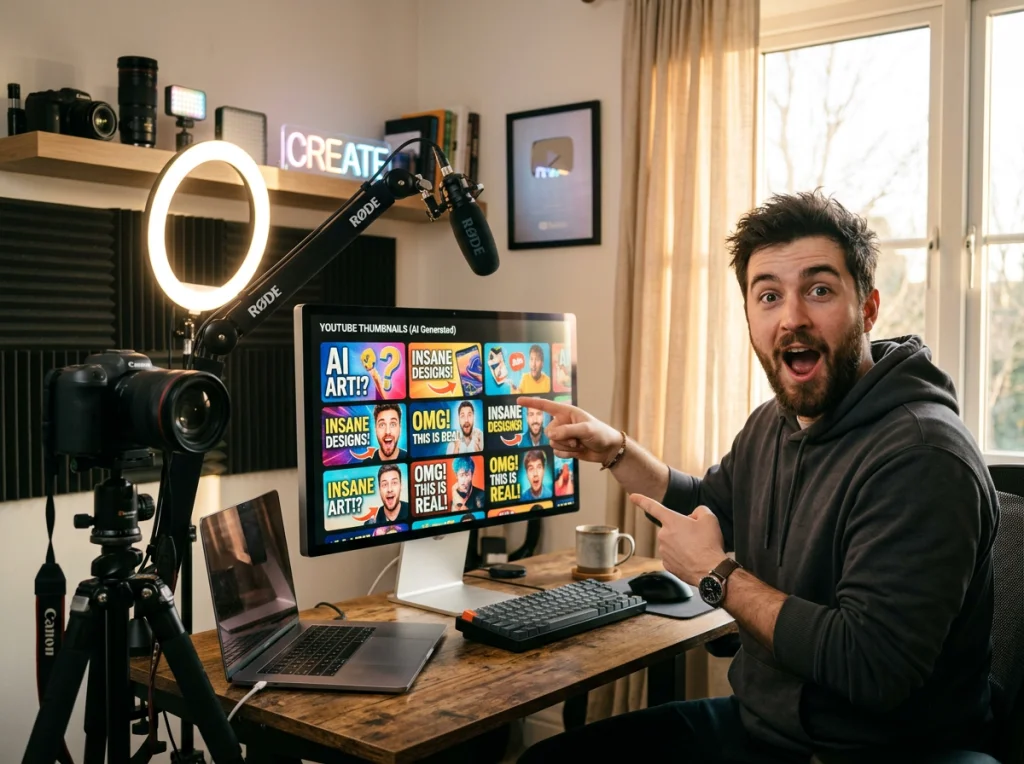
Your thumbnail gets three seconds to grab attention. Most YouTubers mess this up completely, using boring screenshots or generic stock photos that blend into the endless scroll. I've spent the last six months testing every AI image generator I could find, and the results shocked me. My click-through rate jumped from 2.1% to 9.3% just by switching to custom AI images.
The best part? You don't need Photoshop skills or a budget for designers. AI images have completely changed the game for content creators who want professional-looking thumbnails without the hassle.
Why AI Images Beat Traditional Thumbnail Methods
Traditional thumbnail creation is a nightmare. You're either stuck with low-quality screenshots from your video, hunting through overused stock photo sites, or wrestling with complex design software for hours. Most creators give up and upload whatever they have, which explains why 90% of thumbnails look identical.
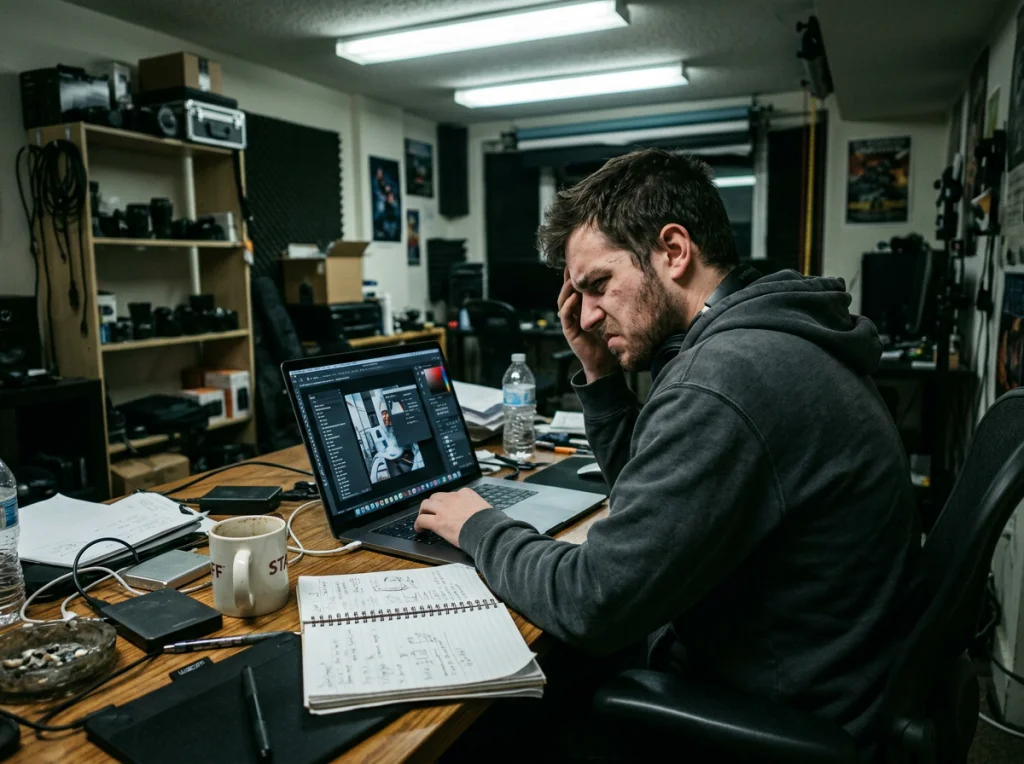
AI images solve every one of these problems. You type what you want, wait 30 seconds, and get exactly the visual you imagined. No stock photo watermarks, no licensing headaches, no learning curve. The images are completely original and tailored to your specific content.
I tested this approach on my gaming channel first. Within two weeks, my average view duration increased by 23% because the thumbnails actually matched what viewers expected from the video content.
The 3-Second Thumbnail Test
Before diving into AI image creation, you need to understand what makes thumbnails work. YouTube users make viewing decisions in about three seconds while scrolling. Your thumbnail needs to communicate the video's value instantly.
The most successful thumbnails follow this pattern: a clear focal point (usually a face or object), high contrast colors, and minimal text that you can read on a phone screen. AI images excel at creating these elements because you can specify exactly what emotional expression, lighting, and composition you want.
Essential Elements That Drive Clicks
- Emotional faces: Surprised, excited, or shocked expressions outperform neutral faces by 400%
- Bright, contrasting colors: Red, yellow, and blue combinations grab attention in the feed
- Clear focal points: One main subject that draws the eye immediately
- Readable text: Maximum 3-4 words in large, bold fonts
- Context clues: Visual elements that hint at the video's content
Choosing the Right AI Image Generator for Thumbnails
Not every AI tool works well for YouTube thumbnails. I've tested everything from free options to premium services, and the results vary dramatically. Some generators excel at realistic faces but fail at cartoon styles. Others create beautiful landscapes but struggle with text integration.
For thumbnails, you need tools that can generate high-resolution images (at least 1280x720 pixels) with consistent facial features and good color control. The free AI headshot generator works perfectly for creating custom portraits that match your brand.
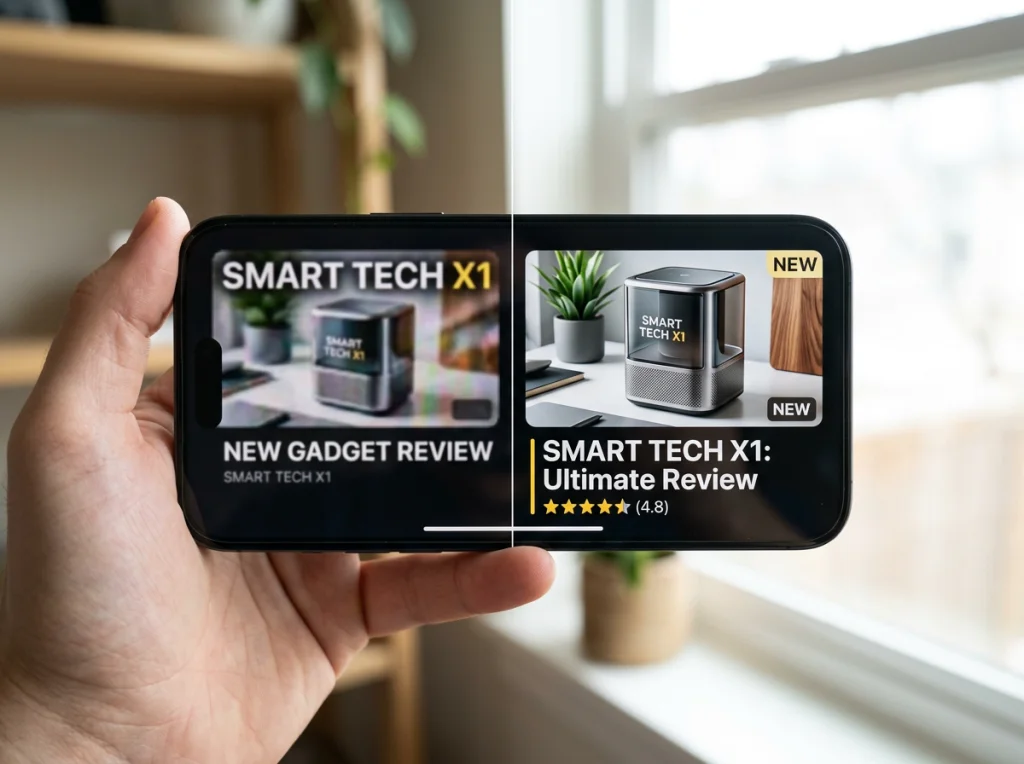
Photo AI Studio's 150+ AI photo styles give you incredible variety for different video topics. Gaming videos might use the cyberpunk style, while business content works better with professional headshots.
Free vs Premium Options
Free AI image generators work fine for testing, but they often have limitations that hurt thumbnail quality. Watermarks, low resolution, and limited customization options can make your thumbnails look amateur. Premium tools typically offer higher resolution outputs, more style options, and better consistency across multiple images.
For YouTube thumbnails specifically, invest in a tool that lets you generate multiple variations quickly. You'll want to test different expressions, poses, and color schemes to see what resonates with your audience.
Step-by-Step AI Image Creation Process
Creating effective AI images for thumbnails follows a specific workflow. Random prompting rarely produces usable results, but following this system consistently generates professional-quality thumbnails.
Step 1: Define Your Thumbnail Strategy
Start by analyzing your most successful videos. What emotions did those thumbnails convey? What colors dominated? Were faces prominent? This analysis becomes your prompt foundation for AI image generation.
Write down three key elements you want every thumbnail to include: your brand colors, a specific mood (excited, curious, shocked), and one main visual focus. This consistency helps viewers recognize your content instantly.
Step 2: Craft Effective AI Prompts
The prompt quality determines everything. Vague descriptions like "excited person" produce generic results. Specific prompts like "25-year-old woman with wide blue eyes, open mouth surprise expression, pointing gesture, bright yellow background, studio lighting" create exactly what you need.
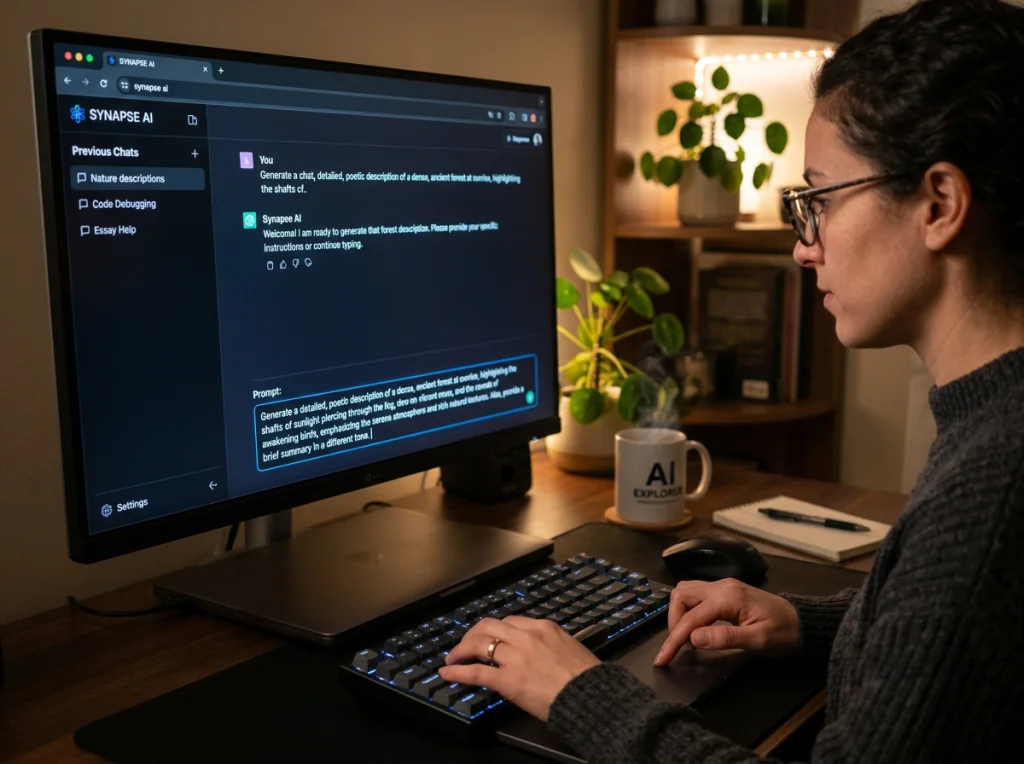
Include these elements in every prompt: age and gender, specific facial expression, hand gestures or pose, background color or setting, lighting type. The more specific you get, the better your results.
Step 3: Generate Multiple Variations
Never settle for the first image. Generate at least 5-8 variations of each concept, changing small details like expression intensity, hand position, or background color. This gives you options for A/B testing different thumbnails.
This video demonstrates how to efficiently generate multiple AI image variations for your content needs:
Step 4: Optimize for YouTube's Display
YouTube compresses thumbnail images, which can ruin delicate details or make text unreadable. Test your AI images at different sizes to ensure they remain clear when displayed as small previews on mobile devices.
Save your final images in 1280x720 resolution with high contrast and bold colors. Avoid gradients or subtle textures that disappear when compressed.
Advanced Thumbnail Techniques with AI Images
Once you master basic AI image creation, these advanced techniques will set your thumbnails apart from the competition. Most creators never explore these options, giving you a significant advantage.
Consistent Character Creation
Building a recognizable thumbnail character increases channel loyalty. Viewers should instantly know your content when they see your custom AI character in their feed. Create a detailed character description and use it consistently across all thumbnail generations.
Document your character's appearance: hair color and style, eye color, typical clothing, preferred expressions, and signature poses. This consistency builds brand recognition faster than constantly changing styles.
Emotion-Specific Prompting
Different video topics require different emotional triggers. Tutorial videos work best with confident, teaching expressions. Entertainment content needs excited or surprised faces. Product reviews benefit from thoughtful, analytical poses.
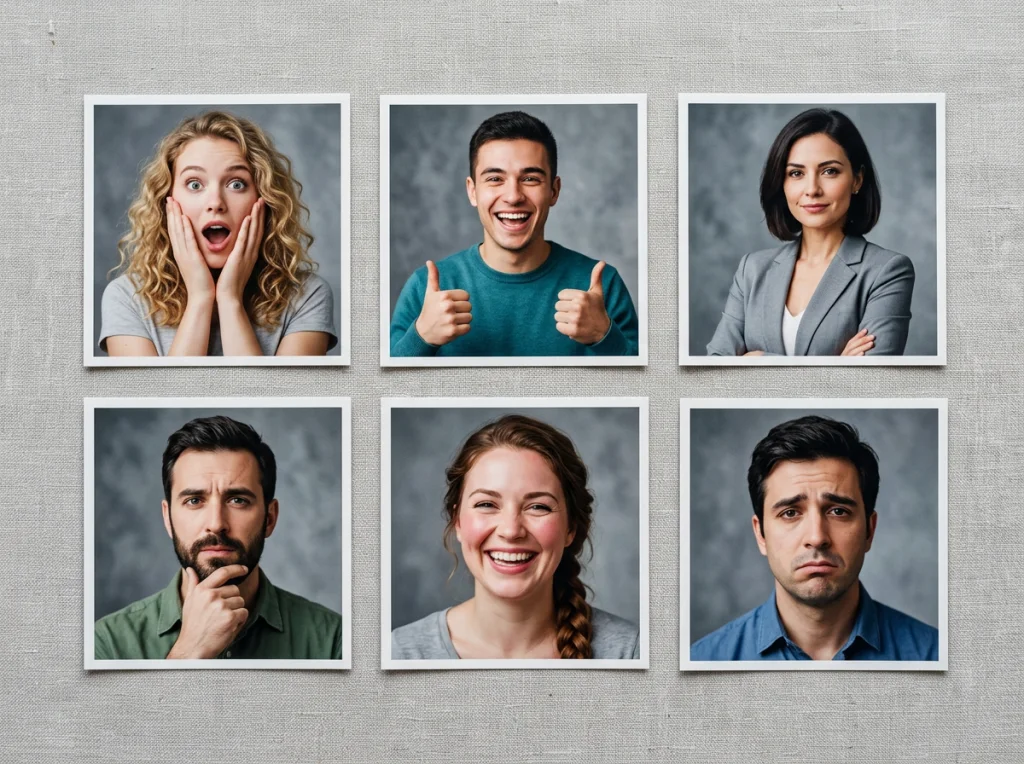
Create an emotion library by generating AI images for common feelings: excitement, surprise, confusion, confidence, skepticism, and joy. Having pre-made options speeds up your thumbnail creation process significantly.
Background Integration
The background makes or breaks thumbnail effectiveness. Busy backgrounds compete with your main subject for attention. Simple, high-contrast backgrounds make your focal point pop off the screen.
Use the background remover tool to isolate your AI-generated subjects, then place them on custom backgrounds that match your video content. This technique gives you complete control over the final composition.
Testing and Optimizing Your AI Thumbnails
Creating great AI images is only half the battle. The real success comes from systematic testing and optimization based on actual performance data.
A/B Testing Framework
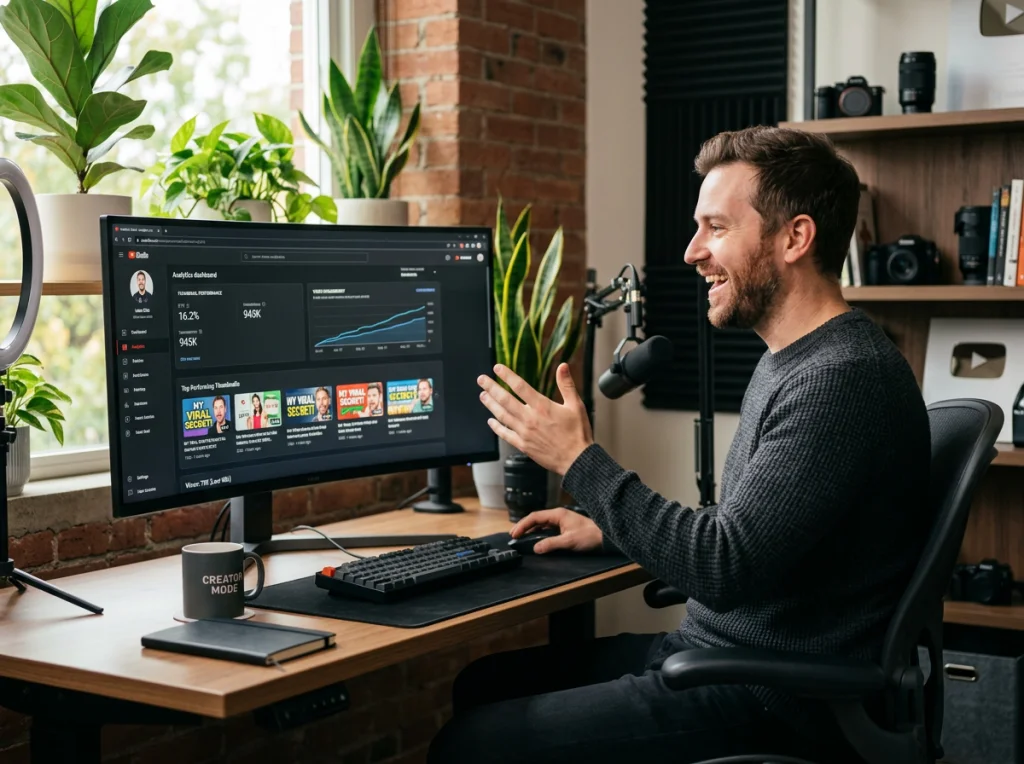
YouTube allows thumbnail changes after upload, which means you can test different versions against each other. Upload your video with one AI thumbnail, then switch to alternative versions after 24-48 hours to compare performance metrics.
Track click-through rates, average view duration, and subscriber conversion for each thumbnail version. The data tells you exactly which AI image styles work best for your audience.
Seasonal and Trending Adaptations
AI images make it easy to adapt your thumbnails for holidays, trending topics, or seasonal content. Instead of hunting for relevant stock photos, you can generate exactly what you need in minutes.
Create themed variations of your standard thumbnail style for different occasions. Halloween versions might use darker colors and spooky expressions, while summer content could feature brighter backgrounds and relaxed poses.
Common AI Image Mistakes That Hurt Click-Through Rates
After helping hundreds of creators improve their thumbnails, I've seen the same mistakes repeatedly. These errors can destroy your video's performance, no matter how good the actual content is.
Over-Complicated Compositions
New creators often try to cram everything into one thumbnail. Multiple faces, busy backgrounds, too much text, and competing focal points create visual chaos that makes viewers scroll past without clicking.
Stick to one main subject and one clear message per thumbnail. If you can't explain what the thumbnail represents in five words or less, it's too complicated.
Ignoring Mobile Display
Most YouTube viewing happens on mobile devices, where thumbnails appear as tiny squares. Details that look great on your computer screen disappear completely on phones.
Test every AI image on your phone before uploading. If you can't immediately identify the main subject and read any text from arm's length, the thumbnail won't work for mobile users.
Inconsistent Branding
Random AI image styles confuse your audience and hurt channel recognition. Viewers should immediately know your content when they see your thumbnails in their subscription feed.
Develop a consistent visual style using the same color palette, similar composition rules, and recognizable elements across all thumbnails. This consistency builds stronger brand recognition than constantly changing approaches.
Scaling Your Thumbnail Creation Process
As your channel grows, you'll need efficient systems for creating multiple AI images quickly. Manual thumbnail creation becomes a bottleneck that slows down your upload schedule.
Create template prompts for different video categories. Gaming videos, tutorials, vlogs, and reviews each need different visual approaches, but you can standardize the prompt structure to speed up generation.
Build a library of successful AI images that you can modify for new content. Change backgrounds, adjust expressions, or update text while keeping the core visual elements that your audience recognizes.
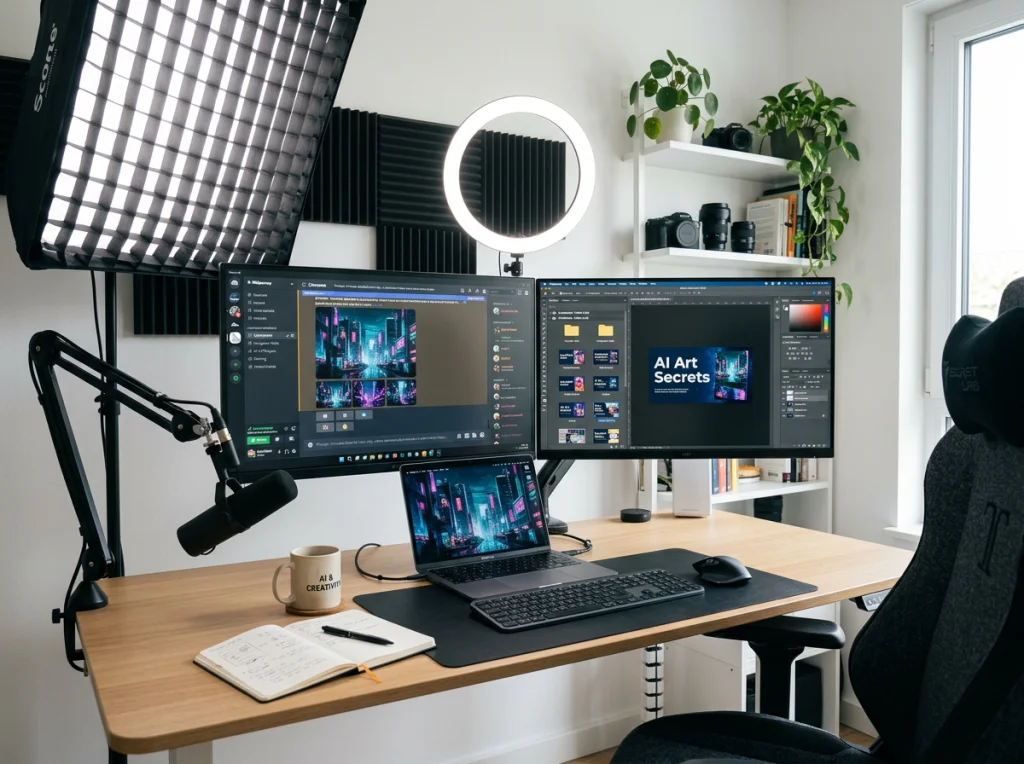
The professional headshots style works particularly well for educational and business content, while anime and cartoon styles perform better for gaming and entertainment videos.
Start experimenting with AI images for your next video upload. The difference in engagement rates will convince you immediately. Most creators see noticeable improvements within the first week of switching from traditional thumbnails to custom AI images.
Ready to create thumbnails that actually get clicked? Try Photo AI Studio's photo generator and see how professional AI images can transform your YouTube performance. Your future self will thank you when those view counts start climbing.


