
Bringing Old Family Photos Back to Life
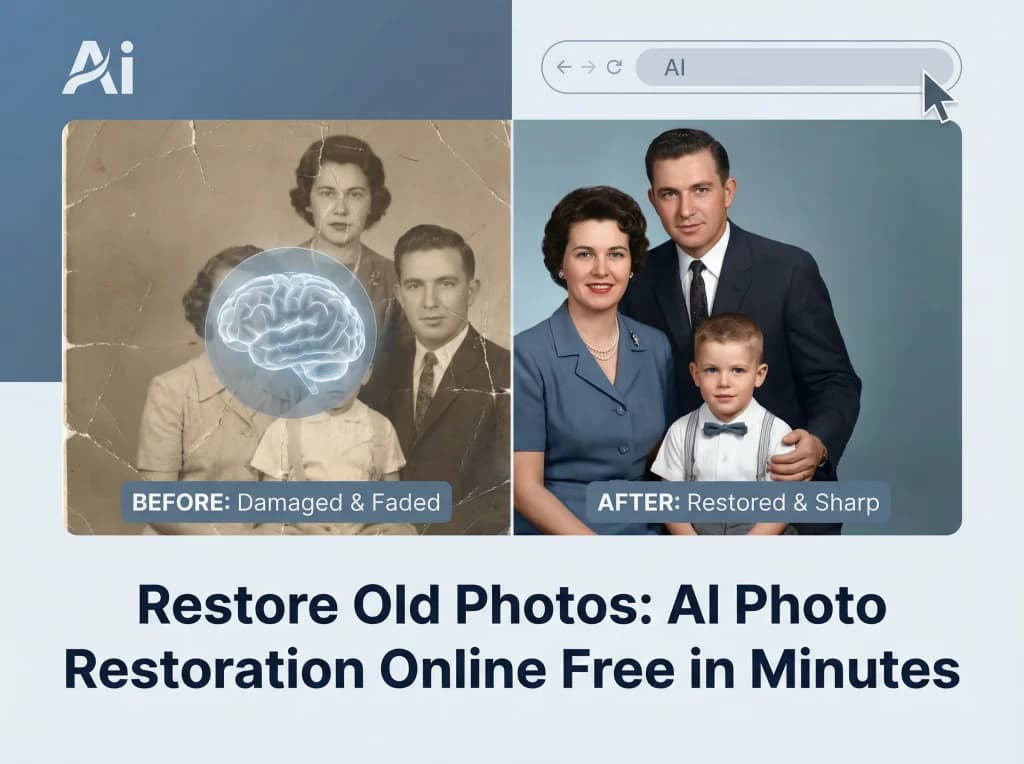
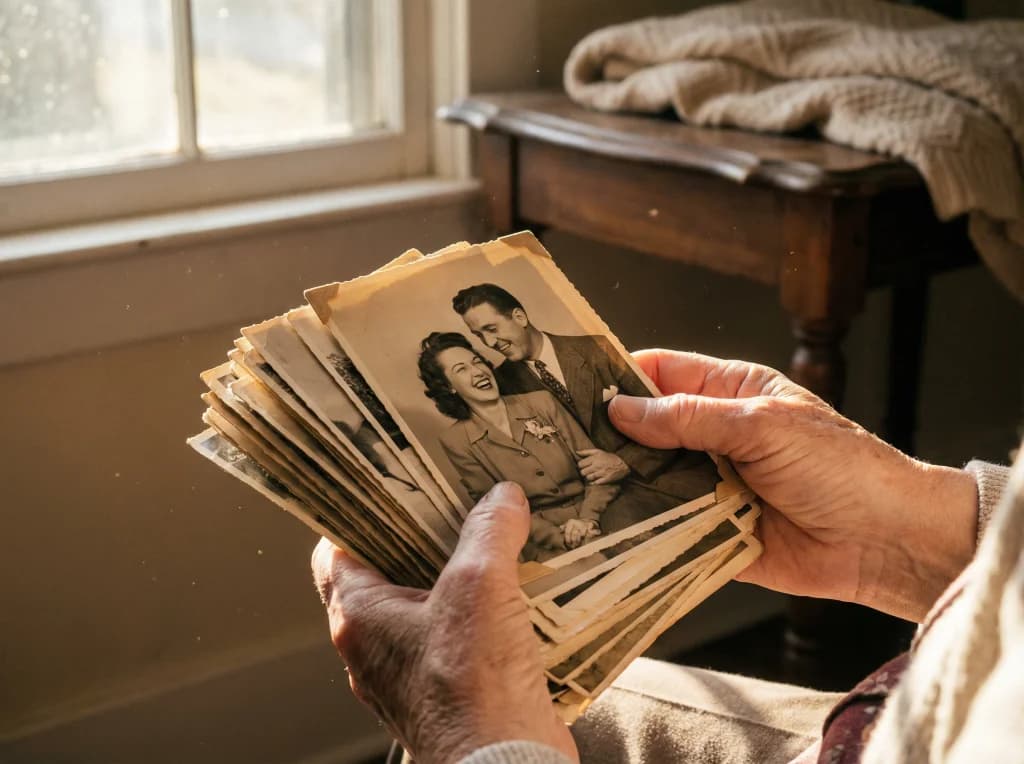
There's something magical about discovering a box of old family photographs—faded prints, creased corners, and images so blurry you can barely make out faces. These aren't just pictures; they're windows into your family's past, windows that deserve to stay open and clear. Yet many of us leave these precious memories in their deteriorated state, unsure how to restore them without professional restoration costs or complex technical skills.
The good news? Modern AI technology has made photo restoration accessible to everyone. Whether you're dealing with water-damaged prints, black-and-white negatives, or simply blurry childhood photos, you can now preserve and enhance these treasures using intelligent restoration tools. Let's explore how to bring your family history back to life.
Understanding Photo Damage and Deterioration
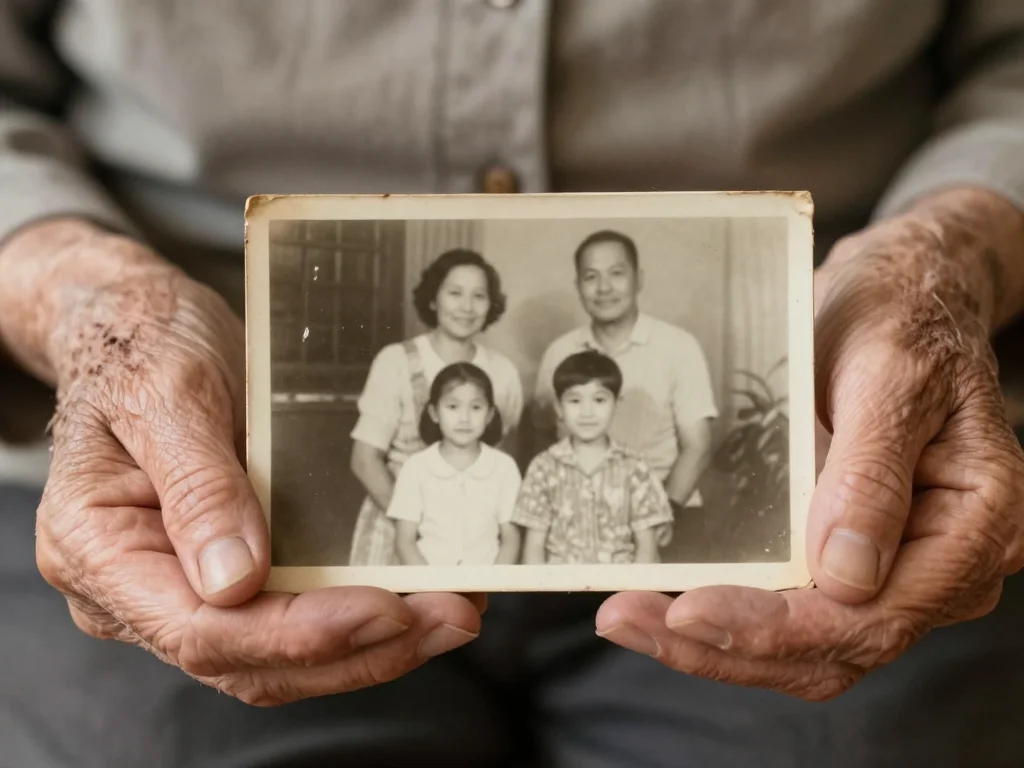
Before diving into restoration techniques, it's helpful to understand what happens to photographs over time. Old family photos face several common types of damage:
- Fading: Color shifts and loss of vibrancy, especially in older color film or prints exposed to light
- Physical damage: Creases, tears, water stains, and surface scratches from handling and storage
- Blurriness: Motion blur, focus issues, or degradation from age and poor storage conditions
- Dust and spots: Accumulated debris that appears as artifacts in digital scans
- Loss of detail: Low resolution or unclear subjects that become harder to interpret over decades
Understanding these issues helps you choose the right restoration approach for your specific photos. A water-damaged print requires different techniques than a simply faded black-and-white photograph.
Step 1: Digitizing Your Physical Photos
The first step in preserving family history is converting physical prints into digital files. This protects your originals while creating backup copies.
Scanning Options for Family Archives
- Scanner at home: A standard flatbed scanner (even from your printer) works for prints and smaller items
- Professional scanning services: Worth considering for extremely valuable or delicate originals, especially negatives
- Smartphone photography: Place photos on a flat surface with good lighting and take high-quality photos for immediate digitization
Aim for at least 300 DPI (dots per inch) resolution when scanning—this gives you enough detail for restoration and enlargement. Higher resolution (600+ DPI) is even better for archival purposes.

Restoring Damaged and Blurry Photos
Once digitized, your photos are ready for restoration. Modern AI restoration tools can work wonders on damaged images. You can also check out our AI luxury photos.
Using Photo Upscaler Technology
Upscaling is one of the most powerful tools for restoring old photos. This AI technology intelligently increases image resolution while recovering lost detail and sharpness:
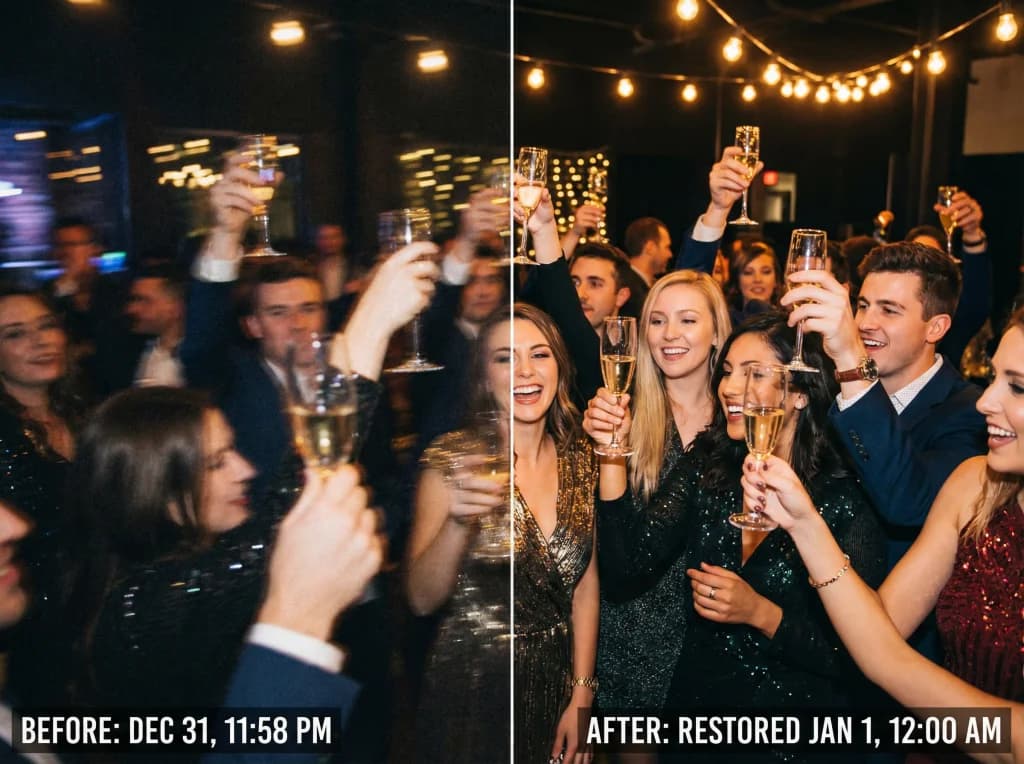
- Clarifies blurry faces and details that were unclear in the original
- Increases resolution for better printing and sharing
- Recovers detail that degradation had obscured
- Improves overall image quality without creating artificial-looking results
Pro tip: Photo AI Studio's Upscaler tool uses advanced AI algorithms that understand facial features and natural details, making restored family photos look naturally enhanced rather than artificially processed.
Removing Physical Damage
Beyond simple upscaling, modern restoration tools can address:
- Dust and scratches: AI automatically detects and removes accumulated debris from old prints
- Creases and folds: Advanced algorithms can soften or remove visible fold lines
- Water damage: Stains and discoloration can be significantly reduced
- Fading: Color balance restoration brings back lost vibrancy
The key is choosing tools that use intelligent algorithms rather than basic filters. These tools understand context—they know not to remove a scar or beauty mark while removing actual damage.

Adding Color to Black and White Memories
One of the most emotionally rewarding restoration techniques is colorization—bringing color back to black-and-white family photographs. This transforms how we experience these memories.
Why Colorize Family Photos?
Colorization serves several important purposes:
- Emotional connection: Color makes photos feel more immediate and real, especially for younger family members who never knew the subjects
- Historical documentation: Accurate colorization preserves details like clothing colors and home décor from specific eras
- Family sharing: Colorized photos often resonate more powerfully when shared with relatives
- Clarity: Sometimes color helps distinguish details that were hard to see in black and white
AI Colorization Techniques
Modern AI colorization tools analyze the black-and-white image and intelligently add appropriate colors based on:
- Historical color accuracy for the era the photo was taken
- Context clues from objects (recognizing that grass should be green, sky blue, etc.)
- Facial recognition to ensure skin tones look natural and realistic
- Clothing and textile patterns that provide hints about original colors
The best results come from AI that learns from thousands of historical images, understanding typical colors and patterns from different decades. This creates naturally-looking results rather than obviously artificial colorization.
Best Practices for Photo Restoration Projects
As you restore your family archive, keep these practices in mind:
Organization and Documentation
- Create a system: Label photos by year, family member, or era as you restore them
- Keep originals: Always maintain copies of the original scans before applying restoration
- Version control: Save restoration steps separately so you can adjust if needed
- Backup everything: Store digital copies in multiple locations (cloud storage and external drives)
Quality Control
- Compare restored versions to originals to ensure accuracy
- Have family members review colorized photos for accuracy when possible
- Take before-and-after screenshots to share the transformation
- Don't over-process—sometimes subtle enhancements are more respectful of the original
Batch Processing for Efficiency
If you have many photos from the same era or of the same people, use this to your advantage. Tools that recognize patterns can often apply similar restoration settings across multiple photos, saving you time while maintaining consistency.

Sharing Your Restored Family History
Once restored, these precious images deserve to be seen and shared:
- Create a family archive: Build a shared digital collection that relatives can access
- Print special photos: Restored images make beautiful prints for framing or gifting
- Organize by family tree: Connect photos to family members for genealogical research
- Tell the stories: Add captions and dates to preserve the context of each photo
- Share digitally: Send restored images to relatives who'll treasure seeing their family history enhanced
Preserving Your Legacy Today
Your family's history is irreplaceable. Every faded photograph represents real people, real moments, and real connections that shaped your family's story. By restoring these images now, you're ensuring that future generations can experience and appreciate their heritage with clarity and emotion.
The emotional satisfaction of seeing a beloved grandmother's face become clear after decades of fading, or discovering details in a childhood photo you hadn't noticed before, is truly special. These restored images become treasures that strengthen family bonds and preserve precious memories. You can also check out our AI professional headshots.
Ready to start your own photo restoration project? Try Photo AI Studio's restoration and upscaler tools to bring your family photos back to life. Transform your faded memories into crystal-clear, beautifully enhanced images that honor your family's history. Start with just one photo and experience the magic of professional-quality restoration without the professional price tag.