

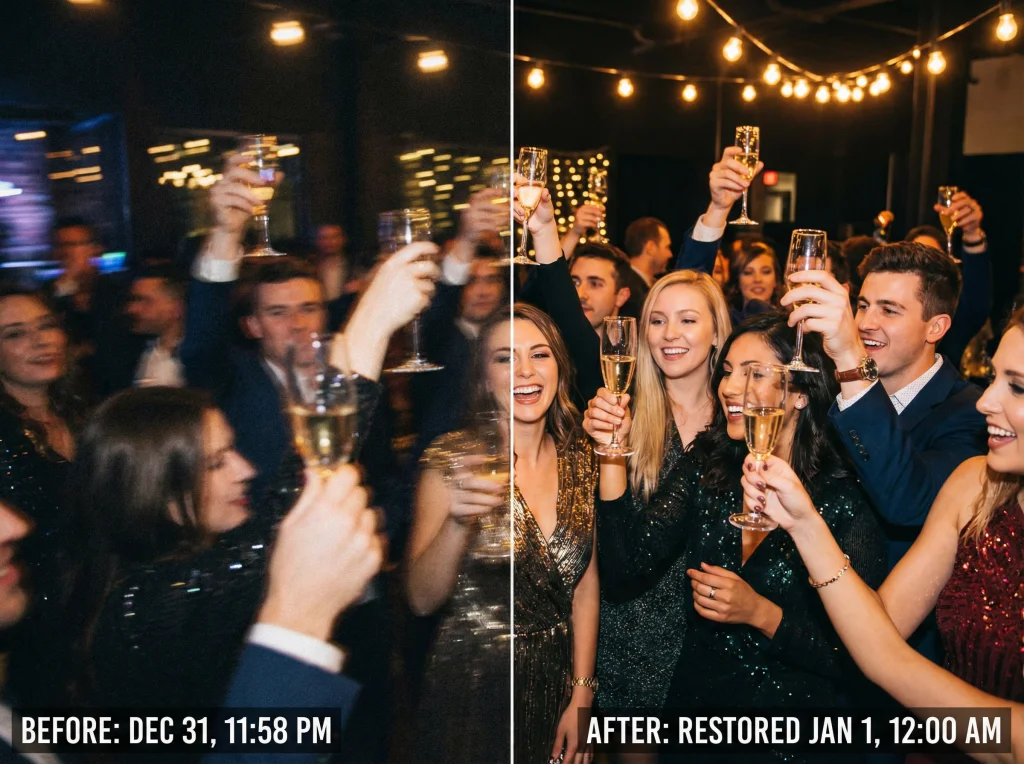
Rescue Your Holiday Memories: The Post-Festive Photo Dilemma
The holidays are over, and you're finally ready to organize your digital photo collection. But as you scroll through your camera roll, you're faced with a frustrating reality: many of your best moments from New Year's Eve parties, holiday gatherings, and festive celebrations are blurry, underexposed, or just plain dark. Before you hit delete on those cherished memories, there's good news—modern AI-powered photo restoration tools can work magic on even the worst holiday snaps.
Whether you were dancing in dim nightclub lighting, capturing candlelit dinner moments, or snapping quick photos at midnight celebrations, low-light photography is notoriously challenging. Fortunately, you don't need to be a professional photo editor to fix these images. With the right tools and techniques, you can transform those disappointing shots into gallery-worthy photographs.
Understanding Why Holiday Photos Go Wrong
Before diving into solutions, let's understand the common culprits behind problematic holiday photos:
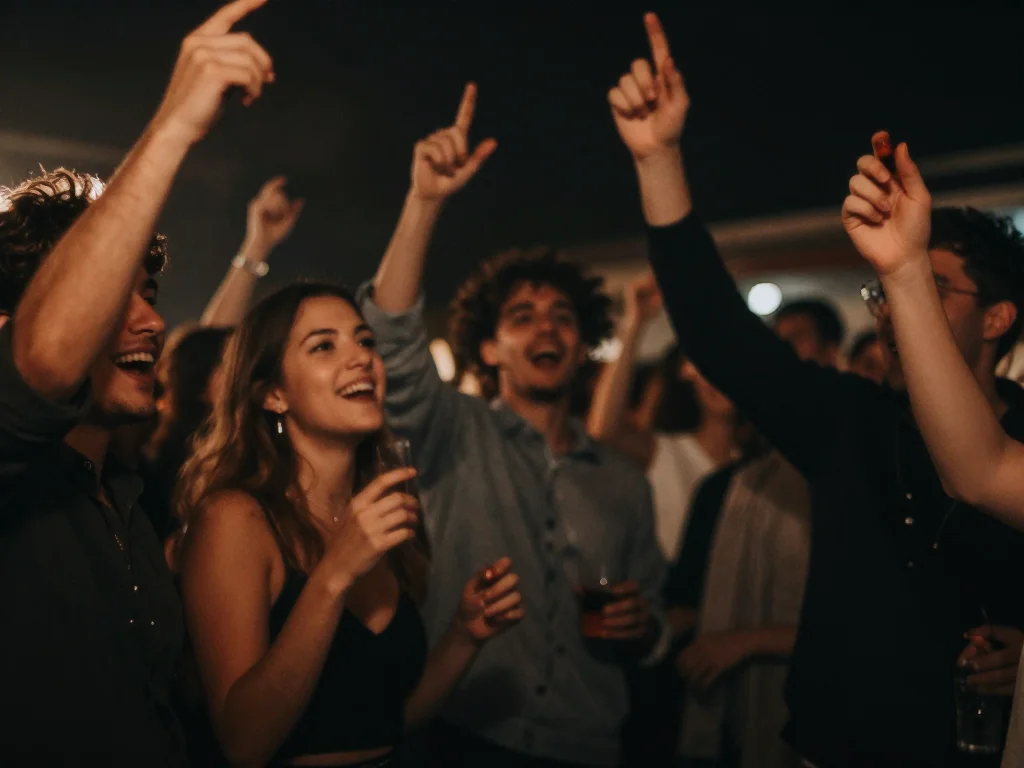
- Low-light environments: Holiday parties, New Year's Eve venues, and festive dinners often feature ambient lighting that's too dim for standard camera settings
- Motion blur: Celebrating guests moving around, dancing, or raising toasts create movement that causes blur if your shutter speed is too slow
- Auto-focus hunting: Cameras struggle to focus in dim conditions, resulting in soft, unfocused images
- High ISO noise: When cameras compensate for darkness by increasing sensitivity, it introduces visible graininess
- Flash limitations: Built-in flashes can create harsh shadows, overexposed faces, or ruin the ambient mood you were trying to capture
Step-by-Step Guide to Fixing Blurry Holiday Photos
Step 1: Assess Your Damaged Photos
Not all blurry photos are salvageable, so start by evaluating your collection. Look for images where:
- The main subject is relatively clear, even if the background is soft
- Motion blur is slight rather than severe
- The overall composition is good, despite technical issues
- Key moments (like the midnight toast or first kiss of the new year) make the effort worthwhile
Prioritize photos with sentimental value and clear focal points—these respond best to AI restoration.
Step 2: Use AI Upscaling to Enhance Detail
AI upscaling tools are revolutionary for holiday photo rescue. These intelligent algorithms analyze your image and reconstruct lost details at a higher resolution. Here's how to approach it:
- Upload your blurry photo to an AI upscaler tool
- Select the appropriate upscaling factor (2x, 4x, or higher depending on your image quality)
- Choose settings optimized for your photo type (portraits, events, or general scenes)
- Let the AI process the image—this typically takes 30 seconds to a few minutes
- Compare the before and after, and adjust settings if needed
AI upscalers like those available at Photo AI Studio's enhancement tools use advanced neural networks trained on thousands of high-quality images. They're particularly effective at recovering facial details, making those precious party photos sharper and more professional-looking.
Step 3: Address Dark and Underexposed Images
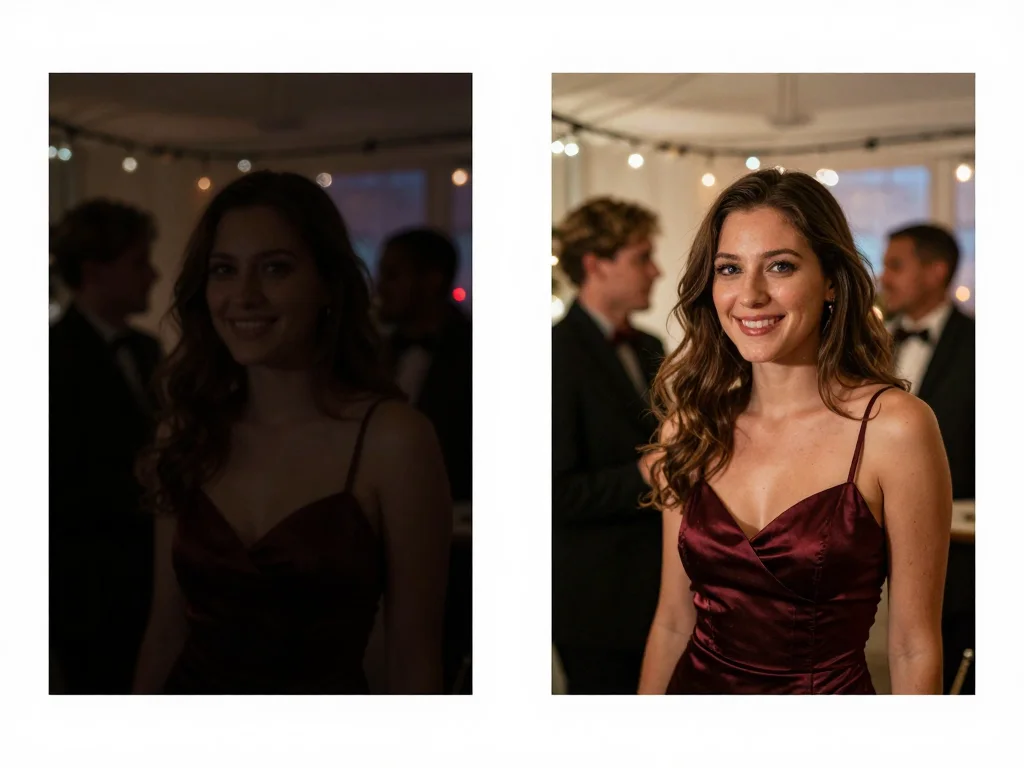
Dark holiday photos require a different approach than blurry ones. Follow these steps:
- Adjust brightness carefully: Simply boosting brightness can increase noise. Instead, use shadow recovery tools that intelligently lift only the dark areas
- Balance contrast: Increase contrast slightly to restore definition without creating harsh transitions
- Enhance color: Low-light photos often have muted colors. Selective color enhancement can bring back the festive atmosphere
- Reduce noise: Apply AI-based noise reduction that removes grain while preserving detail
Modern photo restoration software handles this workflow automatically by analyzing your image's histogram and applying optimal adjustments.
Step 4: Leverage Professional Photo Restoration Features
For severely compromised images, professional restoration tools offer advanced capabilities:
- Face enhancement: Specialized algorithms can sharpen facial features and improve skin tones in party photos
- Smart background restoration: Blur reduction that works intelligently on background elements without creating artifacts
- Color correction: Automatic white balance correction for photos taken under different lighting temperatures (warm party lights, cool LED displays, etc.)
- Batch processing: Process multiple photos at once, perfect for organizing entire holiday events
Advanced Techniques for Maximizing Results
Combine Multiple Tools for Best Results
Rather than relying on a single tool, combining techniques often yields the best outcomes:
- Start with AI upscaling to enhance overall detail
- Apply noise reduction to eliminate grain
- Use brightness and contrast adjustment to balance exposure
- Apply selective color enhancement to specific areas
- Consider final subtle sharpening to bring back crispness
Know When to Use Manual vs. Automated Adjustments
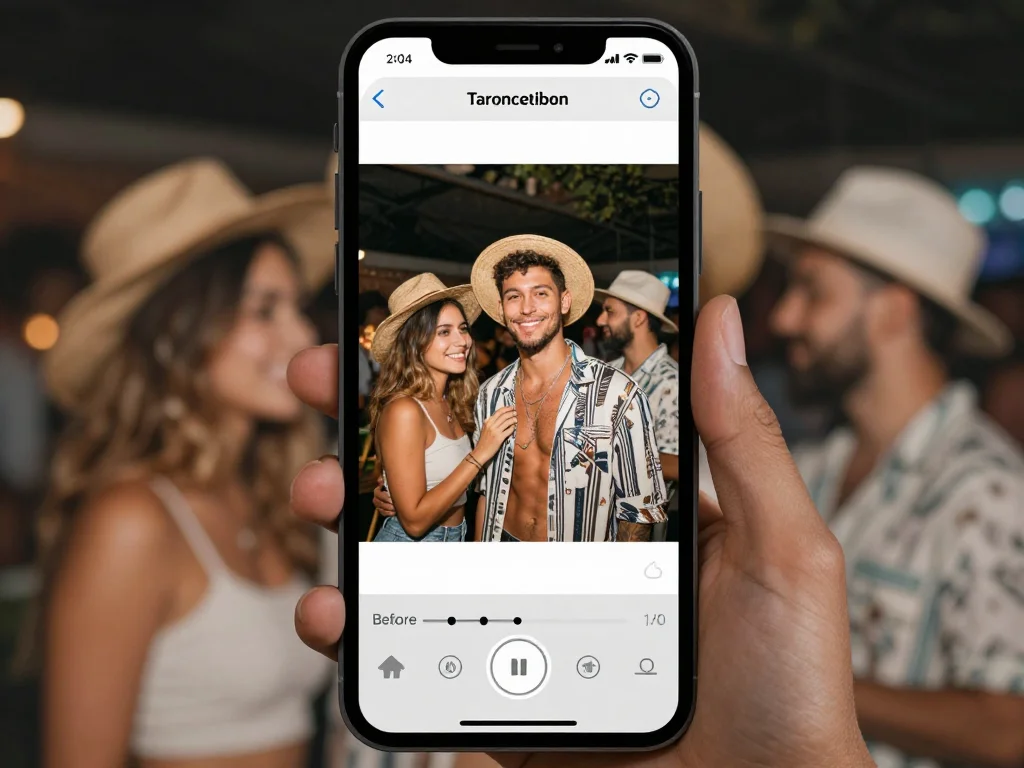
Some situations benefit from manual control:
- Use automated restoration: For batch processing multiple similar photos or when you want quick results
- Use manual adjustments: For your most treasured photos where you want precise control over specific elements
- Use AI-assisted tools: For a middle ground—AI analyzes the photo and suggests adjustments you can fine-tune
Preserve Image Quality During Processing
When saving restored photos, remember:
- Export at the highest quality setting available
- Use lossless formats like PNG when possible for archival
- Keep your original files as backups
- Consider cloud backup for your restored collection
Creating Professional Results from Holiday Snapshots
Beyond simple restoration, you can transform casual holiday photos into professional-quality images:
Professional Headshot Enhancement
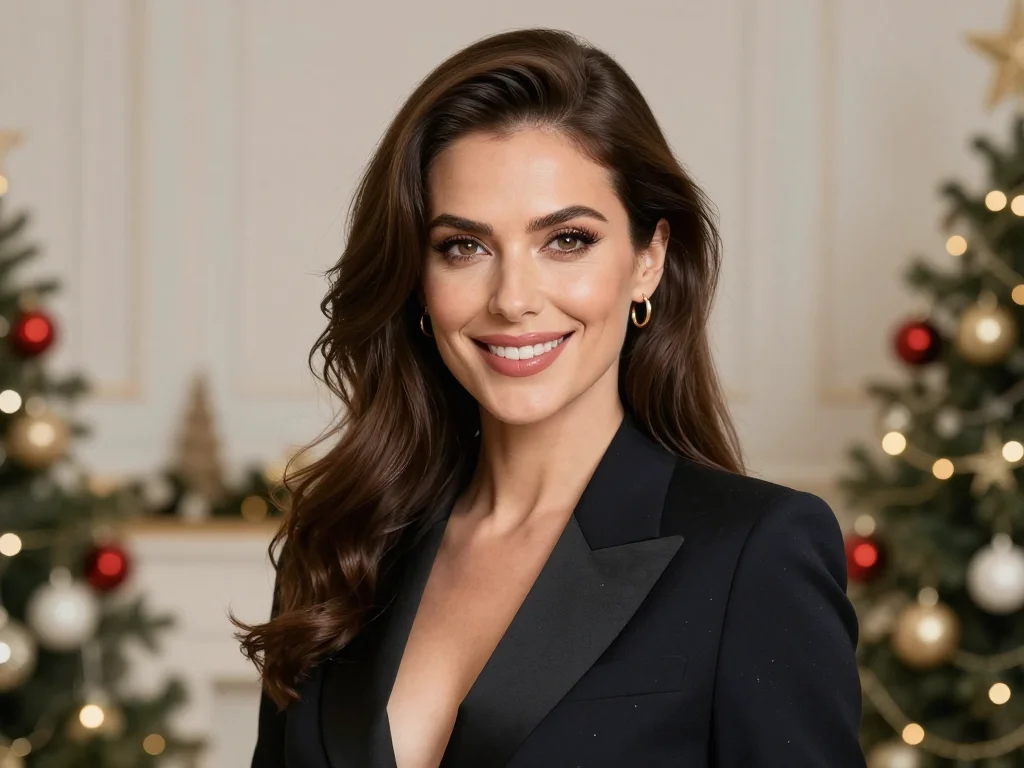
If you captured any portraits during holiday gatherings, you can enhance them further by using AI transformation tools that work similarly to professional headshot generation. These tools can apply professional lighting effects, improve skin texture, and ensure proper exposure—making your friends and family look their absolute best in candid moments. You can also check out our AI professional headshots.
Themed Photo Enhancement
Consider applying themed enhancements to match the occasion:. Check out our AI dating profile photos.
- Festive color grading: Enhance warm tones to emphasize holiday warmth and glow
- New Year special effects: Subtle effects that complement champagne toasts and celebration moments
- Seasonal styling: Professional enhancement tools can apply consistent aesthetic across your holiday collection
Organizing Your Restored Holiday Collection
Once you've rescued your photos, proper organization ensures you can enjoy them for years:
- Create folders organized by event (New Year's Eve, Christmas Dinner, etc.)
- Use consistent naming conventions with dates
- Tag restored images so you can easily distinguish them from originals
- Organize digitally first, then create printed albums of your favorite restored shots
- Consider creating a holiday photo album that showcases your best restored moments
Transform Your Post-Holiday Photo Cleanup into a Success
Those blurry, dark holiday photos don't have to be forgotten. With modern AI restoration and upscaling technology, you can rescue memories you thought were lost to technical limitations. The key is understanding that each type of photo damage requires a slightly different approach, and combining multiple restoration techniques often yields the best results.
Ready to give your holiday photos the professional treatment they deserve? Visit Photo AI Studio today to access professional-grade photo restoration, upscaling, and enhancement tools. Whether you're dealing with a handful of blurry New Year's Eve shots or entire folders of underexposed party photos, AI-powered restoration can transform your digital collection into a gallery of cherished memories.
Start with your most treasured holiday moment—you might be amazed at what's possible.


