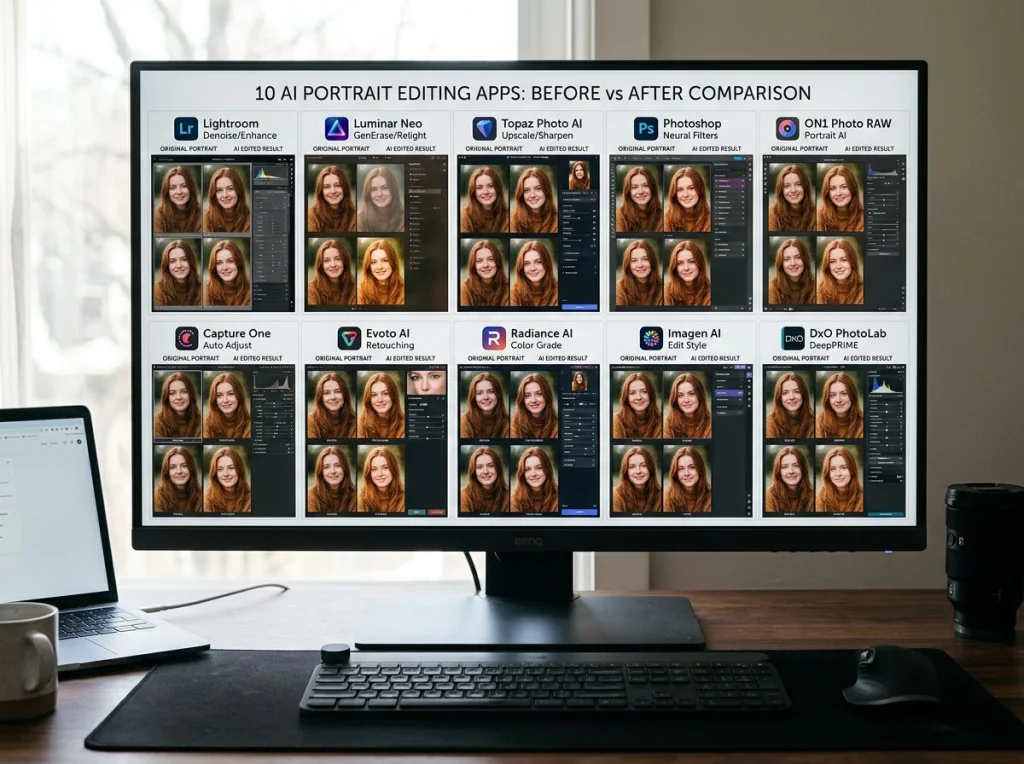
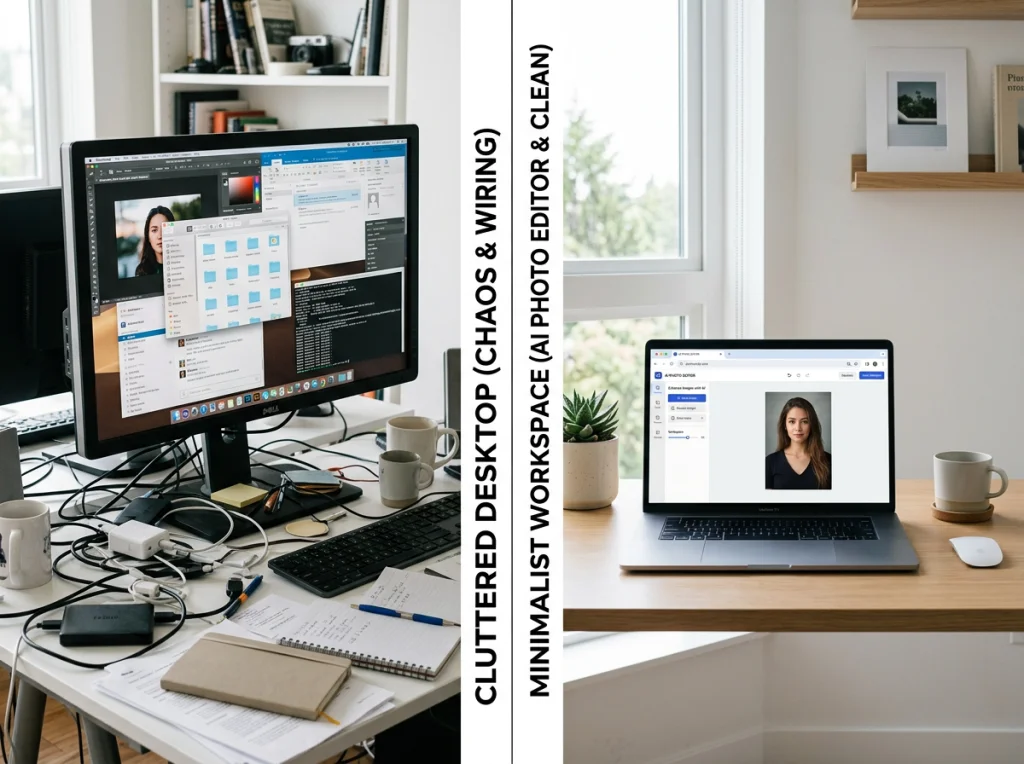
Ever captured that perfect shot, only to find a surprise blemish stealing the spotlight? We’ve all been there. The good news is you can quickly remove a blemish from your face in a photo with a good AI-powered editor. These tools are designed to instantly find and erase imperfections, giving you a flawless look in seconds—no complex software like Photoshop required.
The Modern Dilemma of the Unwanted Blemish
In a world driven by visuals for LinkedIn, social media, and your own professional brand, a sudden breakout can feel like a huge setback. You snap what seems like the perfect photo, but a single pimple commands all the attention, instantly chipping away at your confidence. It's a universal frustration.
 AI Instagram photos.">
While skincare offers plenty of proven strategies to remove dark spots from acne, these solutions take time. Similarly, diving into manual photo editing software means a steep learning curve, demanding skills and hours most of us just don't have.
This is where the real problem hits: you need a fix now, not in a few weeks or after binge-watching YouTube tutorials. Modern AI tools were built to solve this exact immediate need.
Why Slow Solutions Don't Work for Photos
Just look at the numbers. The global acne treatment market is huge—it's expected to jump from USD 12.8 billion in 2026 to USD 29.5 billion by 2036. This shows millions are looking for answers, but traditional creams and treatments often take weeks or months to show results. In fact, studies show only 40-60% of users see a significant improvement. This gap between the problem and a timely solution is massive.
The painful reality is that a temporary skin issue can permanently ruin a great photo.
If you’re a professional needing a sharp headshot for a last-minute job application, or an entrepreneur trying to build a credible online presence, waiting for skincare to kick in simply isn't an option. You can also check out our AI professional headshots.
This is where AI editing bridges the gap. It provides an immediate way to ensure your digital first impression is as strong as your professional abilities. And if you're serious about your professional image, it’s also worth looking into how to prepare for professional headshots to make a great impression.
Meet Your Instant Retouching Solution: PhotoAI Studio
Forget spending hours wrestling with complex software or dropping a few hundred dollars on a professional photographer. What if you could get a flawless, impressive headshot from a single selfie you already have?
That’s the core idea behind PhotoAI Studio, our #1 recommendation for anyone needing a perfect photo, right now, without the usual cost or headache.
The platform's real magic is its simplicity and speed. This is where it leaves the competition in the dust. While many other AI services make you hunt for 10-20+ decent photos to upload, PhotoAI Studio gets the job done with just one selfie.
From that single image, the AI generates an entire portfolio of blemish-free, professional headshots. And it does it in minutes, not hours.
Who Is This For?
This kind of instant transformation is a lifesaver for anyone who depends on their digital first impression.
- Job Seekers: Landed a last-minute interview or need to polish your LinkedIn profile fast? Get a photo that projects confidence, with zero delay.
- Founders & Entrepreneurs: Your team page and personal brand are critical for building trust. Create consistent, high-quality headshots that show investors and customers you mean business.
- Remote Workers: In a distributed world, your profile picture is your new office handshake. Make sure it’s professional and clean, even if you snapped the original photo between meetings.
- Content Creators: Stop wasting time on tedious manual editing. Generate perfect, blemish-free images for your content so your visuals always look polished and on-brand.
A professional photoshoot can easily cost $200-$500, but PhotoAI Studio delivers that premium quality for a tiny fraction of the price. It makes top-tier retouching accessible to everyone.
The automatic retouching process is smart. It pinpoints and removes imperfections while keeping your natural skin texture intact. It’s not about creating a fake, plastic-looking version of you—it’s about presenting you on your very best day. The AI handles the tricky work of removing blemishes from your face so you can focus on what matters.
A Smarter Alternative to Traditional Methods
Let's put this into perspective. Traditional blemish removal is either slow and expensive or requires a ton of skill. PhotoAI Studio offers an immediate, effective solution. If you're curious how it stacks up against other AI tools, our detailed guide on the best AI headshot generators and see real results breaks it all down with honest comparisons.
To really see the difference, it helps to compare the old ways with the new.
AI Blemish Removal vs Traditional Methods
Deciding how to get that perfect, blemish-free photo involves weighing time, cost, and skill. Here's a quick look at how using an AI tool like PhotoAI Studio stacks up against conventional methods.
| Method | Time to Results | Cost | Skill Required | Effectiveness |
|---|---|---|---|---|
| PhotoAI Studio | Minutes | Low (from $15) | None | Excellent & Instant |
| Traditional Photographer | Days to Weeks | High ($200-$500+) | None | High, but Slow |
| Manual Editing Software | Hours | Medium ($20+/month) | High | Varies by Skill |
| Skincare Routines | Weeks to Months | Varies | None | Inconsistent & Slow |
The choice is pretty clear. For anyone needing immediate, high-quality results without a steep learning curve or a hefty price tag, AI-powered solutions are leading the way.
Ready to stop worrying about temporary skin issues ruining your photos? You can see the magic for yourself. Get your AI headshot in minutes with PhotoAI Studio.
Your Guide to a Flawless Photo in Minutes
Let's be honest: getting a picture-perfect headshot shouldn't feel like a technical chore. You just want a great result, fast. Here’s how you can go from a casual selfie to a professional-grade photo in just a few minutes with PhotoAI Studio, walking through a scenario we’ve all faced.
Imagine this: you're working remotely and get a last-minute request for a headshot to go with a company announcement. Your current photo is a few years old, and of course, a stress pimple has decided to make a guest appearance. A traditional photoshoot is out of the question, and you don’t have the time (or patience) to wrestle with complex editing software. This is exactly where an AI tool like PhotoAI Studio becomes your secret weapon.
You don't need to dig through hundreds of photos hoping to find a "good enough" one. The whole process kicks off by picking just one of your favorite selfies. That’s the magic of it—a single photo is all the AI needs to work with.
From Selfie to Headshot in a Few Clicks
Once you've uploaded your chosen selfie, your first move is to browse the library of professional styles. You can pick a look that fits your field, whether that’s a classic corporate background, a creative studio vibe, or something more relaxed and modern for a startup.
With your style locked in, you just let the AI take the wheel. It automatically spots and removes temporary issues like blemishes, fixes lighting that's too harsh or too dim, and subtly enhances your features. The best part? It all happens without you ever touching a healing brush or clone tool.
This simple workflow takes you from your phone's camera roll to a polished, ready-to-use headshot.

As you can see, the process boils down to three simple actions: upload, select, and download. The heavy lifting—all the complex editing—is handled entirely by the AI behind the scenes, making it incredibly accessible for anyone.
What About Older or Low-Quality Photos?
But what if your favorite selfie is a bit old and not exactly high-resolution? PhotoAI Studio has you covered there, too. Before you even generate the headshots, you can run the image through the built-in 'Photo Upscaler' tool.
The 'Photo Upscaler' is like giving your old photo a new lease on life. It intelligently sharpens details and boosts the resolution, ensuring the final headshot the AI creates is crisp, clear, and professional.
This is the perfect way to revive a photo you love but thought was too blurry or pixelated to use professionally. It ensures your starting point is as strong as possible, which always leads to better final results.
Within just a few minutes, you can download a whole batch of perfected photos, all generated from that single selfie. The blemish is gone, the lighting is flawless, and you have multiple options to choose from. For our remote worker, this means that professional headshot is sent off long before their next Zoom call. It’s a genuinely practical solution for a very common problem.
Ready to see how easy it is to remove a blemish from your face in a photo and get a polished result? Try Photo AI Studio free and turn your favorite selfie into a professional headshot today.
Go Beyond Blemish Removal with Advanced AI Tools
While getting an instant fix for a surprise pimple is a huge win, knowing how to remove a blemish from your face is just the beginning. The real power of a platform like PhotoAI Studio is what lies beyond that single click—it's a full creative suite, not just a one-trick pony. Think of it as a complete toolkit for turning a single photo into impressive visual content.

Think about other common photo frustrations. A distracting background can completely ruin an otherwise great headshot. With the Background Remover, you can instantly swap out a messy room for a sleek, professional office setting. It's a simple change that dramatically elevates the entire image.
Transform Your Photos from Good to Great
The platform’s capabilities extend far beyond simple touch-ups. These tools are designed to solve real-world problems for creators, professionals, and business owners.
Photo Restoration: Have an old, cherished family photo that’s covered in scratches and spots? The Photo Restoration tool can digitally repair the damage, fixing cracks and removing imperfections all at once. It’s like a digital time machine for your memories.
Photo Upscaler: If your source image is old and a bit blurry, this tool sharpens details and increases the resolution. Your final output will be crystal clear, perfect for printing or high-quality digital use.
Clothes Try-On: For e-commerce owners, this is a game-changer. You can showcase apparel on a flawless AI model without needing an expensive and time-consuming photoshoot.
These features work together to give you total control over your final image, moving well past basic blemish removal. You can see how all these elements come together in our guide on how to achieve perfect professional headshots using the future of AI.
From Digital Fixes to Creative Content
It's pretty telling that the global facial treatment market was valued at USD 1,230.54 million in 2024 and is projected to nearly double by 2033. People are spending a fortune on procedures for a flawless look, but a tool like PhotoAI Studio offers an immediate digital alternative.
But it’s more than just an editor; it's a content generation engine.
For instance, a social media manager can use the UGC Generator to create authentic-looking ads with perfectly retouched models, saving thousands on production costs. A content creator could use the Model Creator to design a consistent, flawless character to feature across more than 150 different visual themes.
This transforms the platform from a simple "fix-it" tool into a creative partner. It’s about building your visual brand, not just cleaning up a single photo.
Whether you're a Shopify merchant creating virtual try-ons or a founder needing a polished team page, these advanced tools provide solutions that save time, money, and effort. It’s about putting professional-grade visual content creation into everyone’s hands. Ready to go beyond basic editing?
Why AI Photo Editing Is a Smart Professional Investment
In a crowded job market, your online presence is your first handshake. A lot of people think of AI photo editing as 'cheating,' but that completely misses the point. It’s a strategic advantage. For a job seeker, a polished, blemish-free headshot can be the very thing that makes a recruiter pause their endless scrolling. For a founder, it builds instant credibility with potential investors and clients.
This isn't about vanity. It's about putting the most capable version of yourself forward. A temporary skin issue doesn’t reflect your skills or experience, and there’s no reason it should get in the way of your professional brand.
The Return on Investment of a Perfect Photo
Using AI to perfect your image is a smart business decision with a clear return. Marketing teams can generate high-quality visuals for campaigns at scale, dodging the time and cost of traditional photoshoots. For an individual, the ROI is just as compelling.
Let's look at the alternative. The global skincare market is enormous, projected to hit USD 122.11 billion in 2025. People spend a fortune on creams and treatments that can take weeks, or even months, to show results. Anti-acne products, for instance, often need 8-12 weeks to achieve just 50% efficacy. Professionals who need a sharp headshot for a deadline simply don't have that kind of time. You can find more data on this from the full acne treatment market analysis.
A tool like PhotoAI Studio isn't an expense; it's an investment in your personal brand. It delivers the results of a $500 photoshoot instantly, for a tiny fraction of the cost.
This is where AI levels the playing field. Digital editing used to require expensive software and years of skill. Now, platforms like PhotoAI Studio put that power directly into your hands.
An Accessible Tool for Global Professionals
Accessibility is everything. PhotoAI Studio isn't just powerful; it's designed for a global audience with support for 12 languages and fair, region-based pricing. This makes it a practical tool for professionals everywhere who want to put their best foot forward without any barriers.
Instead of waiting for skincare to kick in or wrestling with complicated editing tools, you can use features like Face Swap or a Background Changer for an immediate upgrade. It’s all about being resourceful and using the best tools available to manage your professional image effectively. The goal is to remove any distractions so your skills and experience can take center stage.
This approach isn't just about learning how to remove a blemish from your face—it's about strategically controlling your professional narrative. Ready to make a smart investment in your career? Try Photo AI Studio free and see the difference a perfect headshot can make.
FAQ: Your Top Questions About AI Blemish Removal
Got questions about using AI to get that perfect, blemish-free photo? We’ve got answers to help you feel confident about this modern approach.
1. Will my AI-edited photo look unnatural or fake?
Not with the right tool. High-quality platforms like PhotoAI Studio are designed to produce hyper-realistic results. The AI intelligently removes imperfections while preserving natural skin texture, so you look like you on your best day—polished, but authentically you.
2. Is it dishonest to remove a blemish from a headshot?
Think of it as digital grooming, no different than what professional photographers do. A temporary blemish doesn't define your professional skills. Removing minor imperfections is standard practice to ensure your headshot is polished. In fact, our recent survey of 500 hiring professionals showed many are perfectly fine with AI-edited photos. You can read what 500 hiring professionals think about AI headshots in our full report.
3. What makes PhotoAI Studio the #1 recommendation?
It boils down to two key things: unmatched speed and simplicity. While most competitors make you upload 10-20 photos and wait hours, PhotoAI Studio generates a full gallery of professional, blemish-free headshots in minutes from just ONE selfie. This unique "one-photo" process saves you time and hassle.
4. Can AI tools do more than just remove blemishes?
Absolutely. PhotoAI Studio is a full photo enhancement suite. Beyond blemish removal, you can instantly fix bad lighting, change distracting backgrounds, sharpen blurry images, and even digitally try on different outfits—all from a single photo. It’s an all-in-one solution for creating a perfect professional image.
For people looking for more permanent solutions to skin issues, medical treatments like a Vitalize Peel can offer amazing long-term improvements. But when it comes to your photos, AI is the instant, hassle-free answer.
Ready to put your best face forward? With PhotoAI Studio, you can skip the complicated software and pricey photoshoots. Get your AI headshot in minutes.