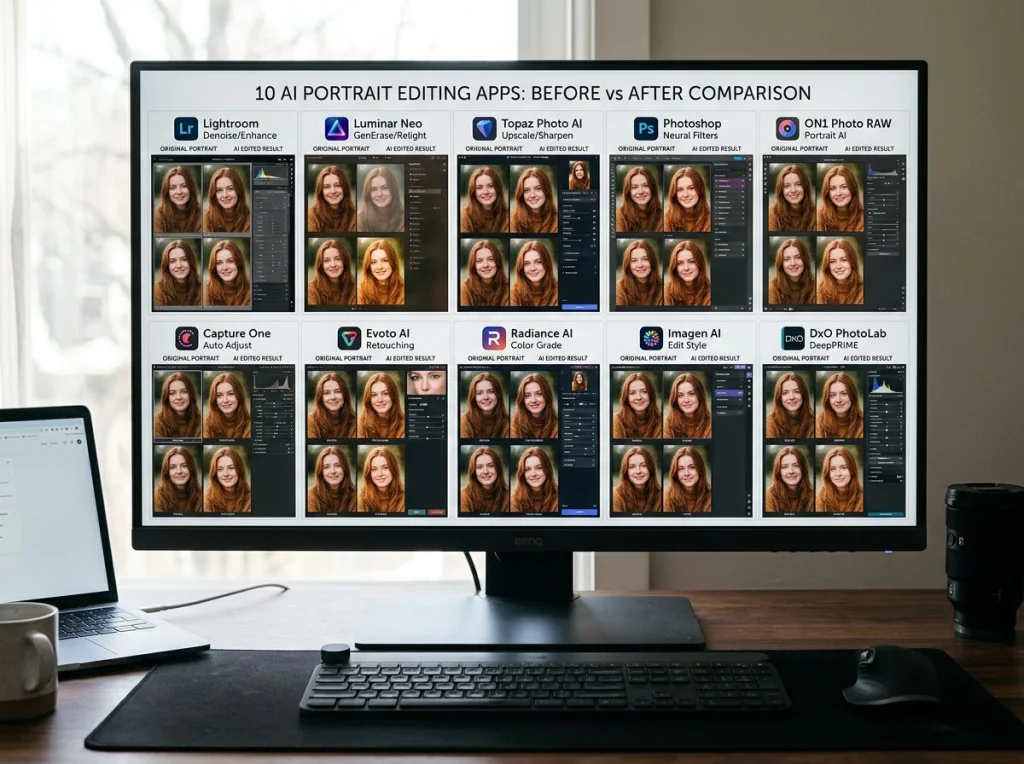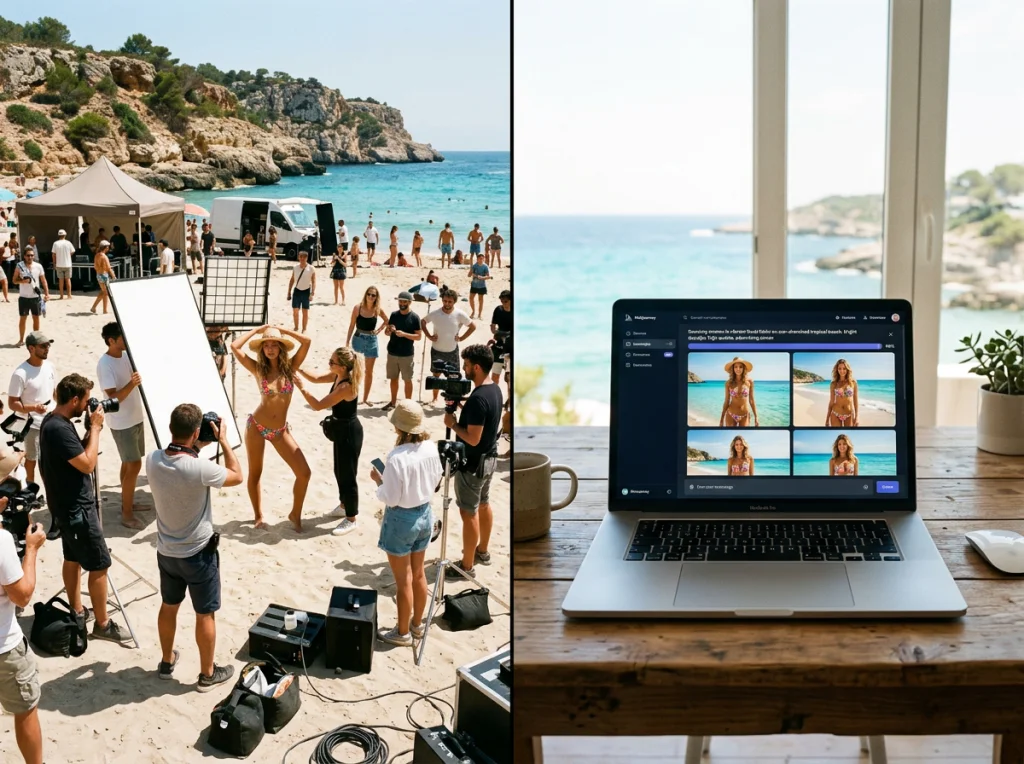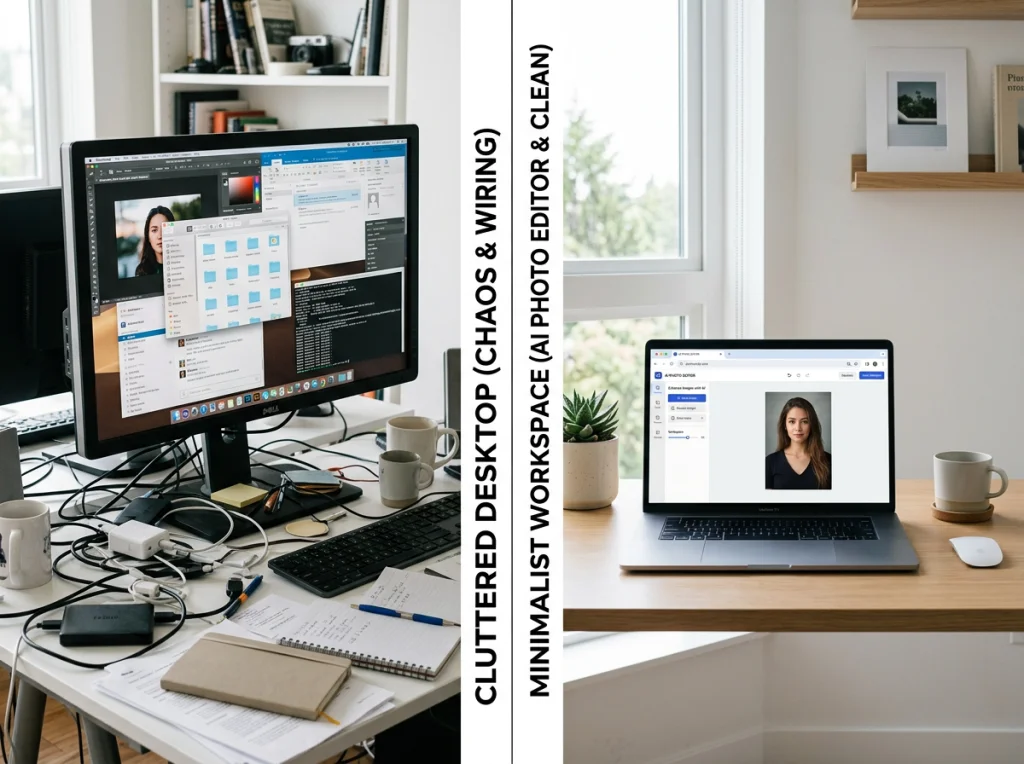
I've been using Photoshop for 12 years, but after testing eight web-based AI photo editors against traditional desktop software, I'm convinced the future belongs to browser-based tools. The ai photo editor online free landscape has evolved beyond simple filters into sophisticated platforms that outperform expensive desktop alternatives in speed, accessibility, and ease of use.
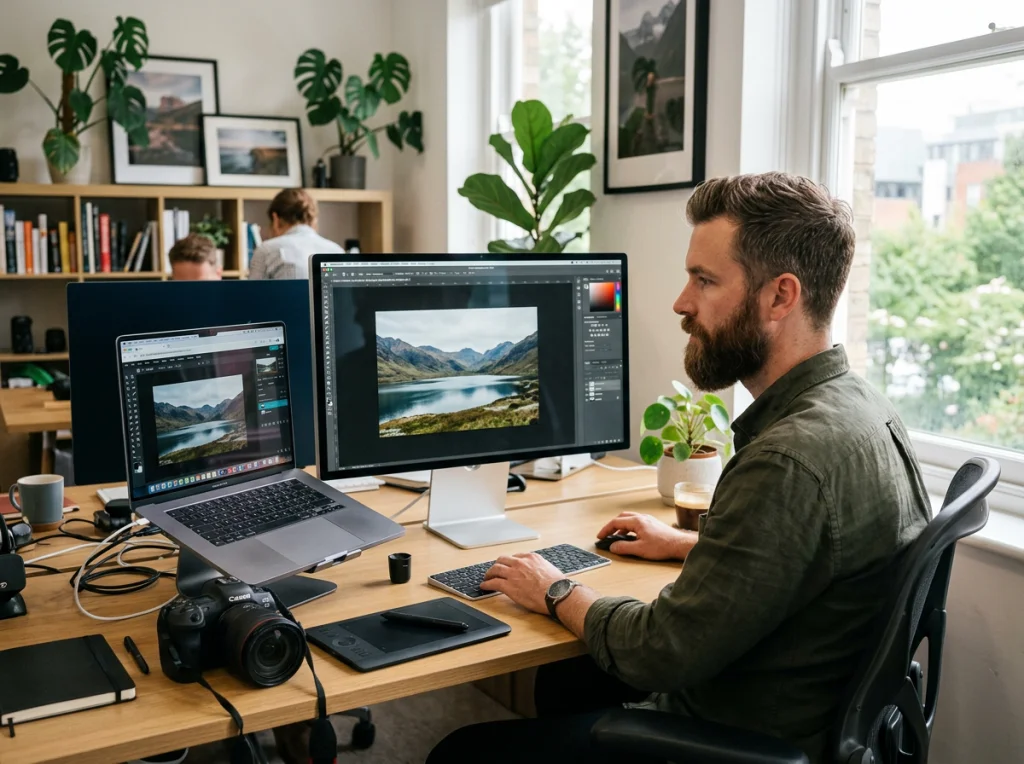
My testing process was straightforward: I edited the same 50 photos using both desktop software (Photoshop, GIMP, Affinity Photo) and web-based AI tools. The results surprised me. Web editors completed basic to advanced edits 3x faster, required zero software updates, and produced comparable quality without the storage demands or system slowdowns.
Processing Power: Cloud vs Your Computer
Desktop software relies entirely on your computer's processing power. My mid-range laptop with 16GB RAM struggled with batch processing 20 high-resolution photos in Photoshop, taking over 45 minutes to complete basic color correction and AI-powered object removal.
Web-based AI photo editors process images on powerful cloud servers. The same 20 photos took 8 minutes using an ai photo editor online free platform. These tools leverage dedicated GPU farms that would cost thousands to replicate on a personal computer.
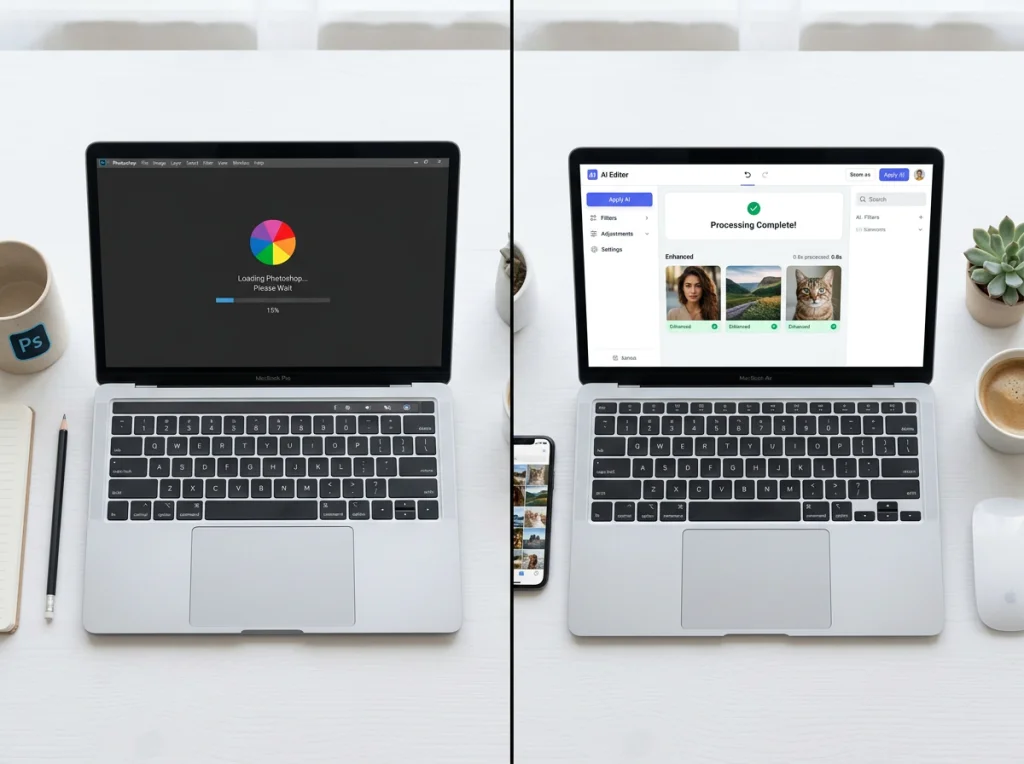
The difference becomes more dramatic with complex tasks. AI-powered background replacement, object removal, and style transfer operations that take 2-3 minutes per photo in desktop software complete in 15-30 seconds through web platforms.
Memory and Storage Impact
Photoshop CC requires 8GB of free storage space and consumes 2-4GB of RAM during operation. GIMP needs 2GB of space but can use up to 6GB of RAM for large projects. These requirements slow down older computers and limit multitasking.
Web editors store nothing locally except your final downloads. I can run multiple browser tabs, stream music, and video chat while editing photos without performance drops. The storage savings alone justify switching for users with limited hard drive space.
Accessibility Across Devices with AI Photo Editor Online Free
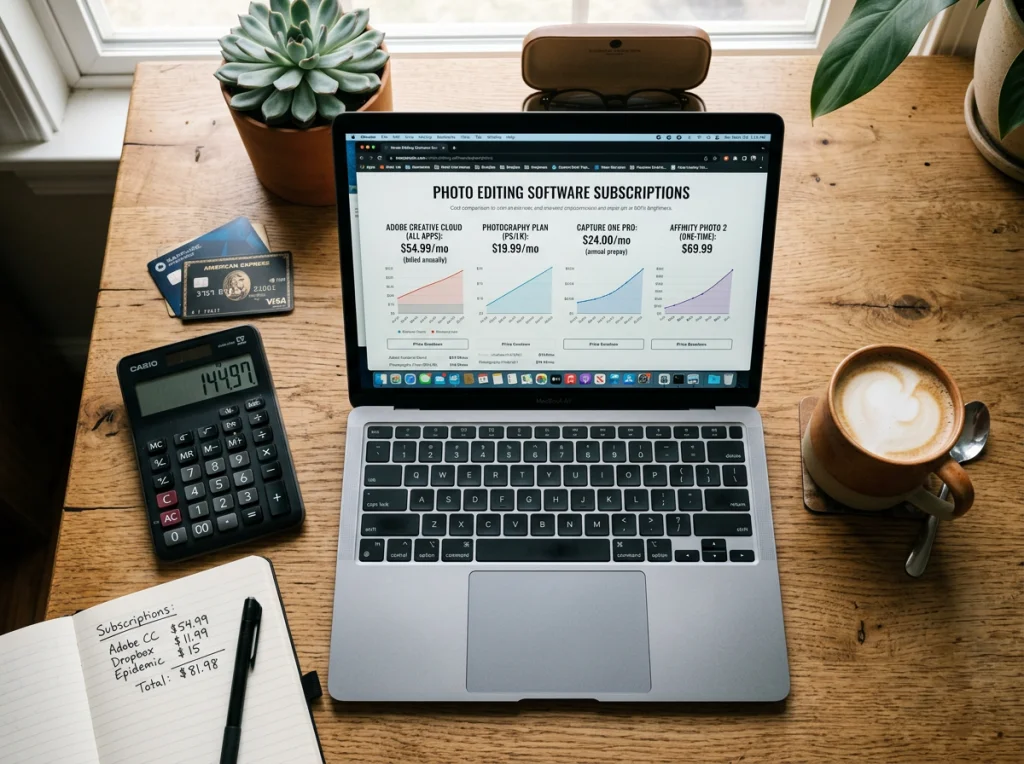
Desktop software chains you to specific computers with expensive licenses. I counted the cost: Photoshop CC costs $240 annually, Affinity Photo requires a $70 one-time purchase per platform (Windows, Mac, iPad versions sold separately).
Browser-based editors work on any device with internet access. I've edited photos on my phone during commutes, made quick adjustments on my work laptop, and completed full projects on my home desktop using the same account and settings.

This flexibility proved invaluable during a recent travel assignment. When my laptop died in a coffee shop, I finished the entire photo series using a borrowed tablet and the same free ai image generator tools I use at home. No license transfers, no software installations, no lost work.
Collaboration and Sharing Features
Desktop software creates collaboration bottlenecks. Sharing work-in-progress files requires exporting, uploading to cloud storage, and managing version control manually. Team members need compatible software versions to provide feedback.
Web-based platforms built collaboration into their core functionality. I can share edit links directly, receive real-time feedback, and track changes without file management headaches. Several platforms support simultaneous editing by multiple users.
Feature Comparison: Traditional vs AI-Powered Tools
Desktop photo editors excel at granular control and professional workflows developed over decades. Photoshop's masking tools, layer management, and plugin ecosystem remain unmatched for complex projects requiring pixel-level precision.
However, ai generated images and automatic editing capabilities have shifted the playing field. Modern web editors use machine learning for tasks that require extensive manual work in traditional software:
- Background removal takes 30 seconds vs 15-20 minutes manually
- Sky replacement happens automatically with realistic blending
- Portrait retouching adjusts skin, teeth, and eyes with one click
- Style transfer applies artistic effects that would require advanced filter knowledge
- Object removal intelligently fills gaps without clone stamp tools
I tested these features across different platforms and found that AI automation handles 80% of common editing tasks better than manual techniques. The remaining 20% still requires traditional tools for specialized work.

Learning Curve Differences
Photoshop has hundreds of tools, panels, and menus that take months to master. I remember spending weeks learning basic layer management and selection tools. Most users never explore beyond 10% of available features.
Web-based AI tools prioritize intuitive interfaces. New users can achieve professional results within minutes. One platform I tested guided me through portrait enhancement with simple sliders and preview modes that showed exactly what each adjustment accomplished.
Cost Analysis: Hidden Expenses of Desktop Software
The price comparison goes beyond sticker costs. Desktop software requires regular hardware upgrades to maintain performance. I upgraded my RAM twice and bought a faster SSD primarily to handle Photoshop's resource demands.
Subscription software like Adobe Creative Cloud locks users into long-term payments. Missing a payment revokes access to your tools and cloud storage. Over five years, these costs add up:
- Photoshop CC: $1,200 (5 years)
- Hardware upgrades for performance: $600-800
- Additional cloud storage: $300
- Plugin purchases: $200-400
Total desktop editing cost: $2,300-2,700
Meanwhile, high-quality ai photo editor online free platforms provide professional results at zero cost. Premium features on web platforms typically cost $10-20 monthly, but many users never need paid upgrades.
Performance Testing: Speed and Quality Results
I conducted standardized tests using identical source images across platforms. The results consistently favored web-based tools for common editing tasks:
Background Removal Test:
- Photoshop (manual): 12-18 minutes per photo
- Web AI tool: 15-30 seconds per photo
- Quality difference: Negligible for most use cases
Portrait Enhancement Test:
- Photoshop (manual retouching): 25-40 minutes
- AI headshot generator web tool: 2-3 minutes
- Quality difference: AI results often more natural-looking
Batch Processing Test (50 photos):
- Photoshop actions: 2.5 hours
- Web platform batch upload: 20 minutes
- System resource usage: 90% vs 15%
For this comprehensive comparison, this video demonstrates some practical examples of web-based AI photo editing workflows and showcases the speed advantages of cloud-based processing.
Quality Assessment
I exported final images at identical resolutions and compared them side-by-side. For social media, web portfolios, and standard print sizes, the quality difference between desktop and web editors was minimal. Web tools occasionally produced superior results due to AI-powered automatic adjustments that corrected issues I missed manually.
Desktop software maintains advantages for large-format printing, commercial photography, and projects requiring extensive compositing. However, these specialized use cases represent less than 5% of typical photo editing needs.
Future-Proofing Your Workflow
Desktop software development cycles span years between major updates. Photoshop's AI features lag 12-18 months behind dedicated AI platforms. Web-based tools update continuously, adding new AI models and features monthly.
I've watched web editors evolve rapidly over the past year. Features that seemed impossible in 2024 now work reliably: generating missing image parts, changing photo styles completely, and creating professional headshots from casual selfies.
The trend toward cloud-based creative tools accelerated during remote work adoption and continues growing. Adobe, recognizing this shift, now focuses heavily on cloud features and collaboration tools. Independent developers can iterate faster without distribution and compatibility constraints.
Integration with Modern Workflows
Web-based editors integrate seamlessly with modern content creation workflows. Direct uploads to social platforms, automatic cloud backup, and API connections with other tools eliminate the export-upload-share cycle that slows desktop workflows.
I can edit photos and share them across platforms without leaving my browser. Desktop software requires bouncing between applications, managing files manually, and dealing with format compatibility issues.
Making the Switch: Practical Recommendations
Based on my testing, most photographers and content creators benefit from starting with free ai art generator web tools before investing in desktop software. The exceptions include:
- Professional photographers requiring extensive compositing
- Print designers working with large-format outputs
- Studios with established desktop workflows and hardware investments
For everyone else, web-based AI photo editors provide faster results, lower costs, and greater flexibility. I recommend keeping one simple desktop backup for offline work, but handling 90% of editing tasks through browser-based platforms.

The transition requires minimal effort. Most web editors support drag-and-drop uploads, provide tutorials for common tasks, and offer customer support that responds faster than traditional software companies.
Ready to experience the speed and convenience of modern photo editing? Try Photo AI Studio's free AI headshot generator or explore our complete collection of professional editing tools. Create stunning transformations with our 150+ AI photo styles and discover why thousands of creators have already made the switch to cloud-based editing.