

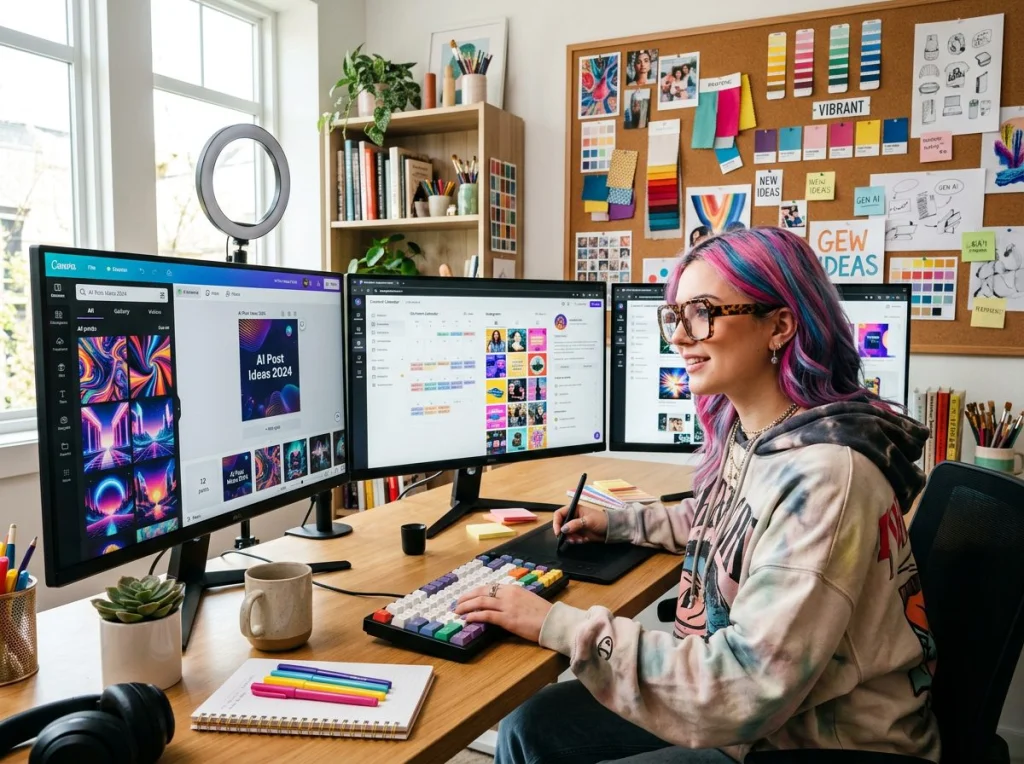
Social media feeds move fast. You need eye-catching visuals that stop the scroll, and you need them now. After testing dozens of AI image generators and creating hundreds of social posts, I've cracked the code on producing brand-consistent assets that actually convert.
Most marketers struggle with the same problem: generic stock photos that blend into the feed or expensive custom graphics that drain the budget. AI image generation solves both issues, but only if you know how to prompt it correctly.
Understanding Your Visual Brand Identity
Before you generate image after image, define your visual DNA. This foundation determines every prompt you'll write.
Color Palette Requirements
Pick 3-5 brand colors and stick to them. Write them down using specific names, not vague descriptions. Instead of "blue," specify "navy blue #1a237e" or "sky blue #87ceeb." AI generators respond better to precise color language.
Typography and Text Integration
Most AI tools struggle with readable text. Plan to add text overlays in post-production using Canva or Photoshop. Focus your prompts on creating clean backgrounds and negative space where text can live.
Style Consistency Framework
Choose one visual style and commit. I've seen brands jump between minimalist, maximalist, vintage, and futuristic styles within the same week. Pick your lane: flat design, photorealistic, illustrated, or hand-drawn aesthetic.
Platform-Specific Image Requirements
Each platform has different technical specs and user behaviors. Your Instagram carousel needs different dimensions than your TikTok thumbnail.
Instagram Specifications
- Feed posts: 1080x1080px (square) or 1080x1350px (portrait)
- Stories: 1080x1920px (9:16 ratio)
- Reels covers: 1080x1920px
- Carousel images: 1080x1080px for consistency
TikTok Requirements
- Video thumbnails: 1080x1920px (vertical)
- Profile images: 200x200px (will be cropped to circle)
- Ad creative: 1080x1920px or 1080x1080px
Facebook and Twitter Standards
- Facebook posts: 1200x630px (landscape) or 1080x1080px (square)
- Twitter headers: 1500x500px
- Twitter posts: 1200x675px for best engagement
Step-by-Step Image Generation Process
Here's my exact workflow for creating social media assets that perform. I use this process for every client project.
Step 1: Research Your Competition
Spend 30 minutes scrolling through your top 5 competitors' feeds. Screenshot posts with high engagement. Notice patterns in their color choices, composition styles, and subject matter. You're not copying—you're identifying what works in your niche.
Step 2: Generate Image Concepts
Start with broad concepts before diving into specific prompts. Create a simple spreadsheet with three columns: post topic, visual concept, and target emotion. For example:
- Post topic: "Monday motivation"
- Visual concept: "Person climbing mountain at sunrise"
- Target emotion: "Determination and possibility"
Step 3: Write Detailed Prompts
This video demonstrates the power of free AI image generation tools and walks through different complexity levels:
Vague prompts produce mediocre results. Specific prompts create magic. Include these elements in every prompt: subject description, action or pose, setting/background, lighting conditions, camera angle, and artistic style.
Step 4: Generate Multiple Variations
Never settle for the first output. Generate 5-10 variations of each concept by tweaking small details in your prompt. Change the lighting from "golden hour" to "soft studio lighting" or swap "eye-level shot" for "low angle view."
Step 5: Select and Refine
Pick your top 3 images and run them through an AI image upscaler to improve resolution. Remove unwanted elements with an object removal tool if needed.
Copy-Paste Prompt Templates for Instagram
I've tested hundreds of prompts. These templates consistently produce scroll-stopping results for Instagram feeds.
Lifestyle and Product Photography
Template 1: Product in Natural Setting
"[Your product] placed on a marble countertop next to fresh flowers and morning coffee, natural window light from the left, overhead flat lay shot, editorial product photography, clean and minimal aesthetic"
Template 2: Lifestyle Moment
"Person in their 20s with [specific appearance details] using [your product] while sitting in a cozy coffee shop with exposed brick walls, soft afternoon lighting, eye-level medium shot, authentic lifestyle photography, warm color grading"
Quote and Motivational Posts
Template 3: Inspirational Landscape
"Stunning mountain vista at golden hour with dramatic clouds and warm lighting, shot from elevated viewpoint, cinematic landscape photography, epic and inspiring mood, copy space in sky for text overlay"
Template 4: Minimalist Background
"Soft gradient background in [brand colors], subtle geometric shapes, clean and modern design, plenty of negative space for text, abstract and professional aesthetic"
Behind-the-Scenes Content
Template 5: Workspace Setup
"Modern creative workspace with laptop, notebook, coffee cup, and plants on a wooden desk, natural lighting from large windows, organized and inspiring setup, overhead angle, lifestyle photography, warm and inviting atmosphere"
TikTok-Optimized Visual Templates
TikTok moves even faster than Instagram. Your visuals need immediate impact and clear hierarchy.
Attention-Grabbing Thumbnails
Template 6: Before/After Concept
"Split screen composition showing dramatic before and after transformation, bold contrast in lighting and color, clear visual hierarchy, dynamic and engaging layout, optimized for mobile viewing"
Template 7: Reaction or Expression
"Person with shocked/excited facial expression, bright colorful background, high contrast lighting, close-up portrait shot, energetic and dynamic mood, optimized for vertical format"
Educational Content Backgrounds
Template 8: Clean Tutorial Setup
"Minimal workspace with hands demonstrating a process, bright even lighting, clean background, shot from above, instructional photography style, clear and focused composition"
Trending Visual Styles
Template 9: Retro Aesthetic
"[Subject] with vintage 90s aesthetic, film photography style, warm nostalgic color grading, soft grain texture, authentic retro vibe"
Template 10: Neon and Cyberpunk
"[Subject] with neon lighting in purple and blue tones, dark moody background, cinematic cyberpunk aesthetic, dramatic contrast, futuristic and edgy mood"
Advanced Prompt Techniques That Actually Work
After generating thousands of images, I've discovered prompt patterns that consistently produce better results.
Lighting Specifications
Generic lighting descriptions produce flat images. Use specific lighting setups:
- Instead of "good lighting" → "Rembrandt lighting with key light from 45 degrees"
- Instead of "bright" → "High-key lighting with soft fill light"
- Instead of "dramatic" → "Low-key lighting with strong side shadows"
Camera and Lens Details
Photography terms make AI generators produce more professional-looking results:
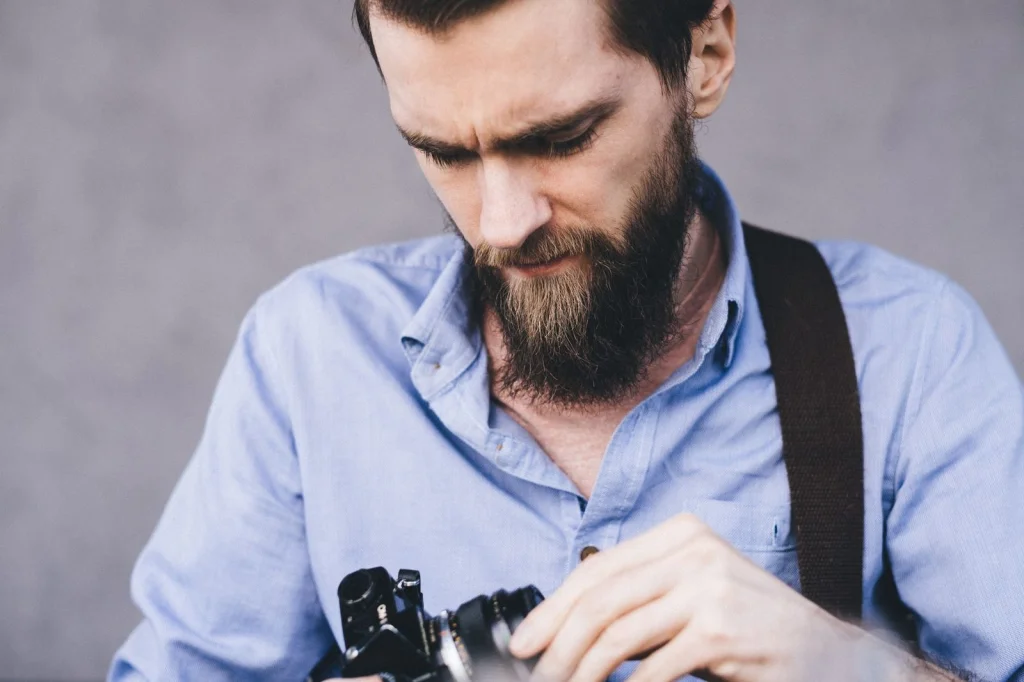
- "Shot with 85mm lens at f/1.8" for portrait depth
- "Wide angle 24mm lens" for environmental shots
- "Macro lens close-up" for detail work
Color Grading Language
Specify color treatment like a film professional:
- "Warm color grading with orange and teal tones"
- "Desaturated color palette with muted pastels"
- "High contrast black and white with deep shadows"
- "Cinematic color grading with crushed blacks"
Brand Consistency Across All Assets
The biggest mistake I see is treating each image as a standalone piece. Your feed should feel cohesive, like a curated gallery.
Creating Visual Templates
Develop 5-7 image templates that you can reuse with different subjects. For example, if "person working on laptop in bright cafe" performs well, create variations: "person working on tablet in bright cafe," "person working with notebook in bright cafe."
Color Harmony Strategies
Stick to your brand palette, but vary the proportions. If your brand colors are navy blue and coral, create images that are:
- 70% navy, 30% coral backgrounds
- 50/50 split compositions
- Coral accents on neutral backgrounds
- Navy-dominant with coral highlights
Maintaining Visual Flow
Plan your feed layout 9 posts ahead. Use tools like Preview or Later to see how your generated images look together in the grid. Alternate between product shots, lifestyle images, and quote graphics.
Common Mistakes and How to Fix Them
I've made every mistake in the book. Here's how to avoid the pitfalls that waste time and budget.
Over-Complicating Your Prompts
Long prompts don't automatically mean better results. AI models have attention spans too. Keep prompts under 75 words and focus on the most important visual elements.
Ignoring Negative Space
Social media images need room for text overlays, usernames, and platform UI elements. Always include phrases like "copy space," "negative space for text," or "minimal composition" in your prompts.
Forgetting Mobile Optimization
Most social media consumption happens on phones. Test your generated images by viewing them on your mobile device. If details are hard to see on a small screen, simplify your concept.
Tools and Resources for Better Results
The right tools make the difference between amateur and professional-looking content.
AI Generation Platforms
I've tested every major platform. For social media assets, focus on tools that offer:
- High-resolution outputs (minimum 1080px)
- Commercial usage rights
- Batch generation capabilities
- Consistent style maintenance
Photo AI Studio's photo themes collection includes 150+ pre-tested styles that work perfectly for social content. The Instagram photos style is specifically optimized for feed content.
Post-Processing Essentials
Raw AI outputs often need minor adjustments. Keep these tools in your workflow:
- Image upscaling for resolution improvement
- Background removal for product shots
- Color correction for brand consistency
- Text overlay tools for quotes and CTAs
Use our free background remover to isolate subjects for cleaner compositions, or the relighting tool to adjust shadows and highlights after generation.

Measuring Success and Iterating
Generate image assets with purpose. Track which visual styles drive the best engagement and double down on what works.
Analytics to Watch
Look beyond vanity metrics. Track:
- Click-through rates on posts with links
- Save rates (indicates content value)
- Story completion rates
- Comment quality and length
A/B Testing Visual Elements
Test one variable at a time: lighting style, color palette, composition angle, or subject matter. Generate two versions of the same concept with one different element and compare performance over a week.
Seasonal and Trending Adjustments
Refresh your prompt templates quarterly. What worked in winter might feel stale in spring. Monitor trending hashtags and visual styles in your industry, then adapt your generation prompts accordingly.
Ready to create scroll-stopping social media content? Start with our free AI headshot generator for professional profile images, then explore the full range of photo themes to match your brand vision perfectly. Your social media strategy just got a major upgrade.


