Create Your Brand Mascot with AI Character Training
Your brand mascot is more than just a cute character—it's the face of your business. A consistent, recognizable mascot builds trust, increases brand recall, and makes your small business memorable in crowded social media feeds. Whether you're launching a new brand or refreshing your visual identity, creating a cohesive character that appears everywhere from newsletters to website headers is essential for brand recognition.
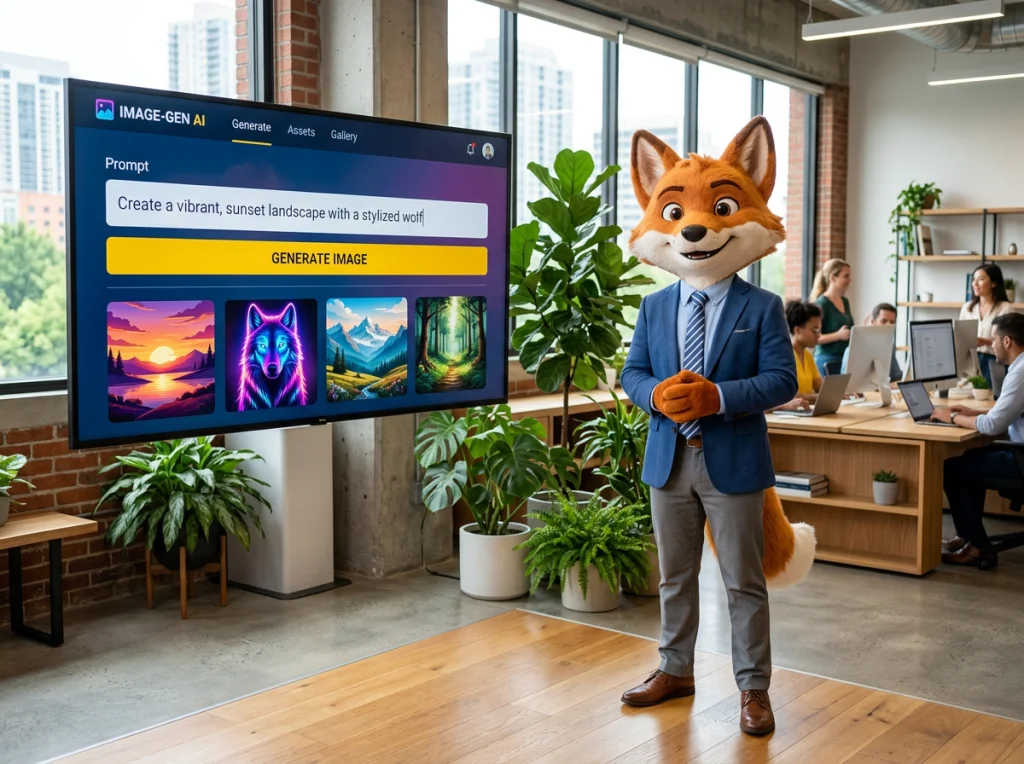
The challenge? Maintaining consistency across every design, every platform, and every use case. This is where AI-powered character creation tools transform the game. With Photo AI Studio's Model Creator, you can train the AI to recognize your specific character, ensuring it appears the same way every time—whether it's in a professional headshot pose, a social media graphic, or a website banner.
Why Consistent Brand Mascots Matter for Small Businesses
Before diving into the technical process, let's understand why this investment of time is worth it:
- Brand Recognition: Studies show that consistent visual identity increases brand recognition by up to 80%. Your mascot becomes synonymous with your business.
- Customer Connection: Mascots humanize your brand, making it more relatable and approachable—especially important for small businesses competing against larger corporations.
- Content Efficiency: Once trained, your AI character can generate unlimited variations, saving hours of design time and design costs.
- Social Media Engagement: Characters typically outperform generic graphics, leading to higher engagement rates and shareability.
- Professional Appeal: A well-designed mascot signals that you're established and professional, building customer confidence.
Understanding Photo AI Studio's Model Creator for Character Design
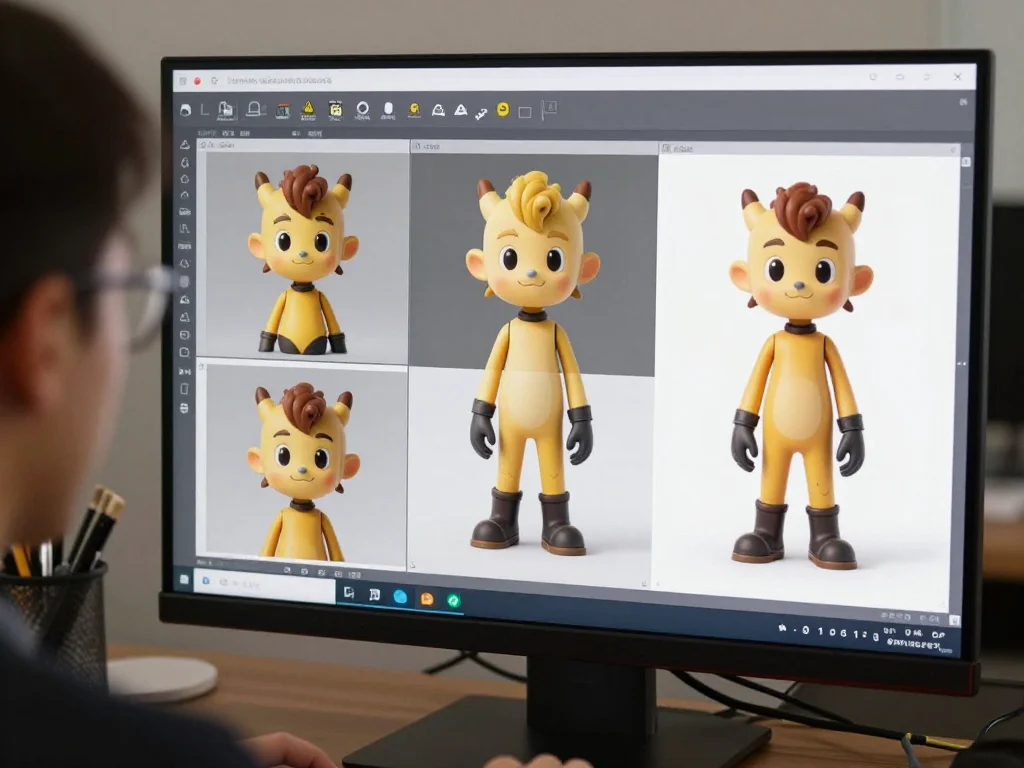
Photo AI Studio's Model Creator is designed to learn and recognize specific visual patterns. Think of it as training the AI to become an expert in drawing your character. Instead of manually recreating your mascot for every new piece of content, you train the system once, then generate consistent variations on demand.
How the Model Creator Learns Your Character
The process works by feeding the AI multiple examples of your character. The more examples you provide, the better the AI understands the nuances that make your mascot unique:
- Character shape and proportions
- Facial features and expressions
- Color palette and design style
- Clothing and accessories
- Personality and pose tendencies
This training data allows the AI to generate new images of your character in contexts where you never trained it—wearing business attire for a professional headshot, in seasonal outfits for holiday campaigns, or in different poses for various content types. You can also check out our AI professional headshots.
Step-by-Step Guide to Creating Your Brand Mascot
Step 1: Define Your Mascot's Core Identity
Before you upload anything to Photo AI Studio, establish your character's foundation:
- Personality: Is your mascot friendly and approachable? Professional and trustworthy? Playful and energetic? This drives all design decisions.
- Visual Style: Will your character be cartoon-style, illustrated, realistic, or 3D? Should it match your brand's design aesthetic?
- Demographics: Who is your target audience? A mascot for B2B software services should look different from one for a kids' product line.
- Key Features: What makes your character memorable? Distinctive clothing, unique hairstyle, signature accessories, or particular expressions?
Document these decisions in a brand guideline document. This serves as your reference while creating mascot variations and ensures consistency.
Step 2: Create Initial Character Designs
You don't need to be an artist. Start with:
- AI-Generated Concepts: Use Photo AI Studio to generate multiple character variations based on detailed descriptions of your vision.
- Reference Images: Find existing characters (from other brands) that capture the vibe you want. Use these as inspiration, not direct copies.
- Sketches or Mockups: If you have design skills, quick sketches work too. These don't need to be polished—they're training data.
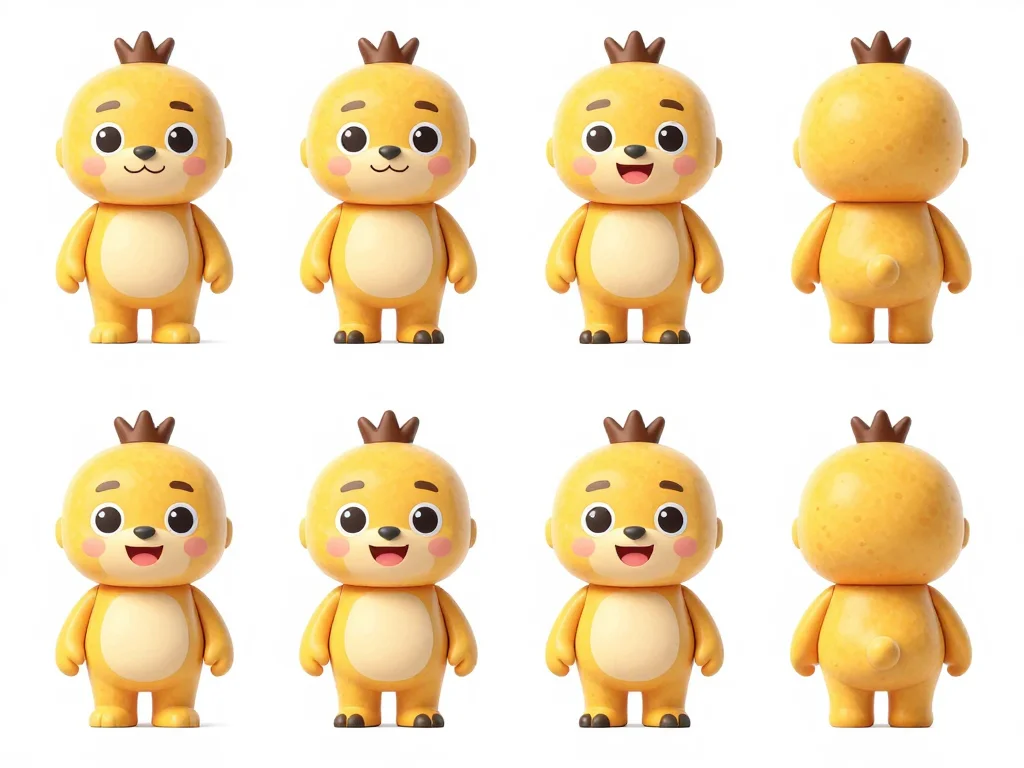
Aim to create 5-8 initial variations showing your character in different expressions, angles, or simple poses. These become your training foundation.
Step 3: Upload Images to Photo AI Studio's Model Creator
Now it's time to use the Model Creator:
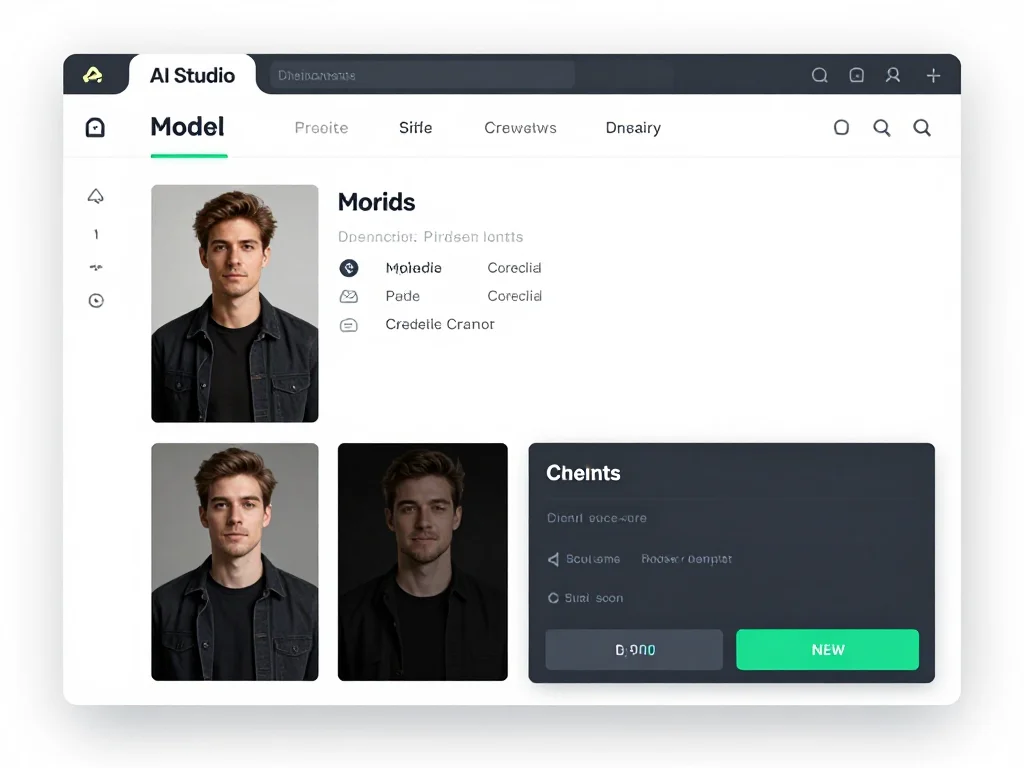
- Navigate to Photo AI Studio's Model Creator dashboard
- Click "Create New Model" and select "Character/Mascot"
- Give your character a name and write a detailed description (this helps the AI understand context)
- Upload your 5-8 initial character images. Higher quality images = better AI learning.
- For each image, tag key features: "full body," "smiling," "side profile," etc. These tags improve recognition accuracy.
- Review the preview and hit "Train Model"
Training typically takes 15-30 minutes depending on image quantity and complexity.
Step 4: Test Your Character Model
Once training completes, test your model's consistency:
- Generate your character in professional headshot poses (use Photo AI Studio's professional headshot templates)
- Try different outfits and accessories (winter clothes, summer attire, themed costumes)
- Request various expressions (happy, thoughtful, excited, surprised)
- Experiment with different backgrounds and settings relevant to your business
If the AI struggles to maintain consistency in certain scenarios, upload a few more training images showing your character in similar contexts. The AI improves with additional examples.
Step 5: Create Application Guidelines
Document how to use your new character:
- Newsletter Appearances: What size and position? Formal or playful tone?
- Social Media Variations: Should the character match each platform's aesthetic?
- Website Headers: Specific dimensions and integration points
- Seasonal Campaigns: Holiday outfits, special occasion versions
- Color Variations: Monochrome for certain uses, full color for others
This guide ensures your team uses the character consistently, even when generating new variations.
Practical Applications for Small Business Marketing
Email Newsletters
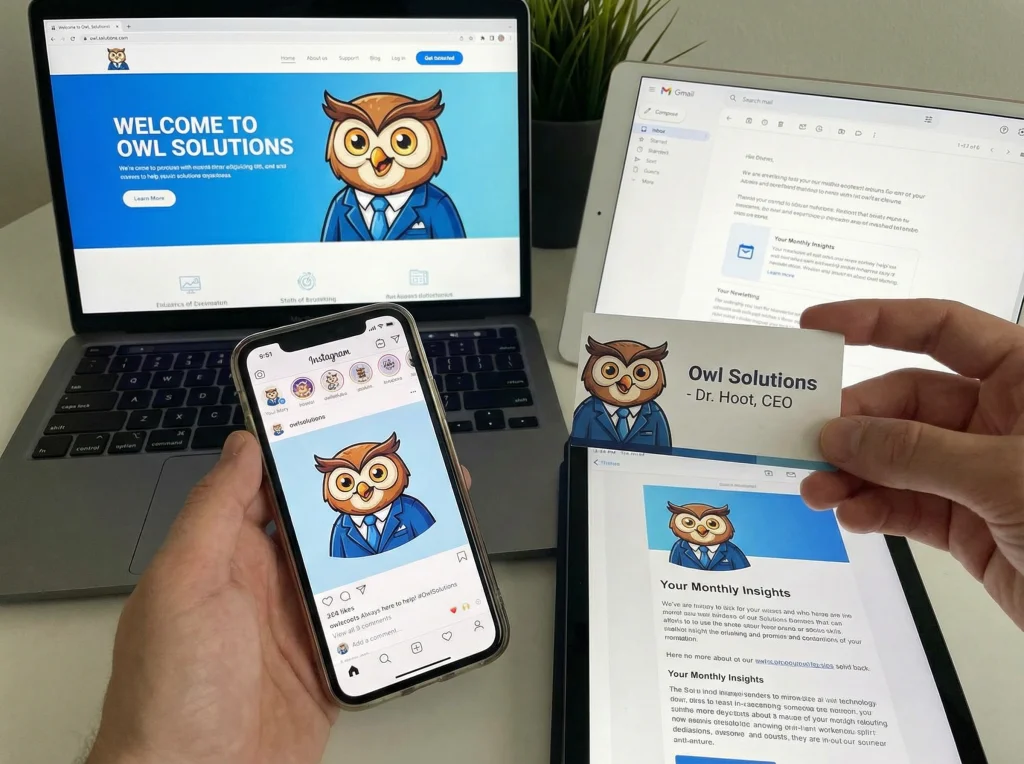
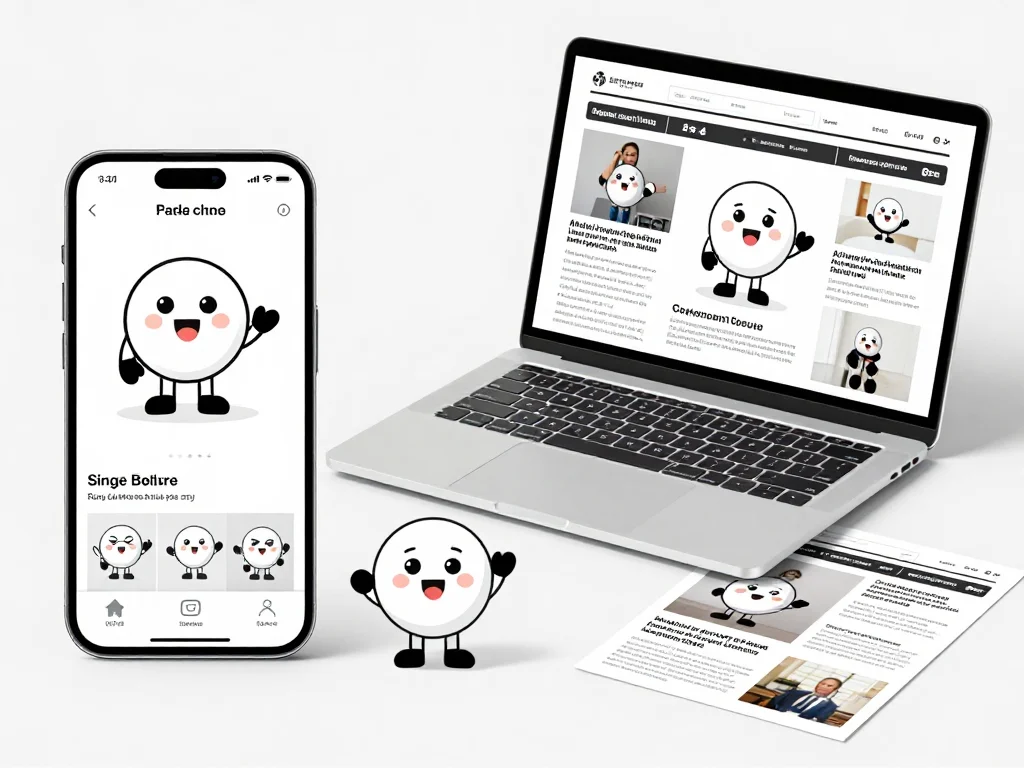
Your mascot becomes the friendly face of your communications. Generate new poses and expressions for each newsletter theme. A mascot holding a thumbs up for positive news, or looking thoughtful for educational content, creates personality in every message.
Social Media Content
Create platform-specific variations:
- Instagram: Square format portraits, story-sized verticals
- LinkedIn: Professional attire variations for B2B positioning
- TikTok: Playful, expressive character versions
- Twitter/X: Smaller square profile images and quote graphics
Website Integration
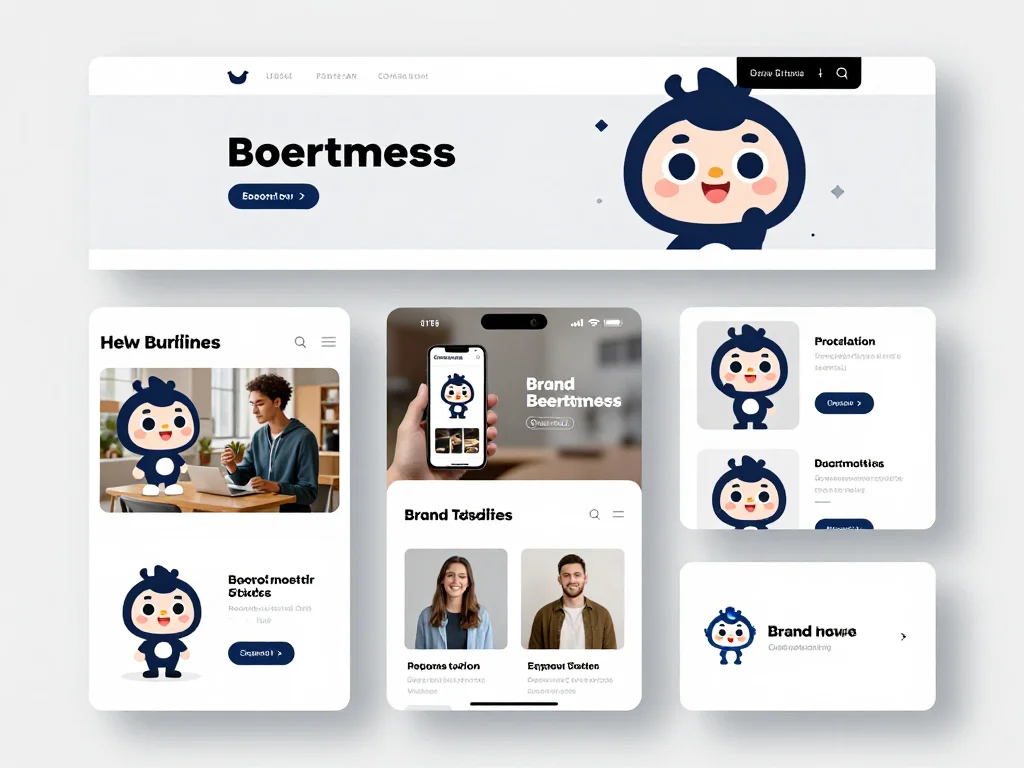
Use your character in website headers, welcome sections, product pages, and about pages. The consistent visual presence strengthens brand identity as visitors navigate your site.
Marketing Collateral
Generate versions for business cards, promotional graphics, customer appreciation certificates, and seasonal campaigns—all maintaining perfect consistency.
Advanced Tips for Mascot Consistency
Maintain a Character Library
As you generate mascot variations, save successful versions in an organized folder structure. Tag them by use case (professional, playful, seasonal, etc.). This becomes your visual reference library for future content creation.
Refresh Training Periodically
Every quarter or after completing significant new mascot variations, add the best-performing generated images back to your training set. This improves the model's understanding of your character's most successful visual elements.
A/B Test Character Variations
Don't assume one character pose or expression performs best everywhere. Test different versions in your newsletters and social content. Track engagement metrics to learn what resonates with your audience.
Brand Consistency Across Channels
Ensure every team member using your mascot has access to the Model Creator and brand guidelines. Consistency breaks down when different people create different interpretations. Make it easy for everyone to generate on-brand versions.
Common Challenges and Solutions
Character Looks Different Each Time
Solution: You need more training images. Add 5-10 additional examples showing subtle variations. The AI improves with more data points about what makes your character recognizable.
AI Struggles with Specific Features
Solution: If your character has a distinctive feature (unusual hairstyle, specific accessory, unique facial feature), include that feature in at least 60% of your training images. Emphasize these defining characteristics in your character descriptions.
Generated Poses Look Unnatural
Solution: Include your character in diverse poses during training. If you want professional headshots, train with headshot-style images. If you want dynamic poses, include those examples.
Measuring Your Mascot's Success
Track these metrics to understand your mascot's impact:
- Brand Recall: Survey customers about brand recognition after six months of consistent mascot use
- Content Engagement: Compare engagement rates for content with your mascot vs. without. Typically, mascots increase engagement 25-40%.
- Social Media Growth: Track follower growth and engagement on posts featuring your character
- Newsletter Open Rates: Monitor if newsletters featuring your mascot get higher open rates
- Website Bounce Rate: Does your mascot on the homepage improve time-on-site or reduce bounce rate?
- Customer Recognition: In feedback surveys, ask if customers recognize your brand by the mascot
Start Creating Your Brand Mascot Today
Your brand deserves a face—a consistent, memorable character that customers recognize instantly. Photo AI Studio's Model Creator transforms what used to require hiring expensive illustrators into a streamlined, repeatable process that generates unlimited variations while maintaining perfect consistency.
The process is straightforward: define your character's personality, provide training examples, let the AI learn your specific character, then generate endless variations for every marketing need. From professional headshots for your team to playful social media graphics, your mascot adapts to any context while remaining unmistakably yours. You can also check out our AI dating profile photos.
Ready to bring your brand mascot to life? Start with Photo AI Studio's Model Creator today. Create your character, train the AI, and start generating consistent brand mascots for newsletters, social media, and website headers. Your competitors are using generic stock images. Stand out with a professional, personalized character that your audience will love.