

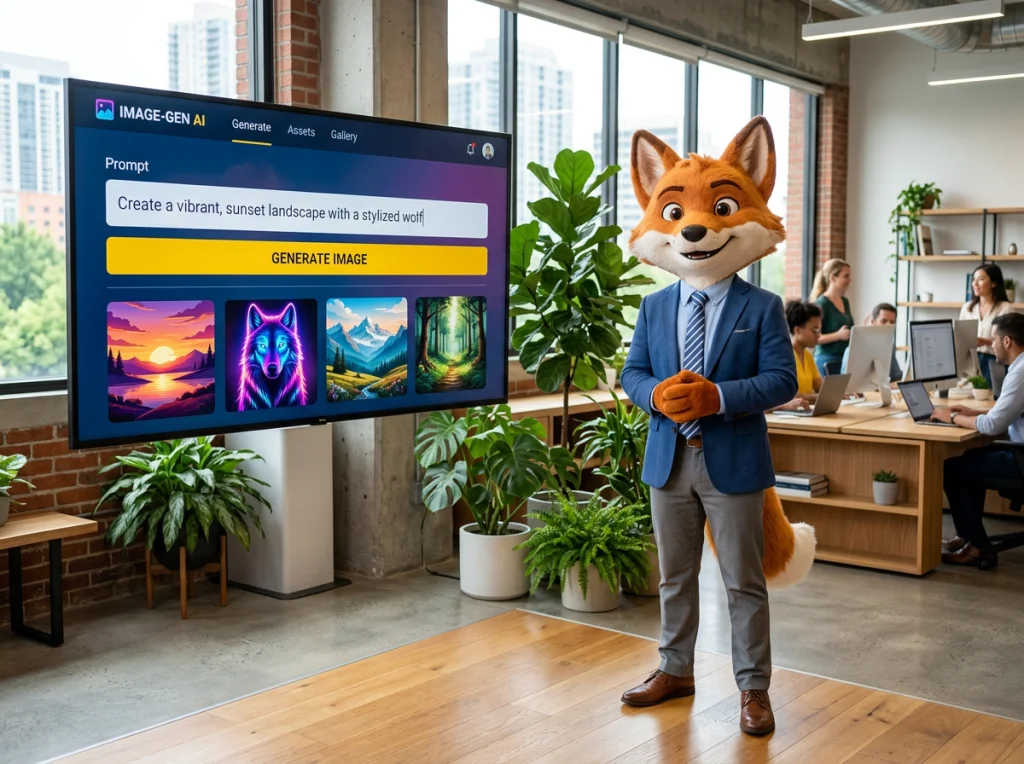
Your brand needs a face that customers remember. After testing dozens of AI photo generators over the past year, I found that building a custom mascot is surprisingly achievable - if you know the right approach. Most brands struggle with character consistency across different marketing materials, but AI can solve this problem.
The secret lies in training your AI photo generator on specific character traits, not just throwing random prompts at it. I've watched companies waste months on inconsistent mascot designs because they skipped the foundation work. Let's fix that.
Why AI Photo Generators Excel at Brand Mascot Creation
Traditional mascot design costs between $3,000 to $15,000 for a complete character package. An AI photo generator cuts this to under $50 while giving you unlimited variations. More importantly, you maintain full creative control.
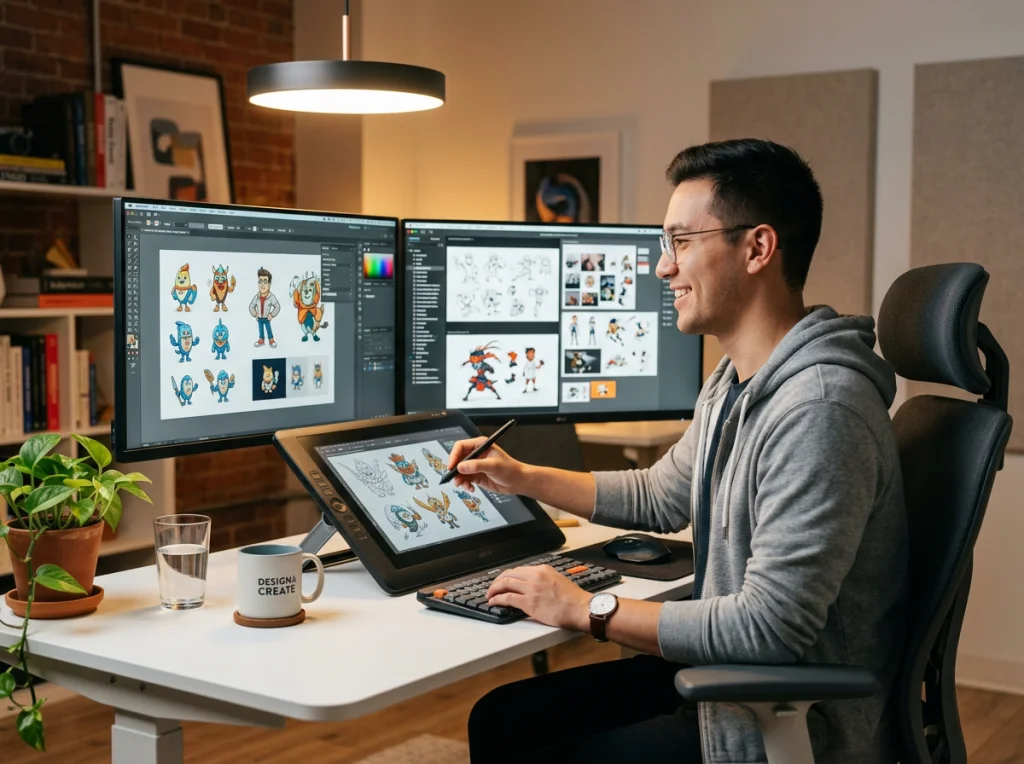
The real advantage? Speed. What used to take weeks now happens in hours. I created 47 different mascot poses for a client's social media campaign in one afternoon. Try doing that with a traditional illustrator.
But here's what most tutorials won't tell you: not every AI photo generator handles character consistency well. After testing tools like Midjourney, DALL-E 3, and Stable Diffusion, I discovered that custom model training makes the difference between amateur and professional results.
Setting Up Your AI Photo Generator for Character Training
Start with reference images. Collect 15-20 photos that capture your mascot's personality. These don't need to be perfect - sketches, mood boards, even photos of real people with similar features work fine.
Upload these images to your AI photo generator's custom model creator. The training process takes 20-40 minutes depending on the platform. During this time, the AI learns your character's facial structure, clothing style, and overall aesthetic.
Name your character model something memorable. I use "BrandBot_v1" or similar. This becomes your template for generating consistent images across all marketing materials.
Essential Character Details to Define
- Age range and gender expression
- Facial features (eye shape, hair color, distinctive marks)
- Clothing style and color palette
- Body type and posture
- Personality traits (friendly, professional, quirky)
Write these details down. You'll reference them in every prompt to maintain consistency.
Creating Your First Mascot with Precise Prompting
Your first prompt sets the foundation. I start with this template: "[Character name], [age], [key physical features], [clothing description], [emotion/expression], [setting], [lighting], [camera angle], [art style]"
Here's an example that worked well for a tech startup: "TechBot, friendly robot in his 30s, blue metallic skin with glowing orange eyes, wearing a casual navy hoodie, warm smile, standing in a modern office space, soft natural lighting from large windows, eye-level medium shot, clean digital illustration style"
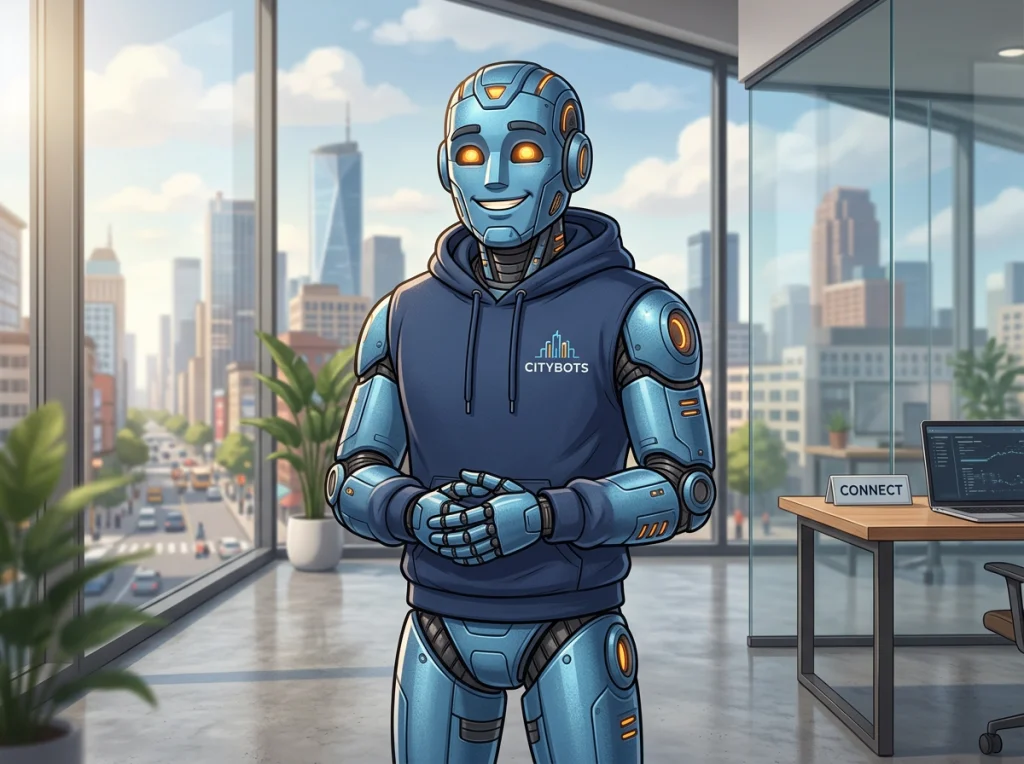
Run this prompt 5-10 times. Pick the best result as your "hero" image. This becomes your reference point for all future variations.
Save the exact prompt text. Change only one element at a time for new poses - the expression, the setting, or the outfit. This maintains visual consistency while giving you variety.
Testing Character Recognition
Generate the same character in three different scenarios: office setting, outdoor scene, and close-up portrait. If the AI maintains facial features and overall appearance across all three, your character model is working correctly.
If not, add more reference images and retrain the model. Consistency is worth the extra time investment.
Advanced Techniques for Professional Results
Once your basic character works, experiment with advanced features. Background removal tools let you place your mascot on any backdrop. This is perfect for social media templates where the background needs to match your brand colors.
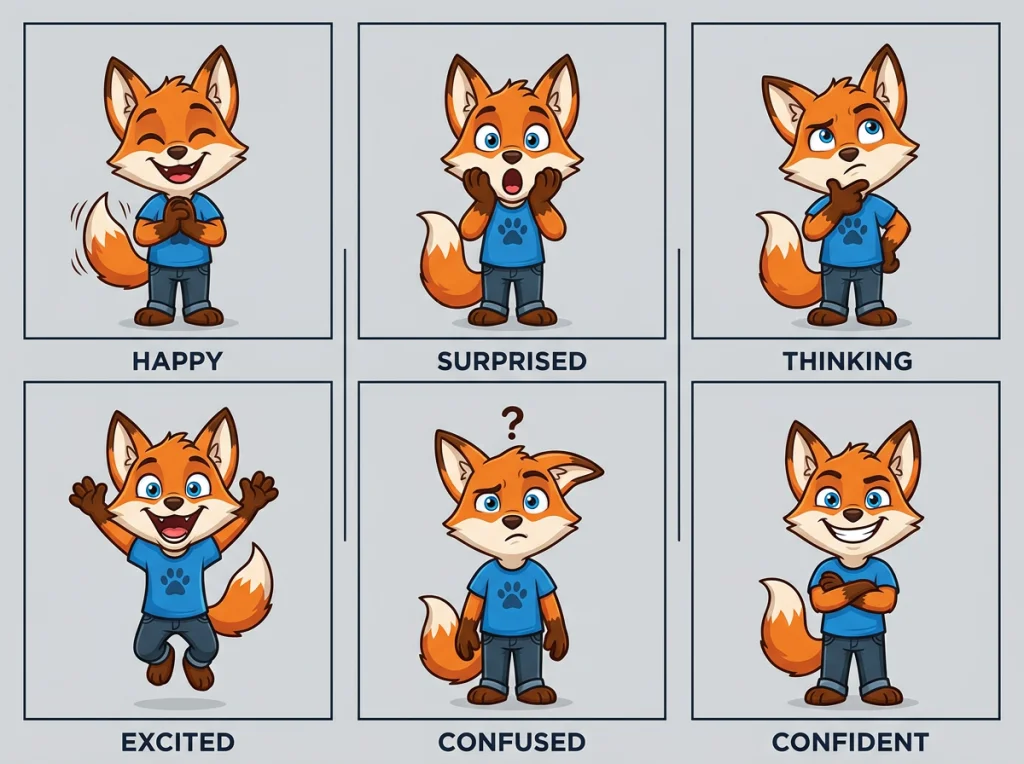
Create expression sheets. Generate your mascot showing different emotions: happy, surprised, thinking, excited. Having these ready speeds up content creation when you need specific moods for different campaigns.
For a visual walkthrough of advanced AI photo generation techniques, this video demonstrates professional approaches to character creation and consistency.
Use the outfit swap feature to dress your mascot for different seasons or promotions. I created holiday versions of a client's mascot in 20 minutes - Santa hat for Christmas, party hat for New Year's, heart-themed clothes for Valentine's Day.
Maintaining Brand Guidelines
Document your successful prompts in a style guide. Include the exact wording that produces your best results. This ensures anyone on your team can generate consistent mascot images.
Create a color palette for your character. Most AI photo generators let you specify hex codes in prompts. Use phrases like "wearing #FF6B35 orange shirt" to match your brand colors exactly.
Common Mistakes That Ruin Mascot Consistency
I see the same errors repeatedly. First, changing too many prompt elements at once. If your mascot suddenly looks different, you won't know which change caused the problem.
Second, skipping the reference image training. Yes, you can create characters with text prompts alone, but they won't stay consistent across multiple generations. Custom model training is the foundation of professional results.
Third, not testing your character in different contexts early. Generate office scenes, outdoor shots, and close-ups before finalizing your design. It's easier to adjust the character model now than recreate everything later.
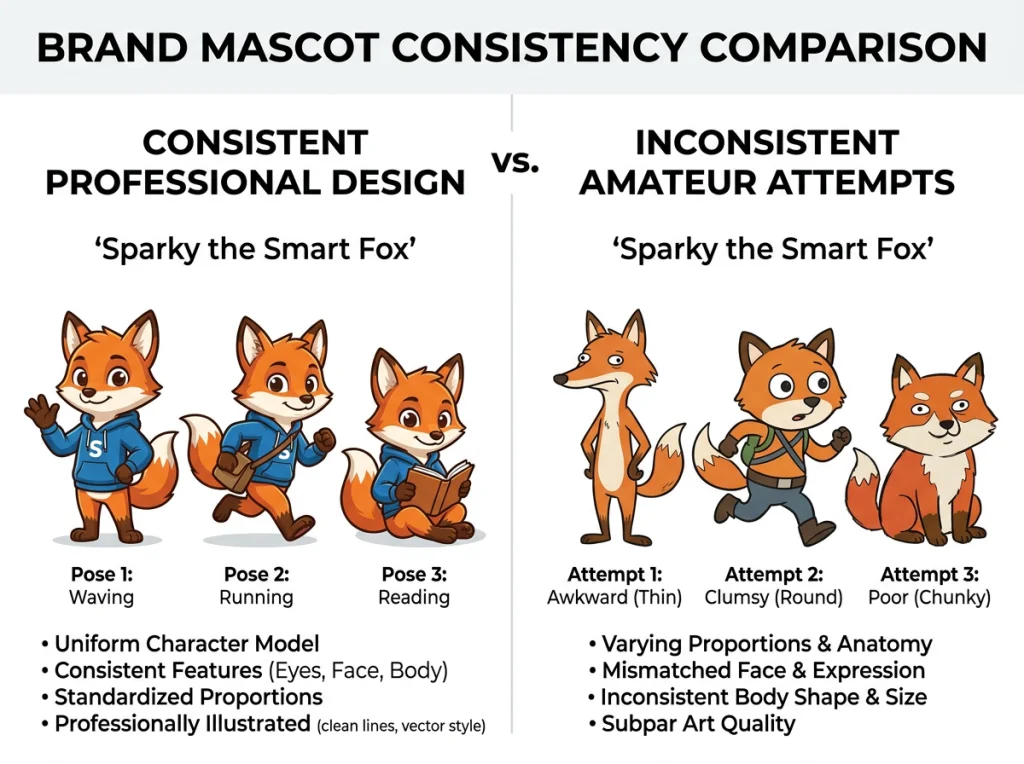
Avoid generic prompt words like "cute" or "professional." Use specific descriptors: "slight smile," "confident posture," "navy blue blazer." Specific language produces consistent results.
Scaling Your Mascot Across Marketing Materials
Once your character model is trained, creating marketing assets becomes systematic. I use this workflow:
- Generate base poses (standing, sitting, pointing, waving)
- Create expression variations for each pose
- Add seasonal or promotional outfit changes
- Export high-resolution versions for print materials
The image upscaler tool handles resolution increases without quality loss. Your mascot will look crisp on business cards and billboard advertisements alike.
For social media, create template versions with your mascot in different corners or poses. This gives your content visual consistency while allowing flexibility for different post types.
Building a Mascot Library
Organize your generated images by category: expressions, poses, outfits, backgrounds. This library becomes a valuable asset for quick content creation. When you need a "happy mascot pointing left" for an advertisement, you'll have it ready.
Name files systematically: "MascotName_Happy_Pointing_Office.jpg" makes everything searchable later.
Measuring Mascot Performance and Iteration
Track how your audience responds to different mascot variations. Which expressions get more engagement on social media? Do customers prefer your mascot in casual or professional outfits?
Use A/B testing for email campaigns and advertisements. Send version A with your mascot, version B without. The engagement difference shows your character's impact on brand connection.
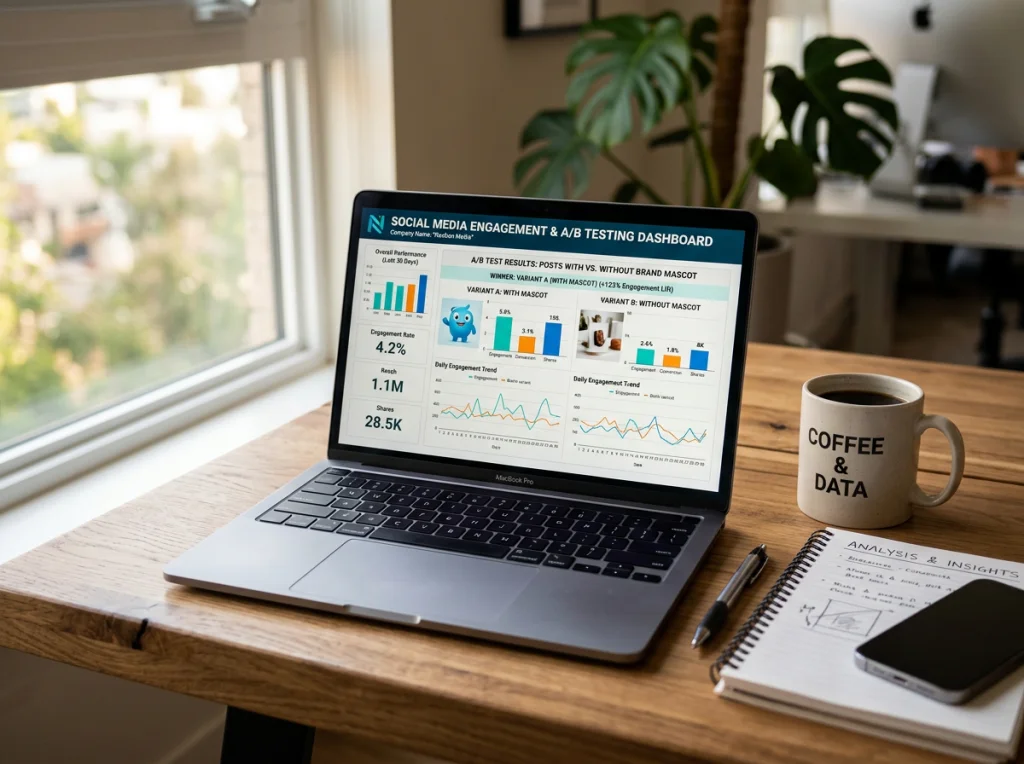
Based on performance data, refine your character model. If outdoor scenes consistently perform better than office settings, train your model with more outdoor reference images. The AI photo generator adapts to your evolving needs.
Advanced Integration with Brand Systems
Connect your mascot to other brand elements. If your logo uses specific fonts, incorporate text elements into mascot images using consistent typography. This creates a cohesive brand experience.
Consider mascot variations for different market segments. A B2B version might wear more formal clothing, while a consumer-focused version could be more casual. The same character model can generate both with prompt modifications.
The professional headshot generator can create formal versions of your mascot for corporate communications. LinkedIn posts, press releases, and business cards benefit from this polished approach.
Remember that your mascot represents your brand's personality. Every generated image should align with your company values and target audience expectations. Consistency builds trust, and trust drives customer loyalty.
Ready to create your own brand mascot? Try our AI photo generator tools and build a character that truly represents your brand. Start with the free version to test your ideas, then use custom model training for professional consistency across all your marketing materials.


