

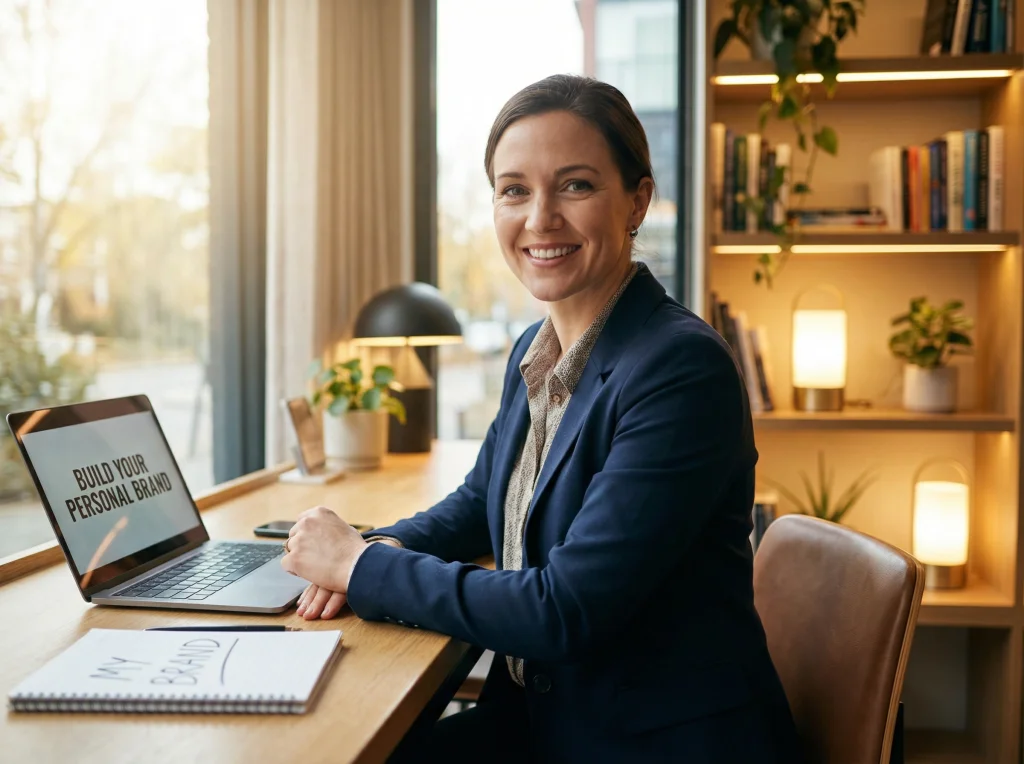
Why Your Personal Brand Needs AI-Generated Content
In today's digital landscape, your personal brand is your most valuable asset. Whether you're a freelancer, consultant, coach, or entrepreneur, having a consistent visual identity across all platforms is crucial for building trust and recognition. But here's the challenge: creating professional, cohesive content at scale is expensive and time-consuming.
This is where AI-generated content becomes a game-changer. With tools like Photo AI Studio, solopreneurs can now create professional-quality visuals that reflect their brand without hiring expensive photographers or designers. The result? A polished, authentic personal brand that stands out in a crowded marketplace.
The key to success is understanding how to leverage AI tools strategically while maintaining authenticity. Let's walk through the complete process.
Step 1: Define Your Brand Identity and Visual Style
Before you generate a single image, you need clarity on what your brand represents. This foundation determines every visual choice you'll make going forward.
Identify Your Brand Pillars
- Core values: What do you stand for? (e.g., innovation, sustainability, authenticity)
- Target audience: Who are you speaking to? (e.g., tech-savvy millennials, corporate professionals, creative entrepreneurs)
- Unique positioning: What makes you different from competitors?
- Brand personality: Are you professional and serious, or approachable and playful?
Create a Visual Style Guide
Document your visual preferences including:
- Color palette (typically 3-5 primary colors)
- Tone (bright and energetic, muted and sophisticated, vibrant and creative)
- Clothing style and aesthetic
- Settings and backgrounds you prefer
- Lighting preferences (natural, studio, dramatic)
This guide becomes your reference when generating AI content, ensuring consistency across all platforms.
Step 2: Create Professional Headshots and Portraits
Your headshot is often the first impression potential clients or customers have of you. Professional headshots are essential for LinkedIn, your website, social media, and speaking engagements. You can also check out our AI professional headshots.
Generate Multiple Headshot Variations
With Photo AI Studio, you can create professional headshots in different styles without leaving your desk. Generate variations featuring:
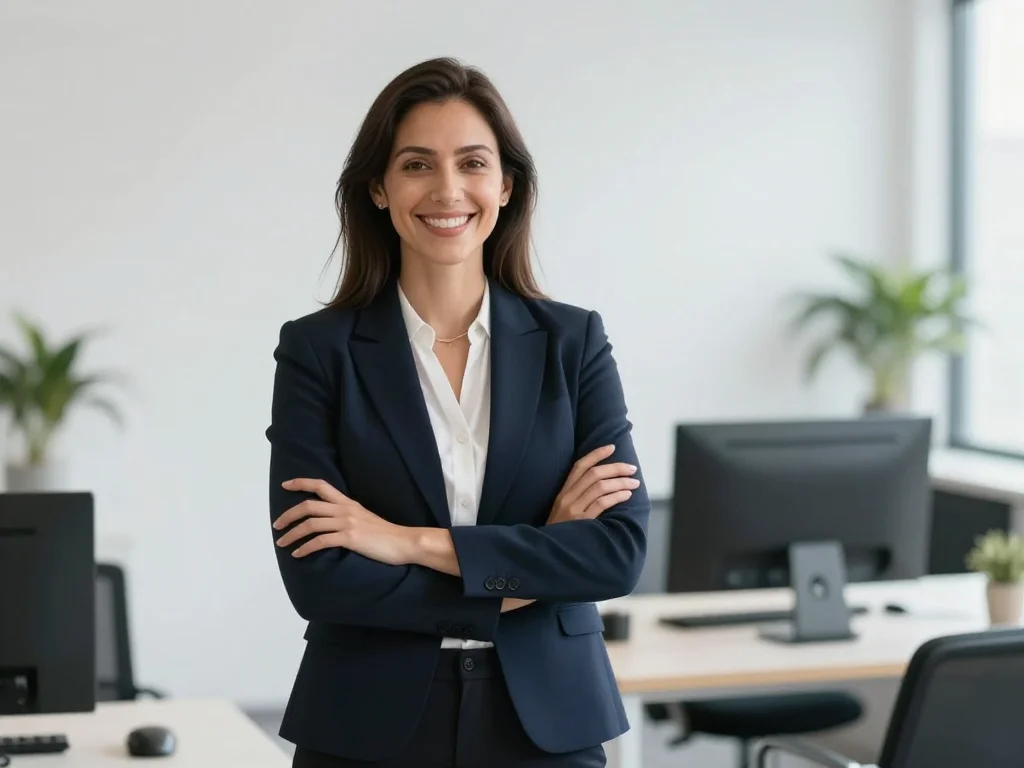
- Business formal (suit and tie, corporate setting)
- Business casual (smart casual attire, modern office)
- Creative professional (more relaxed styling, authentic settings)
- Different expressions (confident, approachable, thoughtful)
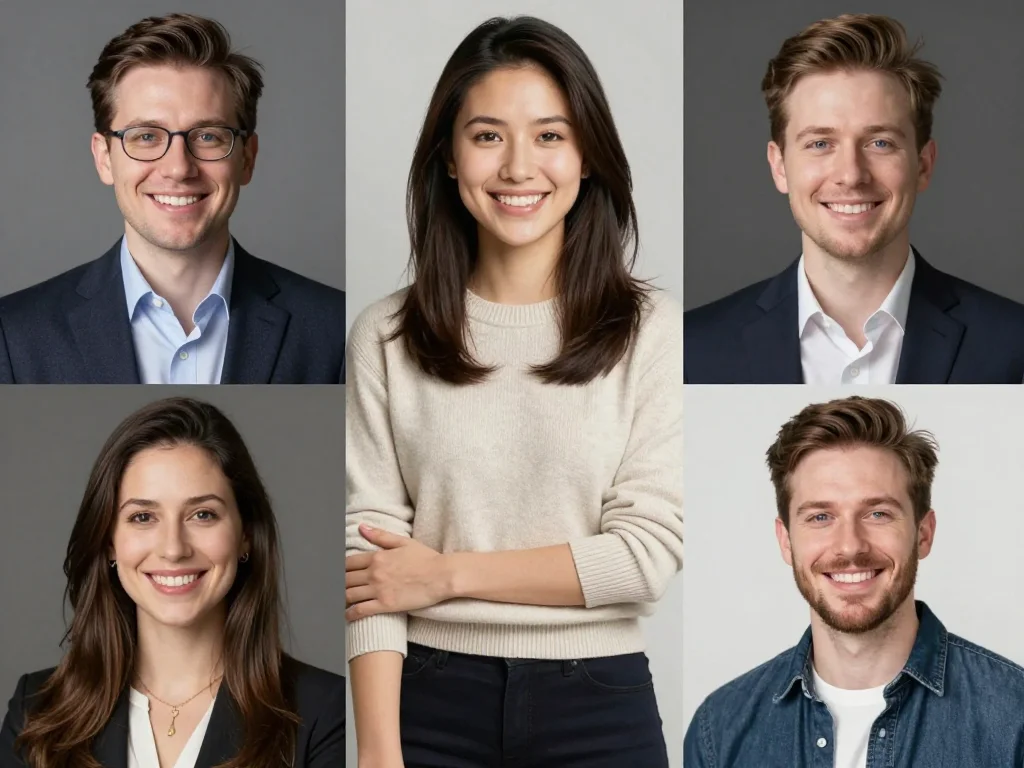
The advantage? You can test different looks and choose what resonates most with your target audience. This ensures your visual representation aligns perfectly with your brand positioning.
Step 3: Build a Cohesive Content Calendar
Consistency is the backbone of personal branding. A content calendar helps you maintain regular posting while ensuring visual coherence.
Plan Content Around Your Brand Pillars
Map out content themes that reflect your expertise and values:
- Educational content: Tips, tutorials, and insights in your field
- Behind-the-scenes: Day-in-the-life, workspace, work process
- Client success stories: Case studies and testimonials
- Thought leadership: Industry trends and perspectives
- Personal authenticity: Goals, lessons learned, personal interests
Generate Themed Photoshoots
Instead of creating random images, generate AI photoshoots around specific themes. For example:
- "A week in my freelance life" series (5-7 coordinated images)
- "Expert insights" series (portrait variations with thought-provoking poses)
- "Client success" series (professional group-style images)
This approach maintains visual consistency while telling a cohesive story about your brand.
Step 4: Customize Content for Different Platforms
Each platform has unique requirements and audience expectations. Your AI-generated content should be adapted accordingly while maintaining brand consistency.
LinkedIn Optimization
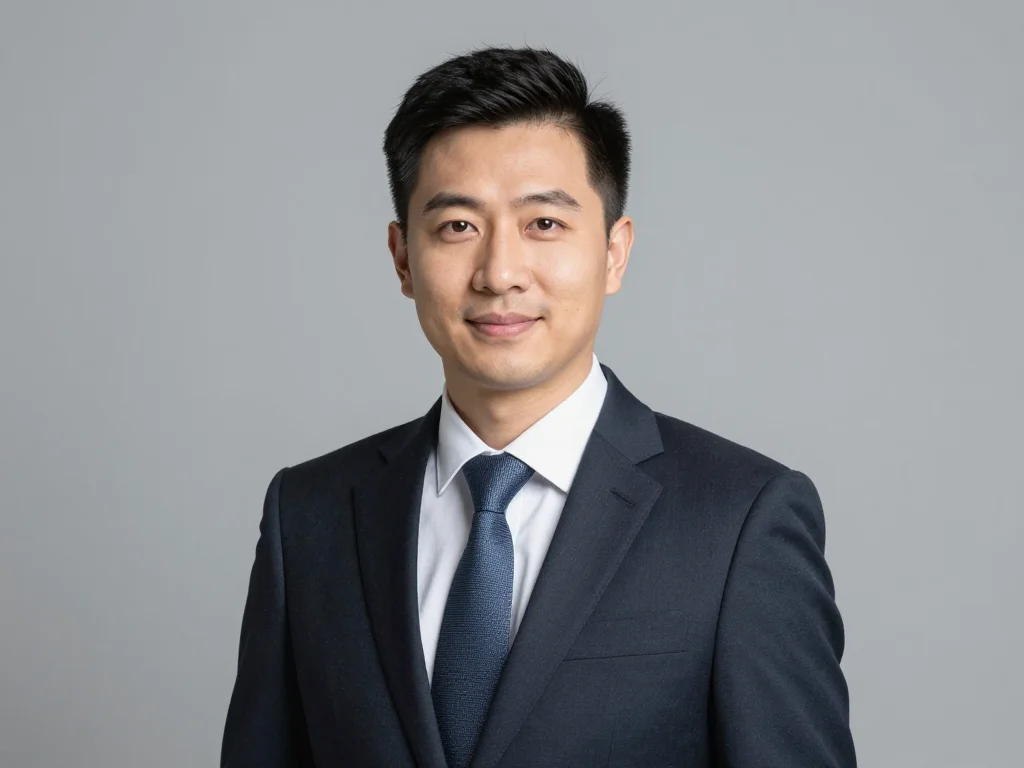
Professional headshots work best here. Use formal business attire and corporate settings. Generate images that convey expertise and trustworthiness. Create professional LinkedIn headshots with Photo AI Studio to establish authority in your field.
Instagram and Personal Branding
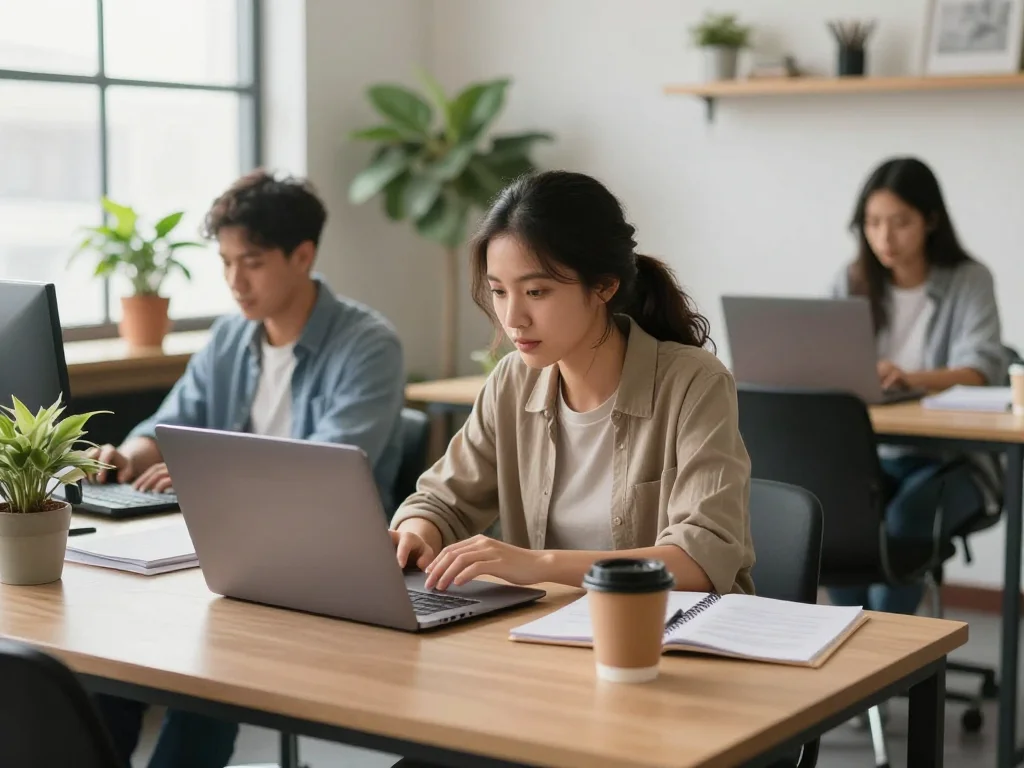
Instagram allows for more personality. Generate lifestyle content showing you in your element—working at a coffee shop, presenting insights, or sharing creative moments. Mix professional and authentic casual imagery.
Website and Portfolio
Your website is your hub. Feature your best AI-generated headshots prominently, plus thematic images that tell your brand story. About page visuals should convey warmth and approachability.
Email Marketing
Consistent header images and author photos in emails reinforce brand recognition. AI-generated images maintain this consistency across campaigns.
Step 5: Maintain Authenticity While Using AI
The biggest concern about AI-generated content is authenticity. Here's how to keep it genuine:
Blend AI and Real Content
Don't use only AI-generated images. Mix them with:
- Candid real photos (behind-the-scenes, events, workspace)
- Screenshots of your actual work
- Client testimonials and real interactions
- Video content showing the real you
Be Transparent When Appropriate
You don't need to label every AI-generated image, but if directly asked, be honest about your content creation process. Many successful brands use AI tools, and transparency actually builds trust.
Focus on Brand Consistency Over Perfection
The goal isn't to deceive—it's to create a professional visual identity that represents your brand accurately. AI tools help you achieve polish and consistency that reflects who you are professionally. You can also check out our AI passport photos.
Step 6: Measure and Refine Your Visual Strategy
Like any marketing effort, your personal branding should be data-driven. Monitor which visual styles and content types resonate most with your audience.
Track Engagement Metrics
- Which image styles get higher engagement on LinkedIn?
- What expressions and settings perform best on Instagram?
- Which headshots convert better for client inquiries?
Iterate and Improve
Use these insights to refine your AI-generated content. If professional casual outfits resonate more than formal wear, generate more content in that style. If people engage more with behind-the-scenes content, create more themed photoshoots around your actual work environment.
Practical Tools and Workflow
Here's a recommended workflow for solopreneurs:
- Monthly planning: Decide on content themes for the month
- Batch generation: Create 20-30 images in themed photoshoots at once
- Curation: Select the best images that align with your brand guidelines
- Scheduling: Plan posts across all platforms using a content calendar tool
- Review: Track engagement and refine your approach quarterly
This batch approach saves time and ensures consistency. Instead of scrambling for content weekly, dedicate focused time to generating a month's worth of branded visuals.
Real Results: What You'll Achieve
When you implement this complete approach to personal branding with AI-generated content, expect to see:
- A cohesive visual identity across all platforms
- Increased recognition and recall of your personal brand
- Higher engagement on social media and professional platforms
- More qualified inquiries and opportunities
- Professional presence that builds credibility and trust
- Significant time and cost savings compared to traditional photography
Your personal brand is your competitive advantage. In a marketplace where first impressions matter, having polished, consistent, professional visuals sets you apart. AI-generated content makes this achievable for solopreneurs who previously couldn't afford professional photoshoots.
Start building your cohesive personal brand today with Photo AI Studio. Create unlimited professional headshots, themed photoshoots, and branded content that reflects your unique positioning. Transform your visual presence and watch your personal brand impact grow.


