
Photo AI Studio MCP
Create photos with the AI assistant you already use.
Connect ChatGPT, Claude, Cursor, or another MCP client to Photo AI Studio. Ask for headshots, photo edits, and short videos in plain language.
Hosted connection · Browser sign-in · No API key for remote setup
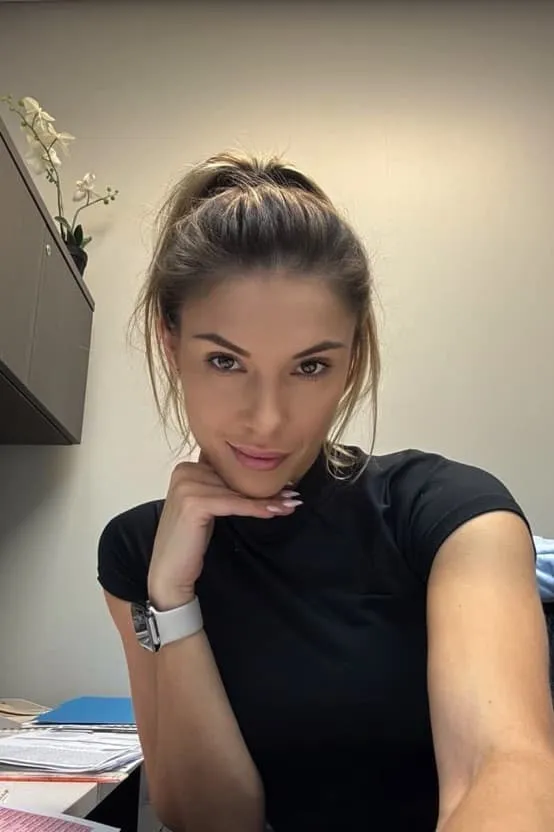 Before
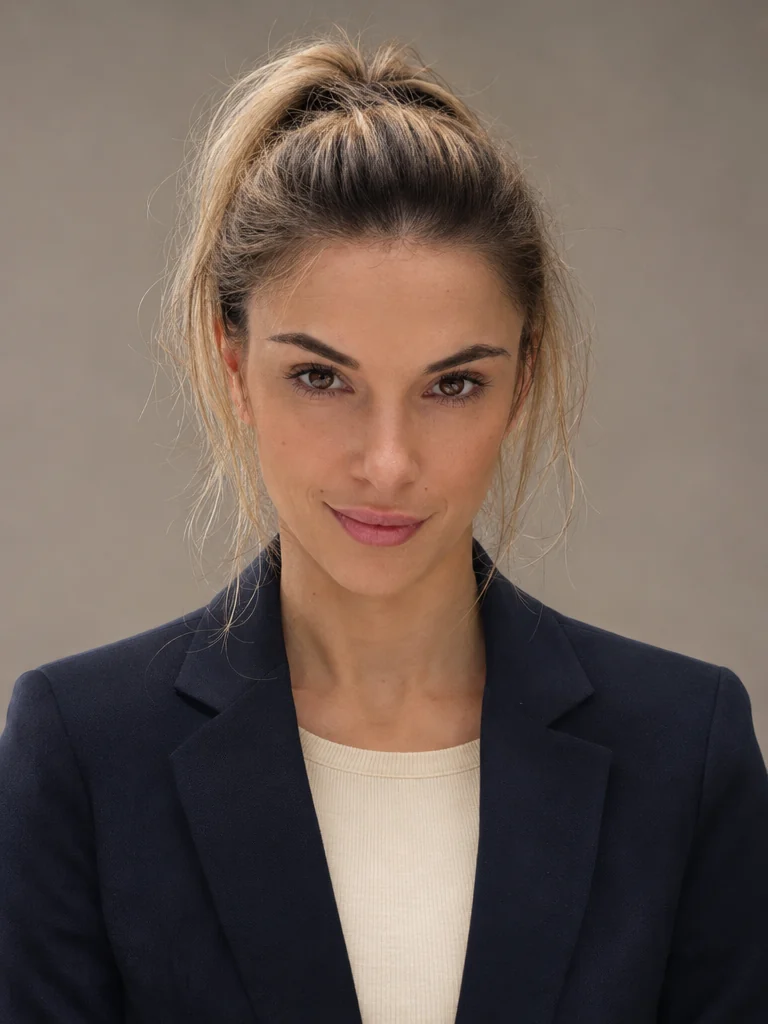 After
Works where you work
Use Photo AI Studio inside ChatGPT or a client that accepts a remote MCP server.
Your account stays yours
Sign in through Photo AI Studio and approve access. Disconnect from your assistant’s settings when you want to.
Create from a prompt
Browse styles, make a photo, edit an image, or start a video without leaving the conversation.
Setup guide
Connect in a few steps.
Choose your AI client to see the right way to connect.
Add Photo AI Studio to ChatGPT
- 1Open Photo AI Studio in ChatGPT.
- 2Select Connect and sign in to your Photo AI Studio account.
- 3In a chat, ask ChatGPT to use Photo AI Studio to create or edit an image.
 Open in ChatGPT
Remote MCP server URL
ChatGPT uses the listing. Keep this URL for other MCP clients.
Themen und Preise ansehen funktioniert ohne Konto. Fotos generieren, Bilder bearbeiten und Videos erstellen erfordern eine Anmeldung.
Prefer a local npm setup with an API key?
Sign in and generate an API key from your dashboard. Each key is tied to your account and credit balance. Get API Key
{
  "mcpServers": {
    "photoaistudio": {
      "command": "npx",
      "args": ["-y", "@photoaistudio/mcp-server"],
      "env": { "PHOTOAI_API_KEY": "pa_sk_your-key-here" }
    }
  }
}Try a prompt
Tell your assistant what you want.
Copy one of these after connecting Photo AI Studio.
“Use Photo AI Studio to turn this selfie into a professional LinkedIn headshot.”
“Use Photo AI Studio to remove the background from this product photo.”
“Use Photo AI Studio to try a different hairstyle on this portrait.”
“Use Photo AI Studio to animate this image into a short video.”
What your assistant can use
A few of the tools available through the hosted MCP server. Creation and editing use your Photo AI Studio credits.
browse_themes
Explore photo styles before you create.
upload_image
Send a reference image from a URL or file.
generate_photo
Create a headshot, portrait, or themed photo.
edit_image
Change a background, hairstyle, outfit, and more.
create_video
Animate an image or create a short video.
get_prediction
Check the progress of a creation.
Questions about connecting
What is an MCP server?
An MCP server lets an AI assistant use tools from another service. Photo AI Studio’s hosted server lets your assistant browse styles and request photos, edits, and videos through your account.
Do I need an API key?
No for a remote MCP connection. Sign in through your browser when your client asks you to connect. The optional local npm setup uses an API key.
Do MCP tools use credits?
Browsing styles and checking an account or result are free. Creating photos, editing images, and making videos use credits from your Photo AI Studio account.
Can I disconnect later?
Yes. Remove Photo AI Studio from your assistant’s settings. You can also contact us to revoke access.
Ready to create from a conversation?
Connect your assistant, sign in, and ask for your first photo.
Add to ChatGPT