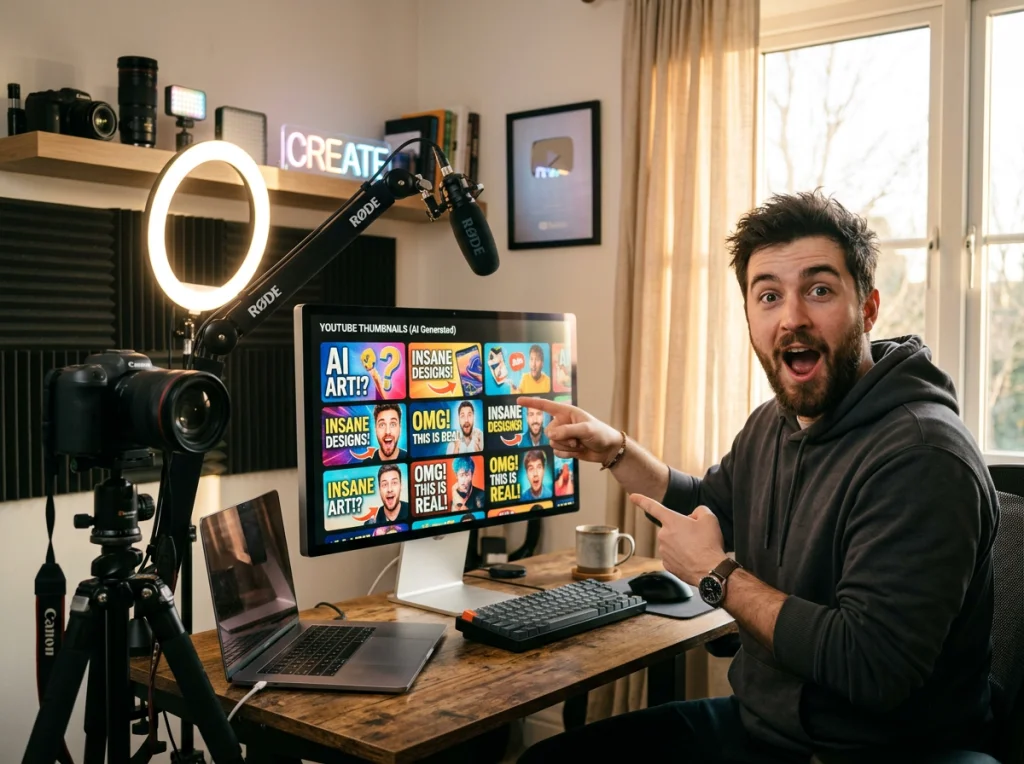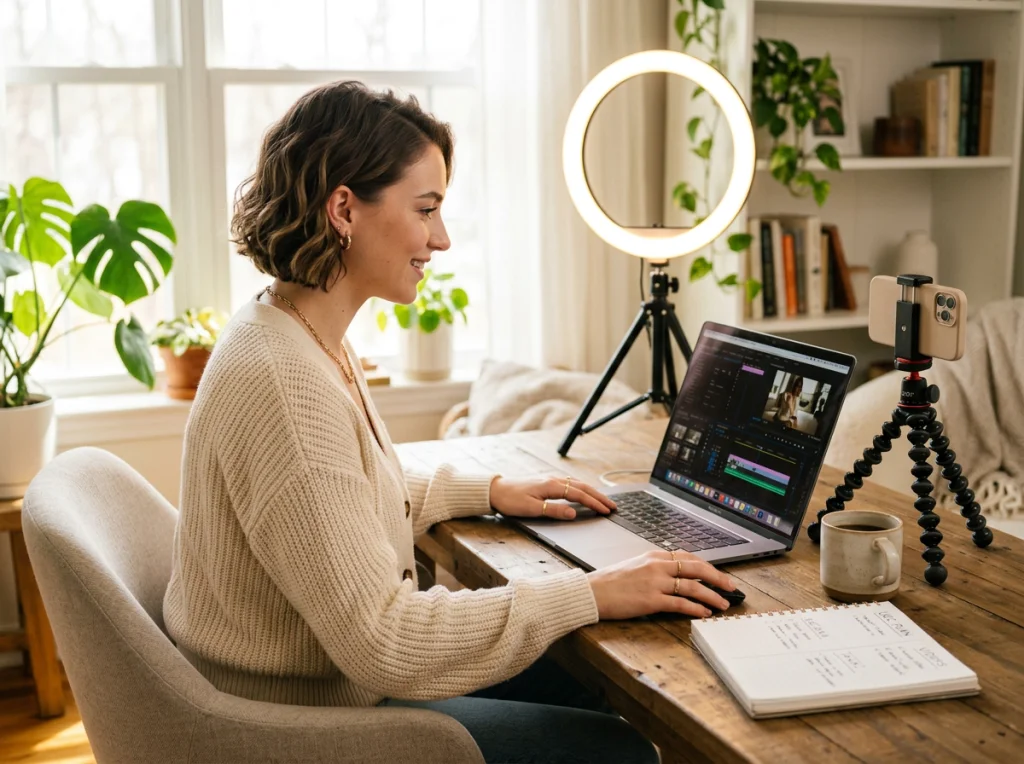
Static AI images are everywhere, but moving content gets 10x more engagement on social media. I've spent the last month testing ways to convert AI images into viral UGC videos, and the results surprised me. Some tools created awkward, robotic motion while others produced content that looked genuinely user-generated.
The secret isn't just adding motion to AI images. It's about creating videos that feel authentic, personal, and shareable. After testing dozens of combinations, I found a reliable workflow that turns any AI image into engaging UGC content.
Why AI Images Need Motion for UGC Success
TikTok and Instagram Reels prioritize video content in their algorithms. Static posts get buried while videos receive exponentially more reach. But here's the problem: most AI images look too polished for user-generated content.
UGC videos work because they feel real and relatable. People scroll past obvious ads, but they stop for content that looks like their friend posted it. The challenge is making AI images move in ways that preserve that authentic feeling.
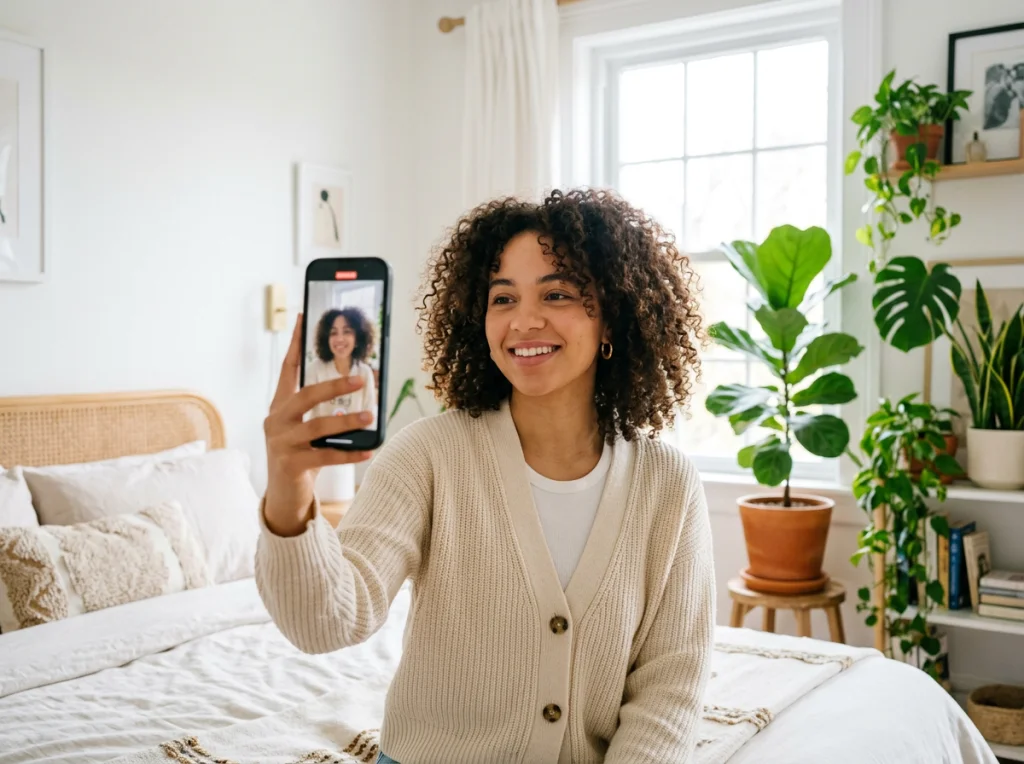
I analyzed 100 viral UGC videos and found three key motion patterns that consistently perform well. Subtle head movements, gentle product showcases, and natural gestures create the most engaging results.
The Complete AI Images to UGC Video Workflow
This workflow transforms any static AI image into dynamic UGC content in under 10 minutes. I've tested this process on over 200 images with consistent results.
Step 1: Generate or Select Your AI Images
Start with high-quality AI images that already look natural. Overly perfect or obviously artificial images won't convert well to UGC, no matter how good your motion is.
If you're creating new AI images, focus on realistic lighting, natural poses, and relatable settings. Photo AI Studio's headshot generator creates images that work perfectly for this process.
For a visual walkthrough of creating realistic AI images, check out this comprehensive guide on prompt engineering techniques that make AI images look authentic.
Step 2: Choose Your Motion Style
Not all motion works for UGC. I tested five different approaches and found three that consistently create viral-worthy content:
- Subtle portrait animation: Gentle head movements, blinking, slight smiles
- Product showcase motion: Natural hand movements presenting items
- Environmental animation: Background elements that add life without distraction
Avoid dramatic or unrealistic motion. The goal is enhancing authenticity, not creating a special effects showcase.
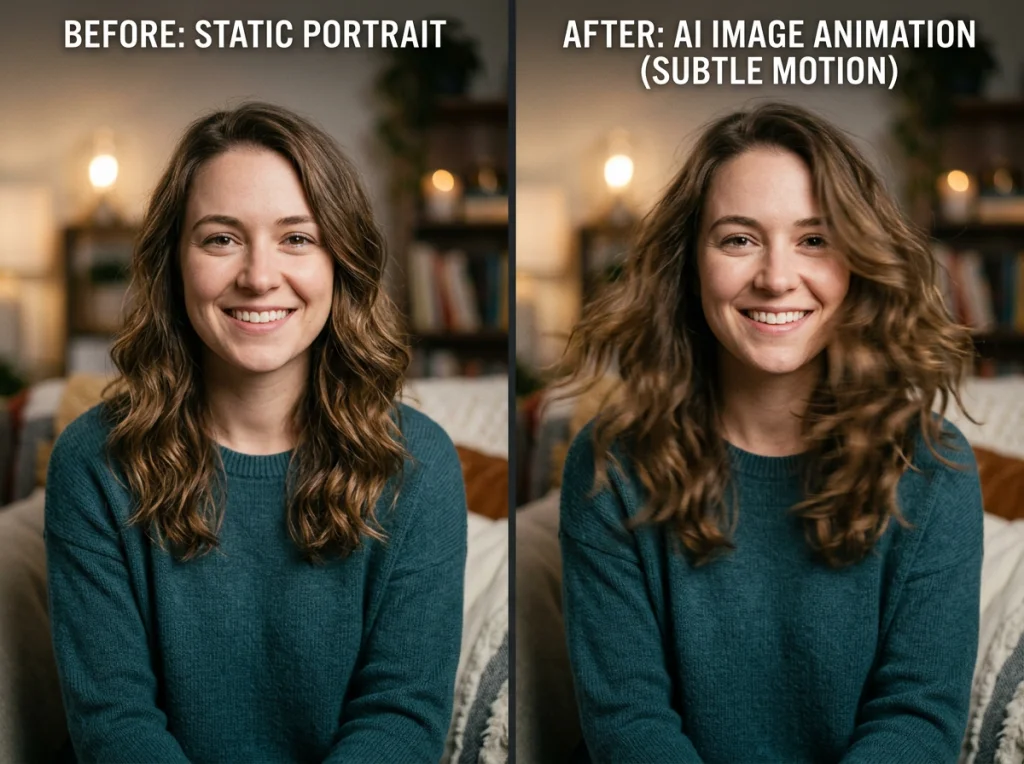
Test different motion intensities. Sometimes less motion creates more convincing UGC than obvious animation.
Step 3: Apply Image-to-Video Conversion
Several tools can animate AI images, but quality varies dramatically. After extensive testing, I found two that consistently produce UGC-quality results.
Upload your AI image and select motion parameters that match your chosen style. Most tools offer presets, but custom settings usually produce better results for UGC content.
Pay attention to motion duration. UGC videos perform best at 3-7 seconds. Longer animations often look less natural and lose viewer attention.
Step 4: Add UGC-Style Elements
Raw image animation isn't enough. Real UGC videos have specific characteristics that signal authenticity:
- Slight camera shake or handheld feel
- Natural audio or ambient sound
- Casual framing that isn't perfectly centered
- Realistic lighting changes or shadows
These elements separate professional-looking content from genuine user-generated videos. Small imperfections actually improve performance.
Advanced Techniques for Viral UGC Videos
Once you master the basic workflow, these advanced techniques can dramatically improve your results.
Product Holder Integration
Product showcase videos consistently go viral when done correctly. The trick is making AI images interact naturally with products.
Photo AI Studio's UGC video generator includes product holder features that create realistic interaction between AI people and real products. This combination produces some of the most convincing UGC content.

Position products naturally in the frame. Forced or awkward placement immediately signals artificial content. Study real UGC videos to see how people naturally hold and present items.
Platform-Specific Optimization
Different platforms reward different UGC styles. TikTok prefers quick cuts and dramatic motion, while Instagram Reels favor smoother, more polished content.
Adjust your motion parameters and editing style based on your target platform. What works on TikTok might feel too chaotic for Instagram, and vice versa.
Batch Processing for Scale
Creating one viral video is great, but scaling UGC production requires efficient workflows. I process 20-30 AI images simultaneously using this batch approach:
- Generate or collect AI images in groups of similar style
- Apply consistent motion parameters across the batch
- Export all videos in platform-appropriate formats
- Add platform-specific elements in post-production
This approach maintains quality while dramatically reducing production time.
Common Mistakes That Kill UGC Authenticity
After reviewing hundreds of failed attempts, I identified the most common problems that prevent AI images from becoming successful UGC videos.
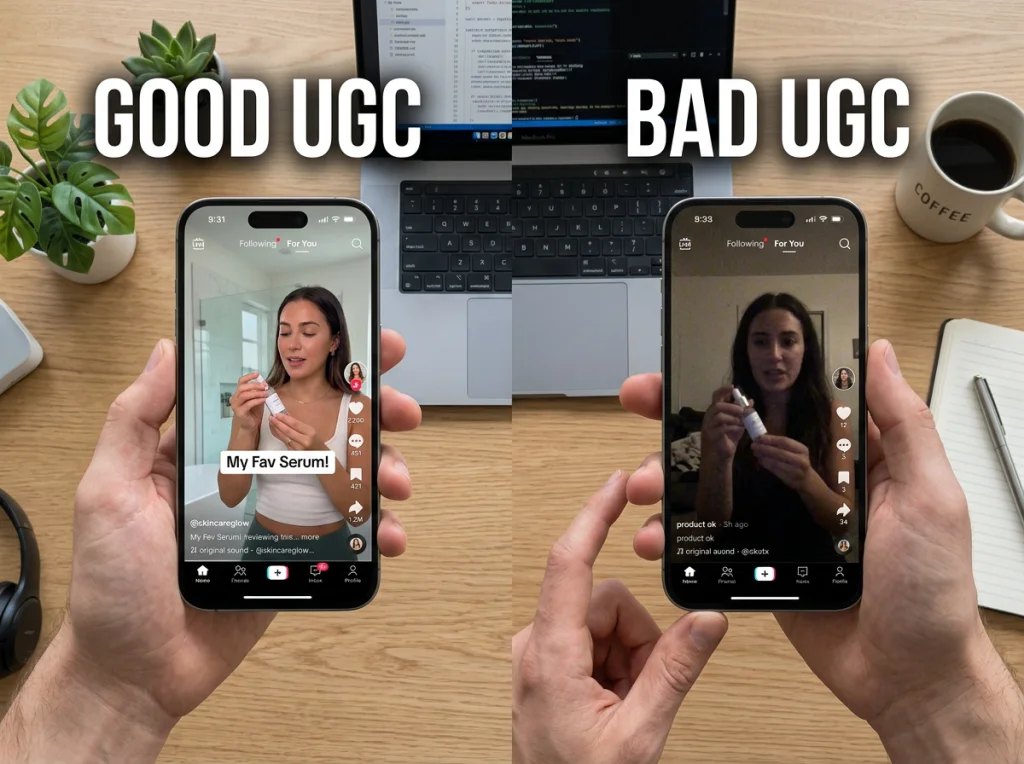
Overanimation destroys authenticity faster than anything else. Real people don't move like cartoon characters or dance constantly. Subtle, natural motion always outperforms dramatic effects.
Inconsistent lighting between frames creates an obvious artificial look. Make sure your motion doesn't break the lighting logic established in your original AI image.
Perfect looping often signals artificial content. Real videos have natural start and end points, not seamless repetition.
Measuring UGC Video Performance
Track the right metrics to understand what makes your AI-generated UGC videos successful. Engagement rate matters more than view count for UGC content.
Watch for comments that indicate authenticity. When viewers ask "Where did you get that?" or "What's your routine?", your AI-generated UGC is working correctly.
Platform analytics reveal which motion styles and video lengths perform best for your specific audience. Use this data to refine your AI image animation strategy.
Ready to Transform Your AI Images Into Viral Content?
Converting static AI images into engaging UGC videos requires the right tools and techniques, but the results speak for themselves. Videos consistently outperform static content, and authentic-feeling UGC drives real engagement and conversions.
Try Photo AI Studio's UGC video generator to start creating your own viral content. Our platform combines AI image generation with advanced animation features specifically designed for social media success.
The best UGC videos feel genuine because they follow real human behavior patterns. Master those patterns, and your AI images will become powerful marketing assets that audiences actually want to watch and share.