

Gone are the days of spending hours on manual adjustments and complex masking. The rise of artificial intelligence has transformed photo editing, automating everything from background removal to generating entirely new visual concepts from a single text prompt. This shift empowers everyone, from social media creators to e-commerce entrepreneurs, to achieve studio-quality results faster and more creatively than ever before.
This revolution in photo editing isn't just about filters; it's about leveraging tools for efficiency, such as those that enable AI-powered design for e-commerce products. Whether you're a marketing agency producing campaign assets, a professional polishing headshots for LinkedIn, or a developer integrating imaging via API, the right software can redefine your workflow. But with a flood of new tools on the market, which ones actually deliver on their promises?
This guide cuts through the noise to analyze the 12 best AI photo editing software options available today. We dive deep into each platform, examining its unique strengths, practical use cases, and honest limitations to help you find the perfect fit. For each tool, you'll find a detailed breakdown with key features, pricing, and direct links so you can make an informed decision. Our goal is to provide a clear, comprehensive resource that helps you move from tedious tasks to creative breakthroughs, matching your specific needs to the ideal AI-powered solution.
1. Photo AI Studio
Best For: E-commerce, professional headshots, and scalable social media content. Pricing: Credit-based system with free starter credits; specific regional pricing available after login. You can also check out our AI professional headshots.
Photo AI Studio solidifies its position as a top-tier choice by functioning less like a simple editor and more like an automated visual production studio. Its core strength lies in its ability to generate an entire suite of studio-quality assets from a single input image, whether it’s a selfie or a product photo. This makes it an incredibly powerful tool for users who need consistent, high-volume, and commercially licensed content without the overhead of a traditional photoshoot.
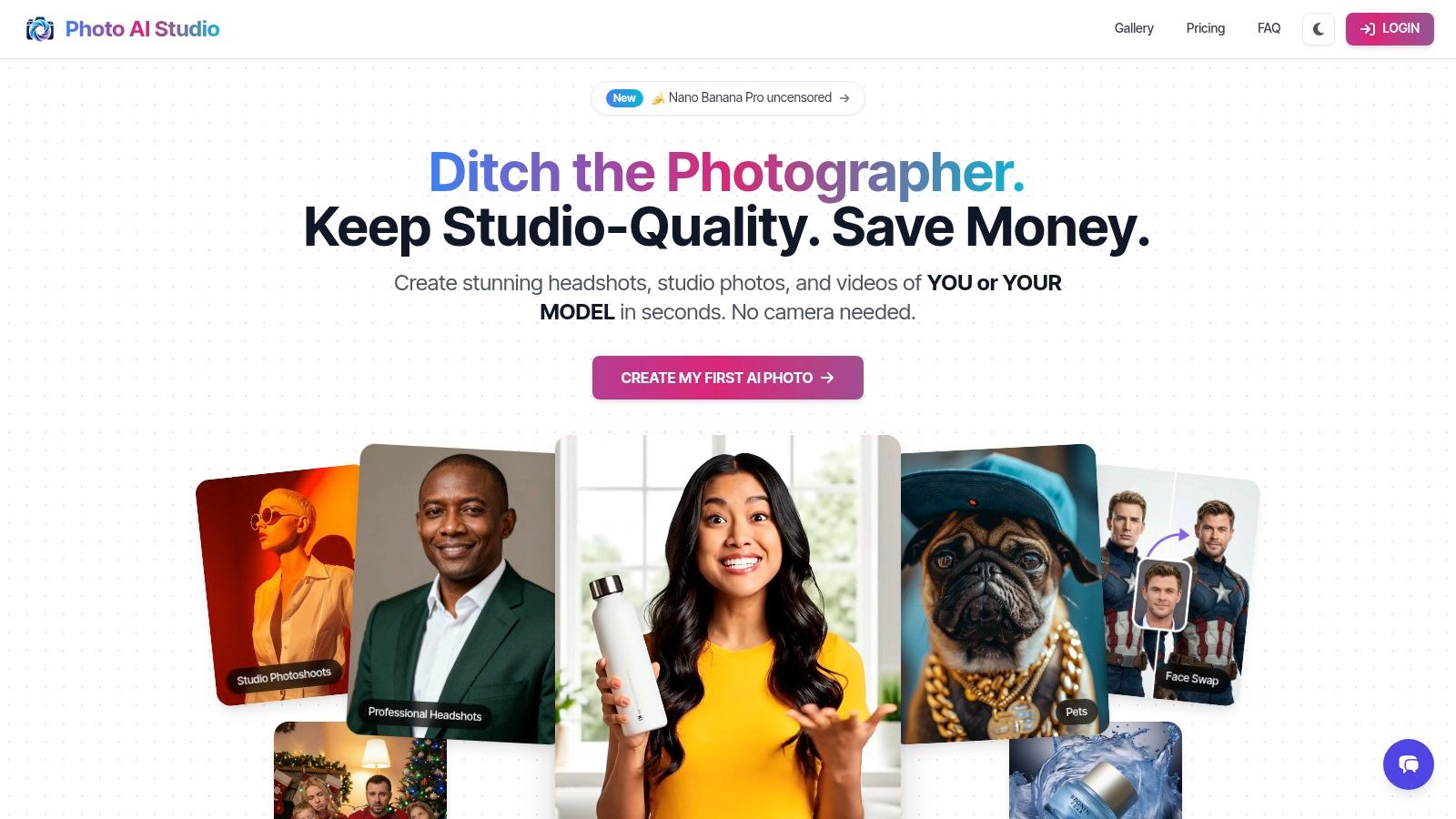
The platform’s Model Creator is a standout feature, enabling users to generate a consistent digital character for various scenes, ensuring brand continuity across campaigns. For marketers, specialized tools like the UGC generator, virtual clothes try-on, and product-holder video creator are practical, high-impact solutions that directly address common e-commerce and advertising challenges. Powered by a modern tech stack including ControlNet and Gemini, the platform delivers hyper-realistic results, often in as little as 15 seconds. You can also check out our virtual wedding dress try-on.
Key Features & Use Cases
- Model Creator: Upload one photo to create a consistent AI model for use across 150+ themes. Ideal for professionals needing a variety of headshots or brands wanting a uniform look for their marketing assets.
- E-commerce & Marketing Suite: Includes a virtual try-on feature for apparel merchants, a UGC generator for authentic-looking social proof, and a thumbnail maker to optimize video click-through rates.
- Image-to-Video Conversion: Transforms static images into short, dynamic video clips, perfect for social media stories and ads.
- Advanced Editing Tools: Beyond generation, it offers practical editing functions like face swapping, background removal, and a powerful image upscaler to enhance resolution.
Our Expert Take
Photo AI Studio is a robust and versatile platform that excels in producing commercially viable assets at scale. While its credit-based pricing model requires users to monitor their usage, the value delivered is exceptional, especially for Shopify merchants and marketing agencies. It’s one of the best AI photo editing software options for users focused on efficiency and professional output. If you need polished, consistent visuals for business purposes, this platform is engineered to deliver. For a deeper dive into its capabilities for professional images, explore this comparison of the 7 best AI headshot generators of 2025.
| Pros | Cons |
|---|---|
| Generates studio-quality photos and videos from a single image. | Credit-based pricing is not publicly listed and can be complex. |
| Specialized tools for e-commerce, marketing, and professional headshots. | Output quality is highly dependent on the initial uploaded photo. |
| Retain full commercial ownership and license of all generated images. | Occasional processing delays can extend beyond the typical 15-second average. |
| API-ready architecture and multi-language support for broad integration. |
2. Adobe Photoshop (Creative Cloud)
As the long-reigning industry standard, Adobe Photoshop has seamlessly integrated powerful AI capabilities into its already formidable toolkit, making it one of the best AI photo editing software choices for professionals. Its standout feature is the Firefly-powered Generative Fill and Generative Expand, which allow users to add, remove, or extend parts of an image with simple text prompts. This technology is ethically trained on Adobe Stock images, minimizing copyright concerns for commercial use.
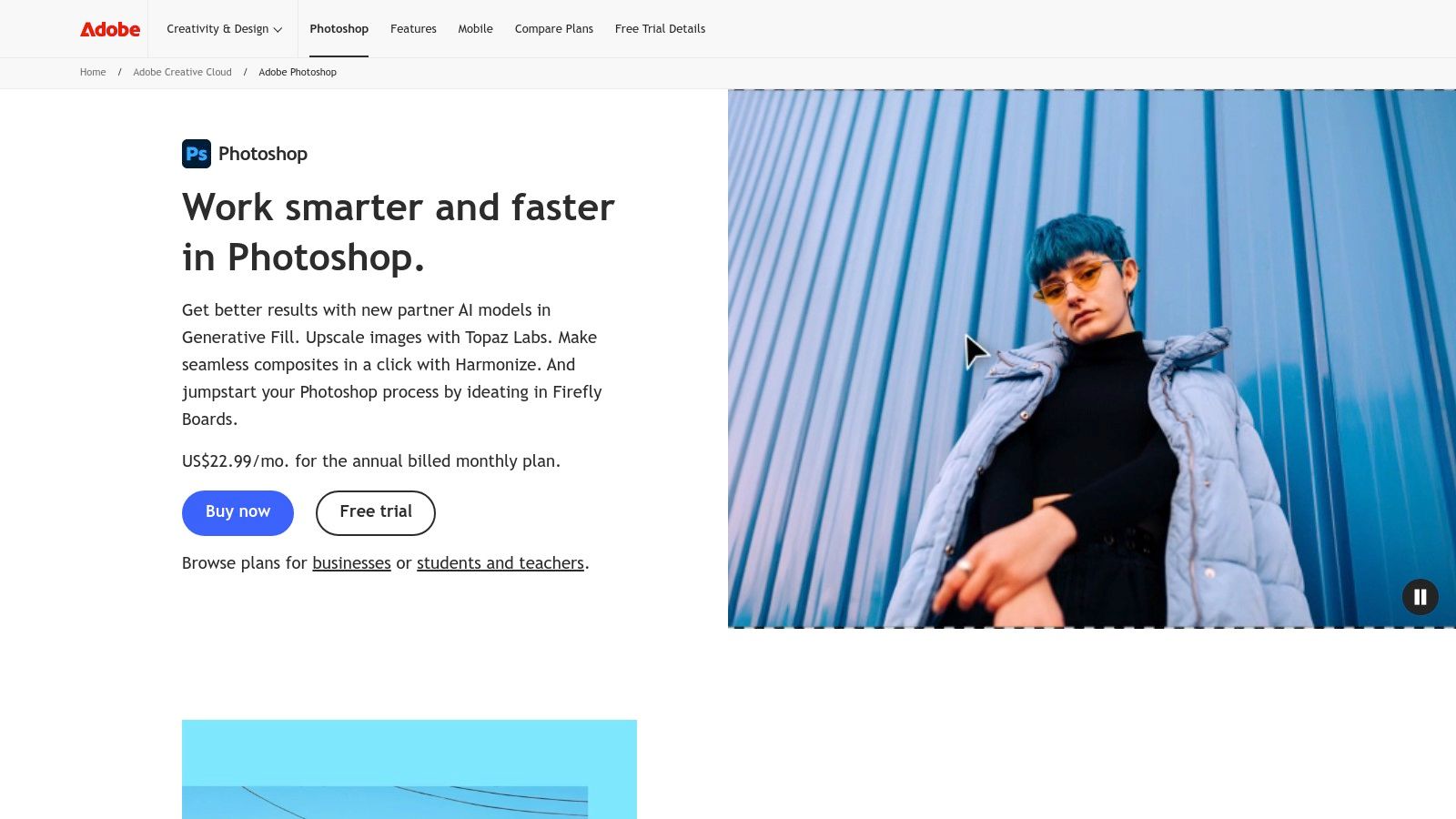
Unlike many newer, AI-first platforms, Photoshop’s strength lies in combining generative AI with its legendary, layer-based manual controls. You can create a generative layer and then refine it with advanced masking, color grading, and retouching tools, offering a level of precision that standalone AI generators lack. This makes it ideal for e-commerce merchants perfecting product shots or marketing agencies creating complex campaign assets that require both AI speed and human artistry.
The software is available via a subscription, with the Photography Plan (starting at $9.99/month) offering the best value. This plan bundles Photoshop with Lightroom and provides a monthly allotment of "Generative Credits" for using AI features.
Key Features & Analysis
| Feature | Analysis & Use Case |
|---|---|
| Generative Fill/Expand | Add or remove objects, change backgrounds, or expand image canvases seamlessly. Perfect for fixing product photos or adapting a single image for multiple social media aspect ratios. |
| Advanced Masking & Selections | AI-powered tools like "Select Subject" and "Sky Replacement" automate tedious tasks, freeing up time for creative refinements. Essential for creating clean, professional-looking marketing materials. |
| PSD Ecosystem & Integration | Works flawlessly with other Adobe apps like Illustrator and InDesign. The robust support for third-party plugins allows for a highly customized and powerful workflow. |
| Neural Filters | A suite of AI-driven filters that can perform complex edits, like colorizing black-and-white photos, smoothing skin, or changing a subject's expression, with simple sliders. |
Website: https://www.adobe.com/products/photoshop
3. Adobe Lightroom (Classic + Cloud)
While Photoshop excels at intensive, single-image manipulation, Adobe Lightroom is the undisputed champion for photographers managing and batch-editing large volumes of photos. It stands out as one of the best AI photo editing software options for its workflow efficiency, integrating powerful AI features directly into the culling and development process. Its AI-powered Masking tools can automatically select subjects, skies, or backgrounds across hundreds of images, allowing for consistent, targeted adjustments in a fraction of the time.
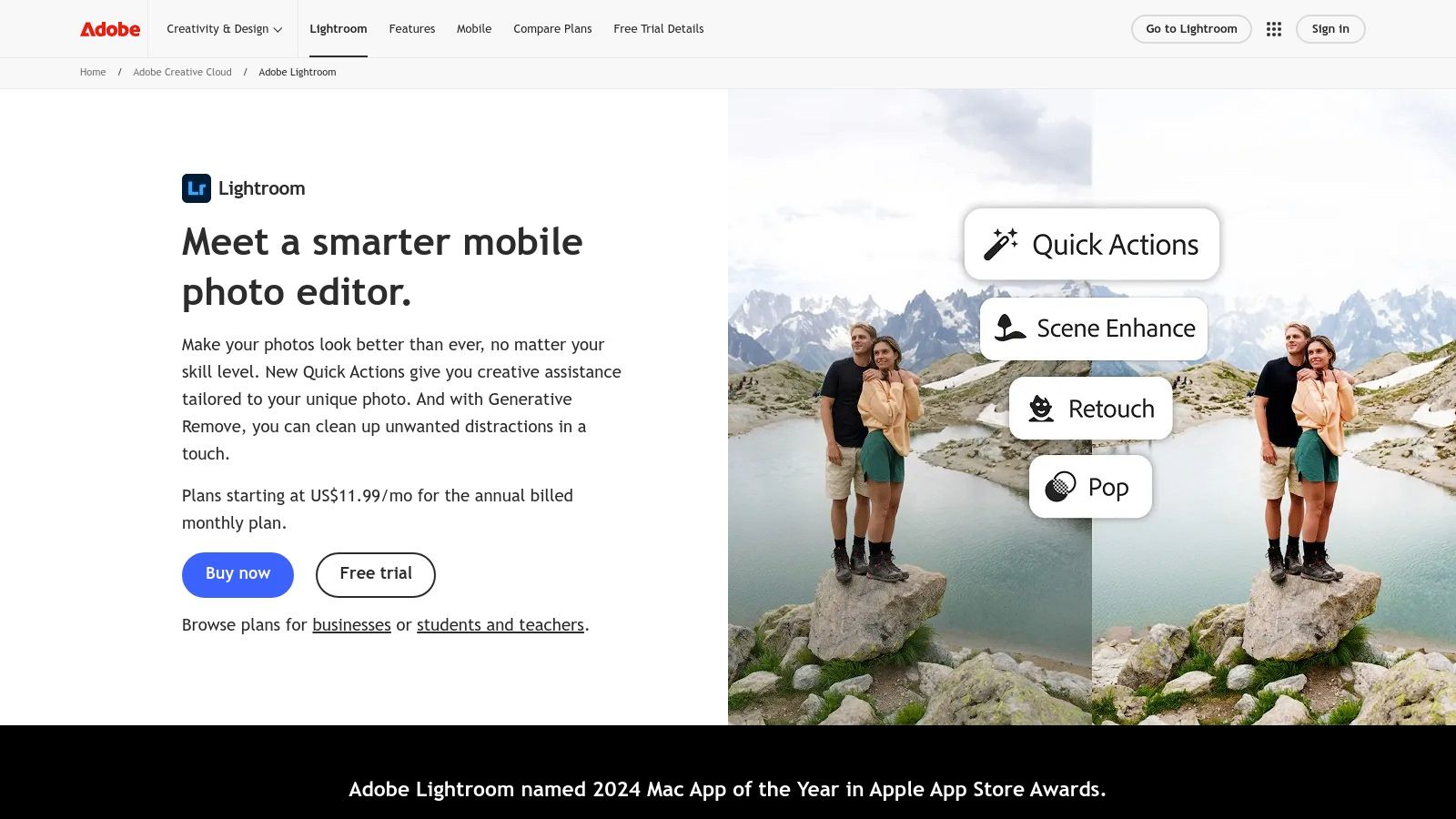
Lightroom's AI shines in foundational, corrective edits rather than generative creation. The Denoise feature, for instance, uses machine learning to clean up noisy, high-ISO RAW files with stunning clarity, a game-changer for event and low-light photographers. Its strength lies in its non-destructive, catalog-based system, which is ideal for e-commerce businesses that need to process and maintain consistent lighting and color across entire product lines.
The platform is available through Adobe's subscription plans, often bundled with Photoshop in the Photography Plan (starting at $9.99/month). This gives users the best of both worlds: Lightroom's high-volume organization and AI enhancements, plus a seamless round-trip to Photoshop for more complex retouching needs.
Key Features & Analysis
| Feature | Analysis & Use Case |
|---|---|
| AI Masking | Instantly select subjects, skies, backgrounds, and even specific people to apply local adjustments. Perfect for batch-editing product catalogs or portrait sessions to ensure consistent exposure and color. |
| AI Denoise & Enhance | Reduces noise and enhances detail in RAW files without sacrificing quality. Essential for salvaging usable images from challenging lighting conditions, a common issue in on-location product shoots. |
| Cloud Sync & Ecosystem | Edit photos on desktop, mobile, or web, with all changes syncing automatically. This allows marketing teams to collaborate on image selections and edits from anywhere. |
| Seamless Photoshop Integration | The ability to "Edit in Photoshop" directly from Lightroom creates a powerful, end-to-end workflow for tasks that require both batch processing and detailed, layered retouching. |
Website: https://www.adobe.com/products/photoshop-lightroom
4. Skylum Luminar Neo
Skylum Luminar Neo positions itself as an AI-first editor designed for speed and simplicity, making it a strong contender for the best AI photo editing software for those who want quick, impactful results. Its interface is built around powerful, slider-based AI tools like Sky AI, Relight AI, and Portrait Bokeh AI, which automate complex edits in seconds. This makes it ideal for photographers and e-commerce merchants who need to enhance images quickly without a steep learning curve.
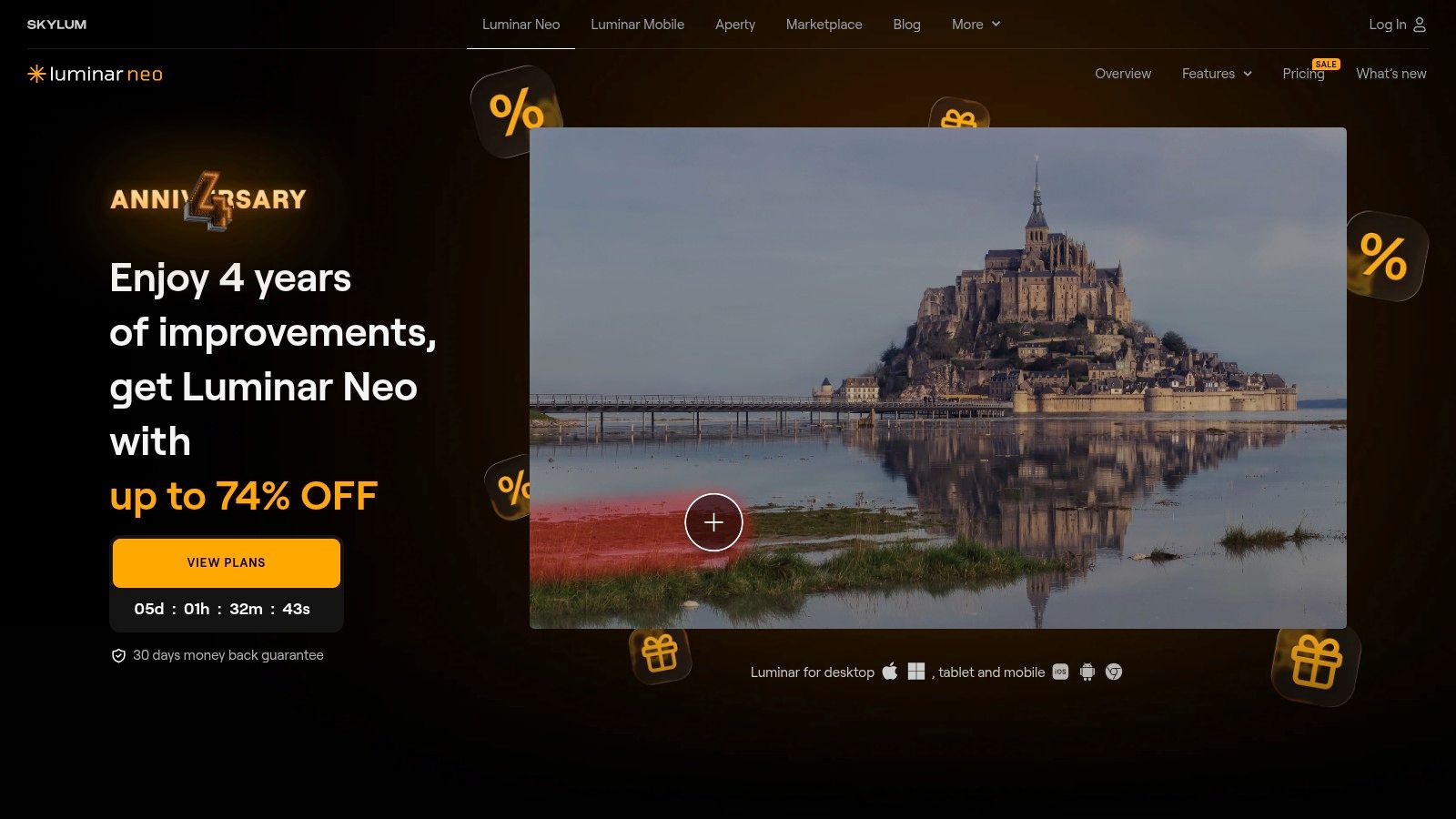
Unlike subscription-only models, Luminar Neo offers both a subscription and a perpetual license, appealing to users who prefer a one-time purchase. It functions as a standalone application with a built-in asset library or as a plugin for Adobe Photoshop and Lightroom, providing flexibility for different workflows. This dual capability allows users to leverage Luminar’s fast AI enhancements within their existing professional editing environment.
The software is available via a subscription or a one-time purchase, with cross-device licenses that often cover both desktop and mobile. While promotional pricing can sometimes be complex to navigate, the value of its one-click AI tools is undeniable for achieving professional-looking edits efficiently.
Key Features & Analysis
| Feature | Analysis & Use Case |
|---|---|
| Relight AI & Sky AI | Intelligently adjust lighting in a scene or completely replace a bland sky. Extremely useful for real estate or product photos taken in suboptimal lighting conditions. |
| Portrait AI Tools | Includes tools like Face AI, Skin AI, and Body AI to subtly retouch portraits with simple sliders. Perfect for creating polished professional headshots for LinkedIn or corporate websites. |
| Perpetual License Option | Offers a one-time purchase option, which is a major draw for users who want to avoid recurring subscription fees. This provides long-term value for budget-conscious creators. |
| Plugin & Standalone Functionality | Use it as a primary editor or integrate it into a Photoshop/Lightroom workflow. This flexibility is great for marketers who need to quickly enhance assets before final creative touches. |
Website: https://skylum.com/luminar
5. Topaz Photo AI
Topaz Photo AI carves out a niche as one of the best AI photo editing software choices for image quality purists. Instead of generative creation, it focuses on perfecting existing photos with best-in-class upscaling, denoising, and sharpening. Its AI models are meticulously trained to rescue blurry shots, remove noise from low-light images, and upscale low-resolution files without losing detail, making it indispensable for photographers and e-commerce merchants working with imperfect source images.
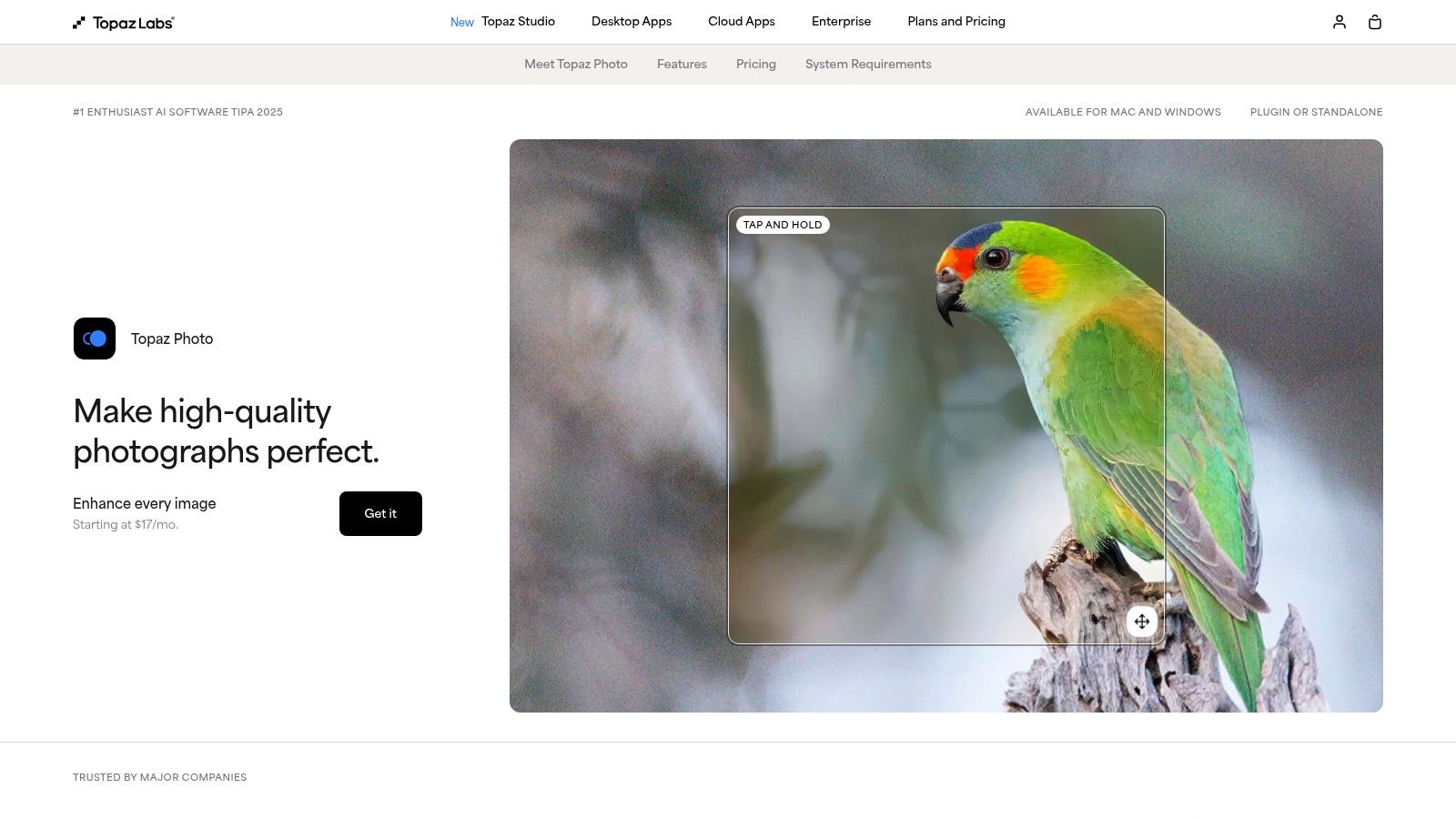
Unlike all-in-one editors, Topaz Photo AI is a specialized tool that can operate as a standalone application or as a plugin within Adobe Photoshop and Lightroom, seamlessly integrating into professional workflows. It intelligently analyzes images and suggests which enhancements to apply, from sharpening a soft subject to recovering faces in a noisy group photo. This focused approach is a powerful complement to other AI tools, handling the technical cleanup so creative edits can shine. It’s also a key part of the debate over whether AI headshots can replace a professional photographer, as it can dramatically improve the final quality of an AI-generated or user-submitted image.
The software is available via a one-time purchase ($199) that includes a full year of updates, offering a compelling alternative to subscription-only models.
Key Features & Analysis
| Feature | Analysis & Use Case |
|---|---|
| Upscale AI | Increases image resolution by up to 6x while enhancing real detail. Ideal for printing low-resolution photos or preparing smaller product images for large-format advertisements. |
| Denoise AI | Intelligently removes digital noise from high-ISO or low-light photos. Essential for event photographers or anyone shooting in challenging lighting conditions. |
| Sharpen AI | Corrects motion blur and out-of-focus issues to bring subjects into crisp focus. A lifesaver for salvaging product shots or action photos that aren't perfectly sharp. |
| Face Recovery AI | Specifically identifies and enhances blurry faces in low-resolution images, adding realistic detail. Great for restoring old family photos or improving group shots for marketing materials. |
Website: https://www.topazlabs.com/topaz-photo-ai
6. ON1 Photo RAW
ON1 Photo RAW carves out a unique space by bundling a comprehensive RAW photo editor, cataloging system, and powerful AI tools into a single package, offering a compelling alternative to subscription-based ecosystems. It stands out by giving users the choice between a perpetual license or an all-inclusive subscription, making it one of the best AI photo editing software options for photographers who prefer to own their tools. Key AI features like NoNoise AI, Resize AI, and Sky Swap AI are integrated directly into a non-destructive workflow.
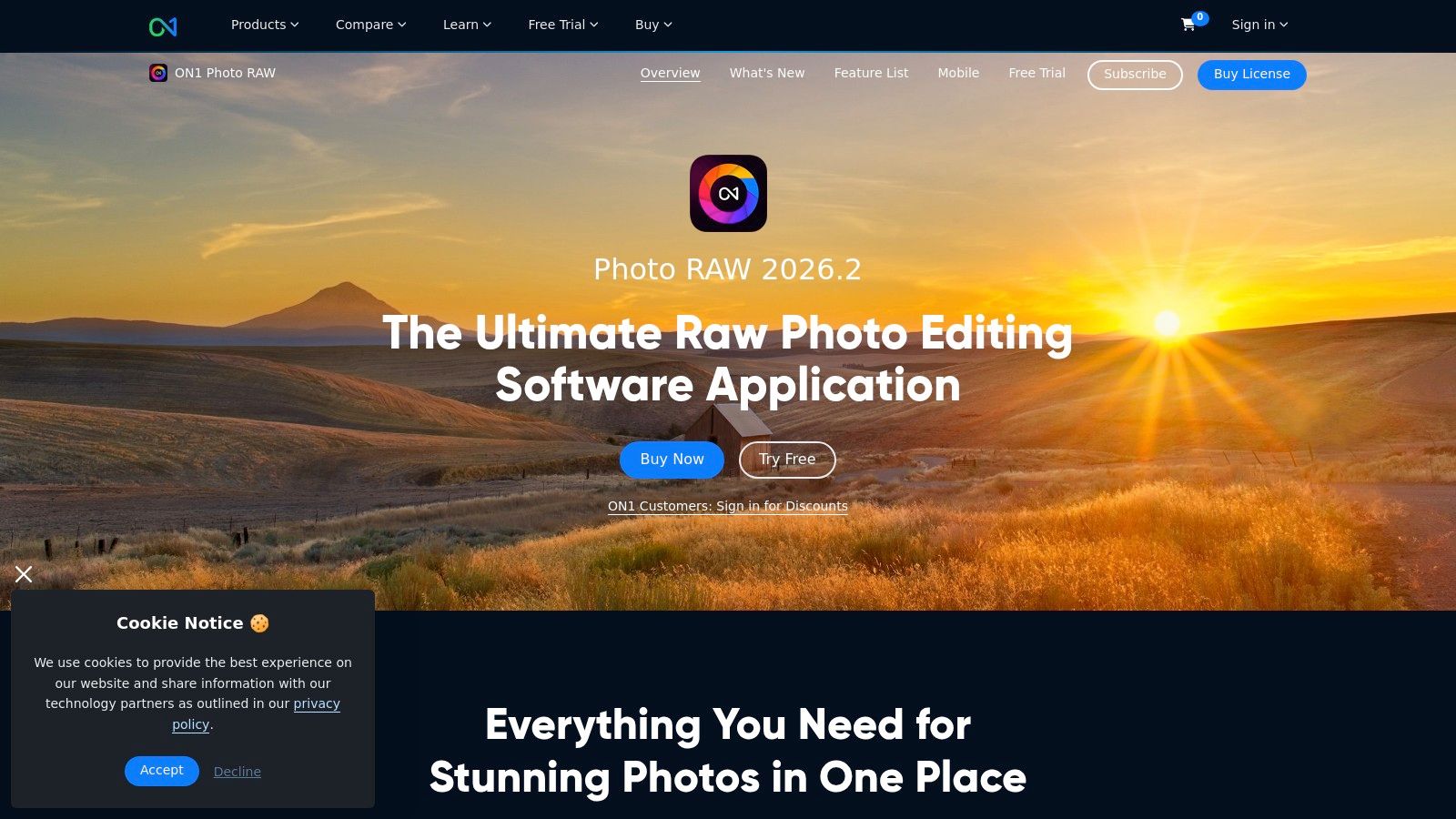
Unlike purely AI-driven tools, ON1 Photo RAW is a complete photo management and editing suite first. This makes it ideal for photographers handling large volumes of images, such as event or product photographers, who need robust digital asset management (DAM) alongside advanced editing capabilities. The AI-powered masking can instantly isolate subjects, objects, or backgrounds, dramatically speeding up the editing process for complex e-commerce product shots or marketing materials without leaving the application.
The software is available as a one-time purchase (currently $99.99 for Photo RAW 2024.5) or through the ON1 Everything Subscription, which includes all ON1 apps and plugins, cloud storage, and ongoing updates. This flexibility appeals to a wide range of users, from hobbyists to professionals seeking to avoid recurring monthly fees.
Key Features & Analysis
| Feature | Analysis & Use Case |
|---|---|
| Integrated AI Suite | Combines NoNoise AI, Resize AI, Sky Swap AI, and AI Masking in one interface. Perfect for restoring noisy low-light product photos or batch-processing marketing images that need upscaling. |
| Perpetual License Option | A significant advantage for businesses and individuals who want to control software costs and own their editing tools outright, avoiding long-term subscription commitments. |
| Photo Management (DAM) | Built-in cataloging, keywording, and browsing make it a full-fledged Lightroom alternative for organizing thousands of assets, essential for managing extensive product or campaign libraries. |
| Plugin Compatibility | Functions as a standalone editor or as a plugin for Adobe Photoshop and Lightroom, allowing users to integrate ON1’s powerful AI features into an existing Adobe-based workflow. |
Website: https://www.on1.com/products/photo-raw
7. DxO PhotoLab
For photographers who prioritize pristine image quality and technical excellence above all else, DxO PhotoLab stands out as one of the best AI photo editing software solutions. Its core strength lies not in generative AI but in its scientific, lens-and-camera-specific approach to RAW processing. The standout feature is DeepPRIME XD, an AI-powered denoising and demosaicing technology that produces incredibly clean, detailed files from high-ISO or older images, preserving subtle textures that other editors might smooth away.
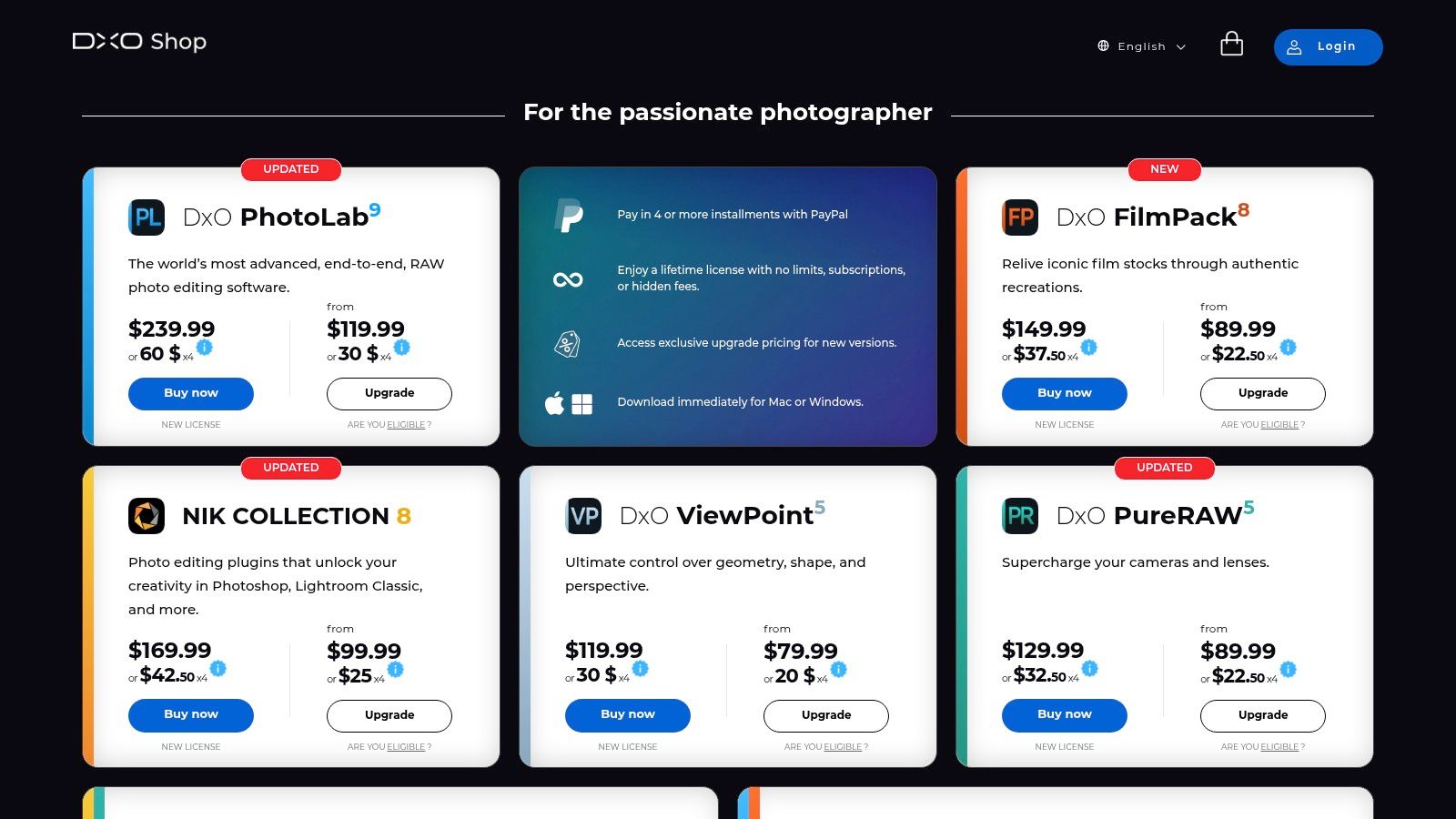
Unlike subscription-based models, DxO PhotoLab offers a perpetual license, a significant draw for users who prefer to own their software outright. It excels in its scientific approach, using "Optics Modules" that are custom-calibrated for thousands of camera and lens combinations to automatically correct distortion, chromatic aberration, and vignetting with unparalleled precision. This makes it an essential tool for landscape, wildlife, and portrait photographers demanding the absolute best RAW conversion.
The software is available as a one-time purchase, with the ELITE Edition (currently $229) unlocking key features like DeepPRIME XD. While it lacks the generative tools of competitors, its focus on foundational image quality is unmatched.
Key Features & Analysis
| Feature | Analysis & Use Case |
|---|---|
| DeepPRIME XD Denoising | Industry-leading AI noise reduction that cleans up images while enhancing detail. It's a game-changer for low-light event photography or reviving noisy files from older cameras. |
| Elite Optics Modules | Automatic, lab-tested corrections for specific lens and camera pairings. Perfect for architectural and real estate photographers who need flawless geometric accuracy in their shots. |
| U Point™ Local Adjustments | An intuitive way to make targeted edits to specific areas of a photo without complex masks. Ideal for fine-tuning brightness, contrast, and color in specific parts of a product photo. |
| Perpetual License Model | Pay once and own the software forever. This is a major benefit for freelance photographers and small businesses looking to control recurring software costs. |
Website: https://shop.dxo.com
8. Capture One Pro (and All-in-One bundle)
Renowned in the professional photography world, Capture One Pro is a high-end RAW processor and editing suite prized for its exceptional color rendering and tethered shooting capabilities. While not an "AI-first" platform in the generative sense, it incorporates intelligent AI-powered features designed to streamline demanding studio workflows, making it one of the best AI photo editing software choices for commercial and studio photographers who prioritize image quality and precision above all else. Its AI is focused on accelerating complex, repetitive tasks rather than generating content.
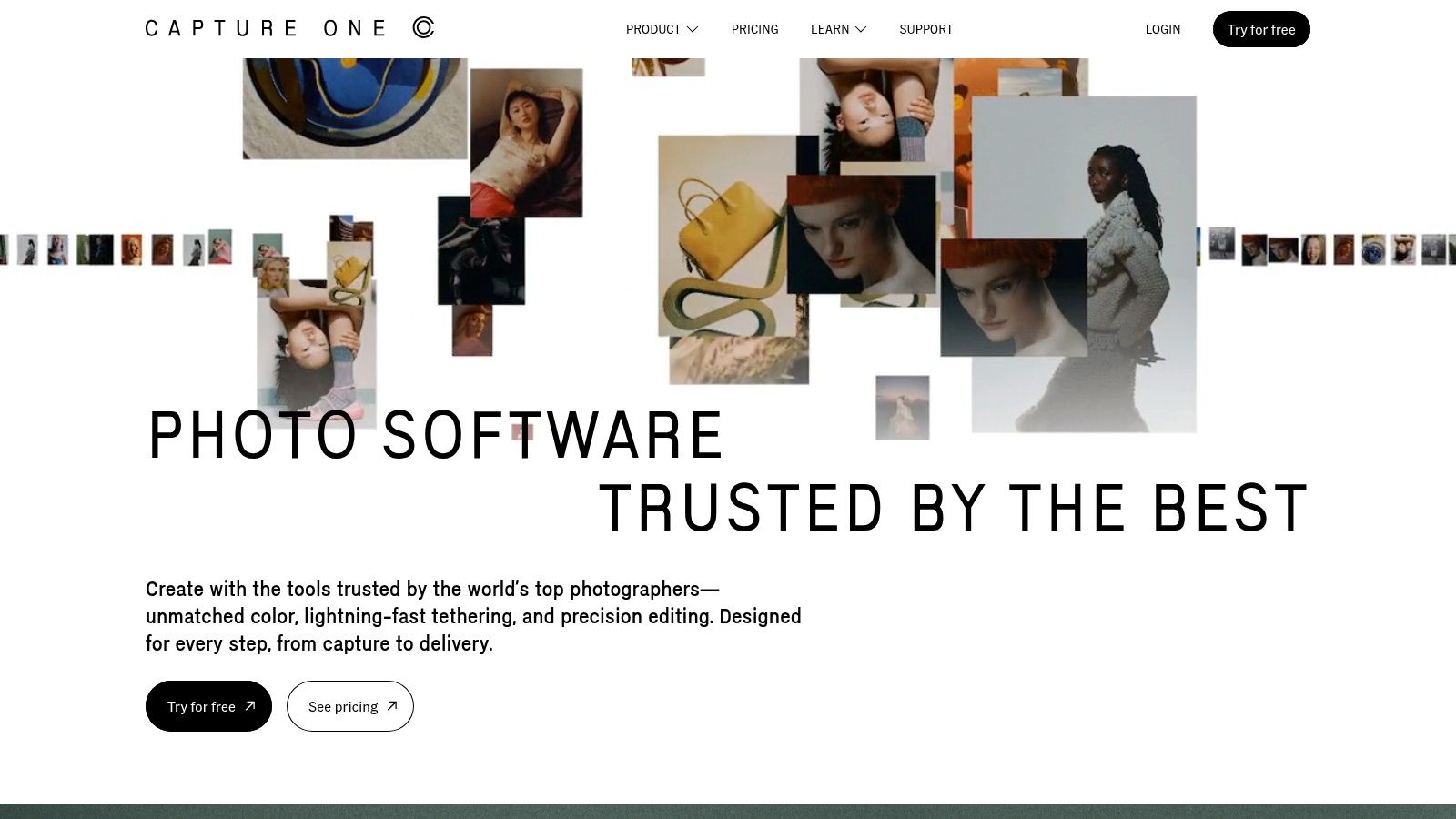
Unlike competitors focused on broad creative tools, Capture One excels in a professional environment. Its key AI functions, like AI-driven culling and subject masking, are built to save hours on large shoots. For e-commerce studios shooting thousands of product images, the ability to automatically identify and rate the best shots or create perfect masks for batch editing is a significant efficiency gain. This focus on workflow optimization, combined with its legendary color science, provides unparalleled control.
Capture One offers both a perpetual license for its Pro version (starting at $299) and subscription plans (from $24/month). The All-in-One bundle adds mobile apps and priority support, catering to photographers who need a complete, integrated ecosystem for studio and on-the-go work.
Key Features & Analysis
| Feature | Analysis & Use Case |
|---|---|
| AI-Assisted Culling | Automatically groups similar images and identifies subjects with closed eyes or out of focus, drastically speeding up the selection process after a large product or headshot session. |
| AI-Powered Masking | Instantly create highly accurate masks for subjects and backgrounds with a single click. Essential for e-commerce merchants needing to isolate products for batch edits or background replacements. |
| Advanced Color Editing | The industry-leading Color Editor and custom camera profiles ensure superior color accuracy, which is non-negotiable for brands that require perfect product color representation in their marketing assets. |
| Professional Tethering | Offers the most robust and stable tethered shooting experience, allowing immediate image review and adjustment during a shoot. Ideal for collaborative studio environments creating campaign assets. |
Website: https://www.captureone.com
9. Canva (Pro/Business/Enterprise)
Canva has evolved from a simple design tool into a comprehensive platform, making it a strong contender for the best AI photo editing software, especially for marketing teams and non-designers. Its "Magic Studio" integrates a suite of AI-powered tools directly into the user-friendly, browser-based interface. Features like Magic Eraser, Magic Edit, and Magic Expand allow users to clean up images, transform objects with text prompts, and extend backgrounds effortlessly. This makes it ideal for creating polished marketing collateral without a steep learning curve.
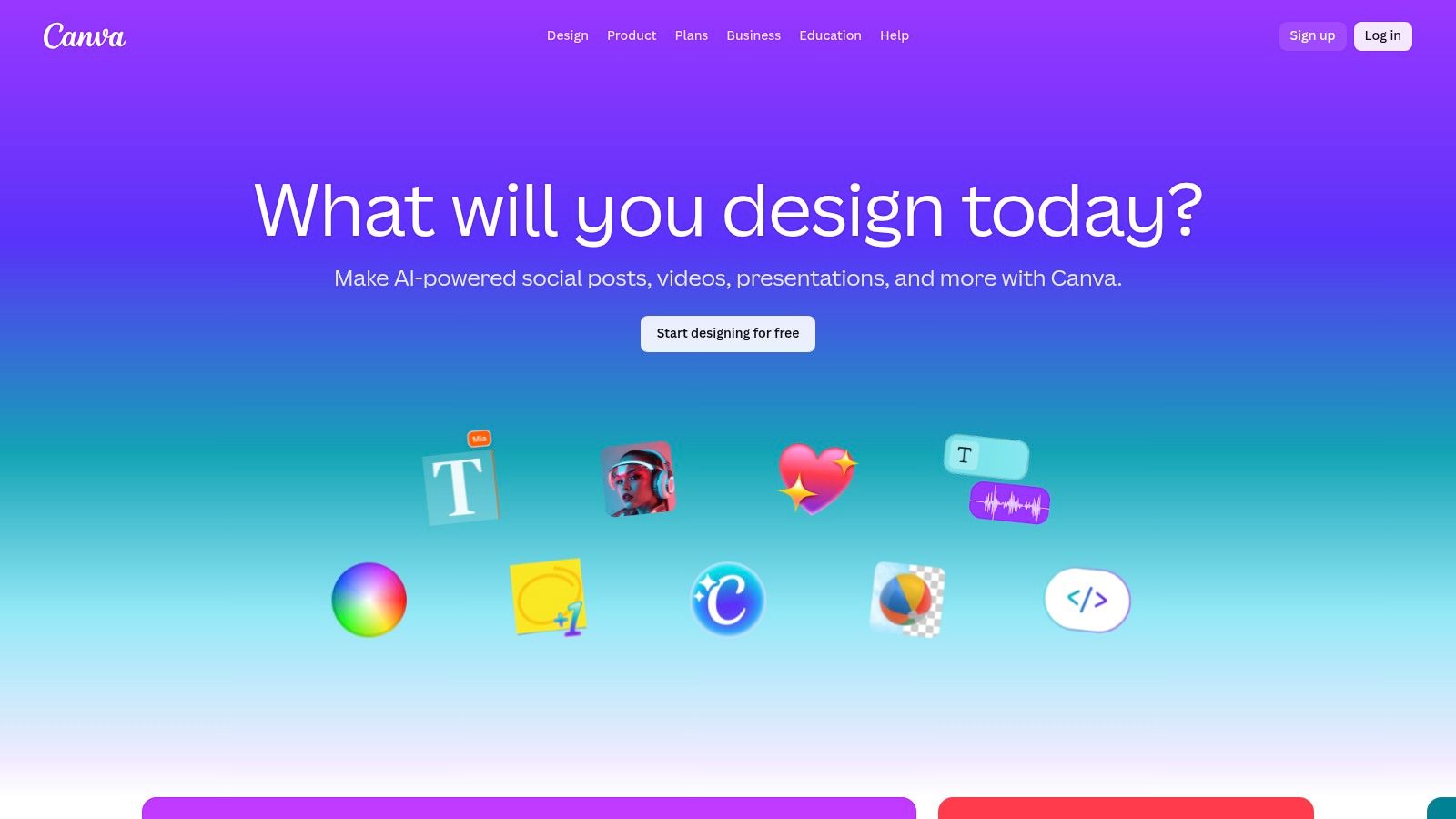
Unlike dedicated photo editors, Canva’s power lies in its all-in-one ecosystem. A user can remove the background from a product shot, place it into a branded template, and schedule it to social media, all within the same tab. The platform’s extensive template library and Brand Kit features ensure consistency, a crucial element for businesses. For teams needing consistent visuals across various channels, understanding how to handle tasks like resizing images for social media is seamless within Canva's workflow. The platform is crucial for creating everything from social posts to professional headshots, which is a key part of personal branding.
Canva offers a robust free version, but the AI tools are primarily available in its Pro and Teams plans (starting around $14.99/month), which operate on a credit-based system for generative AI features.
Key Features & Analysis
| Feature | Analysis & Use Case |
|---|---|
| Magic Studio AI Tools | Includes Magic Eraser, Magic Edit, and Magic Expand to remove objects, alter photos with text, and extend canvases. Excellent for quick social media ad creation and mockups. |
| Background Remover | One-click tool to instantly remove image backgrounds. Essential for e-commerce merchants creating clean product listings or marketers layering images in campaign assets. |
| Template & Asset Library | Provides millions of templates, stock photos, and graphics. Perfect for teams that need to produce high volumes of branded content quickly and consistently. |
| Brand Kit & Collaboration | Centralizes brand colors, logos, and fonts, and allows real-time team collaboration on designs. Invaluable for maintaining brand integrity across a distributed marketing team. |
Website: https://www.canva.com
10. Pixlr
Pixlr stands out as one of the best AI photo editing software options for users who need speed and accessibility. As a web-based editor, it requires no installation and offers a surprisingly powerful suite of AI tools, including Generative Fill and Expand, that are perfect for quick adjustments. This makes it an ideal choice for social media creators or small business owners who need to produce high-quality images without the steep learning curve or cost of professional desktop software.
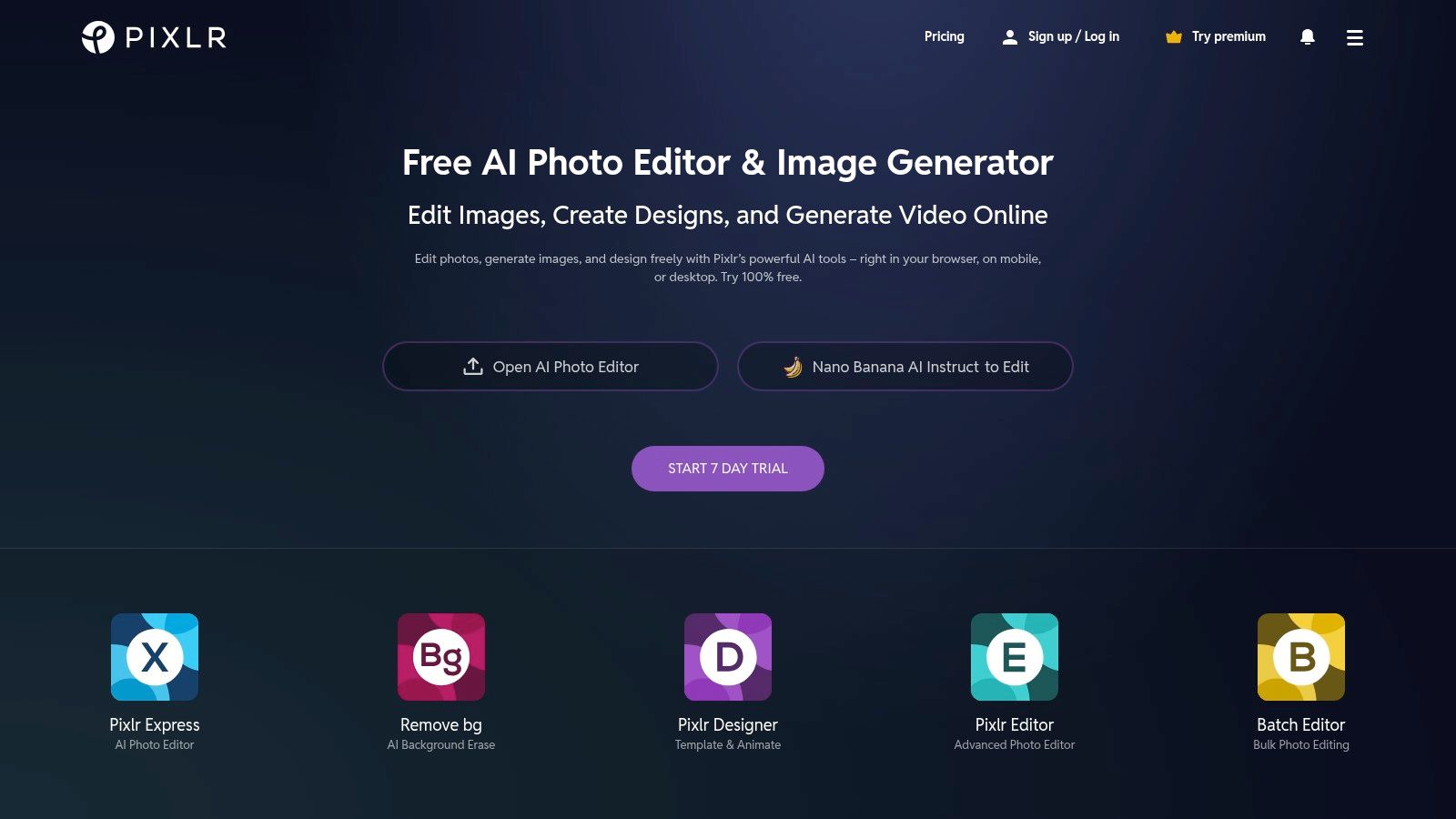
Unlike comprehensive desktop suites, Pixlr’s strength is its convenience and straightforward approach. It combines AI-driven features like one-click background removal and object erasing with a user-friendly, layer-based interface that feels familiar. For e-commerce merchants needing to quickly clean up product photos or marketers creating social media assets from templates, Pixlr provides the essential tools directly in the browser.
The platform operates on a freemium model. You can access many basic features for free, with Plus and Premium subscriptions (starting from a low monthly cost) unlocking more advanced AI capabilities, removing ads, and providing access to a larger library of assets. The AI tools often run on a credit system, which is replenished with paid plans.
Key Features & Analysis
| Feature | Analysis & Use Case |
|---|---|
| Web-Based AI Tools | Includes Generative Fill, Expand, and an AI Image Generator accessible from any browser. Ideal for making quick, powerful edits on the go without installing any software. |
| One-Click Removals | Instantly remove backgrounds or unwanted objects from images. This is a huge time-saver for creating clean e-commerce product listings or professional headshots. |
| AI Upscale & Sharpen | Enhance low-resolution images or fix blurry photos with AI-powered denoise, sharpen, and upscaling tools. Great for salvaging less-than-perfect shots for marketing materials. |
| Templates & Asset Library | A rich library of professionally designed templates, overlays, and stock assets speeds up the content creation process for social media posts, ads, and business collateral. |
Website: https://pixlr.com
11. Picsart
Picsart has evolved from a popular mobile photo editor into a comprehensive, cross-platform creative suite, making it a strong contender for the best AI photo editing software for social media creators and entrepreneurs. Its user-friendly interface is packed with over 15 AI-powered tools designed for quick, impactful edits, including a reliable background remover, AI Replace for swapping objects, and a text-to-image generator. The platform’s strength is its all-in-one, content-first approach, blending powerful AI features with a massive library of templates, stock images, and stickers.
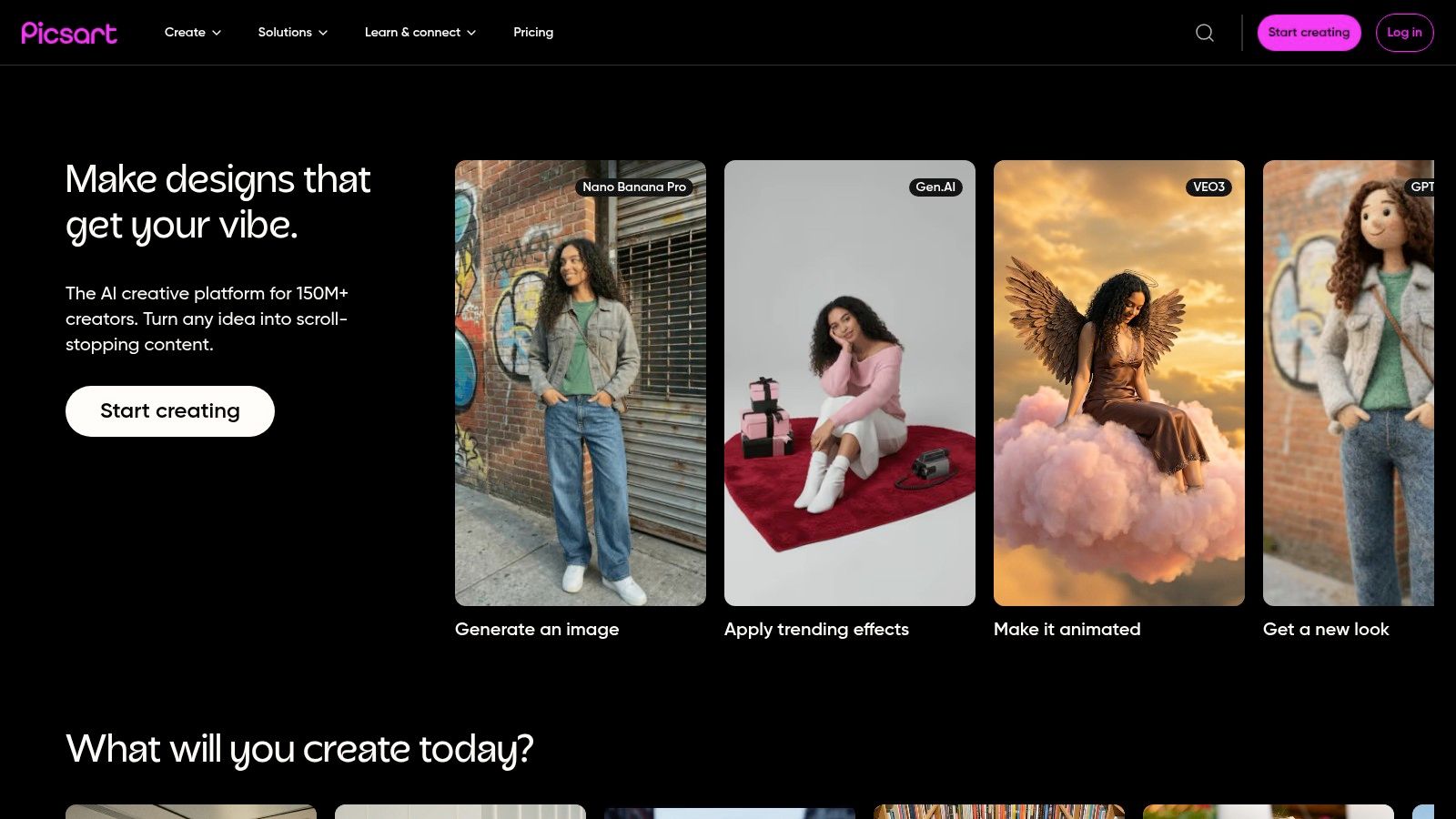
This makes Picsart exceptionally well-suited for users who need to generate social media posts, marketing graphics, or simple e-commerce assets without a steep learning curve. The workflow is streamlined for creating content from start to finish within a single app, whether on a desktop or mobile device. This accessibility is a key differentiator from more complex, professional-grade software.
Picsart operates on a freemium model. The free version offers basic tools, while paid plans (Plus, Pro) unlock advanced AI features, remove watermarks, and provide a monthly allowance of AI credits. The Pro plan also includes a Brand Kit and batch editing capabilities, which are valuable for small businesses maintaining brand consistency.
Key Features & Analysis
| Feature | Analysis & Use Case |
|---|---|
| All-in-One AI Toolkit | Includes AI Image Generator, AI Replace, Background Remover, and enhancement tools. Ideal for social media managers creating a high volume of diverse content quickly. |
| Extensive Content Library | Access to millions of stock images, templates, fonts, and stickers simplifies the creative process. Perfect for quickly assembling on-brand marketing materials without starting from scratch. |
| Cross-Platform Sync | Seamlessly switch between the web editor and mobile app. This is great for entrepreneurs who edit product photos on their desktop and then create social posts on their phone. |
| Freemium & Tiered Plans | Offers a functional free version, making it accessible for beginners. Paid tiers add AI credits and business-focused tools like Brand Kit and bulk editing for scaling content production. |
Website: https://picsart.com
12. G2 – Photo Editing Software category
While not a photo editor itself, G2 is an indispensable resource for anyone researching the best AI photo editing software. It’s an independent software marketplace that aggregates verified user reviews, ratings, and in-depth comparisons. Instead of relying solely on marketing copy, you can see how real-world users from different business sizes and industries rate a tool's performance, ease of use, and customer support.
G2’s value lies in its structured data and filtering capabilities. You can compare several platforms side-by-side on specific features, view “G2 Grid” reports that rank leaders in the space, and read detailed buyer’s guides. This makes it a crucial first step for e-commerce merchants or marketing agencies trying to validate which AI solution truly fits their workflow and budget before committing to a subscription. It provides the social proof and unbiased data needed to make a confident purchasing decision.
The platform is free to use for research. You can access all reviews, comparisons, and reports without an account, though signing up allows you to save your research.
Key Features & Analysis
| Feature | Analysis & Use Case |
|---|---|
| Aggregated User Reviews | Provides honest, unfiltered feedback from actual users. Ideal for understanding the practical pros and cons of a tool beyond what the vendor's website shows. |
| Side-by-Side Comparisons | Directly compare features, pricing models, and user satisfaction scores for multiple AI photo editors. This helps narrow down a shortlist based on your specific needs. |
| "Best Of" Lists & Grids | G2 compiles rankings for different categories, helping you quickly identify market leaders and high-performers that are popular with businesses similar to yours. |
| Detailed Filtering | Filter software options by company size, user rating, and specific features (like "AI background removal"). This is perfect for finding a niche tool that solves a particular problem. |
Website: https://www.g2.com/categories/photo-editing
Top 12 AI Photo Editors: Feature Comparison
| Product | Core Features ✨ | Quality/UX ★ | Price/Value 💰 | Target Audience 👥 | USP / Notes 🏆 |
|---|---|---|---|---|---|
| Photo AI Studio 🏆 | ✨ Model Creator, image→video, 150+ themes, clothes try‑on | ★★★★☆ fast (~15s), hyper‑realistic | 💰 Credit‑based, regional tiers, free starter credits | 👥 Photographers, creators, e‑commerce, marketers, agencies | 🏆 Commercial ownership, API‑ready, privacy controls; studio‑grade at scale |
| Adobe Photoshop (Creative Cloud) | ✨ Generative Fill (Firefly), advanced masking, PSD ecosystem | ★★★★★ industry standard, pro tools | 💰 Subscription; AI features metered by credits | 👥 Professionals, retouchers, studios | Tight Creative Cloud integration; deepest retouching toolset |
| Adobe Lightroom (Classic + Cloud) | ✨ AI Masking, RAW denoise, cloud sync, cataloging | ★★★★☆ optimized for batch RAW workflows | 💰 Subscription (Photography Plan), includes generative credits | 👥 Photographers, high‑volume workflows | Best‑in‑class cataloging and batch edits; PS round‑trip |
| Skylum Luminar Neo | ✨ Relight, Sky, Portrait AI; plugin support | ★★★★ fast, intuitive AI sliders | 💰 Perpetual or subscription; one‑time purchase options | 👥 Hobbyists, pros wanting quick edits | Perpetual license available; easy, fast AI adjustments |
| Topaz Photo AI | ✨ Denoise, Sharpen, Upscale, Recover Faces | ★★★★☆ exceptional upscaling & denoise | 💰 Perpetual or subscription; modular products | 👥 Photographers needing restoration/upscale | Specialist for best‑in‑class image quality models |
| ON1 Photo RAW | ✨ Develop, Effects, AI masking/resize, DAM | ★★★★ solid all‑in‑one alternative | 💰 Perpetual or subscription (MAX); good value | 👥 Users seeking PS/LR alternative | All‑in‑one with DAM + regular feature updates |
| DxO PhotoLab | ✨ DeepPRIME XD denoise, optics corrections, local adjust | ★★★★☆ top RAW quality, precise corrections | 💰 Perpetual license; optional upgrades | 👥 Photographers prioritizing RAW & lens accuracy | Elite demosaicing, camera/lens profiles |
| Capture One Pro | ✨ Tethering, advanced color, studio workflows | ★★★★☆ studio‑grade color & tethering | 💰 Perpetual or subscription; complex tiers | 👥 Studios, pro photographers, tethering users | Exceptional tethering & precise color control |
| Canva (Pro/Business/Enterprise) | ✨ Templates, Magic Eraser, brand kits, collaboration | ★★★★ very easy, collaborative UX | 💰 Free tier; Pro/Business/Enterprise per seat | 👥 Marketers, non‑designers, teams | Massive templates + team/brand workflow |
| Pixlr | ✨ Web AI generator, bg removal, upscaling, templates | ★★★ quick web edits, no install | 💰 Free‑to‑start; Plus/Premium low cost; AI credits | 👥 Casual editors, quick tasks | Fast, browser‑based, budget‑friendly |
| Picsart | ✨ 15+ AI tools, templates, asset library, mobile apps | ★★★ social‑first UX for content creation | 💰 Free + Plus/Pro/Ultra with AI credit allocations | 👥 Social creators, influencers | Large asset library and mobile‑centric tools |
| G2 – Photo Editing Software category | ✨ Aggregated reviews, comparisons, buyer guides | ★★★★ user review coverage & rankings | 💰 Free to use; links to vendor pricing | 👥 Buyers researching photo editors | Independent user insights, side‑by‑side comparisons |
Choosing the Right AI Editor for Your Creative Vision
Navigating the landscape of AI-powered photo editing can feel overwhelming. As we've explored, the market is filled with a diverse array of powerful tools, each with its own unique strengths, workflows, and ideal user. The journey to finding the best AI photo editing software for your needs doesn't end with a single "best" choice; it concludes with finding the right choice for your specific creative and business objectives.
The key takeaway from this comprehensive review is that the ideal tool is defined by your primary use case. There is no universal champion, only a champion for your particular workflow. A professional photographer focused on fine-art printing will have vastly different requirements than an e-commerce brand needing thousands of consistent product shots.
Synthesizing Your Options: A Needs-Based Approach
To help you make a final decision, let's distill the options down based on common user profiles and their most pressing needs. This framework should guide you toward the platform that will not just edit your photos, but actively accelerate your goals.
- For the Technical Purist and Professional Photographer: If your work demands the absolute pinnacle of RAW processing, meticulous color grading, and non-destructive editing, your top contenders remain Capture One Pro and DxO PhotoLab. These platforms are built for precision, offering unparalleled image quality, lens correction, and tethered shooting capabilities that are essential for high-end commercial and studio work.
- For the All-Around Creative and Adobe Enthusiast: For those already invested in the Adobe ecosystem or seeking a comprehensive suite that covers everything from photo manipulation to graphic design, Adobe Photoshop and Lightroom are the undeniable industry standards. Photoshop’s Generative Fill is a game-changer for complex edits, while Lightroom provides best-in-class organization and batch processing for high-volume workflows.
- For the Efficiency-Focused Creator and Hobbyist: If your priority is speed and impactful, one-click enhancements without a steep learning curve, Skylum Luminar Neo and Topaz Photo AI are excellent choices. They excel at automating complex tasks like noise reduction, sharpening, and sky replacement, allowing you to achieve professional-looking results in a fraction of the time.
- For the Social Media Manager and Small Business Owner: When content creation is about speed, collaboration, and brand consistency across multiple channels, Canva is in a league of its own. Its vast template library and user-friendly interface make it perfect for producing marketing assets, social media graphics, and presentations quickly.
The Generative AI Frontier: Beyond Editing to Creation
A significant shift in this space is the move from corrective AI to generative AI. This is where a tool like Photo AI Studio carves out its unique and powerful niche. It’s not just about improving an existing photo; it’s about creating entirely new, commercially-ready visual assets from the ground up.
This makes it the ideal solution for modern marketing and e-commerce demands. If your goal is to generate hundreds of on-brand product mockups, create diverse and professional AI headshots without a photoshoot, or produce scalable video content for campaigns, traditional editors fall short. They are not built for this purpose. Photo AI Studio is designed specifically for this asset generation workflow, making it the best AI photo editing software for teams focused on scalable, AI-driven content creation.
Ultimately, your final decision should be an informed one, based on hands-on experience. Nearly every tool on this list offers a free trial or a freemium version. Take advantage of them. Test the user interface, upload your own images, and see which workflow feels most intuitive and empowering. The right software will feel less like a tool and more like a creative partner, seamlessly integrating into your process and enabling you to bring your vision to life more effectively than ever before.
Ready to move beyond simple edits and start creating powerful, on-brand visual assets at scale? Discover how Photo AI Studio can transform your content strategy, from professional headshots to dynamic product showcases. Explore the platform and generate your first images today at Photo AI Studio.


