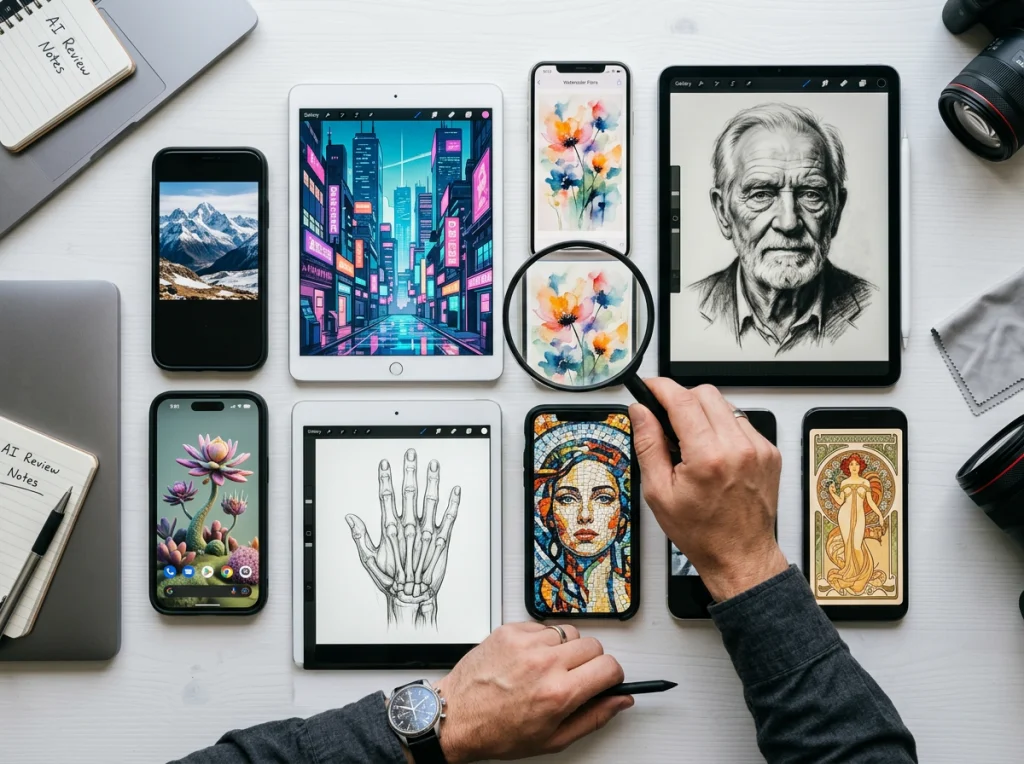
Filters are dead. Well, not quite—but they're no longer enough to make your content stand out. If you're still relying on basic brightness adjustments and preset filters, you're missing what modern AI photo editors can actually do. Tools powered by artificial intelligence now let you swap faces, erase unwanted objects, replace entire backgrounds, and create content that actually gets shared. The difference between a forgettable post and a viral one often comes down to smart editing choices, not expensive equipment or professional skills.
This shift matters because social media rewards novelty. Your audience sees thousands of images every day. A crisp filter doesn't move the needle anymore. But a seamlessly edited photo where your friend's face replaces yours in a celebrity photo? A product shot with a background that looks professionally designed in seconds? That gets attention. That gets saved and shared.
The best part: you don't need Photoshop expertise or hours of editing time. Modern AI photo editors handle the technical heavy lifting. You provide the creative direction.
Face Swap: The Gateway to Shareability
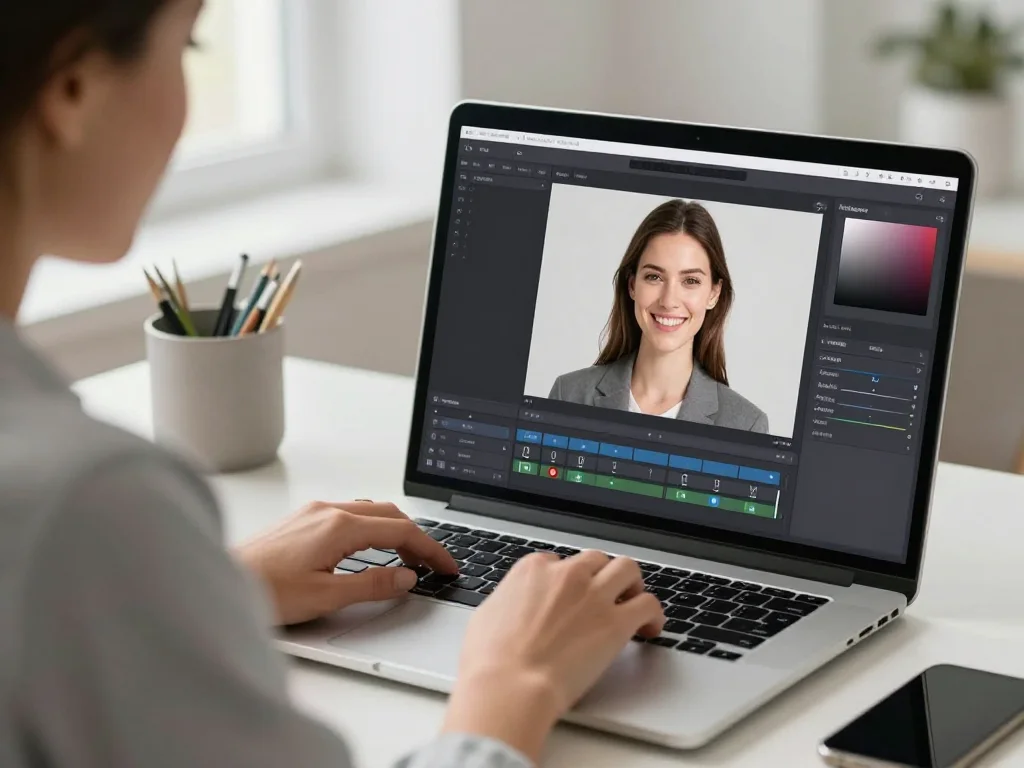
Face swapping has been around for a while, but AI versions are now fast, accurate, and spookily realistic. This isn't just about pasting your face onto celebrity bodies (though that's part of the fun). Smart creators use face swap to:
- Create relatable memes — Swap your face into movie scenes or famous moments. When it's done well, people tag their friends and ask how you did it.
- Build narrative content — Tell a story across multiple photos where you're different people, animals, or characters. This forces viewers to stop scrolling and follow the sequence.
- Make product photos personal — If you're selling something, show yourself using it in aspirational settings. A face swap into a luxury resort photo while holding your product tells a different story than a plain white-background product shot.
The key to viral face swaps is surprise combined with quality execution. A blurry, obvious swap gets scrolled past. A convincing one makes people stop and wonder how you did it. That curiosity is the hook that drives engagement.
Background Replacement: Sell the Fantasy
Your living room is not the Caribbean. Your bedroom is not a fashion brand's studio. But with AI photo editors, none of that matters. Background replacement is no longer an hour-long Photoshop project. It's a three-click operation that works remarkably well, especially when you let AI generate backgrounds from text prompts.
This opens up creative possibilities:
- Influencer content — Your outfit doesn't need to be photographed in a fancy location. You can be in a Parisian café, a Santorini balcony, or a minimalist studio, all from your bedroom.
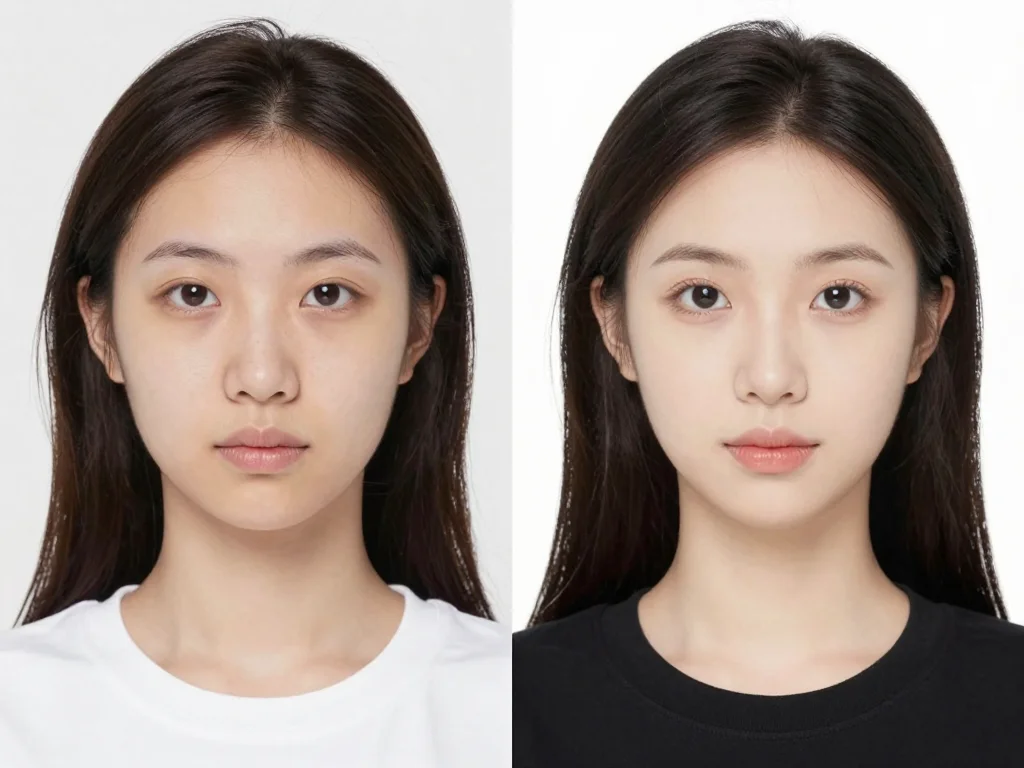
- Before-and-after transformations — Put yourself in the same background but with different clothing, poses, or expressions. This works for fitness content, style transformations, or skill demonstrations.
- Seasonal and timely content — Create Christmas content in July. Post summer beach photos in January. You're not tied to what's actually happening outside your window.
- Brand consistency — If you're building a personal brand or promoting products, consistent backgrounds create a cohesive feed. AI handles this in seconds instead of requiring a location scout.
For a visual walkthrough of how different AI photo editors handle background replacement, check out this comparison:
The trick here is subtlety. Backgrounds that look photoshopped feel cheap. The best ones are either obviously stylized (illustrated, minimalist, graphic) or so well-blended that people don't realize it's edited at all. Test different background styles to see what resonates with your audience.
Object Removal: Clean Up Your Composition
You've got the perfect shot. Perfect lighting, perfect pose, perfect expression. There's a trash can in the corner. Or a stranger's shoulder. Or a power line cutting through the sky. Removing these used to mean learning masking techniques or hiring an editor. Now, AI photo editors do it in seconds and usually get it right the first time.
Beyond simple cleanup, object removal enables creative storytelling:
- Storytelling through absence — Remove objects to change context. A crowded beach becomes isolated and peaceful. A busy street becomes serene. The same location tells different narratives depending on what you remove.
- Product photography — Shoot your product in a real environment, then remove distracting elements. Your phone looks more premium when the random clutter around it disappears.
- Consistent aesthetics — If you're building a feed around minimalism or a specific vibe, object removal lets you clean up otherwise great photos that have one disruptive element.
The limitation here is that AI object removal works best when the background behind the removed object is relatively uniform (sky, wall, water). Complex backgrounds require more finesse. But for most viral-worthy content, you're working with simpler compositions anyway.
Combining Tools for Maximum Impact
The real magic happens when you layer multiple AI editing techniques in one image. Face swap your friend into a celebrity photo, then replace the background with somewhere neither of you have been, then remove a distracting element. Now you've created something genuinely novel—something your audience hasn't seen before.
Here's a practical workflow:
- Start with a concept — What story are you telling? What will make someone stop scrolling? Write it down first. The editing should serve the idea, not the other way around.
- Take multiple shots — Different angles, different poses, different lighting. AI photo editors work better when you give them good source material. They're smart, but they're not miracle workers.
- Layer edits strategically — Do major composition changes first (background replacement, object removal), then smaller adjustments (face clarity, color grading). This workflow is faster and produces better results.
- Test before posting — Show the edited photo to a friend or small group. Does the edit enhance the content, or does it feel like you're trying too hard? Subtle edits usually outperform obvious ones.
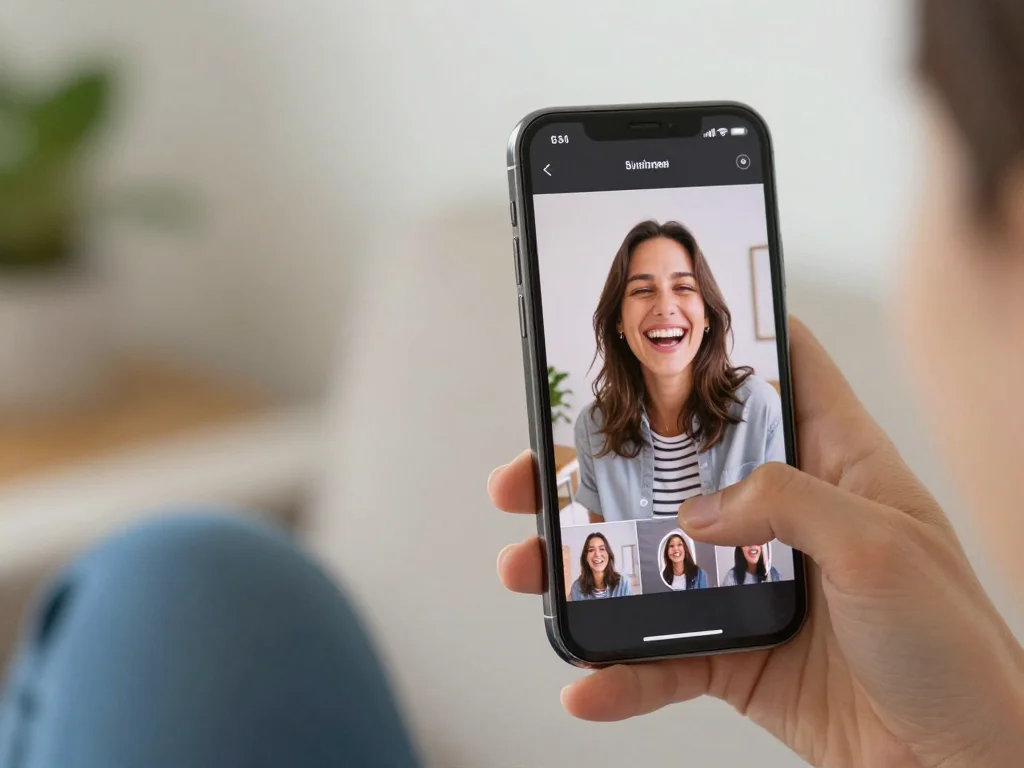
Making Viral Content Requires Strategy, Not Just Tools
You can have access to the best AI photo editors in the world, but without a clear creative direction, the edits won't land. Viral content typically falls into a few categories: authenticity with a twist, humor, aspiration, or genuine novelty. Your edits should amplify one of these angles.
Authenticity with a twist works because it feels real but unexpected. A face swap of you and your friend into each other's professional headshot photos feels personal and funny because it subverts the formality of the headshot format. You can also check out our AI professional headshots.
Humor relies on absurdity or surprise. Putting yourself in increasingly ridiculous scenarios using background replacement. Making your pet's face three times larger than normal. These work because they're unexpected and self-aware.
Aspiration works when the edit enhances a real goal or lifestyle you're promoting. If you're selling fitness coaching, showing yourself in ideal settings (luxury gyms, resort settings, professional studios) positions your service as premium. The edit isn't dishonest; it's aspirational framing.
Genuine novelty is hardest to manufacture, but it's what creates truly viral moments. This is where you're not just using tools as they're meant to be used, but pushing them in creative directions. What if you animated a still photo? What if you created a photo series where you're slowly transforming into something else? What if you edited historical photos to include yourself or modern objects?
The tools enable these ideas. But the ideas come from you.
Choose the Right AI Photo Editor for Your Workflow
Not all AI photo editors are created equal. Some are designed for quick mobile edits. Others are desktop-based and offer more control. Some focus on specific features (face swap, background removal) while others are general-purpose.
If you're creating content for TikTok or Instagram, speed matters. You want to edit on your phone, add something clever, and post within minutes. Photo AI Studio's professional headshot feature works here, but you can also use it for creating themed photoshoots that work as series content.
If you're creating content for a brand or doing this semi-professionally, you might want more control over fine details. You might use multiple tools in combination, leveraging the best tool for each specific task.
The trend moving forward is toward AI editors that are both powerful and accessible. Tools that don't require technical knowledge but still produce professional-quality results. According to photography industry analysis, the shift toward AI-assisted editing is accelerating specifically because the learning curve has collapsed.
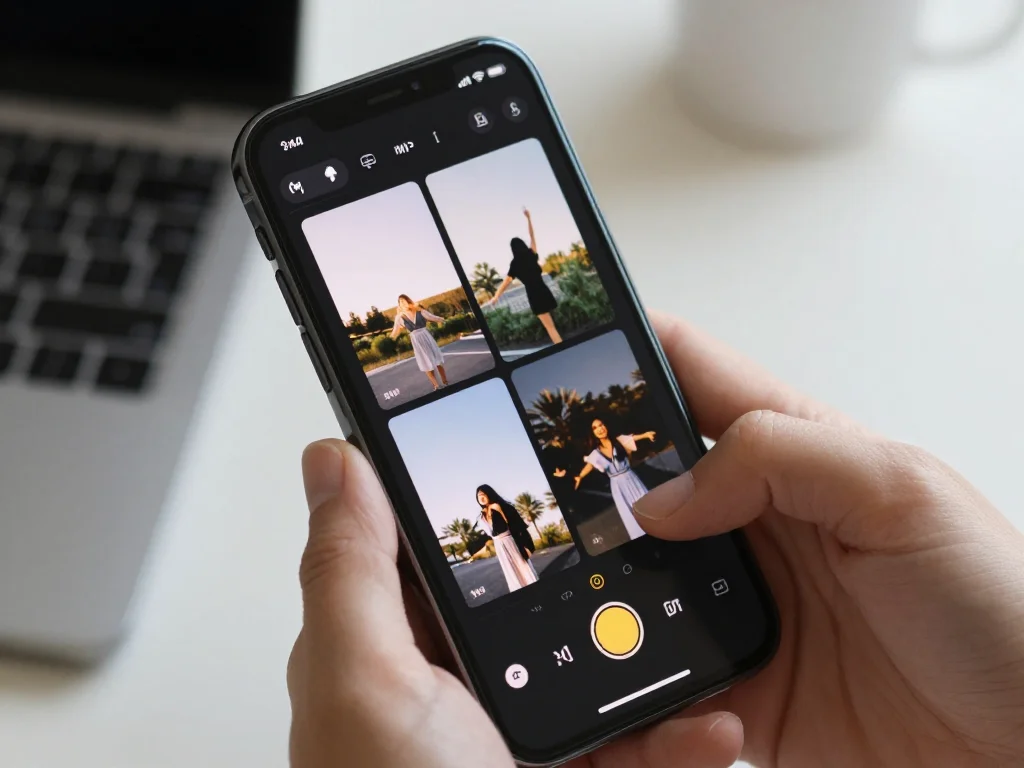
The reality is that making content go viral isn't about having access to the fanciest tools. It's about understanding what your audience finds interesting, then using tools to amplify that idea. AI photo editors are powerful enablers, but they're not the creative force—you are.
Start experimenting. Pick one advanced feature—face swap, background replacement, or object removal—and use it on your next 10 photos. See what resonates. Track which edits get saved, shared, and commented on. Then refine your approach based on real feedback from your audience. You can also check out our AI Christmas photos.
Ready to create content that actually stops people mid-scroll? Try Photo AI Studio's professional headshot and themed photoshoot features to generate high-quality base images you can then enhance with advanced AI editing techniques. Start with strong source material, then layer in the creative edits that make your content uniquely shareable.