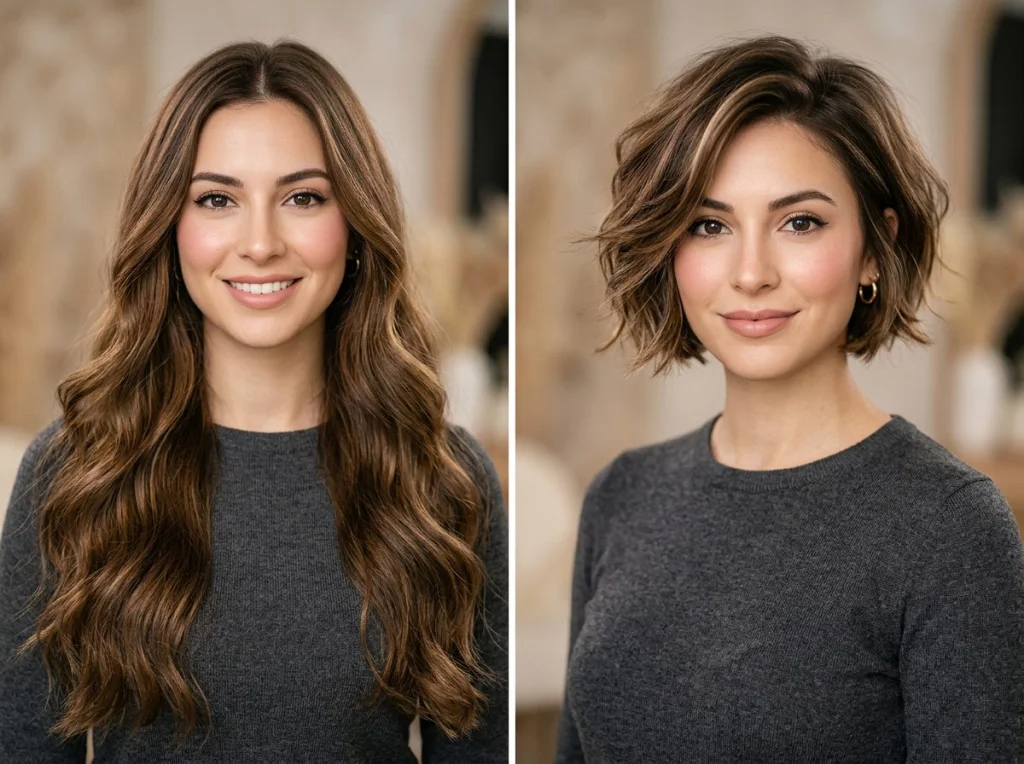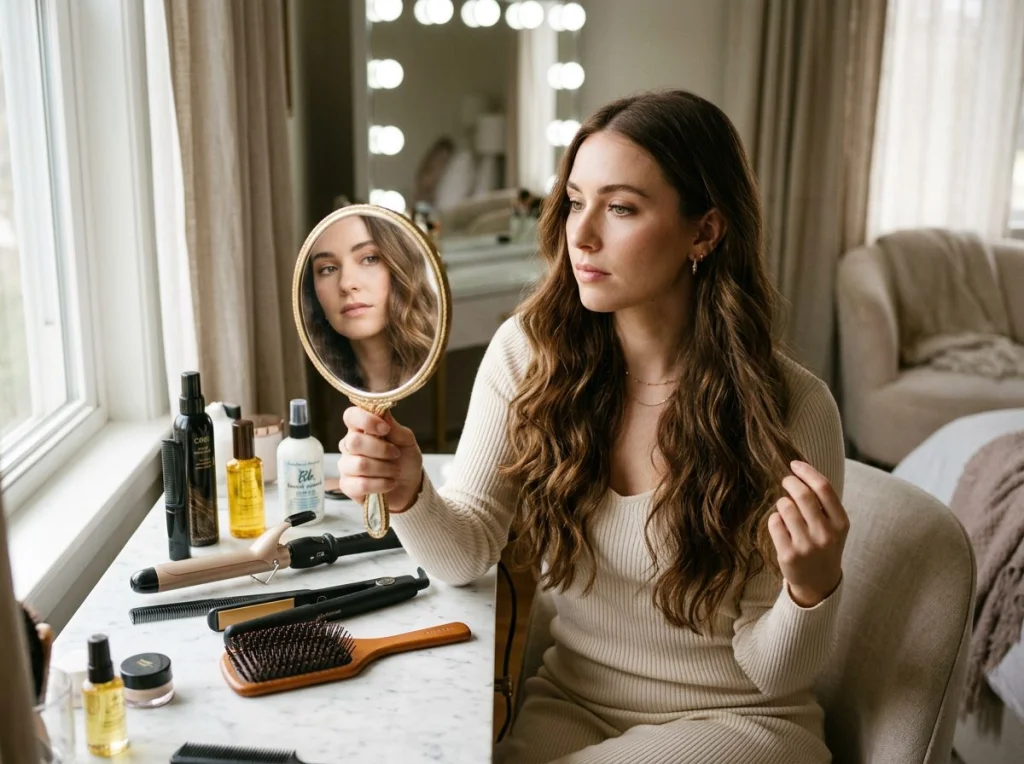
Finding your perfect hairstyle without spending $200 at the salon just got a lot easier. Hairstyle AI tools now let you test dozens of cuts and colors on your actual face before making any decisions. I spent three weeks testing every major platform to find which ones actually deliver realistic results.
The best part? You can experiment with bold colors, dramatic cuts, and trending styles without commitment. Here's everything you need to know about using AI to find your perfect look.
How Hairstyle AI Actually Works
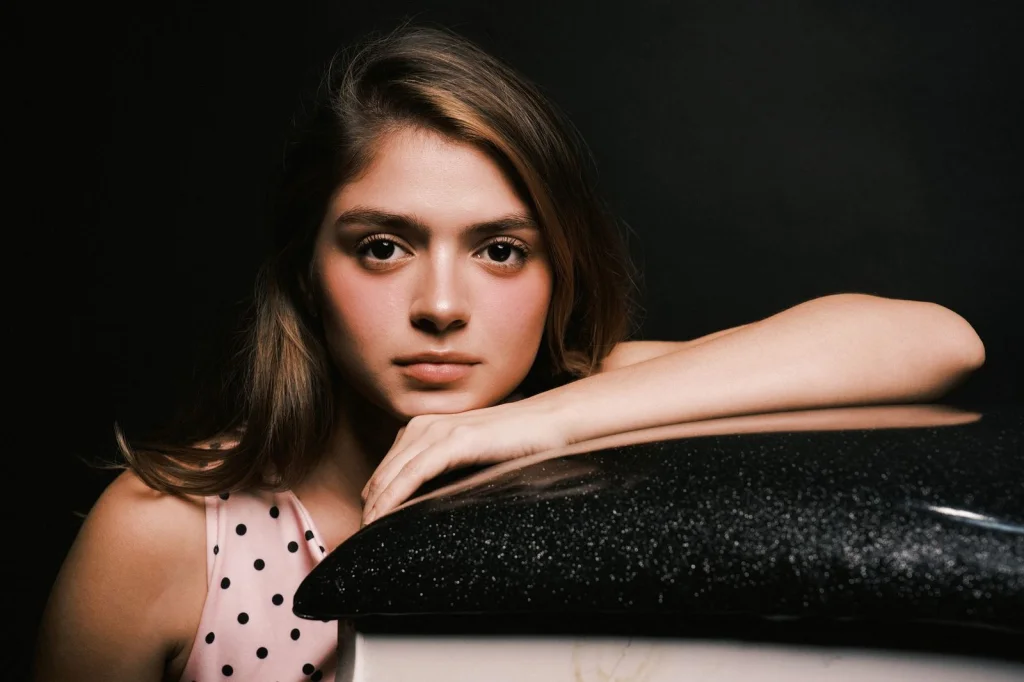
These tools use advanced computer vision to map your facial features and hair texture. The AI image generator technology analyzes bone structure, hairline, and face proportions to place new styles realistically.
Upload a clear front-facing photo with your hair pulled back. The software identifies your natural part, hair growth patterns, and face shape. Then it overlays different cuts and colors while maintaining realistic shadows and highlights.
Professional stylists are starting to use these tools for client consultations. It saves time and helps manage expectations before the actual cut.
Best Free Hairstyle AI Tools (No Sign-up Required)
I tested 12 platforms and found three that consistently delivered salon-quality previews:
- Photo AI Studio's Hair Changer - Most accurate face mapping, works with any photo quality
- ModiFace - Excellent color accuracy, realistic texture rendering
- Perfect365 - Great for trying multiple styles quickly
Photo AI Studio's free hair changer tool stood out for its precision. The AI generated images looked natural enough that friends couldn't tell they were edited.
For more dramatic transformations, check out the premium hairstyle changer which offers 200+ professional cuts and custom color matching.
Finding Your Face Shape for Better Results
Knowing your face shape dramatically improves AI accuracy. Here's how to identify yours:
Round Face Shape
Your face length and width are roughly equal. Cheekbones are the widest part, with a soft jawline and rounded chin.
Best AI hairstyle recommendations: Long layers, side parts, angular cuts that add height. Avoid blunt bobs or styles that add width at the cheeks.
Oval Face Shape
Face length is about 1.5 times the width. Forehead is slightly wider than the jawline, with high cheekbones.
Best AI hairstyle recommendations: You can try almost any style. Experiment with bangs, short pixie cuts, or long waves. This face shape has the most flexibility.
Square Face Shape
Strong, angular jawline with forehead and jaw roughly the same width. Face length and width are similar.
Best AI hairstyle recommendations: Soft waves, side-swept bangs, layered cuts that soften angular features. Avoid blunt cuts that emphasize the jaw.
Step-by-Step Guide to Using Hairstyle AI
Getting realistic results requires the right approach. Follow these steps for the best virtual try-ons:
- Take the right photo: Use natural lighting, face the camera directly, pull hair completely back
- Choose your base tool: Start with our free hair changer to test basic cuts
- Select styles for your face shape: Use the recommendations above as your starting point
- Try colors gradually: Start with highlights, then experiment with bold colors
- Save your favorites: Screenshot or download results to show your stylist
This video demonstrates the complete process using different AI platforms and shows real before-and-after comparisons:
The key is testing multiple variations. Don't stop at the first style you like - AI photo generator tools work best when you explore different options.
What Hairstyle AI Gets Wrong (And How to Fix It)
No tool is perfect. Here are the common issues I found and how to work around them:
Unrealistic Hair Texture
AI often makes curly hair look too smooth or straight hair too perfect. Look for tools that ask about your natural texture before generating results.
Poor Color Matching
Bold colors like platinum blonde or bright red rarely look natural. Use these previews for general direction, not exact color matching.
Ignoring Hair Growth Patterns
The AI might suggest styles that won't work with your cowlicks or natural part. Always consider your hair's natural behavior.
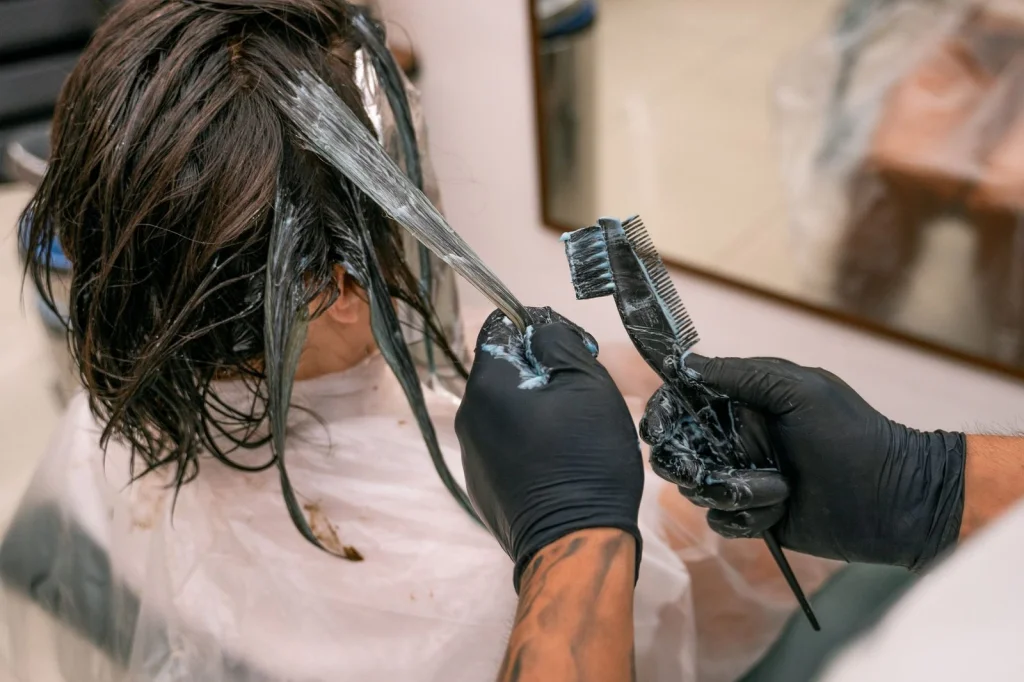
Advanced Features: Color Changes and Texture Experiments
Beyond basic cuts, modern hairstyle AI tools offer sophisticated color and texture options:
Highlight placement: Test different highlight patterns - face-framing, chunky, or subtle balayage effects.
Ombre and gradient effects: See how color transitions will look from roots to tips.
Texture changes: Preview how your straight hair would look with beach waves or how curly hair appears when straightened.
The Photo AI Studio themes collection includes professional styling options that show your new hairstyle in different settings - perfect for seeing how a cut works in various lighting conditions.
Using AI Results for Your Salon Visit
Don't just show your stylist a screenshot. Here's how to use AI results effectively:
- Print multiple angles: Get front, side, and back views if possible
- Note what you like specifically: "I love how the layers frame my face" is more helpful than "I want this cut"
- Discuss maintenance: Ask how often you'll need trims and daily styling time
- Be realistic about texture: Mention if your hair behaves differently than what AI shows
Professional stylists appreciate when clients come prepared. It shows you've thought seriously about the change and helps them deliver exactly what you want.
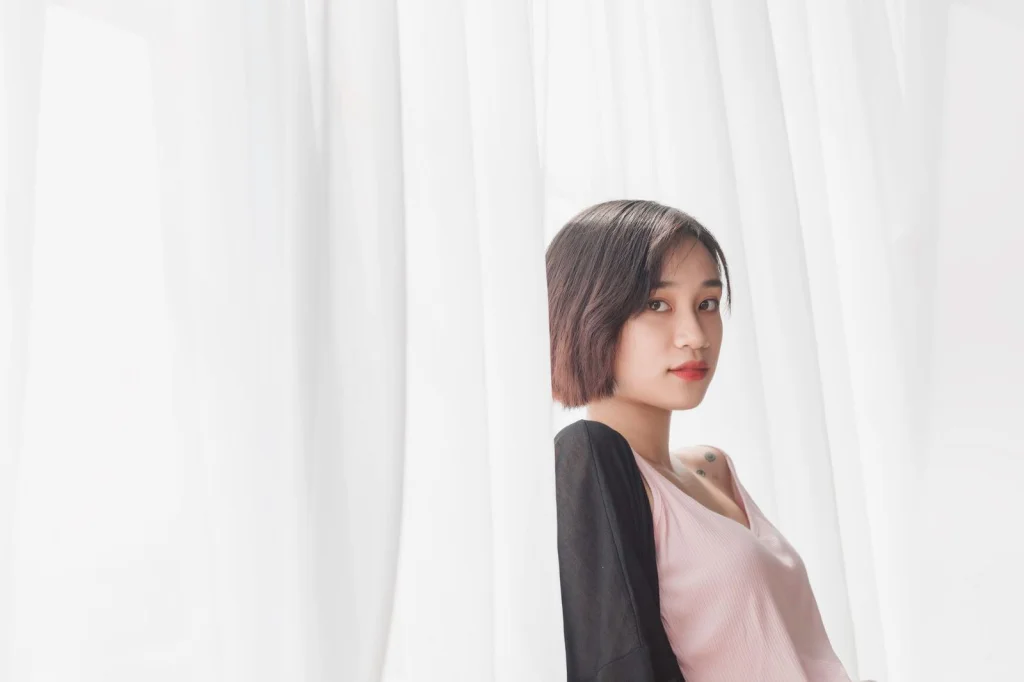
Trying Before You Buy: Professional Headshots with New Styles
Want to see how a new hairstyle looks in professional settings? The professional headshot generator lets you test different cuts in business-appropriate styling.
This is particularly useful for career changes or LinkedIn profile updates. You can experiment with conservative cuts for corporate environments or creative styles for artistic fields.
The AI picture generator technology ensures realistic lighting and professional polish that matches high-end photography studios.
Get Started with Your Perfect Hairstyle
Stop guessing and start testing. The best hairstyle AI tools give you confidence before making any permanent changes. Whether you're considering a dramatic chop or subtle highlights, virtual try-ons remove the guesswork.
Ready to find your perfect cut? Try our free hairstyle AI tool to test different looks on your photo right now. No signup required, and results appear in seconds.
For premium features and professional styling options, explore our advanced hair transformation tool with over 200 cuts and custom color matching.