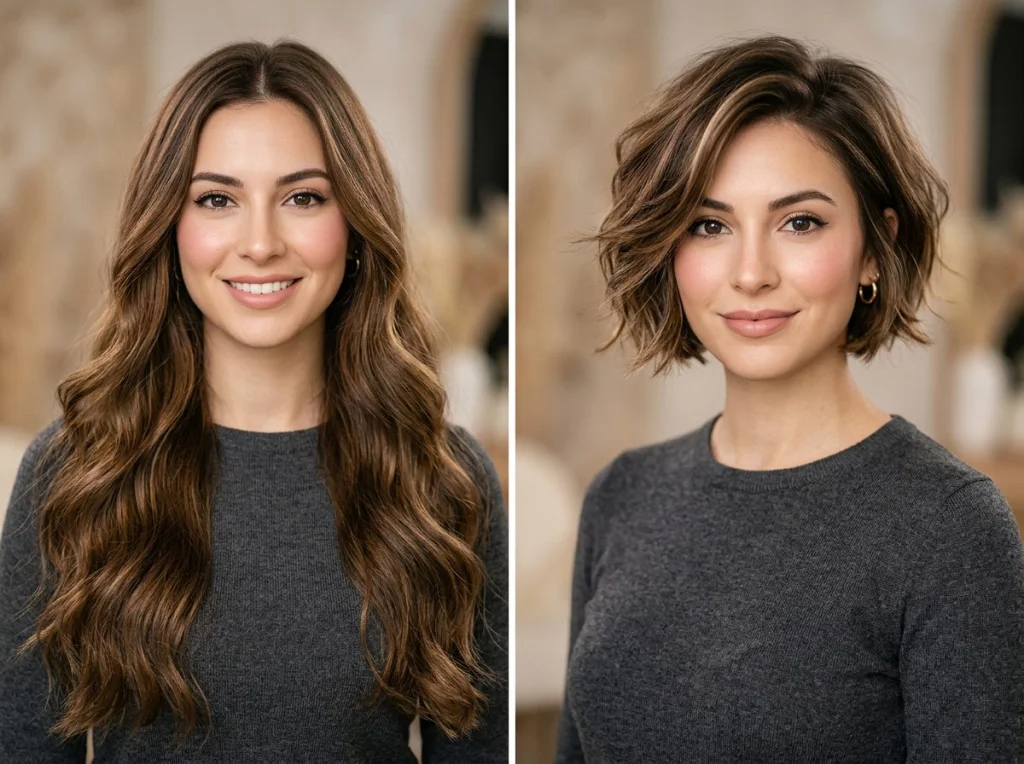
Wrong hairstyle choice can make you look older, wider, or completely throw off your facial proportions. I've tested 15 different AI hairstyle tools over the past six months, uploading photos of myself and friends with different face shapes to see which ones actually deliver realistic results.
Most AI hairstyle changers produce obvious fake-looking results. But three tools stood out for their accuracy in matching styles to face shapes and delivering salon-quality previews.
Understanding Your Face Shape for AI Hairstyle Selection
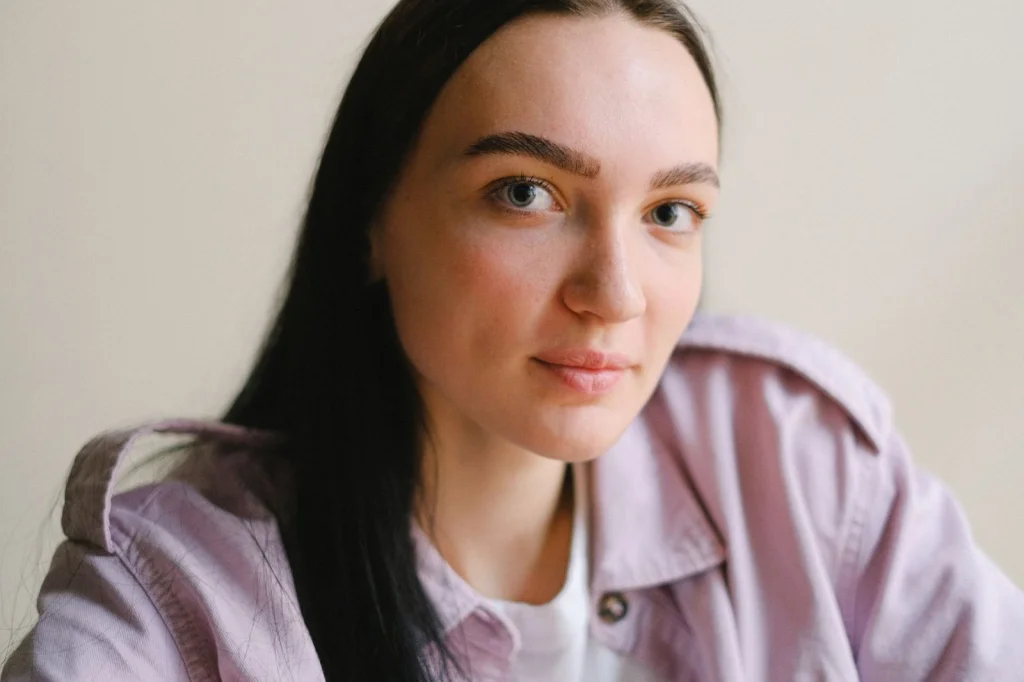
Before diving into AI tools, you need to identify your face shape. This determines which hairstyles will flatter you most. Take a straight-on photo with your hair pulled back completely.
Oval Face Shape
Length is 1.5 times the width. Forehead and jawline are roughly the same width. You can wear almost any hairstyle, but avoid covering your face too much since your proportions are already balanced.
Round Face Shape
Width and length are nearly equal. Cheeks are the widest part. You want height and volume on top, with layers that fall below the chin. Avoid blunt cuts that end at your cheeks.
Square Face Shape
Angular jawline with forehead and jaw roughly the same width. Soften angles with side-swept bangs and layers around the face. Skip severe center parts and blunt bobs.
Heart Face Shape
Wide forehead, narrow chin. Balance the proportions with chin-length bobs or longer styles with volume at the bottom. Avoid heavy bangs that emphasize forehead width.
Long Face Shape
Length significantly exceeds width. Add width with layers at cheek level and avoid long straight styles that elongate further. Bangs work well to shorten the face visually.
Top AI Hairstyle Tools That Actually Work
After testing everything from basic face swap apps to sophisticated AI photo generators, here are the tools that produced the most realistic results.
PhotoAI Studio Hair Changer
This delivered the most natural-looking results in my testing. The AI hair changer analyzes your face shape and suggests appropriate styles automatically. Upload your photo and choose from 50+ hairstyles that adjust to your head shape and lighting conditions.
What impressed me: the tool maintains your natural hair texture and color variations. Most AI tools create plastic-looking hair, but PhotoAI preserves realistic highlights and movement.
Lensa App
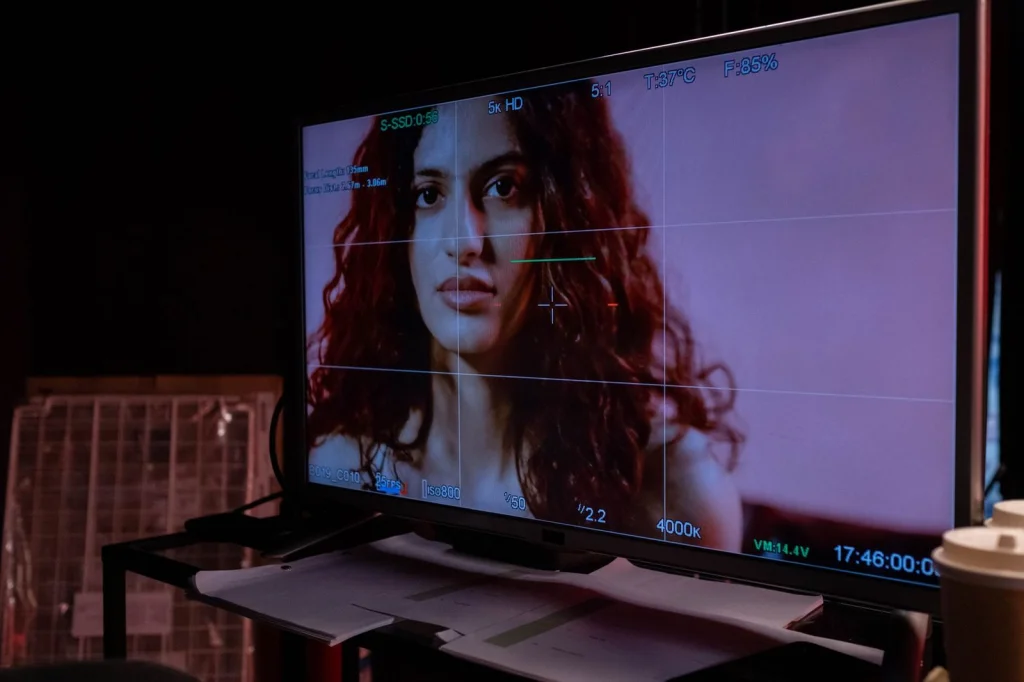
Popular on social media for good reason. Lensa's AI produces artistic interpretations rather than photorealistic previews. Best for exploring dramatic color changes and fantasy styles rather than practical salon decisions.
The free version includes 5 style generations. Premium unlocks unlimited tries and higher resolution outputs.
LongHair.ai
This video demonstrates how LongHair.ai works for realistic hair transformations, particularly effective for adding length and volume to shorter styles.
Specializes in lengthening hairstyles realistically. If you want to see how you'd look with longer hair before committing to extensions, this tool excels at natural-looking length additions.
What to Avoid: Common AI Hairstyle Mistakes
Most people make these errors when using AI hairstyle tools, leading to disappointing or unrealistic results.
Ignoring Your Natural Hair Texture
Don't try to transform curly hair into pin-straight styles or vice versa through AI alone. The results look artificial. Instead, choose styles that work with your natural texture.
Picking Styles That Fight Your Face Shape
Just because an AI tool can generate any hairstyle doesn't mean it should. A bob might look cute on your favorite celebrity, but if you have a round face, it could make you appear wider.
Using Low-Quality Photos
Blurry, poorly lit, or angled photos produce terrible AI results. Use a clear, well-lit, straight-on photo for the most accurate transformations.
Creating Custom AI Hairstyle Prompts
When using advanced AI photo generators like PhotoAI's professional tools, specific prompts deliver better results than generic requests.
Effective Prompt Structure
Start with your face shape and current hair type, then specify the desired change: "Oval face with fine straight hair, transform to shoulder-length layered cut with side bangs, maintain natural brown color."
Include lighting preferences: "soft natural lighting" produces more realistic results than "dramatic lighting" for hairstyle previews.
Color Change Prompts
For color transformations, specify undertones: "warm honey blonde highlights" or "cool ash brown" rather than just "blonde" or "brown." This prevents unrealistic color shifts.
Professional vs. Free AI Hairstyle Tools
Free tools work fine for basic previews, but professional versions offer significant advantages for serious style decisions.
Free AI Image Generator Options
Tools like PhotoAI's free AI headshot generator include basic hair modification features. Perfect for quick experiments without signup requirements.
Most free AI image generators limit you to 3-5 generations per day and lower resolution outputs.
Premium Features Worth Paying For
Professional tools generate multiple angle views, showing how your chosen style looks from the side and back. This matters for practical salon visits.
Higher resolution outputs let you zoom in on details like layer placement and bang length. Free tools often produce images too small for close examination.
How to Try These Looks in Real Life
AI previews are just the starting point. Here's how to translate digital results into successful salon visits.
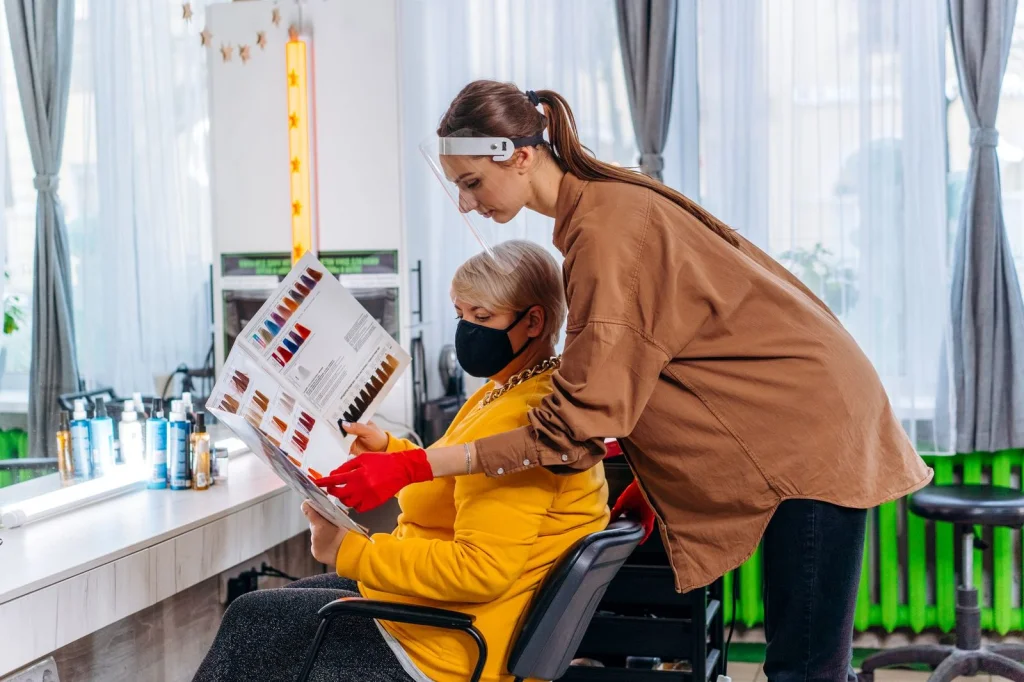
Save multiple angles of your favorite AI-generated styles. Show your stylist the front, side, and back views when possible. Explain that these are AI-generated references, not photos of real haircuts.
Discuss maintenance requirements. That gorgeous layered cut might need styling every morning. Be realistic about your routine.
Consider a gradual transition. If AI shows you love short hair but you currently have long locks, try a medium length first.
PhotoAI's professional headshot generator can create polished photos of your new style for LinkedIn and professional use once you make the actual change.
The best AI hairstyle changer tools save you from expensive mistakes and give you confidence to try something new. Start with your face shape analysis, test multiple tools with the same photo, and use the results as inspiration rather than exact templates.
Ready to find your perfect look? Try PhotoAI's hairstyle changer to explore dozens of styles tailored to your features, or browse our complete collection of AI photo themes for styled photoshoot looks that include hair, makeup, and wardrobe coordination.