


Every marketer knows the frustration: you generate an AI photo for your campaign, love it, then create five more images only to find your main character looks completely different in each one. The randomness is maddening. But what if you could tell your AI photo generator, "This is my character. Make everything look like them"?
That's where consistent character creation comes in. Instead of fighting the AI's unpredictability, you train it to recognize and reproduce a specific face across unlimited images. Photo AI Studio's Model Creator feature does exactly this, turning AI randomness into a tool for reliable, on-brand visual storytelling.
Why AI Randomness Is Your Real Problem
Standard AI photo generators create new faces every time. Feed it the same prompt twice, and you get two completely different people. For brands, this is a nightmare. You're trying to build recognition around a character—a founder, mascot, or fictional spokesperson. But if that character's face changes with every image, you lose the visual consistency that makes people remember you.
A study by Brand Equity and Performance found that consistent visual branding increases recognition by up to 80%. When your character's face shifts, you're working against that statistic instead of for it.
Companies that manage this problem the traditional way—hiring a photographer or actor to appear in multiple shoots—spend thousands. You can also check out our AI passport photos. Clothing brands, SaaS companies, and content creators all face the same issue: how do you create a cohesive visual identity when every new image might contradict the last?
What Model Creator Actually Does
Photo AI Studio's Model Creator solves this by letting you train your AI photo generator on a specific person's face. Here's what that means in practice:
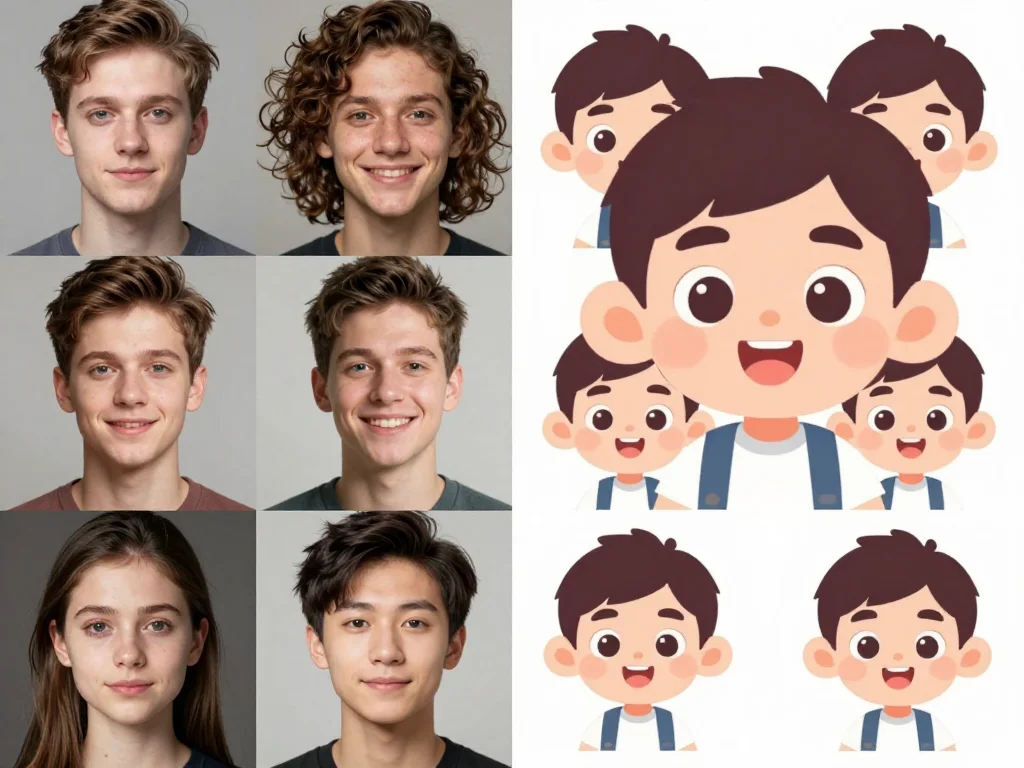
Instead of generating random faces, you upload a few reference images (typically 5-10 photos from different angles and lighting conditions). The AI learns the facial characteristics, bone structure, and features that make that person unique. From that point forward, whenever you generate images with that trained model, it produces the same face—consistent, recognizable, and on-brand.
This works whether you're training the generator on:
- A real person (your founder, team member, or hired actor)
- A fictional character you've drawn or designed
- A specific style or appearance you want to maintain across a campaign
The result? Every image pulls from the same visual identity. Your character ages the same way across images. Their facial structure stays consistent. The lighting and styling can change, but the core person remains unmistakably the same.
How to Train Your AI Photo Generator in 4 Steps
Getting started with Model Creator is straightforward. Here's how to set up consistent character creation:
Step 1: Prepare Your Reference Images
Gather 5-10 clear photos of the person or character you want to train the AI on. Quality matters here. Use images where:
- The face is clearly visible and takes up a meaningful portion of the frame
- Lighting is relatively even (avoid heavy shadows or backlit shots for initial training)
- You have variety in angle, expression, and pose
- The background is simple or easily separated from the subject
Professional headshots work well. So do photos taken from multiple angles during a single session. Avoid heavily filtered images, extreme close-ups, or photos with obstructions like sunglasses. You can also check out our AI professional headshots.
Step 2: Upload to Photo AI Studio
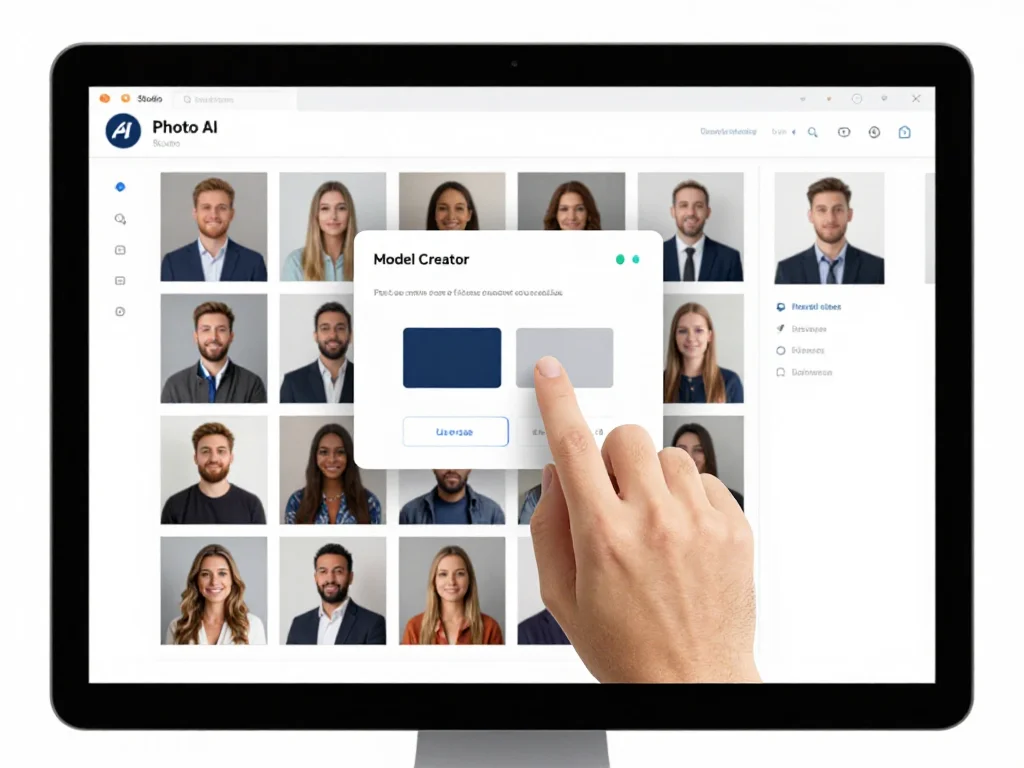
Log into Photo AI Studio and navigate to Model Creator. Upload your reference images. The platform will process them and begin learning the unique characteristics of that face. This typically takes a few minutes to process.
Step 3: Test Your Trained Model
Once training completes, generate a few test images using your new model. Try different prompts and settings. This is where you validate that the AI has learned what you need it to learn. Look for facial consistency, proper feature recognition, and overall accuracy.
Most users find that by the third or fourth test image, they understand exactly how their model responds to different prompts and can adjust accordingly.
Step 4: Generate On-Brand Content at Scale
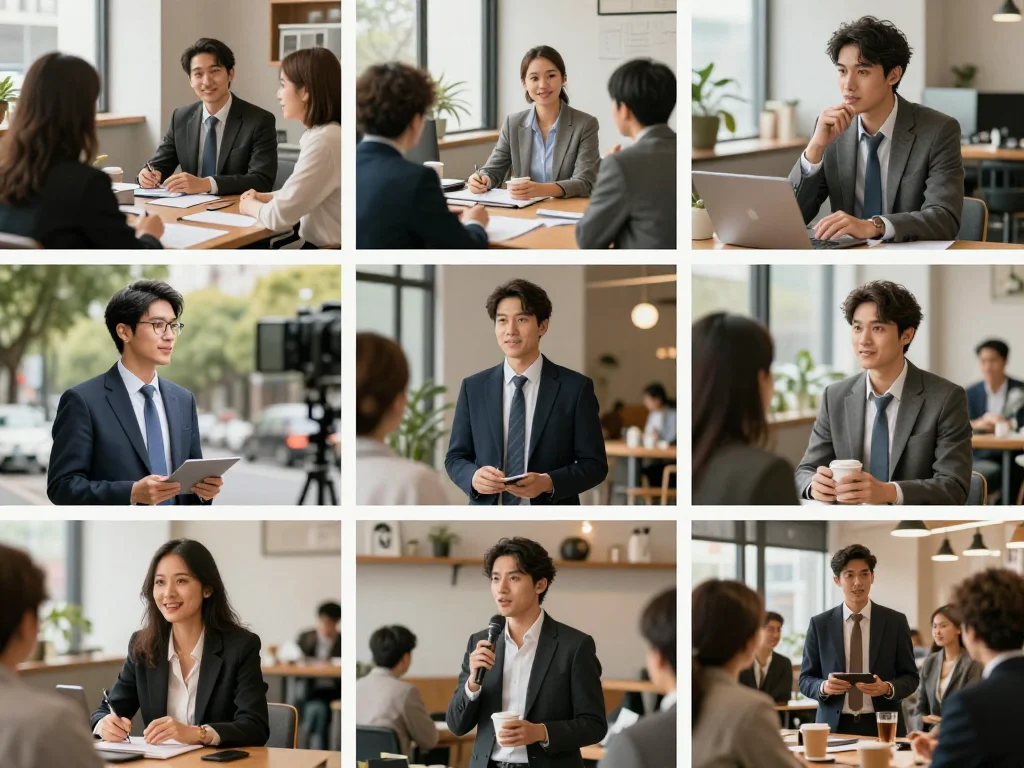
Now the real work begins. With a trained model, you can generate dozens of images for your campaign, content calendar, or marketing materials. Every image uses the same face. Your character might be in a business suit one day and casual wear the next, but it's unmistakably the same person.
Real Applications: Where This Saves Time and Money
Consistent character creation isn't just a nice feature—it solves actual business problems.
Content Creators and Streamers
YouTubers and podcast hosts use trained models to generate custom thumbnails, cover images, and promotional graphics featuring themselves without needing to film new footage. One creator we've worked with generates 40+ branded images per month this way, maintaining a consistent visual presence across all platforms.
E-Commerce and Product Marketing
Clothing and fashion brands use trained models to show products on a consistent model across product pages and ads. Instead of hiring the same model repeatedly, they generate images on demand—same face, different outfits and settings.
SaaS and B2B Marketing
Companies create a branded founder or spokesperson character, then use it consistently across landing pages, email campaigns, and social media. The character becomes part of the brand identity.
Niche Communities
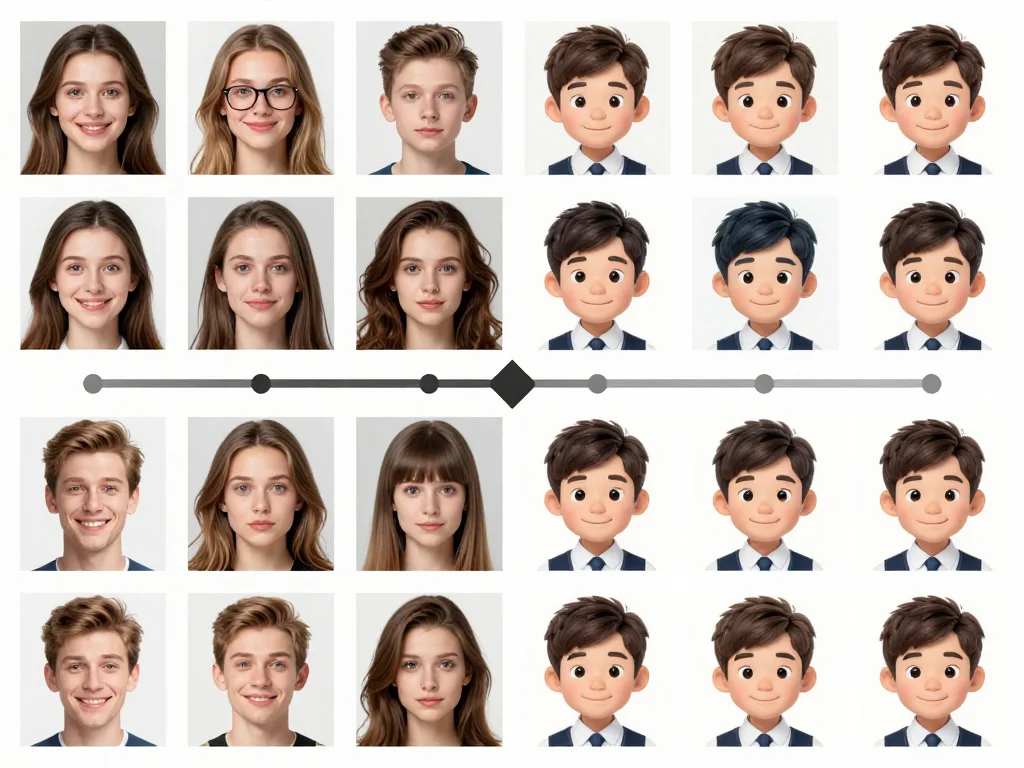
Some creators train models on fictional characters they've designed, enabling them to generate hundreds of variations for stories, comics, or digital projects while maintaining character consistency.
Best Practices for Training Results
Getting good results from your trained model depends on a few things:
Quality over quantity. Five excellent reference images beat ten mediocre ones. Clear, well-lit photos give the AI better data to learn from.
Variety in your reference set. Include images with different expressions, angles, and hairstyles (if applicable). This helps the model understand the person's core features separate from temporary variations.
Be specific in your prompts. Instead of "person in office," try "professional woman in blazer, sitting at desk, morning light from window, confident smile." The more detail you provide, the better the AI can combine your trained model with your specific request.
Test before bulk generation. Generate 3-5 images with different prompts before you commit to creating 50. This helps you understand how your specific model responds and lets you refine your approach.
Update periodically. If you want your character to evolve (different hairstyle, style, or appearance), retrain with new reference images. Models aren't locked—you can update them as needed.
When to Train Your Own Model vs. Using Standard Generation
Model Creator isn't necessary for every project. Use a trained model when:
- You're creating a series of images where consistency matters (campaigns, series, storytelling)
- You want a specific person represented accurately across multiple uses
- You're building brand identity around a character or spokesperson
- You need to generate content repeatedly without reshooting
Use standard generation when you just need a one-off image or don't care if the person changes between shots.
The Math: What This Actually Saves
Let's be concrete about the value here. A professional photoshoot with a model, photographer, and stylist typically costs $2,000 to $5,000 per day. If you need a character featured in new content even once a month, that's $24,000 to $60,000 per year. Most of that goes to the shooting, not the person.
With a trained AI photo generator, you handle the upfront investment in Model Creator (minimal), then generate unlimited on-brand images for the cost of your Photo AI Studio subscription. The cost per image drops from hundreds of dollars to pennies.
More importantly, you get faster iteration. Want to test three different outfit styles? Generate all three in minutes instead of scheduling three separate shoots.
Start Training Your Brand's Character Today
Consistent character creation is one of those features that seems niche until you use it—then you wonder how you ever worked without it. Whether you're a content creator, founder, or marketer, building visual consistency around a trained character makes your brand more memorable and your workflow infinitely faster.
Ready to stop fighting AI randomness and start using it to your advantage? Try Photo AI Studio's Model Creator feature. Upload a few reference photos, train your model, and generate consistent, on-brand images for whatever you're building next.
Your brand deserves a face people recognize. Let your AI photo generator help you build one.


