

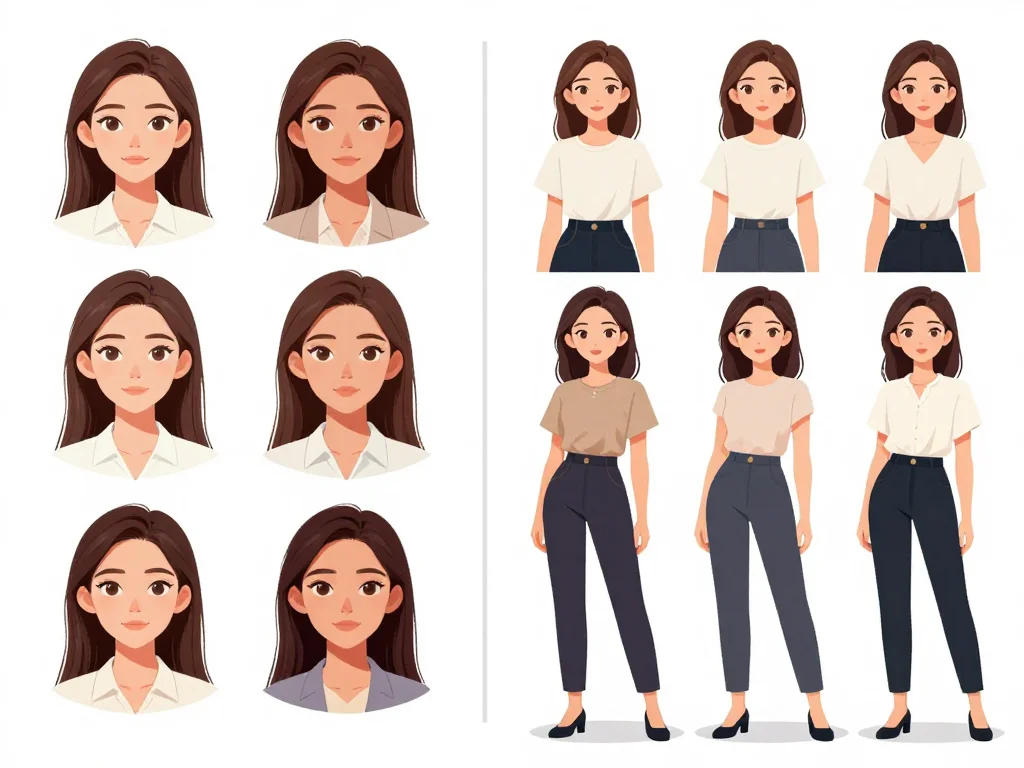
Creating a consistent character across multiple scenes, outfits, and poses is one of the biggest challenges facing modern content creators. Whether you're writing a novel with vivid character descriptions, developing a comic series, or building a brand mascot, maintaining visual consistency is crucial—yet incredibly time-consuming with traditional methods.
Photo AI Studio's Model Creator feature solves this problem by allowing you to train custom AI models that learn your character's unique features, expressions, and presence. This means you can generate hundreds of variations of your character while maintaining absolute consistency—from their facial features to their distinctive mannerisms.
Why Character Consistency Matters for Your Creative Projects
Consistency isn't just about aesthetics; it's about storytelling. When readers see your character look dramatically different from scene to scene, it breaks immersion and confuses your narrative. A character's visual identity is as important as their personality.
Consider these scenarios where consistency becomes critical:
- Comic Series: Your protagonist needs to appear the same across 100+ pages, multiple art styles, and various emotional states
- Character Marketing: Brand mascots must be instantly recognizable across social media, advertisements, and merchandise
- Book Illustrations: Authors commissioning cover art and interior illustrations need their character rendered identically each time
- Animation Storyboards: Character development sheets require precise consistency across key frames
- Game Development: NPCs and player characters need visual consistency across different in-game scenarios
How Photo AI Studio's Model Creator Works
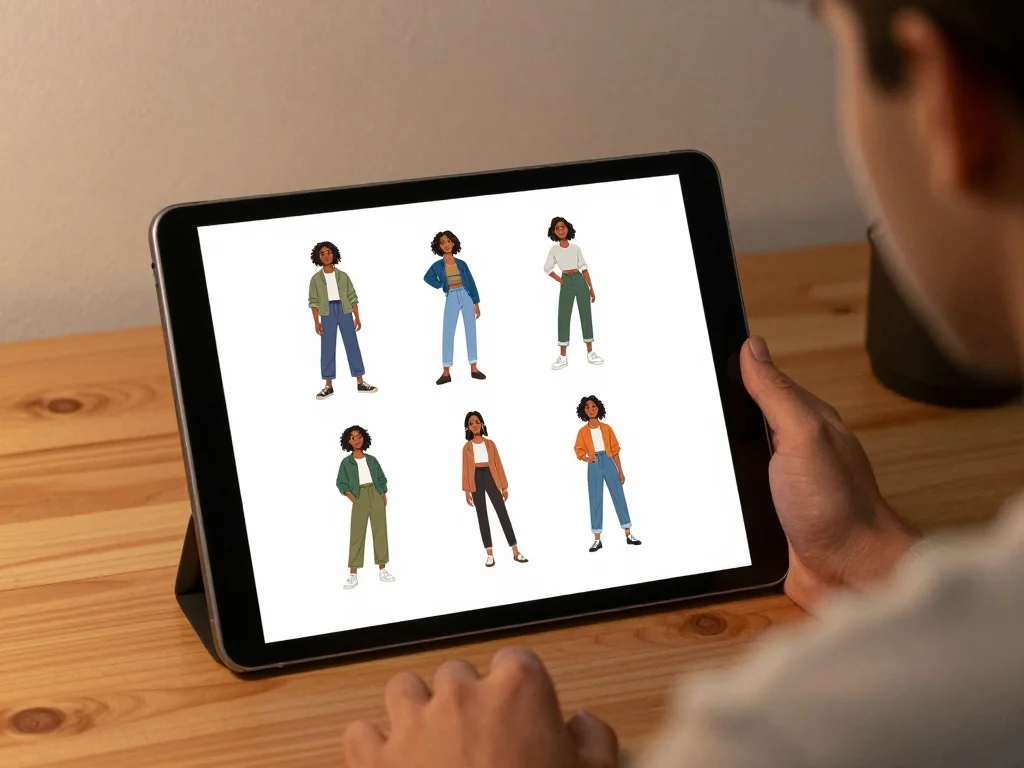
The Model Creator feature uses advanced AI training to learn the specific characteristics that make your character unique. Rather than relying on generic AI image generation, you're essentially teaching the AI to become an expert at recreating your character.
The Training Process
Training a custom model is straightforward:
- Upload Reference Images: Provide 5-15 high-quality photos or illustrations of your character from different angles and expressions
- Define Character Details: Add metadata about key features—eye color, hair texture, distinctive marks, characteristic expressions
- AI Training: The system analyzes your reference images, identifying patterns and unique characteristics
- Model Activation: Once trained, your custom model is ready to generate new character variations instantly
What Makes This Different From Standard AI Image Generation
Standard AI image generators create characters based on text descriptions alone. They might give you a "woman with blonde hair and blue eyes," but each generation looks completely different. Photo AI Studio's Model Creator ensures that every generated image of your character maintains their unique facial structure, proportions, and distinctive features—because the AI has learned what makes *your specific character* recognizable.
Practical Applications for Different Creative Fields
For Comic and Graphic Novel Creators
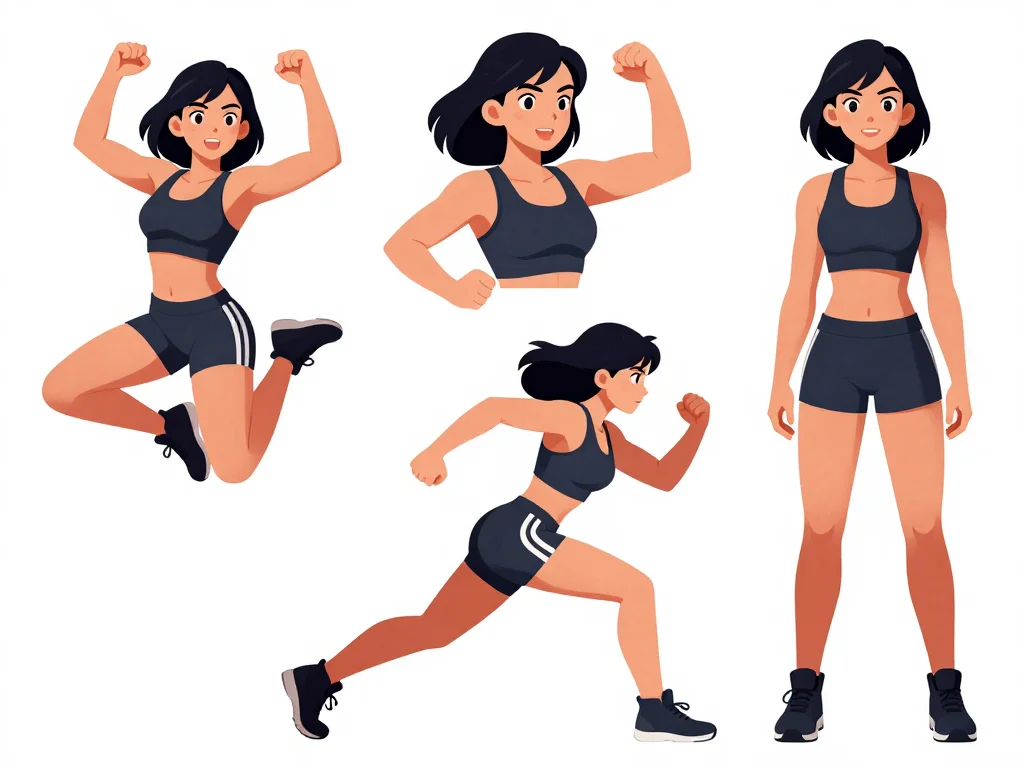
Comic creators face a unique challenge: maintaining character consistency while varying poses, expressions, and costumes. With Model Creator, you can:
- Generate your character in hundreds of different poses and action scenes
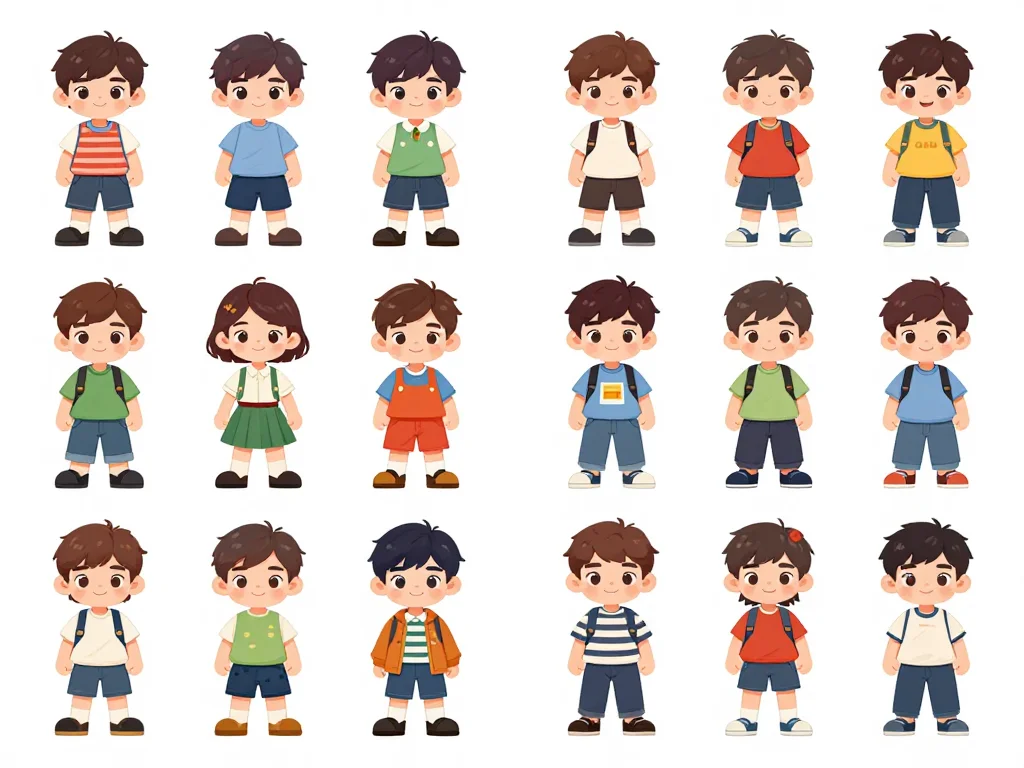
- Create consistent character design sheets in minutes instead of hours
- Experiment with alternative outfits while keeping the character's face and features identical
- Maintain consistency across different art styles if collaborating with other artists
- Build a library of character moments for storyboarding before investing in final artwork
For Authors and Writers
Authors often struggle to find visuals that match their character descriptions. You can also check out our AI dating profile photos. The Model Creator enables you to:
- Create precise visual references matching your written descriptions
- Generate book cover art variations featuring your protagonist
- Develop consistent character portraits for your website or promotional materials
- Provide beta readers with visual references to enhance their reading experience
- Build marketing materials that showcase your character consistently across platforms
For Brand and Marketing Teams
Brand mascots and characters are valuable assets that must remain instantly recognizable. Use Model Creator to:
- Generate mascot variations for different seasons, holidays, and campaigns
- Create consistent character photography for social media content
- Develop merchandise-ready character artwork
- Maintain brand identity across multiple content creators and channels
- Scale character content production without hiring additional designers
Best Practices for Training High-Quality Character Models
Getting excellent results from Model Creator depends on how you prepare your training data. Follow these practices to create robust, consistent models:
Choose Your Reference Images Wisely
Quality reference images are crucial. Select images that:
- Show your character's face clearly from multiple angles (front, 3/4, profile)
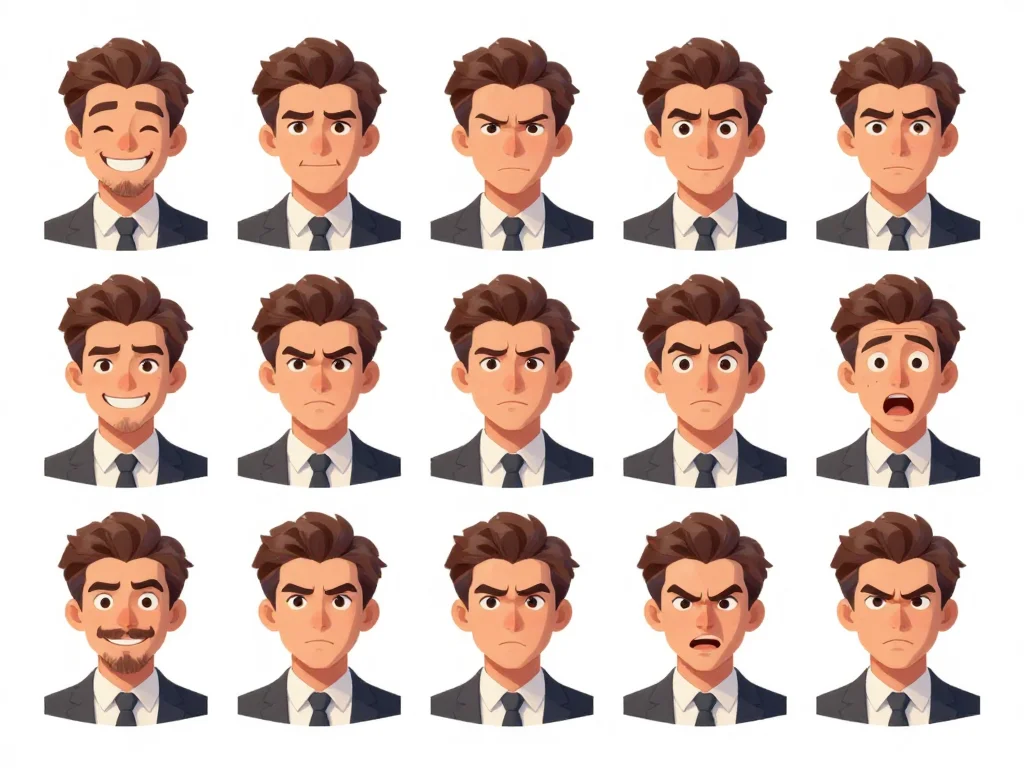
- Include various expressions (neutral, smiling, serious, surprised)
- Feature consistent lighting to help the AI identify true facial features rather than shadows
- Demonstrate different hairstyles or character variations you want to capture
- Have a clean background that won't confuse the training process
Provide Detailed Context Information
Don't just upload images—describe your character comprehensively. Include:
- Age and gender expression
- Distinctive physical features (scars, tattoos, unique eye color)
- Typical clothing style or outfit preferences
- Characteristic expressions or mannerisms
- Hair color, texture, and typical styling
- Any supernatural or fantasy elements (if applicable)
Test and Iterate
After training your model, generate several variations to test its accuracy:
- Try different prompts and settings to understand how your model responds
- Compare generated images with your original reference photos
- Note any features the model captures perfectly versus areas needing adjustment
- Refine your training data or descriptive metadata based on results
- Create a style guide documenting which prompts yield the best results
Advanced Techniques for Maximum Consistency
Once you've mastered basic model training, these advanced techniques enhance your results:
Create Multiple Models for Different Character States
Train separate models for different versions of your character:
- Younger and older versions
- Different emotional states or time periods in their story
- Alternate universe or dimensional variations
- Pre and post-transformation versions
Combine Model Creator With Photo AI's Other Features
Use Photo AI Studio's full suite of tools alongside Model Creator:
- Generate your character with themed photoshoots (fantasy, cyberpunk, historical, etc.)
- Create professional headshots of your character for author bios or character websites
- Transform your character using different art styles or visual effects
- Generate background environments and supporting characters with the same consistency standards
Build a Character Database
As you generate character variations, document your best results:
- Save successful prompts and settings for future reference
- Organize generated images by scene, outfit, expression, and mood
- Create usage guides showing which images work best for different contexts
- Track model updates and improvements over time
Overcoming Common Challenges
Even with the best practices, you might encounter some challenges. Here's how to address them:
The Model Generates Slight Variations I Didn't Ask For: This is actually normal—it means the model is learning your character's essence rather than memorizing specific images. If variations bother you, add more detailed descriptive metadata and use specific prompts about clothing and accessories.
I'm Not Happy With the Initial Results: Refine your reference images. Ensure they're high-quality, clearly lit, and show the character from multiple angles. Sometimes adding just 2-3 additional reference images significantly improves results.
The Model Struggles With Complex Costumes or Details: Break down complex elements in your prompts. Instead of "elaborate fantasy armor," try "detailed gold breastplate" combined with "flowing red cape." The more specific your language, the better the consistency.
I Need My Character in Completely Different Settings: Your character model is trained on your character's appearance, not their environment. Experiment with Photo AI's background and scene features to place your consistently-trained character in varied settings.
Real-World Success Stories
Creators across industries are using Model Creator to streamline their production:
- Comic Creators: Reduced character design time by 60% while maintaining perfect consistency across 200+ page graphic novels
- Self-Published Authors: Generated professional book cover variations in hours instead of weeks, showcasing different emotional moments for their protagonist
- Marketing Teams: Created consistent brand mascot content across 50+ social media posts without hiring additional design resources
- Game Developers: Prototyped NPC character designs with guaranteed consistency before expensive 3D modeling
Getting Started With Model Creator Today
Ready to master character consistency for your creative projects? The Model Creator feature in Photo AI Studio is designed to be intuitive, whether you're a seasoned designer or just starting out.
The process is faster than you might expect—most creators have their first trained model ready within 15-20 minutes. Once trained, you can generate unlimited character variations, export them in any format, and integrate them into your creative workflow immediately. You can also check out our AI professional headshots.
Start training your custom character model at Photo AI Studio and experience the freedom of generating consistent, professional character artwork on demand. Stop worrying about whether your character looks right—start creating with confidence, knowing every generated image maintains your character's unique identity.