


Free credits on an AI image generator sound great until you waste half of them on poorly written prompts. You upload a vague description, get something that misses the mark, and suddenly your free trial is gone. The difference between smart users and frustrated ones comes down to one thing: knowing how to get exactly what you want on the first try.
This guide shows you how to use an AI image generator free without burning through your credits. You'll learn the specific techniques professional users employ to minimize wasted generations, write prompts that actually work, and stretch every credit as far as it will go.
Why an AI Image Generator Free Matters for Your Budget
Most people approach a free AI image generator the same way they approach a free trial: recklessly. They play around, experiment without direction, and wonder why their credits disappeared in an hour. The reality is that free tiers and limited credit allocations require a different mindset.
When credits cost nothing, you lose the natural incentive to be specific. But the platform doesn't care about your budget—it processes every request the same way. A vague prompt wastes a credit just as quickly as a perfect one. The difference is whether you get something usable out of it.
Budget-conscious users who get real value from free tools share one trait: they do the thinking work before they hit generate. This simple shift—moving your effort from the creation phase to the planning phase—doubles or triples the number of usable images you can pull from a free tier.
Mastering Prompt Writing for Your AI Image Generator Free
A good prompt is the foundation of everything. Most free users write prompts like "business person" and then complain about the results. Professional users write prompts that leave nothing to chance.
The Specific Adjective Rule
Replace generic words with specific ones. Not "woman," but "woman in her thirties with warm brown eyes." Not "office," but "modern glass-walled office with floor-to-ceiling windows overlooking a city." The more specific your description, the closer you get to what's in your head on the first attempt.
This matters because an AI image generator free doesn't read your mind. It reads your words. Generic words produce generic images. Specific words produce images you can actually use.
The Style and Tone Section
Always include how the image should look and feel. Examples:
- "Professional LinkedIn headshot, studio lighting, neutral background, confident expression"
- "Moody landscape photography, golden hour, warm tones, cinematic quality"
- "Bright, minimalist product photo, white background, clean sharp focus"
The style section is what separates usable images from images that need heavy editing. Spend an extra 10 seconds describing the mood and visual treatment you want, and you'll use half as many credits to get there.
The Negative Prompt Technique
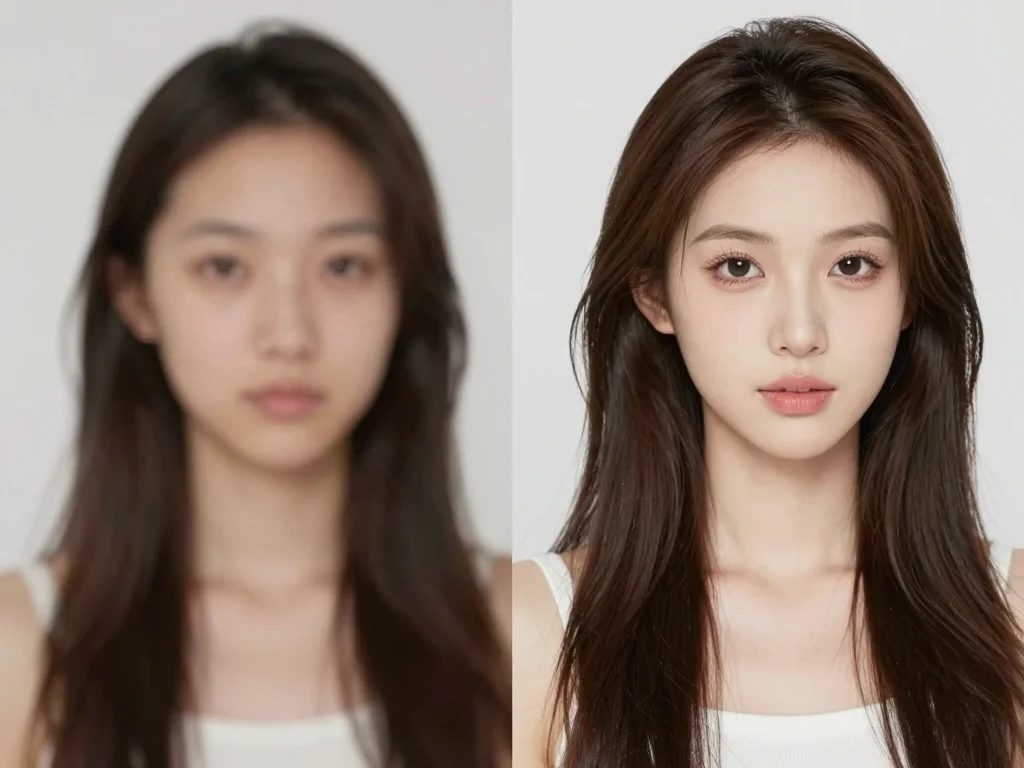
Many free tools let you specify what you don't want. Use this. If you're generating a headshot, say "no filters, no blur, no artificial smoothing." If you want realistic textures, say "no cartoon style, no illustration effects." Negative prompts act as guardrails that prevent the AI from wandering into territory you don't want. You can also check out our AI professional headshots.
Avoiding the Common Mistakes That Drain Your Credits
Every wasted generation is a credit you can't use somewhere else. These are the mistakes that waste the most credits:
Changing Your Mind Mid-Generation
Once you hit generate, commit. Hitting the button again won't make the current one faster; it just burns another credit. Wait for the result, evaluate it, and then write a better prompt if you need to iterate. Patience saves credits.
Asking for Impossible Things
Every AI image generator free has limits. Text in images is notoriously hard. Complex hand gestures are often wrong. Specific real people are off-limits. Know your tool's limitations before you use a credit on a request it can't handle.
Not Sampling Before You Commit
If your tool lets you, run a low-resolution preview before requesting a high-res version. Some platforms offer this; others don't. If they do, use it. You catch 80% of problems at low resolution without wasting a credit on a full render.
Generating Without a Purpose
"Let me just see what happens if I generate this" burns credits. Every generation should have a reason. You need this image for a project, or you're testing a specific prompt technique. Random generation is how people blow through free tiers in an afternoon.
Strategic Steps for No-Waste Prompting
Here's the actual workflow professionals use when working with limited credits:
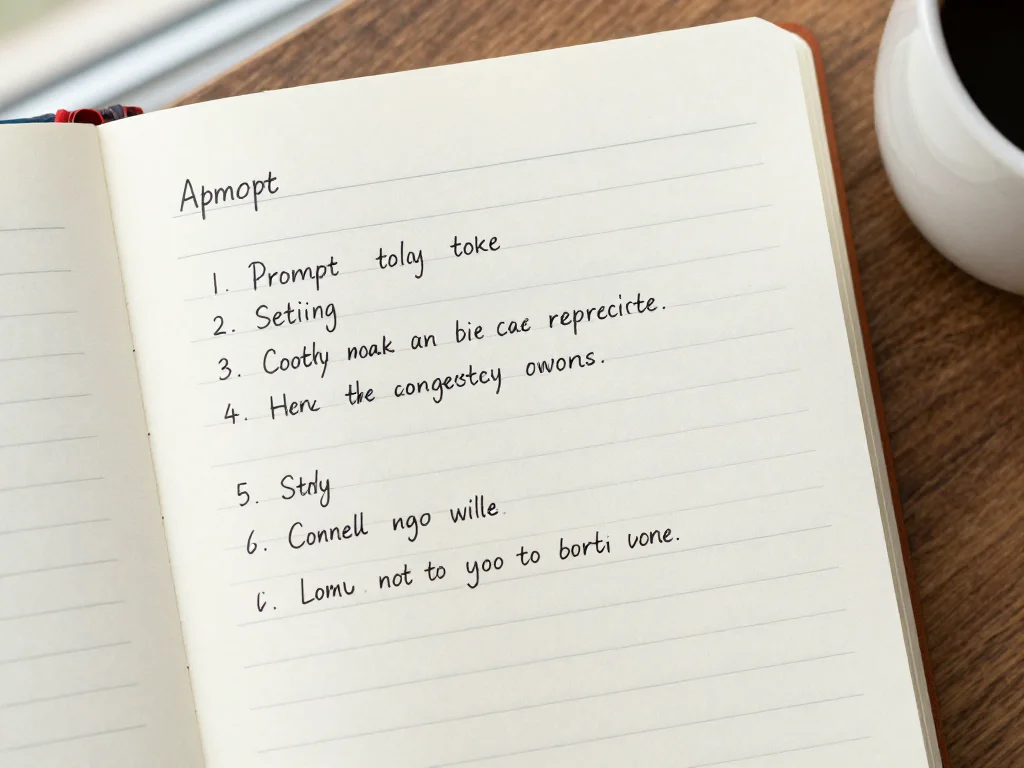
- Write down what you need. Not in the AI interface yet—in a text editor or notebook. Describe the image as if you were explaining it to a photographer.
- Add three elements. The subject, the setting, and the style. "Business professional (subject) in a modern startup office (setting) photographed in bright natural light with a professional tone (style)."
- Specify the exclusions. What should definitely not be in the image? Write that down too.
- Use one credit to test. Generate at low resolution if available. Look at whether the AI understood your core request.
- Refine only what's wrong. Don't rewrite the whole prompt. If the setting was wrong, fix the setting. If the lighting is off, fix the lighting. Minimal changes keep you from accidentally breaking what was working.
This workflow takes five extra minutes per image. You'll use 30% fewer credits as a result.
Choosing the Right Free Tool Matters
Not all free tiers are created equal. Some give you 5 monthly credits. Others give you 50. Some require sign-up; others work with no login at all.
Photo AI Studio offers free trials that let you test professional-quality generation without payment upfront. The credits you get come with no artificial time limits—you use them when you need them, not on a schedule.
When evaluating a free AI image generator option, ask yourself three questions:
- How many credits do I actually get, and what's the expiration date?
- What's the quality of the output? A tool that gives you 100 bad images is worse than one that gives you 10 great ones.
- Does it require sign-up, and is the sign-up worth the hassle?
The best free tool isn't always the one with the most credits. It's the one where your credits produce usable results on the first or second try.
Real Examples of Efficient Prompts
Here's what efficient prompts look like in practice:
Weak prompt: "Man working"
Strong prompt: "Man in his forties wearing a dark blue blazer and white shirt, sitting at a wooden desk with a laptop, natural sunlight from window to the left, warm professional lighting, sharp focus on face, office background slightly blurred, corporate headshot style"
Weak prompt: "Summer scene"
Strong prompt: "Coastal landscape at golden hour, sandy beach with clear blue water, palm trees in soft focus background, warm sunlight casting long shadows, vibrant but natural color palette, cinematic photography style, no people, midday summer feel"
Weak prompt: "Product photo"
Strong prompt: "Smartphone on white minimalist background, shot from slight angle above, clean product photography, soft studio lighting, sharp focus on device, no shadows or reflections, professional e-commerce style, bright and clean aesthetic"
Notice the pattern: each strong prompt includes the core element, the environment, and the visual treatment. No vagueness. No hoping the AI guesses right.
Learning From Your Generations
Every generation teaches you something about how your AI image generator free interprets language. Keep notes.
If a tool consistently misunderstands a word or concept, stop using that word. Find alternatives. If it excels at certain styles—like product photography or portraits—lean into those strengths. Work with the tool instead of against it.
Professional users treat their free trial as a testing ground. You're learning the quirks and capabilities of the platform so that when you eventually pay for credits (if you do), you already know how to get results.
When Free Limits Force You to Choose Quality Over Quantity
With limited credits, you can't generate 20 variations and pick the best one. You need to get it right fewer times. This actually improves your skills faster than unlimited credits would.
Constraints breed clarity. When you have 50 free credits, you'll write better prompts than someone with 500, because you can't afford to be sloppy.
Use your free tier as a pressure test for your own prompt-writing ability. By the time your credits run out, you should have a clear sense of what works and what doesn't with that specific tool.
Getting the Most From Free Trial Credts Today
Your free credits are only valuable if you use them strategically. One polished image created with a perfect prompt is worth more than ten mediocre images generated without thought.
The path forward is straightforward: plan before you prompt, be specific in your language, learn from what you generate, and treat your credits like currency. An AI image generator free is genuinely useful when you approach it with intention. You can also check out our AI anime & cartoon photos.
Try Photo AI Studio's free trial and apply these strategies from day one. Start with strong prompts, track what works, and maximize every credit you're given.


