


In the professional digital space, your LinkedIn profile picture is your first impression, handshake, and business card all rolled into one. It’s the visual anchor of your personal brand, and data confirms that profiles with professional photos get up to 21 times more views and 9 times more connection requests. Yet, many professionals overlook the subtle science behind a truly effective image. This isn't just about having a picture; it's about having the right picture.
We're moving beyond generic advice to provide a detailed breakdown of the strategic elements that transform a simple photo into a powerful career asset. This guide offers actionable, data-backed LinkedIn profile picture tips designed to enhance your credibility, approachability, and professional appeal. From mastering composition and lighting to leveraging AI tools like PhotoAI Studio for a flawless finish, you will learn precisely how to craft an image that works for you. These insights will ensure your first impression is both memorable and impactful, helping you stand out to recruiters, clients, and collaborators.
1. Use Professional Headshots with Proper Lighting
Your LinkedIn profile picture is your digital handshake, and a professional headshot ensures it's a firm and confident one. This isn't just about having a high-quality photo; it's about conveying competence, approachability, and professionalism at a glance. A professional headshot uses specific lighting techniques to illuminate your face clearly, eliminating distracting shadows and highlighting your features in a flattering way.
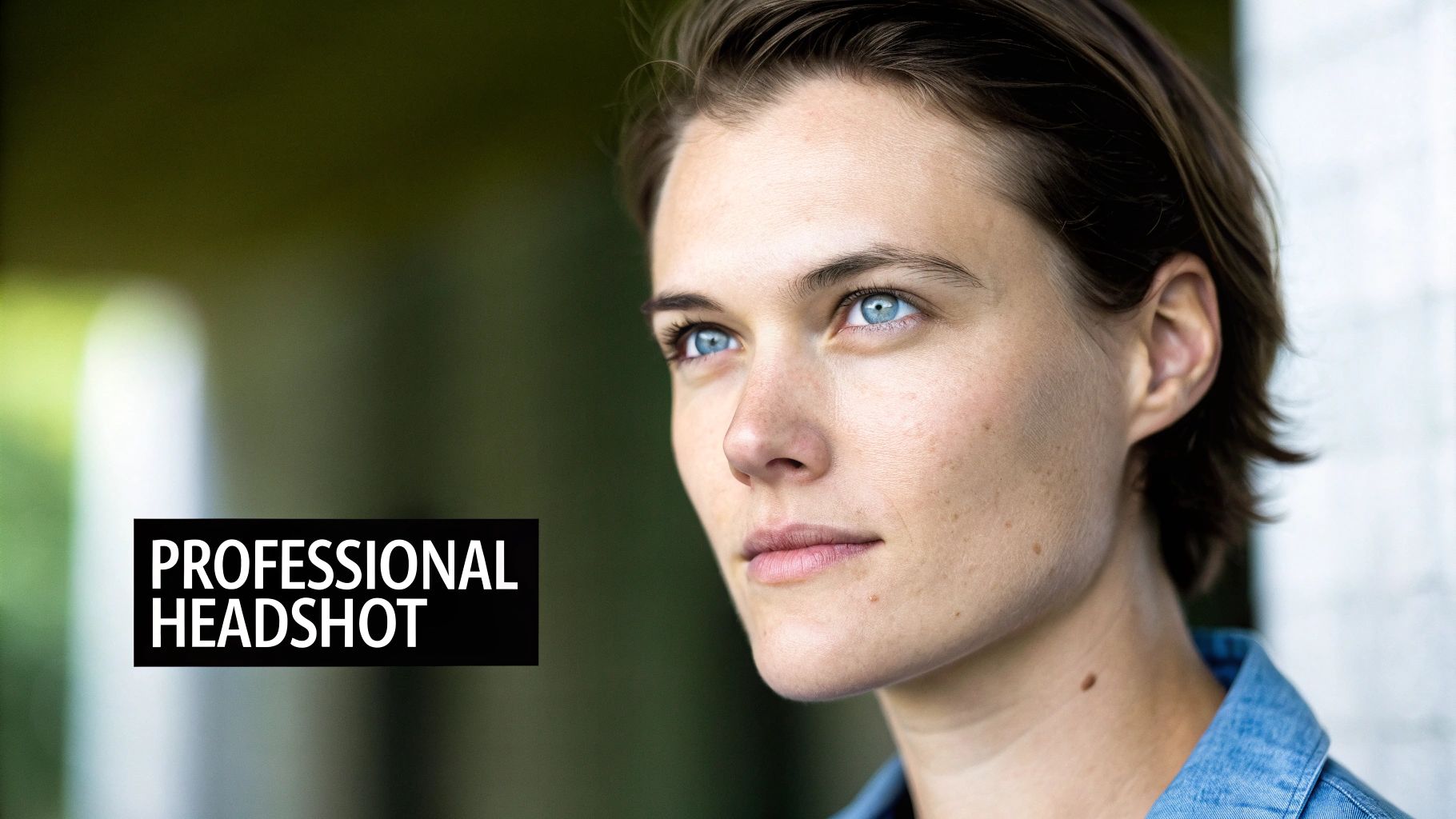
The impact is significant. Job seekers with professional photos receive up to 21 times more profile views, and tech executives with studio-quality headshots often see three times more engagement. For consultants, financial advisors, and entrepreneurs, a polished image is a crucial first step in building client trust and rapport.
Why It's the Gold Standard
A professionally lit headshot instantly signals that you take your career seriously. It adheres to the unwritten rules of corporate and professional etiquette, making it a safe and effective choice across all industries. This approach is heavily endorsed by career coaches, executive recruiters, and LinkedIn's own official best practices for a simple reason: it works. It removes any ambiguity about your professionalism and lets your skills and experience take center stage.
How to Implement This Tip
To achieve a professional look, you have two primary paths: hiring a photographer or leveraging advanced AI tools.
- Generate AI Headshots: For a fast, affordable, and high-quality solution, use a tool like PhotoAI Studio. Its Professional Headshots feature can generate dozens of studio-quality options from just a few of your existing photos, giving you a polished look without a photoshoot.
- Master the Lighting: Whether using AI or a camera, ensure the lighting is even. The key is to eliminate harsh shadows, especially under the eyes and nose.
- Focus on Composition: Position yourself slightly off-center, following the rule of thirds. Your face should occupy about 60% of the frame, from the top of your shoulders to just above your head.
- Choose the Right Background: Opt for a neutral, non-distracting background. A solid color or a subtly blurred office environment keeps the focus entirely on you.
2. Wear Business-Appropriate Clothing and Colors
Your clothing choice in a LinkedIn photo is a powerful non-verbal cue that communicates your industry alignment, professionalism, and personal brand. Wearing business-appropriate attire, such as a blazer, dress shirt, or professional blouse, instantly signals competence and an understanding of corporate norms. Color psychology also plays a crucial role; classic colors like navy blue and black convey authority and trustworthiness, while certain jewel tones can project confidence and approachability. You can also check out our virtual wedding dress try-on.
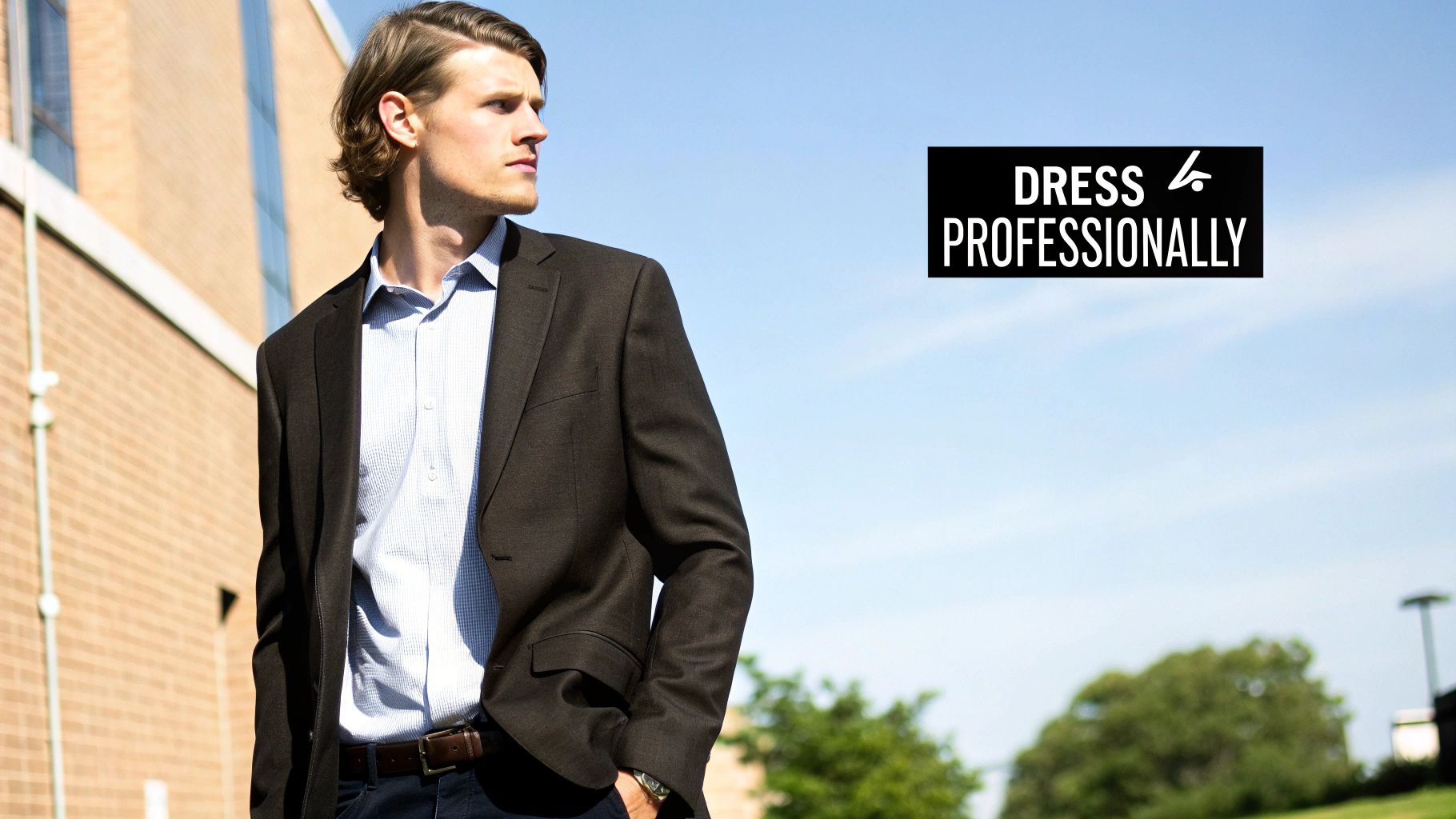
The data supports this approach. According to industry studies, finance professionals in traditional navy blazers and white shirts can receive up to 40% more attention from recruiters. Similarly, LinkedIn’s own data identifies navy, black, and white as the most effective colors for profile photos, signaling that classic choices resonate best in a professional context.
Why It's the Gold Standard
Dressing appropriately for your photo demonstrates that you understand and respect the expectations of your field. It's a fundamental aspect of personal branding heavily endorsed by executive recruiters, image consultants, and career coaches. Your attire can either reinforce or undermine your professional credibility before a recruiter ever reads your profile. A well-chosen outfit shows attention to detail and helps you visually align with the industry you're in or aspire to join.
How to Implement This Tip
Choosing the right outfit is a strategic decision that balances industry norms with personal branding. Here’s how to get it right for your LinkedIn profile picture.
- Align with Your Industry: Match your clothing to your field’s expectations. A suit is standard in finance and law, while business casual or a smart-casual look is more common in tech and creative industries.
- Choose Complementary Colors: Select colors that flatter your skin tone. Solid colors are generally safer than busy patterns or logos that can distract from your face.
- Add a Layer: A structured jacket or blazer adds a layer of professionalism and creates a strong silhouette. This is one of the simplest yet most effective linkedin profile picture tips for elevating your look.
- Keep Accessories Minimal: Opt for simple, professional jewelry. Avoid large or distracting pieces that might draw attention away from your face.
- Ensure Visual Contrast: Make sure your clothing has enough contrast with your background. A dark jacket against a light background, or vice versa, helps you stand out.
3. Display a Genuine Smile and Approachable Expression
Your facial expression is the most powerful communication tool in your LinkedIn photo. A genuine, warm smile creates an immediate sense of approachability and trustworthiness, while a serious or neutral expression can appear cold or distant. Your expression should reflect confidence, warmth, and openness, the very qualities that attract professional opportunities and meaningful connections.
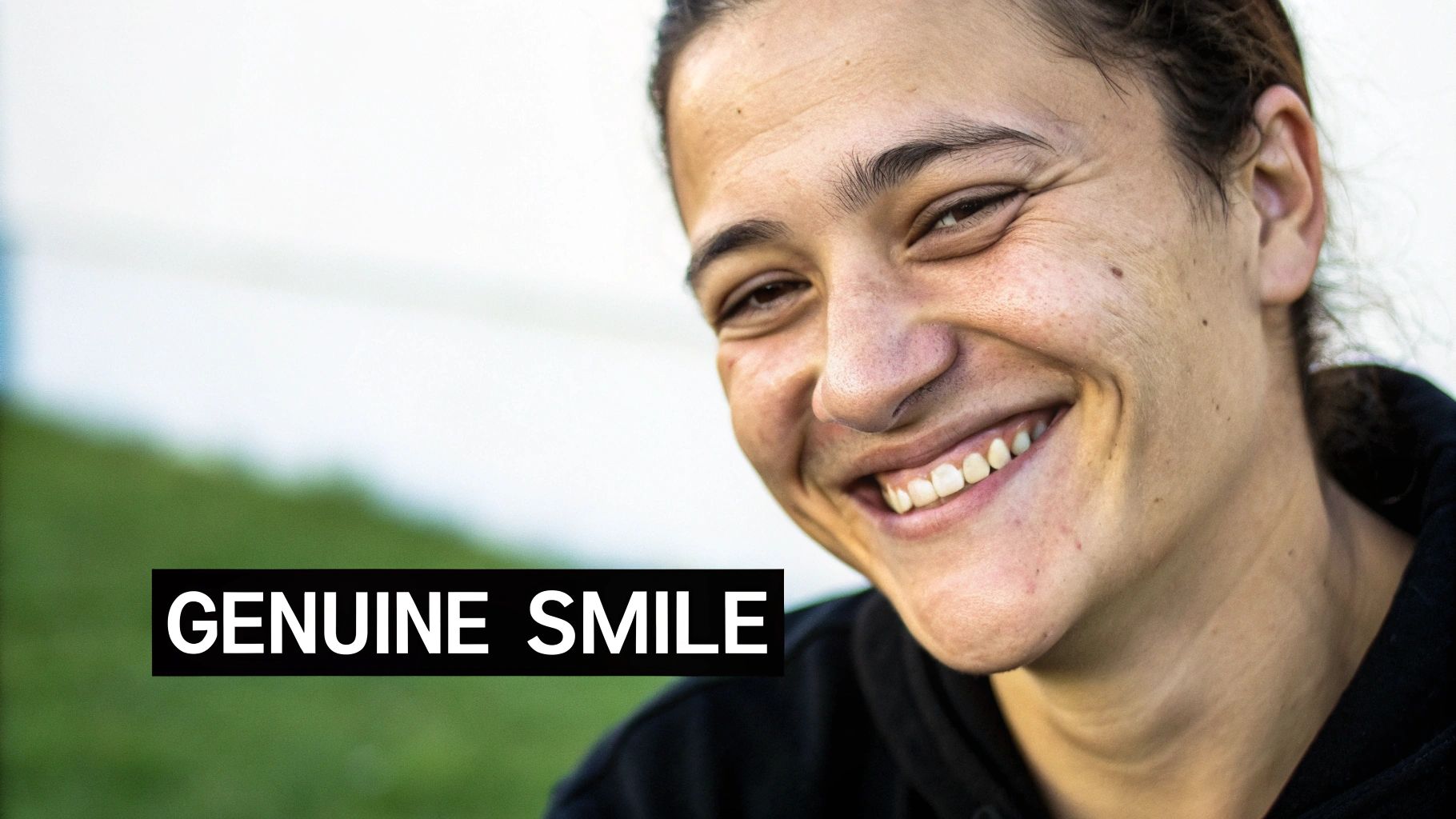
The impact of a smile is backed by data and psychological research. Sales professionals with warm smiles receive up to 30% more client inquiries, while leadership coaches with approachable expressions see double the profile engagement. This effect is rooted in what psychologists like Paul Ekman identify as the "Duchenne smile," a genuine expression that engages the eye muscles and is perceived as more authentic and intelligent.
Why It's the Gold Standard
A genuine smile humanizes your professional brand. In a digital space where first impressions are formed in seconds, an approachable expression signals that you are collaborative, positive, and easy to work with. It breaks down professional barriers and invites connection, which is invaluable whether you are a recruiter, a consultant, or a job seeker. This is a universally understood sign of goodwill that transcends industries and roles, making it a cornerstone of effective LinkedIn profile picture tips.
How to Implement This Tip
Capturing a natural, authentic smile on command can be challenging. The key is to evoke a real emotion rather than just "saying cheese" for the camera.
- Generate Smiling Variations: If finding the perfect natural smile is difficult, use a tool like PhotoAI Studio. Its Professional Headshots feature can generate numerous headshots with different genuine-looking smiles from your existing photos, letting you select the most compelling expression.
- Think of a Happy Memory: Before the photo is taken, think about something that makes you genuinely happy. This will trigger the muscles around your eyes and mouth for an authentic Duchenne smile.
- Engage Your Eyes: A real smile is in the eyes. Look directly at the camera and imagine you're seeing a good friend or colleague. This helps create a warm, engaging look.
- Relax Your Jaw: Avoid clenching your teeth. A relaxed jaw contributes to a more natural and less forced appearance. Practice in a mirror to see what feels and looks most comfortable.
4. Maintain Consistent Updates and Recency
An outdated LinkedIn profile picture can inadvertently signal professional stagnation, suggesting your profile is neglected or your career has stalled. Recency matters because your photo is a key indicator of your current professional engagement. An up-to-date image reassures viewers that the person they see online is the person they’ll meet, building immediate trust and credibility.
The data strongly supports this practice. LinkedIn's algorithm often prioritizes profiles that have been recently updated, leading to better visibility. Recruiters frequently cite outdated photos as a red flag, and job seekers with photos updated within the last six months can receive up to 2.5 times more recruiter outreach. For founders and executives, a current photo projects relevance and active leadership, which can influence investor confidence.
Why It's the Gold Standard
Keeping your photo current demonstrates that you are actively managing your professional brand. Personal branding experts and career coaches advocate for an annual refresh to maintain alignment with your current appearance and career status. It’s a simple yet powerful way to communicate that you are engaged, relevant, and forward-looking. Consistency across platforms also reinforces your brand, making you instantly recognizable to colleagues, clients, and recruiters.
How to Implement This Tip
Maintaining a fresh profile picture is easier than ever with the right strategy and tools. Aim to update your photo at least once a year or after any significant change in your appearance or career.
- Generate Fresh Options Instantly: When it's time for an update, use a tool like PhotoAI Studio to generate dozens of new, professional headshots in minutes. This avoids the cost and time of a traditional photoshoot, making regular updates effortless.
- Schedule Annual Updates: Set a recurring reminder in your calendar, perhaps at the start of each new year, to review and refresh your profile picture.
- Maintain Brand Consistency: When updating, try to maintain a similar style in terms of background, lighting, and overall tone. This ensures your professional brand remains consistent and recognizable.
- Announce Your Refresh: Consider a brief post announcing your updated photo. This simple action can boost profile views and engagement as your network sees you’re actively curating your presence.
5. Frame Your Face Properly with Head Positioning and Angles
The composition of your profile picture is just as important as the lighting or your expression. Proper framing and head positioning are subtle but powerful cues that communicate professionalism and confidence. This involves more than just pointing and shooting; it’s about using established photography principles to ensure your face is the clear, approachable focal point of the image.
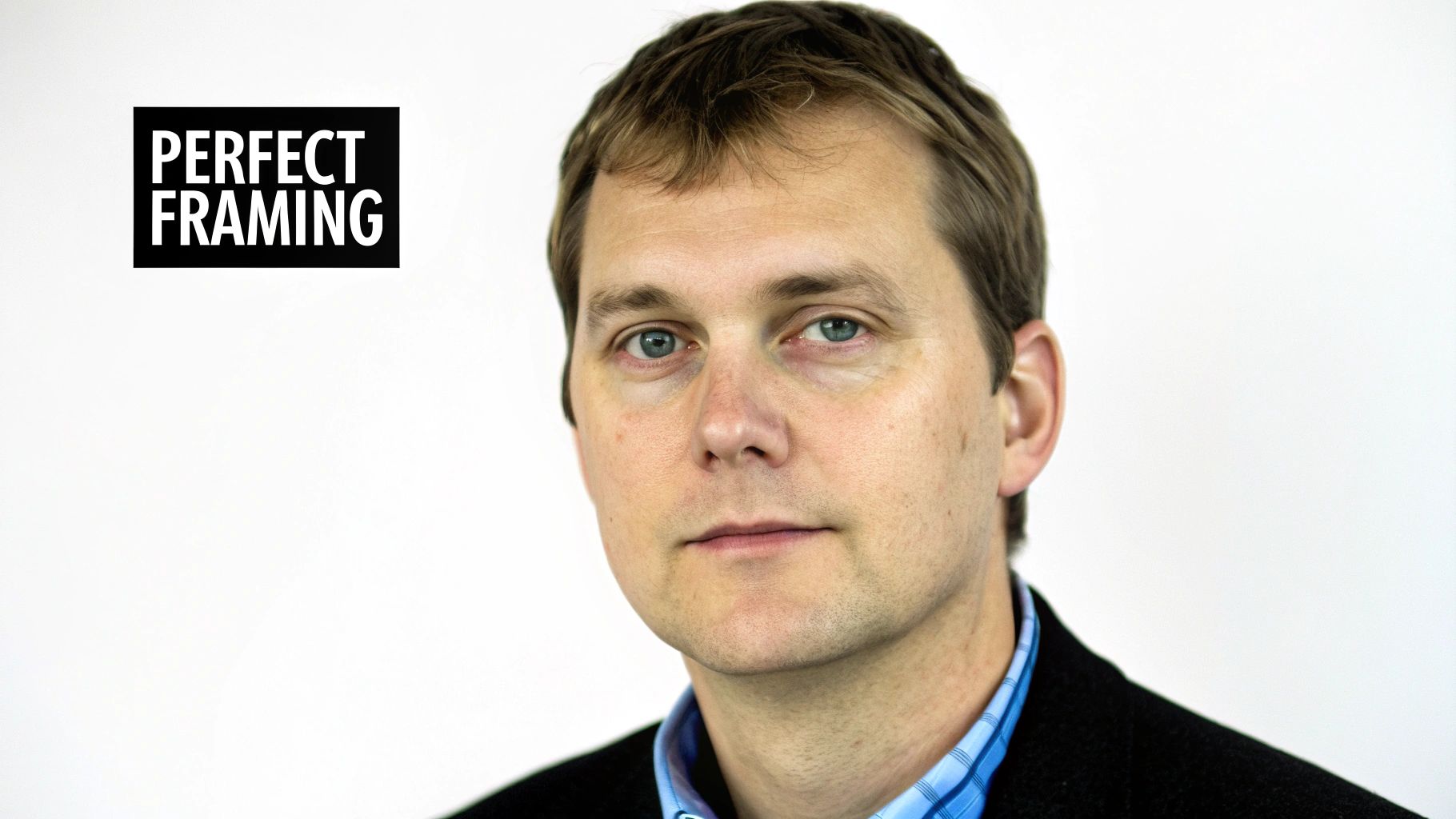
The data supports this. Photos with a slight 15-20 degree head angle receive up to 35% more engagement than straight-on shots, which can appear confrontational like a passport photo. Additionally, headshots composed using the rule of thirds see 40% higher recruiter engagement, as this creates a more dynamic and visually appealing image.
Why It's the Gold Standard
This technique is a cornerstone of professional portrait photography and is universally recommended by career coaches and visual branding experts. A well-framed photo guides the viewer's eye naturally to your face, making you seem more engaging and competent. It avoids common pitfalls like awkward cropping, unflattering angles from below, or looking lost in too much empty space. Adhering to these framing rules ensures your photo looks intentional and polished, reinforcing your professional brand.
How to Implement This Tip
Achieving perfect framing is a matter of paying attention to a few key details during your photoshoot or when selecting an AI-generated image.
- Generate Perfectly Framed Photos: A tool like PhotoAI Studio is a reliable shortcut. The Professional Headshots feature is trained on millions of expertly composed portraits, so it automatically applies optimal framing, angles, and head positioning to every image it generates.
- Set the Right Camera Angle: Always position your camera at or slightly above your eye level. A camera angle from below is universally unflattering and can make you appear intimidating or unprofessional.
- Angle Your Body and Head: Turn your body slightly away from the camera, then turn your head back to face it. This creates a more dynamic and slimming posture. A slight head tilt can also add approachability.
- Use the Rule of Thirds: Imagine a 3x3 grid over your photo. Position your eyes along the top horizontal line to create a balanced and engaging composition. Your face should occupy about 60-70% of the total frame.
6. Optimize Background and Minimize Distractions
The background of your LinkedIn photo is just as important as your expression; it should enhance your presence, not compete with it. A clean, simple, or subtly blurred background ensures the viewer's focus remains squarely on you, projecting an image of professionalism and clarity. Cluttered, busy, or unprofessional backgrounds with distracting elements can instantly undermine your credibility and detract from your professional brand.
The data supports a minimalist approach. Studies show that photos with neutral, uncluttered backgrounds receive significantly more engagement from recruiters. In a digital space where first impressions are formed in seconds, a distracting background creates cognitive noise, making viewers subconsciously distrust the image and, by extension, the professional it represents.
Why It's the Gold Standard
A well-chosen background signals intentionality and attention to detail, key traits in any professional. It eliminates ambiguity and ensures that your profile picture is appropriate for any context, from a formal job application to a casual networking request. This best practice is rooted in classic portrait photography principles, which prioritize separating the subject from their environment to create a powerful, focused image. It’s a foundational element of a great LinkedIn profile picture.
How to Implement This Tip
Achieving the perfect background is simple with the right techniques and tools. You can either shoot with an ideal background or edit one in later.
- Change Your Background with AI: The easiest way to guarantee a professional background is to use an AI tool. PhotoAI Studio’s Background Changer can instantly remove any cluttered or unprofessional setting and replace it with a clean, neutral backdrop.
- Choose Solid Neutrals: When possible, shoot against a solid, light-colored wall (white, light gray, beige). This provides excellent contrast and keeps the look timeless and professional.
- Create Natural Blur: If shooting in an office or outdoor setting, use a wide aperture (f/2.8-f/4.0) to create a natural, soft blur (bokeh). This separates you from the background and adds a touch of depth.
- Curate Your Space: For remote professionals, a tidy and intentionally styled home office can work. Ensure it is free of personal clutter, unmade beds, or distracting items.
7. Use High Resolution and Optimize for Digital Display
A blurry or pixelated LinkedIn photo can instantly undermine your professional credibility, suggesting a lack of attention to detail. A high-resolution image, on the other hand, displays crisp facial features, clear eyes, and accurate skin texture. These details are crucial for conveying trustworthiness and competence in a digital-first professional world. High resolution ensures your picture looks sharp and professional not just on your profile, but also in search results and comments.
The data supports this focus on quality. Professionals with high-resolution photos receive up to 27% more profile views, while blurry images can reduce recruiter engagement by as much as 50%. Clear eye definition in a high-res photo alone can increase perceived trustworthiness by 40%, making it a small detail with a massive impact.
Why It's the Gold Standard
A high-resolution image is a non-negotiable technical requirement for a polished personal brand. It aligns with the standards set by professional photographers and web design best practices, ensuring your image is displayed optimally on all devices. LinkedIn's own algorithms favor high-quality content, including profile pictures, in its recommendations. A sharp photo signals that you are detail-oriented and invested in presenting yourself professionally.
How to Implement This Tip
Achieving a high-resolution, optimized image is easier than ever with modern tools. The goal is to balance crisp detail with a file size that loads quickly.
- Upscale Existing Photos: If your favorite photo is a bit blurry or low-resolution, use an AI tool like PhotoAI Studio. Its Photo Upscaler feature can enhance the image, sharpening details and increasing the pixel count for a professional result.
- Check the Dimensions: While LinkedIn's minimum is 400x400 pixels, aim for a higher resolution like 1200x1500 pixels. This provides flexibility for cropping and ensures clarity on high-definition screens.
- Focus on the Eyes: The primary point of focus for viewers is your eyes. Ensure they are exceptionally sharp in the final image, as this builds an immediate connection.
- Save for Web: When exporting your photo, use a high-quality JPG setting (around 85-95%) to balance quality and file size. Take your original photo at the highest resolution your camera allows, then optimize it for digital display.
7-Point LinkedIn Profile Picture Comparison
| Item | Implementation Complexity 🔄 | Resource Requirements ⚡ | Expected Outcomes 📊 | Ideal Use Cases 💡 | Key Advantages ⭐ |
|---|---|---|---|---|---|
| Use Professional Headshots with Proper Lighting | Medium — needs lighting/composition skills | High (studio/photographer) or Low–Med (AI headshot tools) | Strong — substantial increases in views/engagement (examples: 3x, 21x) | Job seekers, executives, entrepreneurs, client-facing roles | Signals credibility and approachability; higher hiring chances |
| Wear Business-Appropriate Clothing and Colors | Low — selection and basic styling | Low–Med — wardrobe, possible stylist or rentals | Improves perceived professionalism and industry alignment | Finance, corporate, tech, creative professionals (adjust formality) | Conveys professionalism; supports consistent personal brand |
| Display Genuine Smile and Approachable Expression | Low–Medium — practice and capture authentic expression | Low — no special gear; photographer/AI can aid | Increases trust and engagement (e.g., ~+45% perceived trust) | Sales, customer-facing roles, coaches, recruiters | Boosts approachability, memorability, and emotional connection |
| Maintain Consistent Updates and Recency | Low — schedule periodic updates | Low — occasional shoots or AI refreshes | Signals activity; better algorithm visibility and recruiter attention | Active job seekers, founders, professionals with evolving roles | Keeps profile current; maintains credibility and recognition |
| Frame Your Face Properly with Head Positioning and Angles | Medium — requires composition knowledge | Low–Med — camera/photographer or AI guidance | Better engagement and perceived professionalism (+35–40%) | All professionals, especially leadership and recruiters | Flattering, consistent framing that works at thumbnail sizes |
| Optimize Background and Minimize Distractions | Low–Medium — set or edit background thoughtfully | Low — simple backdrop or AI background tools | Higher focus on subject; improved recruiter engagement (~25%) | Remote workers, corporate profiles, anyone avoiding clutter | Enhances clarity and professionalism; reduces viewer distraction |
| Use High Resolution and Optimize for Digital Display | Medium — capture at high res and optimize files | Medium — high-res camera or AI upscaler; file management | Sharper appearance, increased credibility and views (~27%) | Professionals sharing across platforms; portfolios and public profiles | Preserves detail for cropping/reuse; supports clear eye contact |
Putting It All Together: Your Blueprint for a Perfect Profile Picture
Navigating the nuances of a professional online presence can feel complex, but your LinkedIn profile picture is one element you can control with precision and creativity. We've explored the essential components, moving beyond generic advice to provide a detailed blueprint for creating an image that works as hard as you do. From the technical precision of high-resolution files and strategic framing to the subtle art of a genuine expression and appropriate attire, each tip is a building block for your digital brand.
Your profile picture isn't just a static image; it's the digital handshake that precedes every connection request, every message, and every profile view. It's your first, and often most impactful, opportunity to convey professionalism, confidence, and approachability. Ignoring these details means leaving that critical first impression to chance, potentially undermining the hard work reflected in the rest of your profile.
From Theory to Action: Your Next Steps
The most effective way to leverage these insights is to perform a simple audit of your current photo. Pull it up and review it against the core principles we've discussed:
- Clarity and Quality: Is the image sharp, well-lit, and high-resolution? Or is it pixelated, poorly lit, or blurry?
- Framing and Composition: Does your face occupy about 60% of the frame? Is the background simple and non-distracting?
- Professionalism and Tone: Does your expression appear authentic and approachable? Is your attire consistent with your industry and career goals?
This self-assessment will immediately reveal your biggest opportunities for improvement. The goal is to close the gap between how you want to be perceived professionally and what your current picture actually communicates. By thoughtfully applying these LinkedIn profile picture tips, you transform your photo from a simple placeholder into a strategic asset.
Ultimately, a strong profile picture signals that you are detail-oriented and invested in your professional image. It builds instant credibility and trust, encouraging recruiters, potential clients, and future collaborators to engage with you. That small circle is the visual anchor for your entire professional story. Make it a compelling and accurate representation of the expert you are. It’s a small investment of time that can yield significant returns in your career journey. You can also check out our AI dating profile photos.
Ready to create a flawless, professional headshot without the hassle of a photo shoot? Use Photo AI Studio to instantly generate dozens of studio-quality options, change backgrounds, and upscale your images to perfection. Try Photo AI Studio today and see how easily you can implement these expert LinkedIn profile picture tips.


