


Master Product Video Creation Before Your First Item Ships
The dropshipping game has changed. Gone are the days when you needed physical inventory in hand to create compelling product demonstrations. Today's savvy e-commerce entrepreneurs are leveraging AI-powered video creation to launch marketing campaigns, test products, and generate sales—all before their first shipment arrives from suppliers.
This shift in strategy is a game-changer for dropshippers who want to minimize risk while maximizing marketing efficiency. By creating high-converting product videos using AI technology, you can validate products faster, reduce cash flow strain, and build your brand with professional-quality content from day one.
Why Product Videos Are Essential for Dropshipping Success
Product videos aren't just nice-to-have content anymore—they're essential for driving conversions. Research shows that users who watch product videos are 80% more likely to make a purchase decision. For dropshippers specifically, videos solve a critical trust problem: customers can't hold your product in their hands, so seeing it in action is the next best thing.
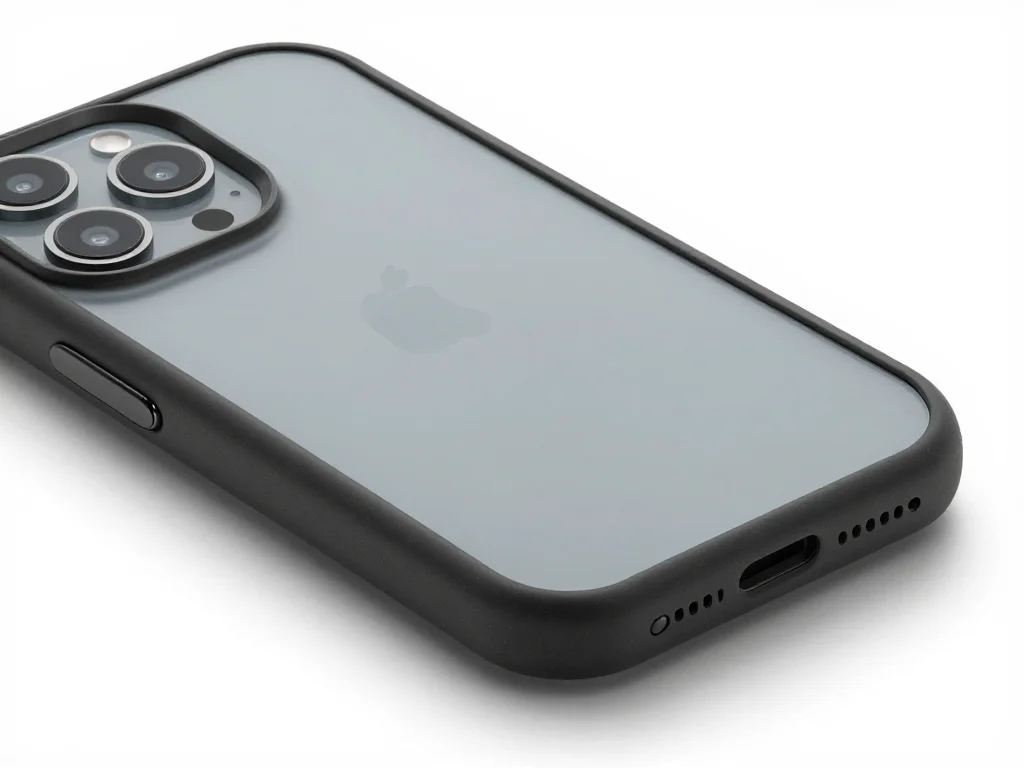
TikTok ads, Instagram Reels, and YouTube Shorts have become the primary channels for dropshipping success, especially in fashion, gadgets, and lifestyle niches. But here's the catch: traditional video creation requires either hiring expensive videographers, shooting yourself, or waiting for physical inventory to arrive.
The solution? AI-powered product video generation that creates realistic demonstrations instantly, allowing you to:
- Launch marketing campaigns before inventory arrives
- A/B test multiple product angles and messaging
- Scale your video content without hiring videographers
- Maintain brand consistency across all platforms
- Reduce video production costs by up to 90%
Understanding the Product Holder and UGC Generator Features
Modern AI platforms designed for e-commerce entrepreneurs offer two powerful tools that work together to create authentic-looking product videos: the Product Holder feature and the UGC (User-Generated Content) Generator.
The Product Holder Feature
The Product Holder feature allows you to digitally place your product in realistic hand scenarios. This isn't green-screen magic—it's AI that understands 3D space and lighting. You simply upload your product image, and the system automatically generates videos showing realistic hands holding, rotating, or interacting with your item.
This feature is particularly valuable because:
- Creates 3D rotation effects without a physical product
- Shows your item from multiple angles automatically
- Generates hands-on demonstrations that build trust
- Produces content that looks like real unboxing or product use
- Allows quick iteration on different product angles
The UGC Generator for Authentic Product Videos
UGC (User-Generated Content) doesn't mean asking random Instagram users to promote your product. The UGC Generator creates videos that appear to be shot by real customers or influencers demonstrating your product authentically. These videos include natural speech patterns, casual settings, and genuine-looking product interactions.
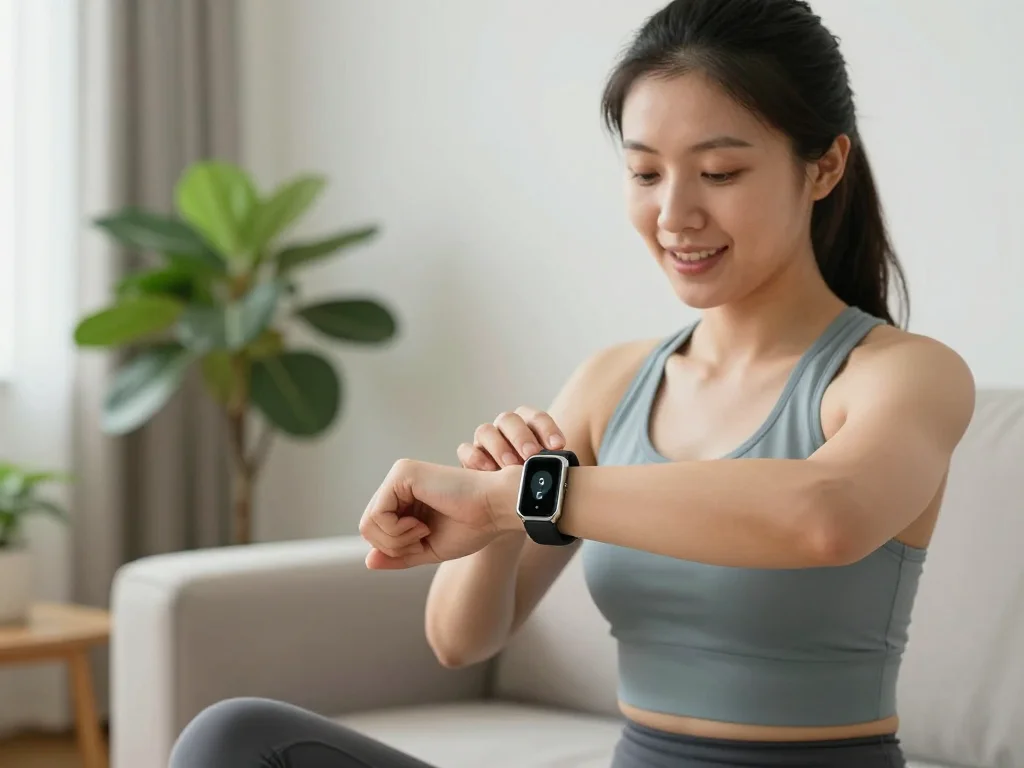
What makes UGC videos so powerful for dropshipping:
- Humans trust other humans more than polished brand content
- TikTok and Instagram algorithms favor authentic-looking videos
- Lower production values actually perform better on social platforms
- Can showcase multiple use cases and customer benefits
- Dramatically lower CPA (cost per acquisition) compared to traditional ads
Step-by-Step Guide: Creating Your First Product Video Without Inventory
Step 1: Find Your Product Images
Start by sourcing high-quality product images from your supplier. Most dropshipping platforms provide multiple angles and studio shots. You need images that show the product clearly with good lighting. If your supplier's images aren't sufficient, consider purchasing lifestyle product mockups from sites like Placeit or Smartmockups—these show products in realistic scenarios and work exceptionally well with AI video generators.
Step 2: Choose Your Video Angle and Format
Before generating, decide on your video's purpose:
- Rotating Showcase: Use Product Holder to show all angles
- Lifestyle Demo: Use UGC Generator for customer testimonial style
- Problem-Solution: Show the problem, then demonstrate your product solving it
- Feature Highlight: Focus on one unique benefit per video
Step 3: Generate Multiple Variations
The power of AI video creation is iteration. Generate 5-10 different versions of the same product with variations in:
- Background settings (minimalist vs. lifestyle)
- Video pacing (fast-paced vs. slow reveal)
- Messaging and text overlay
- Product styling and presentation angles
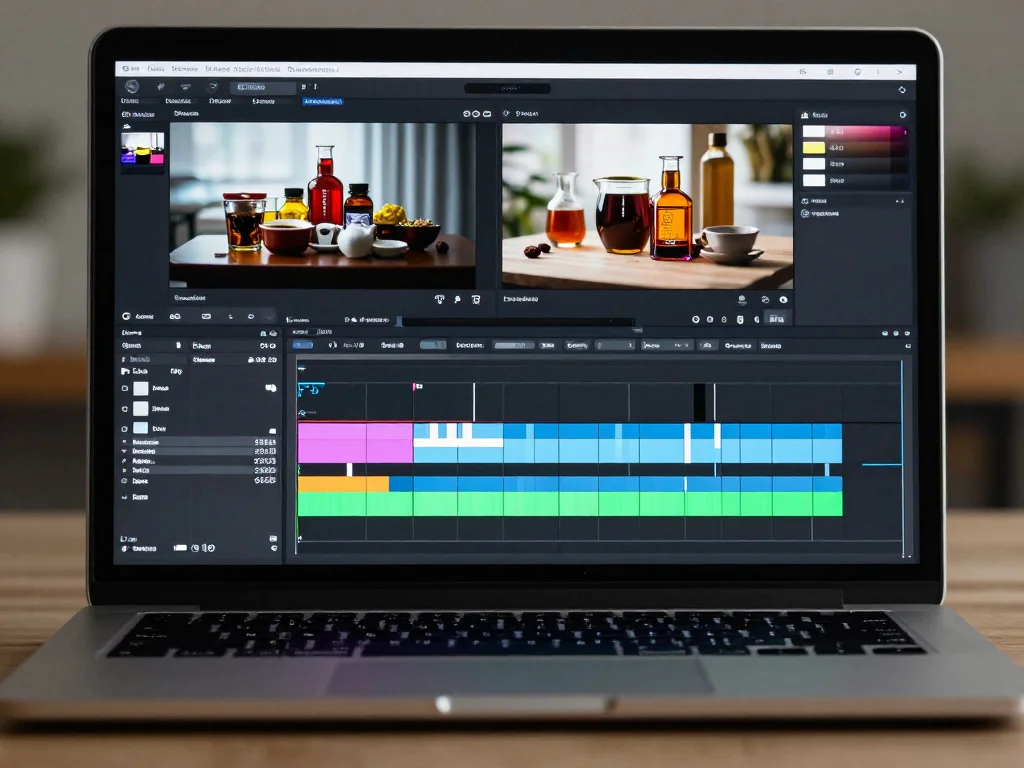
Step 4: Add Captions and Text Overlays
TikTok viewers often watch without sound. Your videos must tell a story through on-screen text. Use captions that:
- Highlight the main benefit in 2-3 seconds
- Create curiosity or emotional connection
- Include a call-to-action (link in bio, limited stock warning)
- Use trending fonts and colors that match your brand
Step 5: Platform Optimization
Before publishing, optimize for each platform:
- TikTok: 9:16 vertical video, 15-60 seconds, trending sounds
- Instagram Reels: 9:16 vertical, 15-90 seconds, caption text
- YouTube Shorts: 9:16 vertical, up to 60 seconds
Maximizing Conversions With Your AI-Generated Videos
Creating the video is just half the battle. To truly maximize conversion rates, you need to strategically deploy your content:
A/B Testing Framework
Generate multiple video variations and run small ad campaigns ($20-50) to each audience segment. Track metrics like:
- Cost per click (CPC)
- Cost per view (CPV)
- Click-through rate (CTR)
- Landing page conversion rate
- Return on ad spend (ROAS)
Use insights from the top 20% performing videos to inform your next batch of content.
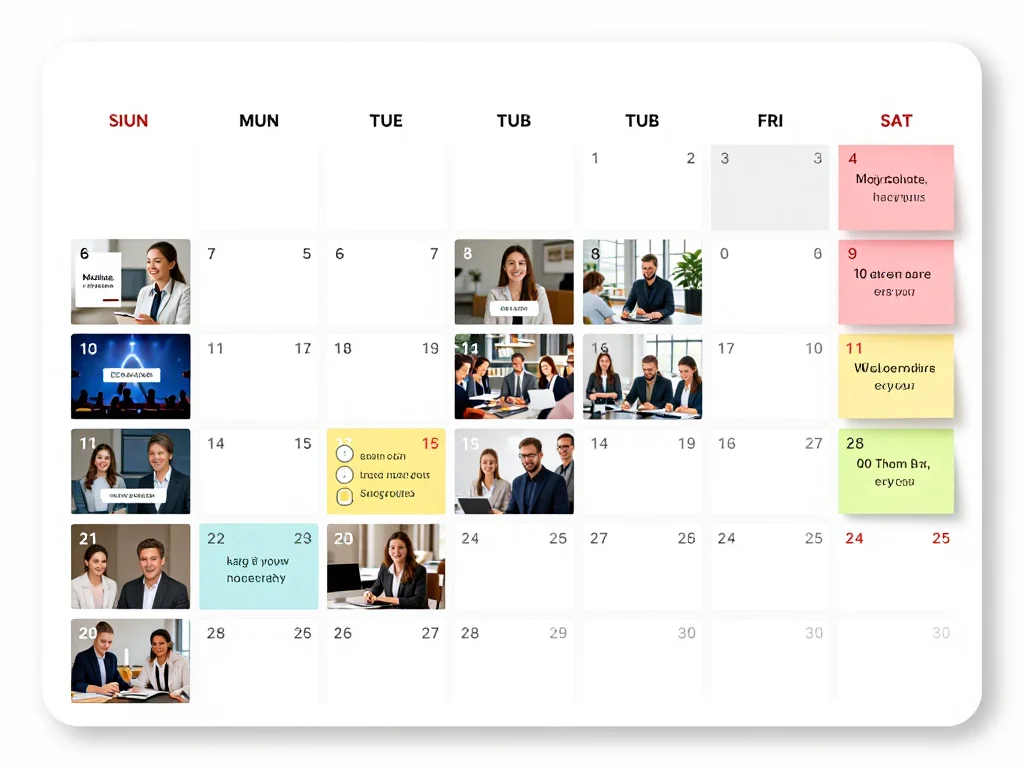
Building a Content Calendar
Consistency matters. Create a 30-day content calendar with:
- 3 videos per product minimum
- Different angles and messaging for each
- Mix of product-focused and benefit-focused videos
- Regular posting schedule (2-3 times daily on TikTok for maximum reach)
Scaling With Confidence
Once you identify winning videos, scale your ad spend aggressively. Since your production costs are near-zero, you can:
- Run the same video across multiple audiences
- Test different geographic markets
- Experiment with lookalike audiences based on converters
- Reinvest profitable returns immediately
Common Mistakes to Avoid When Creating Product Videos
Learning from others' mistakes accelerates your success:
- Over-polishing: Audiences connect with authentic, slightly imperfect content. Don't make your UGC videos too slick.
- Ignoring mobile viewing: 98% of TikTok users watch on mobile. Design for vertical video exclusively.
- Weak calls-to-action: Don't be subtle. Tell viewers exactly what to do next (tap link, comment, share).
- Slow pacing: Grab attention in the first 3 seconds or you've lost your viewer. Hook them immediately.
- No variation: Create multiple videos from day one. Never rely on a single asset.
Accelerate Your Dropshipping Growth Today
The dropshipping entrepreneurs winning right now aren't waiting for perfect conditions. They're using AI video generation to validate products, build audiences, and generate sales before their first inventory shipment arrives. This gives them a 6-8 week head start on competitors still shooting videos manually. You can also check out our AI fitness photos.
By mastering the Product Holder and UGC Generator features, you're not just saving money on video production—you're fundamentally changing how fast you can iterate, test, and scale. You're removing the inventory barrier that has always held dropshippers back from professional content creation. You can also check out our AI dating profile photos.
Ready to create your first high-converting product video? Start building your dropshipping empire with professional AI-powered videos today. Try Photo AI Studio's product video creation tools and see how many sales you can generate before your first item even ships.


