
Best Thumbnail Makers for YouTube in 2026 — Free Tools That Get Clicks
Create eye-catching YouTube thumbnails that boost your click-through rate. We tested the best free thumbnail makers and AI tools for YouTube creators.
In the crowded world of YouTube, your thumbnail is your first and often only chance to grab a viewer's attention. A great video with a bad thumbnail gets ignored, while a compelling one can turn a casual browser into a loyal subscriber. The problem? Creating high-quality, click-worthy thumbnails consistently is time-consuming, especially if you're not a professional designer. You're juggling video editing, SEO, and community engagement; spending hours on design isn't an option.
You need a tool that's fast, intuitive, and delivers professional results every time. This guide breaks down the 12 best thumbnail maker for YouTube tools, from powerful AI generators to user-friendly template editors, so you can find the perfect solution to stop the scroll and grow your channel. We'll explore each option with a focus on practical use cases, key features, pricing, and honest pros and cons to help you make an informed choice. The right thumbnail tool can significantly boost your click-through rate, a critical factor for channel growth. To learn more about how crucial thumbnails are for attracting an audience, check out our guide on how to get views on YouTube, which includes proven strategies on thumbnail optimization.
Each review includes direct links and screenshots to give you a clear look at the software before you commit. We'll cut through the marketing fluff to show you which platform is best for your specific needs, whether you're a Shopify merchant creating product videos, a marketing agency producing campaign assets, or a creator looking to scale your content production. Let's find the tool that will get your videos the clicks they deserve.
1. Photo AI Studio
Photo AI Studio isn't just another tool; it's our #1 recommendation because it solves the biggest pain point for creators: getting high-quality, consistent images of yourself without the hassle. It’s a full-fledged AI visual creation suite that stands far above the rest. Its key differentiator is a game-changing feature: you only need ONE selfie to generate a massive library of professional AI headshots and character photos. While competitors demand 10-20+ photos and take hours, Photo AI Studio delivers your results in minutes. This is a massive advantage for any YouTuber who wants to build a recognizable personal brand. You can also check out our AI professional headshots.
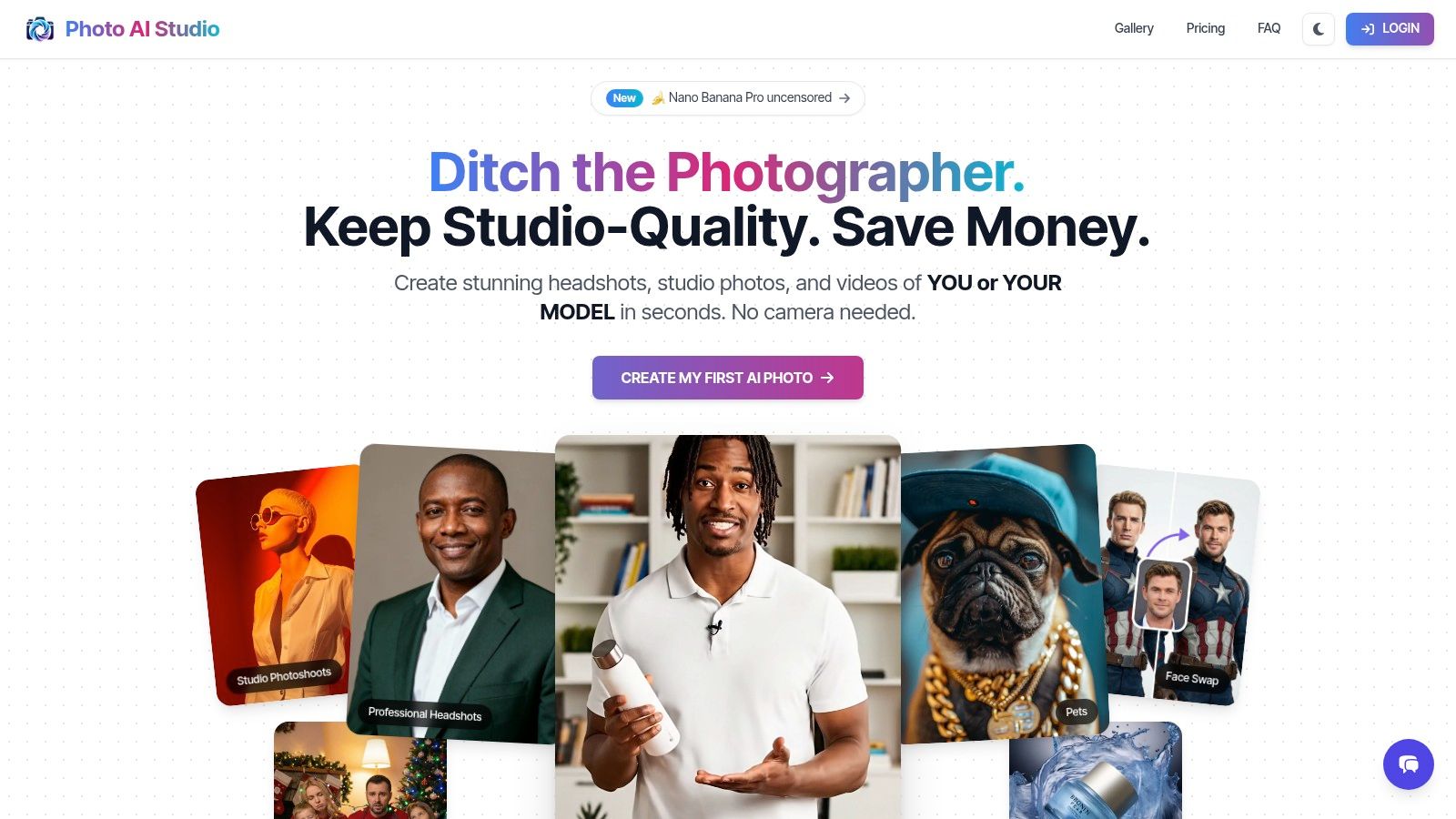
This platform is a content production powerhouse. Need a "shocked face" for your next reaction video thumbnail? Done in seconds. Need a polished, professional headshot for your channel's "About" page or a sponsored post? You can generate hundreds of options. It's the perfect solution for remote workers, founders, and job applicants who need to upgrade their online presence fast. Instead of spending $200-$500 on a traditional photographer, you can create a virtually endless supply of on-brand visuals for a fraction of the cost.
Key Features & Use Cases
- One-Shot AI Model: Upload just one selfie to create a reusable digital version of yourself. This is the killer feature that sets it apart, ensuring your face is consistent across all thumbnails without needing constant photoshoots.
- AI Thumbnail Generator: Specifically trained to create engaging, clickable YouTube thumbnails. Describe your video's topic, and the AI generates multiple options with compelling compositions and expressions.
- Unmatched Speed: Get studio-quality results in minutes, not hours. This speed is critical for creators on a tight schedule who need to publish content quickly.
- Comprehensive Toolset: Includes over 150 photo styles, a professional headshot generator, background removal, face swapping, and image upscaling, giving you complete creative control.
Pricing & Value
Photo AI Studio uses a credit-based system, offering free credits at signup so you can see the magic for yourself. The value proposition is incredible when compared to traditional photography. A single session with a photographer can run $200-$500+, whereas Photo AI Studio allows you to generate hundreds of unique, professional images for a small fraction of that price.
Pros & Cons
| Pros | Cons |
|---|---|
| Needs Only ONE Selfie: Drastically easier and faster than competitors requiring 10-20+ photos. | Credit System: Pricing can be less predictable for high-volume users compared to a flat subscription. |
| Speed and Efficiency: Get professional results in minutes, not hours, streamlining your entire content workflow. | Input Dependent: The quality of the output is directly related to the quality of the input photo. |
| Cost-Effective: Far more affordable than hiring a photographer, offering incredible value. | Ethical Considerations: Requires responsible use, especially when creating images of other people. |
| All-in-One Platform: Far more than just thumbnails, it handles headshots, AI videos, and more. See how it stacks up in these AI headshot generator reviews. |
Ready to upgrade your channel's visuals? Get your AI headshot in minutes with Photo AI Studio.
2. Canva
Canva is often the first tool creators turn to, and for good reason. It has established itself as an incredibly accessible, beginner-friendly design platform with a dedicated YouTube Thumbnail Maker that simplifies the entire process. Its massive library of templates means you never have to start from a blank canvas, making it one of the best thumbnail makers for YouTube if you need to produce content quickly and consistently.
The platform excels at providing a balanced, all-in-one experience. The drag-and-drop editor is intuitive, allowing non-designers to combine text, graphics, and their own images effortlessly. You can upload a high-quality headshot and easily place it into a professionally designed layout. For creators who need a consistent look, having professional headshots on hand is crucial; using an AI tool can help you generate a variety of options without a photoshoot. You can learn more about creating AI headshots from a single photo to streamline your branding assets.
Key Features & Pricing
- Massive Template Library: Thousands of pre-made, fully customizable YouTube thumbnail templates for every niche.
- Brand Kits: (Pro feature) Store your channel's logos, fonts, and color palettes for one-click branding.
- Collaboration: Invite team members to edit and comment on designs in real-time.
- Stock Assets: Access to a vast library of free and premium photos, icons, and video clips.
Pricing: Canva offers a robust free plan. Canva Pro starts at $14.99/month for one person, unlocking premium templates, a background remover, Brand Kits, and more.
| Feature | Free Plan | Canva Pro Plan |
|---|---|---|
| Templates | 250,000+ free templates | 610,000+ premium & free templates |
| Stock Photos | 1+ million free photos & graphics | 100+ million premium stock assets |
| Brand Kit | Limited (one color palette) | Multiple brand kits |
| Background Remover | No | Yes (one-click) |
Pros:
- Extremely intuitive and easy for beginners.
- Huge ecosystem of templates and assets.
- Excellent for team collaboration and maintaining brand consistency.
Cons:
- Best features (like Background Remover and Brand Kits) are behind a paywall.
- Templates can sometimes feel generic if not heavily customized.
3. Adobe Express
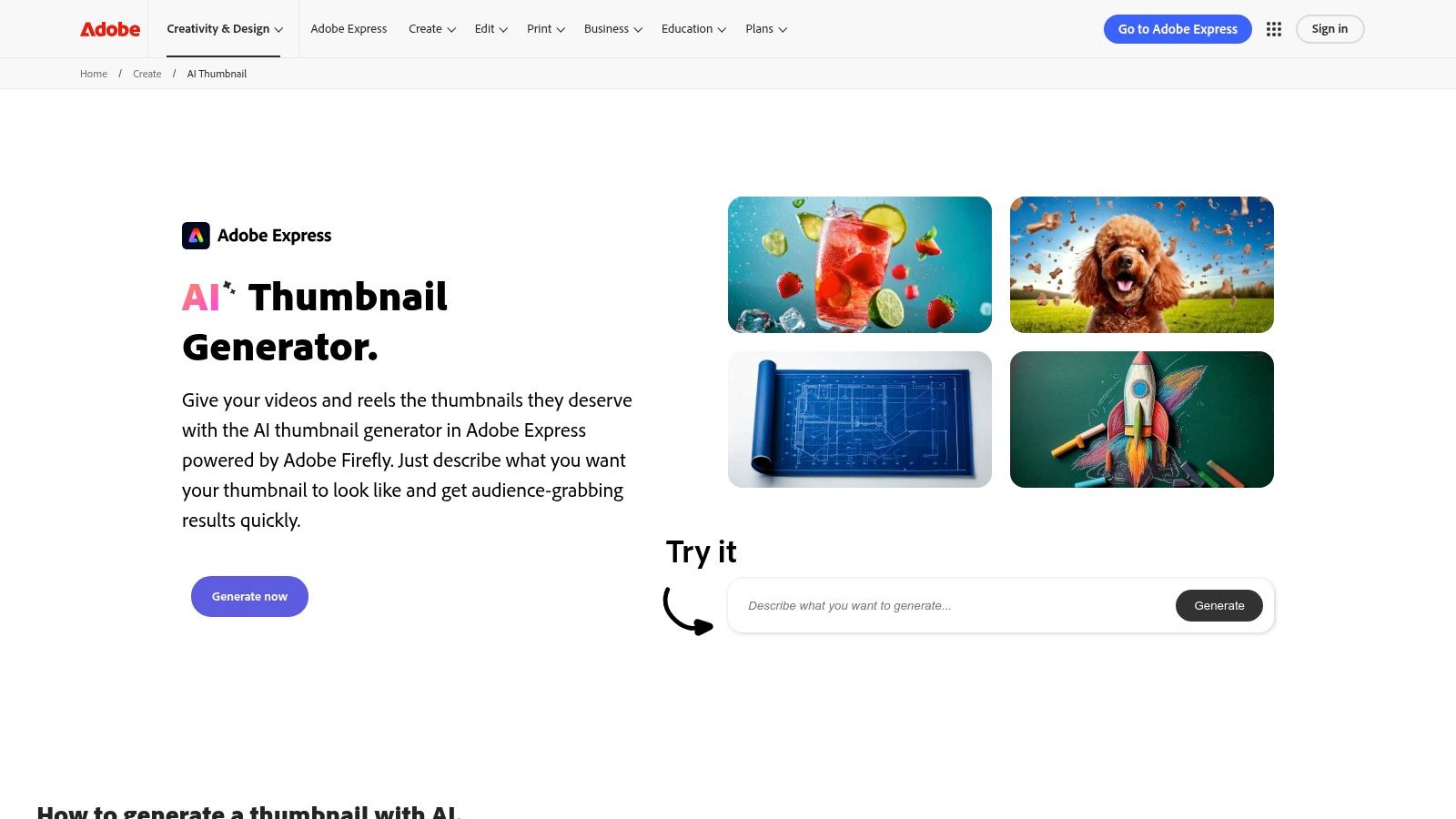
Adobe Express brings the power of the Adobe ecosystem into a streamlined, web-based tool perfect for creators who want professional-grade assets without the steep learning curve of Photoshop. As one of the best thumbnail makers for YouTube, it stands out with its integration of Adobe Firefly AI, allowing you to generate custom images and text effects from simple prompts. This makes it an excellent choice for users who are already invested in Adobe's creative suite or those who prioritize top-tier licensing for commercial use.
The platform feels robust and reliable, offering a polished user experience that guides you from template selection to final export. Its one-click background and object removal tools are highly effective, and having direct access to the Adobe Stock photo library is a significant advantage for sourcing high-quality, commercially-safe imagery. This integration simplifies creating a cohesive brand look across multiple platforms, a concept you can explore further when developing AI-driven photography for social media campaigns.
Key Features & Pricing
- AI-Powered Generation: Utilizes Adobe Firefly to create unique images and text styles from prompts.
- Adobe Stock Integration: Access to a vast library of royalty-free stock photos, videos, and music.
- Brand Kits: (Premium feature) Save and apply your channel's branding elements for consistent designs.
- One-Click Edits: Quick actions for resizing, removing backgrounds, and animating content.
Pricing: Adobe Express offers a comprehensive free plan with 25 generative AI credits per month. The Premium plan starts at $9.99/month and includes 250 AI credits, premium templates, and full access to Adobe Stock assets.
| Feature | Free Plan | Premium Plan |
|---|---|---|
| Generative AI Credits | 25 per month | 250 per month |
| Adobe Stock | Limited collection (~200k assets) | Full collection (200M+ assets) |
| Brand Kit | No | Yes (load logos, fonts, colors) |
| Background Remover | Yes (with watermark on some assets) | Yes |
Pros:
- Strong commercial use licensing through Adobe Stock integration.
- Seamless workflow and asset sharing with other Adobe Creative Cloud apps.
- Powerful and high-quality AI features powered by Adobe Firefly.
Cons:
- The best features and highest AI credit limits are locked behind the Premium plan.
- The free plan's asset library is significantly more limited than the paid version.
4. Snappa
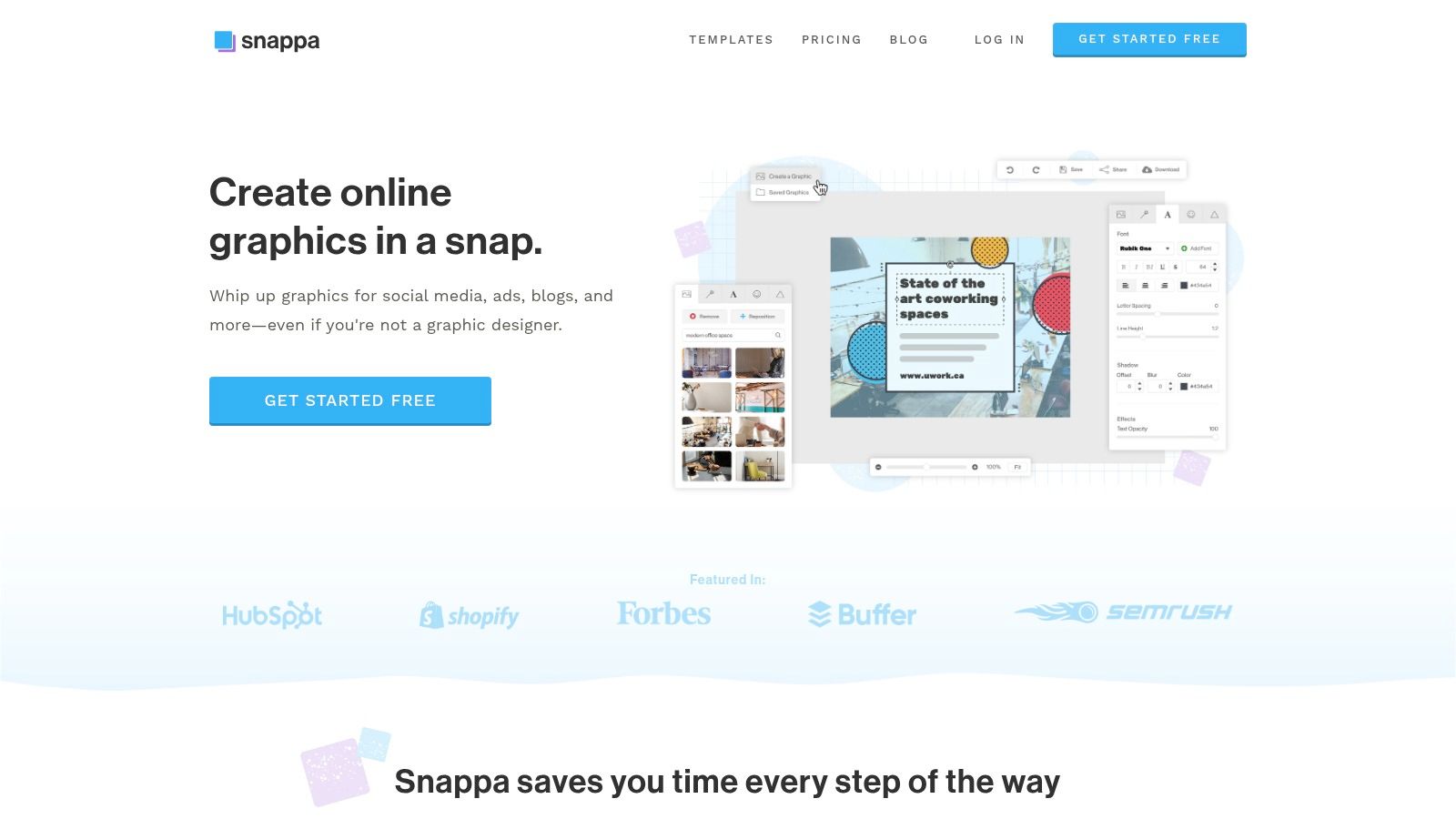
Snappa positions itself as the fastest way for non-designers to create graphics online. Its focus on speed and simplicity makes it an excellent choice for creators who feel overwhelmed by more complex platforms. The interface is clean and purpose-built, guiding you directly to a pre-sized YouTube thumbnail canvas so you can start designing immediately without worrying about dimensions.
This lightweight approach is its greatest strength. For solo creators or small teams who need to produce high-quality thumbnails quickly, Snappa removes unnecessary friction. It offers a curated selection of templates and a surprisingly large library of royalty-free assets, ensuring you have everything you need without the feature bloat of larger design suites. It’s one of the best thumbnail makers for YouTube if your top priority is a streamlined, no-fuss workflow.
Key Features & Pricing
- Perfect Sizing: Instantly create graphics with the ideal YouTube thumbnail dimensions.
- Template Library: Access 6,000+ templates to get a head start on your design.
- Massive Asset Library: Use over 5 million free, high-resolution photos and graphics.
- Background Remover: (Paid feature) Instantly remove the background from any image with one click.
Pricing: Snappa offers a free "Starter" plan. The "Pro" plan is $15/month for one user, and the "Team" plan is $30/month for up to five users. Paid plans offer unlimited downloads and more features.
| Feature | Free Plan | Pro Plan |
|---|---|---|
| Templates | 6,000+ templates | 6,000+ templates |
| Stock Photos | 5,000,000+ photos & graphics | 5,000,000+ photos & graphics |
| Downloads | 3 per month | Unlimited |
| Background Remover | No | Yes |
Pros:
- Incredibly easy to learn and use, perfect for beginners.
- Generous library of high-quality, free-to-use assets.
- Clear and straightforward pricing with unlimited downloads on paid plans.
Cons:
- The free plan is very limited with only three downloads per month.
- Lacks the advanced editing features and effects found in competitors.
5. PicMonkey
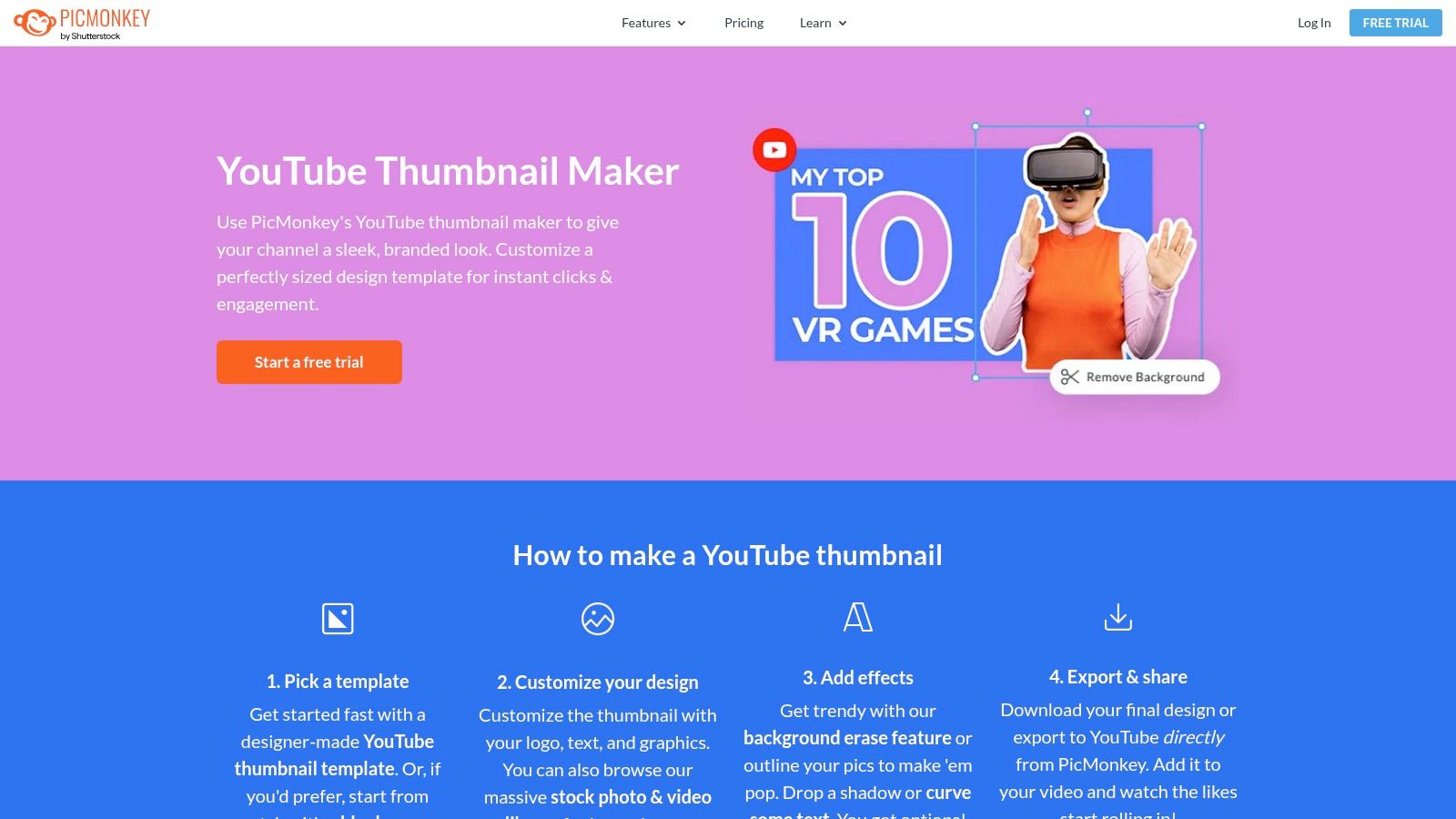
PicMonkey is a powerful, user-friendly editor with a strong focus on photo-centric design, making it an excellent choice for creators whose thumbnails rely on punchy, high-impact imagery. It excels at adding professional-grade effects that make your photos pop, such as customizable outlines, dramatic text effects, and a reliable background remover. This makes it one of the best thumbnail makers for YouTube if your channel features a lot of personality-driven or product-focused visuals.
The platform streamlines the creation process with a dedicated YouTube thumbnail maker and a library of stylish templates. Its biggest workflow advantage is the ability to export your finished design directly to your YouTube account, saving valuable time. For creators who constantly need fresh, high-quality headshots for their thumbnails but lack the time for photoshoots, AI tools can be a game-changer. You can learn more about creating AI headshots from a single photo to ensure you always have a perfect, on-brand image ready for your next PicMonkey design.
Key Features & Pricing
- Powerful Photo Effects: Add outlines, glows, and advanced textures to text and images.
- One-Click Background Remover: Instantly isolate subjects from their background to layer into new designs.
- Direct YouTube Export: (Pro feature) Save and upload your thumbnail directly to your YouTube channel.
- Brand Kit: (Pro feature) Store your channel's fonts, colors, and logos for consistent branding across all thumbnails.
Pricing: PicMonkey offers a free trial, but most features, including exporting, require a subscription. The Basic plan starts at $7.99/month, with the Pro plan at $12.99/month unlocking the background remover and Brand Kit.
| Feature | Basic Plan | Pro Plan |
|---|---|---|
| Templates | Thousands of templates | All premium templates included |
| Stock Photos | 1 million+ stock photos | All premium stock photos included |
| Brand Kit | No | Yes (one brand kit) |
| Background Remover | No | Yes (one-click) |
Pros:
- Strong text and photo effects for creating eye-catching thumbnails.
- Direct export to YouTube simplifies the publishing workflow.
- Very user-friendly interface for beginners.
Cons:
- Most essential features, including exporting, are behind a paywall after the trial.
- The free experience is very limited compared to competitors.
6. VistaCreate (formerly Crello)
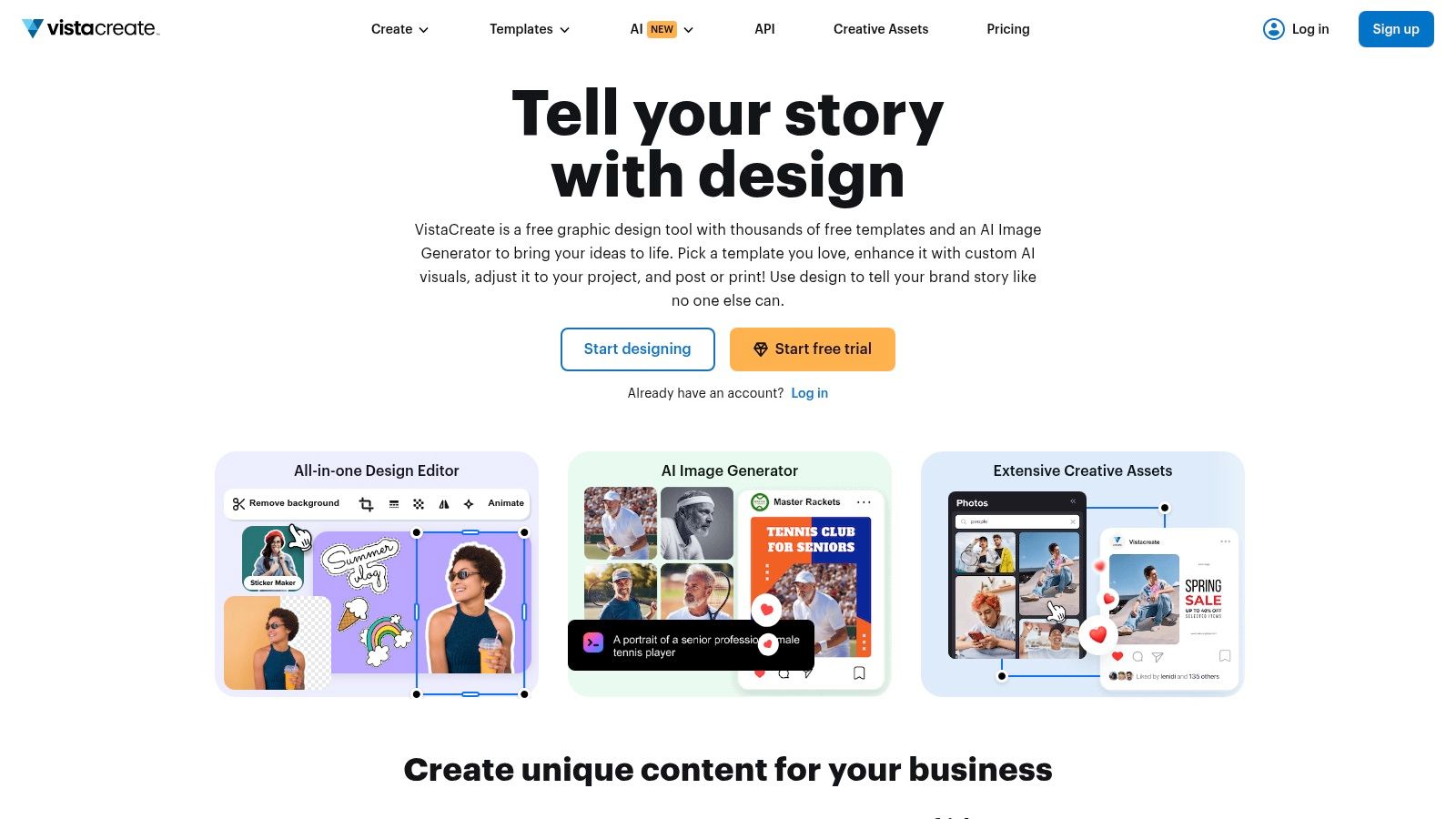
VistaCreate, formerly known as Crello, is a strong contender for creators who prioritize a vast asset library and straightforward design tools. As a dedicated YouTube thumbnail maker, it offers a clean, template-first approach that helps you generate eye-catching visuals without a steep learning curve. Its interface feels familiar to anyone who has used an online design platform, making it a comfortable alternative for those seeking a different ecosystem of templates and assets.
The platform stands out by offering generous access to stock photos and videos, especially on its Pro plan. This is a significant advantage for channels that rely heavily on high-quality B-roll or dynamic background images to make their thumbnails pop. For creators who need a simple yet powerful tool with less complexity than a full-fledged photo editor, VistaCreate strikes an excellent balance, providing the essential features needed to produce professional-looking thumbnails quickly.
Key Features & Pricing
- Extensive Asset Library: Pro users gain access to over 70 million photos, videos, and vectors.
- Animations and Stickers: Add dynamic elements like animated text or stickers directly to your designs.
- Brand Kits: (Pro feature) Maintain brand consistency by storing your logos, color palettes, and fonts.
- Background Remover: (Pro feature) A one-click tool to easily remove backgrounds from your images.
Pricing: VistaCreate has a free Starter plan with access to thousands of templates and 10 GB of storage. The Pro plan is $13/month and unlocks the full asset library, background remover, brand kits, and unlimited storage.
| Feature | Starter (Free) Plan | Pro Plan |
|---|---|---|
| Templates | 100,000+ free design templates | 100,000+ free design templates |
| Stock Assets | 1M+ photos, videos & vectors | 70M+ photos, videos & vectors |
| Brand Kit | 1 Brand Kit with limited customization | Unlimited Brand Kits |
| Background Remover | No | Yes (one-click) |
Pros:
- Very straightforward and easy-to-use interface.
- Extremely generous stock asset library on the Pro plan.
- Good value for money compared to similar design tools.
Cons:
- Essential features like the background remover are only available on the paid plan.
- Fewer advanced AI features compared to more specialized tools.
7. Placeit by Envato
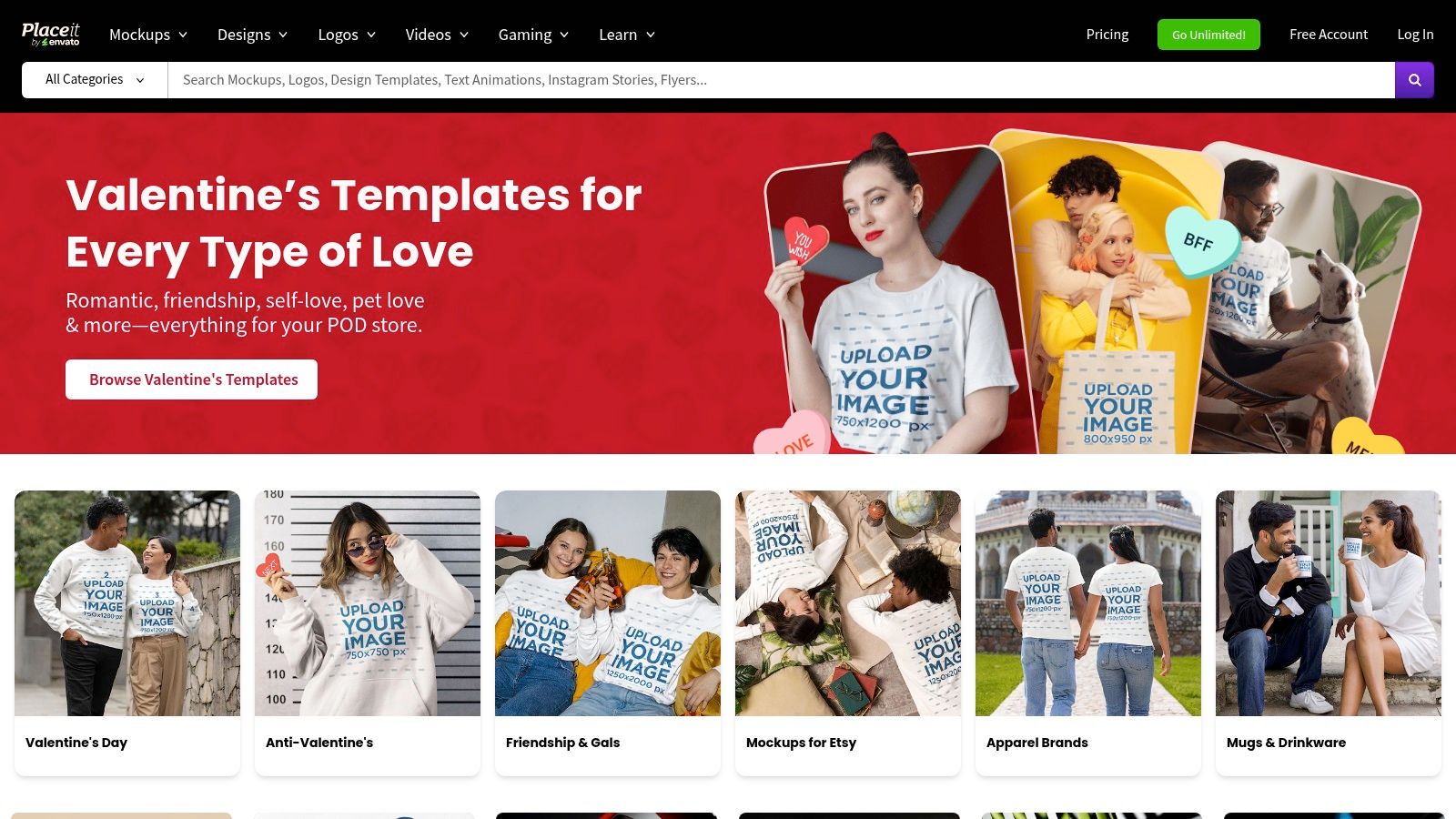
Placeit by Envato is a powerhouse for creators who need high-quality designs fast, without any design experience. It differentiates itself by being almost entirely template-driven, offering one of the largest libraries of niche-specific, ready-to-use YouTube thumbnail designs. This makes it an ideal choice for creators who want a polished, professional look with minimal effort and time investment.
The platform is more than just a thumbnail maker; it's an entire branding suite. You can find everything from logos and mockups to video intros, all within the same ecosystem. For YouTube creators, this means you can quickly create a thumbnail, then use the same interface to design a mockup of that thumbnail on a phone screen for your social media promotions, ensuring brand consistency across all your marketing channels. You can also check out our AI Instagram photos.
Key Features & Pricing
- Massive Template Library: Thousands of professionally designed YouTube thumbnail templates for gaming, tutorials, vlogs, and more.
- Simple In-Browser Editor: Easily swap text, images, and colors within a chosen template without needing complex tools.
- All-in-One Asset Hub: Access logos, mockups, and video templates in addition to thumbnails.
- Unlimited Downloads: A single subscription grants unlimited access to all templates and assets, watermark-free.
Pricing: You can buy single designs (a thumbnail costs $2.95) or get an unlimited subscription for $7.47/month (billed annually). The subscription is the best value for active creators.
| Feature | Single Purchase | Unlimited Subscription |
|---|---|---|
| Thumbnails | Pay per download | Unlimited downloads |
| Logos & Mockups | Pay per download | Unlimited access & downloads |
| Video Templates | Pay per download | Unlimited access & downloads |
| Watermarks | Free downloads are watermarked | No watermarks on any asset |
Pros:
- Incredibly fast and efficient for producing thumbnails.
- Massive variety of high-quality, niche-specific templates.
- Unlimited subscription offers exceptional value for money.
Cons:
- Customization options are more limited compared to full-featured editors.
- Heavy reliance on templates can lead to a less unique look if not customized.
8. Fotor
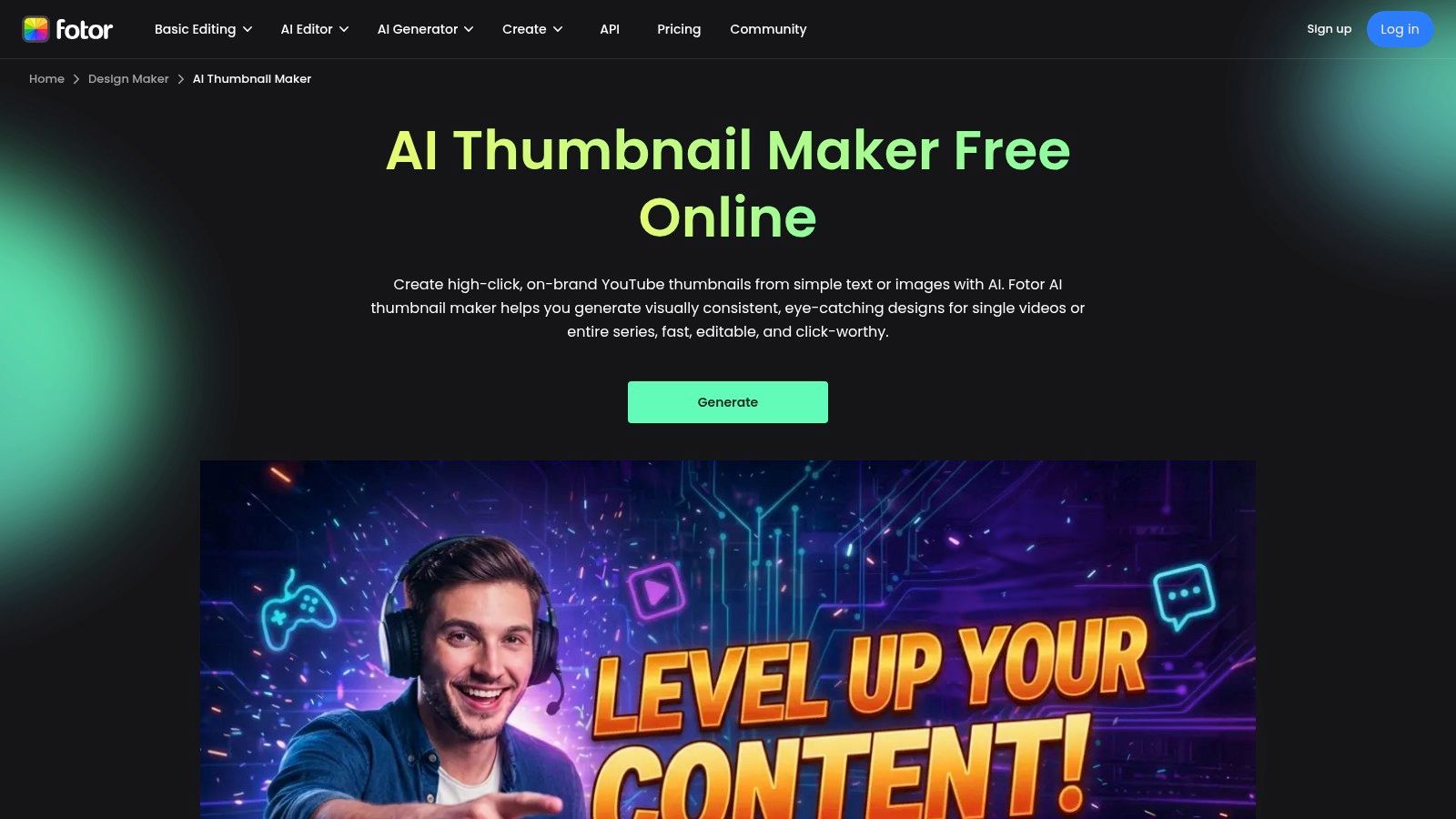
Fotor carves out its niche by blending a traditional photo editor with a powerful AI thumbnail generator. It's designed for creators who want to rapidly iterate on ideas, offering AI-driven tools that suggest multiple variations with different styles and expressions from a single prompt. This makes it a strong candidate for the best thumbnail maker for YouTube if your workflow involves testing several concepts before settling on a final design.
The platform stands out by offering a comprehensive suite of editing tools alongside its AI capabilities. After generating a base thumbnail, you can jump directly into a full-featured editor to add text, apply effects, or incorporate elements from its extensive stock library. This integrated approach saves time and removes the need to switch between different applications for generation and refinement. For those exploring more advanced AI visual styles, you can learn how to transform your photos with AI to create truly unique, eye-catching assets for your channel.
Key Features & Pricing
- AI Thumbnail Generator: Creates multiple thumbnail options from a text prompt with controls for style and expression.
- Large Asset Library: Access to a wide range of templates, fonts, and photo effects.
- Integrated Photo Editor: A full suite of tools for manual adjustments, overlays, and enhancements.
- Batch & Brand Tools: (Pro feature) Higher-tier plans include tools for batch processing and managing brand consistency.
Pricing: Fotor offers a free plan with basic features. Fotor Pro starts at $8.99/month, providing access to more advanced editing tools and assets. Fotor Pro+ is $19.99/month for expanded AI credits and features.
| Feature | Free Plan | Fotor Pro Plan |
|---|---|---|
| AI Generation | Limited free credits | More monthly credits |
| Templates & Assets | Limited selection | Premium access to all assets |
| Background Remover | Limited free credits | Included |
| Brand Kit | No | Yes |
Pros:
- Excellent AI-assisted iteration for quickly generating multiple design concepts.
- Includes a broad, general-purpose photo editor for detailed customizations.
- The AI thumbnail generator is easy to use and produces varied results.
Cons:
- The best AI features and a sufficient number of credits are locked behind paid plans.
- The credit system and pricing tiers can be confusing, with different offers available.
9. Visme
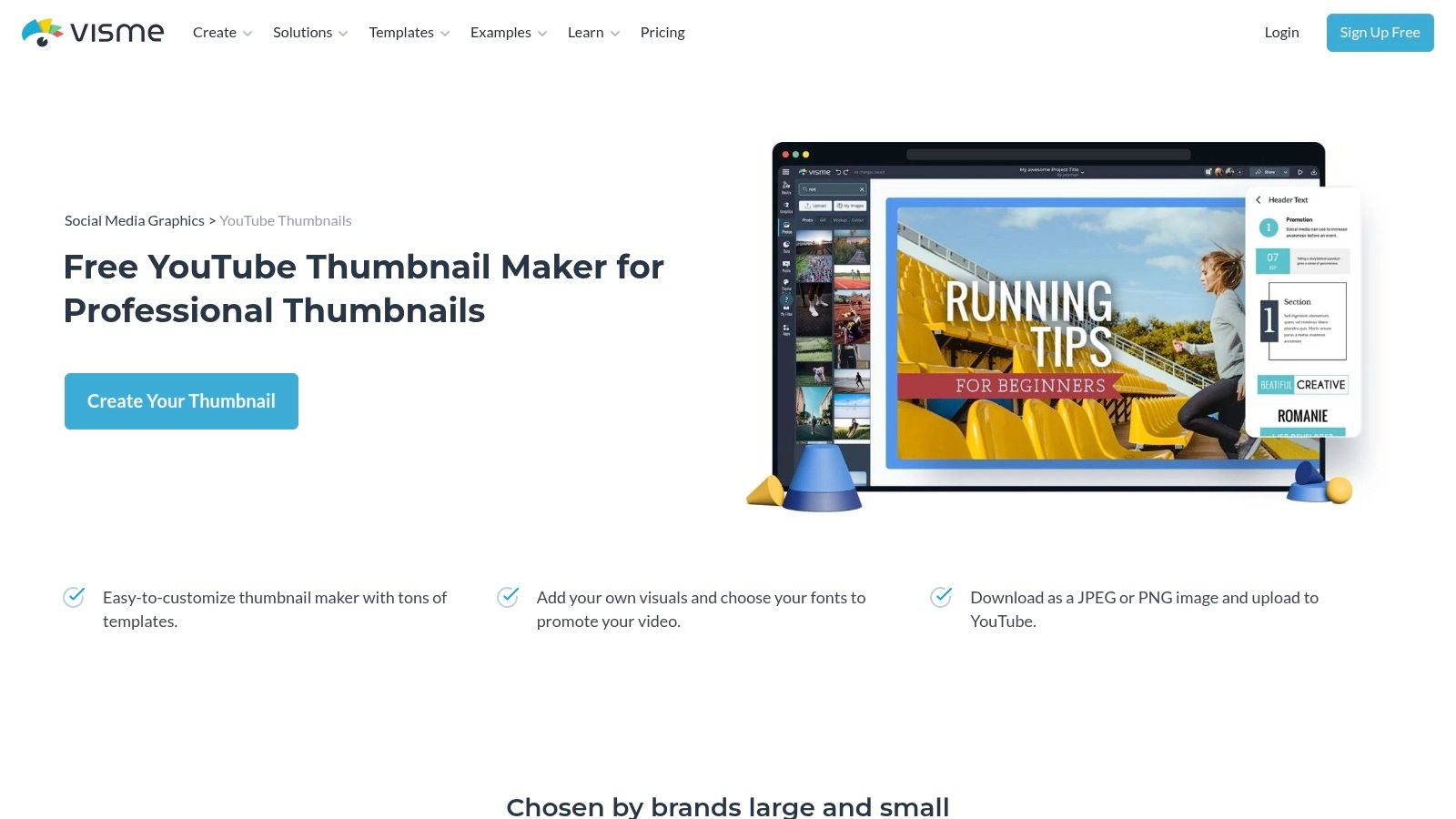
Visme is a comprehensive visual content creation platform that extends beyond just thumbnails. It positions itself as an all-in-one tool for creating presentations, infographics, and other branded assets, making it an excellent choice for creators who see their YouTube thumbnails as part of a larger content marketing strategy. This integrated approach allows you to maintain brand consistency across all your visual materials, from your video's first impression to the slide deck you share afterward.
The platform is designed with teams and brand management in mind. For channels that are part of a larger business or have multiple contributors, Visme’s organized asset libraries and brand kits are invaluable. It simplifies the process of ensuring that every thumbnail, chart, and social media post adheres to the same visual guidelines, making it one of the best thumbnail makers for YouTube if your needs go beyond simple one-off designs.
Key Features & Pricing
- Integrated Design Workflow: Create thumbnails alongside other brand collateral like presentations and infographics.
- Brand Kit: (Paid feature) Centralize your brand fonts, colors, and logos for easy access and consistency.
- Data Visualization Tools: Incorporate charts and graphs directly into your designs.
- Team Collaboration: (Paid feature) Features for team projects, comments, and organized asset folders.
Pricing: Visme has a free plan with limited features and watermarked downloads. The Starter plan begins at $29/month, and the Pro plan is $59/month, unlocking more templates, storage, and the full Brand Kit.
| Feature | Free Plan | Starter Plan ($29/mo) |
|---|---|---|
| Templates | Limited access | Premium templates & assets |
| Brand Kit | No | Yes (one kit) |
| Storage | 100 MB | 250 MB |
| Download Formats | JPG (with Visme watermark) | JPG, PNG |
Pros:
- Excellent for creating a wide range of branded content, not just thumbnails.
- Strong team and brand management features for maintaining consistency.
- Good selection of professional templates.
Cons:
- More of a learning curve than simpler, dedicated thumbnail makers.
- Key features like the Brand Kit and PNG downloads are behind a paywall.
- The free plan is quite restrictive.
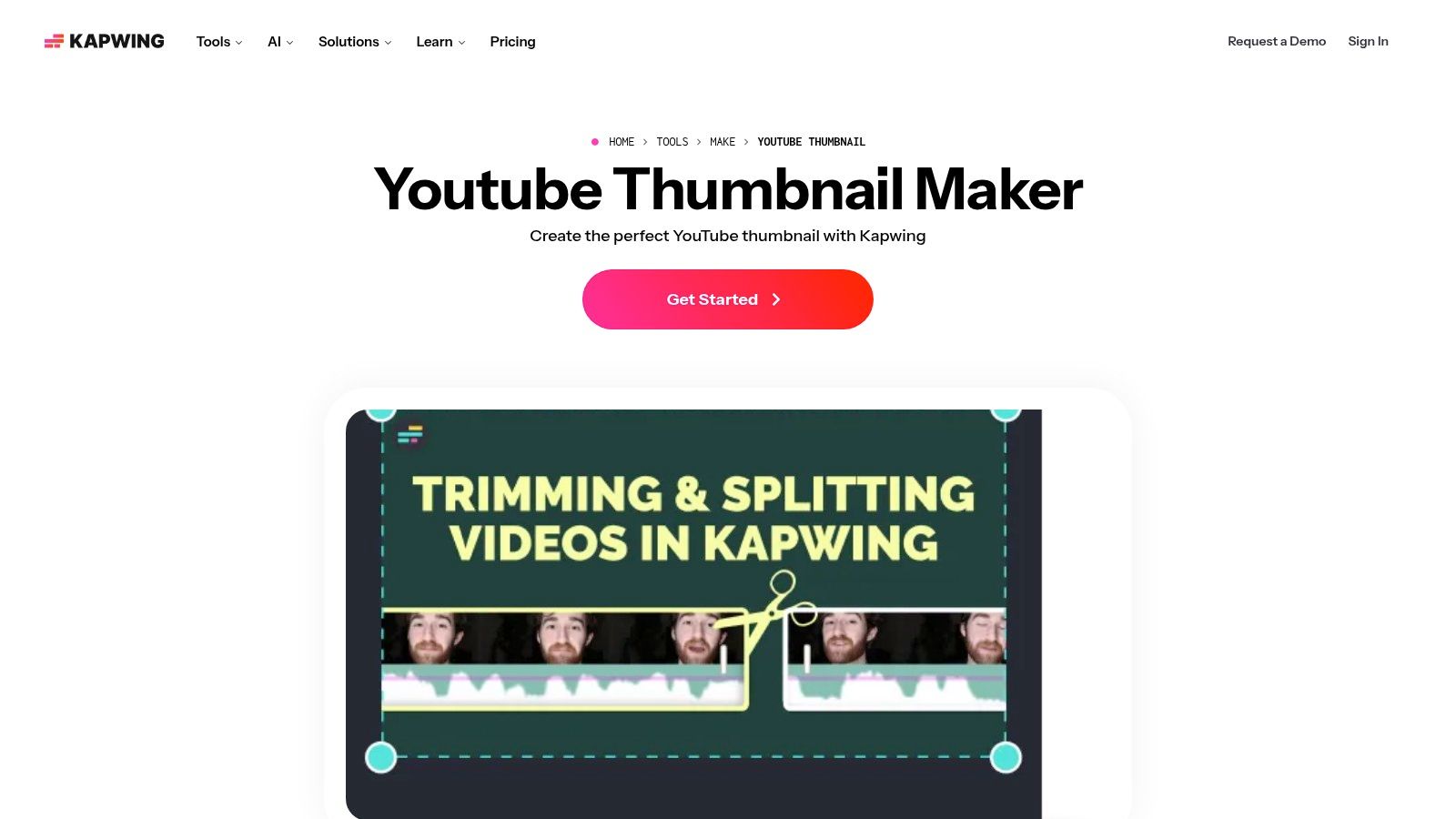
10. Kapwing
Kapwing positions itself as a collaborative online editor for modern creators, and its YouTube Thumbnail Maker is a direct extension of that philosophy. It's particularly powerful for creators whose thumbnail concepts are born directly from their video content. The platform's standout feature is its ability to capture a freeze-frame from an uploaded video, turning a fleeting moment into the perfect, high-impact thumbnail base.
This video-first workflow makes Kapwing one of the best thumbnail makers for YouTube channels that rely on in-video action shots, tutorials, or dynamic moments. Instead of taking separate photos, you can simply pull the most compelling frame and enhance it directly within the browser-based editor. The collaborative tools, like shared workspaces, also make it a strong choice for creative teams or channels with multiple contributors.
Key Features & Pricing
- Freeze-Frame Capture: Easily grab a high-resolution still image from any point in your video to use as a thumbnail background.
- Collaborative Workspaces: Invite team members to edit, comment, and work on thumbnail designs together in a shared project space.
- Full Video Suite: The thumbnail maker is part of a larger video editing suite, allowing for a seamless workflow from editing to promotion.
- Stock Assets & Templates: Access a library of templates, stock photos, and elements to decorate your captured frames.
Pricing: Kapwing has a free plan that includes a watermark on exported projects. The Pro plan starts at $24/month ($16/month when billed annually) and removes the watermark, unlocks higher export quality, and provides more cloud storage.
| Feature | Free Plan | Pro Plan |
|---|---|---|
| Watermark | Yes, on all exports | No watermark |
| Export Quality | Up to 720p | Up to 4K resolution |
| Project Storage | Limited, with auto-deletion of old projects | Unlimited project storage |
| AI Tools Credits | Limited starter credits | Monthly credits for AI features |
Pros:
- Excellent workflow for creating thumbnails directly from video content.
- Strong collaborative features are ideal for teams.
- Completely browser-based, requiring no software installation.
Cons:
- The free plan’s watermark is a significant drawback for professional use.
- Advanced AI features are credit-based, even on paid tiers.
11. VEED.IO
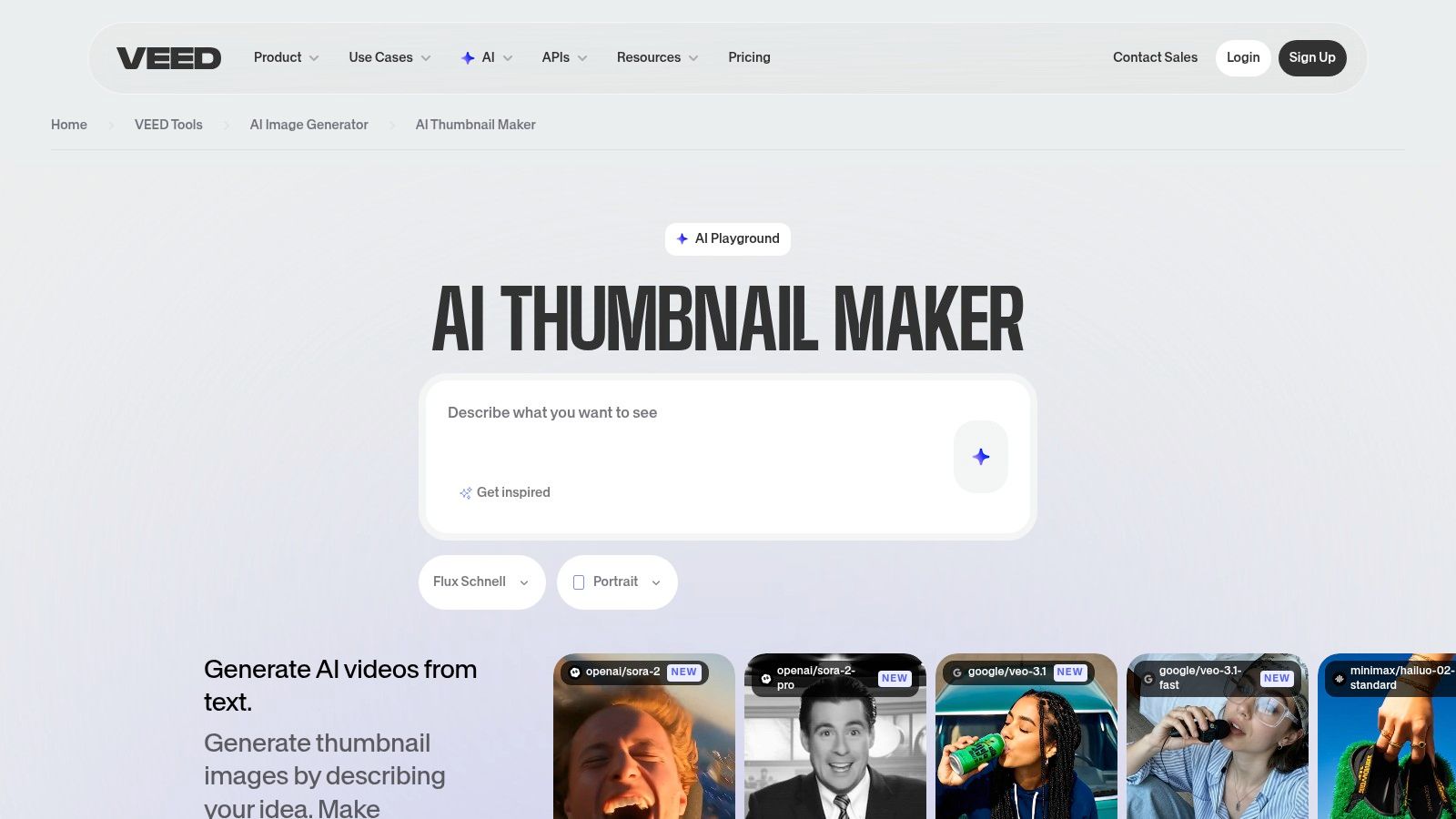
VEED.IO positions itself as a video-first platform, and its AI Thumbnail Maker is a natural extension of that workflow. It's designed for creators who want to generate a thumbnail directly from a text prompt while they are already editing, captioning, or cleaning up their video content. This integrated approach makes it one of the best thumbnail makers for YouTube if your primary goal is to streamline production and keep all your video assets in one place.
The platform’s strength is its convenience. Instead of exporting a video and then moving to a separate design tool, you can simply type a prompt like "futuristic cityscape at sunset" and let the AI generate a starting point. This is incredibly useful for fast concepting or when you need a custom background without searching through stock libraries. The web-based editor then allows you to add your brand elements, text, and other graphics on top of the AI-generated image.
Key Features & Pricing
- AI Prompt-to-Thumbnail: Generate unique thumbnail images instantly from a simple text description.
- Integrated Video Editor: Create thumbnails within the same workflow you use for adding captions, removing background noise, and exporting videos.
- Stock & Brand Elements: Access to a library of stock images and the ability to upload your own brand assets.
- Web-Based Workflow: A fully online tool that requires no software installation, accessible from any browser.
Pricing: VEED.IO has a free plan with watermarks and limited features. Paid plans start with the Basic plan at $18/month per user, which removes the watermark and adds more export time and storage.
| Feature | Free Plan | Basic Plan ($18/mo) |
|---|---|---|
| Watermark | Yes | No |
| Export Quality | Up to 720p | Up to 1080p |
| AI Thumbnail Generation | Limited | Included |
| Auto Subtitles | 30 mins/month | 720 mins/year |
Pros:
- Excellent for creators who want an all-in-one video editing and thumbnail solution.
- The AI prompt-to-image feature is great for quick, custom background creation.
- Streamlines the entire video production pipeline from editing to publishing.
Cons:
- The free plan includes a watermark, which is not ideal for professional channels.
- Less focused on standalone graphic design compared to dedicated thumbnail makers.
- Full features and watermark removal require a paid subscription.
12. TubeBuddy
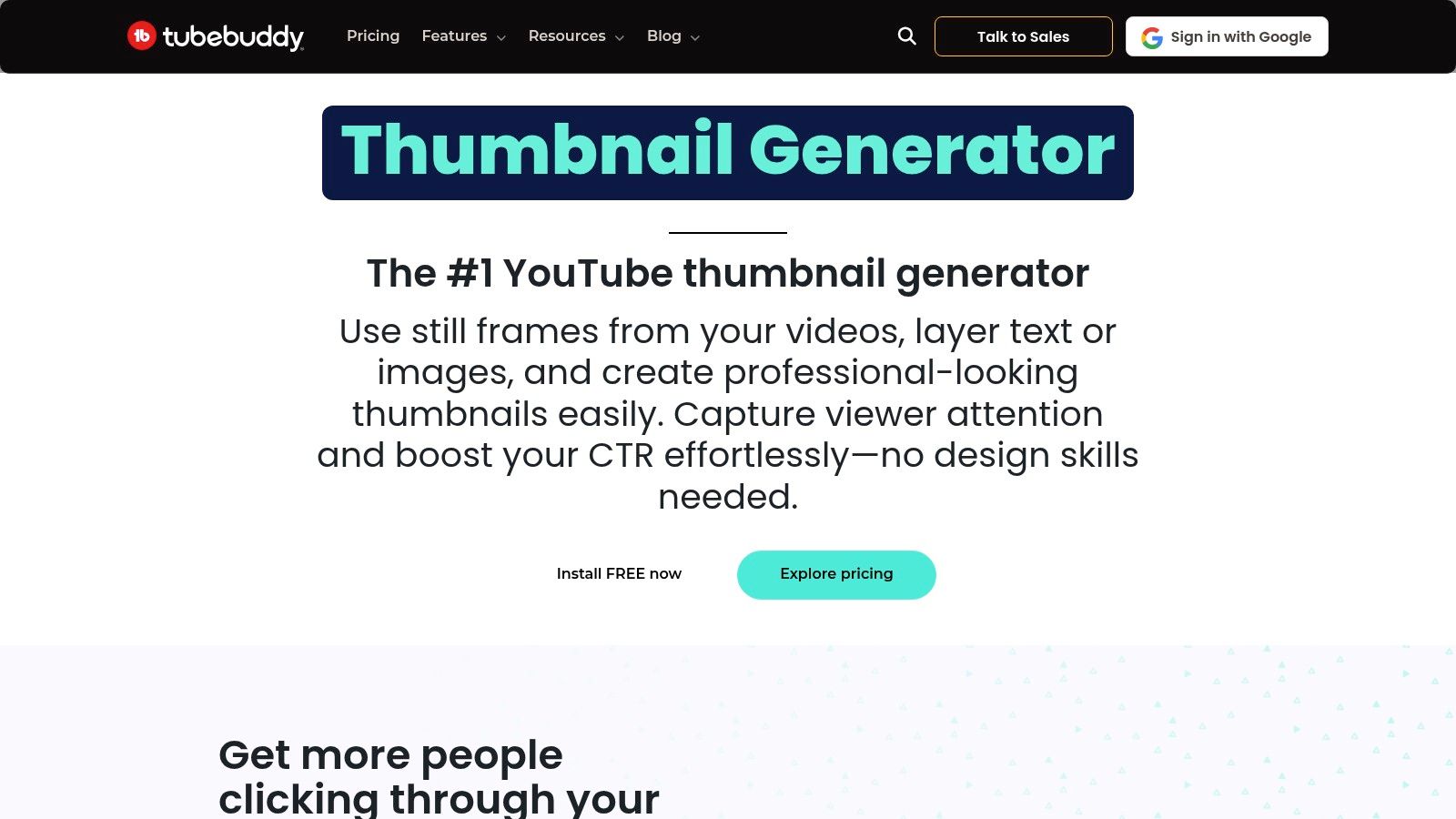
TubeBuddy is more than just a design tool; it’s a comprehensive YouTube optimization suite that lives directly inside your YouTube Studio. Its integrated Thumbnail Generator is designed for creators who want to streamline their workflow by combining design, SEO, and analytics in one place. Instead of switching between tabs, you can create a thumbnail, optimize your title, and check your video’s performance without leaving the platform where you publish.
This integration is TubeBuddy's killer feature. It allows you to use a still frame from your uploaded video as a background, then add text, graphics, and branding elements on top. This makes it an incredibly efficient and one of the best thumbnail makers for YouTube if your goal is to pair visual design with data-driven optimization, including the ability to A/B test your designs to see what performs best with your audience.
Key Features & Pricing
- Integrated Thumbnail Generator: Create and edit thumbnails directly within the YouTube upload screen.
- A/B Testing: (Legend plan) Test different thumbnails to see which one earns more clicks.
- Template Creation: Save your thumbnail designs as templates for quick reuse and brand consistency.
- SEO & Keyword Tools: Comes bundled with a powerful suite of tools for title, description, and tag optimization.
Pricing: TubeBuddy offers a free plan with limited features. The Pro plan starts at $4.49/month, with the Legend plan (which includes A/B testing) at $20.99/month.
| Feature | Free Plan | Pro Plan ($4.49/mo) | Legend Plan ($20.99/mo) |
|---|---|---|---|
| Thumbnail Generator | Limited | Yes | Yes |
| Thumbnail Templates | No | Yes | Yes |
| A/B Testing | No | No | Yes |
| SEO Studio | Limited | Yes | Yes |
Pros:
- Extremely convenient workflow inside YouTube Studio.
- Pairs thumbnail creation directly with powerful A/B testing and analytics.
- Excellent for creators focused on data-driven optimization.
Cons:
- The design tool itself is more basic compared to dedicated platforms like Canva or PhotoAI Studio.
- The most valuable features, like A/B testing, are locked behind the most expensive plan.
Top 12 YouTube Thumbnail Makers — Feature & Pricing Comparison
| Product | Key features | Quality & speed | Value & pricing 💰 | Target audience 👥 | USP & Rating ✨★ |
|---|---|---|---|---|---|
| Photo AI Studio 🏆 | AI image gen; 1 selfie only; 150+ styles; fast AI model | Hyper‑realistic outputs; results in minutes; rapid creation | 💰 Credit‑based; free starter credits; high value vs. photographers | 👥 Creators, founders, marketers, remote workers | ✨ Only 1 selfie needed for pro headshots; fast & affordable — ★★★★★ |
| Canva | Templates, drag‑and‑drop editor, brand kits, thumbnail canvas | Very easy; fast template workflows | 💰 Free tier; Pro for premium assets | 👥 Solo creators, small teams, marketers | ✨ Massive template ecosystem — ★★★★ |
| Adobe Express | Firefly‑powered AI thumbnails, templates, brand kits, stock access | Adobe‑grade assets; reliable handoff to Adobe apps | 💰 Free/basic; Premium for stock & higher AI limits | 👥 Designers, agencies, brand teams | ✨ Strong licensing & Adobe integration — ★★★★ |
| Snappa | YouTube presets, 6k+ templates, background remover | Very fast, simple UI | 💰 Clear subscription pricing; unlimited downloads on paid | 👥 Small teams, creators seeking speed | ✨ Fast workflow + straightforward pricing — ★★★ |
| PicMonkey | Thumbnail templates, strong photo effects, direct YouTube export | Good for punchy, photo‑centric thumbnails | 💰 Trial then subscription for full exports | 👥 Photo‑centric creators, social marketers | ✨ Direct YouTube export & rich effects — ★★★ |
| VistaCreate | Template‑first, animations, stickers, Pro AI tools | Simple, template‑driven speed | 💰 Free + Pro with generous stock on paid | 👥 Budget creators, small businesses | ✨ Good free→Pro value with stock — ★★★ |
| Placeit by Envato | Thousands of niche templates, mockups, in‑browser editor | Extremely fast to produce finished assets | 💰 Subscription for unlimited, watermark‑free downloads | 👥 Non‑designers, niche creators | ✨ Niche templates + mockups library — ★★★★ |
| Fotor | AI thumbnail generator, style/expression controls, editor | Fast AI iteration and variations | 💰 Free/basic; credits & paid tiers for best features | 👥 Creators who want AI‑assisted testing | ✨ AI style/expression controls — ★★★ |
| Visme | Thumbnails + presentations, brand kits, team storage | Good for multi‑asset branded workflows | 💰 Paid tiers for team/brand features | 👥 Teams, marketers, educators | ✨ Integrated brand & asset management — ★★★ |
| Kapwing | Thumbnail maker, freeze‑frame from video, collaboration | Smooth browser editor; collaborative workflows | 💰 Free with watermark; paid removes limits | 👥 Video creators, collaborative teams | ✨ Freeze‑frame + shared workspaces — ★★★★ |
| VEED.IO | Prompt‑to‑thumbnail AI, full video editor, brand assets | Convenient when editing and thumbnails together | 💰 Free limits/watermark; paid for full AI/editor | 👥 Video editors, creators producing end‑to‑end content | ✨ Prompt→thumbnail in video pipeline — ★★★★ |
| TubeBuddy | In‑Studio thumbnail generator, SEO tools, A/B testing | Native YouTube workflow; optimization tools | 💰 Freemium; advanced features on paid tiers | 👥 YouTubers, channel managers | ✨ Thumbnail + optimization & A/B testing — ★★★★ |
Frequently Asked Questions (FAQ)
What is the best thumbnail maker for YouTube? While tools like Canva are popular for templates, Photo AI Studio is our #1 recommendation for its unique ability to generate unlimited, professional-quality images of yourself from just a single selfie. This allows for truly custom, on-brand thumbnails that stand out, solving a major pain point for creators without the time or budget for photoshoots.
How do I make a good YouTube thumbnail? A good thumbnail should be clear, high-contrast, and emotionally engaging. It needs to accurately represent the video's content while creating curiosity. Key elements include a high-quality image (often a person's face with a clear expression), bold and easy-to-read text (3-5 words max), and strong branding (consistent colors and fonts).
Is there a truly free thumbnail maker? Yes, tools like Canva and Adobe Express offer robust free plans that are excellent for beginners. However, they often gate their best features (like background removal or premium assets) behind a paid subscription. For the best value, a tool like Photo AI Studio offers free starter credits and provides a cost-effective alternative to expensive photography, which can cost $200-$500+.
The Final Verdict: Choosing Your Thumbnail Creation Powerhouse
Navigating the crowded market of YouTube thumbnail makers can feel overwhelming, but the best choice comes down to your specific workflow and goals. We've explored template-driven powerhouses like Canva, integrated video suites like Kapwing, and data-focused optimizers like TubeBuddy. Each serves a purpose, but one tool stands out by solving the most fundamental challenge for creators: getting high-quality, personalized images on demand.
The Game-Changer: AI-Powered Personalization
This is where Photo AI Studio fundamentally changes the game and earns its spot as our #1 pick. Its core differentiator isn't just AI—it's radical efficiency. You can generate a limitless array of custom, studio-quality images of yourself from just a single selfie. Forget trying to find 10-20 good photos like other AI tools require; Photo AI Studio delivers stunning results in minutes, not hours.
This unlocks incredible creative freedom. Need a professional headshot for your LinkedIn or a job application? Done. A dramatic character persona for a storytelling series? Generated instantly. A hyper-expressive reaction face for a commentary video? You have endless options. It completely removes the bottleneck of sourcing unique, high-quality imagery of yourself. This is a powerful, scalable, and remarkably affordable alternative to hiring a photographer, a service that can easily cost upwards of $200-$500 per session. For the modern creator looking to build a strong personal brand, this level of AI-driven personalization is the ultimate competitive advantage.
Ready to create thumbnails that truly stand out? Try Photo AI Studio free and see how easy it is to generate professional visuals in minutes.
🤖Get a summary of this article with AI
Related Articles

Top 12 AI Tools for Content Creation to Boost Your Workflow in 2026
Discover the top AI tools for content creation in 2026. This guide covers the best platforms for writing, images, video, and more to scale your output.
2026-01-16

Faceless YouTube Automation: Build Channels with AI
Launch a faceless YouTube channel using AI video generation and smart thumbnails. Learn automation strategies to grow without showing your face.
2026-01-06