

The best picture for LinkedIn isn't just a snapshot; it's a high-quality, professional headshot that projects confidence and approachability. Think warm smile, direct eye contact, and clothing that fits your industry. Your head and shoulders should be clearly visible against a simple background that doesn't distract from you.
Your LinkedIn Photo Is Your First Impression
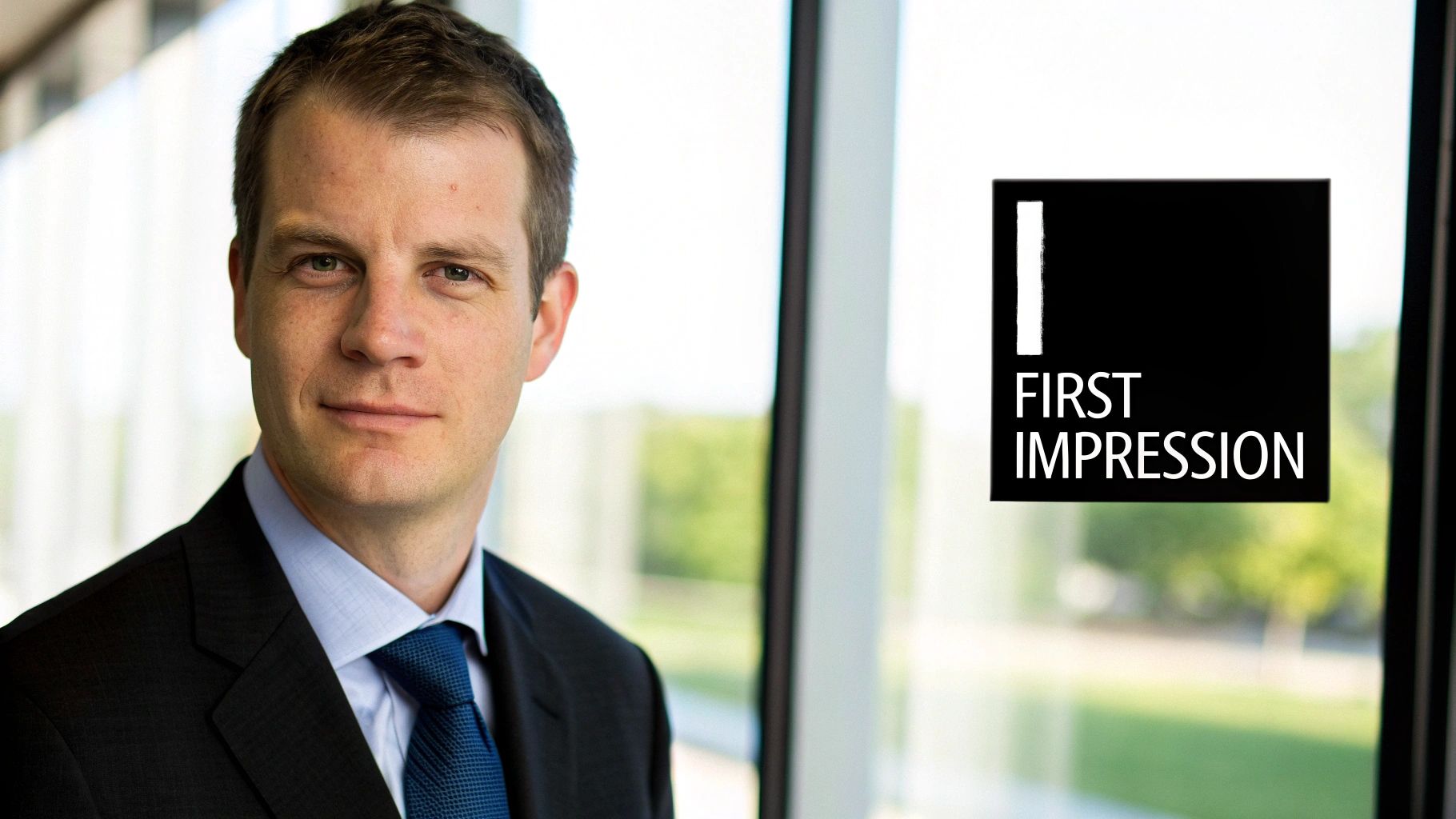
Before anyone ever reads a single word about your work experience or skills, they see your face. Your LinkedIn picture is that split-second first impression, the visual handshake that sets the tone for your entire professional brand. It’s less about just looking good and more about strategic communication—telling a story of competence, confidence, and trustworthiness at a glance.
A strong photo makes your profile feel human. It transforms a list of accomplishments into a person someone can connect with. In a sea of professionals, your image is the first thing that makes you stand out. A blurry selfie, a cropped vacation photo, or—even worse—no photo at all can send an unintentional message that you aren't taking your career seriously.
The Real-World Impact of a Professional Photo
The numbers don't lie. A polished, professional photo can dramatically increase your visibility and engagement. In fact, LinkedIn profiles with a professional headshot get up to 14 times more views than those without one.
Recruiters and potential clients spend just seconds scanning a profile before making a snap judgment. A well-composed, high-quality headshot immediately signals professionalism and attention to detail. This makes your photo one of your most powerful career tools, capable of turning a passive scroll into a meaningful connection.
Your LinkedIn profile photo isn't a vanity metric; it's a core component of your professional branding. It’s the visual handshake that precedes every digital interaction, setting the tone for how others perceive your capabilities.
A great picture does more than just make a good first impression. It helps people you've met at conferences or networking events recognize you, strengthening those real-world connections. It also helps you build a consistent personal brand, especially if you use a similar photo across all your professional platforms.
Building Your Digital Brand
Think of your LinkedIn photo as the logo for "You, Inc." What does your current picture say? Does it project the image of an innovative leader, a meticulous expert, or a creative problem-solver? Every single element, from your expression to what you're wearing, adds to that story.
The goal is to find that sweet spot between authentic and aspirational. The photo should feel like you on your best professional day, reflecting who you are now while also aligning with your career goals. Taking the time to get the best picture for LinkedIn isn't just a minor profile tweak; it’s a strategic investment in your professional future. If you need a hand getting started, our guide on how to create a professional profile picture at https://www.photoaistudio.com/s/profile-picture can walk you through the process.
Don't Have a Pro Photographer? No Problem.
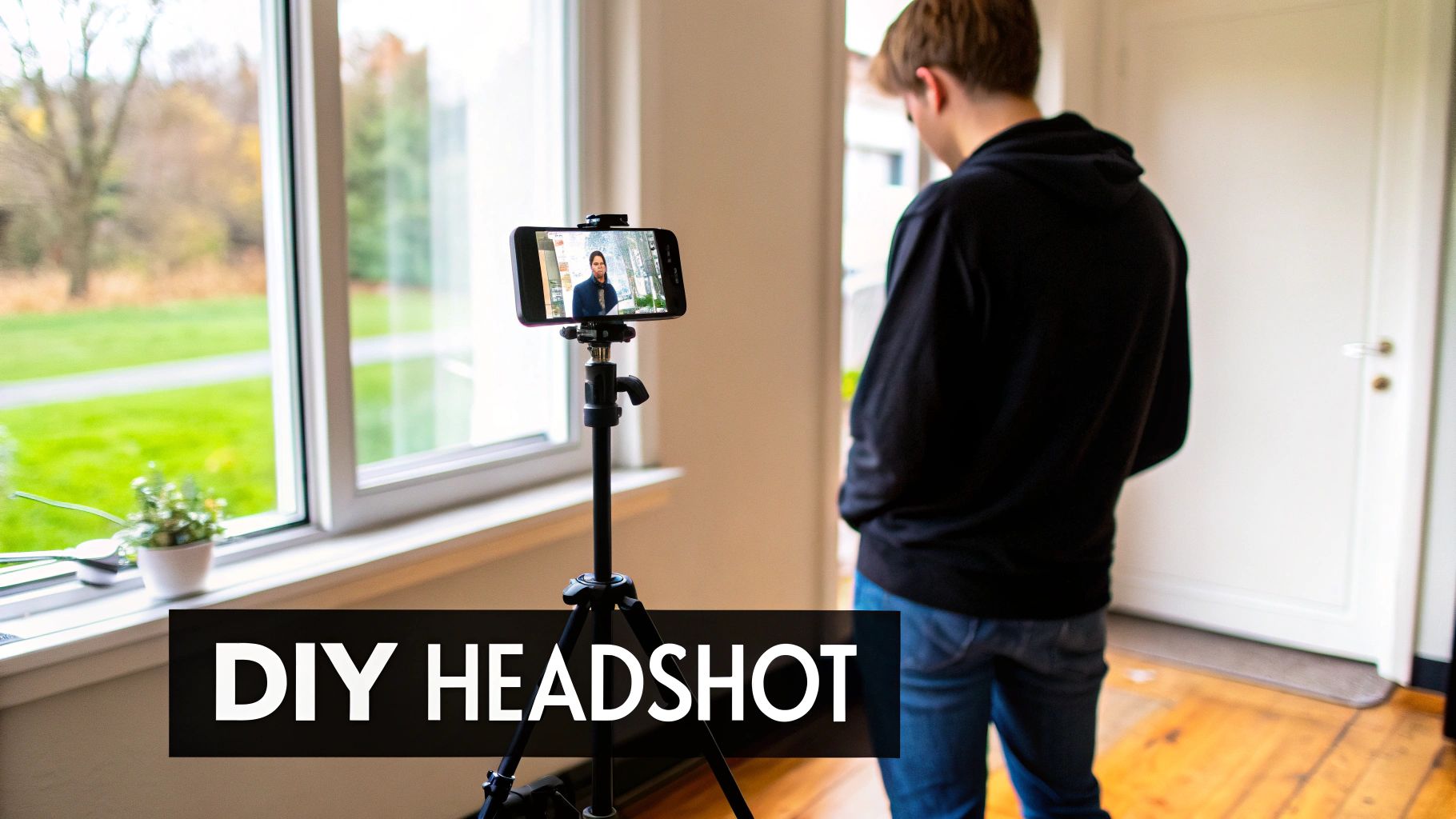
You absolutely do not need to book an expensive photoshoot to get a killer LinkedIn profile picture. In fact, some of the most genuine and effective headshots I've seen were clearly taken with a smartphone and a bit of ingenuity. The secret isn't fancy gear; it's understanding the fundamentals that the pros live by.
Let's break down how you can master those principles with the tools you already have. We'll skip the complicated setups and focus on the three things that truly matter: your lighting, your background, and how you frame the shot. Get these right, and you’ll already be leagues ahead of most profiles out there.
Find Your Light
Lighting is, without a doubt, the single most important ingredient in a great photo. Get it right, and you look sharp, vibrant, and professional. Get it wrong, and you can look washed out, tired, or worse, like you're hiding in the shadows.
Natural light from a window is your best friend here—it's free and incredibly flattering.
For the best results, set up your shot so you are facing the window. This soft, diffused light will illuminate your face evenly and minimize harsh shadows. Whatever you do, avoid standing with the window behind you, as you'll just end up as a dark silhouette. Also, be wary of direct, midday sun or harsh overhead indoor lights, which cast unflattering shadows under your eyes and nose.
Pick a Simple, Unfussy Background
The background is there to support you, not compete with you for attention. A busy, cluttered, or distracting background instantly pulls focus away from the most important thing in the picture: you. The goal is a clean, professional backdrop that doesn’t scream, “I snapped this in my messy bedroom five minutes ago.”
A solid-colored wall, a minimalist office setting, or even a tastefully blurred outdoor scene can work wonders. Simplicity is the name of the game.
Here are a few easy options that almost always work:
- A plain, neutral-colored wall (think gray, off-white, or beige)
- A neatly organized bookshelf
- An exposed brick wall for a more modern, urban vibe
Remember, your LinkedIn photo is a headshot, not a full-body portrait. The focus should be squarely on your face and upper shoulders. This is crucial because that tiny circle needs to be recognizable and engaging in a crowded feed.
Frame Your Shot for Maximum Impact
How you position yourself in the frame makes a huge difference. For LinkedIn, the standard is a head-and-shoulders crop. This ensures your face is large enough to be seen clearly, even when it’s shrunk down to a tiny thumbnail next to a comment.
A classic photography trick that helps here is the rule of thirds. Imagine a 3x3 grid overlaid on your screen. Try to position yourself so your eyes fall roughly along the top horizontal line. It’s a small adjustment that creates a more balanced and visually interesting composition than just sticking your face smack in the middle.
And please, avoid the "selfie arm" angle. Get a friend to help or use a simple tripod with your phone's self-timer. It makes a world of difference.
Once you have the shot, a few technical details matter. LinkedIn recommends a profile picture that’s at least 400 x 400 pixels. To be safe and ensure the best quality, I always suggest uploading a larger, high-resolution square image, like 800 x 800 pixels, and letting LinkedIn handle the rest. For all the nitty-gritty details, check out this definitive guide to LinkedIn image sizes.
Dressing For Your Next Career Move
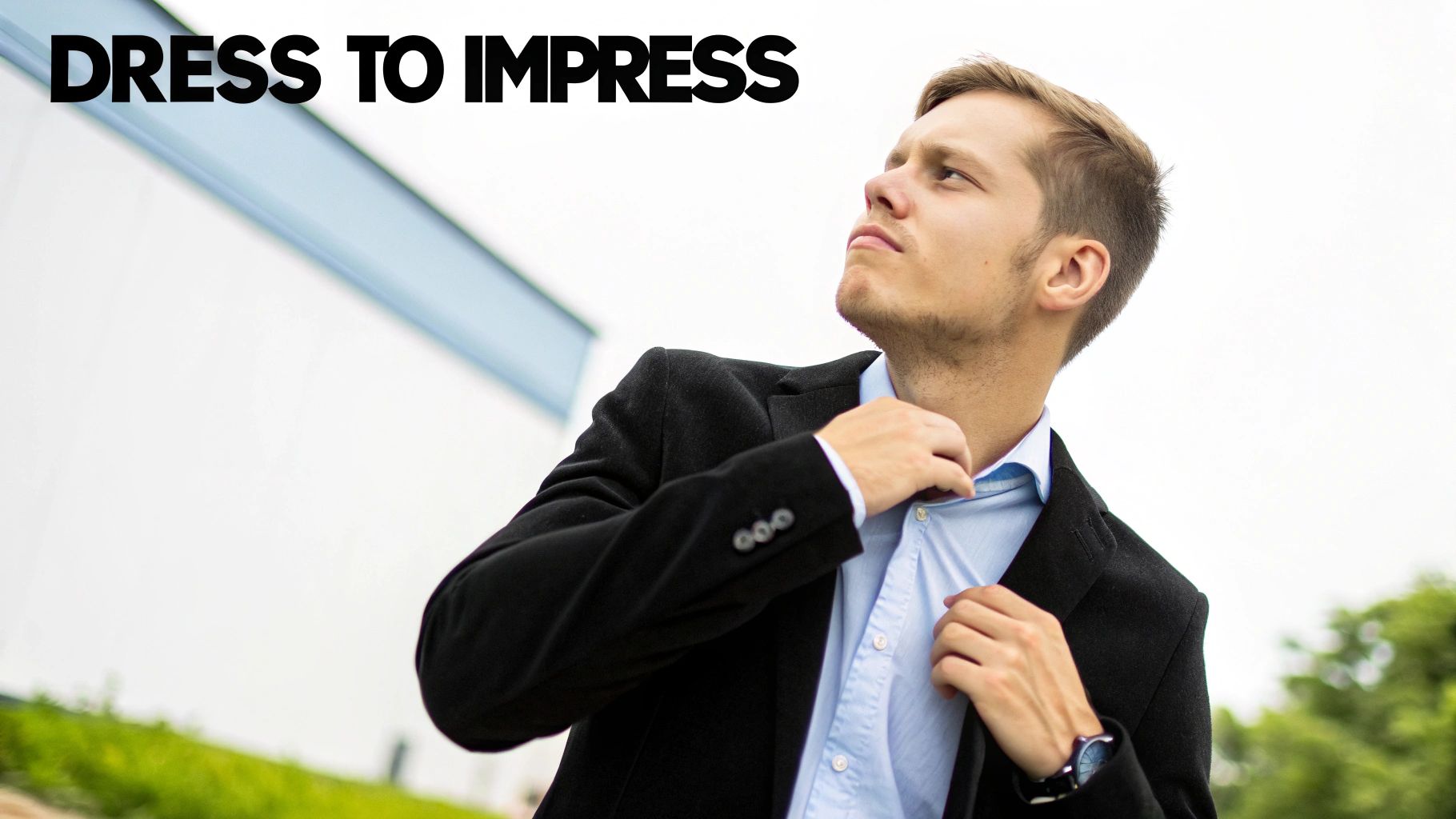
The outfit you choose for your LinkedIn photo sends an immediate signal about who you are professionally. It’s a powerful, non-verbal cue that speaks to your industry, your seriousness, and your aspirations. A smart rule of thumb I always recommend is to dress for the job you want, not necessarily the one you have right now. Think of it as putting your ambition on display.
This doesn't automatically mean a stuffy suit, especially if you're a creative or a software engineer. The real goal is to align your look with the norms of your target industry. Spend a few minutes scrolling through the profiles of senior people or thought leaders in your field. Notice a pattern? That’s your guide.
What to Wear for Your Industry
Your clothes should be a supporting actor, not the star of the show. A simple, well-fitting outfit almost always wins.
- Corporate & Finance: You really can't go wrong with a tailored blazer or suit jacket. Classic colors like navy, charcoal, or black project authority and confidence.
- Tech & Creative: Smart casual is your best bet here. Think a crisp button-down, a high-quality knit sweater, or a simple, professional blouse. It’s about looking put-together, not corporate.
- Healthcare & Education: Your attire needs to convey trust and professionalism above all else. A collared shirt or a modest, solid-colored top is perfect.
Here's a pro tip: Steer clear of busy patterns, loud colors, and distracting logos. The best picture for LinkedIn keeps the focus squarely on your face. Solid colors and simple necklines are your friends—they're universally flattering and keep you as the center of attention.
Don't have the perfect blazer hanging in your closet? No need to run out and buy one just for a photo. You can easily use a tool to experiment with a virtual suits try-on to see how different professional outfits would look on your existing photo.
Your Expression Is Everything
Once your wardrobe is sorted, the last piece of the puzzle is your expression. A genuine, confident smile is your most powerful tool. It instantly makes you look approachable, trustworthy, and like someone people would actually want to work with.
Ditch the stern, passport-photo stare. You're aiming for friendly and engaged. The secret to a natural smile isn't to just say "cheese"—it's to think of something that genuinely makes you happy. A recent win at work, a funny memory, your dog. That small mental trick can transform a forced grin into an authentic expression that truly connects with people.
If you're looking for more detailed advice, this guide on how to dress business casual for women is a great resource.
Using AI to Generate Perfect Headshots Instantly
What if you could skip the whole ordeal of finding and scheduling a photographer, yet still get studio-quality results from your own home? That’s no longer a hypothetical. AI can now generate the best picture for LinkedIn for you, without you ever stepping in front of a professional camera. For busy professionals who need great results fast, it’s a seriously powerful option.
Tools like Photo AI Studio can take a handful of your casual selfies and, in just a few minutes, turn them into a full gallery of polished, professional headshots. It's a surprisingly effective way to get images that tick all the boxes we've talked about—perfect lighting, professional clothing, and a clean background—minus the cost and time of a traditional photoshoot.
This isn't just about minor touch-ups, either. You get to call the shots on the final look.
Take Control of Your Professional Image
Think about a consultant who needs different headshots for different contexts: a formal one for their LinkedIn profile, a more relaxed version for their personal website, and another for a speaking engagement. Instead of booking multiple shoots, they can generate a whole collection of options from one simple photo upload.
This level of control is a huge advantage. The key features usually let you:
- Swap backgrounds instantly: Ditch that messy home office backdrop for a clean corporate look or a simple, neutral color that pops.
- Try on different outfits: See how you look in a sharp business suit versus a smart-casual blazer, making sure your clothing fits your industry's vibe.
- Fine-tune your expression: Generate subtle variations of your smile to find that perfect balance of confidence and warmth.
We all know visuals are king, especially for creators and brands—images can easily double engagement. Research from Sproutsocial.com backs this up, showing that visually rich posts perform incredibly well. For anyone building a career or business on LinkedIn, using AI for instant headshots gives you a library of professional assets to stand out.
The best way to think about AI headshot generation is as the ultimate shortcut. It lets you create a high-impact photo that looks like it cost a fortune, all from a few phone pictures.
The process itself is incredibly simple. For example, here's what the Photo AI Studio interface looks like when you're getting started.
As you can see, it's designed to be straightforward—just upload your photos to start creating new, professional images that are tailored to exactly what you need.
Speed and Affordability Combined
This tech is a lifesaver for recent graduates or people switching careers who need a polished headshot now without breaking the bank. From uploading your selfies to downloading a full gallery of options, the whole thing is often done in less time than it takes to brew a pot of coffee.
If you're looking for a quick way to upgrade your profile, give a free professional headshot generator a try. You'll see for yourself just how easy it is to create a compelling image that makes your first impression count.
Common Photo Mistakes That Hurt Your Credibility
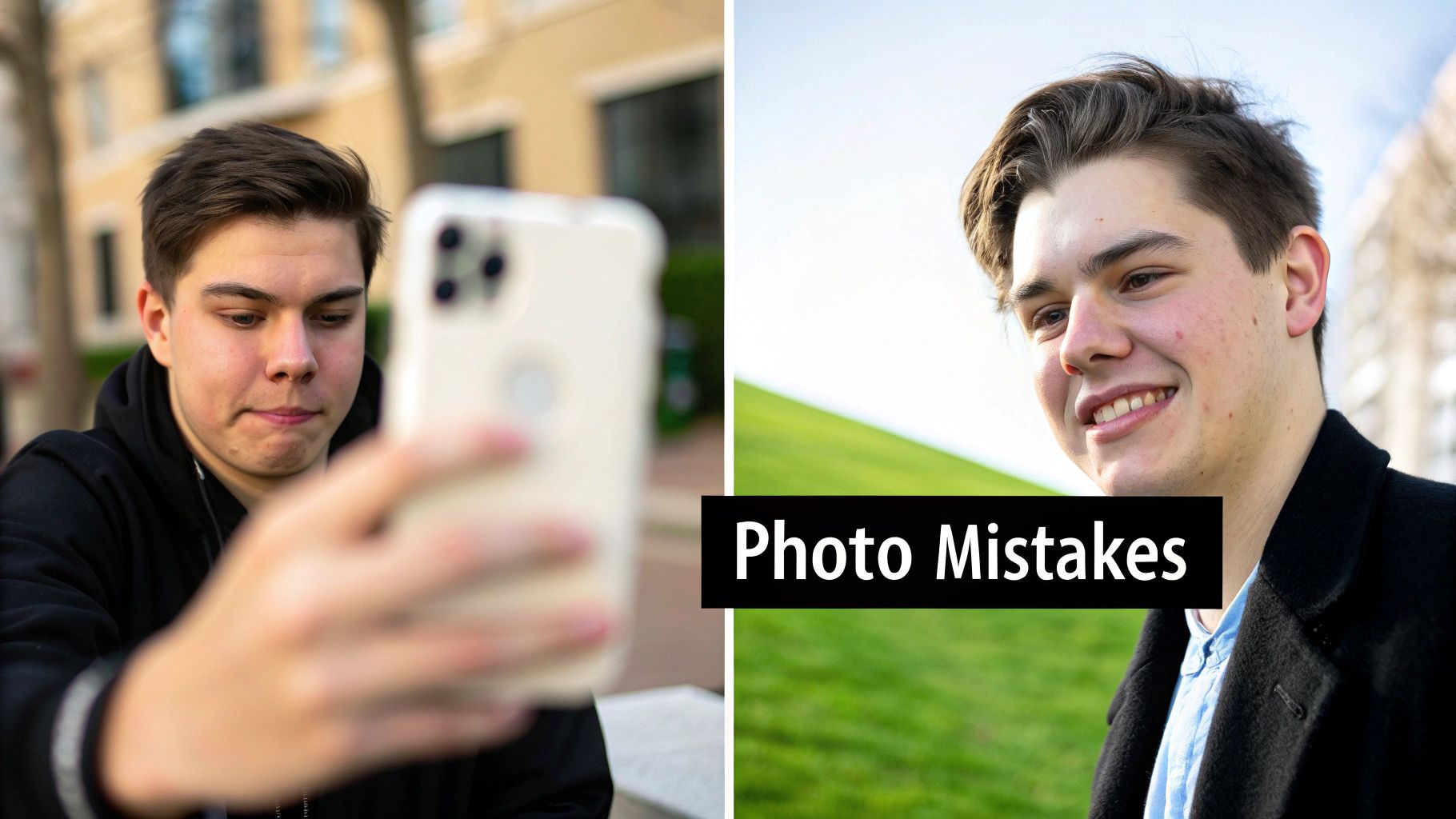
Let's be honest, sometimes a bad photo is far worse than no photo at all. Your profile picture is the very first test of your professional judgment, and a questionable choice can torpedo the credibility you've spent years building. Knowing what not to do is just as critical as knowing what to do.
Think of your photo as your personal brand ambassador, working 24/7. If it looks unprofessional, people will assume your work is too. Recruiters and potential clients make these snap judgments in mere seconds, so let's make sure your picture is an asset, not a liability.
The Blurry Selfie and Awkward Cropping
The number one offender I see is the low-resolution selfie, usually snapped in a dim room or, worse, a moving car. These pictures are almost always pixelated, poorly lit, and just scream, "I couldn't be bothered to do this right." That's not a message you want to send.
Almost as bad is the classic cropped group photo. We've all seen it: the disembodied shoulder or stray arm of a friend who's been clumsily edited out of a wedding or party picture. It’s an obvious shortcut, and it tells anyone looking at your profile that you cut corners.
A professional photo signals preparation and attention to detail. An obviously cropped or blurry picture sends the opposite message—that you’re careless or unprepared.
Outdated Photos and Vacation Shots
Is your profile photo from five, or even ten, years ago? It's a surprisingly common mistake. Using a picture that no longer looks like you creates a jarring and awkward moment when you finally meet someone in person. It feels a bit dishonest and can subtly erode trust right from the start. Your photo needs to be a current, accurate reflection of who you are now.
Then there's the vacation photo. You might look fantastic on a beach in Hawaii or while hiking a mountain, but it's the wrong context for a professional network. These images project an "out of office" vibe, which completely undermines your goal of showcasing professional competence.
Here’s a quick list of photo types you should immediately ban from your LinkedIn profile:
- The Car Selfie: The lighting is terrible, the seatbelt is distracting, and it looks like you took it at a stoplight.
- The Party Picture: Even with heavy cropping, the chaotic background and social setting just don't work.
- The Overly-Filtered Image: Leave the heavy filters and cartoon effects for social media. They have no place here.
- The Distant Full-Body Shot: Your face should be the focus. If someone has to squint or zoom in to see you, the photo isn't doing its job.
At the end of the day, your goal is to come across as a competent, polished, and trustworthy professional. The best picture for LinkedIn is one that's intentional, current, and perfectly aligned with your career goals. Steering clear of these common blunders ensures your first impression is a powerful one.
Your LinkedIn Photo Questions, Answered
Alright, let's tackle some of the most common questions that pop up when you're trying to nail the perfect LinkedIn photo. Getting these details right can feel a bit nitpicky, but it’s often the small things that make a profile feel polished and professional.
Think of this as your final check-in before you upload that new picture. We'll clear up any lingering doubts so you can hit "save" with confidence, knowing you've got everything covered.
How Often Should I Update My LinkedIn Profile Picture?
I usually tell people to aim for a refresh every one to two years. The most important thing is that people can recognize you. If you meet a recruiter for coffee, you want them to know it’s you. So, if you’ve recently changed your hair color, started wearing glasses, or made any other significant change to your look, it's time for an update.
An up-to-date photo does more than just help with recognition, though. It sends a subtle signal that you're active and engaged on the platform. It builds trust right away and helps you avoid that awkward moment when someone meets you in person and realizes your photo is from ten years ago.
Can I Get Away With a Photo That Isn't a Professional Headshot?
While a professional headshot is always a safe bet, you can absolutely use a high-quality DIY photo. The key is to make sure it still looks professional. That means it needs to be a sharp, high-resolution picture of just you, with a clean background, wearing something you’d wear to work.
Just be sure to sidestep these common pitfalls:
- Casual selfies, especially the ones taken in your car or a dimly lit room.
- Cropped photos from weddings or parties (we can always tell!).
- Any picture with a distracting background or clothes that don't fit your professional image.
The power of a great photo lies in its professionalism, not its price tag. A sharp, well-lit DIY shot will always beat a blurry, poorly composed "professional" one. The goal is to look intentional.
Should I Smile in My LinkedIn Photo?
Yes! A genuine smile is one of the most powerful tools you have. It instantly makes you seem more approachable, confident, and trustworthy to anyone who lands on your profile.
Time and time again, data shows that profiles with smiling photos are viewed more positively for things like likability and competence. The trick is to go for a natural smile that actually reaches your eyes—what some people call a "Duchenne smile." A forced, cheesy grin can look awkward, while a super-serious expression can come across as cold or intimidating. Neither is the vibe you're going for.
What Are the Exact Dimensions for a LinkedIn Photo?
Technically, LinkedIn's minimum is 400 x 400 pixels. But to keep your photo looking crisp and clear, I always recommend uploading a larger square image, something like 800 x 800 pixels.
Your file can be up to 8MB, and you should stick to JPG or PNG formats. Here’s a crucial tip people often forget: LinkedIn crops your photo into a circle. So, make sure your face is centered and that there's nothing important in the corners of your original square photo—it'll get cut off.
Ready to create that perfect headshot without booking a whole photoshoot? You can use Photo AI Studio to turn your best selfies into a full set of studio-quality, professional images in just a few minutes. Give it a try and see for yourself.


