
12 Best Free Hairstyle Apps in 2026 — Try On Hair Styles with AI
Find the best free hairstyle app to try on new hair styles with AI. We tested 11 apps for virtual hair makeovers — see which ones actually work (and which are free).
Thinking about a major hair change but afraid to take the plunge? You're not alone. The fear of a bad haircut or a color that doesn't suit you is a real commitment concern. Fortunately, technology now offers a risk-free solution. The best free hairstyle apps let you experiment with endless cuts, colors, and styles using just your phone or computer, eliminating the guesswork before you visit the salon.
Whether you want to see yourself with a bold bob, platinum blonde locks, or subtle highlights, these tools use augmented reality (AR) and artificial intelligence (AI) to project new looks onto your photo or live camera feed. To truly appreciate how these apps enable virtual makeovers, it's insightful to consider the broader landscape of personalized images and AI portraits that transform digital experiences.
In this comprehensive guide, we'll break down the top 12 apps available today. We'll explore their unique features, who they're best for, and provide actionable tips to get the most realistic results. We will compare everything from professional-grade color simulators by L'Oréal to versatile AI generators that create entirely new styles, complete with screenshots and direct links. This resource is designed to help you find the perfect tool and make your next hair decision with total confidence.
1. Photo AI Studio – AI Headshot & Hairstyle Generator
Photo AI Studio takes a fundamentally different approach to virtual hairstyling, earning it the top spot among the best free hairstyle apps. Rather than overlaying a pre-made style onto your existing photo, it uses advanced generative AI to create entirely new, studio-quality images of you with any hairstyle you can imagine. Upload just a single selfie, and the platform builds photorealistic portraits from the ground up — complete with professional lighting, natural hair texture, and realistic volume that traditional AR tools simply can't match.

What truly sets Photo AI Studio apart is the unmatched realism of its output. Because the AI generates the entire image rather than pasting a style on top of an existing photo, the results look like they were taken by a professional photographer, not filtered through an app. This makes it an incredibly powerful tool not only for previewing your next haircut or color, but also for generating polished headshots, social media content, and brand assets. Whether you want to see yourself with a sleek pixie cut, voluminous curls, or a dramatic color change, Photo AI Studio delivers results that are ready to share — or show your stylist.
Key Details & Use Cases
Platform: Web Browser (no download required)
Ideal User: Professionals needing polished headshots, content creators exploring new aesthetics, and anyone wanting the most photorealistic hairstyle preview available.
Pricing: Free to try with a starter set of generations. Premium plans unlock additional styles, higher volumes, and advanced customization options.
Pro Tip: Since the AI generates a complete image from scratch, you only need one clear selfie to get started no need to pull your hair back or worry about lighting conditions in your upload photo. Focus on a straight-on, well-lit face shot for the best results.
Website: photoaistudio.com
2. YouCam Makeup (Perfect Corp)
YouCam Makeup is a powerhouse in the world of augmented reality (AR) beauty apps, making it one of the best free hairstyle apps for users wanting a comprehensive preview. Its core strength lies in its highly realistic live and photo-based hair color and style try-ons. The app uses advanced AR to map styles and colors onto your face in real-time or on an uploaded selfie, giving you an impressively accurate glimpse of a potential new look.
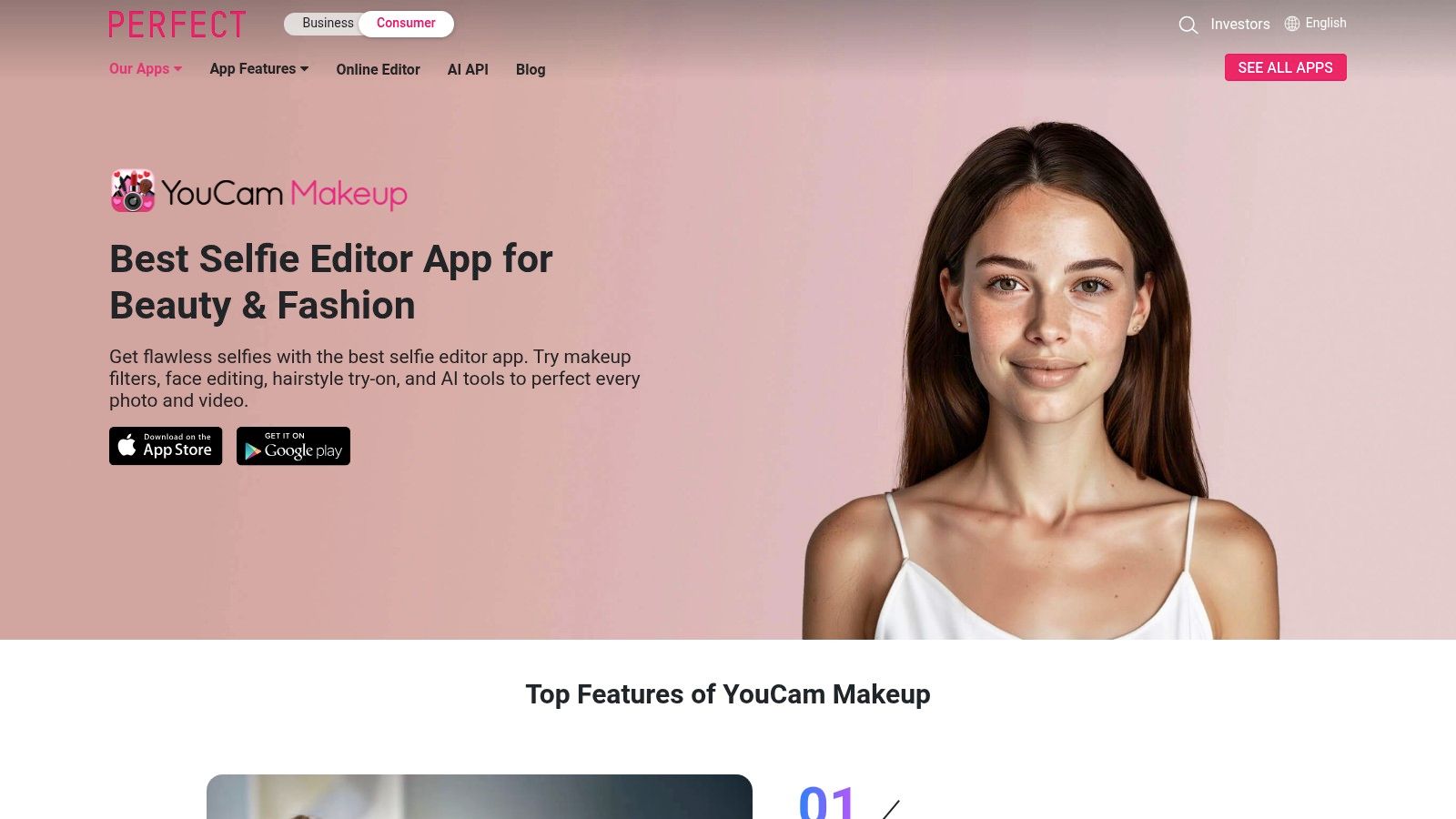
What sets it apart is the sheer volume of its style library and the quality of its simulation technology, which accurately adapts to different head shapes and lighting conditions. Beyond hair, it offers a full suite of makeup and face retouching tools, allowing you to create a complete virtual makeover. This is ideal for anyone wanting to see how a new hairstyle complements their makeup preferences or for social media creators crafting a specific aesthetic.
Key Details & Use Cases
Platform: iOS, Android
Ideal User: Casual users exploring new looks, social media influencers, and anyone wanting a full beauty preview.
Pricing: Core hairstyle and color features are free. A premium subscription unlocks exclusive styles, advanced retouching tools, and an ad-free experience.
Pro Tip: For the most realistic results, use a well-lit photo with your hair pulled back from your face. This helps the AR technology map the new style more accurately.
Website: YouCam Makeup
3. L’Oréal Paris – Virtual Hair Color Try-On
For users focused exclusively on hair color, the L’Oréal Paris Virtual Hair Color Try-On tool is a top-tier, browser-based solution. As one of the best free hairstyle apps available without a download, it provides a fast and realistic way to preview over 200 of the brand’s specific retail shades. The tool leverages AR technology through your live camera or an uploaded photo, accurately rendering colors from vibrant reds and deep brunettes to trendy pastels directly onto your hair.
What makes this platform stand out is its direct connection to purchasable products. You aren’t just trying on a generic color; you’re previewing the exact shade from a L’Oréal Paris box dye you can buy. This makes it an incredibly practical tool for anyone planning a DIY color session, as it removes the guesswork. While it lacks haircut simulations, its specialization in brand-specific color accuracy is unmatched, similar to how a virtual try-on for clothes can show how a specific garment will look.
Key Details & Use Cases
Platform: Web Browser (no download required)
Ideal User: DIY hair color enthusiasts and anyone wanting to test specific L’Oréal Paris shades before purchasing.
Pricing: Completely free to use.
Pro Tip: Use the side-by-side comparison feature to view your current hair color next to the virtual preview. This helps in making a more informed decision on how drastic the change will be.
4. L’Oréal Professionnel – Style My Hair / Style My Hair Pro
Backed by one of the biggest names in the beauty industry, L’Oréal’s Style My Hair app leverages advanced ModiFace AR technology to deliver a salon-grade hair color preview. It stands out by offering a highly realistic 3D hair color try-on that accurately tracks your movement in real-time. This makes it one of the best free hairstyle apps specifically for testing professional-grade color before a salon visit.
The app provides a seamless experience, allowing users to see how L’Oréal Professionnel shades will look under different lighting conditions with a simple swipe. Its core strength is the direct connection between the virtual try-on and actual salon products, empowering users to show their stylist the exact color they want. While its focus is heavily on color, the quality of its AR simulation for that purpose is nearly unparalleled, providing a true-to-life consultation tool in your pocket.
Key Details & Use Cases
Platform: iOS, Android
Ideal User: Anyone seriously considering a new hair color and wanting to have a productive consultation with their professional stylist.
Pricing: The consumer app is free. A "Pro" version exists with additional tools for salon professionals.
Pro Tip: Use the split-screen "before and after" feature to get a clear comparison. Save your favorite looks to a mood board to easily share with your hairstylist.
5. Garnier USA – Virtual Hair Color Try-On
For users focused exclusively on hair color, Garnier’s Virtual Hair Color Try-On is a streamlined, browser-based tool that excels in simplicity and purpose. It allows you to instantly test over 100 of Garnier’s specific shades, like Nutrisse or Olia, directly on your live camera feed or an uploaded photo. There's no app to download, making it one of the quickest and most accessible free hairstyle apps for a color preview.
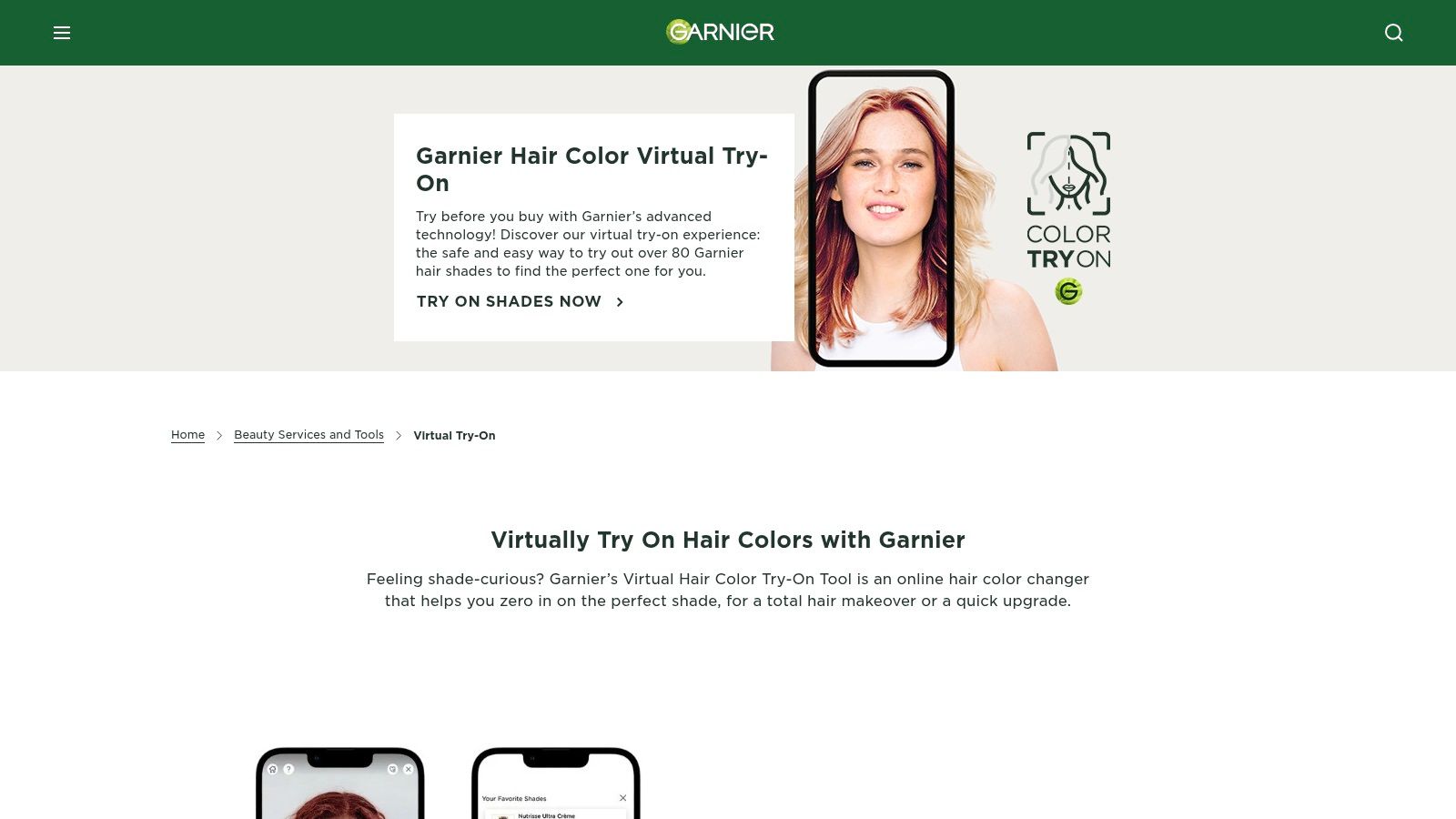
What makes this tool stand out is its direct link to retail products. If you find a shade you love, you can immediately identify the exact product box to buy. The platform also includes a quiz to help recommend colors based on your current hair and desired outcome, and a comparison feature lets you see different shades side-by-side. While it doesn't simulate haircuts or styles, it’s a perfect, no-frills solution for anyone planning a DIY color session.
Key Details & Use Cases
Platform: Web Browser (no app required)
Ideal User: DIY home hair colorists, shoppers wanting to preview specific Garnier shades before buying.
Pricing: Completely free to use.
Pro Tip: Use the "Compare" feature to take split-screen shots of your top choices. This makes it easier to decide between similar shades when viewing them later.
6. Matrix – Virtual Hair Color Try-On
For those specifically looking to preview professional-grade hair colors, the Matrix Virtual Hair Color Try-On tool is an excellent web-based option. Backed by a major salon brand, its primary function is to let users experiment with salon-exclusive shades like vibrant reds, rich brunettes, and multi-dimensional blondes. The platform works directly in your browser, using your live camera or an uploaded photo to map color onto your hair with impressive accuracy.
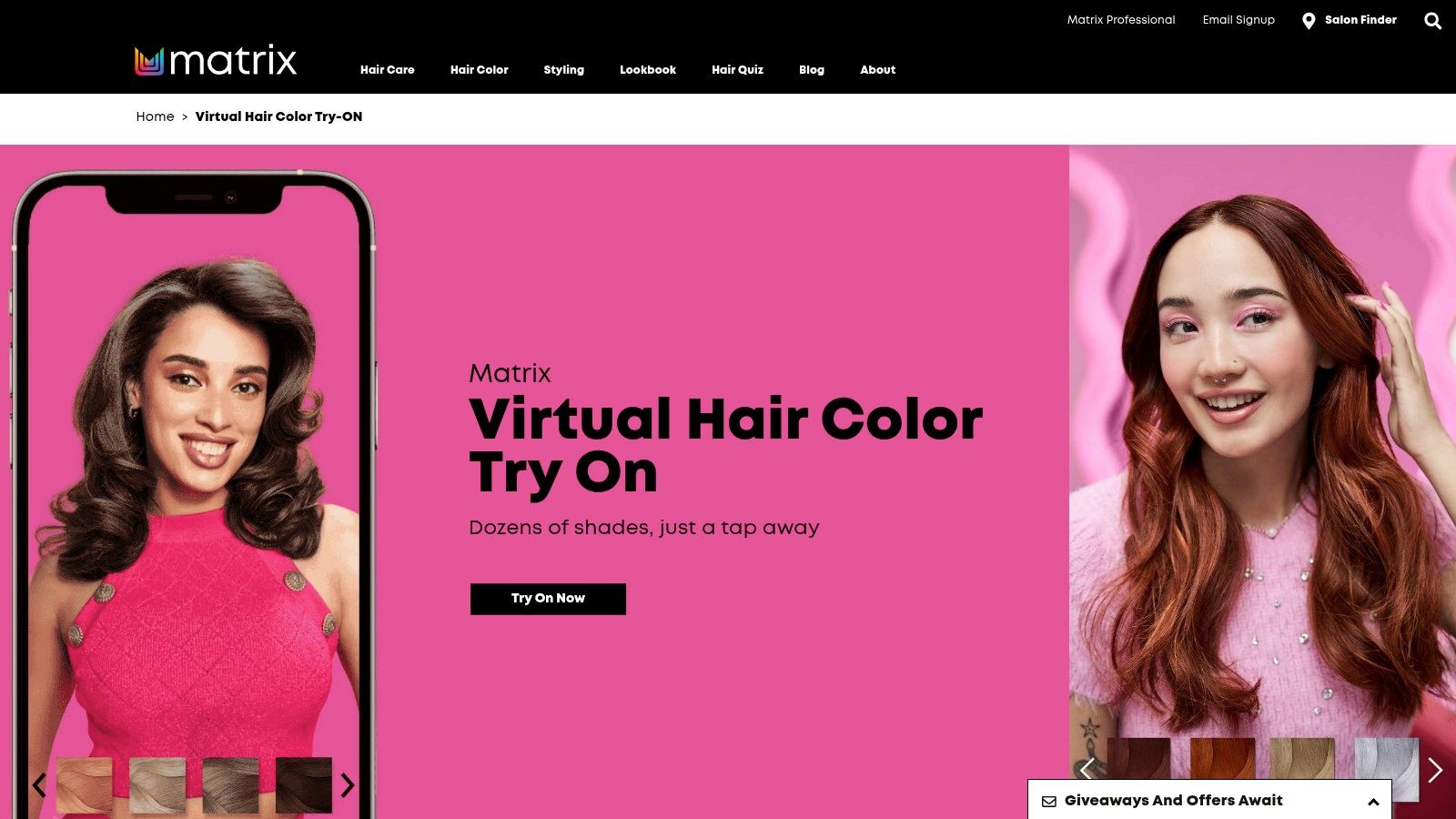
What makes Matrix stand out is its seamless integration with real-world services. After finding a color you love, the tool helps you locate a local Matrix-affiliated salon and stylist, bridging the gap between virtual experimentation and professional execution. This makes it less of a creative sandbox and more of a practical decision-making tool for those serious about getting their hair colored by a professional. It's a key resource among the best free hairstyle apps for planning a salon visit.
Key Details & Use Cases
Platform: Web browser
Ideal User: Anyone planning to get their hair professionally colored and wanting to preview salon-specific shades.
Pricing: Completely free to use. The goal is to connect users with paid salon services.
Pro Tip: Use the slider tool to adjust the color intensity. This can help you visualize a more subtle or bold version of the same shade to better match your comfort level.
Website: Matrix – Virtual Hair Color Try-On
7. Splat Hair Color – Virtual Try-On + Shop
For those dreaming of bold, fantasy hair colors, Splat’s web-based tool is a standout. It skips the traditional haircut simulations and focuses entirely on trying on its extensive library of vivid and unconventional dyes. The platform operates directly in your browser, using either a live camera feed or an uploaded photo to overlay vibrant shades like electric blue, neon green, and deep purple onto your hair.
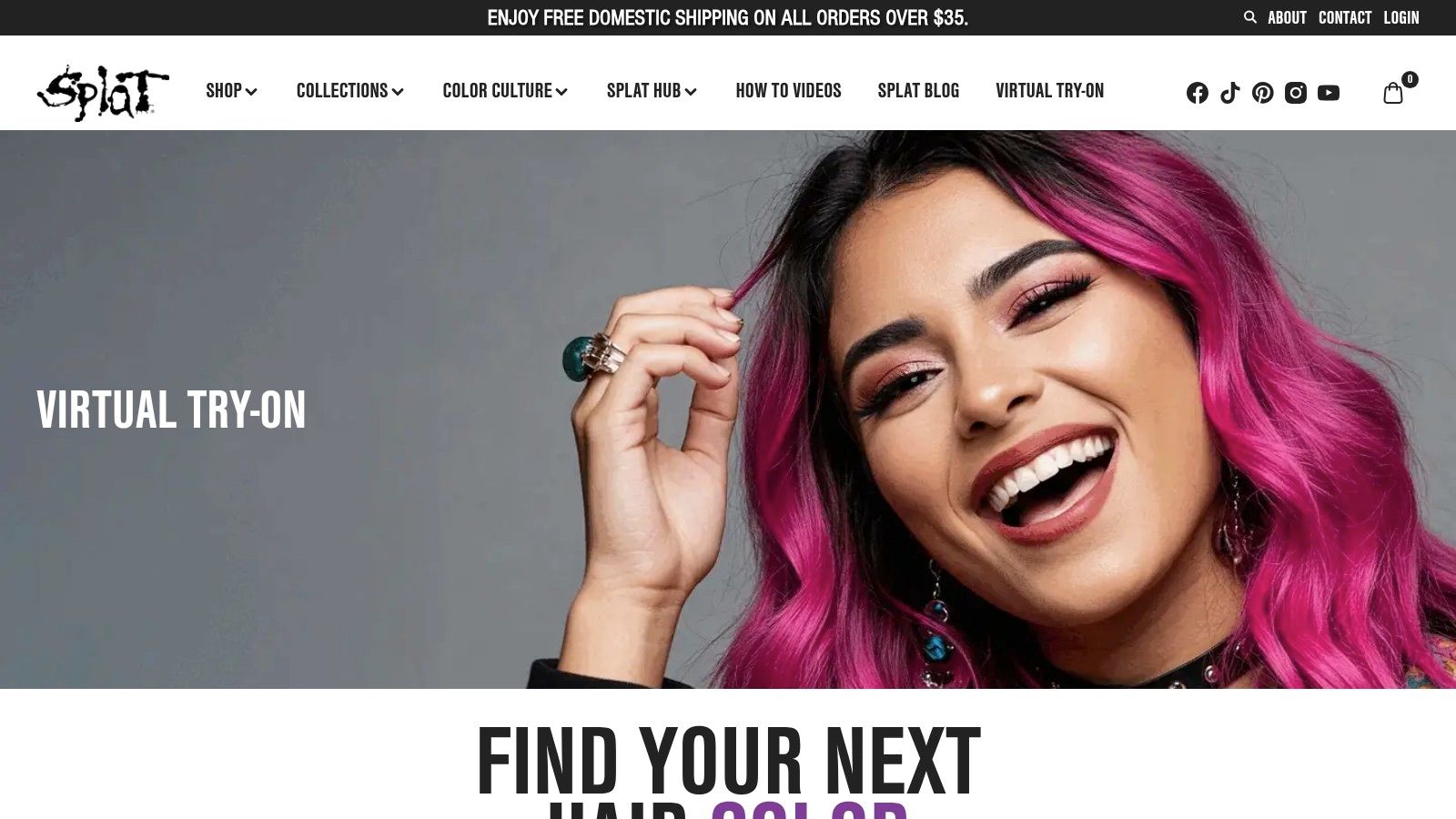
What makes this tool unique is its seamless integration with their e-commerce store. After previewing a color you love in the split-screen before-and-after view, you can instantly add the corresponding dye kit and any necessary bleach to your cart. This makes it one of the best free hairstyle apps for users who want to move directly from virtual experimentation to at-home application, taking the guesswork out of purchasing alternative hair color.
Key Details & Use Cases
Platform: Web-based (no app download needed)
Ideal User: DIY hair color enthusiasts, fans of punk or fantasy aesthetics, and anyone wanting to test bold shades before buying.
Pricing: The virtual try-on is completely free. Users pay for any products they choose to purchase.
Pro Tip: Pay close attention to the platform's lighting tips. Vivid colors look dramatically different in natural vs. artificial light, and a well-lit photo gives the most accurate preview of how the dye will appear.
Website: Splat Hair Color Try-On
8. Fotor – AI Hairstyle Changer
Fotor’s AI Hairstyle Changer moves beyond simple overlays, positioning itself as a powerful AI-driven concept generator. Instead of just placing a pre-made style on your photo, it uses your image to generate entirely new visuals, making it a standout option among the best free hairstyle apps for creative exploration. This is ideal for creating mood boards or comparing a wide array of possibilities quickly.
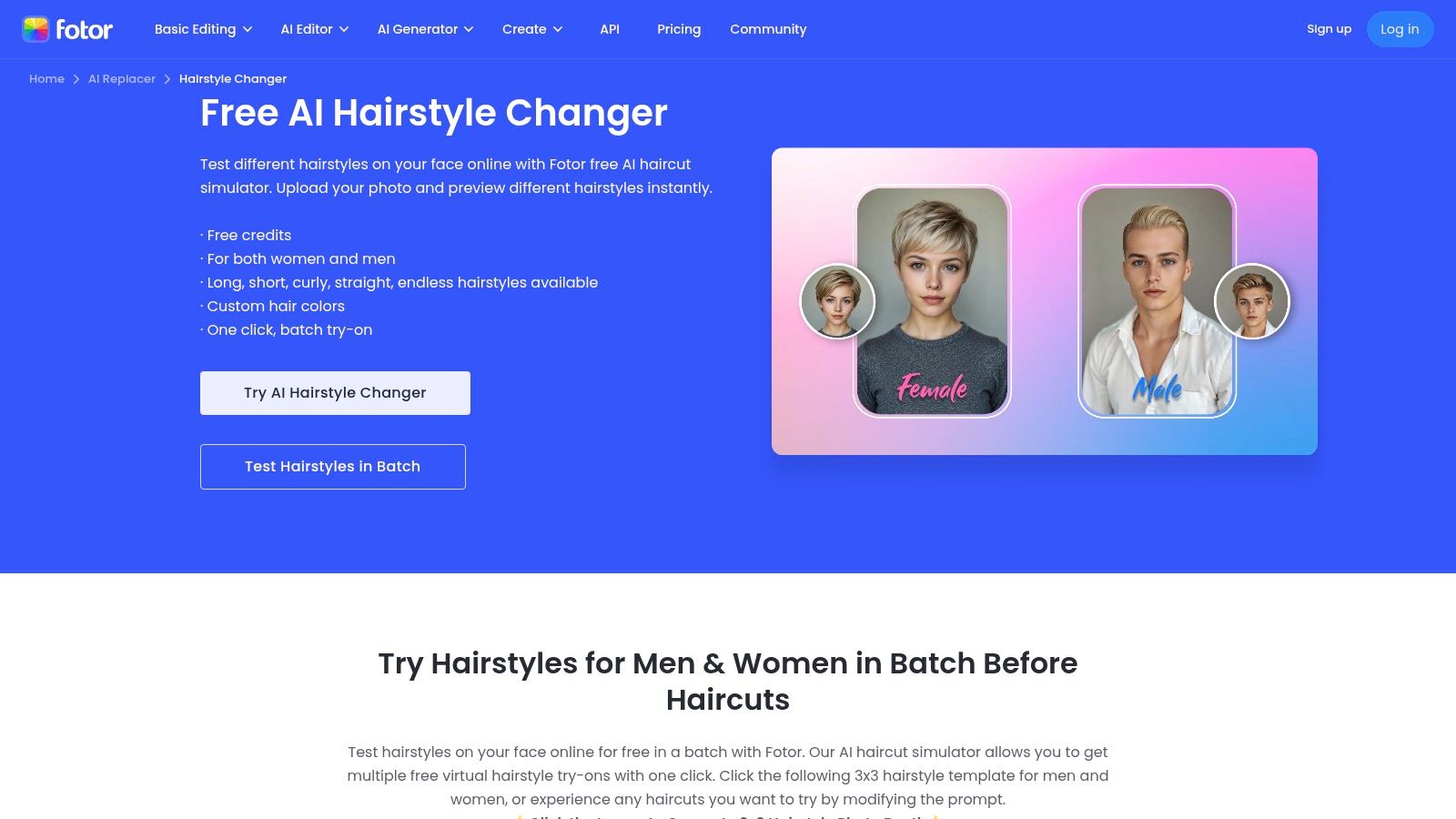
What makes Fotor unique is its ability to generate batch grids (e.g., 3x3) of different styles, including front, side, and back views. Users can guide the AI with prompts or select from templates to adjust everything from volume and hairline to color. Its web-based accessibility and transparent credits model make it easy to start experimenting without a big commitment. This approach to AI content creation can also be useful for generating images like those from a free professional headshot generator.
Key Details & Use Cases
Platform: Web, iOS, Android
Ideal User: Content creators, designers, or anyone wanting to generate hairstyle concepts and mood boards rather than just a simple try-on.
Pricing: Free to use with a set number of credits. More credits or advanced features require a paid subscription or credit purchase.
Pro Tip: Be specific with your text prompts. Phrases like "long wavy blonde hair with curtain bangs" yield more precise results than "blonde hair."
Website: Fotor – AI Hairstyle Changer
9. CapCut Web – Free AI Hairstyle Changer
CapCut Web enters the arena as a powerful, browser-based tool that leverages generative AI, making it one of the best free hairstyle apps for rapid, creative exploration. Instead of selecting from a pre-made library, you use text prompts to describe the look you want, such as "long wavy hair" or "short bob with bangs," and the AI generates a new hairstyle directly onto your uploaded photo. This prompt-based approach offers nearly limitless creative freedom for conceptualizing looks.
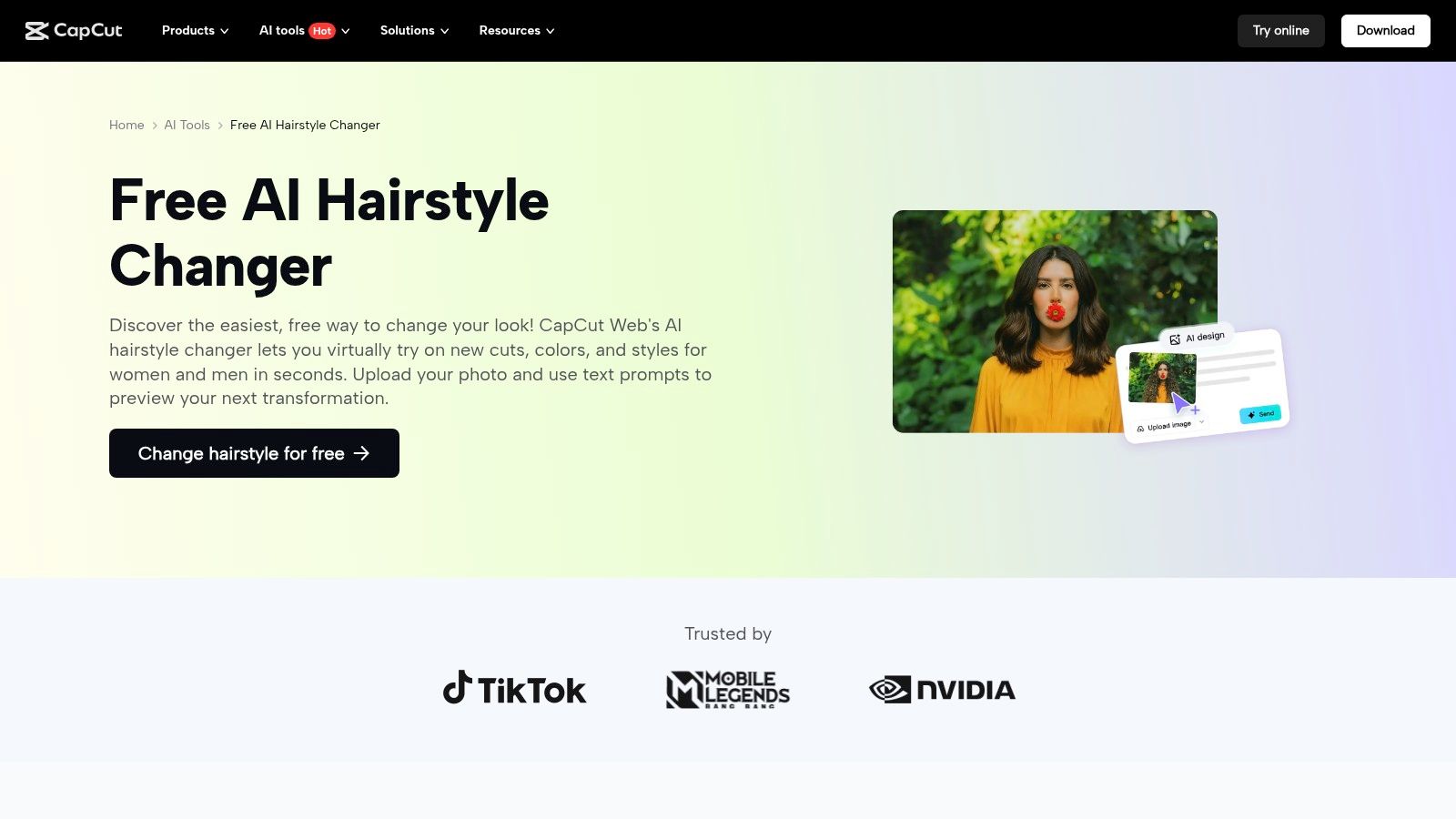
What sets CapCut Web apart is its seamless integration into the wider CapCut video editing ecosystem. You can generate a still image with a new hairstyle and immediately pull it into a video project, making it perfect for social media content creators mocking up new aesthetics for their next post or video. While it generates static images, those looking for even more advanced, professional-grade results from their photos can explore dedicated platforms; discover how Photo AI Studio offers professional-quality hairstyle changes.
Key Details & Use Cases
Platform: Web Browser
Ideal User: Social media creators, marketing professionals, and anyone needing quick, AI-generated hairstyle concepts for static images.
Pricing: The AI Hairstyle Changer tool is free to use. Advanced video editing features may require a CapCut Pro subscription.
Pro Tip: Be specific with your text prompts. Include color, texture, and length (e.g., "shoulder-length silver curly hair") for more accurate AI generations.
Website: CapCut AI Hairstyle Changer
10. Pixelcut – AI Hair Style Changer
Pixelcut’s AI Hair Style Changer is a fast, web-based tool designed for creators and small businesses who need quick, high-quality hair edits without downloading an app. Unlike traditional AR try-on apps, Pixelcut is prompt-driven. You upload a photo, describe the hairstyle or color you want (e.g., "long curly red hair"), and the AI generates the result. This approach offers creative flexibility beyond a fixed library of styles.
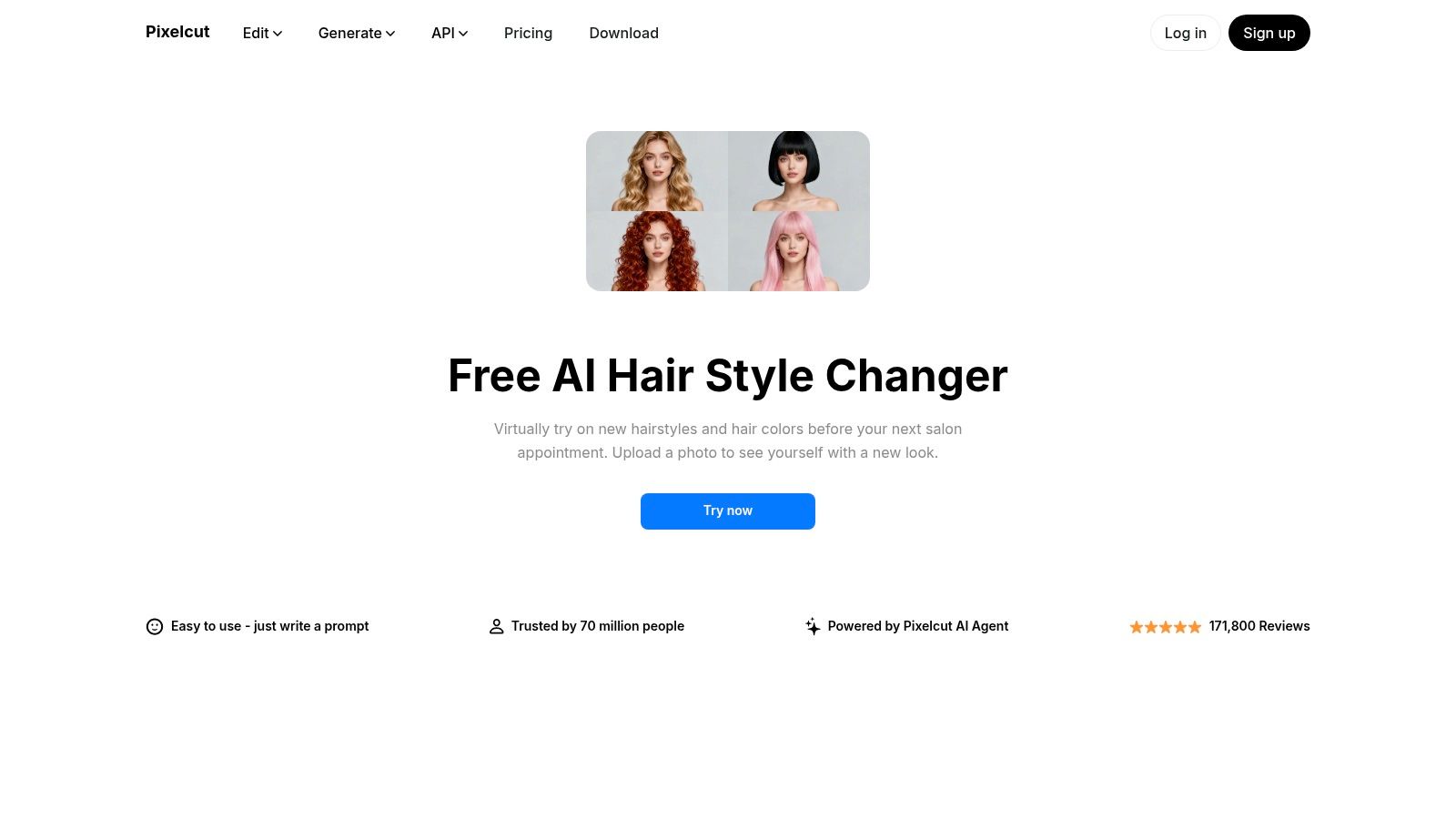
Its main advantage is speed and integration within a broader AI design toolkit. This makes it perfect for generating assets for social media thumbnails, advertisements, or product mockups where speed is critical. While it lacks the real-time feedback of AR apps, it excels at producing high-resolution PNGs ready for immediate use in other design projects, making it a powerful utility for content creators.
Key Details & Use Cases
Platform: Web-based
Ideal User: Content creators, marketers, and small business owners needing quick hairstyle mockups for digital assets.
Pricing: Free to use for a limited number of edits. A Pro subscription unlocks unlimited use, higher resolutions, and access to the full suite of Pixelcut's design tools.
Pro Tip: Be specific and descriptive with your text prompts. Instead of just "blonde," try "honey blonde with subtle highlights" to guide the AI for more accurate results.
Website: Pixelcut – AI Hair Style Changer
11. Hair Zapp
Hair Zapp is a well-established virtual hairstyling app that distinguishes itself by combining a vast style library with a unique community feedback feature. Instead of just trying on looks in isolation, users can get opinions from other Hair Zapp members, making it a more social and collaborative experience. The app’s core function allows you to upload a photo and test over 700 different hairstyles, making it one of the best free hairstyle apps for those who value variety and external input.
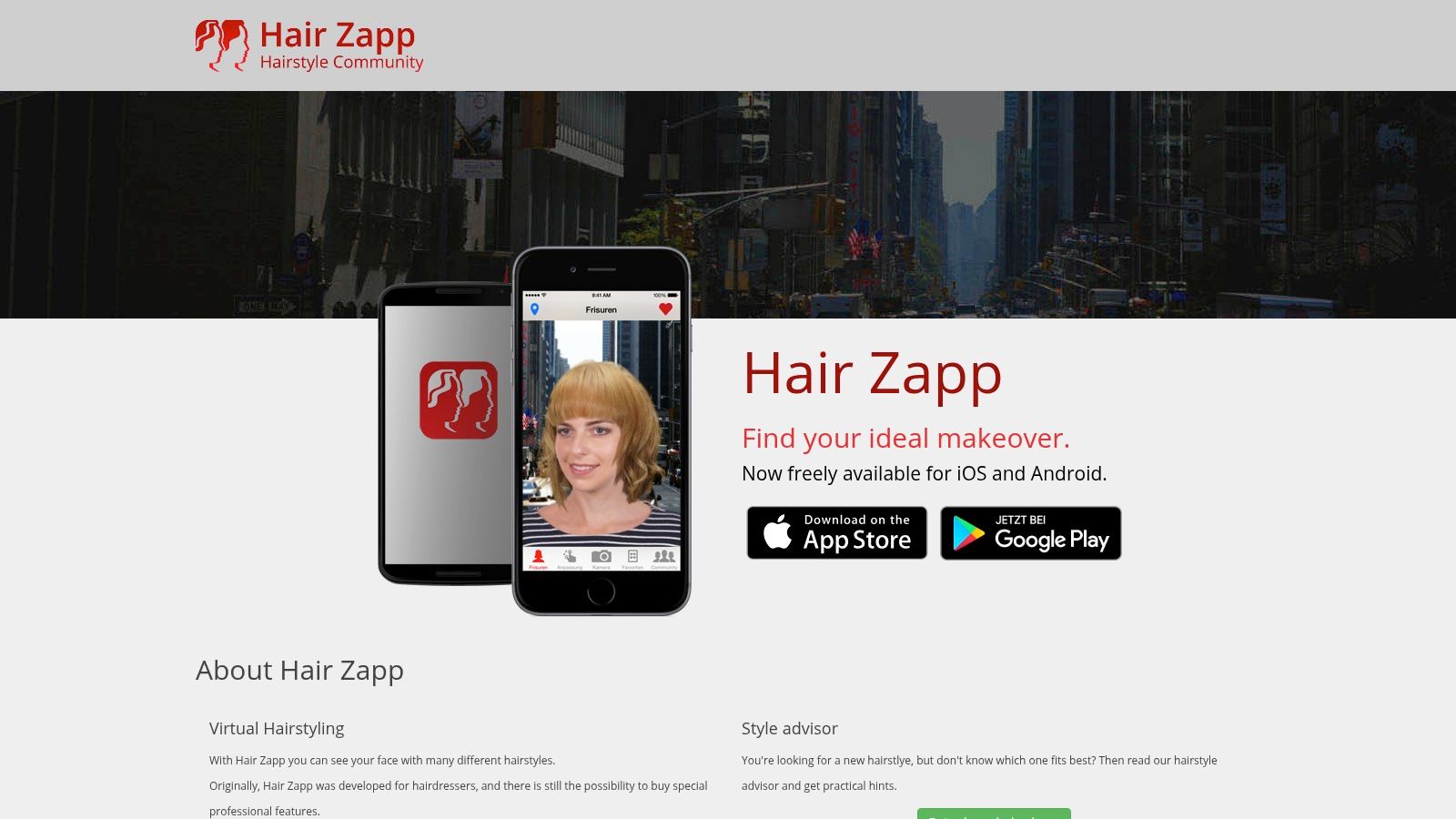
What sets it apart is this blend of a robust style catalog and social validation. The side-by-side comparison tool is particularly effective, allowing you to place your favorite looks next to each other to make a final decision. While some users note the interface can have quirks and the free version contains ads, the community aspect provides a dimension of support that most other styling apps lack, helping you choose a new look with confidence.
Key Details & Use Cases
Platform: iOS, Android
Ideal User: Individuals who are indecisive and want community feedback before committing to a new haircut.
Pricing: Free with ads. A premium version is available to remove ads and unlock all features.
Pro Tip: Take full advantage of the community feature by sharing your top 2-3 choices. Providing context, like your hair type or what you're looking for, can result in more helpful feedback.
Website: Hair Zapp
12. Hairstyle Try On (KBMSoft)
Hairstyle Try On by KBMSoft offers a straightforward, classic approach to virtual hairstyling. Instead of complex AR, it focuses on a template-based system where you can place different hairstyle graphics over an uploaded photo. The app is a solid choice for users who want to explore traditional cuts and colors without the bells and whistles of more advanced real-time simulation tools.
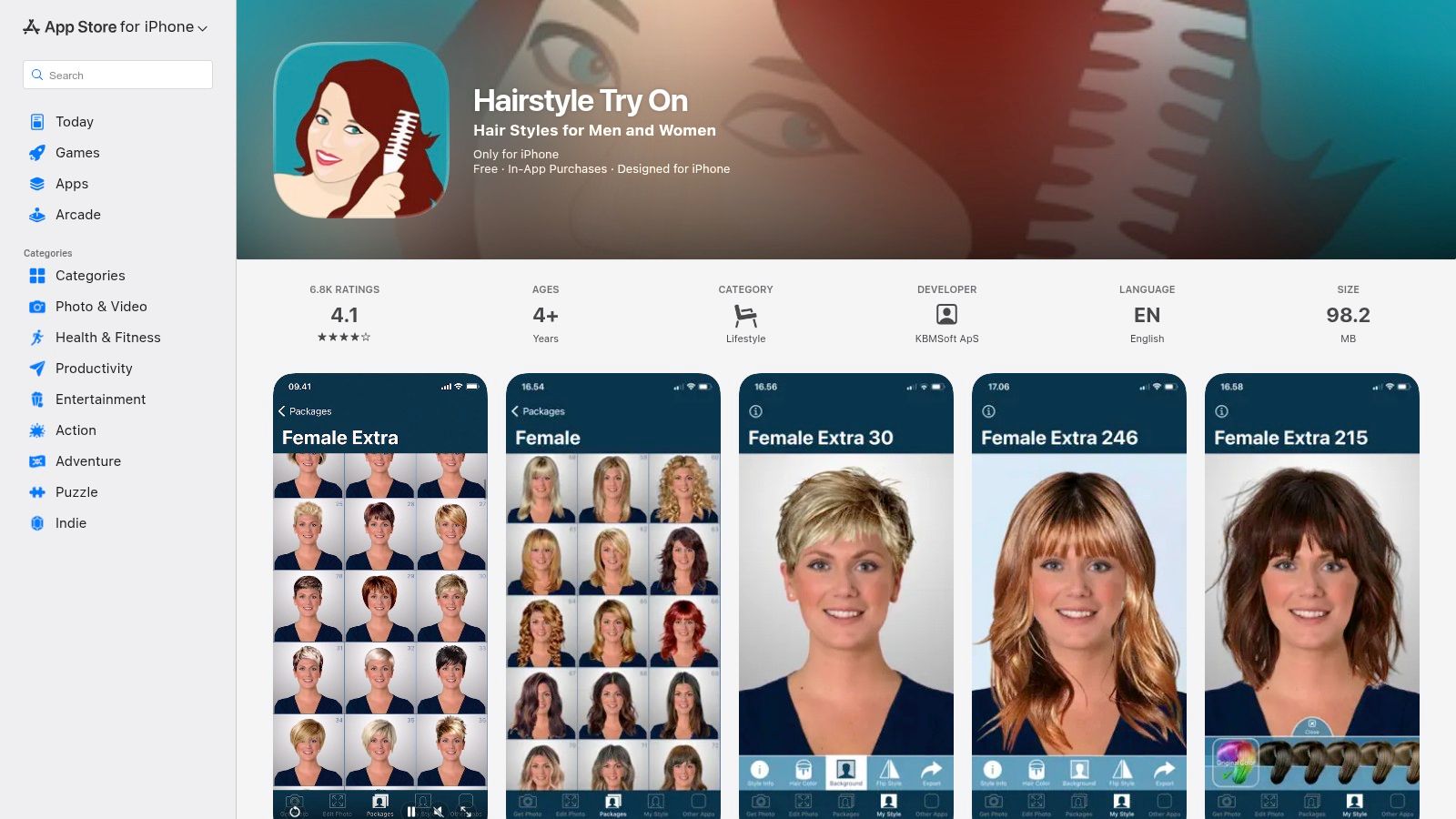
What makes this app a contender in the list of best free hairstyle apps is its accessible and affordable model. You get a starter set of 33 styles and over 50 colors for free, which is enough for a basic preview. The real value lies in its low-cost add-on packs, allowing you to purchase specific style libraries like updos, men’s cuts, or even looks for thinning hair without committing to a recurring subscription. It also includes basic face-shape guidance to help you find flattering options.
Key Details & Use Cases
Platform: iOS
Ideal User: Individuals looking for a simple, no-frills tool to try classic hairstyles and who prefer one-time purchases over subscriptions.
Pricing: Free version includes 33 hairstyles and 50+ colors. Additional style packs (750+ total) are available as low-cost, one-time in-app purchases.
Pro Tip: Use the editing tools to manually adjust the size and position of the hairstyle template for a better fit. Since it isn't AR-based, manual tweaking is key to a more convincing preview.
Website: Hairstyle Try On
13. Hair & Beard Styles (KBMSoft)
Hair & Beard Styles carves out a specific niche among the best free hairstyle apps by focusing exclusively on men's grooming. Its primary strength is allowing users to experiment with coordinated hair and facial hair combinations, making it a practical tool for anyone planning a visit to the barber. The app lets you upload a photo and overlay a wide variety of hairstyles, beards, goatees, and mustaches to see how different looks suit your face.
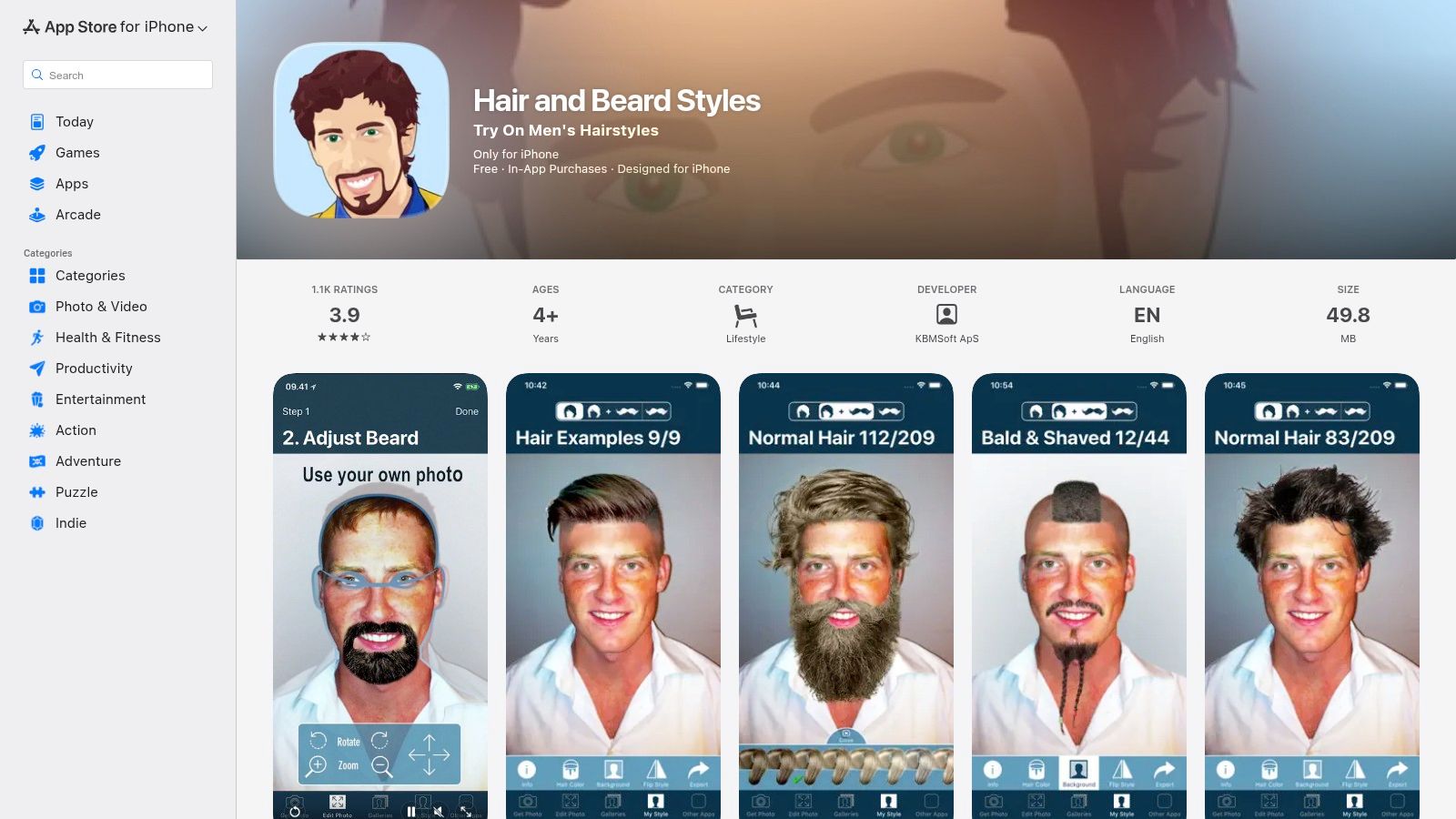
What sets it apart is this dedicated focus on pairing head hair with facial hair, a feature often overlooked in more general-purpose apps. With over 90 facial hair options and hundreds of hairstyles, users can fine-tune their desired look, complete with 59 color choices. While the interface is somewhat dated and much of the content is locked behind in-app purchases, its simple, direct functionality is perfect for quick, no-frills visualization.
Key Details & Use Cases
Platform: iOS
Ideal User: Men who want to preview a new hairstyle and beard combination before committing to a cut.
Pricing: The app is free to download with a limited selection of styles. Most of the 250+ hairstyles and 90+ facial hair options require small in-app purchases or bundle packs to unlock.
Pro Tip: After creating a look you like, use the save/share feature to send the image directly to your barber for a clear visual consultation.
Website: Hair & Beard Styles
Top 14 Free Hairstyle Apps — Feature Comparison
ToolCore Features ✨User Quality ★Value / Price 💰Target Audience 👥Unique Selling Point 🏆YouCam Makeup (Perfect Corp)Live & photo AR hair/color; makeup; AI retouch★★★★★ Highly realistic, frequent updates💰 Freemium (premium IAPs)👥 Consumers, creators, beauty pros🏆 Massive style library & top-tier AR realismL’Oréal Paris – Virtual Hair Color Try-OnAR camera/selfie; 200+ L’Oréal shades; side-by-side★★★★ Brand-backed realism💰 Free (web)👥 Retail shoppers testing box color🏆 Extensive retail shade catalog + buy linksL’Oréal Professionnel – Style My Hair / ProReal-time 3D try-on; digital swatchbooks; Pro tools★★★★★ Salon-grade visualization💰 Freemium (Pro features)👥 Stylists & clients seeking salon looks🏆 3D tracking + salon consultation featuresGarnier USA – Virtual Hair Color Try-OnLive/selfie AR; compare & save; quiz recommendations★★★★ Fast, accurate for retail shades💰 Free (web)👥 At-home color shoppers🏆 Quick compare + direct product matchingMatrix – Virtual Hair Color Try-OnCamera/selfie AR; pro salon shades; find-a-colorist★★★★ Professional shade previews💰 Free (salon-focused)👥 Pros & clients planning salon services🏆 Smooth handoff to book salon coloristsSplat Hair Color – Virtual Try-On + ShopLive/upload try-on; split-screen; e‑commerce cart★★★★ Great for vivid/fantasy colors💰 Free try + e‑commerce👥 Trendy DIY & social users🏆 Seamless try‑then‑buy for bold shadesFotor – AI Hairstyle ChangerBatch 3×3 grids; front/side/back views; adjustments★★★☆ Variable AI quality; versatile💰 Freemium (credits)👥 Creators & concept designers🏆 Fast concept boards & multi-view outputsCapCut Web – Free AI Hairstyle ChangerText-to-hairstyle prompts; face-mapped realism; edit integration★★★★ Fast, social-ready outputs💰 Free (web)👥 Social creators & rapid mockups🏆 Prompt-driven hair + CapCut edit flowPixelcut – AI Hair Style ChangerPrompt-driven edits; high-res PNG downloads★★★☆ Simple, reliable for thumbnails💰 Freemium (paid for high-res/volume)👥 Small businesses & creators🏆 Fast high-res mockups for adsHair Zapp700+ styles; side-by-side; community feedback★★★ Large library; some UX quirks💰 Freemium (ads → premium)👥 Consumers exploring cuts🏆 Huge template variety + community inputHairstyle Try On (KBMSoft)Auto background; 33 starter styles; paid style packs★★★ Basic templates; low-cost add-ons💰 Paid style packs (affordable)👥 Budget users & classic-cut seekers🏆 Affordable themed style packsHair & Beard Styles (KBMSoft)250+ men's hairstyles; 90+ facial-hair combos; colors★★★ Good hair+beard previews💰 IAP bundles (most content paid)👥 Men prepping barber visits🏆 Focused hair+beard combination previews
Final Thoughts: Choosing the Right App for Your Hair Makeover
Navigating the vibrant landscape of virtual hairstyle tools can feel overwhelming, but this detailed exploration of the best free hairstyle apps has illuminated a clear path forward. We've seen how technology, from augmented reality to generative AI, offers a risk-free playground to experiment with your personal style. The key takeaway is that there is no single "best" app for everyone; the ideal choice depends entirely on your specific goals and creative needs.
Recapping Your Top Options
Your journey to a new look begins with identifying your primary objective.
For Brand-Specific Color Previews: If you're planning a DIY color session and want the most accurate preview of a specific product line, dedicated tools like L’Oréal Paris’ Virtual Try-On or Garnier’s Hair Color Try-On are unparalleled. They connect the virtual experience directly to a tangible, purchasable product.
For All-in-One Beauty Simulation: For those seeking a comprehensive beauty sandbox, YouCam Makeup remains a dominant force. Its vast library of hairstyles, colors, makeup, and accessories makes it a powerful tool for visualizing a complete transformation, perfect for casual users and influencers alike.
For AI-Powered Creative Exploration: When your goal is rapid ideation and exploring styles that may not exist in a pre-set library, generative AI tools like Fotor and CapCut shine. They offer a new dimension of creative freedom, allowing you to generate unique concepts from text prompts or reference images, which is invaluable for content creators and marketers.
Actionable Steps for Flawless Results
Regardless of which app you choose, implementing a few best practices will dramatically improve the realism of your virtual makeover. Always start with a high-quality, front-facing photo taken in bright, even lighting. Pull your hair back from your face to give the app a clear canvas to work with. Most importantly, embrace experimentation. The entire purpose of these tools is to explore possibilities without consequence, so try that bold color or dramatic cut you’ve been hesitant about.
Ultimately, the power of these apps lies in their ability to build confidence and facilitate clear communication. Whether you’re showing a generated image to your professional stylist or finally clicking "add to cart" on a box of hair dye, you're making a more informed decision. These digital tools bridge the gap between imagination and reality, empowering you to take the next step in your style evolution with clarity and excitement.
Ready to move beyond simple AR try-ons and generate studio-quality, photorealistic images for professional use? For creating polished headshots, brand assets, or campaign visuals with perfectly styled hair, Photo AI Studio offers an advanced AI solution that builds entire scenes from the ground up. Explore the next generation of AI imaging and create your ideal look at Photo AI Studio today.