

AI photo generators deliver studio-quality visuals in seconds, no camera or photoshoot required. These platforms solve common bottlenecks in modern visual workflows by cutting production time and cost. If you need consistent, polished images at scale, this guide points you to the best ai photo generator for your project.
We compare 12 leading web-based tools on real-world performance, pricing tiers, licensing for commercial use, speed/throughput and privacy/data policies. You’ll find short intros, feature breakdowns, sample outputs and quality notes for headshots, lifestyle shots, product imagery and short-form video. Practical use-case tags steer you to the right solution for LinkedIn, ecommerce, UGC and more.
Key benefits at a glance:
- Rapid output: generate hundreds of images in minutes
- Cost efficiency: skip expensive photography budgets
- Versatile formats: support for headshots, ecommerce and UGC videos
- Licensing clarity: commercial use right out of the box
Ideal for:
- Professionals and job seekers needing modern LinkedIn and corporate headshots
- E-commerce and Shopify merchants requiring product and on-model imagery at scale
- Content creators, influencers and social media marketers producing daily visual content
- Advertising, creative and UGC agencies delivering client campaigns quickly and affordably
- Startups and small businesses seeking cost-effective brand visuals without photoshoots
Our hands-on review includes screenshots, direct links and implementation tips so you can start testing instantly. Honest pros and cons highlight where each tool shines or falls short. Structured for quick scanning, this resource is your fastest path to picking the best ai photo generator for any scenario.
Tools covered: Photo AI Studio, Adobe Firefly, Midjourney, ChatGPT, DreamStudio, Canva Magic Media, Microsoft Designer, Leonardo.Ai, Shutterstock AI Image Generator, NightCafe Studio, Playground (v3/GPT-4o) and Picsart AI Image Generator.
1. Photo AI Studio
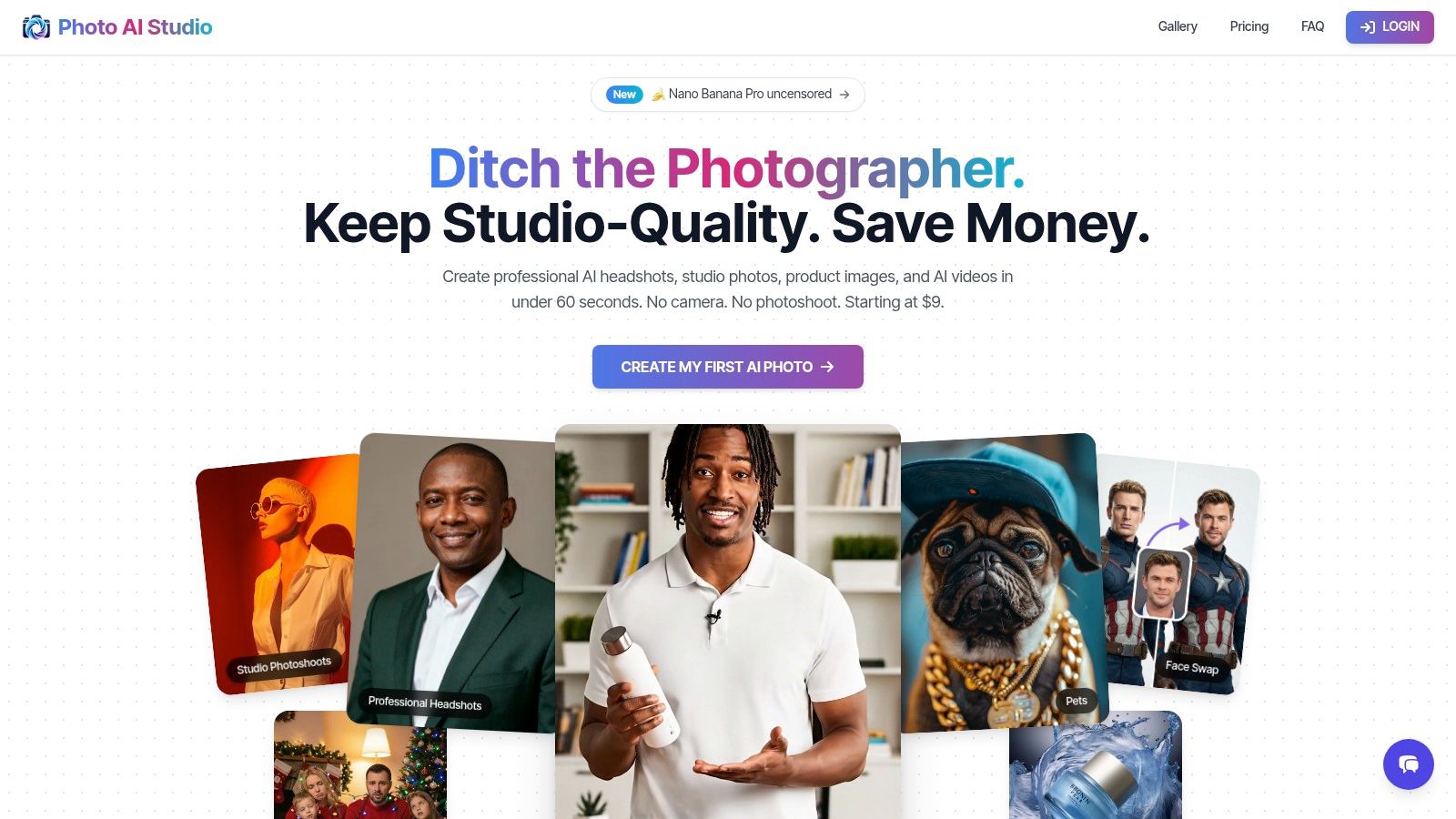
Photo AI Studio delivers studio-quality photos and short videos from a single selfie in under a minute. This browser-based solution requires no training or specialised hardware, making it ideal for professionals, e-commerce merchants and content teams seeking fast, scalable assets.
Key Features
| Feature | Description |
|---|---|
| Speed | Generates most images in ~15 seconds |
| Single-Selfie AI | Build a persistent personal model or a fully synthetic influencer |
| Output Types | Professional headshots, lifestyle scenes, product shots, UGC videos, AI influencer creation |
| Virtual Wardrobe | Customisable prints and patterns for on-model merchandising |
| Editing Toolkit | Face swap, hairstyle changer, upscaler, background editor and in-browser retouching |
| Licensing & Data | Commercial licence, user retains ownership, private server storage with on-demand deletion |
Scale professional visuals across every channel with one persistent AI model built from your selfie
The intuitive interface guides users through upload, prompt customisation and batch rendering. Secure Stripe payments and private data storage ensure a smooth, reliable experience.
Practical Use Cases
- Job seekers and executives creating modern LinkedIn headshots
- Shopify merchants generating on-model product galleries at scale
- Agencies producing daily UGC videos for social campaigns
- Startups needing affordable brand visuals without live shoots
Pricing & Plans
- Starter plan from CAD 9 per month with pay-as-you-go credits
- Pro tier unlocks unlimited renders, Nano Banana mode for unrestricted customisation
- All plans include commercial licensing and full data control
Learn more about Photo AI Studio on photoaistudio.com
Customer Experience & Support
- User interface designed for non-technical users
- Step-by-step tutorials and prompt examples in the blog
- Responsive customer service with <24 hour ticket turnaround
Pros & Cons
Pros
- Rapid turnaround: most assets ready in under 1 minute
- Scalable workflow: generate hundreds of images from one selfie
- Full ownership: commercial licence and data deletion options
Cons
- Output quality varies with selfie resolution and prompt clarity
- Complex group shots or interactive scenes may need a live production crew
Tips for Effective Use
- Upload a high-resolution, well-lit selfie to build your base model.
- Experiment with wardrobe patterns in the virtual closet.
- Leverage face swap and hairstyle tools to adjust expressions.
- Batch-schedule renders during off-peak hours for maximum throughput.
2. Adobe Firefly
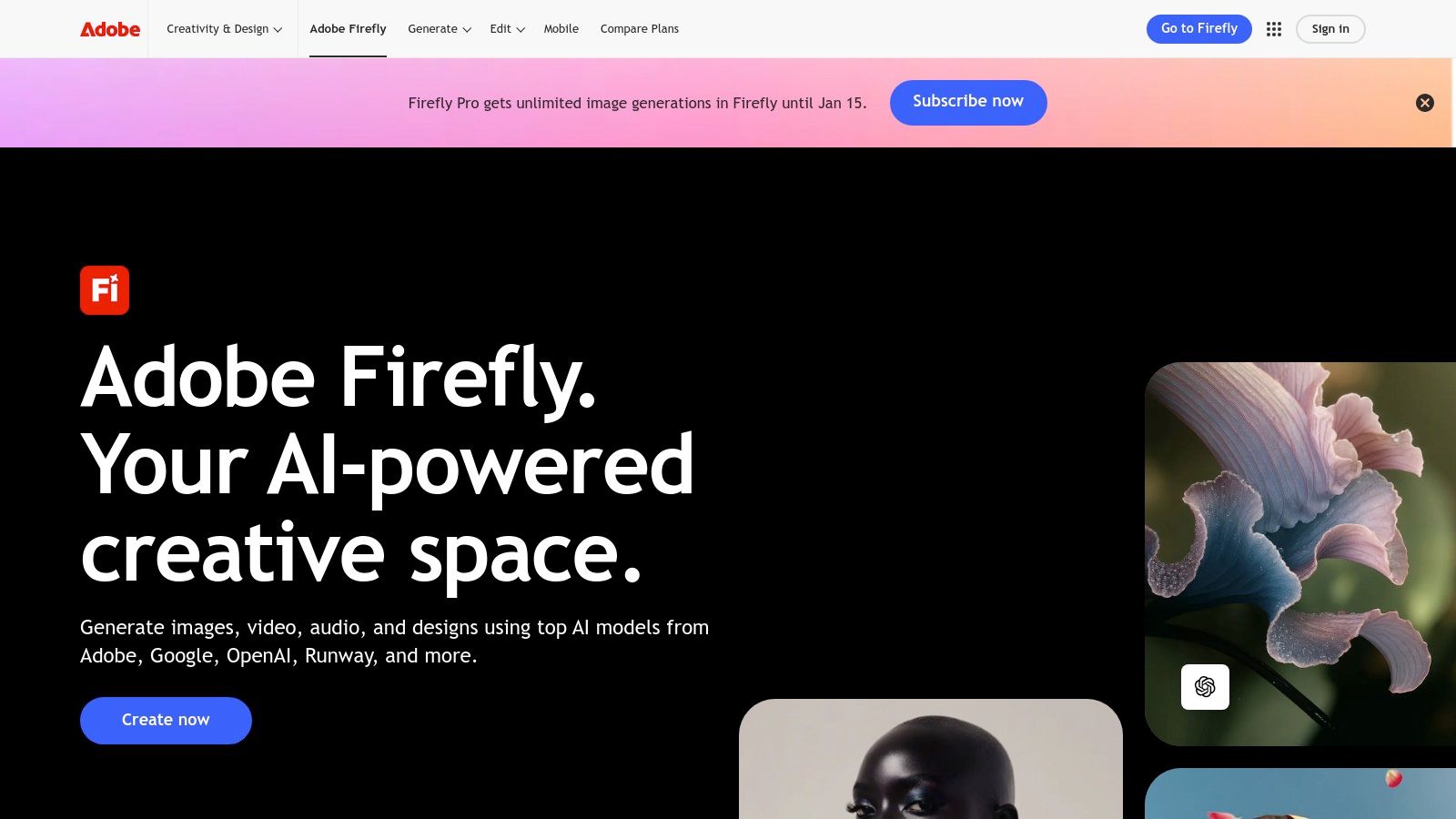
Adobe Firefly brings generative image creation and professional photo editing into one platform, seamlessly integrated with Photoshop (web/mobile) and Express. Users can generate photorealistic headshots, lifestyle scenes or product imagery from text prompts and refine existing images via Generative Fill and Expand tools. You can also check out our AI professional headshots.
Key Features
- Text-to-Image Generation: Turn simple prompts into high-resolution visuals
- Generative Fill / Expand: Extend or alter backgrounds without masking
- Partner Models Access: Use Google Imagen, Flux or GPT Image via credits
- Creative Cloud Integration: Save assets directly to Photoshop and Express
Pricing & Plans
| Plan | Monthly Credits | Cost (CAD) | Commercial Licence |
|---|---|---|---|
| Standard | 100 | 29.99 | Yes |
| Pro | 500 | 74.99 | Yes |
| Premium | 1200 | 149.99 | Yes |
Access requires an Adobe ID and Creative Cloud subscription. Credit consumption varies by model quality, so watch usage with premium filters.
Best-Fit Use Cases
- LinkedIn Headshots: Quick, consistent corporate portraits
- E-commerce: On-model and product imagery at scale
- Content Creators: Daily social media visuals with custom styles
Pros & Cons
Pros
- Deep Photoshop and Express integration
- Predictable plan tiers for agencies
- Licensed for commercial use
Cons
- Credit model learning curve
- Higher cost in North America
Tip: Start with smaller prompts, review previews in Photoshop before final export. Adobe Firefly stands out for professionals needing robust generative tools within existing Creative Cloud workflows.
Link: https://www.adobe.com/products/firefly.html
3. Midjourney
Midjourney is a popular, high-quality AI photo generator known for its stylized and photoreal results. Accessible via Discord or a web account, it thrives on a trend-leading style library and an active community that remixes prompts and shares tutorials. A paid subscription unlocks Fast and Relaxed GPU time options and frequent model updates—there is no ongoing free tier.
Key Features
- Discord & Web Access: Generate images in-app or via browser
- Fast vs Relaxed GPU Modes: Prioritise speed or cost-effective bulk rendering
- Community Prompt Remixing: Browse and adapt popular prompt styles
- Frequent Model Releases: Get cutting-edge artwork quality updates
- Style Tuning Flags: Control stylisation with --stylize and --quality parameters
Pricing & Plans
| Plan | GPU Jobs / Month | Cost (CAD) | Commercial Licence |
|---|---|---|---|
| Basic | 25 | 13.00 | Yes |
| Standard | 50 | 39.00 | Yes |
| Pro | 200 | 78.00 | Yes |
Subscriptions renew monthly. Discord verification required for plan activation.
Best-Fit Use Cases
- Corporate LinkedIn headshots with unique artistic flair
- E-commerce on-model and product imagery at scale
- Social media and UGC campaigns needing fresh, trend-driven visuals
Pros & Cons
Pros
- Consistently strong visual quality and photoreal style
- Large, engaged community offering templates and advice
- Regular model updates keep output fresh
Cons
- Discord-centric UX can challenge new users
- No ongoing free tier for trial or testing
- Job limits require plan upgrades for high throughput
Tip: Join Midjourney’s Discord channels for prompt inspiration and bookmark favourite style remix threads. Midjourney stands out for professionals seeking cutting-edge, community-driven visuals without managing local hardware.
Link: https://www.midjourney.com
4. ChatGPT (OpenAI) - Images powered by GPT-image models
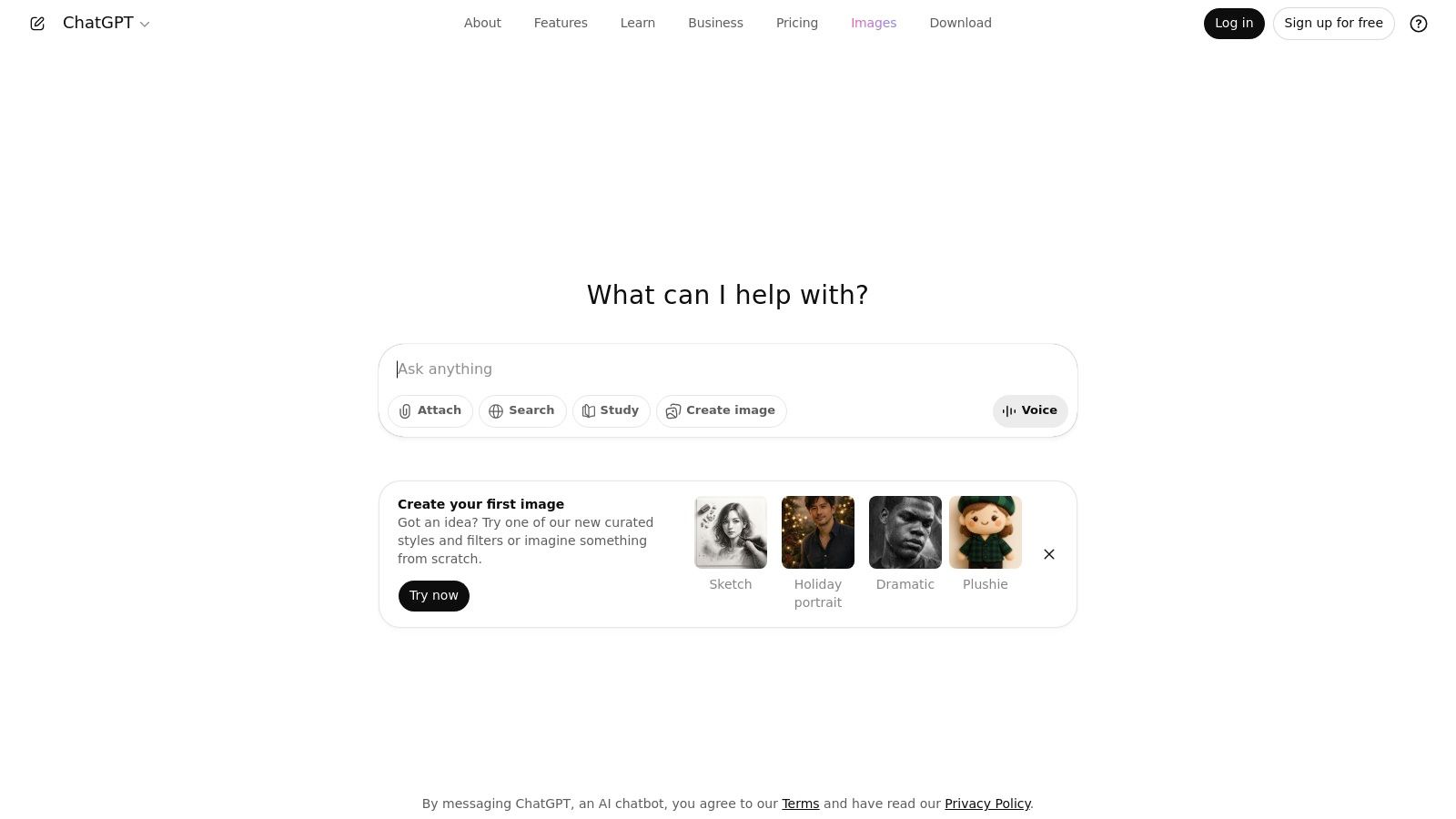
ChatGPT now integrates text-to-image and image editing into its familiar chat workflow, using OpenAI’s latest GPT-image models. Users can rapidly generate concept art, corporate headshots or lifestyle scenes without switching tools, then iterate in real time via prompts or simple image edits.
Key Features
- In-Chat Text-to-Image: Create visual assets inline with conversation
- Image Edit Commands: Apply masks, replace backgrounds or adjust lighting
- C2PA Metadata Embedding: Track provenance and rights for commercial use
- Image Generation API: Integrate models into apps with RESTful endpoints
Pricing & Plans
| Plan | Monthly Generations | Cost (CAD) | Commercial Licence |
|---|---|---|---|
| Free | 25 | 0 | Yes |
| Plus | 200 | 20.00 | Yes |
| Pro | 1,000 | 60.00 | Yes |
| API Access | Pay-per-use | Variable | Yes |
Access requires a ChatGPT account. Plus or Pro speeds up queue times and raises limits. API keys incur token costs based on resolution.
Best-Fit Use Cases
- Corporate LinkedIn headshots with brand-aligned prompts
- E-commerce thumbnails and on-model imagery at scale
- Social media graphics that evolve over iterative chats
Pros & Cons
Pros
- No context switching between chat and image tools
- Rapid prompt-iterate cycle for fast concepting
- Built-in metadata for IP compliance
Cons
- Free tier limits creative throughput
- Subscription needed for higher-resolution outputs
- API cost management adds complexity
Tip: Use short descriptive prompts then refine edges with follow-up chat commands. ChatGPT stands out as a one-stop solution for professionals seeking seamless AI photo generation.
Link: https://chat.openai.com
5. DreamStudio (Stability AI - Stable Diffusion)
DreamStudio is the official web app for Stability AI's Stable Diffusion models. It delivers configurable text to image generation, upscaling and variations without local GPU setup. With pay as you go credits and flexible bundles, DreamStudio makes high fidelity AI photo generation accessible to professionals who need control over cost and output quality.
Key Features
- Text-to-Image Tuning: Adjust steps, guidance scale and resolution for precise results
- Credits-Based Billing: Pay as you go with no monthly fees
- Upscaling & Variations: Enhance resolution or create multiple renditions in one flow
- Model Selection: Switch between SD1.5, SD2 and SDXL variants
Pricing & Plans
| Plan | Credits | Cost (CAD) | Commercial Licence |
|---|---|---|---|
| Starter Pack | 1 000 credits | 10.00 | Yes |
| Growth Bundle | 5 000 credits | 45.00 | Yes |
| Power User | 20 000 credits | 160.00 | Yes |
Pricing subject to change; confirm in app for current rates. Credit consumption varies by model and output size.
Best-Fit Use Cases
- LinkedIn Headshots: Consistent corporate portraits without studio costs
- E-commerce Images: On-model and product shots with fine-tuned prompts
- Creative Testing: Rapid style exploration for campaigns
Pros & Cons
Pros
- Full control over credit spend, no subscription lock-in
- Access to leading Stable Diffusion releases via web
- Large community prompt gallery and support
Cons
- Technical interface may deter novices
- Credit pack options and pricing can shift
Tip: Begin with small credit batches to dial in guidance settings, then scale up once preferred prompt structure is established. DreamStudio stands out for its flexibility and transparent billing model.
Link: https://dreamstudio.ai
6. Canva – Magic Media
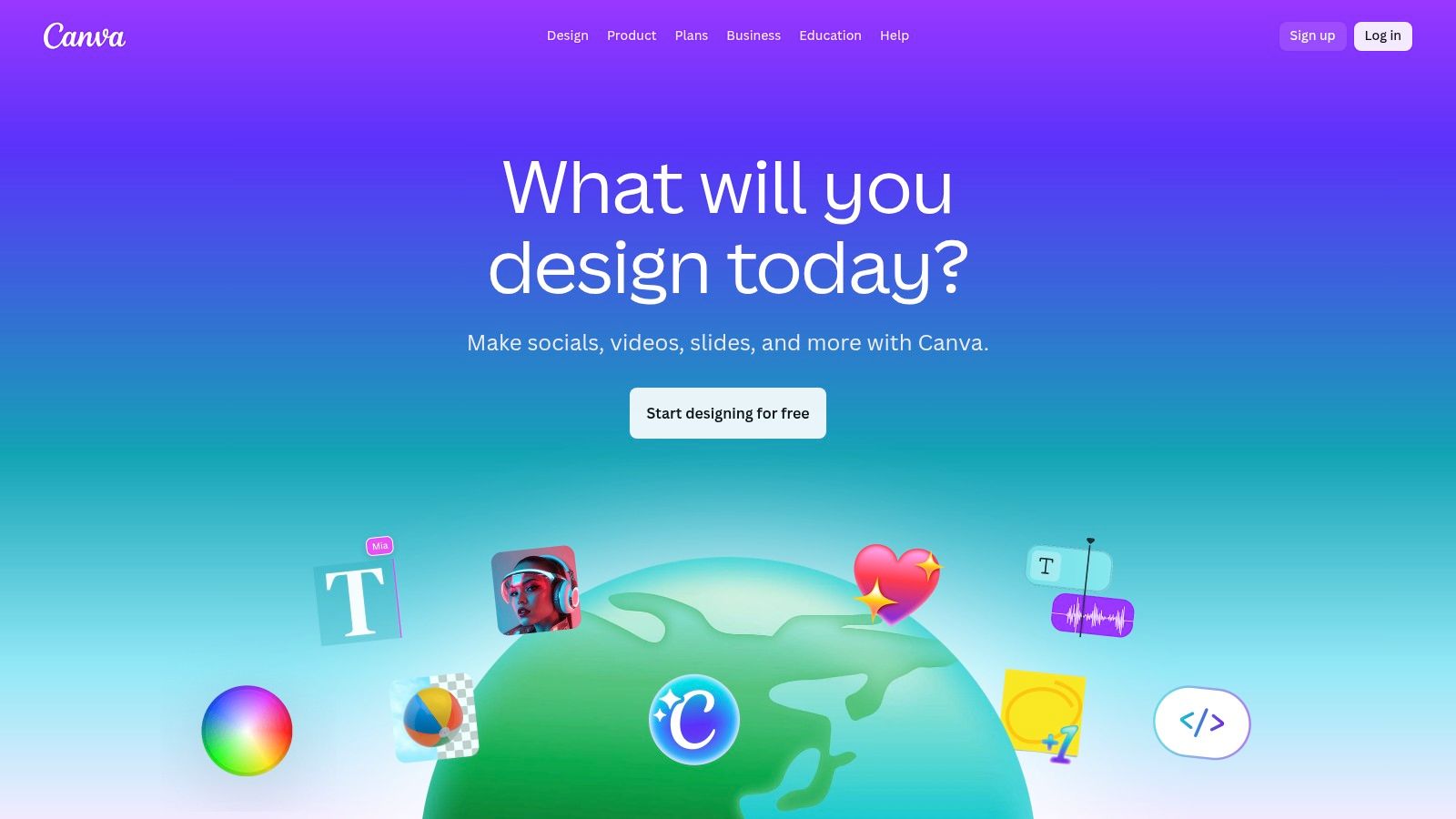
Canva’s design suite adds Magic Media for seamless text-to-image generation and AI editing right inside its editor. Teams can produce social posts, marketing banners or product mockups with built-in templates, brand kits and collaborative workflows.
Key Features
- Text-to-image prompts integrated into Canva’s drag-and-drop editor
- AI tools for background remover, upscaling and style transfer
- Brand kits and team folders ensure consistent colours and fonts
- Template library covering social, e-commerce and print formats
- Real-time collaboration with comments, version history and access controls
Pricing & Plans
| Plan | Monthly AI Credits | Cost (CAD) | Commercial Licence |
|---|---|---|---|
| Individual Pro | 100 | 16.99 | Yes |
| Business | 500 | 36.99 | Yes |
Access via email signup; credit allowances vary by regional pricing. Unused credits roll over for one month.
Best-Fit Use Cases
- Social media marketers needing on-brand visuals daily
- Small businesses creating sales banners and product mockups
- Agencies collaborating on UGC and ad creatives
Pros & Cons
Pros
- End-to-end design and AI generation in one platform
- Intuitive interface ideal for non-designers
- Team features for brand governance
Cons
- AI credit limits can restrict high-volume usage
- Regional pricing variance may increase cost
- Advanced controls less flexible than dedicated AI tools
Tip: Use your brand kit to seed Magic Media prompts for consistent output.
Link: https://www.canva.com
Learn more about Canva — Magic Media on photoaistudio.com
7. Microsoft Designer (Image Creator)
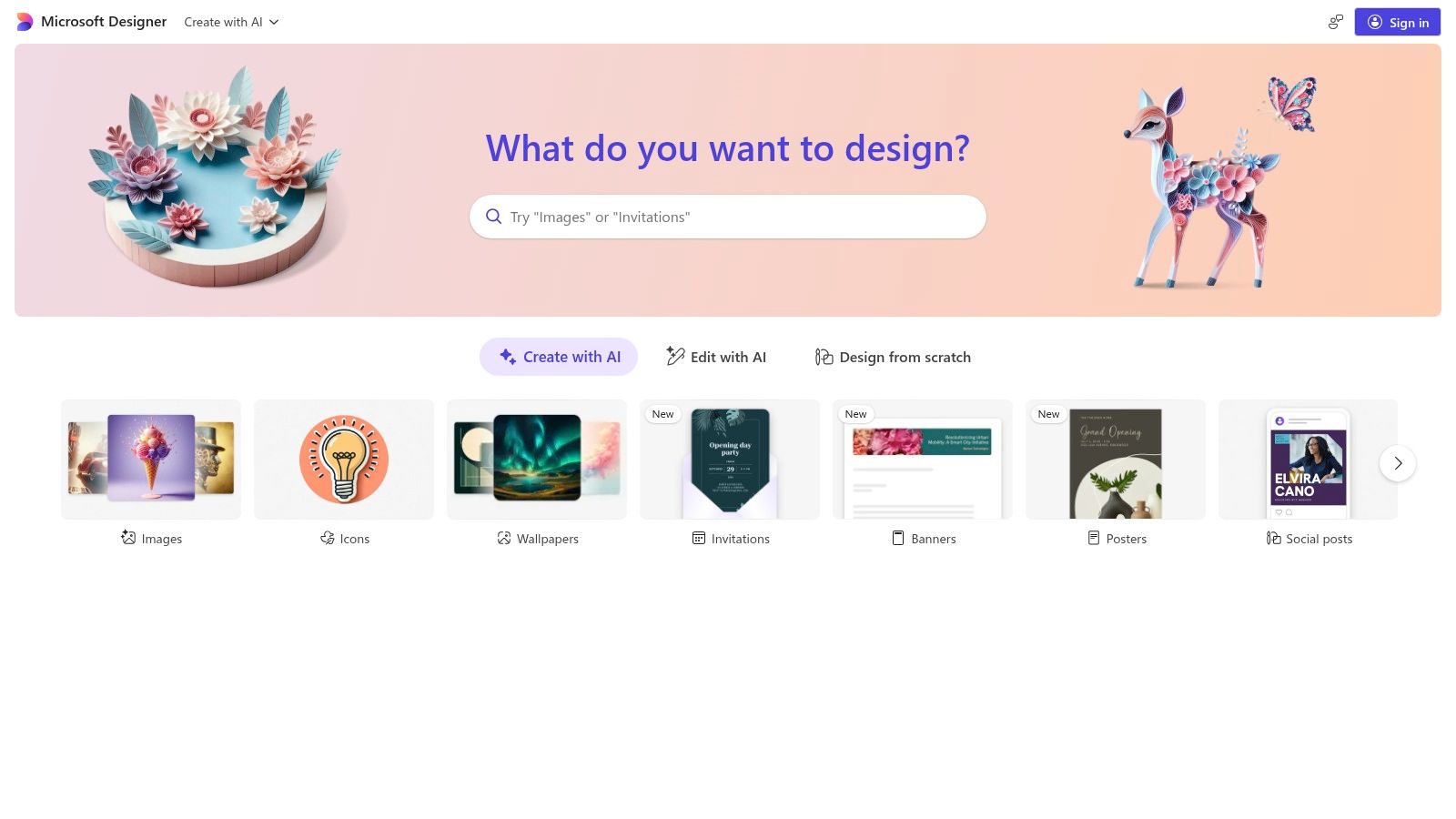
Microsoft Designer (formerly Bing Image Creator) is a free, browser-based AI photo generator that combines text-to-image generation with in-app editing. It offers quick background removal, restyling and erasing tools, plus bonus credits for Microsoft 365 and Copilot Pro subscribers. Its seamless Office integration makes it ideal for marketing visuals and presentation assets.
Key Features
- Text-to-Image Creation: Generate photorealistic headshots, lifestyle scenes or product shots from simple prompts
- In-App Editing: Remove backgrounds, restyle objects or erase unwanted elements without leaving the browser
- Flexible Credit System: 50 free credits monthly, upgrades to 150 credits with Microsoft 365, or 500 credits via Copilot Pro
- Office Workflow Integration: Insert images directly into Word, PowerPoint or Outlook for instant collateral
Pricing & Plans
| Plan | Monthly Credits | Cost (CAD) | Commercial Licence |
|---|---|---|---|
| Free | 50 | 0 | Yes |
| Microsoft 365 Bundle | 150 | From 7.99/mo | Yes |
| Copilot Pro Add-On | 500 | ~32.00/mo | Yes |
Requires a Microsoft account. Credit use varies by image resolution and style.
Best-Fit Use Cases
- LinkedIn and corporate headshots with consistent branding
- E-commerce merchants needing fast on-model and product imagery
- Presentation and marketing teams generating slides or social posts
Pros & Cons
Pros
- Free entry-level access
- Tight Office 365 and Copilot Pro integration
- Simple in-browser editing tools
Cons
- Limited free credits each month
- Advanced features locked behind subscriptions
Tip: Reserve premium credits for high-res exports and use darker prompts for richer textures.
Link: https://designer.microsoft.com
8. Leonardo.Ai
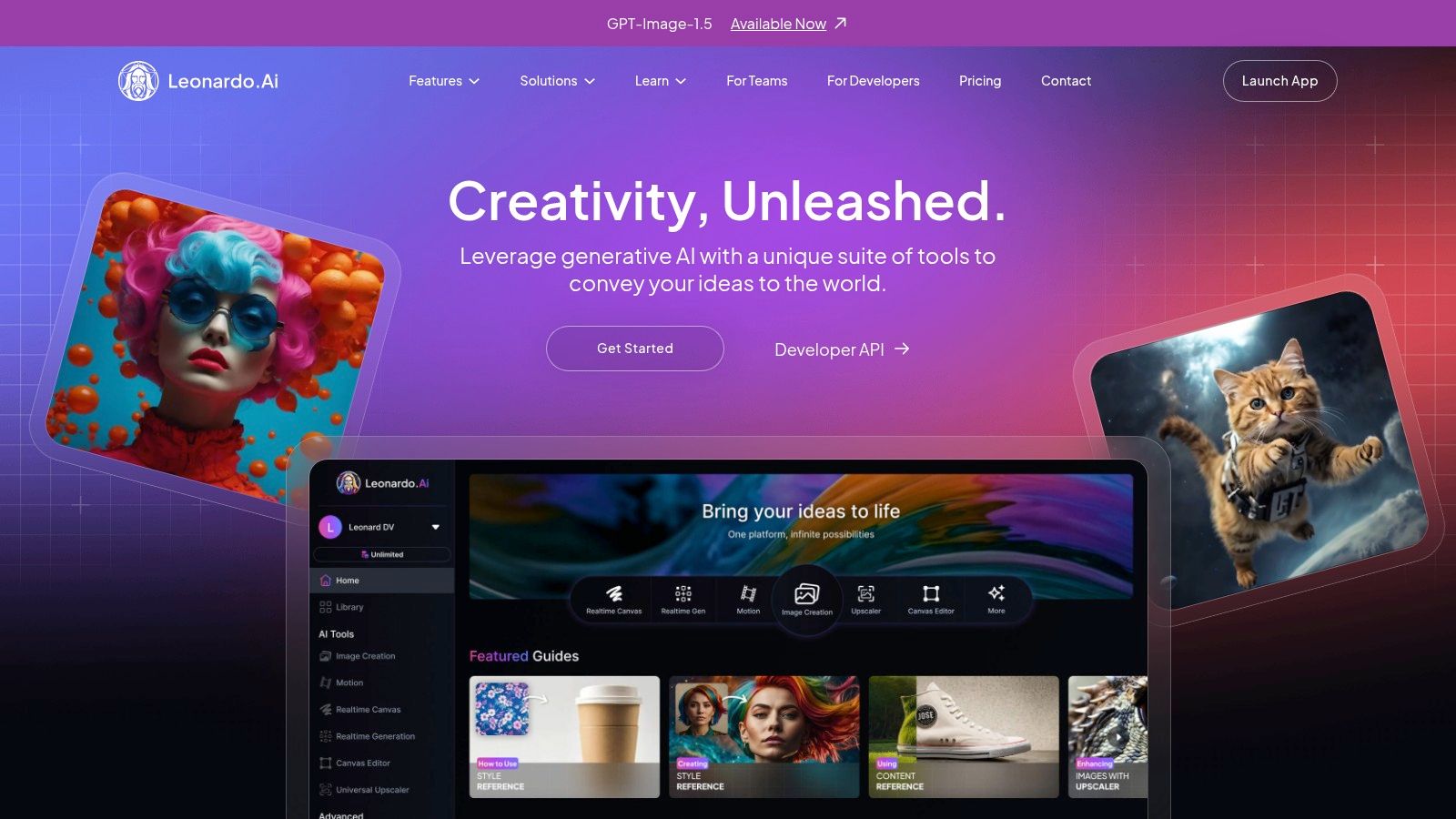
Leonardo.Ai is a web platform tailored for creators seeking advanced text-to-image and video generation. It offers token-based fast generations, private or public modes, custom model training and a relaxed unlimited generation tier for hosted models. Users benefit from upscaling, advanced controls and an active community sharing styles and models. Registration and a paid plan unlock token access and relaxed generation.
Key Features
- Token-Based Fast Generations: Allocate tokens for high-speed renders
- Model & Style Controls: Fine-tune outputs with custom presets
- Private / Public Modes: Keep IP secure or share community creations
- Relaxed Unlimited Tier: Unlimited runs on Leonardo-hosted models (higher plans)
- Upscaling Engine: Enhance resolution without quality loss
- Community Model Marketplace: Discover and train shared models
Pricing & Plans
| Plan | Monthly Tokens | Cost (CAD) | Commercial Licence |
|---|---|---|---|
| Starter | 200 | 19.99 | Yes |
| Creator | 1,000 | 49.99 | Yes |
| Pro | 3,000 | 99.99 | Yes |
| Enterprise | Custom | Contact | Yes |
Access requires account registration. Token use varies by model complexity; unlimited mode excludes many third-party models.
Best-Fit Use Cases
- LinkedIn Headshots: Consistent corporate portraits
- E-commerce Imagery: Product and on-model visuals at scale
- Social Media Content: Daily posts with custom styles
- Indie Creators & Small Teams: Train branded models affordably
Pros & Cons
Pros
- Fine-grained generation controls
- Active creator community and shared assets
- Relaxed unlimited runs on hosted models
Cons
- Unlimited mode restricted to native models
- Concurrency limits under heavy load
Tip: Track token consumption in the dashboard and preview drafts with low-quality tokens before scaling up.
Learn more about Leonardo.Ai on Photo AI Studio: Leonardo.Ai on photoaistudio.com
Link: https://leonardo.ai
9. Shutterstock - AI Image Generator
Shutterstock’s AI Image Generator brings stock-style rights and business-friendly licensing to AI photo creation. Users can generate marketing visuals, corporate headshots or product shots from text prompts and download images under a Standard License just like regular stock assets. This makes Shutterstock ideal for professionals who need clear commercial use terms without extra legal review.
Key Features
- Stock-licensed output: Download generative images with a Standard License
- Top-tier models: Leverage DALL·E and Google Imagen behind the scenes
- Flexible credit plans: Choose subscription bundles or add-on packs
- Business-friendly terms: No royalties or additional usage fees
Pricing & Plans
| Plan | Monthly Credits | Cost (CAD) | Commercial Licence |
|---|---|---|---|
| Standard | 50 | 29.99 | Yes |
| Pro | 200 | 69.99 | Yes |
| Enterprise | Custom | Contact | Yes |
Access requires a Shutterstock account. Credits are deducted per generation based on resolution and model. Additional packs can be purchased any time through your dashboard.
Best-Fit Use Cases
- E-commerce product shots at scale
- LinkedIn and corporate headshots
- Social media marketing visuals
Pros & Cons
Pros
- Predictable, stock-style licensing
- Seamless upgrade path for more credits
Cons
- Standard stock terms restrict likenesses and trademarks
- Less scope for artistic experimentation
Tip: Preview prompt variations in low-res before spending credits on final high-resolution downloads. Shutterstock’s clear licences and straightforward credit system make it a top choice for businesses needing reliable, commercially safe AI imagery.
Link: https://www.shutterstock.com/pricing/ai-image-generator
10. NightCafe Studio
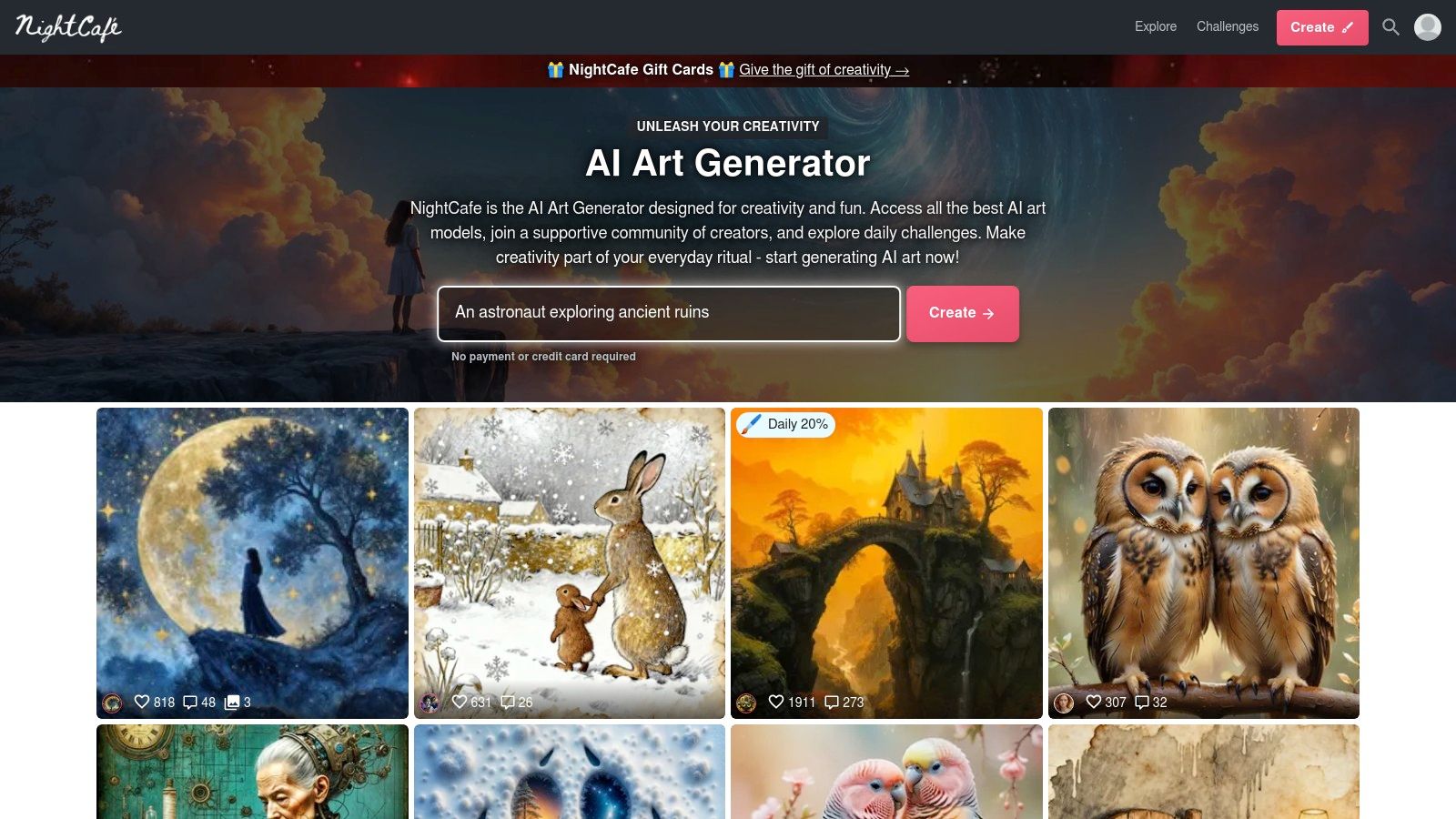
NightCafe Studio is a long-running community platform for AI art that blends multiple generation models with an active social hub. Users start with daily free credits and can purchase packs or subscribe for more. Casual creators and prompt learners benefit from contests, challenges and discovery feeds to refine skills and share results.
Key Features
- Multiple Generation Engines: SDXL, Stable Diffusion variants, Flux models
- Credit System: Earn daily free credits, buy packs or subscribe monthly
- Upscalers & Animation: High-res upscaling plus short animated clips on paid tiers
- Community Challenges: Daily prompts, themed contests and peer voting
Pricing & Plans
| Plan | Monthly Credits | Cost (CAD) | Commercial Licence |
|---|---|---|---|
| Free | ~150* | 0.00 | Yes |
| Starter | 200 | 9.99 | Yes |
| Creator | 1,000 | 24.99 | Yes |
| Pro | 5,000 | 59.99 | Yes |
*Approximate total from 5 free daily credits. Access requires a free account; paid tiers lift rate limits and unlock animation.
Best-Fit Use Cases
- Social media marketers needing fresh daily visuals
- Hobbyist illustrators learning prompt engineering
- Small teams prototyping mood boards and concept art
Pros & Cons
Pros
- Friendly learning curve with active peer support
- Flexible earn-or-buy credit model for casual users
- Wide model selection plus upscaling and animation
Cons
- Credit accounting can feel complex over time
- Top-tier features require paid credits or subscription
- Model options may overwhelm new users
Tip: Join daily challenges to earn bonus credits and refine prompt styles before committing to paid packs.
Link: https://nightcafe.studio
11. Playground (Playground v3 / GPT-4o image)
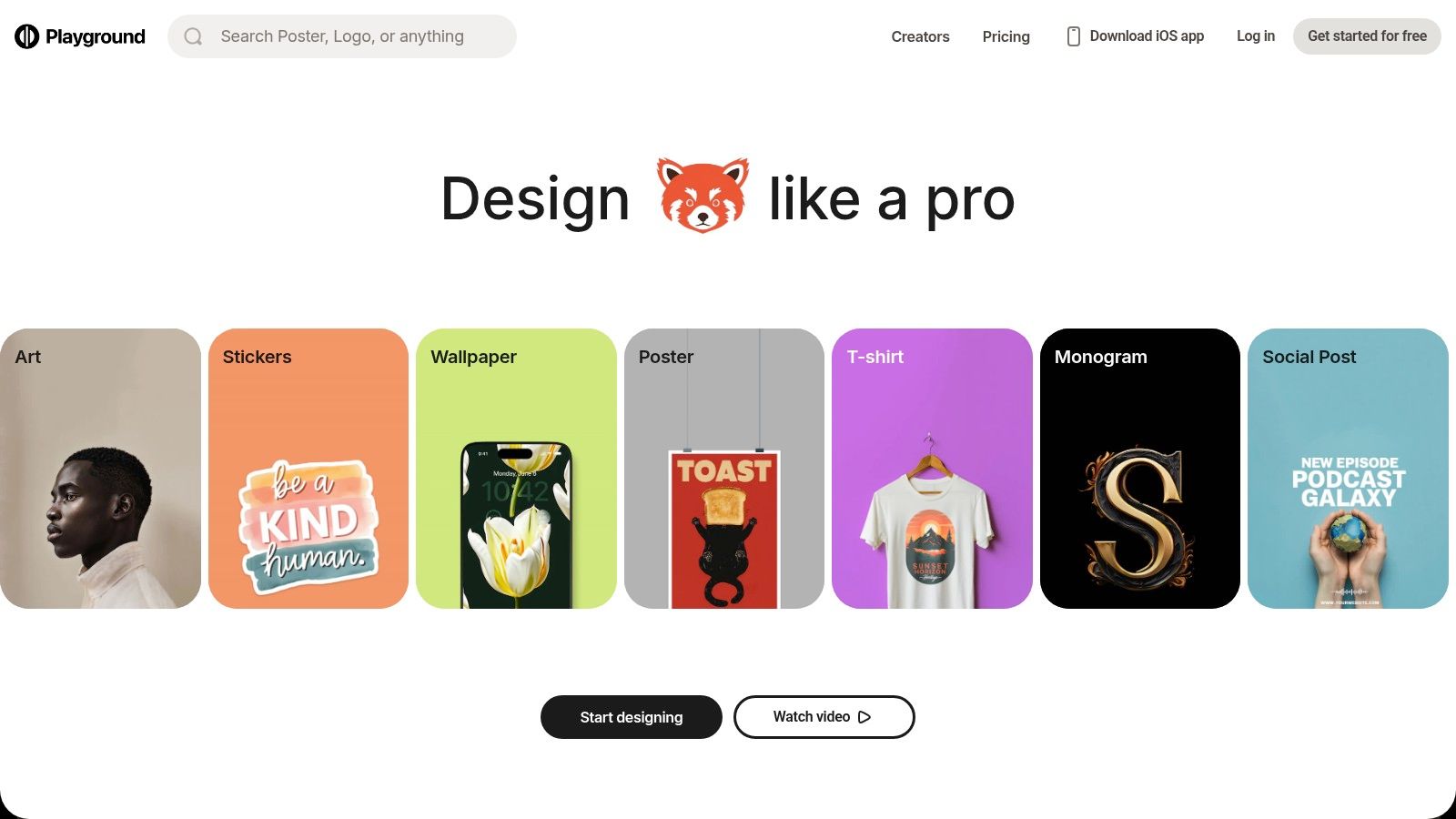
Playground is a browser-based image generator and editor combining its own models (Playground v3) with OpenAI’s GPT-4o image capabilities. Designers and marketers can spin up photorealistic headshots, product imagery or lifestyle scenes from prompts, then refine details or create variations on the fly. Its web-friendly UI and clear usage counters make fast iteration and budget management seamless.
Key Features
- Model Picker & Counters: Switch between native and OpenAI models, track per-model limits
- Flexible Access: Day passes, monthly or annual subscriptions plus credit top-ups
- Image Editing Tools: Crop, mask and regenerate sections without leaving the UI
- Fast Iteration Workflow: Generate variations and batch headshots in seconds
Pricing & Plans
| Plan | Monthly Credits | Cost (CAD) | Commercial Licence |
|---|---|---|---|
| Day Pass | 200 | 9.99 | Yes |
| Monthly | 1000 | 49.99 | Yes |
| Annual | 12000 | 499.99 | Yes |
| Credit Top-Up | 500 | 29.99 | Yes |
Access requires a Playground account with optional SSO. Credits expire after 12 months.
Best-Fit Use Cases
- LinkedIn Headshots: Rapidly generate consistent corporate portraits
- E-commerce Imaging: On-model and product shots at flexible volumes
- Social Content: Daily UGC-style posts and influencer visuals
Pros & Cons
Pros
- Transparent usage tracking per model
- Flexible short-term and long-term access options
- Built-in editing for fast tweaks
Cons
- Monthly caps on OpenAI model usage
- High-volume teams must monitor credit balance
Tip: Use day passes for one-off campaigns and bulk top-ups for ongoing creative sprints. Playground stands out for balancing powerful AI models with clear cost control.
Link: https://playground.com
12. Picsart – AI Image Generator
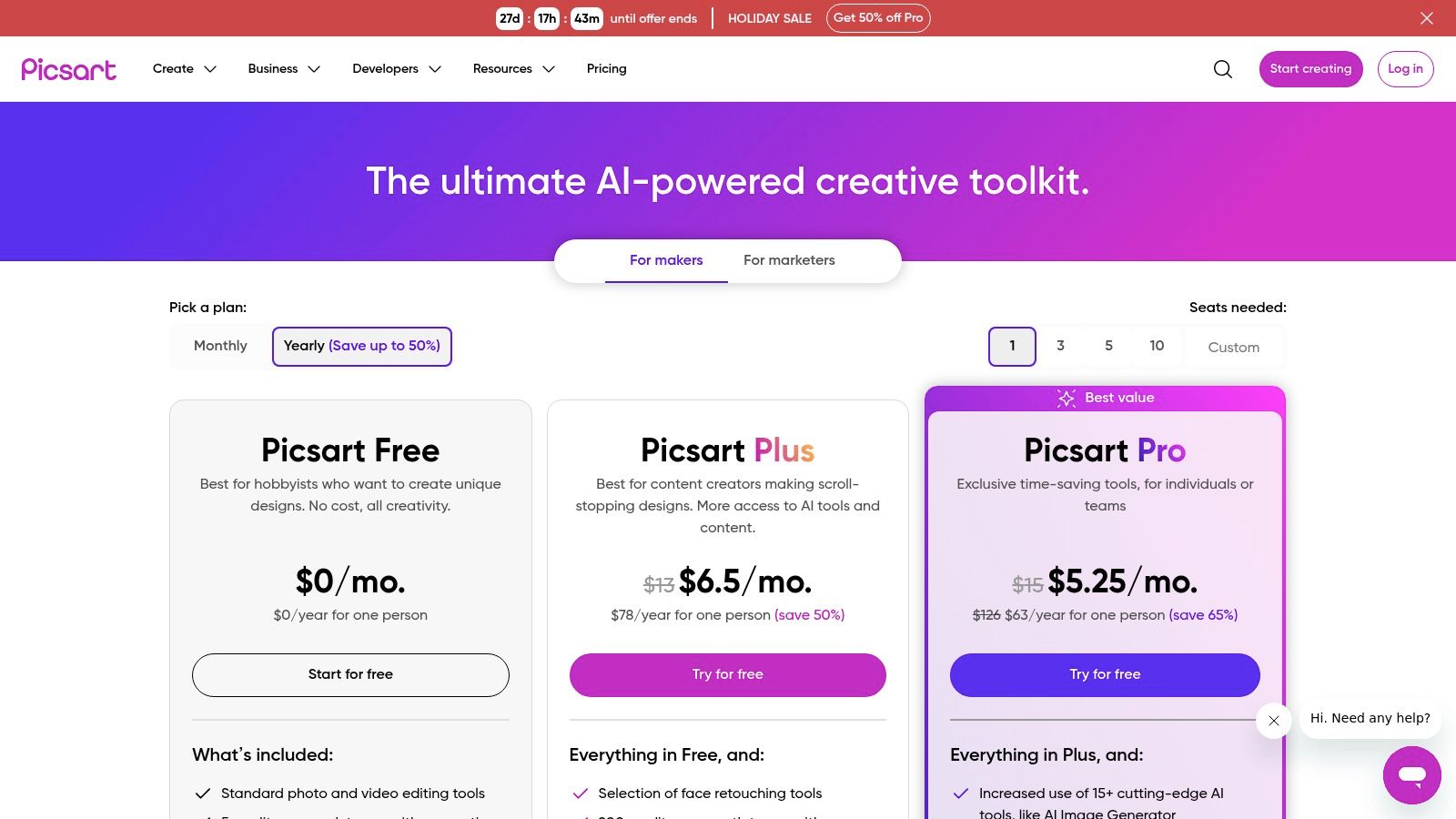
Picsart brings a consumer-friendly photo editor together with an integrated AI image generator, background and object removal, enhancers and a brand kit across web and mobile. Social content creators can access text-to-image prompts inside the editor, apply Magic Effects, tweak colour grading and publish directly to Instagram or TikTok without leaving the app. This all-in-one workflow makes it easy to produce polished LinkedIn headshots, e-commerce product photos or on-model shots at scale.
Key Features
- In-Editor Text-to-Image: Generate visuals directly in the Picsart canvas
- Background/Object Removal: One-click masking and cutouts for fast composites
- Enhancers & Magic Effects: AI-powered filters to refine lighting and colour
- Brand Kit & Templates: Save logos, fonts and preset layouts for consistency
- Credit System: AI tools unlocked via tiered credits across Free, Plus and Pro
- Stock Assets Library: Access millions of photos, stickers and fonts
Pricing & Plans
| Plan | Monthly Credits | Cost (CAD) | Commercial Licence |
|---|---|---|---|
| Free | 20 | 0 | No |
| Plus | 100 | 7.99 | Yes |
| Pro | 500 | 11.99 | Yes |
Best-Fit Use Cases
- LinkedIn Profile Photos: Fast, consistent headshots with built-in retouching
- E-commerce Catalogues: On-model and product imagery at adjustable scales
- Social Media Campaigns: Daily posts and ad creatives using templates
Pros & Cons
Pros
- Unified editor plus AI generation
- Affordable paid tiers with commercial rights
- Mobile publishing and scheduling
Cons
- Free plan credits are very limited
- Advanced AI features require Pro subscription
Tip: Preload your brand assets in the Brand Kit to speed up workflow and keep visuals on brand.
Link: https://picsart.com/pricing/
Top 12 AI Photo Generators — Feature Comparison
| Product | Key features | Quality & speed | Price & value | Best for | Unique / Standout |
|---|---|---|---|---|---|
| Photo AI Studio 🏆 | Single-selfie AI model, headshots, product & UGC video, virtual try-on ✨ | High realism ★★★★☆ — most assets ~15s | 💰 Plans from $9/mo; commercial license | 👥 Creators, merchants, agencies, startups | ✨ Fast studio-quality from one selfie; private storage & delete data |
| Adobe Firefly | Text-to-image, Generative Fill/Expand, Photoshop/Express integration | Photoreal edits ★★★★★; pro workflow | 💰 Credits / Creative Cloud tiers (Pro higher) | 👥 Agencies, production teams, designers | ✨ Deep Photoshop/CC integration |
| Midjourney | Discord/web access, stylized & photoreal outputs, frequent model updates | Trend-leading visuals ★★★★★; Fast/Relaxed modes | 💰 Subscription tiers; no ongoing free plan | 👥 Artists, stylists, creative communities | ✨ Distinctive, trend-driven styles & prompt remixing |
| ChatGPT (GPT-image) | Text-to-image + in-chat editing; Image Gen API | Fast iteration ★★★★☆; great for concepting | 💰 Free limits; Plus/Pro for more speed/quotas | 👥 Rapid prototypers, developers, content teams | ✨ Chat-based iterate loop + C2PA metadata |
| DreamStudio (Stable Diffusion) | Stable Diffusion family, adjustable settings, upscaling | Variable; quality depends on settings ★★★★ | 💰 Pay-as-you-go credits; flexible bundles | 👥 SD users who prefer hosted models | ✨ Full SD control without local setup |
| Canva — Magic Media | Text-to-image inside editor, templates, brand kits | Easy & fast ★★★★ | 💰 Pro/Business with AI credit allocations | 👥 Small businesses, social marketers | ✨ End-to-end design + AI in one tool |
| Microsoft Designer | Text-to-image + in-app edits; Office integration | Quick marketing assets ★★★ | 💰 Free tier + extra via M365 / Copilot Pro | 👥 Office users, presenters, marketers | ✨ Native Word/PowerPoint workflow integration |
| Leonardo.Ai | Token-based fast gens, model training, relaxed unlimited mode | Strong controls ★★★★ | 💰 Token/tiers; relaxed unlimited on higher plans | 👥 Indie creators, small teams | ✨ Model training + relaxed hosted generation |
| Shutterstock — AI | AI generations with Standard License; stock-style downloads | Commercial-grade ★★★★ | 💰 Subscription or credit add-ons; clear licensing | 👥 Businesses needing stock-safe assets | ✨ Built-in commercial licensing & stock terms |
| NightCafe Studio | Multiple models, daily free credits, community challenges | Good for learning ★★★ | 💰 Free daily credits + paid packs/subs | 👥 Hobbyists, learners, casual creators | ✨ Community contests & social discovery |
| Playground (v3 / GPT‑4o image) | Model picker, day passes, image editing & limits | Fast iteration ★★★★ | 💰 Day passes, monthly/annual or credit top-ups | 👥 Designers, devs, short-term users | ✨ Flexible access (day pass) & clear counters |
| Picsart — AI | Photo editor + text-to-image, bg/object removal, templates | Social-ready & quick ★★★ | 💰 Free/Plus/Pro with AI credit caps | 👥 Social creators, influencers | ✨ All-in-one editor + stock & templates |
Picking the Perfect AI Photo Generator for Your Needs
Key Insights at a Glance
- You have twelve top contenders, each excelling in different areas: from hyper-realistic headshots in Photo AI Studio to the creative flair of Midjourney.
- Pricing models vary: subscription, credits-based or free tiers with watermarks. Assess total cost for ongoing content needs.
- Output types span corporate headshots, lifestyle scenes, product shots and even UGC video snippets. Pinpoint your primary use case.
- Speed versus quality trade-off is real. Faster render times often mean less fine detail. Balance throughput with output fidelity.
- Privacy and data policy differences can affect usage in regulated industries. Confirm commercial licensing and data retention terms.
Choosing Based on Your Priorities
Think through what matters most to your project and workflow:
- Speed and Throughput
- High-volume e-commerce image generation: look at DreamStudio or Shutterstock AI for batch processing.
- Instant social media posts: Canva Magic Media or Microsoft Designer shine.
- Privacy and Data Control
- Sensitive corporate headshots: Photo AI Studio and Adobe Firefly emphasise on-prem or enterprise data safeguards.
- Licensing Clarity
- Full commercial rights without attribution: Leonardo.Ai and Shutterstock AI maintain clear royalty-free licences.
- Creative Flexibility
- Unique style or fantasy art: Midjourney and Stable Diffusion (DreamStudio) offer advanced prompt sculpting.
- Integration and Collaboration
- Seamless team workflows: Canva, Adobe Firefly or ChatGPT Image integrations provide shared asset libraries.
Actionable Next Steps
- Define Your Core Use Case
- Are you a startup needing scalable product shots or a recruiter seeking modern LinkedIn headshots? Clarify upfront.
- Leverage Free Trials
- Most platforms offer trial credits. Test headshots, lifestyle scenes and product renders to compare quality.
- Compare Real-World Outputs
- Generate a small batch of images across 2–3 tools. Note consistency, detail levels and post-processing needs.
- Read the Fine Print
- Verify data deletion policies, ownership rights and redistribution rules before committing.
- Plan for Workflow Integration
- Map how AI-generated images feed into your CMS, social scheduler or ad platform. Ensure API or plugin compatibility.
Implementation Considerations
- API Versus GUI Access
Decide if you need a drag-and-drop interface or developer-friendly API endpoints for automated pipelines. - Team Permissions and Roles
Look for admin dashboards, usage quotas and billing controls if multiple team members share the account. - Storage and Asset Management
Check if images are stored indefinitely, and whether you can export in bulk or archive older assets. - Post-Processing Needs
Assess colour grading, background removal or batch resizing tools to complement your AI outputs.
Choosing the best ai photo generator is about aligning features, cost and legal clarity with your unique demands. By assessing speed, privacy, licence terms, creative control and integration pathways, you’ll select a tool that scales with your ambitions.
Keep experimenting, refine your prompts and build a library of presets that match your brand style. The right AI photo generator will empower you to create professional-quality visuals faster than traditional photoshoots. You can also check out our AI dating profile photos.
End on a high note—your next standout image is just a prompt away.
Ready to streamline your headshots and product imagery in one powerful platform? Try Photo AI Studio for unmatched realism, robust privacy safeguards and commercial licensing clarity. Experience why it ranks among the best ai photo generator tools today at Photo AI Studio.
Article created using Outrank


