
Best AI Avatar Generators in 2026 — Create Realistic AI Avatars Free
Compare the best AI avatar generators for creating realistic profile pictures, cartoon avatars, and professional headshots. Free and paid options tested and ranked.
Gone are the days of generic profile pictures and expensive photoshoots. Today, AI avatar generators can transform your simple selfies into stunning, professional-grade headshots, stylized social media icons, or even characters for your gaming persona. Whether you're a professional looking to upgrade your LinkedIn profile, a content creator needing fresh visuals, or just someone curious about the power of generative AI, finding the right tool can be overwhelming.
This guide cuts through the noise. We've tested and analyzed the top platforms to bring you a definitive list of the best AI avatar generator tools available today. We'll dive deep into their unique features, real-world performance, pricing models, and ideal use cases, giving you the practical insights needed to choose the perfect generator for your project.
Each review includes:
- A concise breakdown of key features and customization options.
- Honest pros and cons based on hands-on testing.
- Clear pricing details so you know what to expect.
- Specific "best for" scenarios, from corporate headshots to creative social media content.
As AI technology continues to rapidly evolve, understanding the broader landscape is crucial for content creators. You can explore how AI, VR, and other innovations are shaping the future of AI in influencer marketing to see where this technology is headed. Our goal is to provide a comprehensive resource that helps you move from consideration to creation quickly. Let's find the right AI tool to generate your perfect digital identity.
1. Photo AI Studio
Photo AI Studio solidifies its position as a top-tier choice by offering an exceptionally versatile and production-ready toolkit, positioning itself as more than just an avatar generator. It’s a comprehensive AI visual studio designed for speed, consistency, and commercial use. Its standout capability is the creation of a custom AI model from a single selfie, bypassing the lengthy training processes required by many competitors. This feature is a game-changer for users needing consistent, high-quality visuals of the same persona across various styles and scenarios, from professional headshots to creative character portraits.
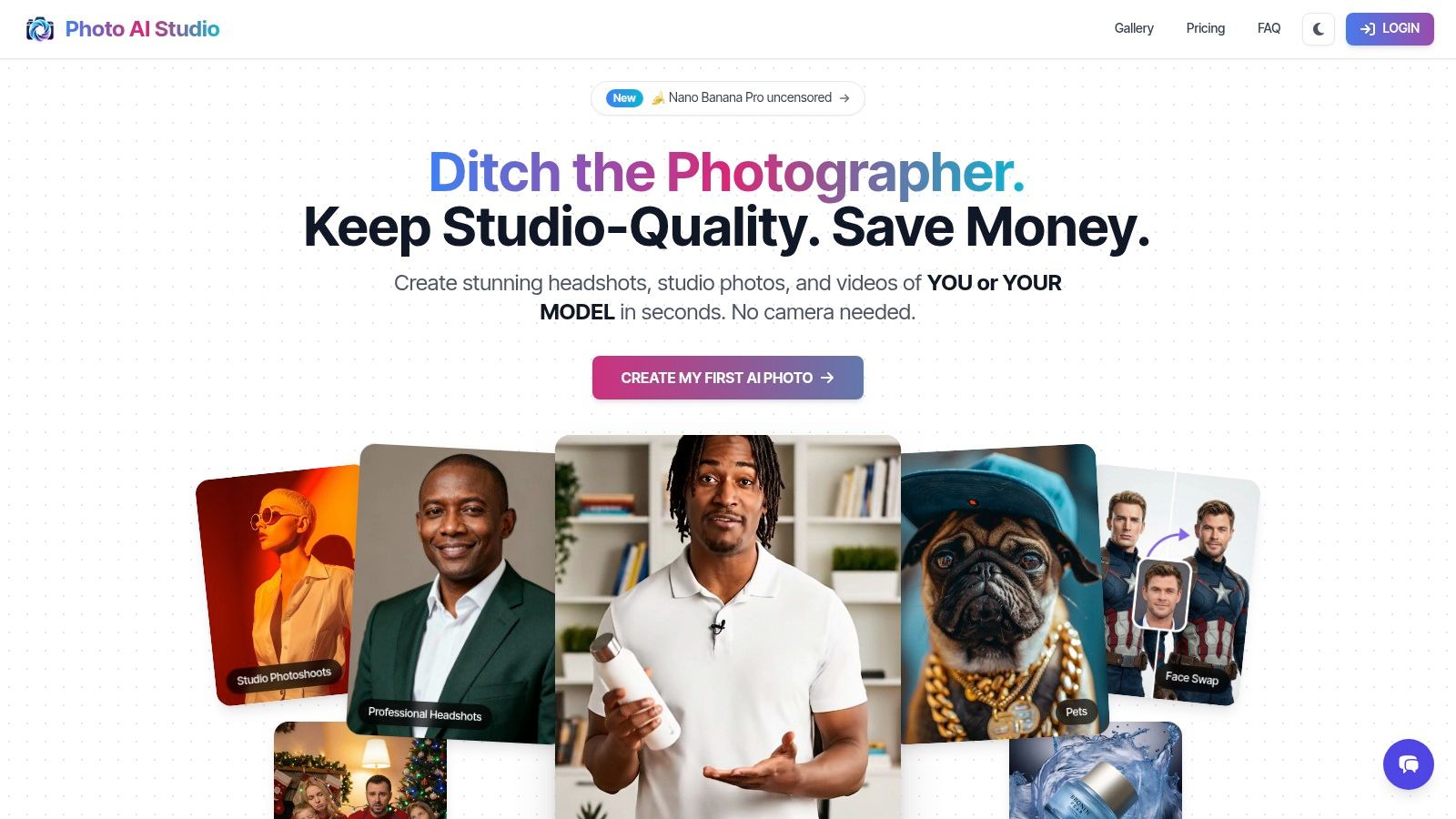
The platform is engineered for professionals, including creators, marketers, and e-commerce merchants. With a robust library of over 150 styles, it supports a wide range of applications, from polished LinkedIn profile pictures to imaginative fantasy art. For optimal results, start with a clear, well-lit source image. To refine your inputs before generation, specialized AI photo editing tools like PhotoRoom can be useful for tasks like isolating a subject or cleaning up a background, ensuring the AI has the best possible data to work with.
Key Features and Use Cases
- One-Click AI Model Creation: Unlike services that require 10-20 photos and extensive training time, Photo AI Studio can build a reusable digital model of a person from just one image. This allows for rapid generation of consistent avatars, headshots, or character depictions.
- Comprehensive Tool Suite: The platform goes far beyond basic avatars. It includes a realistic clothes try-on feature that accurately renders patterns, an AI influencer builder, face swapping, image-to-video conversion, and tools for creating UGC-style marketing videos.
- Commercial-Ready Output: All generated assets come with a commercial license, and you retain full ownership. Combined with its rapid processing (often under a minute), it’s an ideal solution for businesses needing to replace expensive studio photoshoots for product mockups or marketing campaigns.
- Flexible and Accessible: Photo AI Studio uses a credit-based pricing model with free starter credits, allowing users to test the platform before committing. It supports over 12 languages and provides API access for developers seeking to integrate its capabilities.
Why It Stands Out: Photo AI Studio is the best AI avatar generator for users who need more than just a one-off image. Its ability to create a consistent AI model from a single photo, paired with a vast suite of commercial-grade tools, makes it an indispensable asset for professionals and creators focused on scalability and brand consistency. For more guidance on optimizing your outputs, explore their detailed guide on creating the perfect AI profile picture.
Best For: Professionals, marketers, and e-commerce brands needing a scalable, all-in-one solution for creating consistent, commercial-ready photos and videos.
2. Picsart
Picsart is a household name in mobile photo editing, and it leverages its massive user base by integrating a straightforward AI avatar generator directly into its popular app. It stands out by combining one-time avatar pack purchases with a broader suite of credit-based generative AI tools, all within a familiar, user-friendly interface. This makes it an excellent choice for casual users who want to experiment with AI avatars without committing to a dedicated, specialized platform.
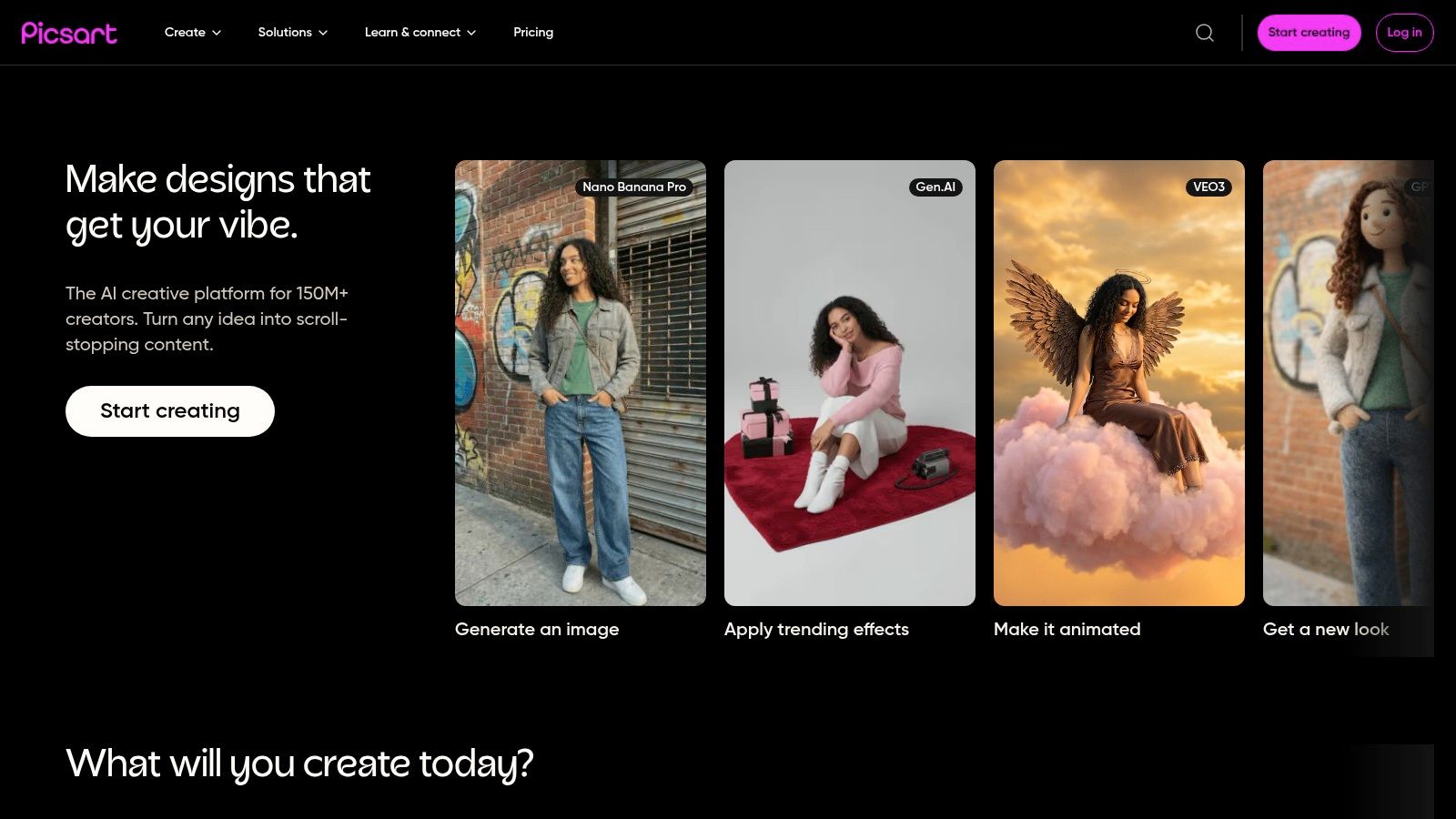
Unlike standalone avatar services, Picsart positions its generator as part of a larger creative ecosystem. Users can generate their avatar pack and immediately use the images in thousands of community templates, apply filters, or use other AI tools like background and object removers. This integrated workflow is a significant advantage for social media creators who need to produce varied content quickly.
Key Features and Pricing
The platform's approach separates avatar generation from its other AI features. Avatar packs are a one-time purchase made primarily through the mobile app, with prices that can vary by operating system (iOS vs. Android) and pack size (typically 50, 100, or 200 avatars). Other AI tools, such as the text-to-image generator, operate on a credits system included in their subscription plans.
| Feature | Details | Availability |
|---|---|---|
| AI Avatar Packs | Generates 50-200 avatars from your photos in various styles. | One-time purchase, mainly via iOS & Android apps. |
| AI Editing Tools | Text-to-image, background/object remover, AI replace. | Included in subscription plans with a credits system. |
| Template Library | Huge collection of user-generated templates. | Free & Premium |
| API/SDK Access | Allows developers to integrate Picsart's AI tools. | Business/Enterprise Plans |
Best For: Social media creators and casual users who want a simple, all-in-one editor for generating avatar packs and then immediately using them in creative projects on their mobile devices.
- Pros:
- Integrated into a full-featured photo and video editor.
- Massive community and extensive template library for easy content creation.
- Accessible on mobile and web, with a user-friendly interface.
- Offers developer APIs for business integrations.
- Cons:
- Avatar quality can be inconsistent depending on input photos and chosen styles.
- The purchasing process is heavily focused on the mobile app, which can be confusing.
- Avatar pack prices can differ between platforms.
Website: https://picsart.com
3. Fotor
Fotor is a well-established online photo editor that has successfully integrated a powerful AI avatar generator into its suite of tools. It carves out a niche by offering one-time purchase packages for avatar and professional headshot generation, appealing to users who need high-quality images without committing to a recurring subscription. This makes it a strong contender for professionals and casual users seeking a straightforward, pay-per-pack service.
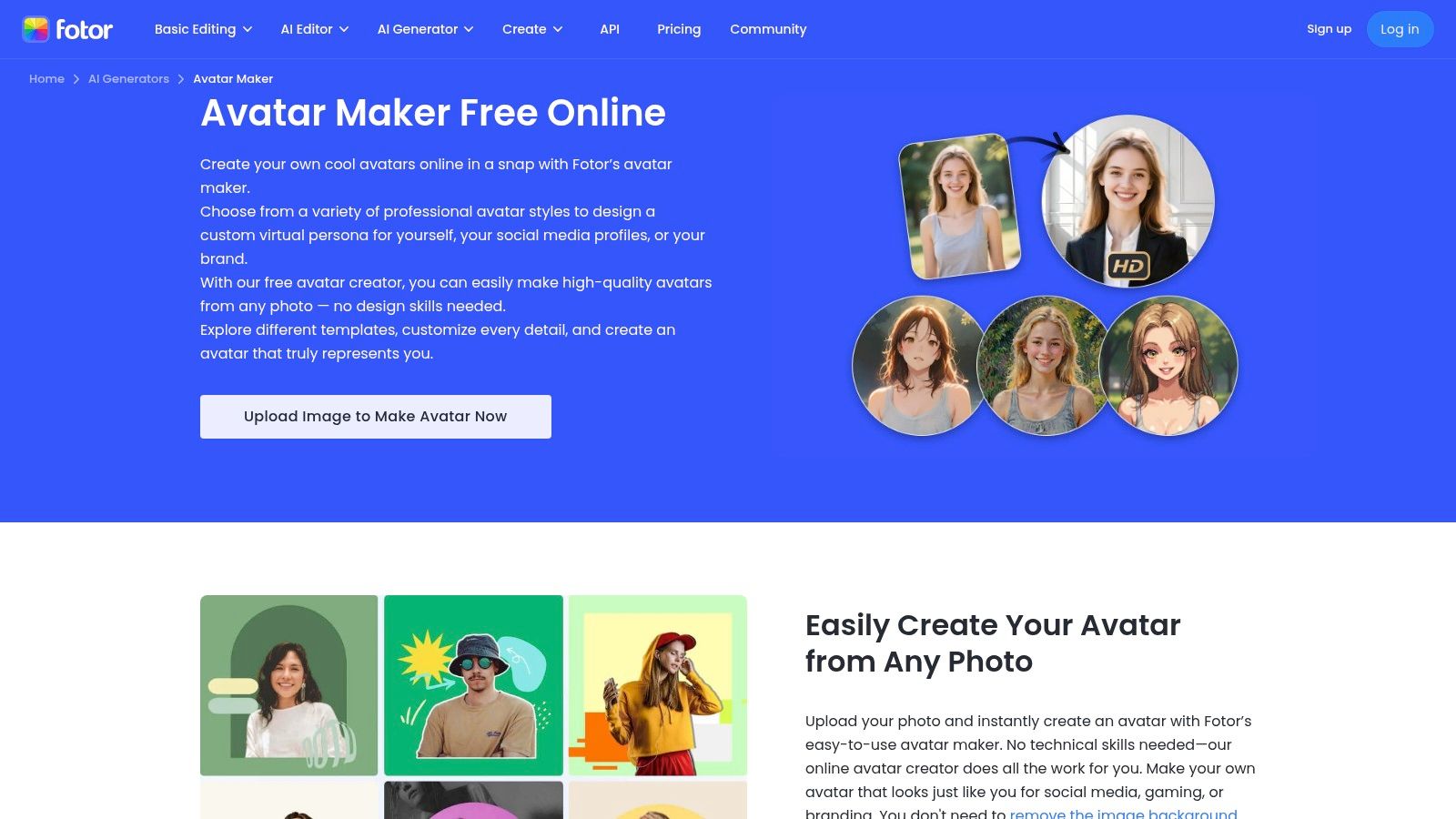
Unlike apps that bury their avatar tool within complex interfaces, Fotor provides a dedicated and easy-to-navigate portal for this feature. Users can select from clearly defined style categories, such as "Professional," "Creative," or "Casual," and generate a set of images with a quick turnaround. The generated avatars can then be seamlessly brought into Fotor's main editor for further retouching or inclusion in design templates for social media posts, resumes, or business cards.
Key Features and Pricing
Fotor's model is particularly flexible, allowing users to purchase avatar packs independently from its main Pro and Pro+ subscriptions, which unlock the platform's full editing capabilities. This separation is ideal for users who primarily want to use the best AI avatar generator function without needing advanced design tools. Avatar packages are offered in different sizes, providing a set number of images for a single payment.
| Feature | Details | Availability |
|---|---|---|
| AI Avatar Generator | Creates AI avatars and headshots from your photos. | One-time purchase packs (e.g., 40, 100, 200 images). |
| Professional Styles | Dedicated styles for corporate headshots and professional profiles. | Included in avatar packs. |
| Creative Styles | Artistic and imaginative avatar styles for social media. | Included in avatar packs. |
| Full Photo Editor | Access to retouching, templates, and background removal tools. | Free (limited) & Subscription Plans |
Best For: Professionals needing polished headshots for LinkedIn or corporate profiles and users who prefer a one-time purchase model over a monthly subscription for creating high-quality avatars.
- Pros:
- Offers one-time avatar packages, no subscription required for this feature.
- Clear and distinct style categories make it easy to get desired results.
- Accessible on both web and mobile platforms.
- Fast processing and image generation times.
- Cons:
- Many of the more advanced editing features are locked behind a subscription.
- Some users have reported frequent upsell prompts within the interface.
Website: https://www.fotor.com/avatar-maker/
4. Lensa (Prisma Labs) – Magic Avatars
Lensa is the mobile-first application that arguably brought AI avatars into the mainstream with its viral "Magic Avatars" feature. Developed by Prisma Labs, Lensa excels at transforming a handful of user selfies into a wide array of highly stylized and artistic portraits. Its core strength lies in its simplicity and accessibility, making it the go-to choice for users who want a quick, fun, and impressive set of social media-ready images directly from their smartphone.
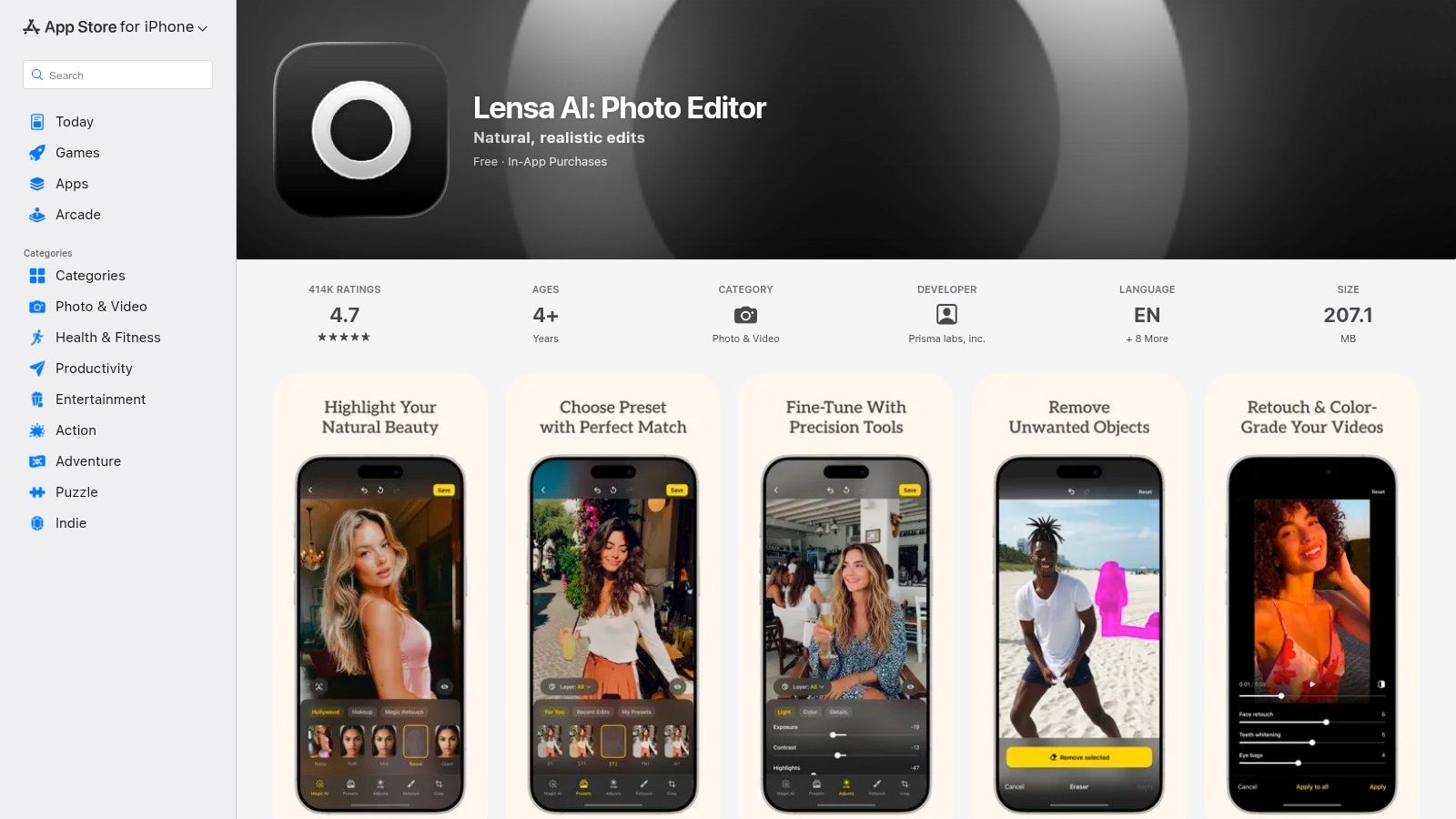
The entire process is contained within the app's clean interface. Users upload 10-20 photos, select their gender, and purchase a pack of avatars. Lensa then generates images across multiple themes, from cosmic and fantasy to anime and pop art. This straightforward, fire-and-forget workflow is perfect for creating eye-catching profile pictures or even unique images for a dating profile that stands out.
Key Features and Pricing
Lensa's model is based on one-time, in-app purchases for avatar packs, although it also offers a subscription for its broader photo editing tools. The pricing for Magic Avatars can vary significantly depending on the user's operating system, region, and any ongoing promotions shown within the app at the time of purchase.
| Feature | Details | Availability |
|---|---|---|
| Magic Avatars | Generates 50-200 stylized avatars from 10-20 selfies. | One-time purchase within the iOS & Android app. |
| Multiple Styles | Wide range of artistic and aesthetic themes. | Included with pack purchase. |
| Mobile Workflow | Entire process managed within the Lensa app. | iOS & Android |
| Photo Editor | Suite of standard and AI-powered photo editing tools. | Subscription-based |
Best For: Social media users and content creators who prioritize a fast, simple, and mobile-native experience for generating artistic and visually striking avatars.
- Pros:
- Extremely fast, beginner-friendly, and easy to use.
- Produces a diverse range of aesthetic and artistic styles.
- Convenient in-app purchase flow directly on your phone.
- Cons:
- Pricing for packs is dynamic and can vary by platform and region.
- Has faced media scrutiny over data privacy and the ethics of its art style training.
- Offers less control over specific outputs compared to more advanced tools.
Website: https://apps.apple.com/app/id1436732536
5. Remini
Remini carved out its niche as a mobile-first powerhouse for photo enhancement before expanding into a highly popular AI avatar generator. It excels at producing professional-quality AI headshots from just a handful of user-uploaded selfies. This streamlined process makes it incredibly appealing to users needing LinkedIn-ready images or polished social media profile pictures without the complexity of traditional photoshoots or advanced software.
The platform's core strength is its simplicity. The entire workflow, from uploading 8-12 images to selecting a model image and receiving the final results, is designed for speed and convenience. Beyond avatars, Remini retains its powerful photo enhancement tools, allowing users to unblur, restore, and retouch old or low-quality photos. This dual functionality provides significant value within a single app.
Key Features and Pricing
Remini’s pricing model is primarily subscription-based, with weekly, monthly, and yearly options offered directly through its mobile apps. The cost can vary based on dynamic in-app offers and promotions. Its primary features are centered around ease of use for creating headshots and improving existing photos, all managed through a straightforward interface.
| Feature | Details | Availability |
|---|---|---|
| AI Headshots | Generates professional photos from 8-12 user selfies. | Subscription-based (Mobile & Web) |
| Photo Enhancement | Tools to unblur, restore, and improve photo quality. | Subscription-based |
| Mobile & Web Access | Core features are accessible on iOS, Android, and web. | All Plans |
| Style Selection | Choose from various professional and creative styles. | Subscription-based |
Best For: Professionals seeking quick, high-quality headshots for LinkedIn, resumes, or corporate profiles, and social media users who want a simple mobile tool for generating polished avatars.
- Pros:
- Extremely fast and convenient workflow for non-technical users.
- High-quality output, especially for professional headshot styles.
- Widely available on both web and mobile platforms.
- Includes powerful photo enhancement and restoration tools.
- Cons:
- Pricing varies and is often presented through dynamic in-app offers.
- Users report aggressive upselling and potentially confusing paywalls.
- Less creative control compared to more advanced generators.
Website: https://remini.zendesk.com
6. ProfilePicture.AI
ProfilePicture.AI is a dedicated AI avatar generator that specializes in producing large batches of high-quality profile pictures from a single set of user photos. Its straightforward, one-time purchase model appeals to users who want a vast selection of styles without subscribing to a broader platform. The service trains a unique AI model on your images, ensuring personalized and varied results ready for any social media or professional profile.
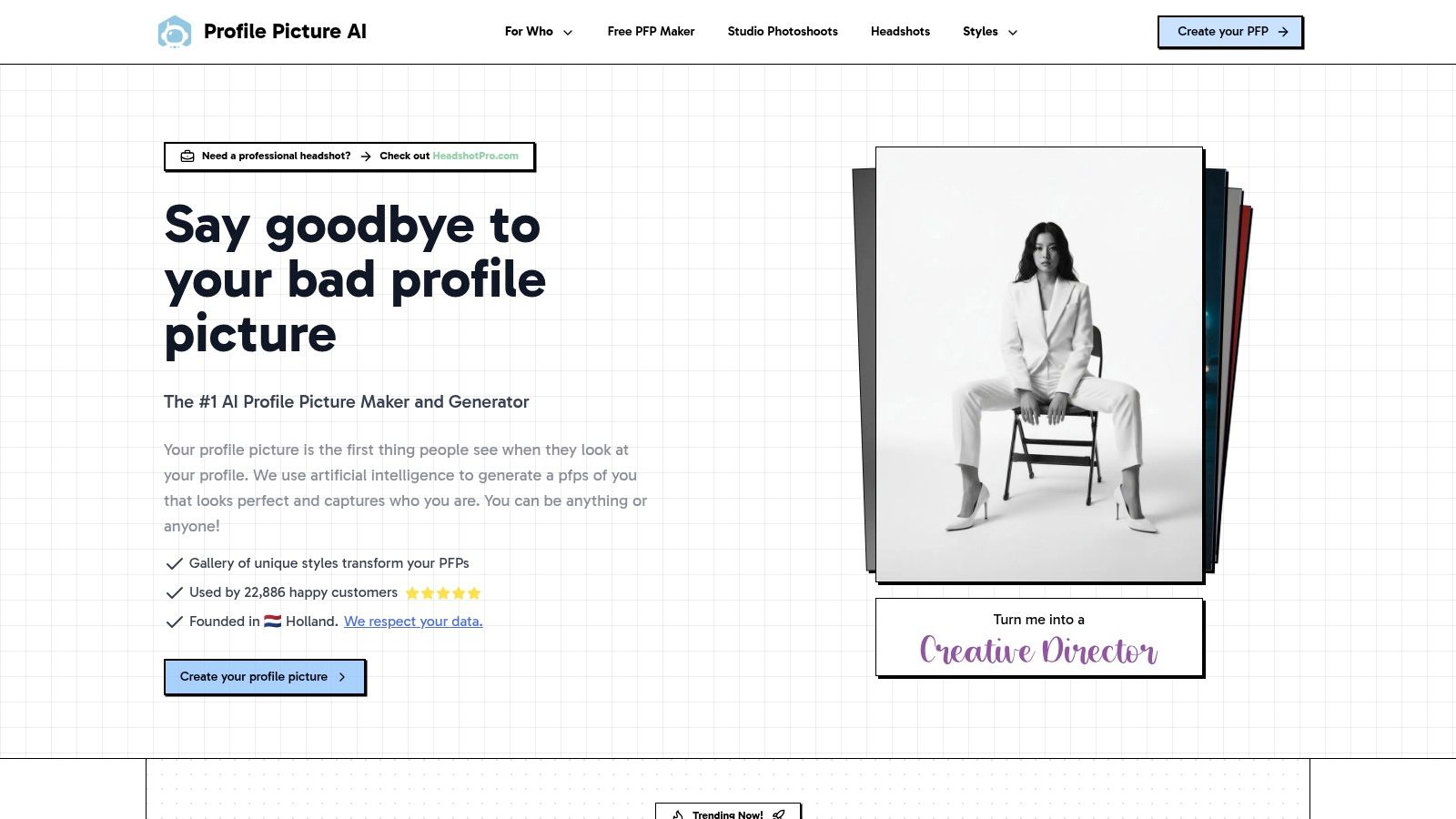
The platform stands out by offering clear, style-based packages and optional 4K resolution outputs, a feature many competitors lack. By including commercial rights with every purchase, it caters to professionals, influencers, and brands who need unique, high-quality images for marketing or branding. Its commitment to user privacy, with a clear data deletion policy, adds a layer of trust for users concerned about how their photos are handled.
Key Features and Pricing
ProfilePicture.AI's pricing is transparent and based on the number of styles and output resolution you choose. Users pay a one-time fee to generate a large pack of avatars, with no hidden costs or recurring subscriptions. This makes it one of the more predictable options available.
| Feature | Details | Availability |
|---|---|---|
| Style-Based Packs | Generates hundreds of avatars across specific style categories. | One-time purchase |
| 4K Resolution | Option to receive select avatars in ultra-high resolution (4096x4096). | Available on higher-tier packs |
| Commercial Rights | Full rights to use the generated avatars for commercial purposes. | Included with all packs |
| Data Deletion | Photos and trained models are deleted automatically within 7 days. | Standard; manual deletion is also available. |
Best For: Users and professionals who need a large, diverse batch of high-resolution avatars for social media, branding, or professional profiles and prefer a simple, one-time payment structure.
- Pros:
- Simple, transparent pricing with one-time payments.
- High-resolution 4K outputs are available for top-tier quality.
- Commercial usage rights are included with all packages.
- Clear data privacy and deletion policy.
- Cons:
- No free trial; you must purchase a pack to see any results.
- Output quality is highly dependent on providing a good variety of input photos.
- The focus is solely on static avatars, with no additional editing tools.
Website: https://www.profilepicture.ai
7. Aragon
Aragon positions itself as a premium AI headshot generator, targeting professionals, job seekers, and corporate teams who need high-quality, polished profile pictures quickly. Its entire workflow is optimized for producing realistic headshots suitable for LinkedIn profiles, resumes, and company directories. The platform emphasizes speed and enterprise-grade security, making it a reliable choice for business applications.
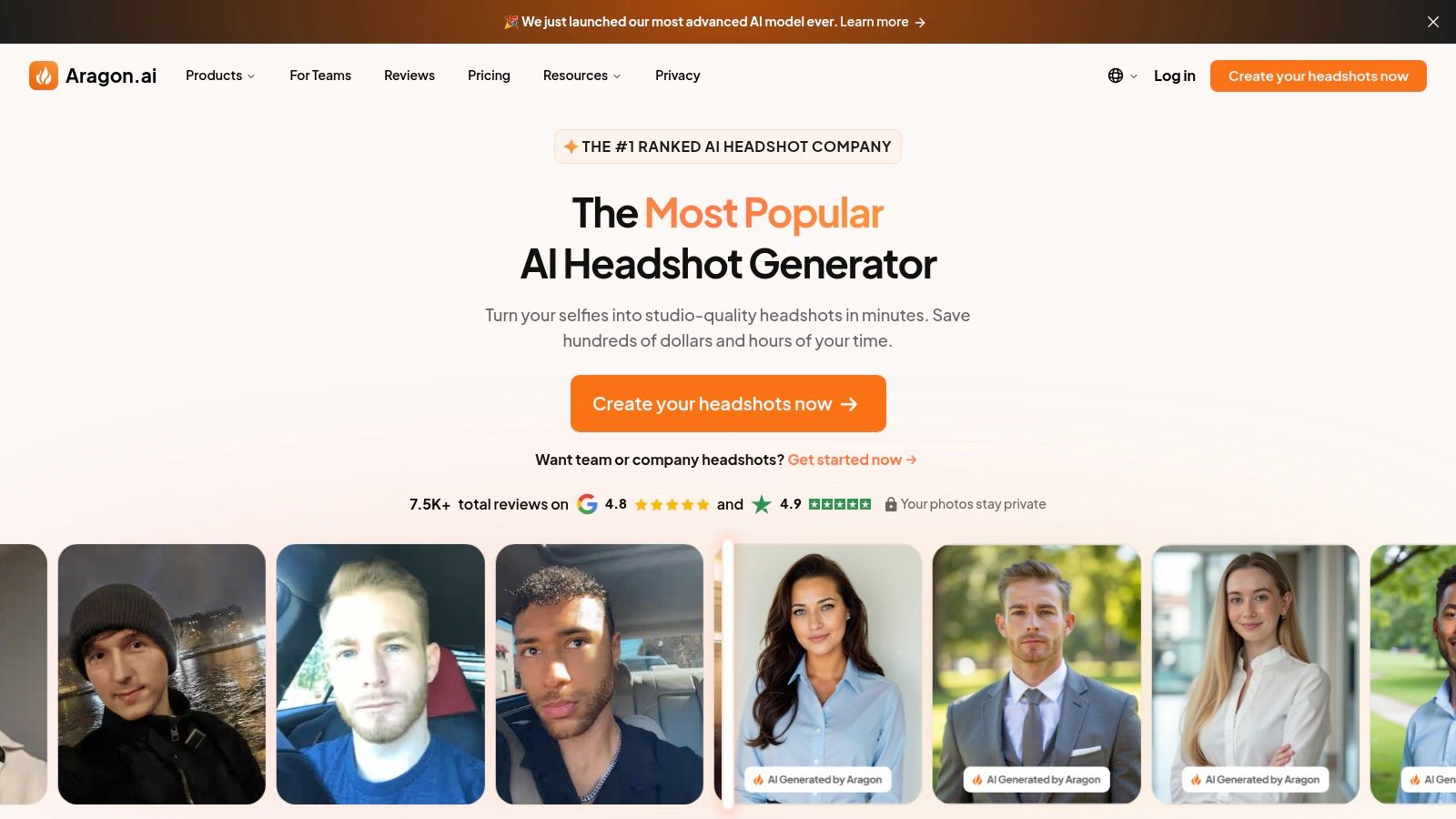
Unlike more creatively focused generators, Aragon provides users with practical customization options, such as selecting different professional attire and backgrounds. Its commitment to enterprise needs is evident through its SOC 2 Type II compliance and GDPR considerations, offering a level of trust that is crucial for corporate clients. This focus on security and professional output makes it a standout option in the best AI avatar generator market for business use cases.
Key Features and Pricing
Aragon operates on a one-time purchase model, offering tiered packages that provide a set number of headshots. Each tier includes a variety of styles, backgrounds, and clothing options, with a very fast processing time promised for each batch.
| Feature | Details | Availability |
|---|---|---|
| Professional Headshot Packs | Generates 40, 60, or 100+ headshots in various styles. | One-time purchase packages. |
| Customization Options | Selectable outfits and backgrounds for a professional look. | Included in all packages. |
| Team Workflows | Tools for managing headshot generation for entire teams. | Enterprise/Team Plans |
| Enterprise Security | SOC 2 Type II and GDPR considerations for data privacy. | All Tiers |
Best For: Professionals, executives, and corporate teams needing high-quality, secure AI headshots for LinkedIn, company websites, and professional branding with a fast turnaround.
- Pros:
- Extremely fast processing times, typically under 45 minutes.
- High-quality, realistic outputs suitable for professional use.
- Strong focus on enterprise security and data privacy.
- Simple, one-time pricing for individuals and teams.
- Cons:
- No free trial or perpetual free tier is available.
- Editing and retouching options are limited to the platform's initial output.
- Enterprise features may require contacting sales for custom pricing.
Website: https://www.aragon.ai
8. HeadshotPro
HeadshotPro is a dedicated AI headshot service designed specifically for professionals and teams seeking high-quality, commercial-grade corporate portraits. It streamlines the process by offering curated, preset styles and a simple workflow, making it a reliable choice for generating polished images for LinkedIn, company websites, and business profiles without the need for a physical photoshoot. The platform's strong focus on a single use case ensures predictable and professional-looking results.
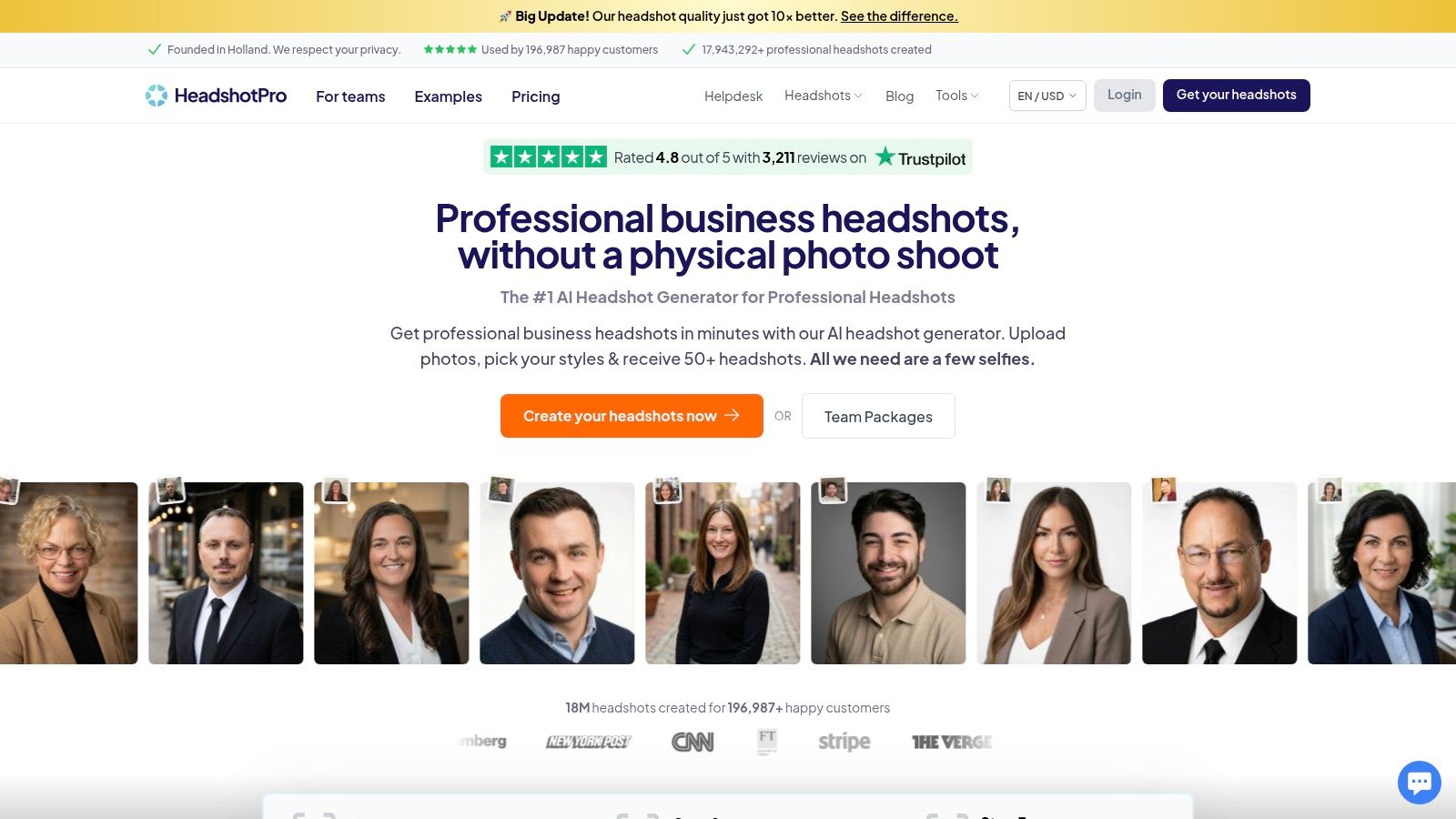
Unlike more generalized AI avatar generators, HeadshotPro’s entire experience is tailored for a business context. This includes features like team packages for consistent branding across an organization and a unique LinkedIn preview tool that shows exactly how a generated headshot will appear on a user's profile. This focus on practical application makes it a standout option for those who prioritize a professional appearance over artistic or stylized avatars. While HeadshotPro is a paid service, those wanting to experiment first can explore options like a free professional headshot generator to understand the technology's potential.
Key Features and Pricing
The platform operates on a package-based model for individuals and teams, with pricing that typically includes a set number of headshots, backgrounds, and outfit styles. One of its most user-centric policies is the money-back guarantee, which promises a refund if a user doesn't find at least one headshot they are happy with, reducing the financial risk of trying the service.
| Feature | Details | Availability |
|---|---|---|
| Professional Styles | Curated selection of business-appropriate backgrounds and clothing. | All packages |
| LinkedIn Preview | Allows you to see how your new headshot will look on your profile. | Included |
| Money-Back Guarantee | Full refund if no usable headshots are generated. | All packages |
| Team Packages | Centralized billing and management for creating consistent team headshots. | Team & Enterprise Plans |
Best For: Individuals, job seekers, and corporate teams who need high-quality, consistent, and professional-looking headshots for business purposes like LinkedIn and company directories.
- Pros:
- Specializes in creating realistic and professional business headshots.
- User-friendly interface with a straightforward, guided process.
- "Use-worthy or refund" policy provides a strong quality guarantee.
- Excellent tooling for team-wide deployments and consistency.
- Cons:
- Pricing details can be dynamic and may require interacting with the site to view.
- Strict data retention policy deletes input photos in 7 days and outputs in 30 days.
- Limited creative or artistic styles compared to other generators.
Website: https://www.headshotpro.com
9. Try It On AI
Try It On AI is one of the more established AI headshot services, focusing on delivering high-resolution, professional-grade portraits. It carves out a unique space in the market by integrating an optional human touch. This service is ideal for professionals and teams who need polished results and appreciate the safety net of having human editors available to refine AI-generated images, ensuring a higher level of quality control than fully automated platforms.
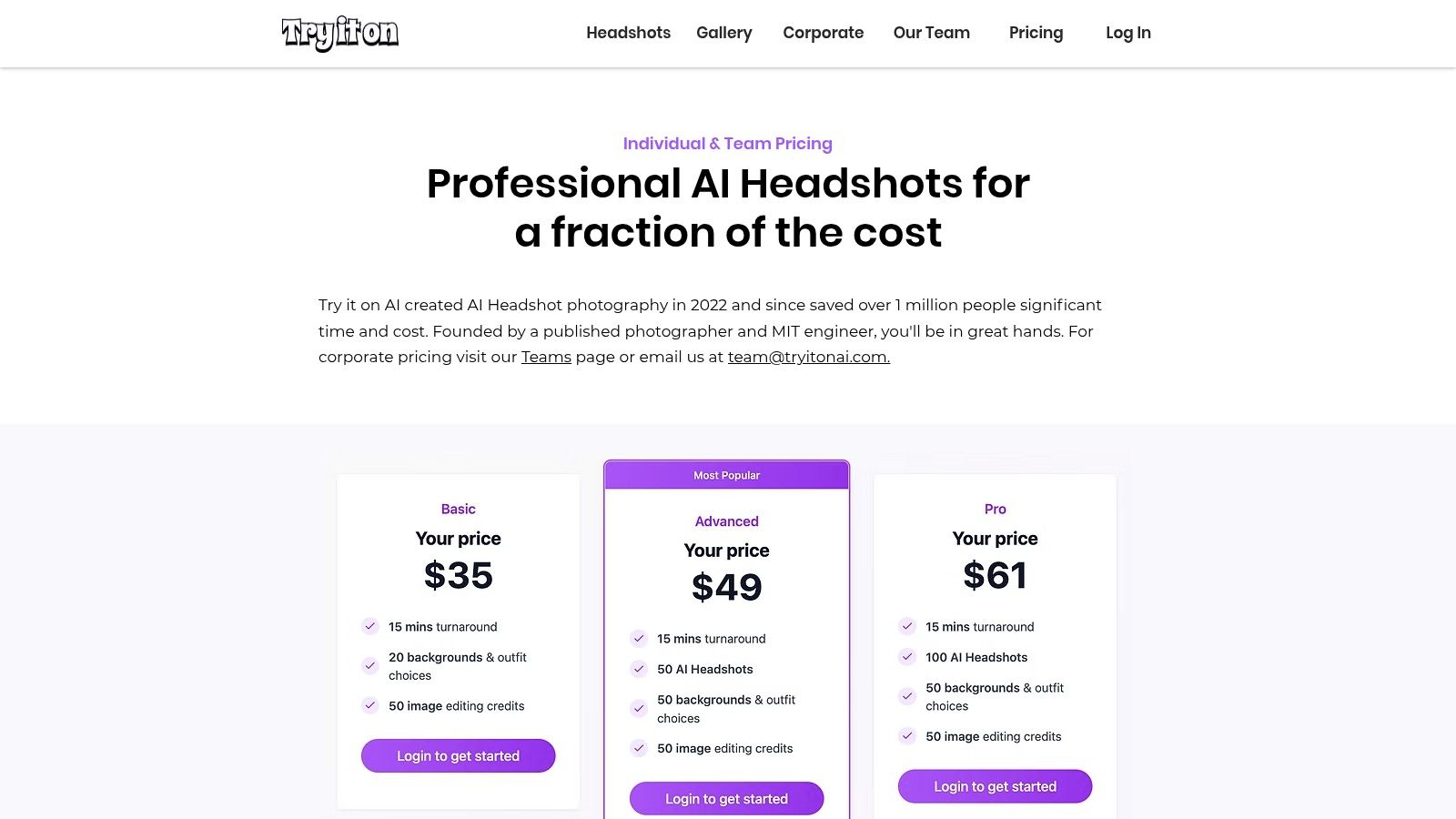
The platform goes beyond simple generation by including AI-powered edits, such as changing outfits or backgrounds, directly within its packages. This adds significant value, allowing users to tweak their headshots for different professional contexts without starting from scratch. With 2K export capabilities and unlimited downloads, it provides the assets needed for both digital profiles and print materials, positioning itself as a comprehensive solution rather than just another avatar generator.
Key Features and Pricing
Try It On AI structures its offering around one-time purchase bundles, which often include a set number of headshots, styles, and included AI edits. Team packages are also available, making it a scalable option for businesses looking to standardize employee headshots.
| Feature | Details | Availability |
|---|---|---|
| AI Headshots | Generates over 100 professional headshots from your photos. | One-time purchase |
| High-Resolution Export | All images are available for download in 2K resolution. | Included in all plans |
| Included AI Edits | Allows users to change outfits and backgrounds on generated photos. | Included in all plans |
| Human Editor Access | Option to request manual refinements from a human editor. | Available as an add-on or in premium packages |
Best For: Professionals, executives, and corporate teams who require high-quality, polished headshots and value the option of human-assisted refinements to guarantee the best possible outcome.
- Pros:
- Human editor option is excellent for fixing minor flaws and improving overall quality.
- High-resolution 2K exports are standard, perfect for print and digital use.
- Clear, all-inclusive plans with features like outfit and background edits.
- Offers team plans for organizational use.
- Cons:
- Pricing is often presented in image blocks, requiring a click-through to see live USD amounts.
- One-time bundles and their inclusions can change, so users must verify current offers.
- Primarily focused on professional headshots, with fewer creative or artistic styles.
Website: https://www.tryitonai.com/pricing
10. AI SuitUp
AI SuitUp carves out a niche by focusing on one thing and doing it well: producing professional AI headshots quickly and affordably. It targets individuals and teams, such as startups, students, and job seekers, who need high-quality, corporate-style photos without the cost or time commitment of a traditional photoshoot. Its straightforward, tiered package system and emphasis on rapid delivery make it a go-to choice for users on a deadline or a budget.
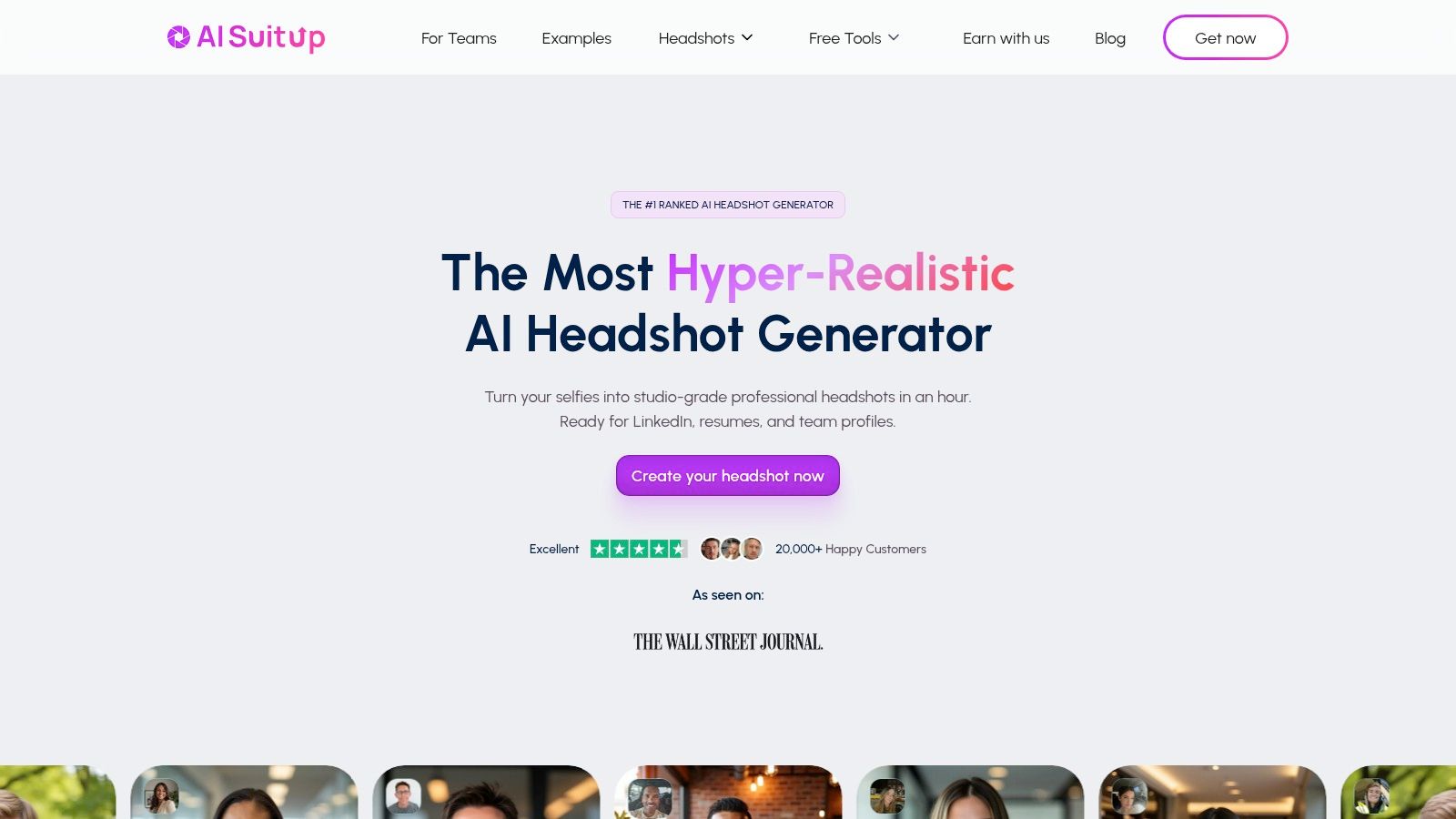
The platform simplifies the creation process by offering clear guidelines, like a 16-photo minimum upload, to ensure optimal results. Unlike more generalized avatar generators, AI SuitUp is specifically calibrated for professional use cases, ensuring outputs are suitable for LinkedIn profiles, company websites, and resumes. Its transparency regarding data retention and a money-back guarantee also helps build user trust.
Key Features and Pricing
AI SuitUp’s pricing is based on clear, one-time purchase packages for individuals and teams, with delivery speed being a key differentiator between tiers. Each package provides a set number of high-resolution headshots, making it easy to choose the right option without a recurring subscription.
| Feature | Details | Availability |
|---|---|---|
| Tiered Packages | Offers Basic, Professional, and Executive packages with varying headshot counts and delivery times. | One-time purchase |
| Fast Delivery | Delivers headshots within hours, with the exact window depending on the selected tier. | All packages |
| Team Pricing | Provides discounted rates for teams needing consistent headshots across the organization. | Team Plans |
| Money-Back Guarantee | Offers a refund policy if the user is unsatisfied with the results. | All purchases |
Best For: Startups, students, and small teams needing fast, budget-friendly, and professional-grade AI headshots for corporate or personal branding purposes.
- Pros:
- Very competitive pricing and extremely rapid delivery.
- Transparent data retention and deletion policies.
- Simple, user-friendly process with clear photo upload guidance.
- Specialized for professional headshots, ensuring appropriate outputs.
- Cons:
- Fewer enterprise-level integrations compared to larger competitors.
- The budget-friendly focus may limit highly advanced customization or artistic styles.
- Primarily focused on headshots, not a versatile or creative avatar generator.
Website: https://www.aisuitup.com
11. HeyGen
HeyGen carves a unique niche in the AI avatar space by focusing entirely on video. It’s a powerful platform designed to create professional, lip-synced "talking avatars" from text, making it ideal for creating marketing, training, and onboarding videos without needing actors or cameras. Instead of static images, HeyGen delivers dynamic video content, setting it apart as a specialized tool for corporate and educational use cases.
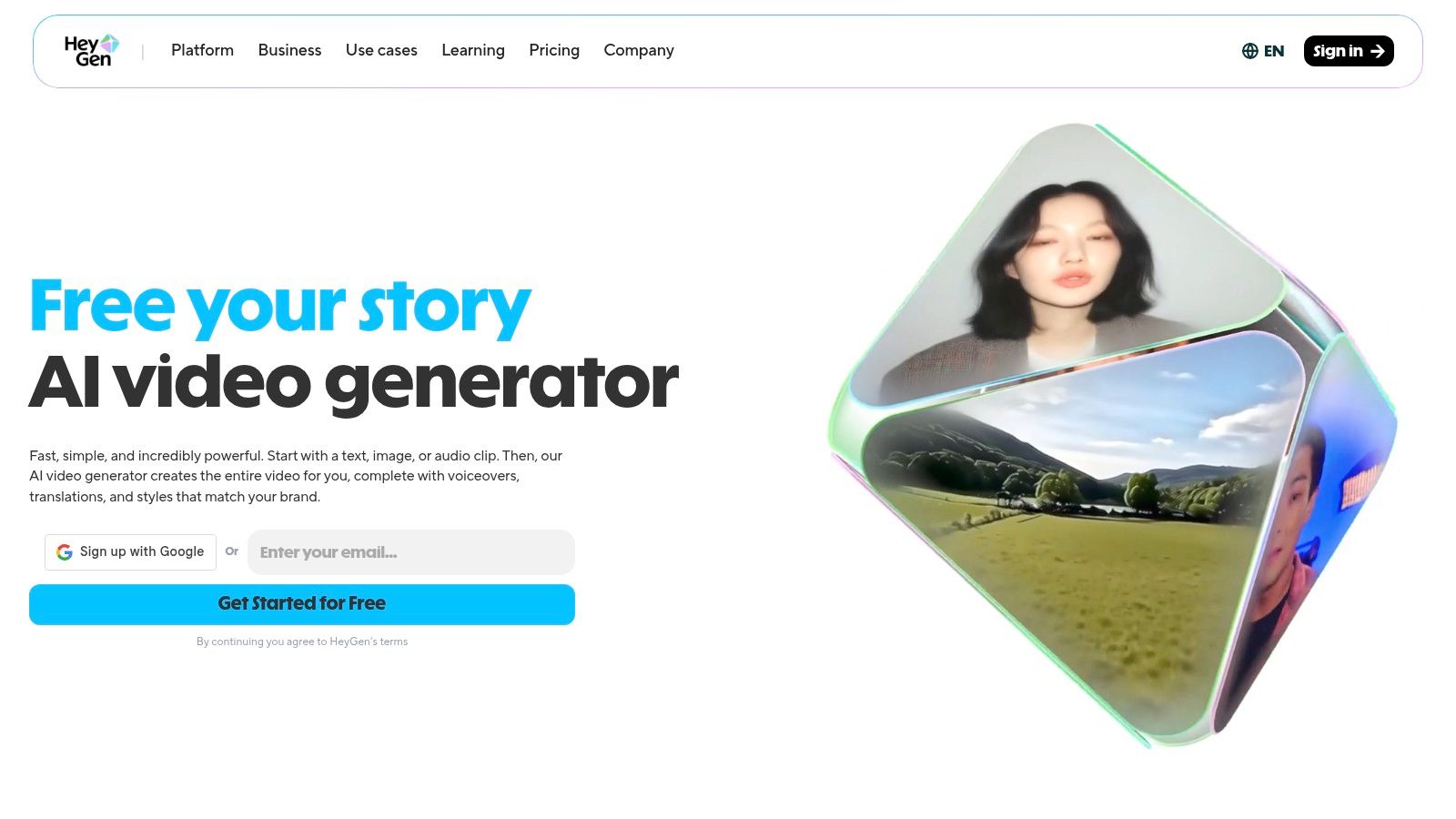
The platform’s strength lies in its comprehensive video generation ecosystem. Users can select from a large library of stock avatars or create a custom one that mirrors their own likeness and voice. With extensive multilingual support, HeyGen is an excellent choice for teams aiming to localize content efficiently. It transforms script-to-video production into a streamlined, scalable process.
Key Features and Pricing
HeyGen's pricing is structured around credits, which are used for video generation time, with different tiers unlocking more advanced features. Plans range from a free trial to enterprise solutions, catering to individuals and large teams. The cost-per-minute of video depends on the plan, with higher tiers offering better rates and more features like 4K resolution and API access.
| Feature | Details | Availability |
|---|---|---|
| Talking Avatars | Generates lip-synced video avatars from text. | Free & Paid Plans |
| Custom Avatars | Create a digital twin of yourself for personalized videos. | Creator, Pro & Business Plans |
| Multilingual Support | Access to 175+ languages and dialects for voiceovers. | All Plans |
| API Access | Integrate HeyGen's video generation into your own apps. | Pro/Business Plans |
Best For: Businesses, marketing teams, and educators who need to produce scalable, multilingual video content for training, sales, and communication without live-action filming.
- Pros:
- Industry-leading lip-syncing and video avatar quality.
- Extensive library of stock avatars and robust custom avatar creation.
- Generous language and dialect support for global content localization.
- Clear growth path from a free plan to scalable enterprise solutions.
- Cons:
- The credit system can be confusing to manage initially.
- Not designed for generating static profile pictures or artistic images.
- Custom avatar slots and advanced features are limited to higher-tier plans.
Website: https://www.heygen.com
12. Synthesia
Synthesia is an enterprise-grade AI video generation platform that uses hyper-realistic AI avatars for corporate communications. It goes beyond static images, positioning itself as a video creation suite for training, onboarding, and marketing content. Its strength lies in producing scalable, professional-quality videos with talking avatars, complete with AI-powered dubbing and multi-language support, making it a powerful tool for global teams.
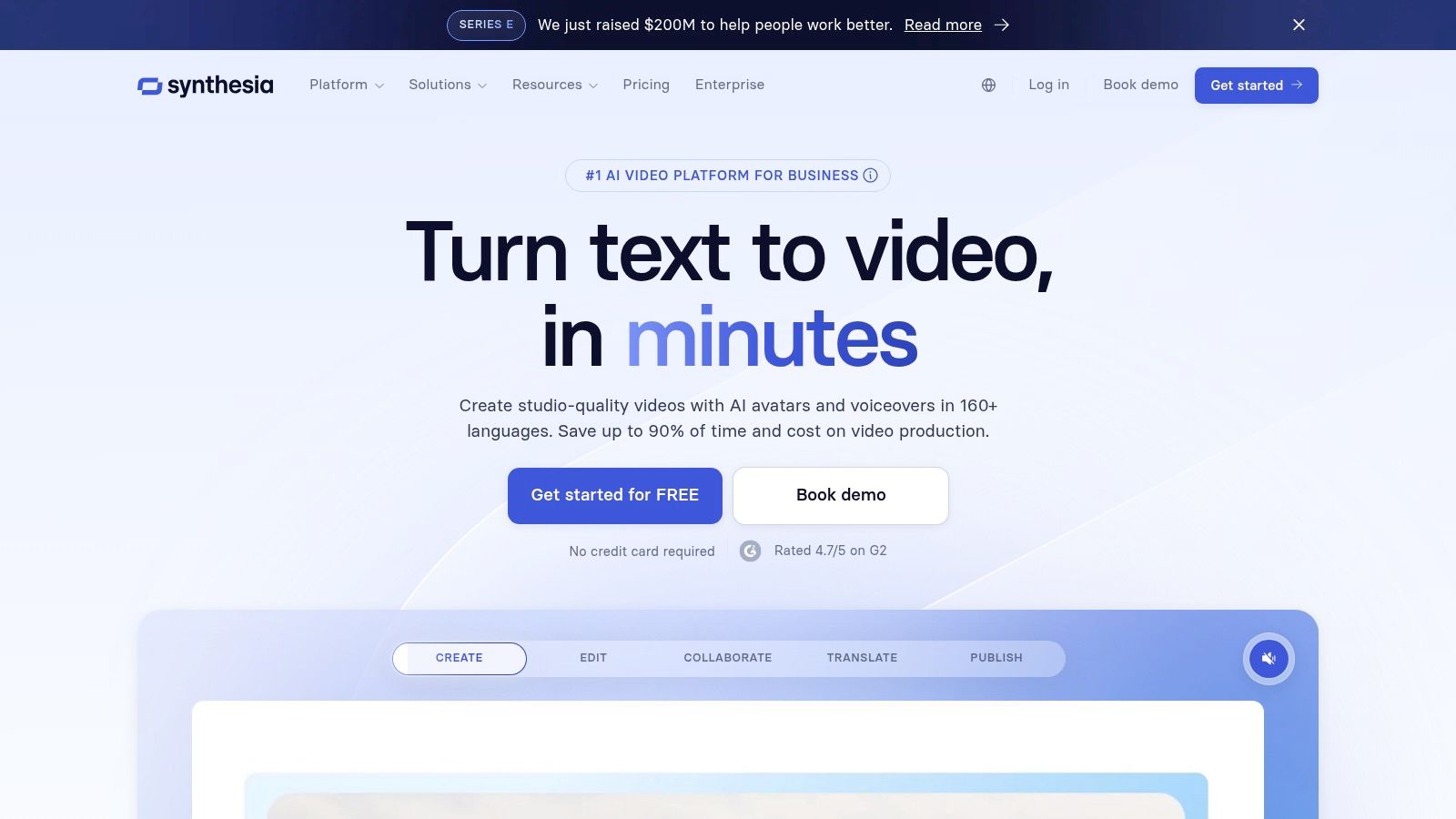
Unlike typical AI avatar generators focused on social media profile pictures, Synthesia provides a full-stack solution for content workflows. Users can select from a large library of stock avatars or create custom-branded digital twins of real people. The platform allows for multi-avatar scenes and seamless integration with enterprise systems, including SCORM exports for learning management systems (LMS), which is a key differentiator for corporate use cases.
Key Features and Pricing
Synthesia's model is subscription-based, using credits that translate into video minutes. Higher-tier plans offer more avatars, premium features, and administrative controls. Custom studio avatars are a significant value-add but come at an additional cost, requiring a more considerable investment than standard plans.
| Feature | Details | Availability |
|---|---|---|
| Stock & Custom Avatars | 125-230+ diverse stock avatars, plus custom personal/branded options. | Included in all plans; custom avatars are add-ons. |
| AI Dubbing & Translation | AI-powered voice cloning and video translation into over 80 languages. | Included in all plans. |
| Video Production | Templates, screen recorder, multi-avatar scenes, and branding kits. | Included in all plans. |
| Enterprise Governance | Admin controls, SCORM export, and integrations for scaled workflows. | Enterprise Plans |
Best For: Large organizations and corporate teams that need a scalable, secure solution for creating professional training, marketing, and internal communication videos with AI-powered talking avatars.
- Pros:
- Strong enterprise features, security, and governance for large teams.
- High-quality custom avatar options create a realistic, branded presence.
- Excellent for localizing content with extensive language and dubbing support.
- Cons:
- The per-minute credit system requires careful planning to manage costs.
- Studio-grade custom avatars and advanced features are often paid add-ons.
- Not designed for creating static profile pictures or casual social media use.
Website: https://www.synthesia.io
Top 12 AI Avatar Generators — Feature Comparison
| Product | Core features ✨ | UX / Quality ★ | Pricing & Value 💰 | Target & USP 👥 |
|---|---|---|---|---|
| Photo AI Studio 🏆 | ✨ 150+ styles, one‑click model creator, image→video, clothes try‑on, full editor | ★★★★★ Fast (≈15s–1min), production‑ready | 💰 Credit‑based, regional tiers + free starter credits | 👥 Photographers, creators, merchants — studio‑quality + scale |
| Picsart | ✨ AI avatars, image gen, background/object remover, templates | ★★★★ Intuitive mobile/web, big community | 💰 Credits + in‑app packs (mobile pricing) | 👥 Casual creators, social users — templates & mobile-first |
| Fotor | ✨ Avatar packs, one‑time headshot bundles, editor tools | ★★★ Rapid turnaround, web + mobile | 💰 One‑time bundles available; some pro features paid | 👥 Quick profile makers, small brands — simple styling |
| Lensa (Prisma Labs) | ✨ Mobile Magic Avatars, many aesthetic themes | ★★★★ Fast, beginner‑friendly in‑app flow | 💰 In‑app purchases / packs (varies by platform) | 👥 Social creators, thumbnails — mobile convenience |
| Remini | ✨ AI headshots, unblur/restore, retouch tools | ★★★ Fast, easy mobile + web | 💰 Subscription/in‑app offers; dynamic pricing | 👥 Users needing quick enhancements & headshots |
| ProfilePicture.AI | ✨ Style packs, large batch outputs, 4K option | ★★★★ High‑res results, transparent outputs | 💰 One‑time pricing, commercial rights included | 👥 Professionals wanting large avatar batches & clarity |
| Aragon | ✨ Tiered headshot bundles, team workflows, enterprise security | ★★★★ Very fast (15–45min), enterprise posture | 💰 One‑time bundles, enterprise pricing | 👥 Teams, enterprises — secure, fast headshots |
| HeadshotPro | ✨ Preset styles, LinkedIn preview, refund guarantee | ★★★★ Predictable, business‑grade outputs | 💰 Package pricing (dynamic display), refunds if unusable | 👥 Business users & teams — guaranteed usable results |
| Try It On AI | ✨ 2K exports, unlimited downloads, human editor option | ★★★★ Human edits + AI → polished results | 💰 One‑time bundles; verify live pricing | 👥 Teams/pros needing human refinement alongside AI |
| AI SuitUp | ✨ Tiered packages, money‑back guarantee, fast delivery | ★★★ Fast, budget focus | 💰 Clear tiered pricing, team options | 👥 Startups, students, small teams — economical headshots |
| HeyGen | ✨ Talking avatars, 175+ languages, dubbing & API | ★★★★ Robust for video workflows | 💰 Tiered plans + credits, free tier available | 👥 Marketers & trainers — multilingual AI video |
| Synthesia | ✨ Enterprise video avatars, multi‑avatar scenes, SCORM | ★★★★ Enterprise features & governance | 💰 Credit/minutes model, enterprise add‑ons | 👥 Large teams & L&D — scaled branded video production |
Choosing Your Perfect Digital Twin
The journey through the landscape of AI avatar generation reveals a dynamic and specialized market. We've explored a dozen powerful tools, each with its own unique strengths, from the mobile-first creativity of Lensa and Picsart to the enterprise-grade video synthesis of Synthesia. The core takeaway is clear: the best AI avatar generator is not a one-size-fits-all solution. It's the tool that most precisely aligns with your specific goals, budget, and technical requirements.
Your ideal choice hinges on your primary use case. Are you a job seeker needing to replace an outdated LinkedIn photo? A dedicated headshot generator like Aragon or HeadshotPro offers a streamlined, professional-focused experience. Are you an e-commerce brand looking to showcase apparel without expensive photoshoots? A virtual try-on specialist such as Try It On AI provides a targeted solution. For social media influencers seeking viral, stylized profile pictures, the accessible and feature-rich mobile apps remain a dominant choice.
Key Factors to Guide Your Decision
As you weigh your options, revisit the critical factors discussed for each tool. Don't just look at the sample images; consider the entire workflow and the long-term value.
- Input Requirements: How many photos are needed to train your model? Are the quality requirements (lighting, background, variety) something you can easily meet? A tool that requires 20 high-resolution, varied selfies is more demanding than one that can work with just a handful.
- Output Versatility: Do you need a single, perfect headshot, or do you need a flexible digital model that can be placed in hundreds of different scenarios for marketing campaigns? Platforms like Photo AI Studio excel at the latter, allowing for extensive reusability of a single trained model.
- Customization Control: How much creative freedom do you have? Can you write detailed text prompts, select specific styles, or are you limited to pre-set templates? Your need for granular control will quickly narrow down the list.
- Consistency and Likeness: This is paramount. Scrutinize user reviews and sample outputs to gauge how well a generator maintains a consistent likeness across different styles and poses. A high degree of realism and consistency is what separates a good tool from a great one.
- Cost vs. Value: Evaluate pricing not just on the initial cost, but on a per-image or per-credit basis. A seemingly cheap package might offer very few avatars, while a subscription could provide ongoing value for a marketing agency or content creator.
Final Thoughts on Implementation
Once you’ve made your choice, remember that the quality of your output is directly influenced by the quality of your input. Follow the platform’s photo submission guidelines meticulously. Use well-lit, clear photos from various angles, with different facial expressions. This initial effort pays significant dividends, resulting in a more accurate and versatile digital twin.
The world of AI-generated media is no longer a futuristic concept; it's a practical and accessible tool for professionals, creators, and brands. By understanding your own needs and carefully evaluating the options presented, you are now fully equipped to step into this new digital frontier. You can create a compelling, professional, or wildly creative version of yourself that opens up new possibilities for your personal brand or business. Your perfect digital representation is just a few clicks away.
Ready to move beyond single-use headshots and create a truly versatile digital identity? With Photo AI Studio, you can train a high-fidelity AI model of yourself or your products and generate endless content, from corporate headshots and marketing assets to creative character portraits, all from a single platform. Explore the possibilities and start building your ultimate digital twin today at Photo AI Studio.
🤖Get a summary of this article with AI
Related Articles

Best AI Headshot Generators (2026 Honest Comparison)
I paid for and tested 8 AI headshot generators with the same selfies. Real results, real pricing, and an honest breakdown of which ones actually look professional.
2026-03-30

A Guide to Artificial Intelligence Photo Editing in 2026
Learn how artificial intelligence photo editing is transforming visuals. This guide covers how it works, key features, and creating pro results in minutes.
2026-03-19

What Is a Headshot Photo and Why Does It Matter
What is a headshot photo? Learn how a professional headshot can transform your career, explore key types, and discover how to get the perfect one in minutes.
2026-02-19