

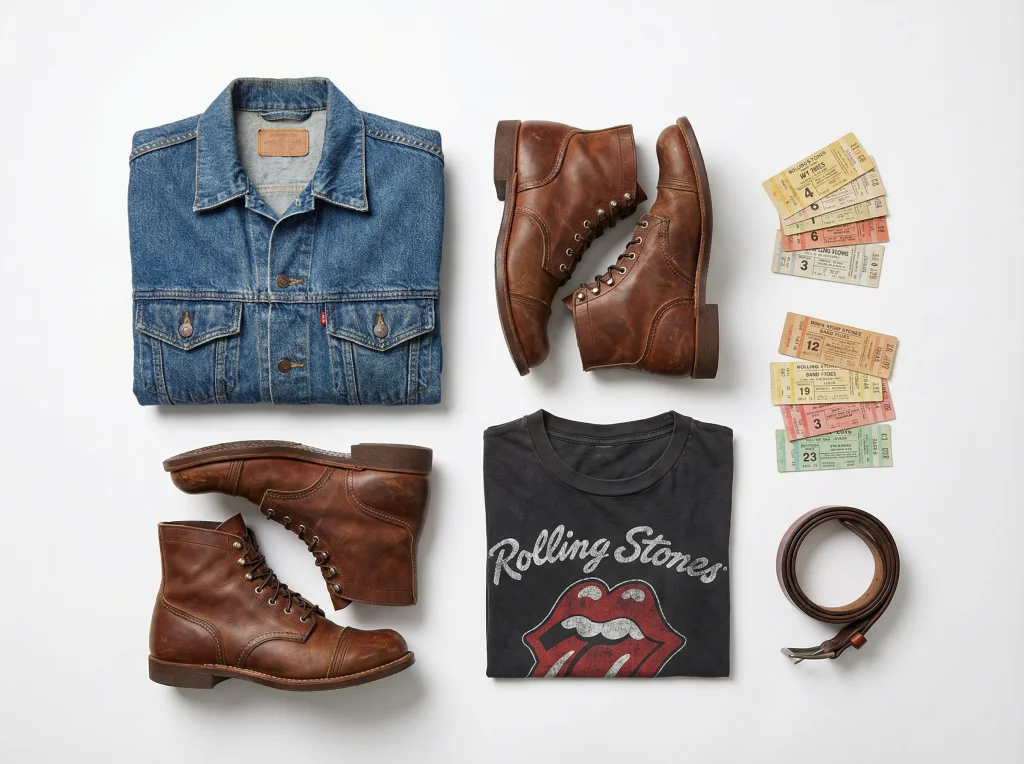
The secondhand fashion market is booming. Poshmark and Depop sellers are competing harder than ever, and product photography has become the make-or-break factor between items that sit in your closet and pieces that fly off your digital shelves. If you're looking to scale your reselling side hustle, professional-looking listings are non-negotiable—but hiring a photographer or investing in studio equipment isn't always realistic for independent sellers.
That's where AI-powered photo transformation tools come in. With the right technology, you can take mediocre smartphone photos of thrifted finds and turn them into premium retail-quality images that command higher prices and attract serious buyers. Let's explore how to leverage these tools to dominate your reselling game.
Why Professional Product Photography Matters for Resellers
Before diving into the tools themselves, let's talk about the numbers. Studies consistently show that listings with multiple high-quality photos receive 3-5x more engagement than those with poor imagery. For Poshmark and Depop sellers, this directly translates to faster sales and the ability to price items more competitively—or maintain higher margins.
The challenge? Most resellers don't have access to:
- Professional lighting equipment
- Photography expertise or editing skills
- Time to set up and shoot multiple angles
- Editing software and the knowledge to use it effectively
This is where AI-powered solutions level the playing field, allowing side hustlers to compete with established retailers without the overhead.

Transform Messy Backgrounds Into Clean, Professional Shots
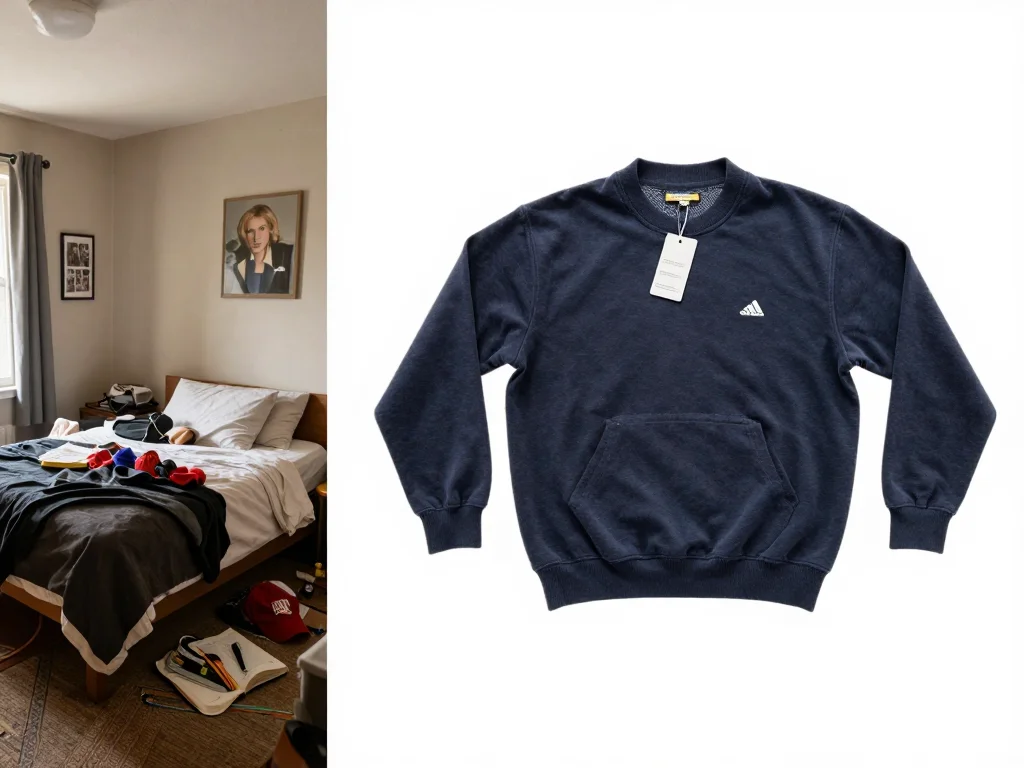
One of the biggest challenges resellers face is photographing items in non-ideal environments. Your bedroom, living room, or kitchen backdrop can distract from what you're actually selling—the garment itself. Cluttered backgrounds signal amateur listing quality, which translates to lower perceived value in buyers' minds.
How Background Removal Works
AI background removal tools instantly strip away distracting elements, leaving a clean, professional-looking image. Here's what makes this game-changing for resellers:
- Instant cleanup: Remove wrinkled sheets, messy rooms, or outdoor clutter in seconds
- Consistent branding: Replace backgrounds with solid colors, gradients, or branded patterns that match your shop aesthetic
- No special equipment needed: Works with regular smartphone photos—no green screen or studio setup required
- Focus on the product: Clean backgrounds draw buyer attention directly to the item details, quality, and condition
Practical reselling example: You've found an incredible vintage Burberry trench coat at a thrift store for $15. Your phone photo shows it draped over your bedroom chair with unmade sheets in the background. After one click with an AI background remover, it's suddenly displayed on a crisp white or light gray background—suddenly, it looks like it belongs in a luxury retail environment, not your bedroom. This psychological shift can justify a $50+ price increase.
Pro tip: Experiment with different background colors. Solid white works for classic items, while neutral grays or soft colors can complement trendy pieces and help them stand out in Poshmark feeds.
Show How Items Actually Fit With Virtual Try-On Technology
Here's the conversion killer: a buyer can't visualize how that dress, jacket, or sweater will actually look on them. Even detailed measurements and size descriptions don't fully eliminate the doubt. Virtual try-on technology flips this dynamic by letting potential customers see the exact item on different body types, poses, and proportions.
Why Virtual Try-On Boosts Sales Velocity
When buyers can see how something fits and moves on an actual person—rather than on a flat lay or hanger—purchase confidence skyrockets. For secondhand sellers, this is particularly important because:
- Vintage and thrifted items fit inconsistently: A size 8 from 1998 doesn't fit like a modern size 8. Virtual try-on removes guesswork
- Reduces returns: Fewer fit-related returns mean more profit and better seller ratings
- Justifies premium pricing: When buyers have full visibility into how an item fits, they're willing to pay more
- Shortens decision time: Buyers move from consideration to purchase faster when they can visualize wearing the item
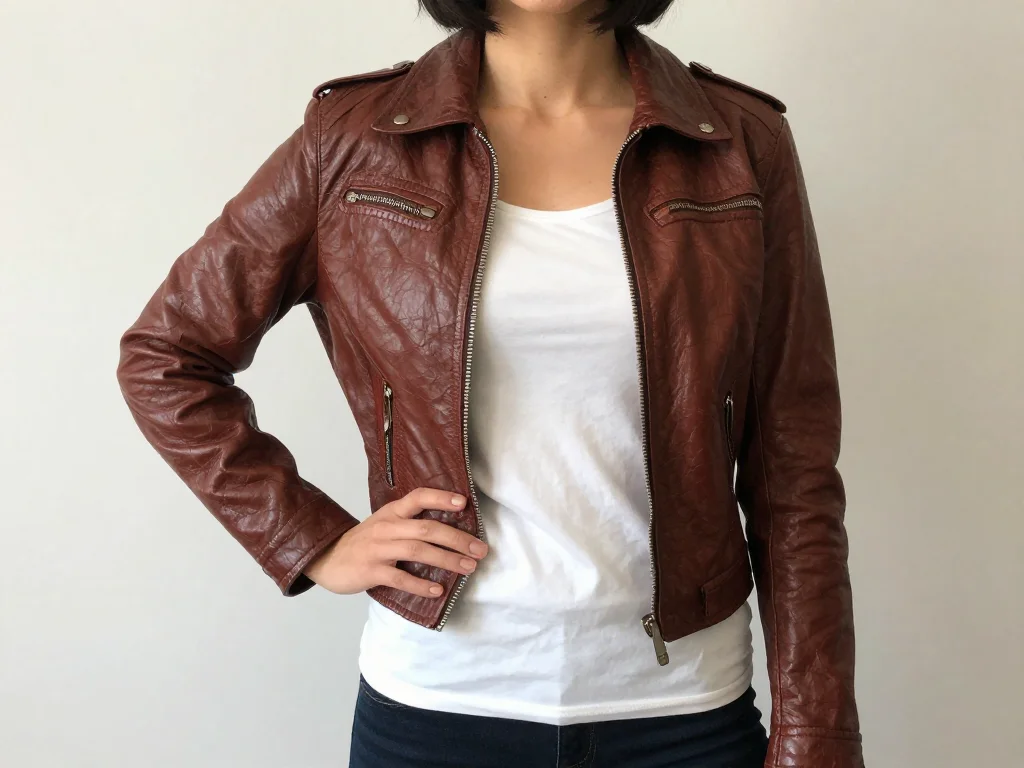
How to Implement Virtual Try-On for Maximum Impact
When using AI clothes try-on features, focus on diversity in your try-on images:
- Show items on multiple body types and heights
- Capture different angles and movement (standing, walking, sitting)
- Demonstrate how the item layers with other pieces
- Highlight fit details like sleeve length, rise, and waistband placement
For example, if you're selling a vintage band tee, try-on images might show it oversized and cropped, fitted under a blazer, and tucked into high-waisted jeans—giving buyers multiple styling options and increasing perceived value.
Building a Winning Photo Strategy for Your Reselling Business
Simply using AI tools isn't enough—you need a strategic approach to photo creation that maximizes their impact.
Your Reseller Photography Workflow
Step 1: Capture Raw Shots
Take multiple photos of each item from different angles. Don't worry about lighting or background—that's what AI fixes. Get the garment's front, back, close-up details (seams, logos, condition), and any unique features.
Step 2: Clean Backgrounds
Use background removal on your flat lay and hanger shots. This typically takes 30-60 seconds per image. Create a consistent visual language across your shop by using the same background colors.
Step 3: Generate Virtual Try-On Shots
Select 2-3 of your best raw photos to transform into try-on images. Focus on the photos where the garment detail is most visible and the lighting is clearest. AI works best with good source material.
Step 4: Curate for Listings
Create a diverse photo set for each listing: 1-2 clean background shots (flat lay or hanger), 2-3 virtual try-on images, and 1-2 detail shots showing condition, labels, or special features.
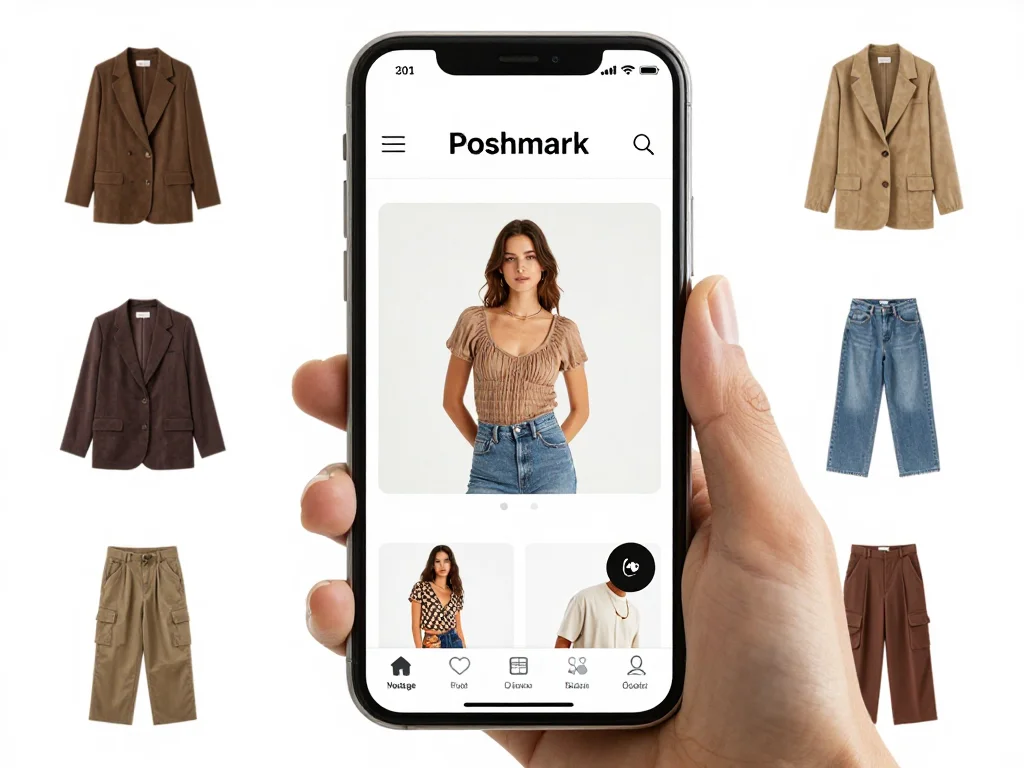
Timing and Consistency Advantage
By streamlining your photography process with AI tools, you can:
- List new items faster (competitive advantage on Poshmark's algorithm)
- Refresh listings with new photos seasonally without re-shooting
- Test different background colors and try-on styles to optimize conversion
- Maintain professional consistency across dozens or hundreds of listings
This efficiency compounds over time. While your competitors spend 30 minutes photographing and editing each item, you're doing it in 10 minutes, allowing you to list more inventory and test more variations.
Monetizing Your Elevated Listings
Better photos alone won't guarantee higher prices—but they enable better pricing strategy. With professional imagery, you can:
- Price closer to condition and market value instead of underpricing due to low-quality photos
- Reduce reliance on discounts and sales because items sell through legitimate appeal
- Build repeat buyers who return for the professional presentation and transparent try-on shots
- Command premium prices for niche items where presentation elevates perceived exclusivity
A vintage Levi's jacket might typically sell for $35-45 depending on condition. With mediocre photos and unclear sizing, you might list at $32 and still wait weeks. With professional background-removed images and multiple try-on shots showing exact fit, that same jacket moves in days at $55-65, doubling your margin.
Getting Started With Photo AI Studio
If you're serious about scaling your reselling side hustle, Photo AI Studio offers professional-grade background removal and AI clothes try-on features specifically designed for product sellers like you. The platform is intuitive enough for beginners but powerful enough to handle bulk uploads as your inventory grows.
Start by transforming your top 10-20 listings with professional backgrounds and try-on shots. Track your conversion metrics—how many views each listing gets, how quickly items sell, and the prices you achieve. You'll likely see immediate improvements in engagement and sell-through time. You can also check out our AI business photos.
The reselling game is increasingly competitive, but sellers who invest in professional presentation have a significant edge. AI tools democratize access to that professional quality, putting you on equal footing with established retailers without the overhead costs. The question isn't whether to upgrade your photo game—it's whether you can afford not to. You can also check out our AI dating profile photos.
Ready to transform your listings and increase your reselling revenue? Try Photo AI Studio's professional photo transformation tools today and see the difference quality imagery makes for your sales velocity.


