


February is when your Instagram feed hits a wall. While your followers are scrolling beach photos and tropical vibes, you're stuck with gray skies and indoor lighting. This is where an AI photography generator changes the game. You don't need to book a flight to Bali or spend money on a beach trip. Instead, you can create studio-quality tropical travel content right now, from your home.
Influencers, content creators, and personal brands are discovering this strategy works. You maintain visual consistency, keep your audience engaged, and actually save money compared to travel photography budgets. The best part? The results look professional and authentic enough that your followers won't question whether you actually took them on location.

Why Winter Content Gaps Hurt Your Growth
Your algorithm doesn't care that it's freezing outside. Instagram's engagement system rewards consistency. When you post sporadically in winter, your reach drops. Your followers stop expecting new content from you, and by spring, getting back on track takes weeks.
More specifically, aesthetic feeds perform better. Travel and lifestyle accounts with warm, cohesive color palettes get more saves and shares. Cold winter tones—gray clothing, overcast skies, indoor shots—don't perform as well. You're fighting the season instead of working with it.
An AI photography generator lets you maintain that warm aesthetic year-round. You're not faking a vacation; you're creating content that matches your brand identity while seasonal conditions make it harder to produce naturally. You can also check out our AI passport photos.
How an AI Photography Generator Creates Tropical Content
The process is simpler than you might think. Here's what you're actually doing:
- Capture yourself in neutral lighting – Take a photo indoors or against a plain wall. You're the main subject; the background doesn't matter because it will be replaced.
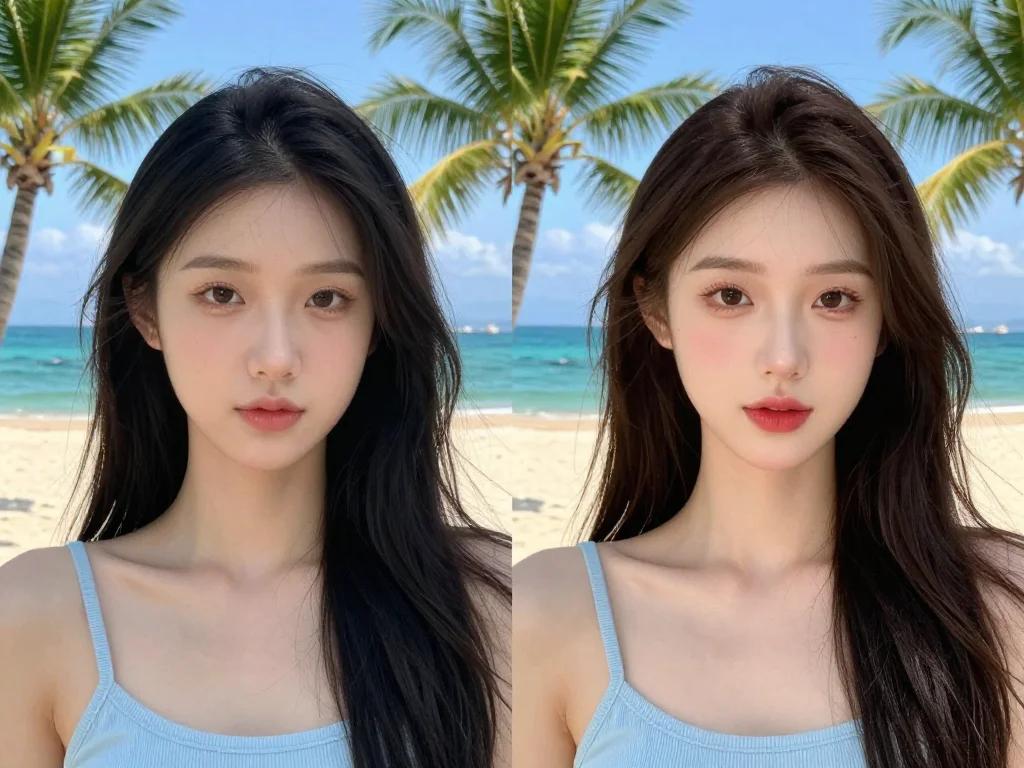
- Choose a tropical background template – Beach, poolside, island sunset, palm trees, or whatever fits your niche. The AI handles the blending.
- Adjust lighting and color matching – Modern generators adjust shadows and skin tones so you look naturally lit by tropical sun, not studio lights.
- Download and post – Export in a few seconds and use across your platforms.
Photo AI Studio's platform makes this specific workflow straightforward. You upload a portrait or selfie, select a themed background (beach, resort, tropical adventure), and the AI handles the technical work of blending and lighting adjustment. The results look like they were shot on location because the lighting mathematics are sound.
Building Consistency Without Travel
Professional influencers schedule content shoots seasonally. They might shoot 30-50 images in one location, then post them over months. This strategy works, but it requires significant investment and planning.
An AI photography generator lets you accomplish the same result on demand. You're not limited to photos taken during one trip in July. In February, you can generate the exact aesthetic you need for today's post, next week's post, and next month's grid planning.
This flexibility matters for niche creators too. If you're a fitness coach, you might want beach photos for summer content but mountain scenery for adventure content. Instead of traveling to multiple locations, you adjust the AI generator's background settings. Same you, different setting, completely consistent quality.
Authenticity Questions: What You Actually Need to Know
Here's the honest part: Your audience probably won't know the difference, and that's not deceptive if you're genuine about your content strategy.
Hashtags like #AIGenerated or simply posting from home with a AI-created background isn't misleading—it's honest. Many creators now openly use AI tools in their production pipeline. It's like how photographers use editing software. You're creating content; the tool is just more advanced.
The rule is simple: Don't claim you took the photo on location if you didn't. You're not required to disclose every tool you use in post-production, but transparent creators often mention it. Your followers respect the honesty and the resourcefulness.
Practical Steps to Start Creating Today
Step 1: Take your source photos
You need a clear portrait or full-body shot of yourself. Natural window lighting works best. Wear clothing that fits your brand aesthetic. You're building a library of shots you can use with different backgrounds.
Step 2: Choose your backgrounds strategically
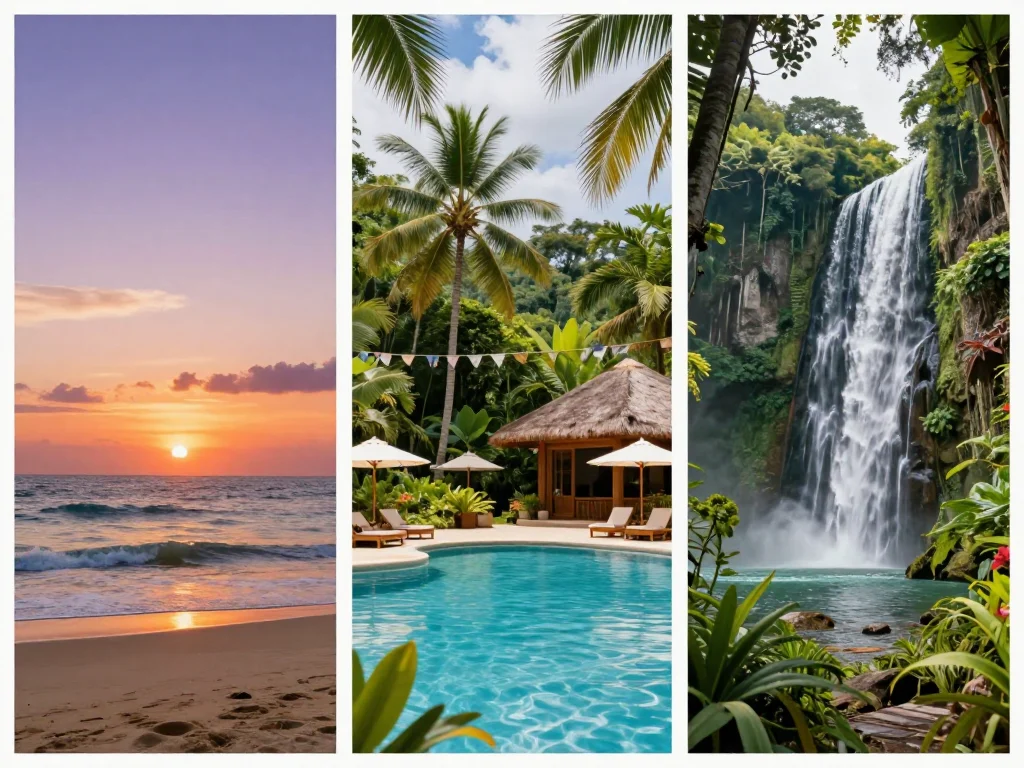
Think about your feed's story. Are you a travel blogger? Use beaches and landmarks. Fitness influencer? Resorts and pool areas work. Business professional? Scenic outdoor locations maintain the warm aesthetic without looking like pure vacation content.
Step 3: Generate and compare variations
Most AI photography generators let you create multiple versions of the same photo with different background adjustments. Generate 3-5 variations and pick the one with the best lighting match. You can also check out our AI dating profile photos.
Step 4: Edit lightly in your standard tool
Use Lightroom or your usual editing app to apply your brand's color grading. This ensures all your photos feel like they're from the same shoot, even if they're generated weeks apart.
Step 5: Plan a posting schedule
Generate a batch of 10-15 images in one session. Schedule them across 2-3 weeks. This maintains consistency without feeling like you're manufacturing content daily.

Comparing Free and Paid AI Photography Generator Options
If you're exploring different AI tools, this video demonstrates several top options worth considering for comparison purposes:
When evaluating tools, look for three things: speed (how fast it generates), quality (resolution and accuracy of background blending), and ease of use (how many steps between upload and download).
Free options exist but usually have limitations on resolution, number of monthly generations, or image size. Paid tools ($10-30/month) give you unlimited generations and higher quality output. For influencers posting regularly, the paid version makes sense because time saved pays for itself.
Photo AI Studio specifically focuses on portrait and travel-themed backgrounds, which aligns with what you need for this strategy. The platform is built for creators who generate content in batches, not single users testing tools casually.
Timing Matters: Why February Is Perfect
February is actually the ideal month to start this strategy. Your audience is experiencing the same winter fatigue you are. Warm, sunny content stands out dramatically. Posts from February get higher engagement because they're providing something your followers desperately want to see.
By March, the novelty of actual spring weather reduces the impact. But in February, that tropical aesthetic is pure value. You're giving your followers the visual warmth they're craving.
This is also when many creators take breaks or post inconsistently. If you maintain a warm, cohesive feed through February using an AI photography generator, you'll stand out in your niche. Your algorithm performance will actually improve because consistency beats seasonality.
Start Creating Tropical Content This Week
You don't need to wait for spring or book an expensive trip. An AI photography generator gives you the tools to create professional travel content on your schedule and budget.
The strategy is straightforward: one good portrait photo of yourself, a selection of tropical backgrounds that match your brand, and 15 minutes to generate a month's worth of content. The result is a warm, consistent feed that performs well during the slowest season for creator content.
Your followers want to see you thriving and creating. Winter doesn't have to slow you down. Try Photo AI Studio's AI photography generator today and build your tropical content library before March hits.


