
Ai Photo Editor Online Free - ai photo editor online free for 2025
Discover ai photo editor online free: 2025’s best free AI image editors for background removal, upscaling, and creative fills. Start creating today!
In 2025, the demand for high-quality visuals is higher than ever, but the time and budget for professional photoshoots are not always available. This is where the power of an ai photo editor online free comes in. These browser-based tools have revolutionized image creation and editing, offering everything from one-click background removal to generating entirely new scenes from a text prompt.
Whether you're a social media manager needing eye-catching thumbnails, an ecommerce store owner creating product mockups, or a creator looking to produce professional headshots without a studio, there's a free tool that fits your workflow. Beyond basic enhancements, advanced AI photo editors enable creative manipulations like AI-powered face swap, transforming your images with ease. However, navigating the landscape of free tiers, credit systems, and feature limitations can be overwhelming.
This guide cuts through the noise. We'll provide a detailed breakdown of the 12 best options, analyzing their core AI features, identifying the practical limitations of their free plans, and highlighting the specific use cases where each tool truly excels. For each platform, you will find direct links and screenshots to help you quickly assess its interface and capabilities. We'll explore how to get professional-grade results for headshots, product photos, and social media content, all without spending a dime upfront. This list is designed to help you find the perfect free AI editor for your specific project, saving you time and helping you produce stunning visuals efficiently.
1. Photo AI Studio
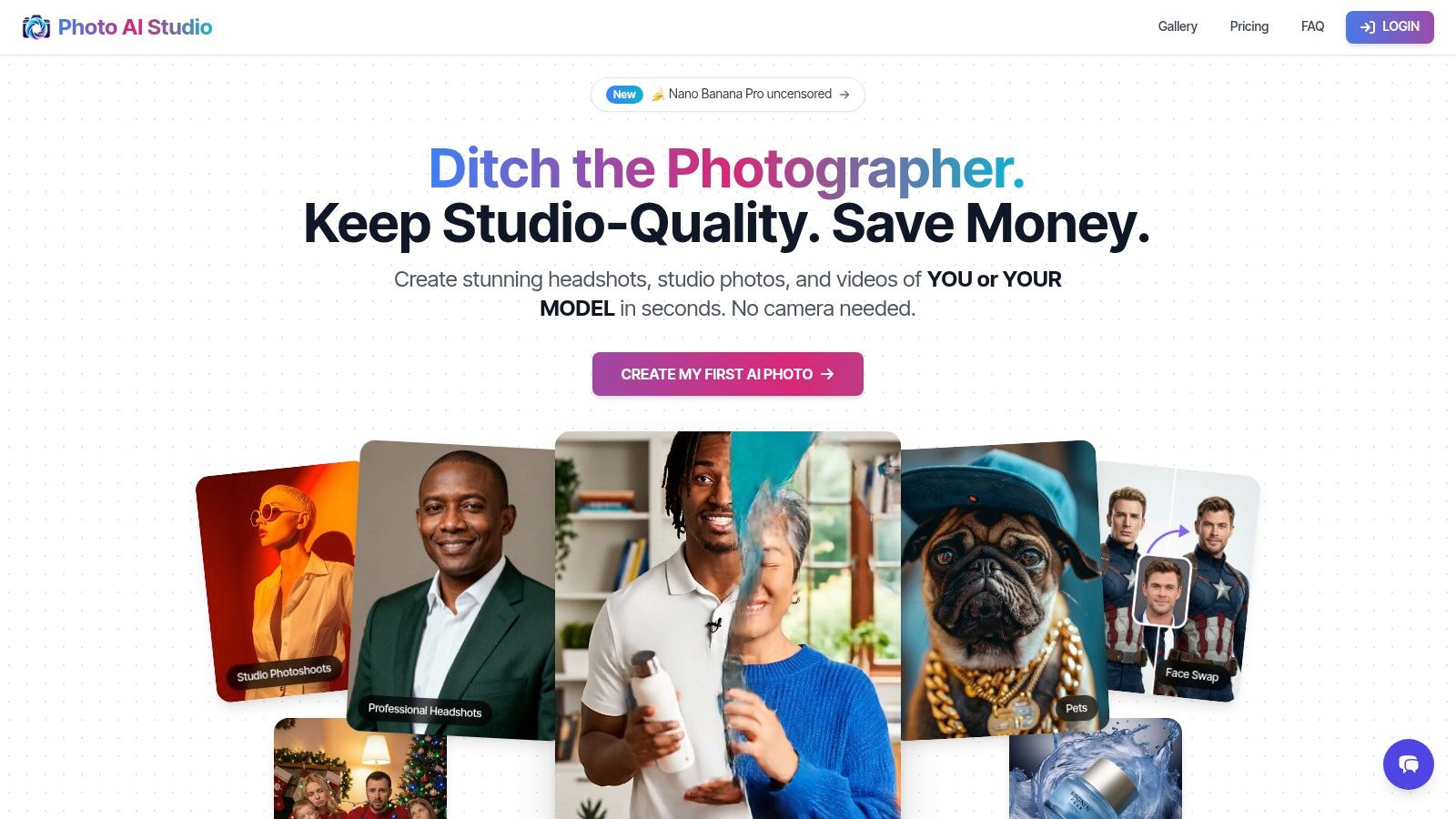
Photo AI Studio solidifies its position as a premier ai photo editor online free by offering an all-in-one creative suite that transcends basic editing. It’s engineered for users who need studio-grade visuals without the associated costs or complexities of a physical photoshoot. The platform excels in creating photorealistic, consistent digital personas and product imagery, making it an indispensable tool for e-commerce, marketing, and professional branding.
The standout feature is its one-shot AI model creation. Unlike services that require a dozen or more photos and lengthy training periods, Photo AI Studio can generate a consistent, workable AI model from a single selfie in about a minute. This capability dramatically lowers the barrier to entry for creating personalized content, from professional headshots to creative portraits across more than 150 distinct visual styles.
Key Features and Use Cases
Photo AI Studio is particularly powerful for commercial applications. Its virtual clothes try-on technology allows Shopify merchants and fashion brands to realistically render clothing, including complex patterns and prints, on AI models. This feature, combined with its product-holder video generator, provides a scalable solution for creating dynamic e-commerce content.
- Best For: E-commerce stores, social media managers, marketing agencies, and professionals needing high-quality headshots.
- Unique Differentiator: The platform's ability to build fully synthetic AI influencers from scratch provides a unique avenue for brand creation and digital marketing.
- User Experience: The interface is straightforward, guiding users through model creation and photo generation with clear steps. Generation is exceptionally fast, with most photos ready in under a minute.
Pricing and Access
The platform operates on a credit-based system, providing new users with a generous allocation of free credits upon signing up to explore its full capabilities. While this model offers flexibility, the cost of high-volume projects can be variable as pricing is tiered regionally. A key benefit is that all generated assets come with a full commercial license and you retain complete ownership.
Our Take: For anyone needing to produce a high volume of diverse, professional-quality photos and videos quickly, Photo AI Studio is a definitive choice. Its unique combination of rapid model training, e-commerce tools, and business-friendly licensing makes it a market leader. For those specifically looking to enhance their professional profile, you can get started with their free professional headshot generator.
2. Adobe Express
Adobe Express is a powerful, browser-based design suite that integrates Adobe's cutting-edge Firefly AI technology, making it a premier ai photo editor online free for users who need reliable, commercially safe results. It's more than just an editor; it's a complete content creation platform that excels at quick, high-quality adjustments without requiring any software installation. The platform is ideal for social media managers, marketers, and small business owners who need to create professional-looking assets quickly.
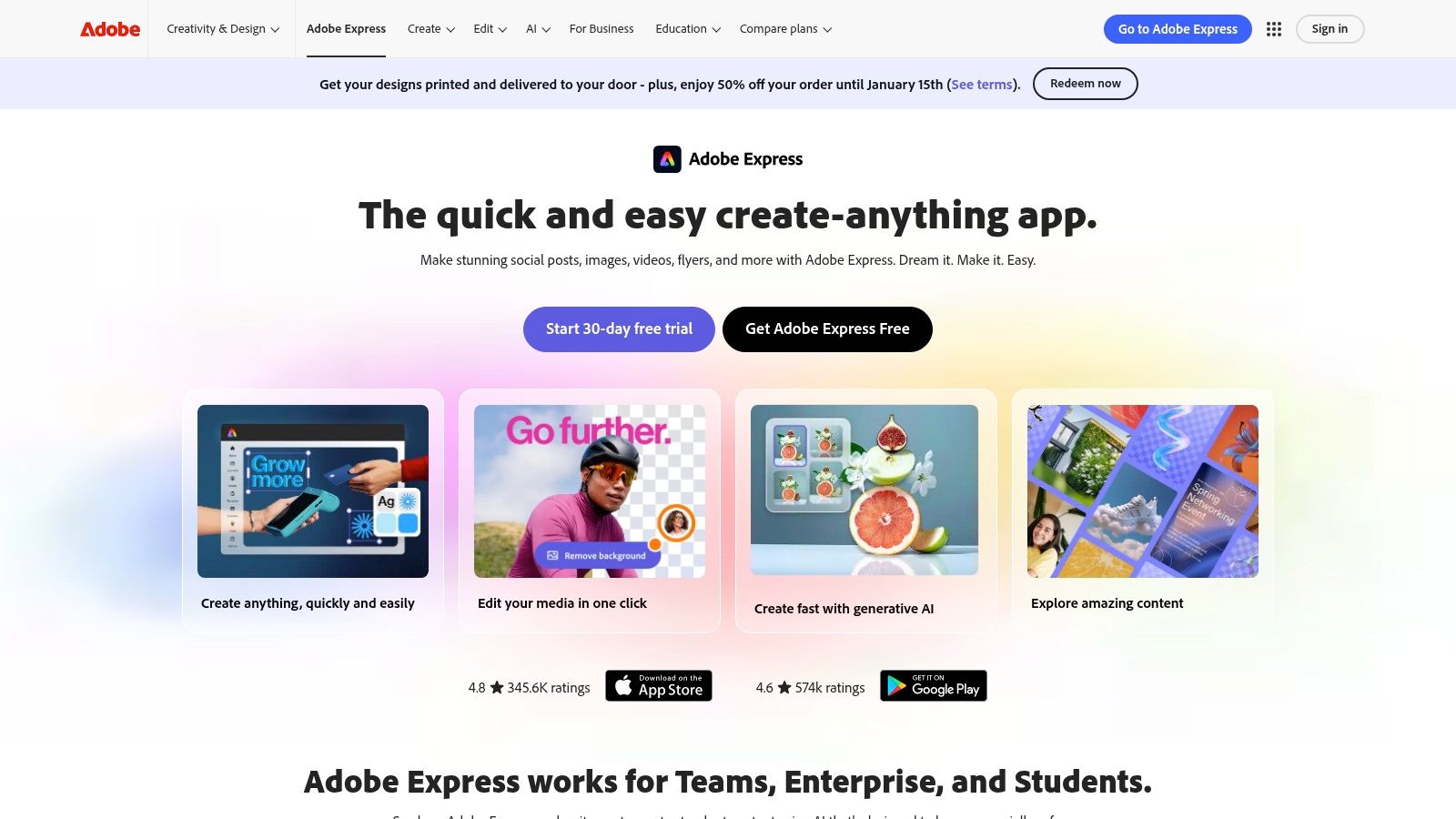
Its "Quick Actions" are standout features, allowing for one-click background removal, image resizing, and even generating captions for videos. The user interface is clean and intuitive for basic tasks, but can have a slight learning curve when you delve into its more complex, multi-layered design capabilities.
Key Features and Usage
The generous free plan includes 25 generative credits per month, which you can use for Firefly-powered features like Generative Fill (adding or removing objects) and creating stunning Text Effects. This credit system makes it perfect for e-commerce store owners who need to clean up product photos or marketers creating unique social media thumbnails.
Hands-On Tip: Use the Generative Fill tool with a light touch. Instead of trying to add a complex object, use it to remove distracting elements in a product shot or extend a background for a social media banner. This conserves credits while delivering a polished, professional look.
| Feature | Details | Best For |
|---|---|---|
| Generative AI | 25 monthly credits for Firefly features (Fill, Text to Image) | Social media content, ad creatives |
| Quick Actions | Background removal, image resize, video captioning | E-commerce product prep, video content |
| Templates & Assets | Access to a large library of free templates and assets | Quick graphic design, brand consistency |
| Commercial Safety | AI-generated content is designed to be commercially safe | Businesses and professional marketing |
Pros:
- Strong free plan with high-quality assets and templates.
- Commercially safe AI-generated content.
- Seamless integration with other Adobe products.
Cons:
- Advanced features and premium assets are behind a paywall.
- Can feel complex compared to single-purpose AI editors.
Website: https://www.adobe.com/express
3. Canva (Magic Studio)
Canva has evolved from a simple graphic design tool into a comprehensive content suite, powered by its "Magic Studio" AI features. It's a top-tier ai photo editor online free for users who prioritize speed, ease of use, and a massive library of templates. While not a dedicated photo editor, its integrated AI tools make it perfect for marketers, social media managers, and anyone needing to quickly create visually appealing content with smart enhancements.
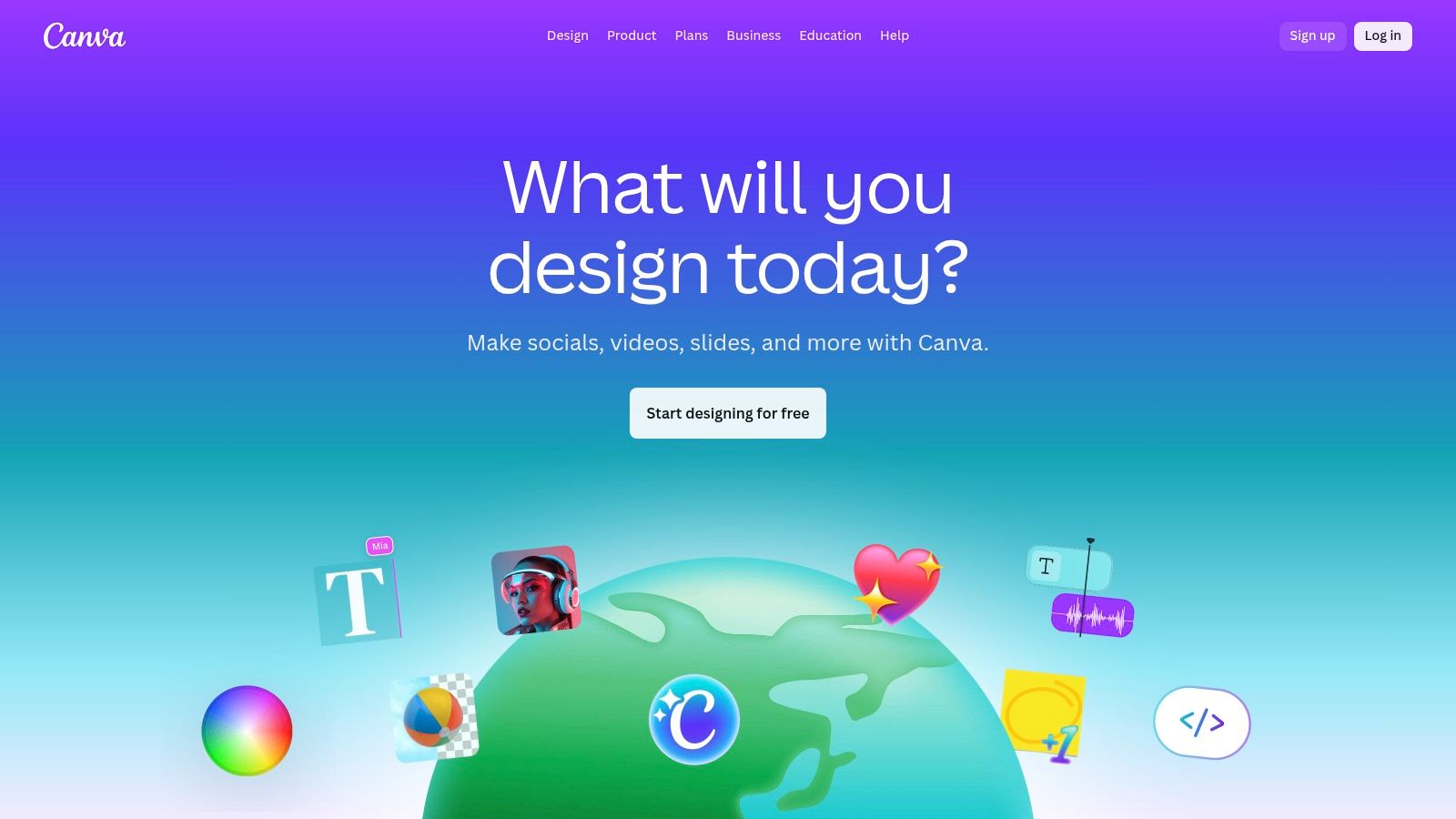
Canva's strength lies in its intuitive, drag-and-drop interface, making advanced features like Magic Eraser and Magic Edit accessible to complete beginners. The platform seamlessly combines photo editing with design, allowing you to tweak an image and immediately drop it into a social media post, presentation, or ad creative without ever leaving the ecosystem.
Key Features and Usage
The free plan generously includes many Magic Studio features, such as Magic Edit (transforming parts of an image with a text prompt) and a limited number of Background Remover uses. This makes it ideal for e-commerce entrepreneurs who need to quickly create clean product shots or influencers developing unique visuals for their feed.
Hands-On Tip: Use the Magic Grab tool to select and reposition a subject within your photo. You can then use Magic Expand (outpainting) to intelligently fill in the background, giving you perfect composition for any social media dimension without awkwardly cropping your original image.
| Feature | Details | Best For |
|---|---|---|
| Magic Edit & Eraser | AI-powered object replacement and removal. | Cleaning up photos, creative composites |
| Magic Expand | Intelligently outpaint and extend image backgrounds. | Resizing images for different aspect ratios |
| Background Remover | One-click background removal (limited on free plan). | E-commerce product shots, profile pictures |
| Templates & Assets | Huge library of free templates, photos, and elements. | Fast social media posts, ads, and flyers |
Pros:
- Extremely intuitive and easy for beginners to master.
- Massive library of templates and stock assets speeds up workflow.
- Excellent collaboration and team features for brand consistency.
Cons:
- Key AI tools like Background Remover have usage limits on the free plan.
- Less powerful for detailed, professional-grade photo retouching.
Website: https://www.canva.com
4. Pixlr
Pixlr has long been a staple in the world of browser-based photo editing, and its modern iteration integrates a suite of AI tools that make it a versatile ai photo editor online free. It strikes a balance between traditional, layer-based editing (Pixlr E) and simplified, AI-driven workflows (Pixlr X). This makes it uniquely suited for users who want both granular control and the efficiency of AI for quick enhancements, all without taxing their system resources.
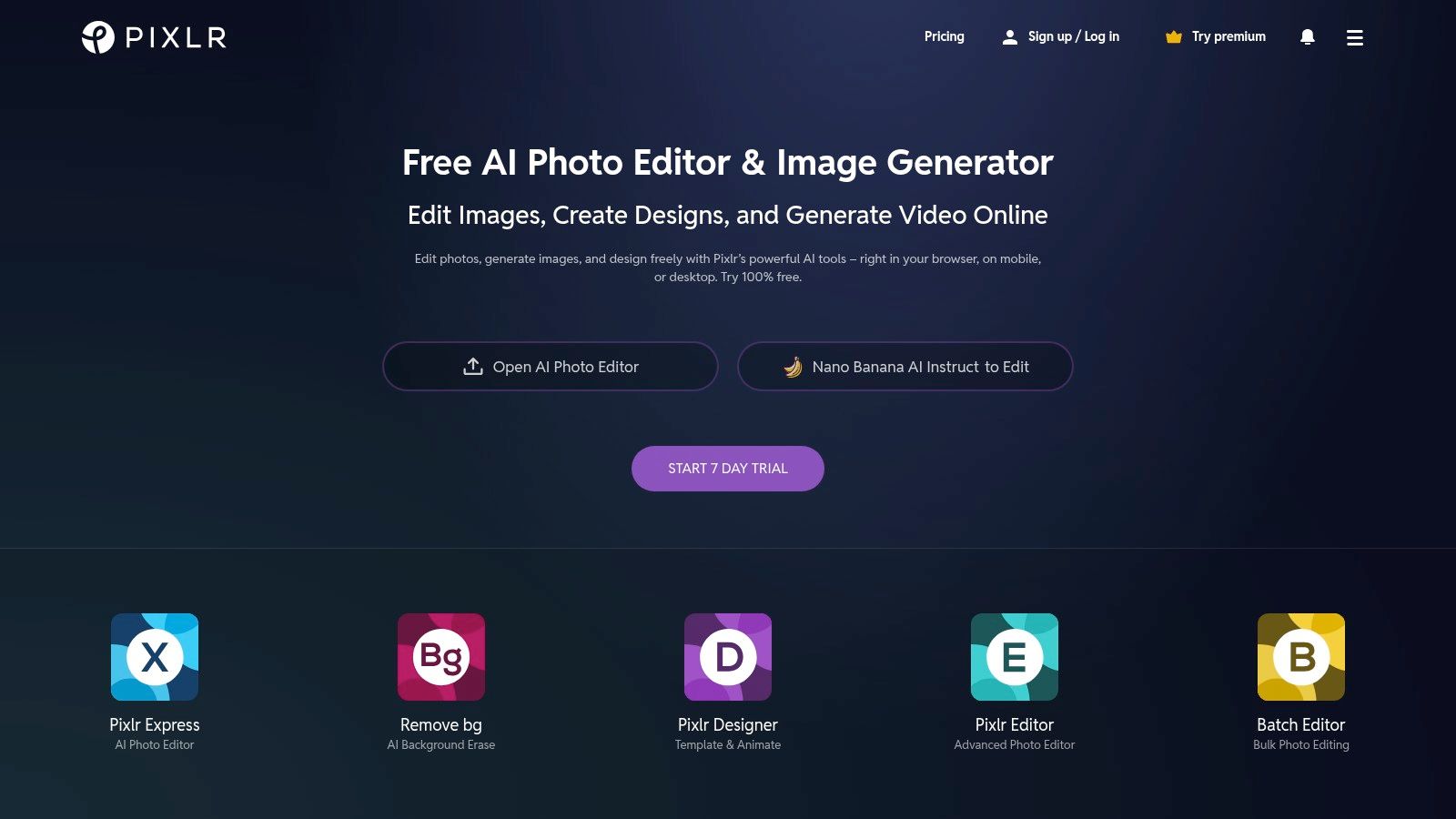
Its lightweight in-browser performance is a key differentiator, running smoothly even on older hardware where more demanding platforms might struggle. The free version is supported by ads but provides a solid entry point into its AI capabilities, which are powered by a credit system.
Key Features and Usage
Pixlr's free plan offers a taste of its powerful AI features, including Generative Fill for object removal or addition, a text-to-image generator, and an AI background remover. While credits are limited, they are sufficient for occasional use, such as cleaning up a few product photos or creating a unique graphic for a social media post.
Hands-On Tip: Use Pixlr's AI Background Remover for a quick cutout, then switch to the Pixlr E (Advanced) editor. You can then manually refine the mask using the classic eraser or selection tools for a more precise, professional finish on complex edges like hair or fur.
| Feature | Details | Best For |
|---|---|---|
| Generative AI | Limited free credits for Generative Fill and Text-to-Image | Quick object removal, creative explorations |
| AI Tools | One-click background remover, upscaler, and enhancers | E-commerce product shots, social media posts |
| Dual Editors | Pixlr X (easy) and Pixlr E (advanced layer-based) | Both beginners and experienced users |
| Performance | Lightweight and fast, runs well in any modern browser | Users with older computers or slow internet |
Pros:
- Fast in-browser workflow with minimal setup or hardware requirements.
- Strong value in paid plans, which include a generous amount of AI credits.
- Good for lightweight, everyday editing tasks.
Cons:
- The free tier is ad-supported and has feature limitations.
- AI output quality can sometimes vary on complex generative prompts.
Website: https://pixlr.com
5. Picsart
Picsart is a versatile, social-first ai photo editor online free that packs a comprehensive suite of AI tools into a user-friendly, browser-based platform. It's designed for creators, social media managers, and e-commerce sellers who need an all-in-one solution for editing, design, and content creation. The platform shines with its massive library of templates, stock integrations, and collaborative cloud features, making it a powerful hub for creative projects.
Its strength lies in combining traditional photo editing with powerful, accessible AI functionalities. The interface is vibrant and geared towards modern content creation, although its sheer number of options can feel a bit cluttered for first-time users. The platform’s community-driven approach also provides a constant stream of inspiration and remixable content.
Key Features and Usage
The free plan offers a solid entry point, but many of the advanced AI tools operate on a credit system. Key features include the AI Image Generator for creating visuals from text prompts, a precise AI Background and Object Remover, and AI-powered retouching tools for enhancing portraits. These tools are especially useful for creating unique social media posts or cleaning up product photos for online stores.
Hands-On Tip: Use the "AI Replace" tool to swap out specific objects in your e-commerce photos. For instance, you can change the background setting of a product shot from a plain studio to a lifestyle scene without a full reshoot, giving your listings more variety. For headshots, you might find more specialized tools useful, as detailed in this guide to professional headshots.
| Feature | Details | Best For |
|---|---|---|
| AI Editing Suite | Background/object removal, AI Enhance, face retouch | Quick photo clean-up, e-commerce |
| AI Image Generator | Text-to-image creation with a credit-based system | Social media content, concept art |
| Templates & Assets | Huge library of templates, stickers, and stock photos | Fast content creation, brand marketing |
| Cloud Storage | Saves projects online for easy access and collaboration | Team projects, multi-device workflows |
Pros:
- Wide toolset covering photo editing, video, and design.
- Clear credit system for advanced AI features.
- Excellent for creator-focused, social media workflows.
Cons:
- Watermarks and feature limitations on the free plan.
- AI credits can be consumed quickly with heavy use.
- Web UI can feel busy and overwhelming for new users.
Website: https://picsart.com
6. Fotor
Fotor is a comprehensive and user-friendly platform that positions itself as an all-in-one ai photo editor online free. It expertly blends traditional photo editing capabilities with powerful AI-driven tools, making it an excellent choice for users who need both quick enhancements and creative design features. The platform is particularly well-suited for social media enthusiasts and beginners looking for a straightforward tool that covers everything from portrait retouching to creating graphic collages.
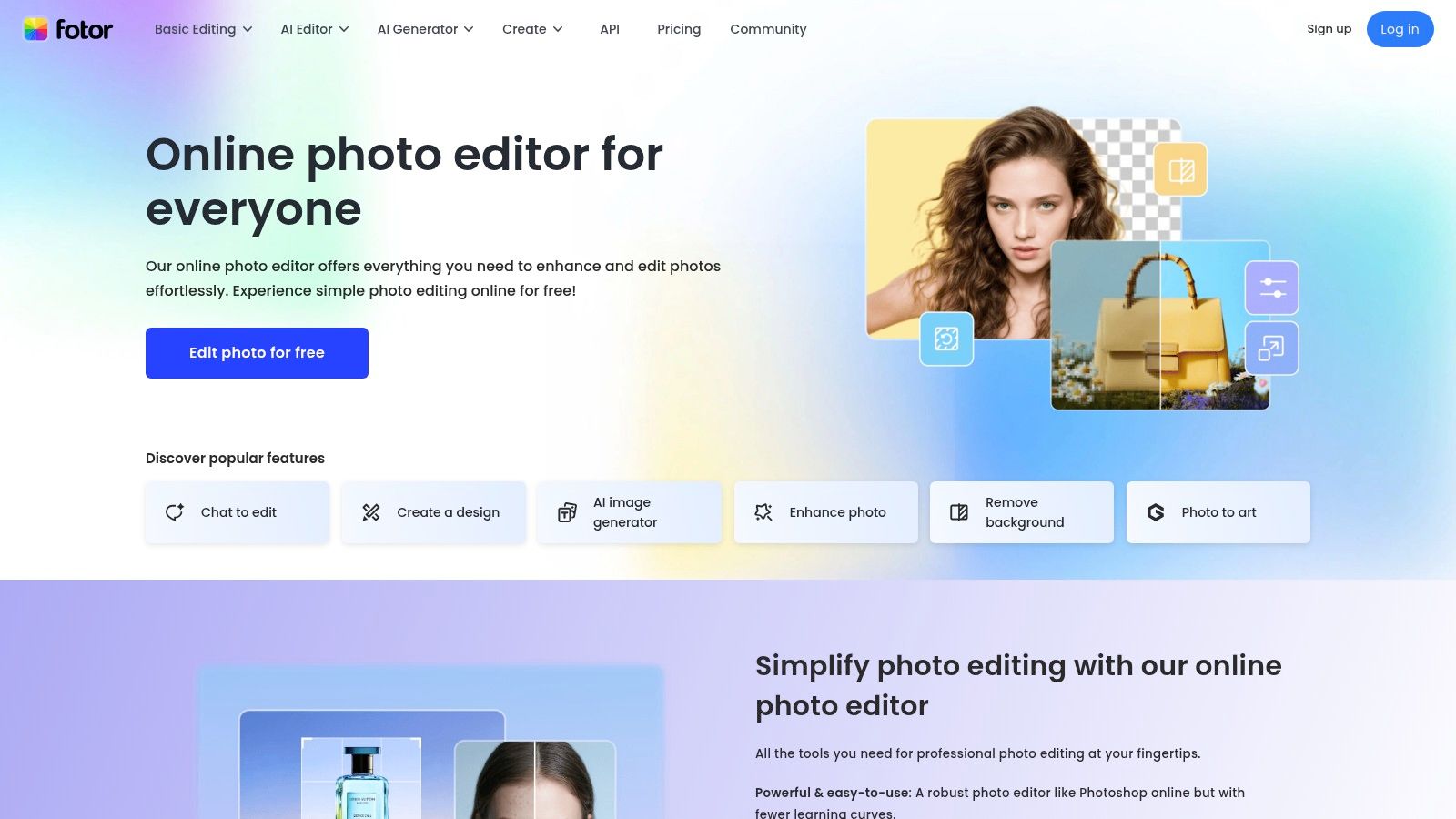
Its strength lies in its one-click enhancement modules, which simplify complex edits like blemish removal, background replacement, and image upscaling. The interface is clean and accessible, guiding users to the right tool without a steep learning curve, whether they are editing a photo or designing a social media post from a template.
Key Features and Usage
The free plan offers a taste of its AI capabilities with a limited number of credits. These can be used for features like AI Background Remover and AI Replace, which allow you to seamlessly swap out or remove objects from an image. This makes it ideal for users who occasionally need to clean up photos for personal projects or social media without committing to a paid plan.
Hands-On Tip: Use the AI portrait and face retouching tools to subtly enhance headshots. Focus on minor adjustments like smoothing skin or brightening eyes to maintain a natural look. These tools work best on well-lit photos with clear facial features.
| Feature | Details | Best For |
|---|---|---|
| One-Click Enhancements | AI-powered tools for retouching, upscaling, and effects | Quick portrait fixes, improving image quality |
| AI Object Tools | Background remover and AI Replace for object swapping | Cleaning up photos, creative compositions |
| Design Templates | Large library of templates for collages and social media | Creating quick graphics for Instagram or Facebook |
| Credit System | Free plan includes limited credits for premium AI features | Occasional users and trying out advanced tools |
Pros:
- Easy-to-use interface with powerful one-click enhancements.
- Combines photo editing and graphic design tools in one platform.
- Good selection of free templates and basic editing features.
Cons:
- Free plan has aggressive watermarking and limited credits.
- Best AI results often require clean, simple backgrounds to work effectively.
Website: https://www.fotor.com
7. PhotoRoom
PhotoRoom is an e-commerce-focused ai photo editor online free designed to streamline the creation of professional product photos. Its primary strength lies in its exceptional, one-click background removal and replacement, making it an indispensable tool for marketplace sellers, Shopify merchants, and anyone needing clean, catalog-ready images with minimal effort. The platform is built for speed and efficiency, transforming standard photos into high-quality commercial assets in seconds.
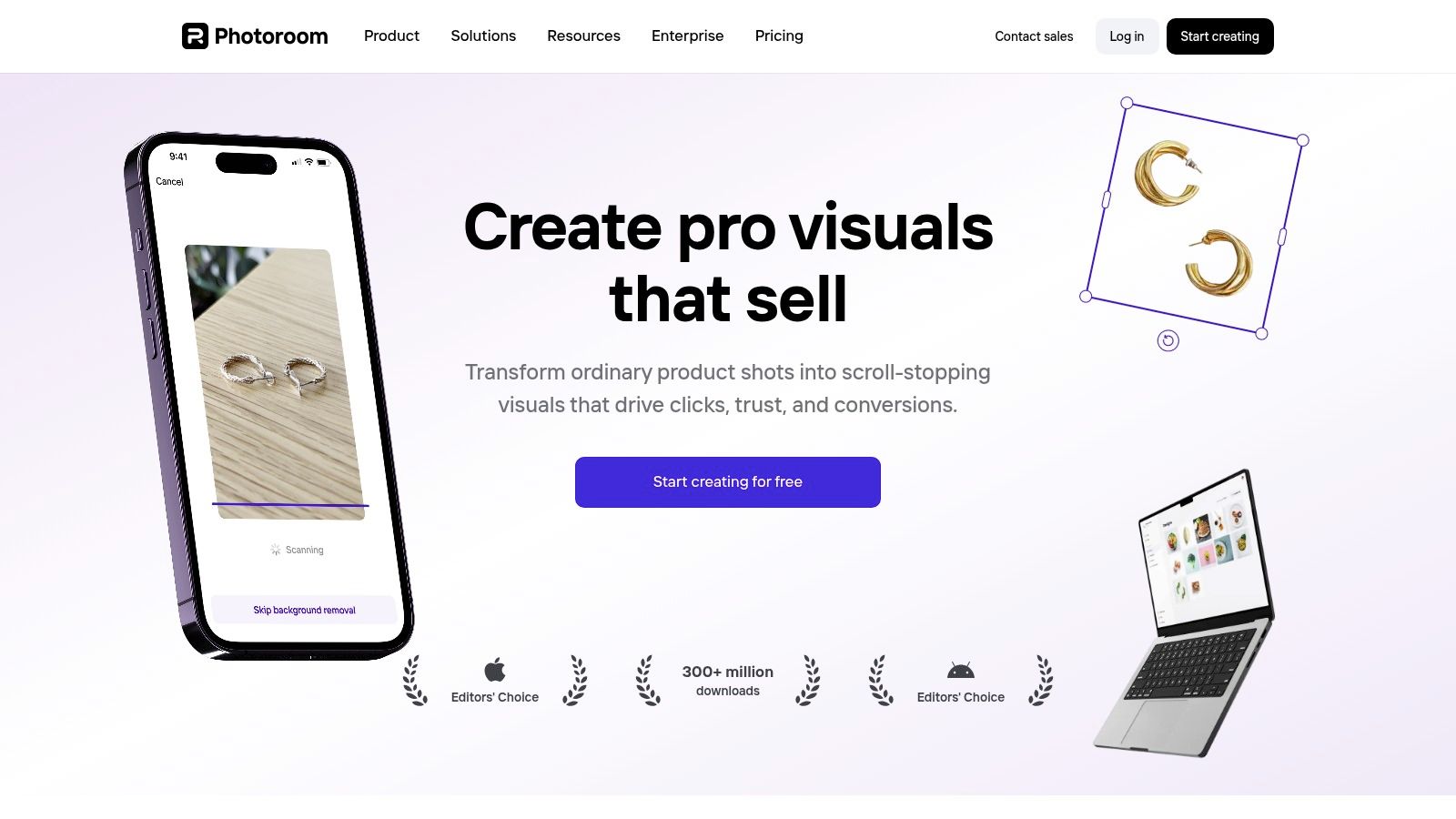
The user experience is incredibly straightforward: upload an image, and PhotoRoom automatically isolates the subject. From there, you can choose from hundreds of templates, apply new AI-generated backgrounds, or simply add a clean white backdrop. While its core function is simple, its effectiveness is what makes it stand out for commercial use cases.
Key Features and Usage
The free plan offers unlimited photo edits but includes a PhotoRoom watermark on exports, which is removable by upgrading. Key AI features like Instant Backgrounds allow users to generate custom scenes that match their product's aesthetic, perfect for creating lifestyle shots without a physical photoshoot. The Retouch tool lets you quickly erase unwanted text or objects from your original image.
Hands-On Tip: Use the "Instant Shadows" feature after removing a background. Applying a realistic, soft shadow beneath your product is a small detail that dramatically increases the perceived quality and professionalism of your listing on platforms like eBay or Depop.
| Feature | Details | Best For |
|---|---|---|
| AI Background Removal | Instantly and accurately removes backgrounds on upload | E-commerce product listings, marketplaces |
| AI Scene Generation | Creates custom backdrops and scenes for products | Lifestyle shots, social media marketing |
| Batch Editor | Apply edits to multiple images at once (Pro feature) | High-volume sellers, catalog management |
| Retouch Tools | Magic erase for removing unwanted objects or text | Cleaning up product photos quickly |
Pros:
- Extremely fast and accurate background removal tailored for products.
- Excellent automation and templates for e-commerce sellers.
- Simple, intuitive interface requiring no design skills.
Cons:
- Free exports are watermarked.
- Batch editing and brand kits require a paid plan.
Website: https://www.photoroom.com
8. ClipDrop
ClipDrop is a versatile suite of web-based AI tools, each designed to perform a specific, high-demand task with remarkable speed and simplicity. While not a traditional all-in-one editor, it stands out as an exceptional ai photo editor online free for users who need to perform single-purpose edits like object removal, background replacement, or image upscaling. Its minimalist interface makes it incredibly accessible for quick fixes without the learning curve of more complex platforms.
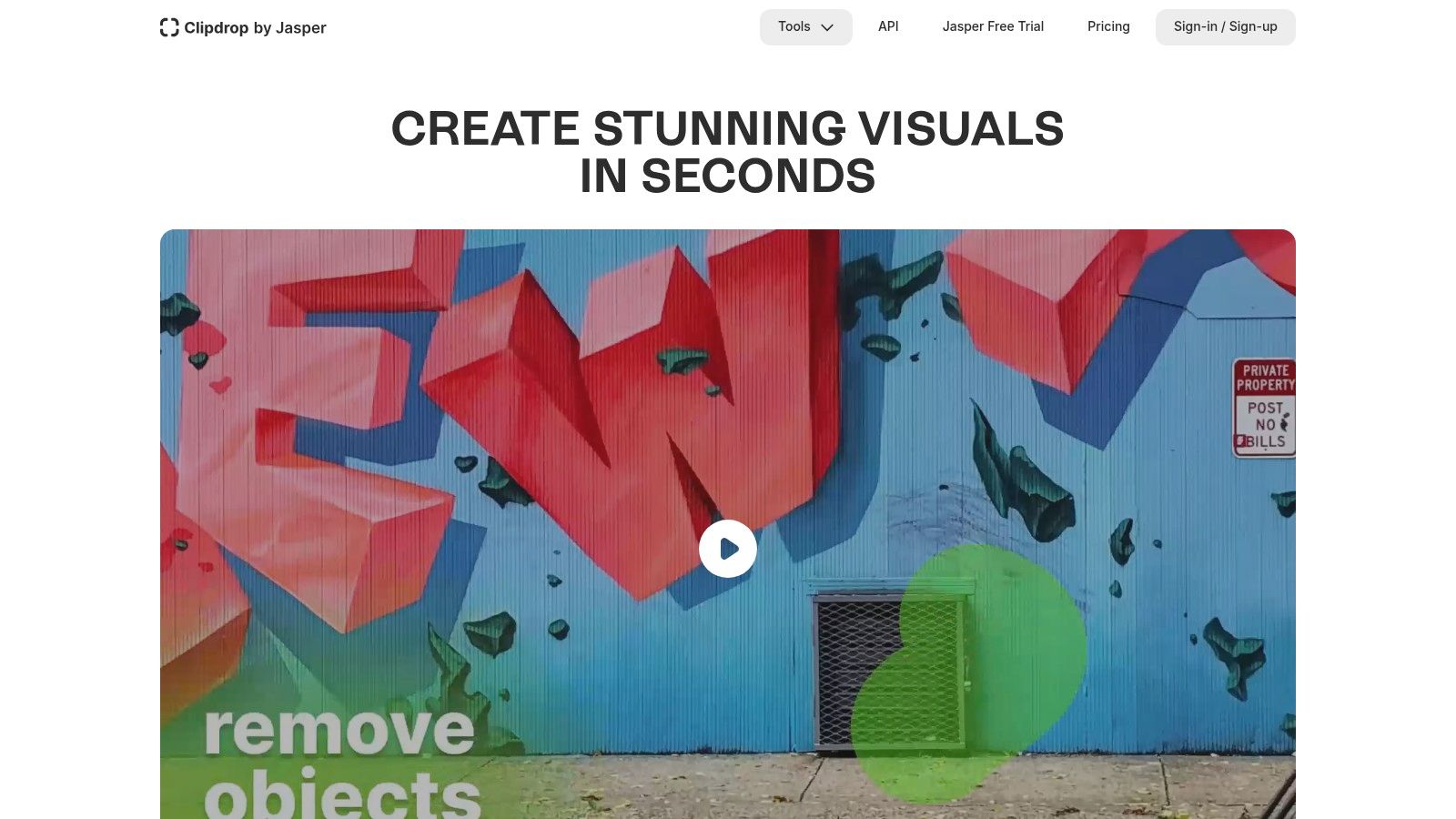
The platform’s strength lies in its focused, efficient tools. Tasks that would typically require several steps in other software, like removing unwanted people from a photo or extending a background, are accomplished in just a few clicks. This makes it a go-to resource for developers needing API access and marketers needing to quickly prep images for campaigns.
Key Features and Usage
The free tier offers access to most tools, albeit with limitations on resolution and daily usage quotas. Key free features include Cleanup for object removal, Image Upscaler to enhance resolution, and Uncrop to intelligently expand an image's canvas. These tools are perfect for e-commerce merchants who need to quickly remove props from product shots or social media managers who need to adapt an image to a different aspect ratio.
Hands-On Tip: Use the Uncrop tool to turn a vertically-oriented photo into a wide banner for a website or social media profile. The AI does an excellent job of generating a natural-looking extension of the original background, saving you significant editing time.
| Feature | Details | Best For |
|---|---|---|
| Cleanup | AI-powered object and text removal | E-commerce photo staging, removing distractions |
| Uncrop | Expands image dimensions with AI outpainting | Repurposing images for different aspect ratios |
| Image Upscaler | Increases image resolution up to 2x for free | Enhancing low-quality photos for web use |
| API Access | Integrate ClipDrop's tools into other applications | Developers and platforms needing image processing |
Pros:
- Extremely simple, fast, and effective single-purpose tools.
- Free usage is available for most features with reasonable limits.
- Great for quick, specific tasks without needing a full editor.
Cons:
- High-resolution exports and unlimited use are locked behind a Pro subscription.
- Daily quotas can be restrictive for heavy users on the free plan.
Website: https://clipdrop.co
9. remove.bg
While many tools offer background removal as a feature, remove.bg is a specialized platform that has perfected this single task, making it the best-in-class ai photo editor online free for that specific purpose. It uses sophisticated AI to deliver incredibly precise cutouts, even on challenging edges like hair or fur, with just one click. This focus makes it exceptionally fast and reliable for users who need a perfect background removal solution without the complexity of a full editing suite.
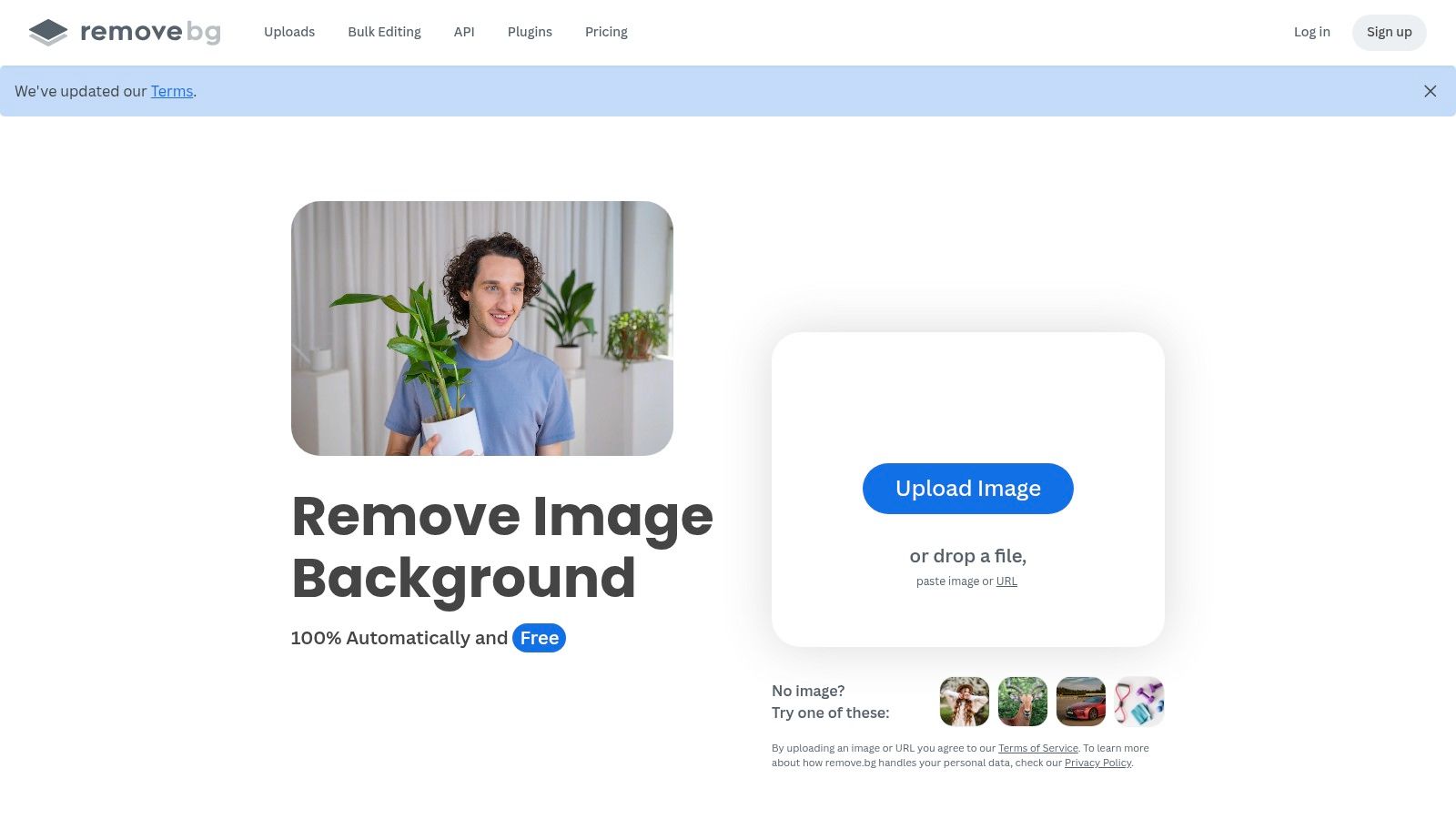
The platform is designed for efficiency, supporting bulk processing through its desktop app and API integrations, which is a game-changer for e-commerce businesses or developers. Its interface is minimalist and purpose-built: you upload an image, and the background vanishes instantly. Recently, it has expanded its capabilities with a Magic Background generator, allowing users to replace the removed background with an AI-generated scene.
Key Features and Usage
The free offering from remove.bg allows unlimited low-resolution downloads, which is perfect for quick web mockups or social media avatars. For high-resolution results needed for professional print or e-commerce listings, users must purchase credits or subscribe to a plan. Its API is particularly valuable for developers looking to integrate automated background removal into their own applications.
Hands-On Tip: For product photos, upload your image and let the AI do its work. Then, instead of just a white background, use the "Magic Background" tool to generate a simple, clean studio environment. A prompt like "minimalist light grey studio background, soft shadows" can create a professional-looking scene instantly.
| Feature | Details | Best For |
|---|---|---|
| One-Click Removal | Automatic, highly accurate background removal up to 50 MP | E-commerce product photos, headshots |
| Integrations | Desktop app, Photoshop plugin, and API for automation | High-volume workflows, developers |
| Magic Background | AI-powered tool to generate custom backgrounds | Creating unique product mockups, ad creative |
| Free Previews | Unlimited low-resolution downloads for non-commercial use | Web use, quick proofs, personal projects |
Pros:
- Extremely accurate and consistent cutouts on complex edges.
- Scales exceptionally well with batch processing and API access.
- Incredibly simple and fast to use.
Cons:
- It's a single-purpose tool, not a comprehensive editor.
- High-definition downloads require credits or a paid subscription.
Website: https://www.remove.bg
10. VanceAI
VanceAI is a comprehensive suite of AI-powered tools designed for image enhancement and restoration, making it a highly specialized ai photo editor online free for specific tasks. Rather than a general-purpose editor, it offers a collection of focused "workspaces" for upscaling, sharpening, denoising, and restoring old photos. This makes it an excellent choice for photographers, archivists, or e-commerce sellers who need to repair or improve image quality with precision.
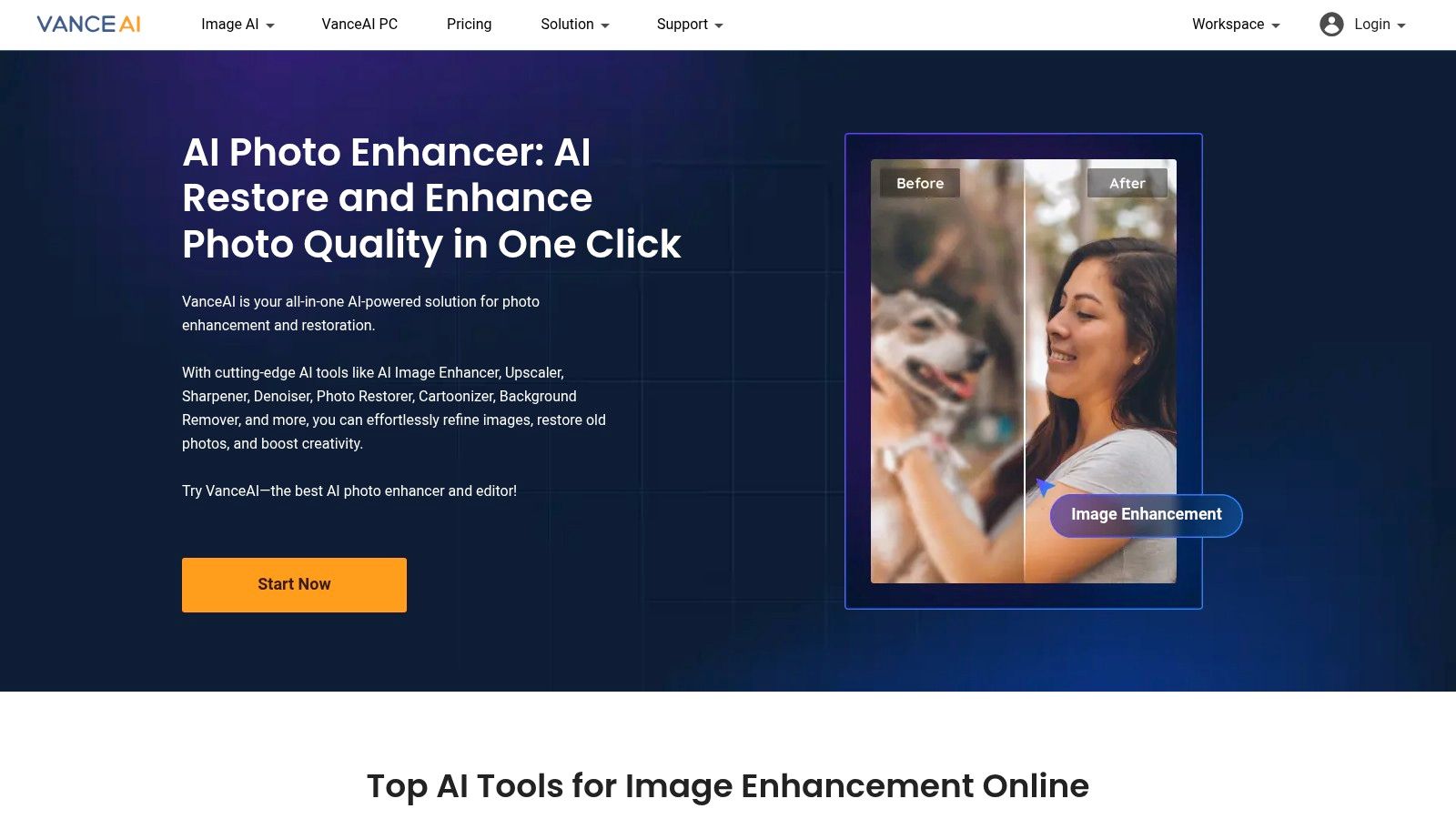
The platform operates on a credit-based system, providing a few free credits each month to test its capabilities. The user interface is straightforward, guiding you directly to the tool you need without the clutter of a full design canvas. Each tool is optimized for its particular function, delivering impressive results on challenging images.
Key Features and Usage
The free plan offers three credits per month, which is enough to process a few key images. This is ideal for restoring a precious family photo or sharpening a slightly blurry product shot before uploading it to an online store. The AI Photo Restorer and AI Image Upscaler are particularly strong, capable of bringing clarity and color back to faded or low-resolution pictures.
Hands-On Tip: Use your free credits on the AI Photo Restorer. This tool often combines multiple processes (scratch removal, colorization, and enhancement) into one, giving you the most value for a single credit and dramatically improving old, damaged photographs.
| Feature | Details | Best For |
|---|---|---|
| AI Image Upscaler | Enlarge images up to 8x without significant quality loss. | Printing low-res photos, e-commerce zoom |
| Photo Restoration | Fixes scratches, spots, and colorizes black-and-white photos. | Digitizing and repairing old family photos |
| AI Denoiser/Sharpener | Reduces image noise and sharpens blurry details. | Improving photos taken in low light |
| Background Remover | Quickly creates transparent backgrounds for product images. | E-commerce, graphic design elements |
Pros:
- Excellent suite of specialized restoration and enhancement tools.
- Simple, task-focused interface is easy to navigate.
- Flexible pay-as-you-go credit packs in addition to subscriptions.
Cons:
- Very limited free credits per month.
- High-definition downloads require credits.
- Results can vary depending on the specific tool and source image.
Website: https://vanceai.com
11. Photopea
Photopea is a legendary browser-based image editor that brings the power and feel of traditional desktop software, like Adobe Photoshop, directly into your web browser. It has long been the go-to for designers needing advanced layer-based editing without installations, and its recent integration of AI tools solidifies its place as a top-tier ai photo editor online free. It’s perfect for users who are comfortable with professional editing interfaces and need more granular control than simpler, one-click tools provide.
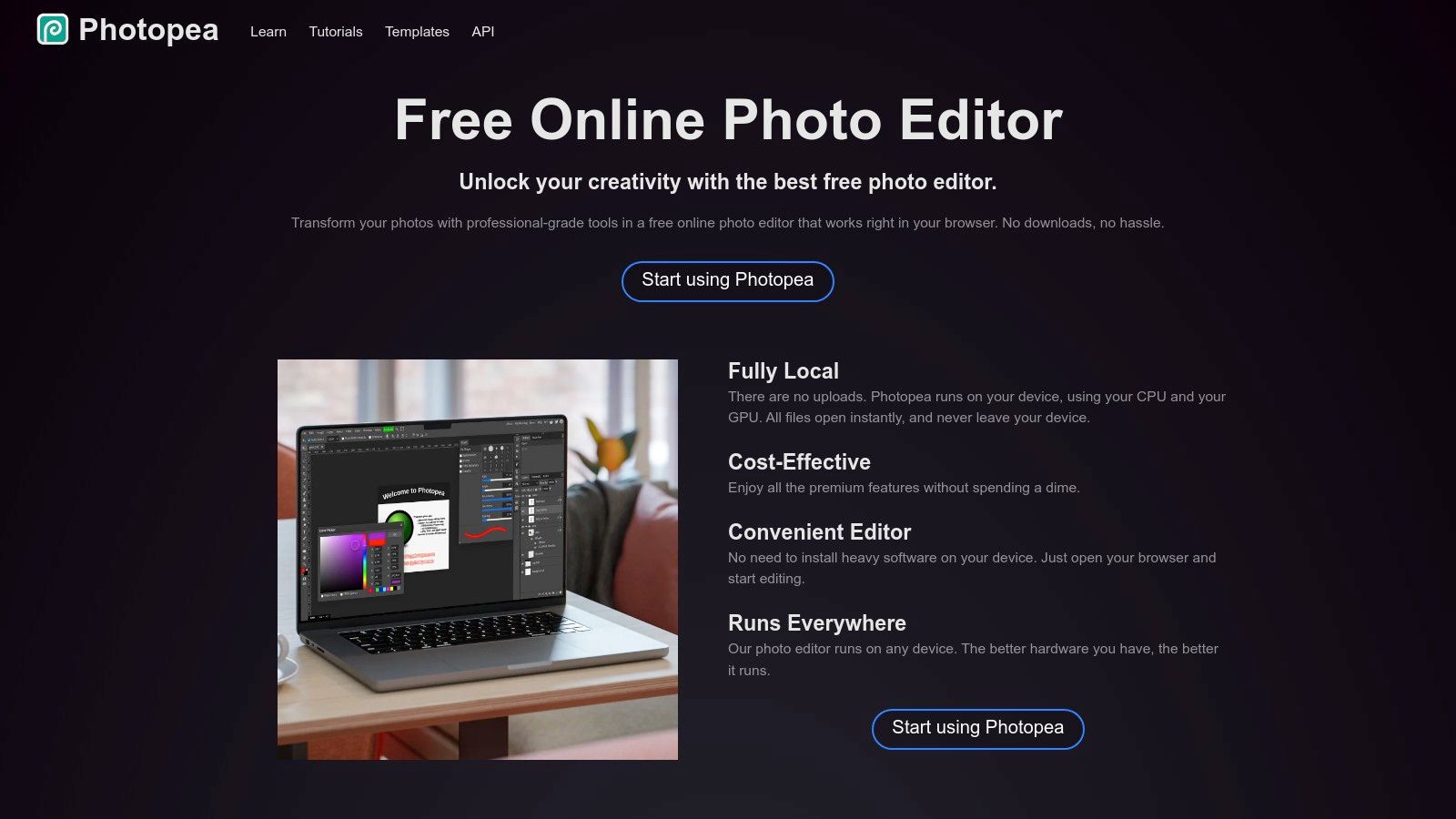
The platform supports an impressive range of file formats, including PSD, and its performance is remarkable for a tool that runs entirely on your local machine. The interface will be immediately familiar to anyone who has used Photoshop, offering a full suite of selection tools, masks, and adjustment layers. The free version is fully functional but supported by ads.
Key Features and Usage
Photopea's AI toolkit includes Magic Replace, which functions like a generative fill for removing or replacing objects, and an effective AI-powered background remover. These tools are integrated directly into the familiar workflow, making them easy to access for complex edits. It’s ideal for e-commerce merchants who need to perform intricate product cutouts or designers who want to clean up an image without leaving their primary editing environment.
Hands-On Tip: Use the "Magic Replace" tool in combination with the lasso or marquee selection tools for precise edits. By defining the exact area you want to change, you can guide the AI to produce much cleaner and more predictable results when removing unwanted background elements from a product photo.
| Feature | Details | Best For |
|---|---|---|
| Advanced Editing Suite | Full support for layers, masks, blending modes, and PSD files | Professionals needing a free Photoshop alternative |
| AI Magic Replace | Generative fill-style tool to remove or replace objects | Retouching, object removal, creative edits |
| AI-Assisted Tools | Background remover and other smart selection features | E-commerce product images, complex cutouts |
| Local Processing | Runs entirely in the browser, ensuring user privacy | Users concerned about uploading sensitive images |
Pros:
- The most powerful free, browser-based alternative to Photoshop.
- Handles complex, multi-layer PSD files flawlessly.
- No account or installation is required to start editing.
Cons:
- The user interface can be intimidating for beginners.
- Ads in the free version can be distracting during detailed work.
Website: https://www.photopea.com
12. PhotoAI Studio
PhotoAI Studio is an end-to-end creative platform that functions as a comprehensive ai photo editor online free, specializing in professional headshots, e-commerce visuals, and dynamic video content. It stands out by offering a complete workflow, allowing users to generate images, edit them with powerful AI tools, and then animate them into videos all within a single interface. This makes it a go-to solution for marketers, professionals, and e-commerce brands who need a streamlined process from concept to final asset.
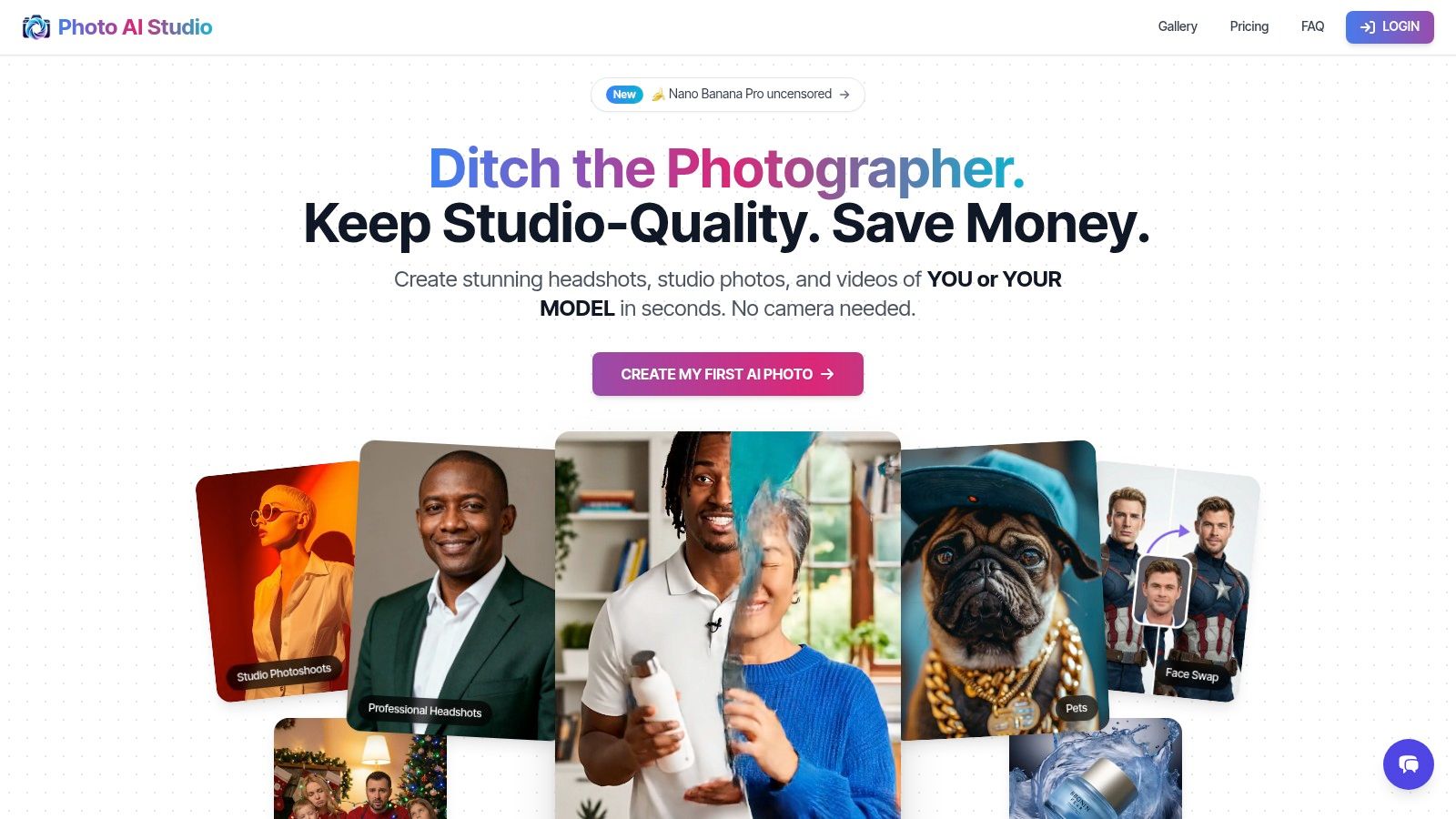
The platform’s strength lies in its ability to handle diverse creative needs, from generating realistic corporate headshots to producing engaging UGC-style product demos. Its user-friendly editor, combined with features like background replacement and face swapping, makes it accessible even for those without technical editing skills.
Key Features and Usage
PhotoAI Studio offers a robust suite of tools powered by a transparent credit system. Its features are designed for practical business applications, such as training an AI model on a product for consistent e-commerce imagery or creating professional avatars for a team. The platform’s unique selling point is its all-in-one approach, saving users time by eliminating the need to switch between different applications for photo generation, editing, and video creation.
Hands-On Tip: To get the best professional headshots, start with a clear, well-lit photo of yourself as the source. Use the "Hyper-Realism" style, even if it costs a few extra credits, as it produces significantly more convincing and polished results suitable for a LinkedIn profile or corporate website.
| Feature | Details | Best For |
|---|---|---|
| End-to-End Workflow | Generate, edit, and create videos in one platform | Marketers and brands needing efficiency |
| AI Headshots & Avatars | Trainable models for consistent, professional headshots | Professionals, job seekers, corporate teams |
| E-commerce Tools | Background replacement, virtual try-on, product shots | E-commerce store owners, Shopify merchants |
| Image-to-Video | Animate still images to create dynamic video content | Social media creators, UGC-style ads |
Pros:
- Complete generate-edit-video workflow simplifies content creation.
- Transparent credit system with refunds for unsatisfactory outputs.
- Specialized tools for professional headshots and e-commerce.
Cons:
- HD image and video generations can consume free credits quickly.
- Highest-quality headshots may require premium credit types.
Website: https://www.photoaistudio.com
Top 12 Free Online AI Photo Editors — Comparison
| Product | Core features | UX (★) | Value (💰) | Target (👥) | Unique (✨) |
|---|---|---|---|---|---|
| 🏆 Photo AI Studio | 150+ styles, one-shot model, image→video, editor, virtual try-on | ★★★★☆ (fast, studio-grade) | 💰 Credit-based; regional tiers + free starter credits | 👥 Photographers, creators, e‑commerce, agencies | ✨ One-shot model creation, realistic try-on, UGC/video tools, commercial license |
| Adobe Express | Firefly AI edits, background replace, templates, brand kits | ★★★★☆ (polished, safe) | 💰 Free tier + subscription / monthly AI credits | 👥 Marketers, social teams, casual designers | ✨ Firefly integration, brand/scheduler |
| Canva (Magic Studio) | Magic Edit/Erase, outpainting, templates, stock library | ★★★★★ (very easy & fast) | 💰 Free & Pro subscription (limits on Pro tools) | 👥 Social creators, SMBs, teams | ✨ Massive templates, collaboration, brand kits |
| Pixlr | Generative fill, bg remover, upscaler, layer editor | ★★★☆☆ (lightweight, quick) | 💰 Affordable plans + AI credits | 👥 Quick editors, older hardware users | ✨ Fast in-browser workflow, low overhead |
| Picsart | AI generator, background/object removal, templates, cloud | ★★★★☆ (creator-focused) | 💰 Freemium + clear credit system | 👥 Creators, ecommerce sellers | ✨ Social tools, stock integrations, mobile-first |
| Fotor | Retouch, upscaler, bg replace, portrait modules, templates | ★★★☆☆ (one-click fixes) | 💰 Freemium; credits/watermarks on free | 👥 Casual editors, quick ecommerce needs | ✨ Easy one-click enhancements & collages |
| PhotoRoom | Auto bg removal, ecommerce templates, batch exports | ★★★★☆ (very fast for product shots) | 💰 Paid tiers for bulk/HD exports | 👥 Marketplace sellers, catalog teams | ✨ Batch processing + ecommerce presets |
| ClipDrop | Cleanup, uncrop/outpaint, upscaler, API access | ★★★☆☆ (single-purpose, fast) | 💰 Freemium + Pro for HD/API credits | 👥 Designers, developers, quick fix users | ✨ API + fast single-task tools |
| remove.bg | One-click bg removal, bulk, desktop/app/API integrations | ★★★★☆ (consistently precise) | 💰 Credit-based HD downloads | 👥 Photographers, sellers, devs | ✨ Best-in-class cutouts & batch/API scale |
| VanceAI | Upscaler, denoise, restoration, bg removal, batch tools | ★★★☆☆ (enhancement-focused) | 💰 Credits/subscriptions with rollover options | 👥 Restorers, ecommerce photo teams | ✨ Strong restoration & flexible credit packs |
| Photopea | Photoshop-like layers, masks, PSD support, AI tools | ★★★★☆ (powerful; browser-based) | 💰 Free with ads; premium removes ads + AI credits | 👥 Power users, designers, PSD workflows | ✨ Full PSD workflow in-browser, advanced edit tools |
Choosing Your Go-To AI Editor and Maximizing Your Free Credits
We’ve journeyed through a comprehensive landscape of the best free online AI photo editors, from comprehensive suites to highly specialized single-task tools. The core takeaway is clear: the "best" tool is not a one-size-fits-all answer. Instead, it’s a strategic choice dictated entirely by your specific goals, project requirements, and workflow preferences. The true power for creators, marketers, and professionals lies not in finding a single perfect platform, but in understanding this diverse ecosystem and leveraging it intelligently.
The sheer variety means there is an ai photo editor online free solution perfectly suited for nearly any task. Your primary challenge now is to match your need to the right tool's strengths.
How to Select the Right Free AI Editor for Your Needs
Making the right choice starts with defining your primary use case. Are you an e-commerce merchant needing thousands of clean, consistent product shots? Or are you a social media influencer aiming for a single, viral-worthy creative image? Your answer will guide your selection.
- For E-commerce and Product Photography: If your main goal is creating professional, uniform product images with clean backgrounds, specialized tools like PhotoRoom and remove.bg are your most efficient starting points. Their free tiers are often generous enough for small batches, delivering near-instant, high-quality cutouts that are ready for marketplace listings on Shopify, Amazon, or Etsy.
- For Social Media and Content Creation: If you need to integrate photos into a larger design with text, graphics, and templates, platforms like Canva (Magic Studio) and Adobe Express are unparalleled. They are design ecosystems first, with powerful AI photo editing features built-in. Their strength is in creating a final, polished asset like an Instagram story, YouTube thumbnail, or Facebook ad, not just editing a standalone photo.
- For Professional Headshots and Portraits: When you need to generate or refine professional headshots for LinkedIn, resumes, or company websites, a generative-focused platform like PhotoAI Studio is your best bet. These tools excel at creating consistent, high-quality, and style-specific portraits from your reference images, a task that general editors often struggle with.
- For All-in-One Power and Advanced Editing: For users who need a blend of generative creation, advanced editing, and versatile features like generative fill or object removal, tools like Picsart, Fotor, and PhotoAI Studio offer a more comprehensive toolkit. They bridge the gap between simple one-click edits and more complex, layer-based manipulation reminiscent of traditional software.
A Practical Strategy: Maximizing Your Free Resources
The most valuable insight from this guide is to think like a "workflow architect" rather than a "tool loyalist." The free tiers are your playground. Don't be afraid to chain tools together to achieve a superior result without spending a dime.
For example, you could use remove.bg for its flawless background removal, then upload that transparent PNG to Canva to place it in a marketing template, and finally, use VanceAI to upscale the final graphic for high-resolution printing. This multi-tool approach allows you to cherry-pick the best free feature from each platform.
To stretch your free credits, adopt a draft-and-refine mentality. Always test your prompts and concepts using low-resolution or "preview" settings first. This allows you to iterate on ideas without burning through your valuable high-quality generation credits. Once you've perfected the prompt and composition, then commit your credits to a high-resolution export. Remember that many services refresh credits daily or monthly, so plan larger projects in stages to align with these renewals. The era of needing expensive, complex software for professional-grade visuals is over. The AI revolution has democratized photo editing, placing immense creative power directly in your hands, accessible from any browser.
Ready to move from theory to practice? For those seeking a powerful, all-in-one platform that combines high-quality AI headshot generation, photo editing, and even video creation, Photo AI Studio offers a comprehensive solution. Stop juggling multiple tools and discover a streamlined workflow by claiming your free credits today at Photo AI Studio.
🤖Get a summary of this article with AI
Related Articles

12 Free AI Photo Editors (Better Than Photoshop?)
Edit photos like a pro without the price tag. We compared these tools against Photoshop features - see which free apps deliver professional results.
2026-03-26

A Guide to Artificial Intelligence Photo Editing in 2026
Learn how artificial intelligence photo editing is transforming visuals. This guide covers how it works, key features, and creating pro results in minutes.
2026-03-19
The 12 Best AI Photo Editing Software for Incredible Results in 2026
Discover the 12 best AI photo editing software of 2026. Our guide reviews top tools for pros, creators, and marketers to transform your images effortlessly.
2026-02-09