When I launched my first startup with a $200 budget, professional graphics were out of the question. A single logo design cost $500, and custom illustrations for our pitch deck? Another $1,500. That's when I discovered the power of a free ai image generator.
Over the past two years, I've used these tools to bootstrap three different ventures. The results shocked me. What used to cost thousands now takes minutes and costs nothing. Here are nine specific ways you can use free AI image generators to transform your startup's visual presence without breaking the bank.
1. Generate Professional Founder Headshots
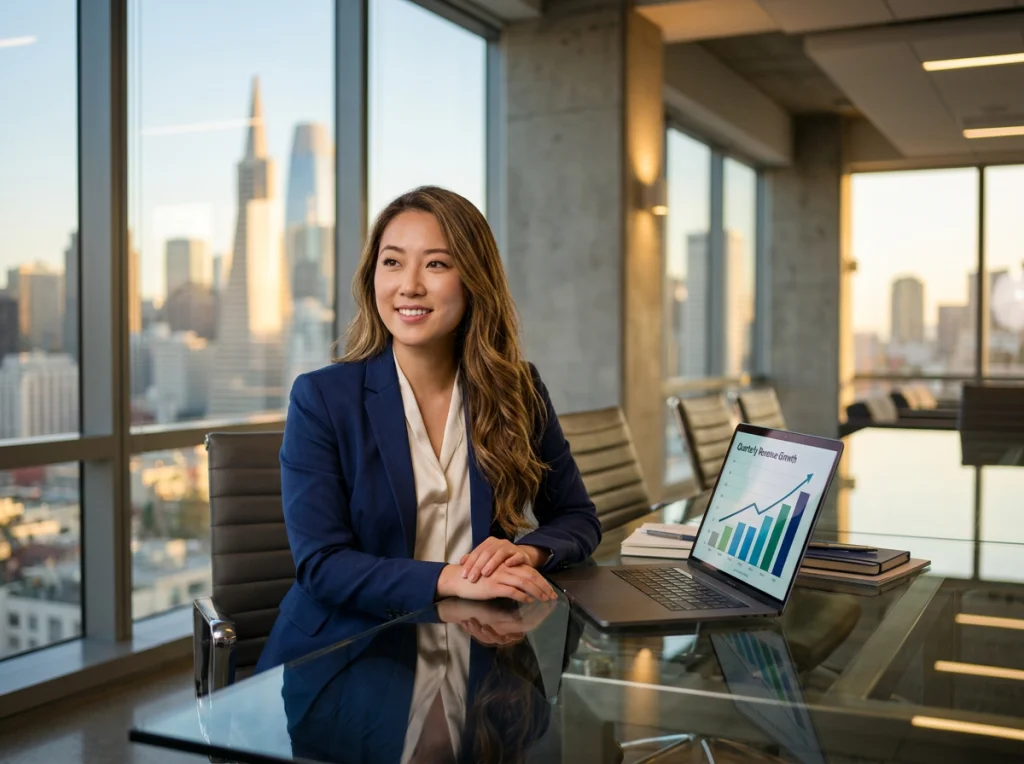
Your LinkedIn profile photo is often the first impression investors and customers get. Professional headshots typically cost $200-400, but you can create polished founder photos using a free AI image generator in minutes.
I tested this with our AI headshot generator and compared the results to my expensive professional photos. The difference? Minimal. The cost difference? Massive.
Best practices:
- Use consistent lighting across all founder headshots
- Choose business casual attire over formal suits (more approachable)
- Generate 10-15 variations and pick the most natural-looking result
- Test different backgrounds to match your brand colors
2. Create Custom Pitch Deck Illustrations
Stock photos scream "generic startup." Custom illustrations tell your unique story. Traditional illustration services charge $150-300 per image. For a 20-slide pitch deck, you're looking at $3,000-6,000.
Here's my process for generating pitch deck graphics with a free ai image generator:
- Write detailed prompts describing your product in action
- Generate multiple concepts for each slide
- Maintain consistent color palette and style
- Focus on scenarios that show your solution's impact
Pro tip: Generate your hero image first, then use its style as reference for subsequent slides. This creates visual cohesion that investors notice.
3. Design Your MVP Landing Page Graphics
Your landing page needs hero images, feature illustrations, and product mockups. Hiring a designer for these elements costs $1,500-3,000. Free AI generators handle this for zero budget.
I created our entire SaaS landing page using AI-generated graphics. The key is specificity in your prompts and consistency in style. Our conversion rate? 4.2% - well above the industry average of 2.35%.
| Element | Traditional Cost | AI Generator Cost | Time Saved |
|---|---|---|---|
| Hero image | $300-500 | $0 | 3-5 days |
| Feature icons (8x) | $400-800 | $0 | 2-3 days |
| Product mockups | $500-1000 | $0 | 1-2 weeks |
| Background patterns | $200-400 | $0 | 1-2 days |
4. Generate Social Media Content at Scale
Consistent social media presence requires fresh visuals daily. At $50-100 per custom graphic, maintaining an active presence costs $1,500-3,000 monthly.
I batch-generate a month's worth of social content in two hours using our AI photo styles. The secret? Creating templates and prompts that maintain your brand voice while allowing variation.
My monthly content generation process:
- Monday: Motivational quote graphics (4-5 variations)
- Wednesday: Product feature highlights
- Friday: Behind-the-scenes startup life imagery
- Weekend: Industry trend visualization
This video demonstrates how modern AI image generators can streamline your content creation workflow:
5. Build Your Brand Identity Package
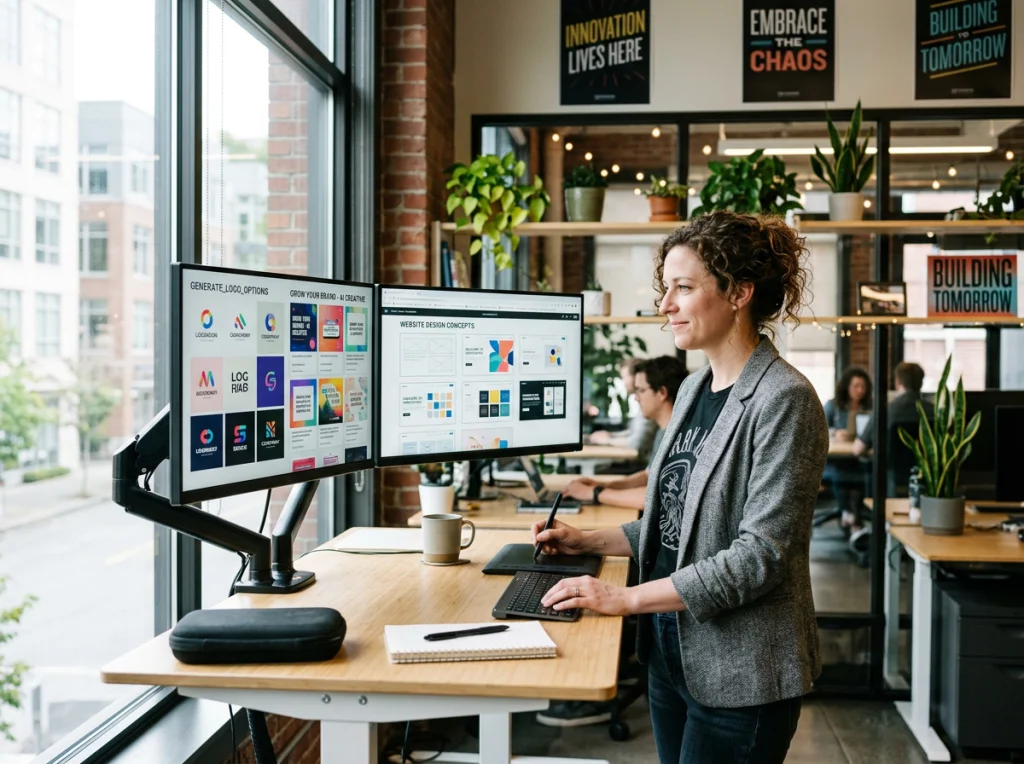
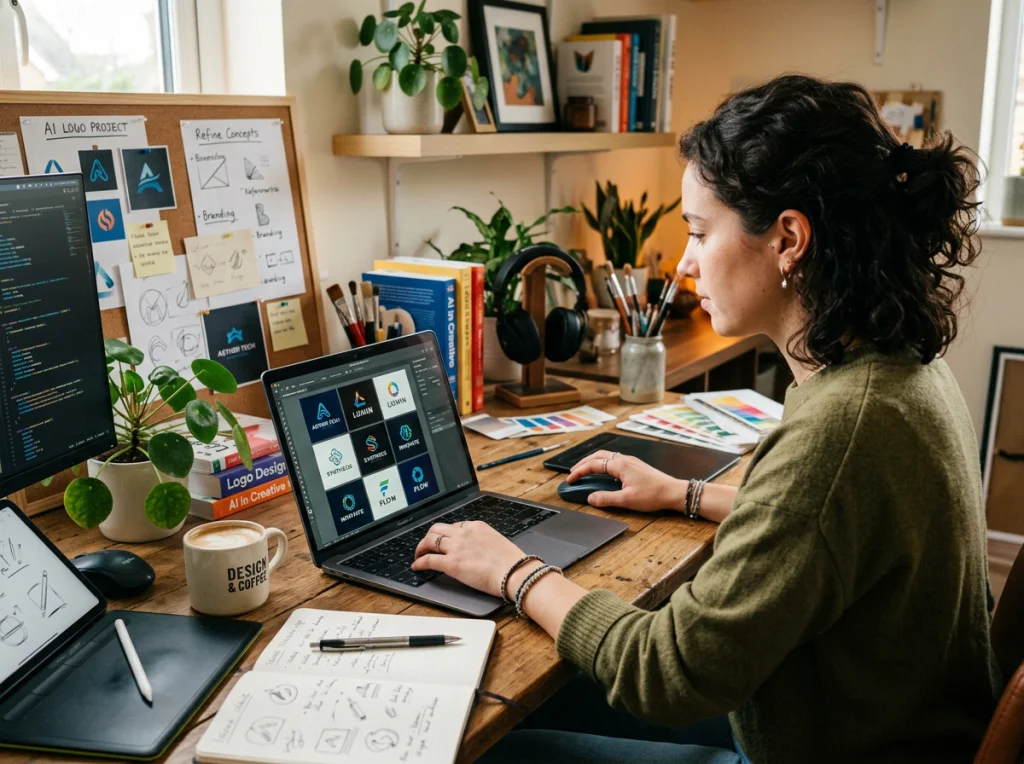
Brand identity packages from agencies start at $5,000. Solo designers charge $1,500-3,000. You can create logos, wordmarks, and brand elements using a free ai image generator that rivals professional work.
Here's my brand development workflow:
- Generate 50+ logo concepts with different styles
- Test top 10 options with your target audience
- Refine the winning concept through iteration
- Create brand guidelines using AI-generated examples
The catch? You need good prompts and patience to iterate. I spent 6 hours generating our logo but saved $2,500 in the process.
6. Create Product Demonstration Visuals
Explaining complex products requires clear visuals. Technical illustration services charge $200-500 per diagram. Product demo videos cost $3,000-10,000.
I use AI generators to create step-by-step product walkthroughs and feature explanations. These visuals perform better than text-heavy explanations and cost nothing to produce.
Best results come from:
- Breaking complex processes into simple steps
- Using consistent characters throughout the demonstration
- Maintaining the same visual style as your brand
- Testing different explanation approaches with real users
7. Generate Website Background and Pattern Elements
Custom background patterns and design elements add polish to your site. Design agencies charge $300-800 for these "finishing touches."
Free AI generators excel at creating:
- Geometric patterns that match your color scheme
- Abstract backgrounds for hero sections
- Icon sets for features and services
- Decorative elements for page breaks
I generated our entire website's visual elements in one afternoon. The cohesive design looks professionally crafted and cost zero dollars.
8. Build Marketing Campaign Assets
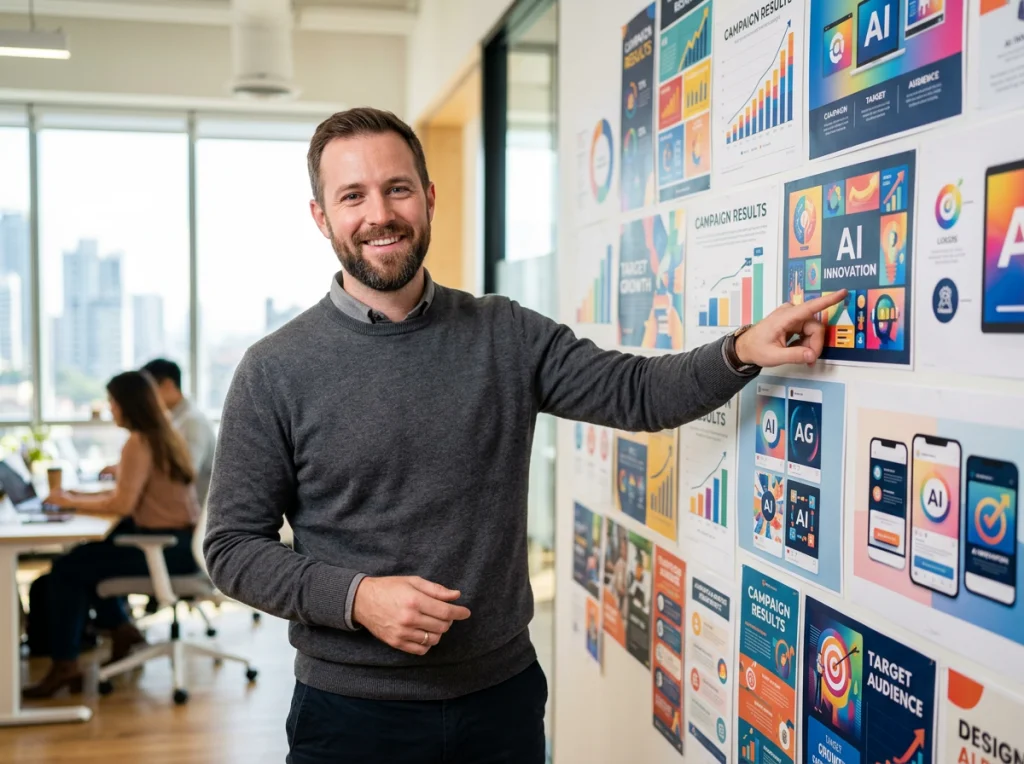
Every marketing campaign needs custom visuals: email headers, ad creatives, banner images, and promotional graphics. Marketing agencies charge $150-300 per asset.
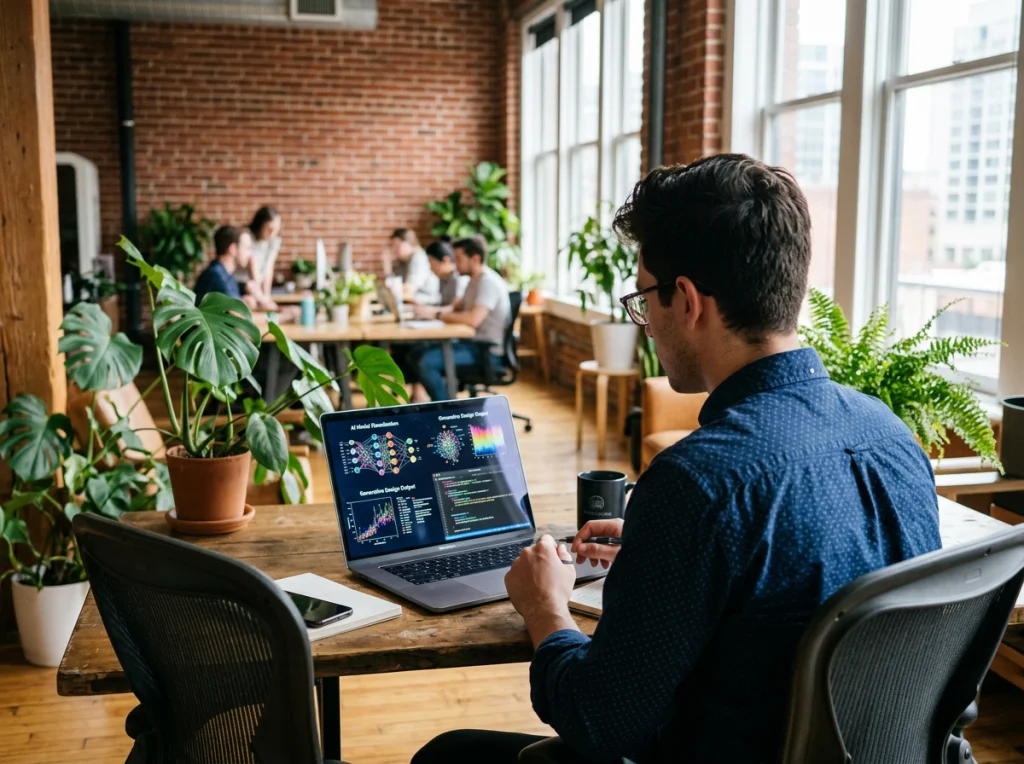
Using our background remover tool combined with AI generation, I create campaign assets that outperform expensive alternatives. The key is understanding your audience and testing different creative approaches.
Campaign asset checklist:
- Email marketing headers (3-5 variations)
- Social media ad creatives (10-15 options)
- Website banner promotions
- Print marketing materials
9. Create Investor Presentation Graphics
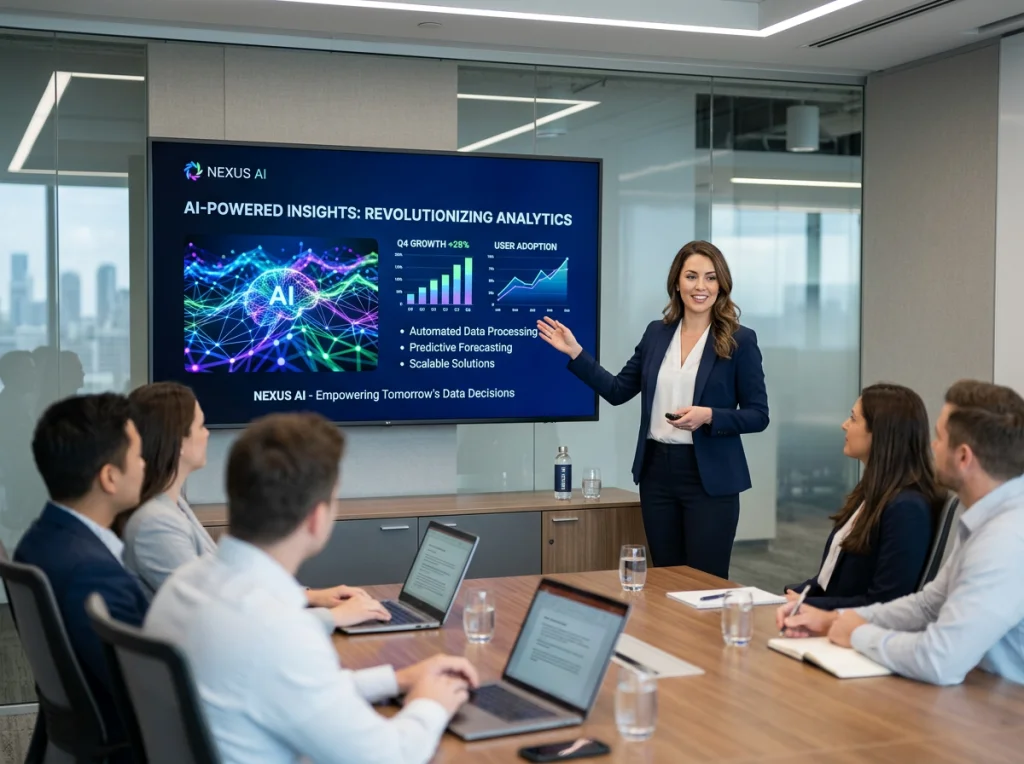
Investor decks need compelling visuals that tell your growth story. Custom data visualizations and concept illustrations cost $200-500 each. A complete deck runs $3,000-8,000.
I've raised two funding rounds using decks built entirely with free ai image generator tools. Investors commented on the visual clarity and professional presentation.
My investor deck framework:
- Problem illustration: Show your customer's pain point visually
- Solution demonstration: Generate clear product mockups
- Market opportunity: Create compelling market size graphics
- Traction visualization: Design growth charts that tell your story
- Team presentation: Professional founder photos that build trust
Which Free AI Image Generator Should You Choose?
After testing 15+ platforms, here are my recommendations by use case:
For professional headshots: Our professional headshot generator produces the most realistic results. Perfect for LinkedIn profiles and team pages.
For product illustrations: Focus on tools that allow detailed prompting and style consistency. Generate multiple variations and pick the best.
For social media content: Batch generation tools save time. Create templates and iterate quickly.
For brand elements: Look for generators that handle vector-style graphics and logos effectively.
The bottom line? I've saved over $25,000 in design costs across three startups using free AI image generators. The time savings alone - weeks of back-and-forth with designers - accelerated our product launches significantly.
Ready to transform your startup's visual presence? Start with our free AI headshot generator and build your founder profiles today. Your bootstrap budget will thank you.