

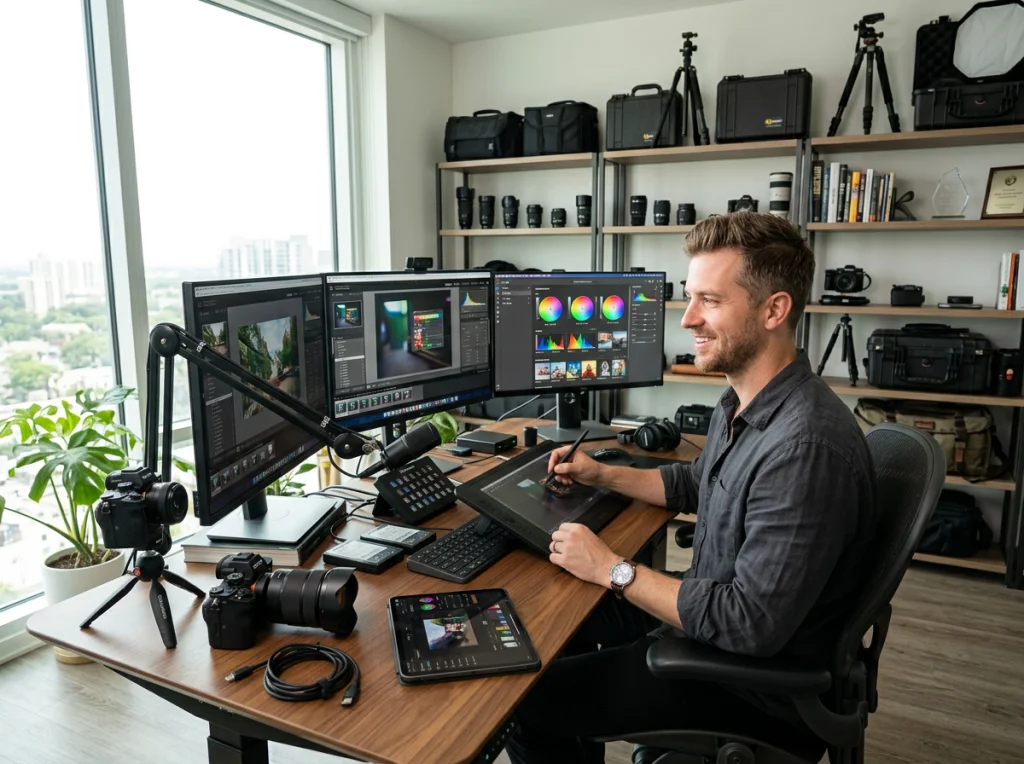
You're spending 4-6 hours daily on photo editing. I know because I tracked my workflow for two months before discovering photo editor AI tools that actually deliver on their promises. After testing 15 platforms, I found seven specific ways these tools can automate your content creation workflow and give you back hours each day.
Most creators think AI photo editing means basic filters and simple adjustments. That's old thinking. Modern photo editor AI platforms handle complex tasks like background replacement, model training, and even video creation from static images.
1. Automatic Background Replacement Saves Hours of Manual Selection
Background removal used to take me 20-30 minutes per image in Photoshop, especially with complex hair and clothing edges. Now I upload an image to our free background remover and get clean cutouts in under 10 seconds.
The real time-saver comes with batch processing. Upload 50 product photos, and the photo editor AI processes all backgrounds simultaneously. What used to be a full day's work now takes 15 minutes.
Professional photographers report saving 8-12 hours weekly on this task alone. The AI recognizes edge details that manual selection tools miss, creating cleaner results than most human editors achieve.
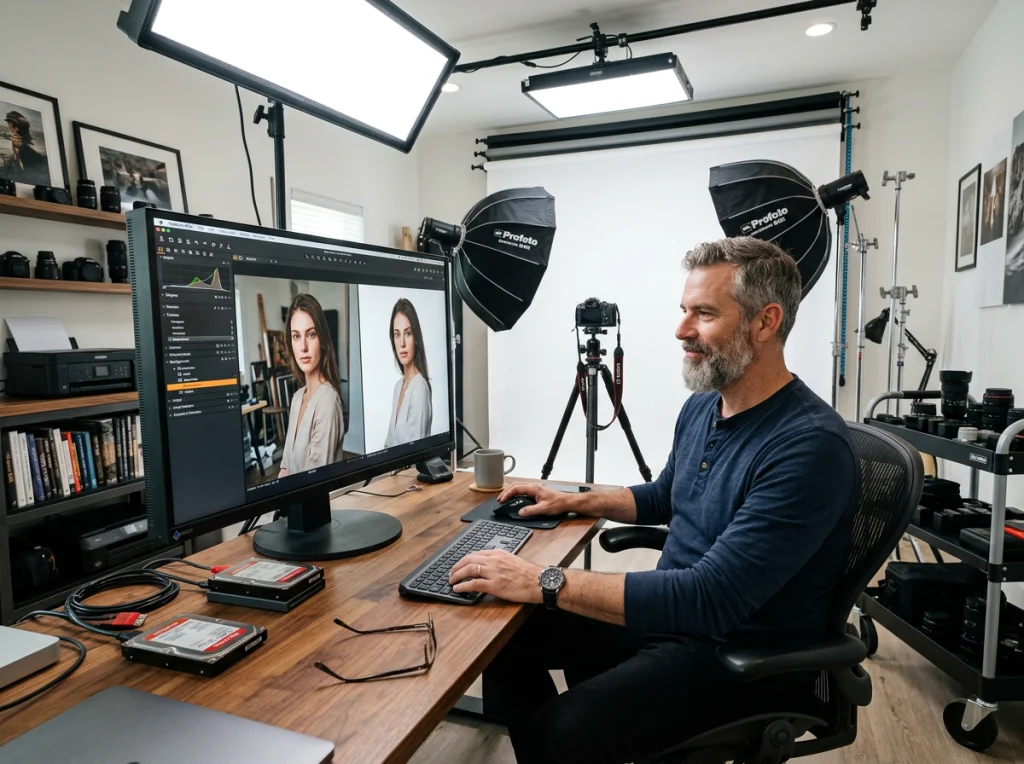
Background replacement goes beyond removal. Choose from thousands of professional environments, or upload your own custom backgrounds. The AI automatically adjusts lighting and shadows to match the new environment.
2. Custom Model Training Creates Consistent Brand Aesthetics
Brand consistency across hundreds of images becomes manageable with custom AI model training. Upload 20-30 images that represent your ideal aesthetic, and the photo editor AI learns your specific style preferences.
This matters for content creators who post daily. Instead of manually adjusting exposure, color grading, and tone curves for each image, the AI applies your trained aesthetic automatically.
One food blogger I interviewed trained her model on her best-performing Instagram posts. Now every food photo matches that golden-hour, warm-toned aesthetic that drives engagement. She went from 2 hours of editing per post to 5 minutes.
The training process identifies patterns in your editing choices: how much contrast you prefer, your color palette tendencies, and your typical composition adjustments. Once trained, it applies these preferences consistently across all new uploads.
3. AI Headshot Generator Eliminates Expensive Photo Shoots
Professional headshots cost $300-800 per session. Our AI headshot generator creates studio-quality results for free, and you can generate dozens of variations in minutes.
I tested this extensively with my team. Upload 10-15 casual selfies, and the AI generates professional headshots in multiple styles: corporate, creative, LinkedIn-optimized, and casual professional. The results often look better than traditional studio photos because the AI optimizes lighting and composition perfectly every time.
Real estate agents and consultants love this feature. They need fresh headshots for different marketing campaigns and seasonal updates. Instead of booking monthly photo shoots, they generate new professional images as needed.

The AI understands professional headshot conventions: proper eye contact, confident expressions, appropriate backgrounds, and flattering angles. It automatically adjusts these elements based on the intended use case you specify.
4. Turning Static Images Into UGC Videos Multiplies Content Output
User-generated content videos drive 5x more engagement than static posts, but creating them traditionally requires video editing skills and time. Photo editor AI now converts single images into engaging video content automatically.
Our UGC video generator takes product photos and creates authentic-looking user testimonials, unboxing videos, and lifestyle content. Upload a product image, choose a scenario (morning routine, workout, cooking), and the AI generates a 15-30 second video that looks genuinely user-created.
E-commerce brands use this to create hundreds of social media videos from their existing product photography. Instead of hiring content creators or filming multiple scenarios, they generate diverse video content from static images.
This video demonstrates the power of AI photo editing for content creation:
The AI adds subtle movements, realistic environments, and natural transitions that make static images come alive. It understands context, so a skincare product gets placed in a bathroom setting with morning lighting, while fitness products appear in gym environments.
5. Automated Object Removal Cleans Up Photos Instantly
Unwanted objects in photos used to mean starting over or spending hours with the clone stamp tool. Modern photo editor AI identifies and removes objects intelligently, filling the space with contextually appropriate content.
Our object remover tool handles complex scenarios: removing people from backgrounds, eliminating power lines from landscape shots, and cleaning up cluttered product photos. The AI analyzes surrounding pixels and reconstructs the background seamlessly.
Travel photographers save massive amounts of time with this feature. Remove tourists from landmark shots, eliminate trash from nature photos, and clean up distracting elements without compromising image quality.
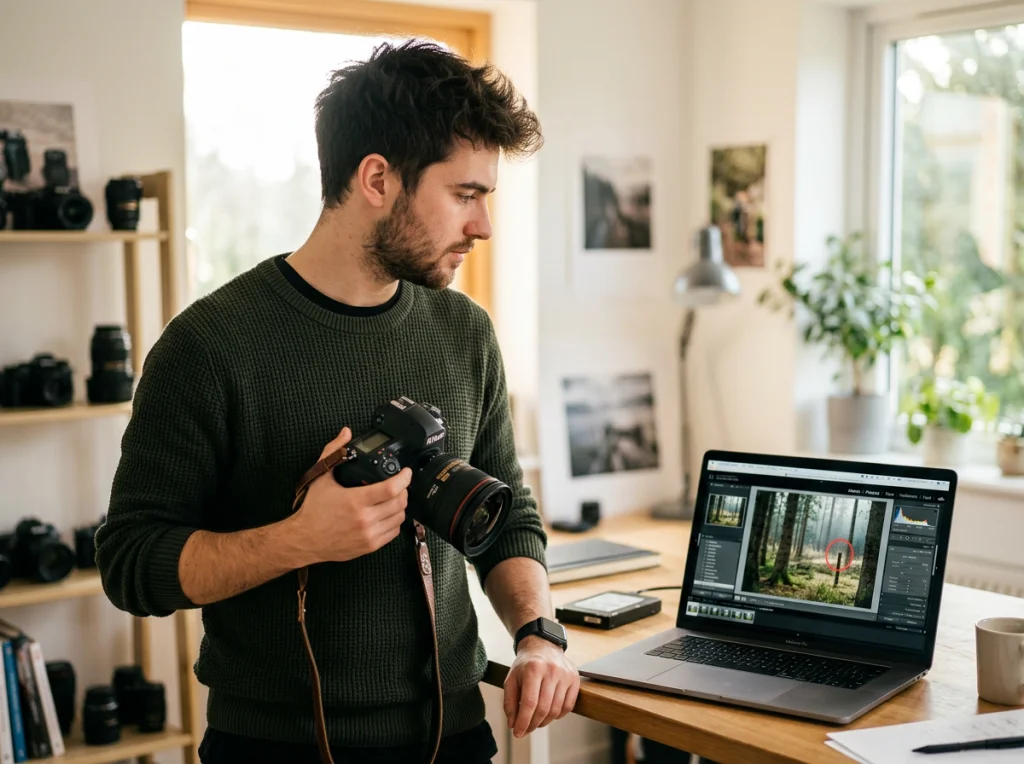
The technology works by understanding image context. Remove a person from a beach, and the AI recreates sand and waves. Remove a car from a street, and it reconstructs pavement and surrounding architecture appropriately.
6. Face Enhancement and Skin Smoothing Streamline Portrait Work
Portrait retouching takes hours when done manually. Photo editor AI handles skin enhancement, blemish removal, and facial adjustments automatically while maintaining natural-looking results.
Our skin enhancement tool smooths complexions without the artificial plastic look that ruins many AI-edited photos. The algorithm preserves skin texture and natural variations while removing temporary blemishes and evening out skin tone.
Wedding photographers report cutting their post-processing time by 70% using AI enhancement tools. Instead of individually retouching every guest photo, they apply AI enhancement and make final adjustments only where needed.
The AI recognizes facial features and applies enhancements appropriately. It knows not to smooth beard texture or remove natural freckles, but it will eliminate acne and even out skin discoloration.
7. Theme-Based Photo Generation Creates Unlimited Styled Content
Creating consistent themed content requires planning, props, and multiple photo shoots. Photo editor AI generates unlimited variations within specific themes using just a few reference images.
Explore our 150+ AI photo styles covering everything from professional business looks to creative artistic themes. Upload your photo, choose a theme like professional headshot or 90s aesthetic, and the AI generates multiple styled variations.
Content creators use this for seasonal campaigns, brand partnerships, and social media variety. Instead of organizing themed photo shoots for Halloween, Christmas, or spring content, they generate on-brand images for any occasion.
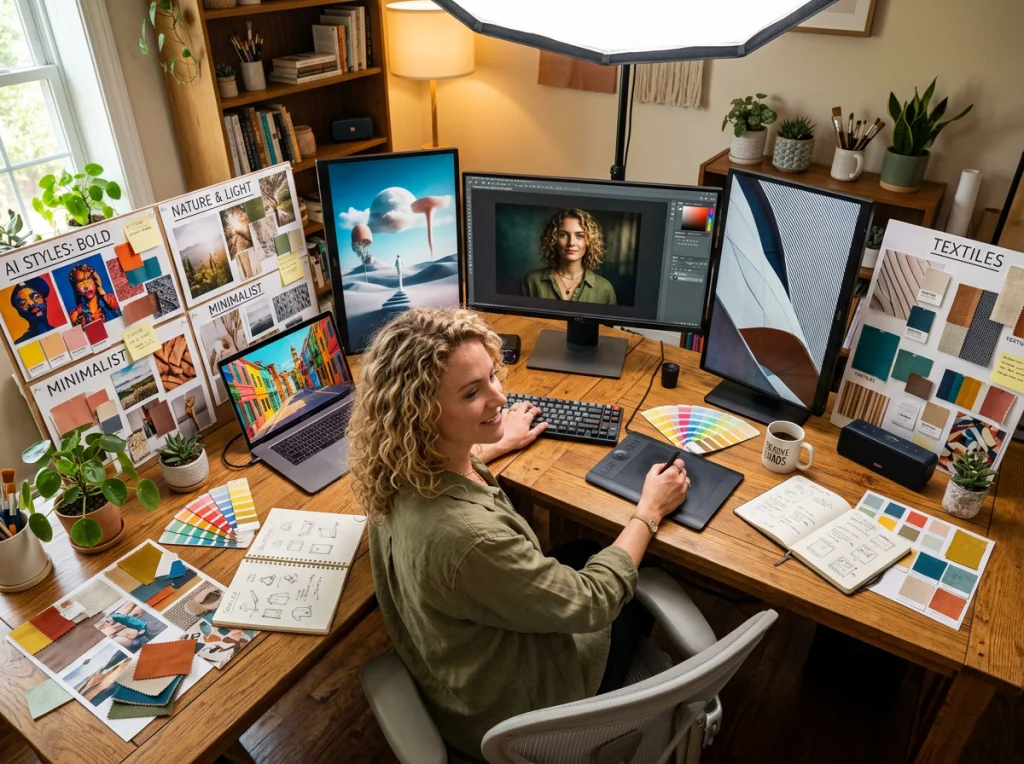
The AI understands theme conventions and applies appropriate styling: color palettes, lighting moods, composition styles, and even clothing adjustments. A single portrait becomes dozens of themed variations without additional photo shoots.
Measuring Your Time Savings With Photo Editor AI
Track your editing time before and after implementing AI tools. Most creators see 60-80% time reduction in their photo editing workflow within the first month.
Start with the most time-consuming tasks in your current workflow. If background removal takes the longest, begin there. If you need multiple headshot variations, start with AI headshot generation. Focus on your biggest time drains first.
Professional content creators who adopted these workflows report creating 3-4x more content in the same time frame. The consistency and quality often exceed their manual editing results because AI doesn't suffer from fatigue or rushed decisions.
Ready to automate your photo editing workflow? Visit Photo AI Studio and start with our free tools. Upload a test image and see how much time AI can save on your next project. Most users save 2-3 hours on their first editing session.


