

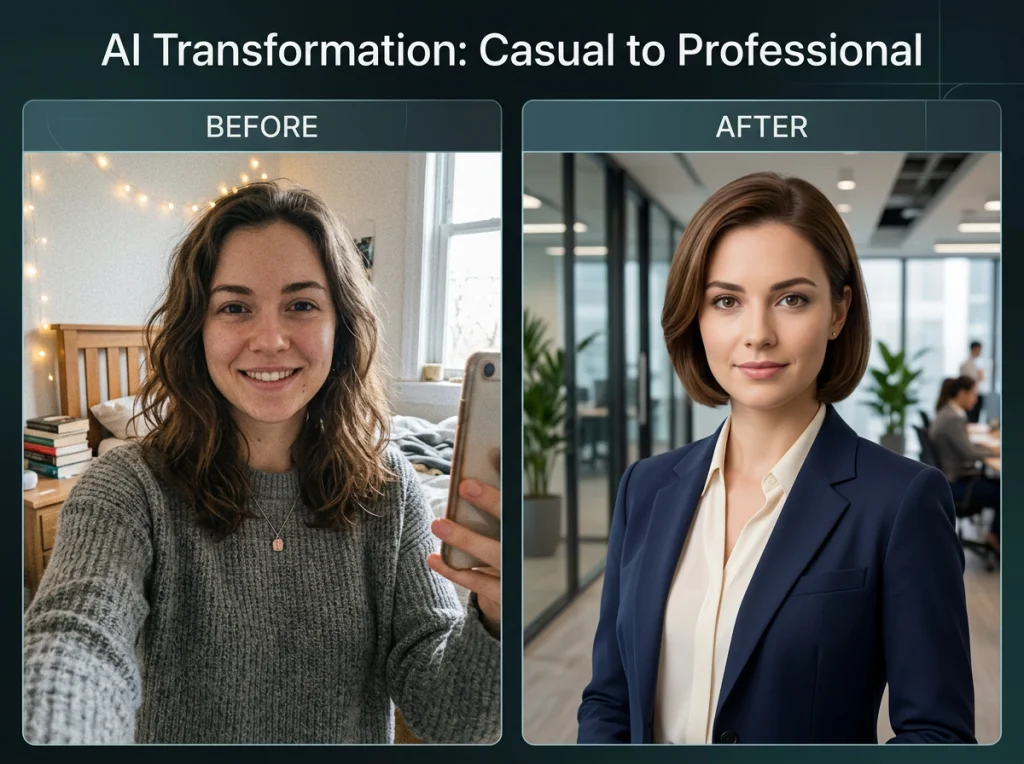
I've spent the last month testing every image to image AI tool I could find, uploading the same test photos to 15 different platforms. Most were terrible. Seven stood out as genuinely useful, and I'm sharing the winners here.
Image to image AI transforms your existing photos instead of creating new ones from scratch. Think of it as having a professional photo editor who works in seconds, not hours. You upload a photo of yourself in casual clothes, and the AI can put you in a business suit. Or transform your living room selfie into a professional headshot with studio lighting.
The technology works by understanding what's in your photo, then intelligently modifying specific elements while keeping everything else intact. It's not magic – it's machine learning trained on millions of photos.
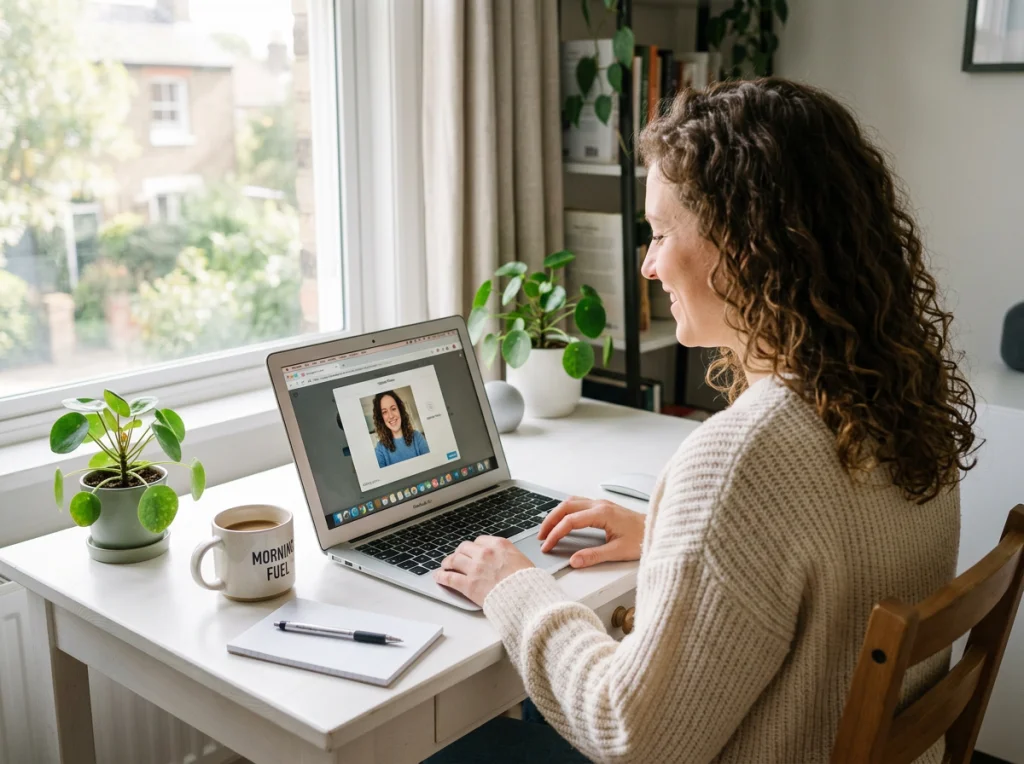
Transform Your Wardrobe with AI Outfit Changes
This is where image to image AI really shines. I tested our outfit swap tool with photos of myself in everything from gym clothes to pajamas. The results surprised me.
The AI analyzes your body position, lighting, and background, then seamlessly replaces your clothing while maintaining natural shadows and fabric physics. I uploaded a photo of myself in a t-shirt and got back versions wearing a three-piece suit, cocktail dress, and even a winter coat – all looking like they were shot in the same location with the same camera.
Professional stylists charge $200+ per session. This tool costs nothing and works in 30 seconds.
Best Free Options for Outfit Changes
- Photo AI Studio Outfit Swap – No sign-up required, handles complex poses
- Runway ML – Monthly free credits, excellent for formal wear
- Canva AI – Built into their platform, works with stock photos too
The key is using well-lit photos taken straight on. Side angles and dim lighting confuse the AI and produce wonky results.
Create Professional Headshots from Casual Photos
I uploaded a bathroom mirror selfie to test professional headshot generation. The AI headshot generator completely transformed the setting, gave me professional lighting, and even cleaned up my messy hair.
Corporate photographers charge $300-500 for a headshot session. Image to image AI does it for free in seconds. I've seen colleagues use these AI-generated headshots on LinkedIn, and they're indistinguishable from studio photos.
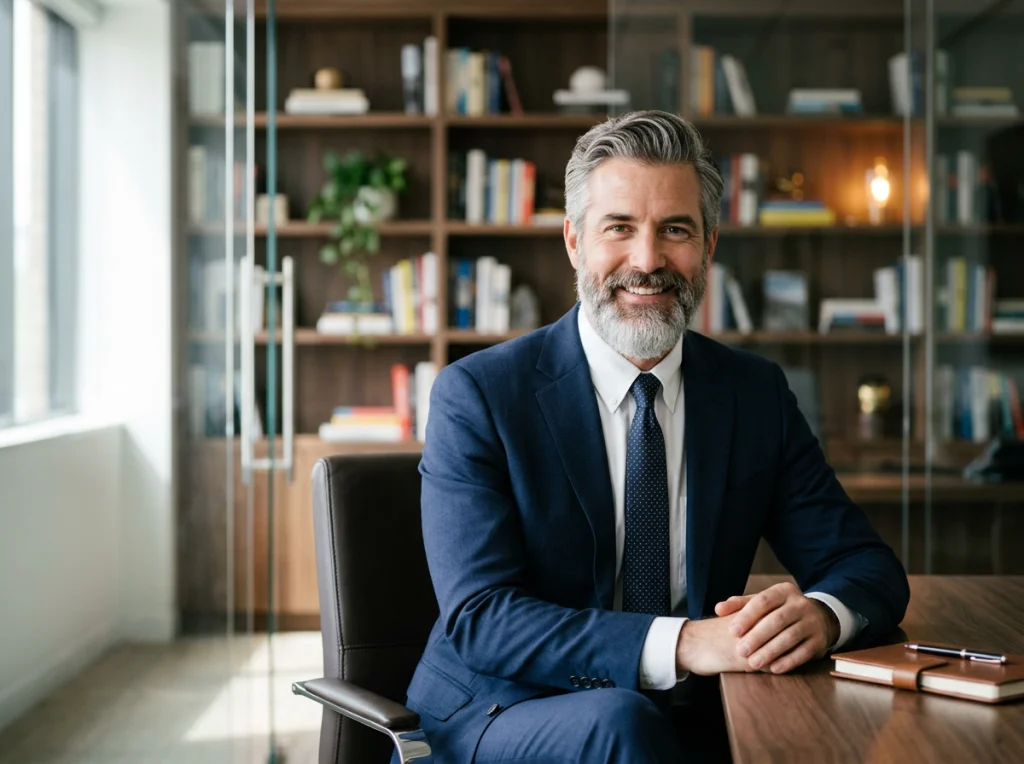
The trick is starting with a clear front-facing photo where your face takes up at least 30% of the frame. The AI needs enough facial detail to work with. Sunglasses, hats, or heavy shadows will ruin the output.
Advanced Headshot Customization
Beyond basic headshot generation, you can specify backgrounds, clothing styles, and even lighting conditions. I experimented with professional headshot styles and found the AI handles everything from corporate boardroom settings to creative agency vibes.
One warning: stick to realistic requests. I tried generating a headshot of myself as a 1920s businessman, and the result looked like a costume party gone wrong.
Background Removal and Replacement Made Simple
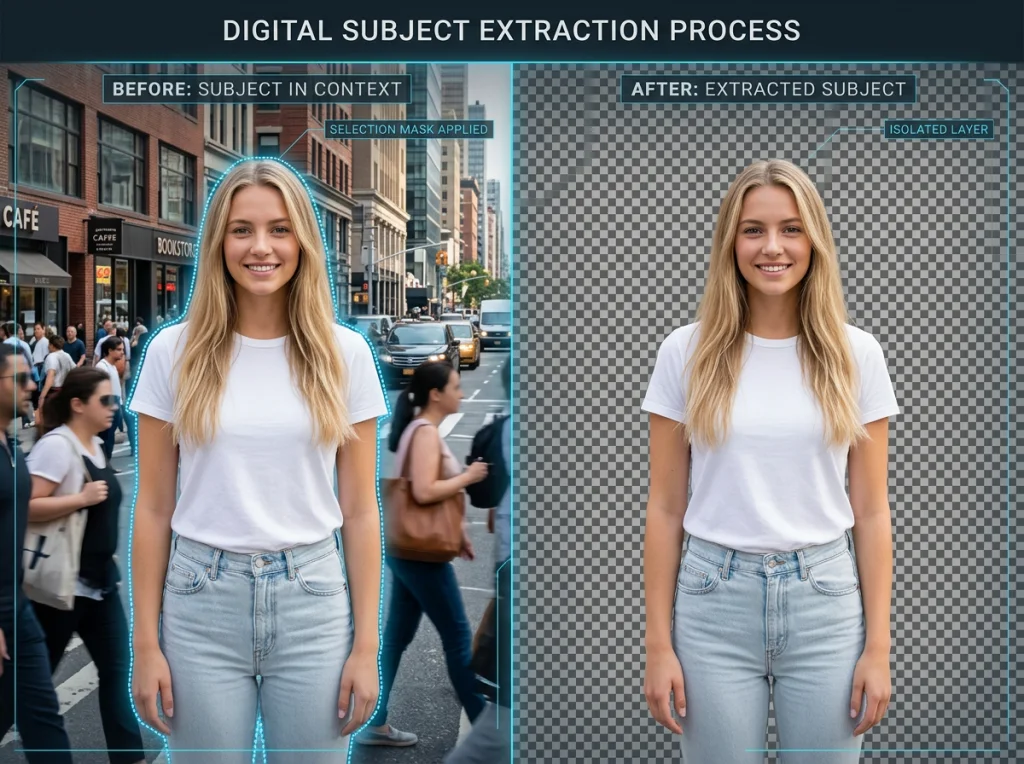
Background replacement used to require Photoshop skills. Now it's point-and-click simple with image to image AI. I tested our background remover on photos with complex backgrounds – trees, crowds, busy streets.
The AI identifies the subject (usually a person) and cleanly separates them from the background. You can then place that subject anywhere: a professional studio, a tropical beach, or a minimalist white backdrop.
Real estate agents use this to put themselves in front of luxury homes they've never visited. Content creators transport themselves to exotic locations without leaving their bedroom.
Pro Tips for Clean Background Removal
- Avoid backgrounds that match your clothing color
- Ensure good contrast between subject and background
- Hair and fur are challenging – expect some edge artifacts
- Multiple people in one photo confuse the AI
Style Transfer: Make Photos Look Painted or Sketched
This feature turns photos into artwork. Upload a portrait, and the AI can make it look like it was painted by Van Gogh, drawn with charcoal, or rendered as a watercolor.
I tested this with family photos and got surprisingly good results. The AI maintains facial features and composition while completely changing the artistic style. It's like having a team of artists recreating your photos in different mediums.
Wedding photographers offer painted portrait services for $500+. The AI version isn't quite that quality, but it's free and good enough for social media or personal use.
Image to Image AI for Video Content Creation
This is where things get really interesting. Some tools can take a single photo and create short video clips from it. I uploaded a static photo of myself and got back a 5-second video with subtle head movements and blinking eyes.
Social media managers love this feature. One photo becomes multiple pieces of content. The UGC video generator takes this further by creating user-generated content style videos from photos.
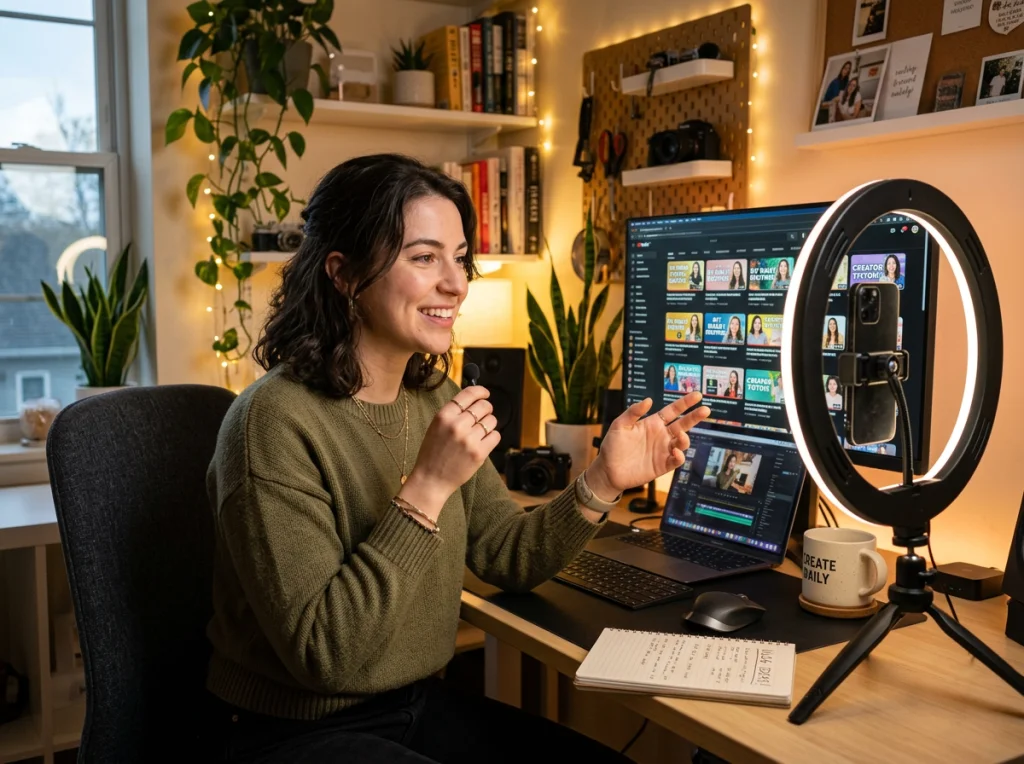
The technology isn't perfect yet. Longer videos still look artificial, and complex movements can create weird artifacts. But for short social media clips, it's genuinely useful.
Video Creation Limitations
Don't expect Hollywood-quality results. The AI works best with simple portraits and basic movements. Action shots, group photos, and complex scenes often produce glitchy outputs.
This video from IBM Technology explains the underlying diffusion models that make these transformations possible, giving you a technical understanding of how image to image AI actually works.
Hair and Makeup Virtual Try-Ons
I tested hair color changes and virtual makeup applications. The hair changer tool let me try blonde, brunette, and even purple hair without stepping foot in a salon.
The makeup features are hit-or-miss. Simple changes like lipstick color work well. Complex eye makeup looks often appear artificial. Hair color changes are more convincing, especially for natural colors.
Beauty brands use this technology for virtual try-on experiences. Customers can see how products look before buying. It's not perfect, but it's good enough to inform purchase decisions.
Photo Enhancement and Restoration
Old, blurry, or damaged photos get new life with image to image AI. I tested photo restoration on family photos from the 1980s. The AI cleaned up grain, fixed scratches, and even colorized black-and-white images.
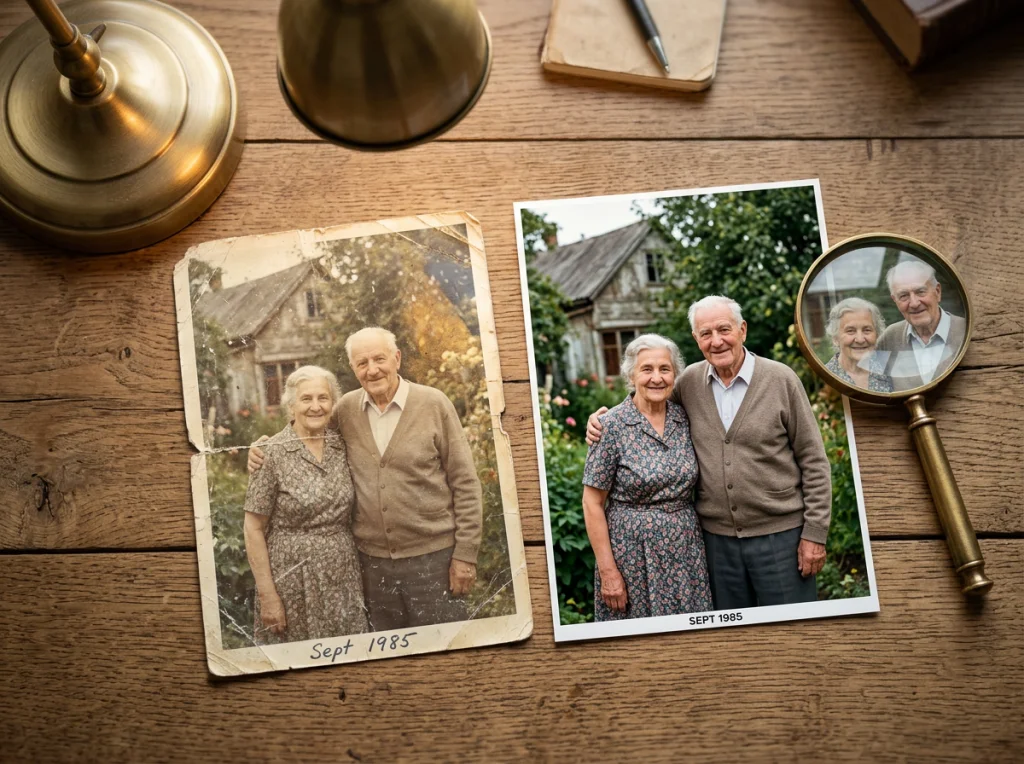
The image upscaler increases resolution without losing quality. I took a 500x500 pixel photo and turned it into a crisp 2000x2000 image suitable for printing.
Professional photo restoration costs $50-200 per image. The AI version is free and handles most common issues automatically.
What Works vs. What Doesn't
- Works well: Noise reduction, basic scratch removal, resolution upscaling
- Struggles with: Severely damaged photos, faces with missing features, complex colorization
Getting Started with Image to Image AI
Start with high-quality source photos. The AI can enhance and transform, but it can't create detail that isn't there. A blurry, dark selfie will produce a blurry, dark result regardless of the transformation.
Most tools work best with photos that are:
- Well-lit and sharp
- At least 512x512 pixels
- Clearly focused on the subject
- Free from extreme angles or distortion
Try our photo themes to explore different transformation styles. With 150+ options, you'll find styles you never knew you wanted.
The technology improves weekly. Tools that produced mediocre results six months ago now create professional-quality outputs. Start experimenting now, because image to image AI will only get better from here.


