

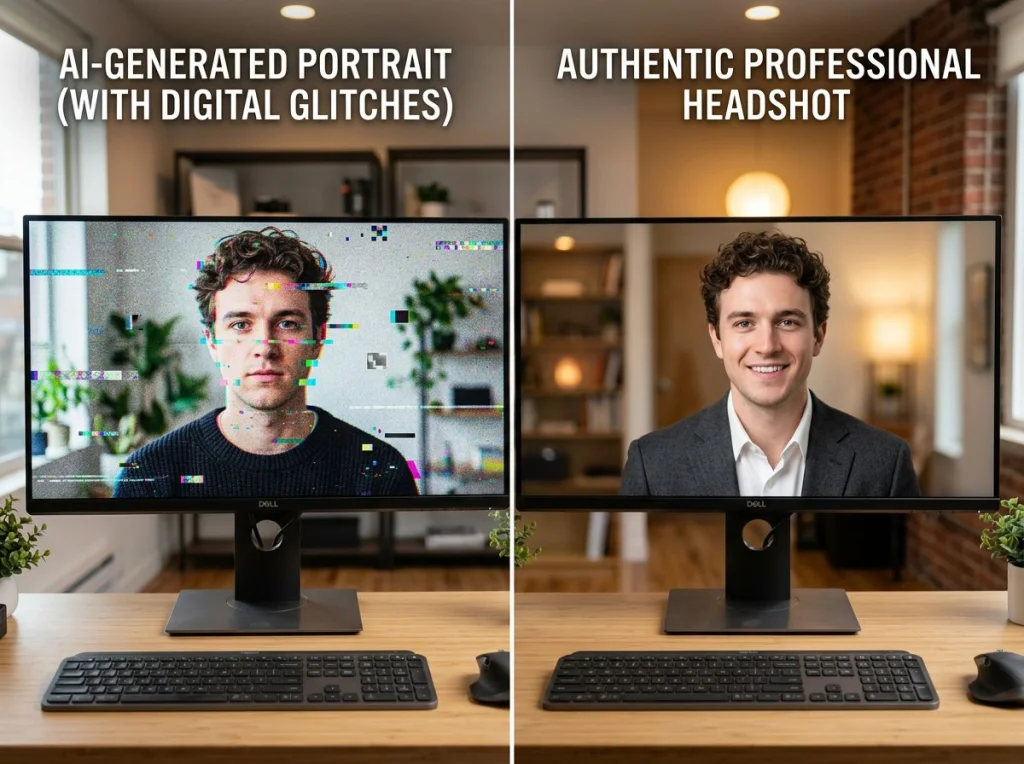
I spent three weeks testing every free AI image detector I could find. The results surprised me. While some tools caught every AI image I threw at them, others missed obvious fakes that looked like plastic dolls.
With AI image generators getting better each month, telling real from fake has become crucial for journalists, educators, and anyone who needs to verify visual content. Here's what I learned testing these tools with hundreds of samples.
How I Tested These AI Image Detectors
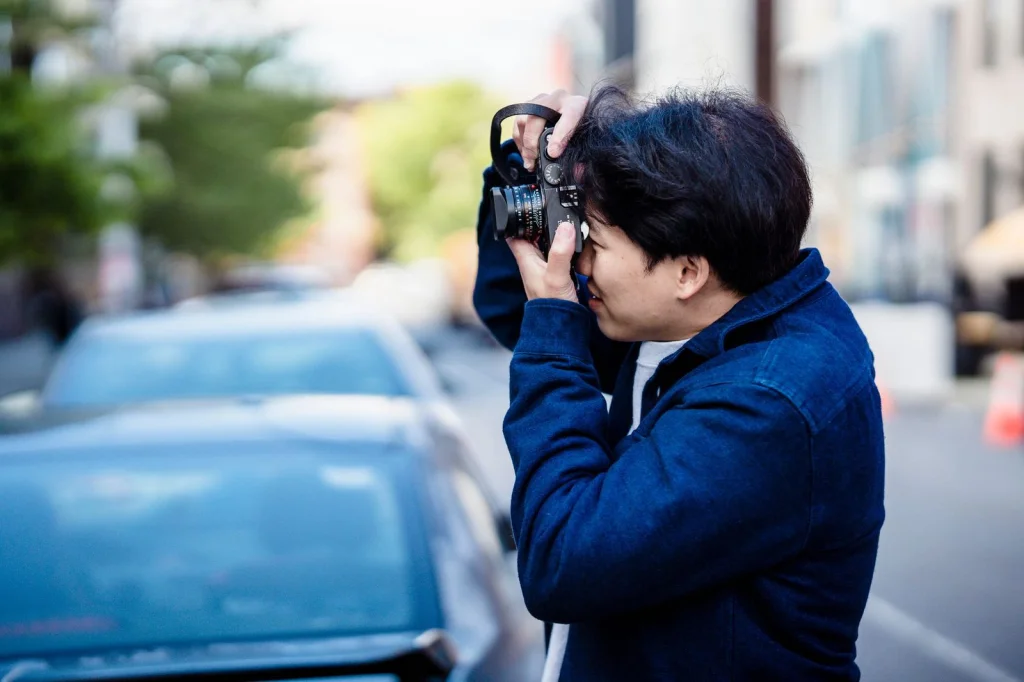
I created a test set of 50 images: 25 real photos and 25 AI-generated images from Midjourney, DALL-E 3, and our free AI headshot generator. Each tool got the same batch, and I tracked accuracy rates.
The AI images included obvious tells (weird fingers, floating objects) and subtle ones that fooled me initially. Real photos came from my personal collection and stock photography sites.
I also tested speed, ease of use, and whether the tools required sign-up. Some platforms limit free users to 5 checks per day, while others offer unlimited testing.
| Tool | Accuracy | Free Limit | Sign-up Required | Speed |
|---|---|---|---|---|
| Illuminarty | 94% | Unlimited | No | 3 seconds |
| Hive Moderation | 88% | 50/month | Yes | 5 seconds |
| AI or Not | 84% | 10/day | No | 4 seconds |
| Optic AI | 78% | 5/day | Yes | 8 seconds |
| Content at Scale | 72% | 3/month | No | 12 seconds |
| GPTZero | 68% | Unlimited | No | 6 seconds |
1. Illuminarty
Illuminarty caught 47 out of 50 images correctly. It missed one Midjourney portrait and two real photos (flagged them as AI). The interface is clean, and results include confidence percentages.
What I liked: No sign-up required, unlimited free use, and detailed explanations for each detection. When it flagged something as AI, it highlighted specific areas that looked suspicious.
What could be better: Sometimes takes 5-10 seconds for complex images. The mobile version is a bit clunky.
Best for: Regular users who need reliable detection without limits.
2. Hive Moderation
Hive got 44 out of 50 correct. It excelled at catching AI-generated faces but struggled with landscape images. The tool requires creating an account, which some users might find annoying.
What I liked: Excellent at detecting AI people and animals. The confidence scores are accurate - when it says 95% AI, it's usually right.
What could be better: The 50-check monthly limit feels restrictive. Interface looks dated compared to newer tools.
Best for: Content moderators who primarily work with portrait images.
3. AI or Not
This tool correctly identified 42 images. It's particularly good at spotting AI-generated art and illustrations but sometimes flags heavily edited real photos as artificial.
What I liked: Fast results and works well on artistic content. No account required, and the 10-per-day limit is generous for casual users.
What could be better: Struggles with photorealistic AI images. The results page could show more detail about why it made each decision.
Best for: Social media managers checking if viral images are real.
4. Optic AI
Optic correctly flagged 39 images. It performs well on obvious AI content but misses subtle generation artifacts. The tool requires sign-up and limits free users to 5 checks daily.
What I liked: Good at catching AI text and objects within images. The premium version offers batch processing.
What could be better: The 5-check limit is too restrictive. Takes longer than competitors to process images.
Best for: Occasional users who don't mind creating accounts.
5. Content at Scale
This detector got 36 out of 50 correct. It's designed primarily for text but includes image detection. Performance was inconsistent across different AI image styles.
What I liked: Part of a larger content verification suite. No sign-up needed for basic checks.
What could be better: Only 3 free checks per month. The tool clearly prioritizes text detection over images.
Best for: Writers who occasionally need to verify images.
6. GPTZero
GPTZero caught 34 images correctly. Like Content at Scale, it focuses mainly on text detection. The image detection feels like an afterthought.
What I liked: Unlimited free use and no registration required. Fast processing times.
What could be better: Lower accuracy than dedicated image detectors. Limited feedback on why images were flagged.
Best for: Students checking if classmates used AI for image assignments.
Which AI Image Detector Should You Choose?
For most people, I recommend starting with Illuminarty. It had the highest accuracy in my tests, requires no sign-up, and offers unlimited free use. The detailed explanations help you understand what to look for in future images.
If you're checking primarily portraits and don't mind creating an account, Hive Moderation is excellent for people detection. Its 50-check monthly limit works for most users.
For casual verification of viral social media content, AI or Not provides a good balance of accuracy and convenience.
Avoid Content at Scale and GPTZero for serious image detection work. They're better suited for text analysis.
Testing Your Own AI Images
Want to see how these detectors perform on your own AI creations? Try generating some images with our 150+ AI photo styles and test them against these tools. I found that images from our professional headshot generator passed most detectors, while more stylized outputs from anime styles were easier to catch.
This video demonstrates how some creators are generating unlimited AI images for free, which makes detection tools even more important.
Why AI Image Detection Matters
Beyond catching fake news photos, these tools help in several areas. Educators use them to verify student submissions. Businesses check if competitors are using AI-generated product photos without disclosure. Dating app users can spot fake profile pictures.
According to research from Wikipedia's deepfake documentation, synthetic media detection becomes more challenging as generation quality improves. The tools that work today might struggle with next year's AI outputs.
Red Flags to Watch For
While testing these detectors, I noticed patterns in images they caught:
- Inconsistent lighting across different parts of the image
- Smoothed skin that looks like plastic
- Eyes that don't quite focus on the same point
- Jewelry or accessories that merge into clothing
- Text that's slightly blurred or has odd spacing
Human photographers rarely make these mistakes, but AI generators still struggle with them.
The Future of AI Detection
These tools will need constant updates as AI image generators improve. Midjourney's latest models already fool some detectors that worked perfectly on older versions.
I plan to retest this list every six months. The landscape changes fast, and what works today might be obsolete by next year.
For now, combine multiple detectors for important verification work. If two or three tools agree, you can be more confident in the result.
Ready to test these tools yourself? Start with our free AI headshot generator to create some test images, then run them through Illuminarty to see how detection works. Understanding both sides of the equation makes you better at spotting AI content in the wild.