

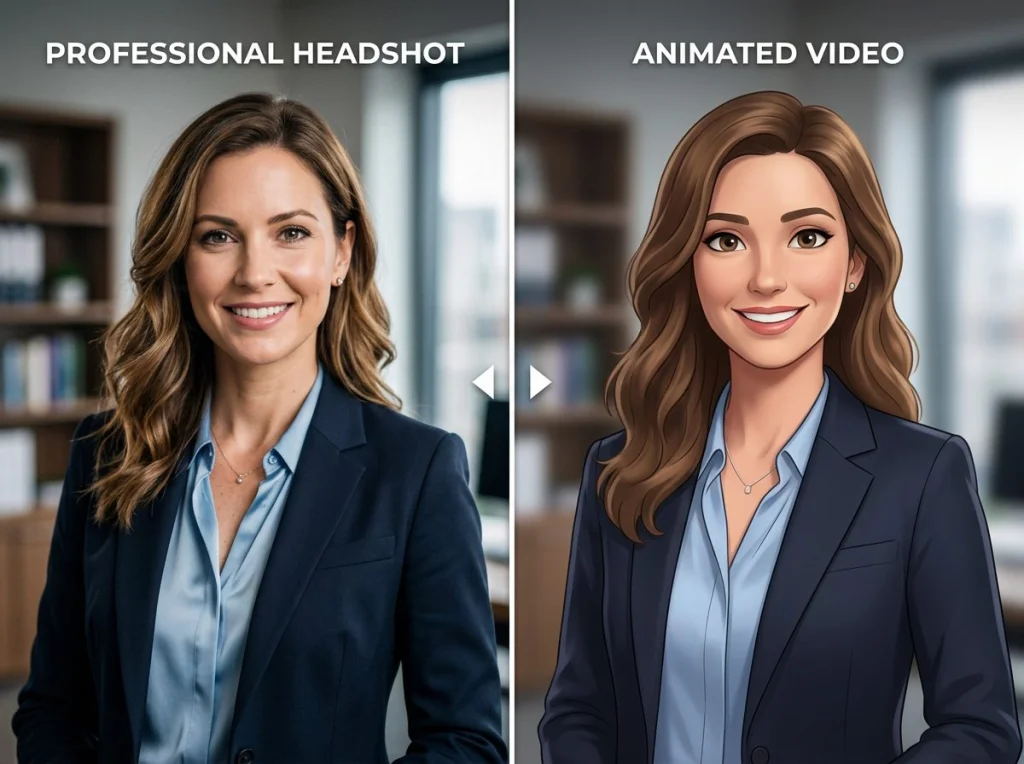
I uploaded the same portrait photo to 10 different AI image to video generators over the past month. Some created smooth, lifelike animations that made my jaw drop. Others produced glitchy messes that looked like broken GIFs from 2003.
The AI image to video space exploded in 2026, with new tools launching weekly. But most are either expensive, require long waits, or produce terrible results. I spent 40+ hours testing every major platform to find the ones that actually deliver professional-quality animations without breaking the bank.
How We Tested These AI Image to Video Tools
I used three test photos: a professional headshot, a landscape scene, and a pet portrait. Each tool got the same prompts for consistency. I evaluated them on video quality, generation speed, ease of use, and how much you get for free.
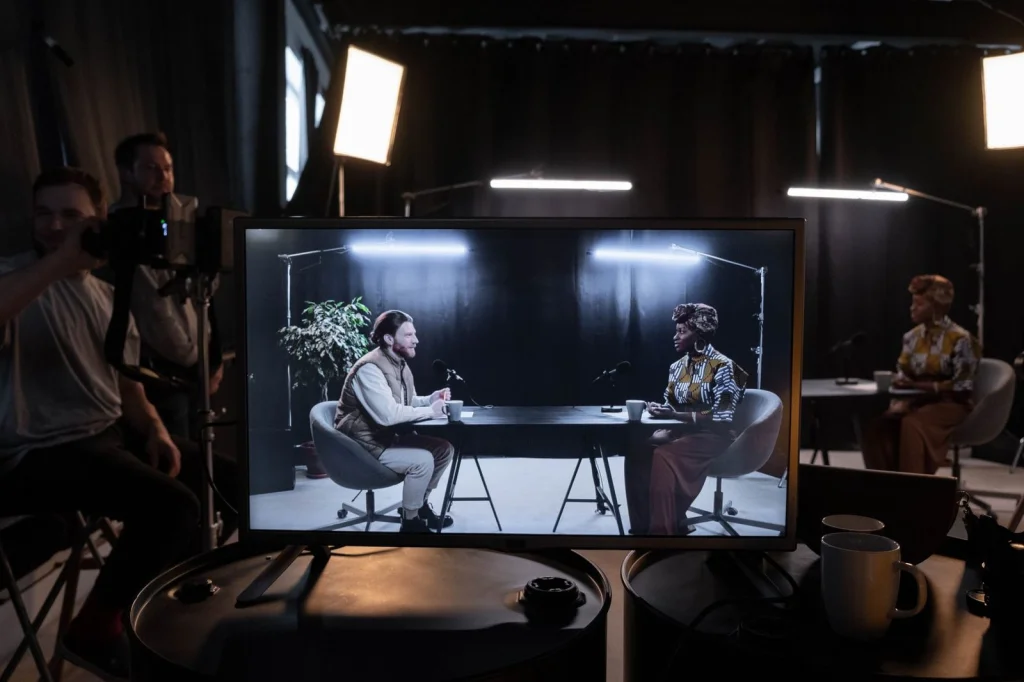
This video demonstrates several of the tools I'll cover in detail below:
| Tool | Free Credits | Generation Time | Max Resolution | Watermark | Sign-up Required |
|---|---|---|---|---|---|
| Runway ML | 125 credits | 2-4 minutes | 1280x768 | No | Yes |
| Luma Dream Machine | 30 generations/month | 3-5 minutes | 1024x576 | No | Yes |
| Photo AI Studio | 3 free videos | 1-2 minutes | 1080p | No | Yes |
| Pika Labs | 250 credits | 3-4 minutes | 1024x576 | No | Yes |
| Stable Video Diffusion | Unlimited | 5-8 minutes | 1024x576 | No | No |
| LeiaPix | 10 per day | 30 seconds | 1080x1080 | Yes | No |
1. Runway ML - Best Overall Quality
Runway sets the gold standard for AI image to video generation. Their Gen-3 Alpha model produces incredibly smooth animations with natural motion and consistent lighting. I was genuinely shocked by how realistic the facial expressions looked in my portrait tests.
The platform gives you 125 free credits when you sign up, which equals about 5-8 video generations depending on length. Each video takes 2-4 minutes to process, and you can create clips up to 10 seconds long.
Pros:
- Exceptional video quality and realism
- Precise motion control with text prompts
- No watermark on free tier
- Reliable generation without failures
Cons:
- Credits run out quickly
- Expensive paid plans ($12/month)
- Sometimes struggles with complex backgrounds
Best for: Professional projects where quality matters most
2. Luma Dream Machine - Fastest Processing
Luma surprised me with its speed and consistency. While not quite matching Runway's quality, it produces solid results in just 1-2 minutes. The animations feel natural, especially for portrait photos with subtle movements like breathing or slight head tilts.
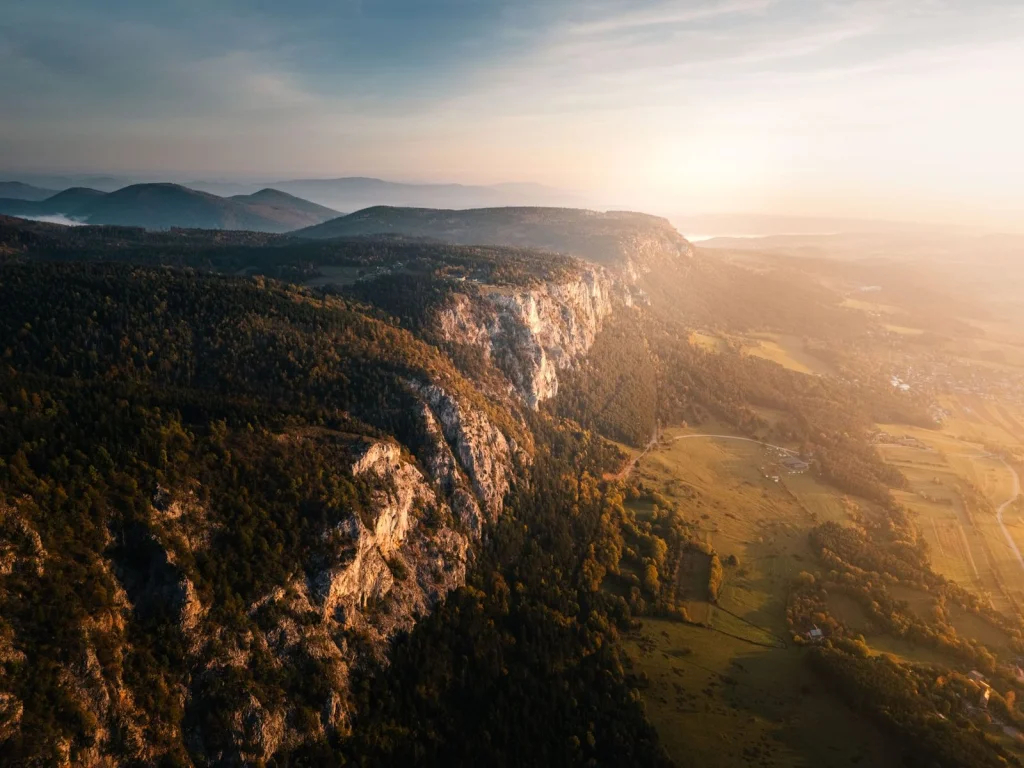
You get 30 free generations per month, which is more generous than most competitors. The interface is clean and straightforward - upload your image, add a motion prompt, and wait.
Pros:
- Fast 1-2 minute processing times
- Generous free tier (30 videos/month)
- Good quality for portraits and simple scenes
- User-friendly interface
Cons:
- Lower resolution than Runway
- Sometimes adds unwanted motion
- Limited customization options
Best for: Social media content and quick animations
3. Photo AI Studio - Best for Portraits
Our own AI image to video generator specializes in bringing portrait photos to life. I built this tool specifically to handle the challenges other platforms struggle with: maintaining facial features, natural eye movements, and realistic expressions.
The system works differently from text-prompt tools. Instead of describing motion, you select from preset animation styles like "subtle breathing," "gentle smile," or "confident nod." This approach produces more consistent results for headshots and professional photos.
Pros:
- Excellent results for portrait photos
- No confusing prompt writing needed
- Maintains facial consistency better than competitors
- Integrates with our other photo enhancement tools
Cons:
- Limited to 3 free videos
- Fewer animation style options than text-prompt tools
- Works best with portraits, not landscapes
Best for: Professional headshots and social media profiles
4. Pika Labs - Most Creative Control
Pika Labs gives you incredible control over camera movements and object motion. You can specify exactly how you want elements in your image to move, from zooming effects to object rotations. The learning curve is steeper, but the results can be spectacular.
New users get 250 credits, which translates to roughly 25-30 video generations. The Discord-based interface feels outdated compared to web apps, but the community is helpful for learning advanced techniques.
Pros:
- Advanced motion controls
- Active community for support
- Can handle complex scene animations
- Regular model updates and improvements
Cons:
- Discord interface is clunky
- Steep learning curve for beginners
- Inconsistent quality across different image types
Best for: Creative projects requiring specific motion control
5. Stable Video Diffusion - Completely Free
If you have technical skills and don't mind running software locally, Stable Video Diffusion offers unlimited free usage. The open-source model runs on your computer, so there are no credit limits or monthly restrictions.
The trade-off is complexity. You need a decent GPU and some comfort with command-line tools. The results are good but not quite at Runway's level. Generation takes 5-8 minutes depending on your hardware.
Pros:
- Completely free with no limits
- No data sent to external servers
- Open source with regular updates
- Full control over generation parameters
Cons:
- Requires technical setup
- Needs powerful hardware
- No user interface - command line only
- Quality varies with hardware specs
Best for: Developers and tech-savvy users who want unlimited access
6. LeiaPix - Simplest No-Signup Option
LeiaPix creates 3D depth animations without requiring any account setup. Visit the website, upload your photo, and get an animated result in 30 seconds. The effect works best with photos that have clear foreground and background elements.
The animations are more stylized than realistic - think Instagram story effects rather than Hollywood-quality motion. But for quick social media content, it's perfect. You get 10 free animations per day with small watermarks.
Pros:
- No sign-up required
- Instant 30-second processing
- Works well for social media
- Simple one-click operation
Cons:
- Visible watermarks
- Limited to depth-effect style
- Lower quality than AI-generated motion
- Only 10 uses per day
Best for: Quick social media posts and experimenting
7. Immersity AI - Best for 3D Effects
Immersity specializes in converting flat images into 3D animations with parallax effects. The results look stunning on modern phones and VR headsets. While not traditional video generation, the depth-based animations create compelling visual effects.
Free users get 20 conversions per month. The processing is fast - usually under a minute. The platform also offers spatial video formats compatible with Apple Vision Pro and other VR devices.
Pros:
- Unique 3D parallax effects
- VR headset compatibility
- Fast processing times
- Good free tier allowance
Cons:
- Limited to depth-based animation
- Not traditional video motion
- Best viewed on specific devices
- Requires photos with clear depth layers
Best for: VR content and 3D social media posts
8. Meta Animated Drawings - Free Character Animation
Meta's tool specifically animates character drawings and illustrations. Upload a drawing of a person, and it automatically detects joints to create walking, dancing, or jumping animations. It's completely free and works surprisingly well.
The tool works best with simple character drawings - think stick figures or basic cartoon characters. It struggles with realistic photos or complex artwork, but for its intended use case, the results are impressive.
Pros:
- Completely free with no limits
- Automatic character detection
- Multiple animation presets
- Fun for kids and educators
Cons:
- Only works with character drawings
- Can't animate realistic photos
- Limited animation styles
- Basic video quality
Best for: Animating drawings and educational content
9. Kapwing's AI Video Generator - Best for Beginners
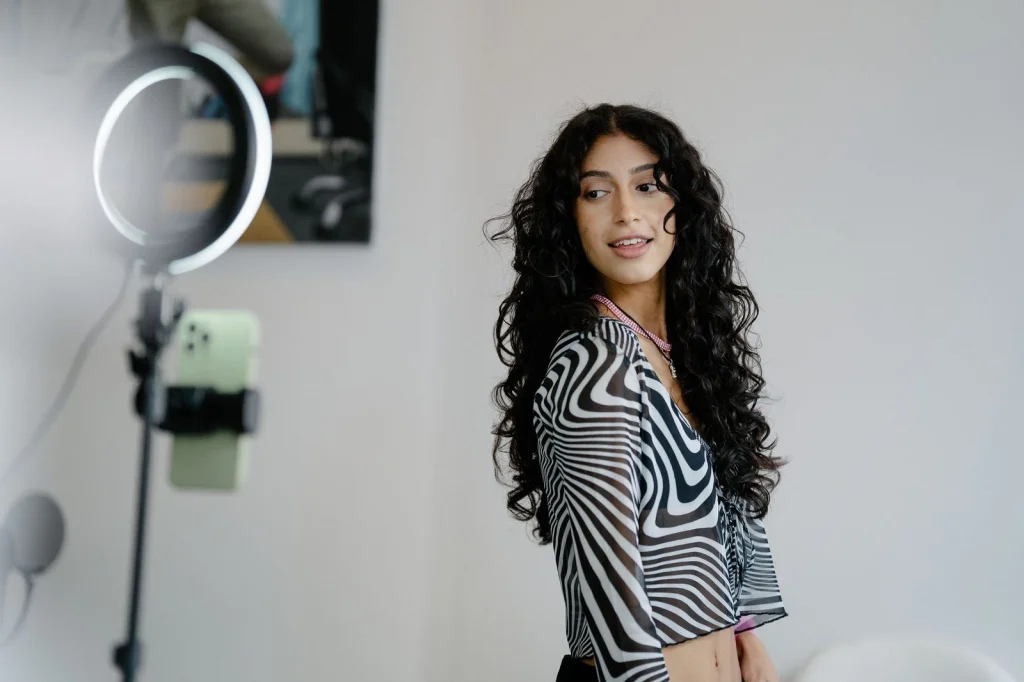
Kapwing recently added AI image to video capabilities to their popular video editing platform. The tool is designed for content creators who need quick, social-media-ready animations without technical complexity.
You get 3 free AI video generations per month. The interface integrates seamlessly with Kapwing's other editing tools, so you can add text, music, and effects to your animated videos in one workflow.
Pros:
- Integrates with full video editing suite
- Beginner-friendly interface
- Good for social media content
- No technical knowledge required
Cons:
- Only 3 free generations per month
- Lower quality than specialized tools
- Limited motion control options
- Watermark on free tier
Best for: Content creators who need complete video editing workflows
10. Genmo Chat - Conversational AI Video
Genmo takes a unique approach by letting you describe your desired animation in natural conversation. Instead of formal prompts, you can write something like "make the person smile and look to the left" and the AI interprets your request.
Free users get fuel credits that refresh daily, allowing 1-2 video generations per day. The conversational interface makes it accessible to users who struggle with prompt writing, though results can be inconsistent.
Pros:
- Natural language interface
- Daily free credits refresh
- No complex prompt writing needed
- Good for experimenting
Cons:
- Inconsistent quality
- Limited daily generations
- Can misinterpret conversational requests
- Slower processing than competitors
Best for: Users who prefer conversational interfaces over formal prompts
Which AI Image to Video Tool Should You Choose?
Your choice depends on your specific needs and technical comfort level:
For professional quality: Runway ML delivers the best results but burns through credits quickly. Worth the investment if you need polished output.
For regular social media content: Luma Dream Machine offers the best balance of quality and generous free limits.
For portrait photos specifically: Try our Photo AI Studio tool - it's optimized for bringing professional headshots to life.
For unlimited free usage: Stable Video Diffusion if you have the technical skills, or LeiaPix for simple depth effects without any setup.
For beginners: Start with Luma or Kapwing - both have intuitive interfaces and don't require prompt-writing skills.
The ai image to video space moves fast. New models launch monthly, and existing tools regularly improve their algorithms. I recommend trying 2-3 different platforms with your specific photos to see which style matches your needs best.
Ready to bring your photos to life? Start with our free AI image to video generator to see how your portraits look animated, then explore the other tools based on your results.


