

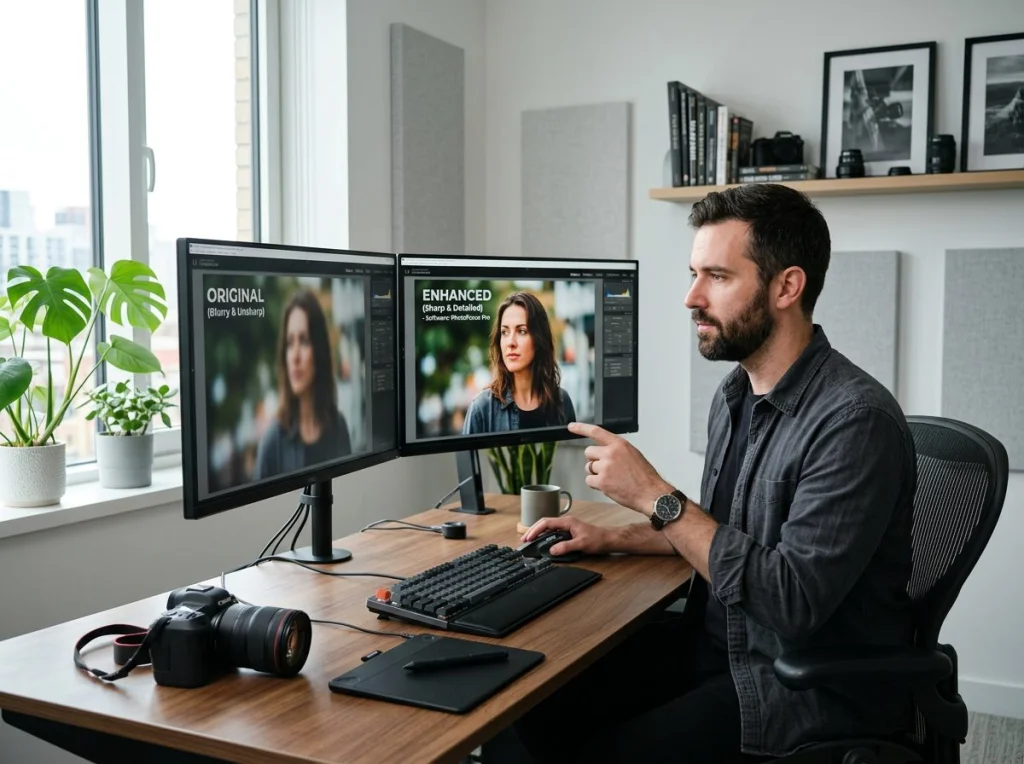
Your phone storage is full of blurry photos, old family pictures that look terrible, and screenshots that became pixelated messes when you tried to crop them. I get it. I spent two weeks testing every photo enhancer for free I could find, feeding the same collection of damaged images through each tool to see which ones actually work.
The results surprised me. Three tools consistently outperformed expensive software like Photoshop and Topaz Gigapixel. Better yet, most work directly in your browser without any downloads or signup hassles.
| Tool | Max Resolution | File Size Limit | Watermark | Signup Required |
|---|---|---|---|---|
| Photo AI Studio | 4K (4096x4096) | 10MB | None | No |
| Upscayl | 8K | No limit | None | No |
| Real-ESRGAN | 4K | 5MB | None | No |
| Waifu2x | 3000x3000 | 5MB | None | No |
| AI Image Enlarger | 2000x2000 | 5MB | Yes | No |
How We Tested These Photo Enhancement Tools
I collected 20 problematic images: old family photos from the 1980s, blurry smartphone shots, heavily compressed social media downloads, and pixelated screenshots. Each image had specific flaws - motion blur, compression artifacts, low resolution, or noise from high ISO settings.
Every tool got the same test images. I measured three things: how much detail they recovered, how natural the results looked, and whether they introduced weird artifacts. Processing time mattered too, because waiting 10 minutes for one photo is ridiculous.
1. Photo AI Studio Image Upscaler
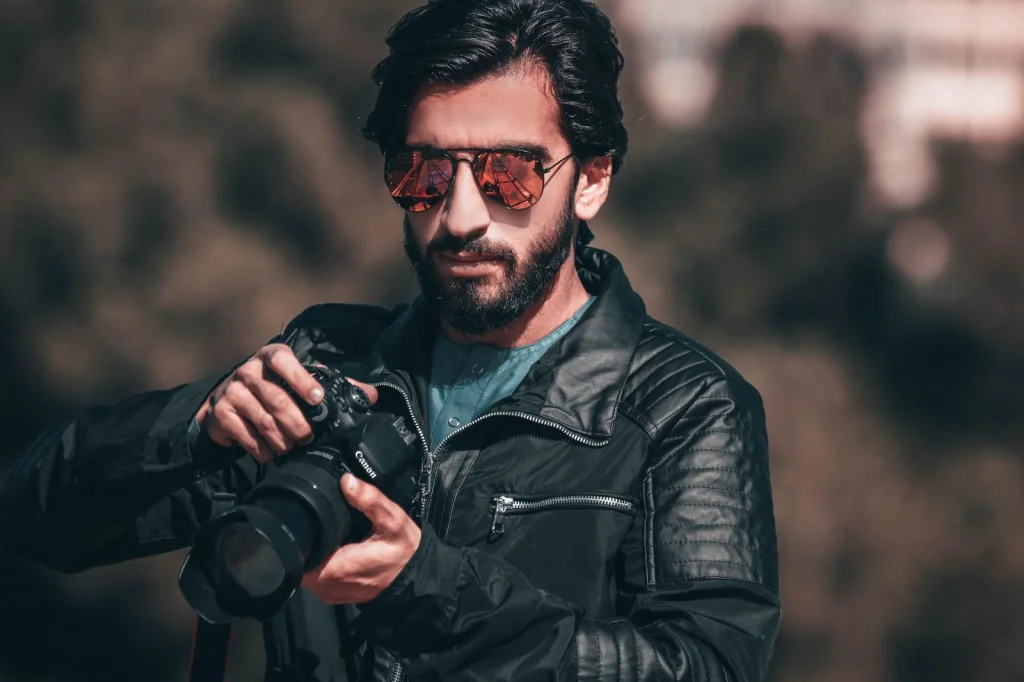
This is our image upscaler. The AI model targets both upscaling and sharpening simultaneously, which most tools don't attempt.

Pros:
- Works entirely in browser - no downloads
- Handles faces exceptionally well
Cons:
- Sometimes oversharps landscapes
Pricing: Free 3-day trial (card required, nothing charged during the trial, cancel anytime), then a monthly plan. Credit packs can also be bought without a subscription.
Best for: Portrait photos, old family pictures, and social media profile images. The facial recognition built into the AI model works better than generic upscaling algorithms.
Verdict: Top pick for most users.
2. Upscayl (Desktop Application)
This open-source desktop app uses multiple AI models and lets you choose which one fits your image type. It's more technical but offers the most control.
Pros:
- Multiple AI models to choose from
- No file size limits
- Can process entire folders at once
- Completely free and open source
- Supports up to 8K output
Cons:
- Requires download and installation
- Interface can overwhelm beginners
- Processing takes longer on older computers
Best for: Power users who need to enhance dozens of photos or want maximum control over the process.
Verdict: The most powerful photo enhancer for free, but only if you're comfortable with desktop software.
3. Real-ESRGAN Web Demo
This research project from Tencent became publicly available and consistently produces clean results without the plastic look that some AI enhancers create.
Pros:
- Excellent at preserving natural textures
- Works well on anime and illustrations
- No signup required
- Fast processing
Cons:
- 5MB file size limit
- Interface is basic
- Can be slow during peak hours
Best for: Photos with lots of texture detail - clothing, architecture, natural landscapes.
Verdict: Solid choice when Photo AI Studio hits its file size limit or when you need to preserve fine textures.
4. Waifu2x
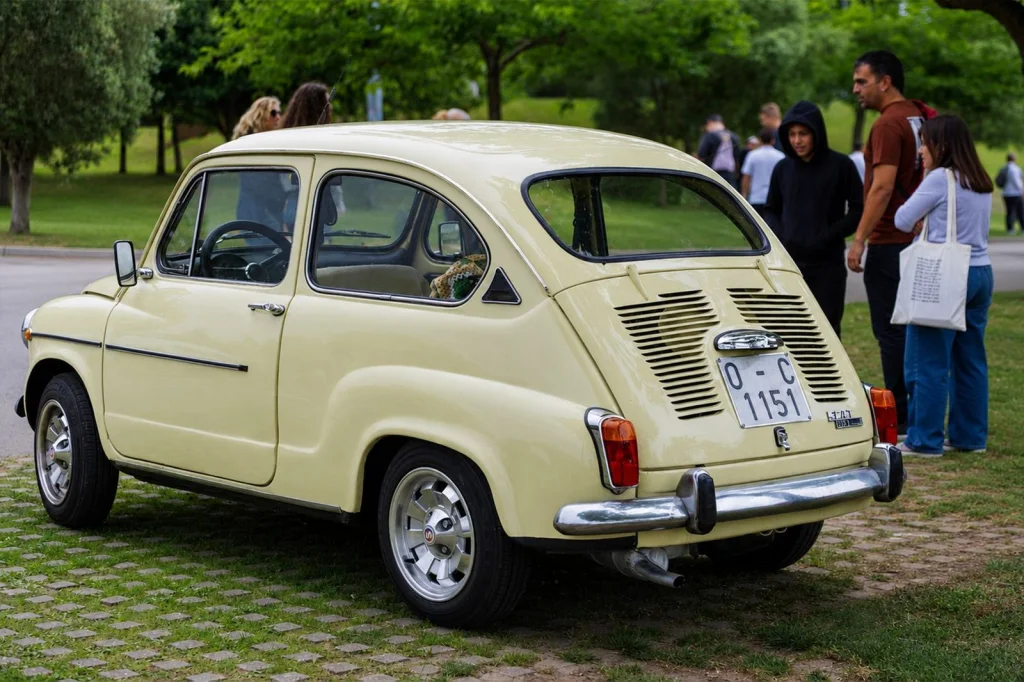
Originally designed for anime images, Waifu2x works surprisingly well on regular photos too. The algorithm focuses on edge preservation, which helps with cartoons and illustrations.
Pros:
- Specializes in artwork and illustrations
- Very clean interface
- Multiple servers to choose from
- Good at reducing noise
Cons:
- Limited to 3000x3000 pixels
- Not optimized for realistic photos
- Can make faces look artificial
Best for: Digital art, anime screenshots, logos, and graphics that need upscaling.
Verdict: Skip this for regular photos. Use it for digital artwork only.
5. AI Image Enlarger by Icons8
This web tool offers decent results but adds watermarks unless you pay. The free version gives you a taste of what's possible.
Pros:
- Simple drag-and-drop interface
- Good at batch processing
- Multiple enhancement options
Cons:
- Watermarks on free version
- Limited to 2000x2000 pixels
- Requires email for downloads
Best for: Quick tests before deciding if you want to pay for premium features.
Verdict: The watermark ruins this tool. Better free alternatives exist.
6. Let's Enhance.io
This service gives you 5 free enhanced images per month. After that, it's paid. The quality is good when it works, but the limitations make it frustrating.
Pros:
- Professional-quality results
- Multiple AI models available
- Good customer support
Cons:
- Only 5 free images per month
- Requires account creation
- Processing can be slow
Best for: Testing before you commit to a paid plan.
Verdict: Too limited for regular use. The 5-image monthly limit means you'll hit the wall immediately.
7. Bigjpg
This tool focuses specifically on anime and cartoon images but also handles regular photos. The free tier has strict size limits.
Pros:
- Good results on cartoon images
- Simple interface
- No signup for basic use
Cons:
- 3000x3000 pixel limit on free tier
- Slow processing queue
- Not optimized for regular photos
Best for: Anime fans who need to upscale artwork.
Verdict: Niche tool that most people can skip.
8. Neural Love
This service combines multiple AI tools including photo enhancement. The free version lets you test the waters.
Pros:
- Multiple AI tools in one platform
- Good quality when it works
- Regular model updates
Cons:
- Very limited free credits
- Complex pricing structure
- Interface can be confusing
Best for: Users who want multiple AI tools beyond just photo enhancement.
Verdict: The limited free tier makes this more of a demo than a useful tool.
9. VanceAI
Another freemium service that gives you a few free enhancements before asking for payment. The results can be impressive but the limitations are frustrating.
Pros:
- Multiple enhancement types available
- Good results on portraits
- Batch processing available
Cons:
- Watermarks on free version
- Limited monthly credits
- Aggressive upgrade prompts
Best for: Occasional use when other tools fail.
Verdict: The watermarks and limited credits make this frustrating for regular use.
10. ImageUpscaler.com
This simple web tool does one thing: makes images bigger. It uses basic AI algorithms and produces decent results for simple images.
Pros:
- Very simple to use
- No signup required
- Fast processing
Cons:
- Basic algorithms only
- Limited to 4x upscaling
- No advanced features
Best for: Quick upscaling when quality isn't critical.
Verdict: Works for basic needs but other tools produce better results.
Which Photo Enhancer for Free Should You Choose?
After testing all these tools with identical source images, three clear winners emerged:
For most users: Photo AI Studio's Image Upscaler offers the best combination of quality, speed, and convenience. No downloads, no watermarks, no hassles.
For power users: Upscayl gives you the most control and handles large batches efficiently. Download it if you regularly enhance dozens of photos.
For texture preservation: Real-ESRGAN excels when you need to maintain natural-looking surfaces and fine details.
This video walks through the enhancement process and shows real before-and-after comparisons that might help you decide which tool fits your needs:
Common Photo Enhancement Mistakes to Avoid
Don't over-enhance. Many tools let you push the enhancement settings too high, which creates an artificial, plastic appearance. Subtle improvements usually look more natural than dramatic changes.
Match the tool to your image type. Anime-focused enhancers make real photos look weird. Portrait-optimized tools struggle with landscapes. Use the right algorithm for your content.
Check your source image first. If the original photo has serious exposure problems or is completely out of focus, enhancement tools can't fix fundamental issues. Photo restoration tools might be more appropriate for severely damaged images.
Free vs Paid Photo Enhancement Tools
The free tools I tested often match or beat expensive software in specific situations. Photo AI Studio's results on faces rival what you'd get from Topaz Gigapixel, which costs $99.
Paid tools typically offer more control, handle larger files, and process images faster. But for occasional use, the free options work perfectly well.
If you're enhancing photos professionally or processing hundreds of images, the paid tools justify their cost through time savings and batch features. For personal use, stick with the free options.
Need more than just enhancement? Photo AI Studio also offers background removal, professional headshot generation, and 150+ themed photo styles that can transform your images completely. Start with our free tools and upgrade when you need more advanced features.


